http://passwordsgenerator.net
keep this tab open throughout. Set up a spreadsheet to store passwords and usernames generated in advance for each of the groups you are doing.
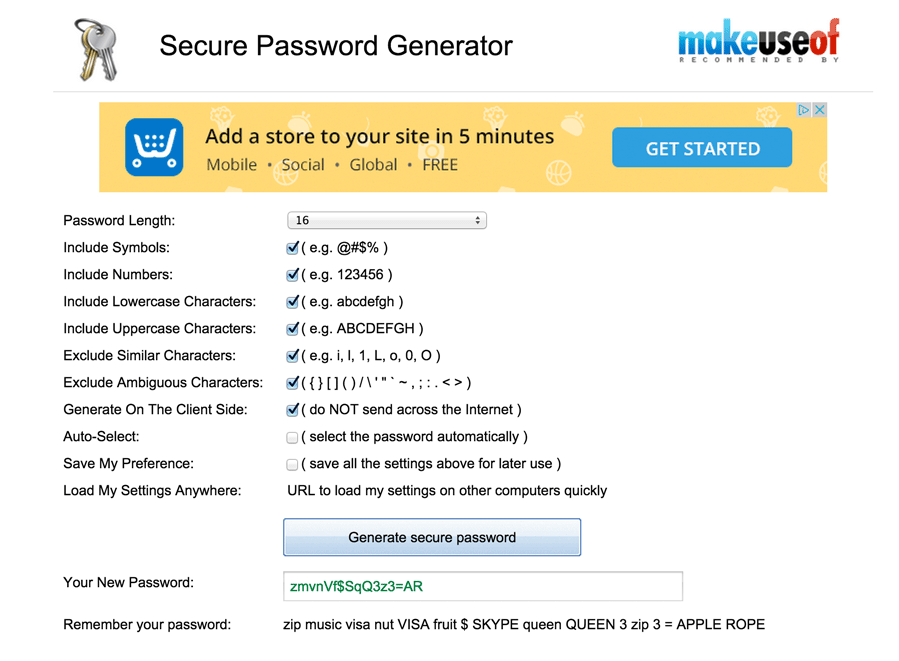
Your excel file would need the following columns:
site url, email address, email password, wp username, wp password
Create email account: http://xxxx.muintir.ie/cpanel
Visit the control panel for each group and create an email account
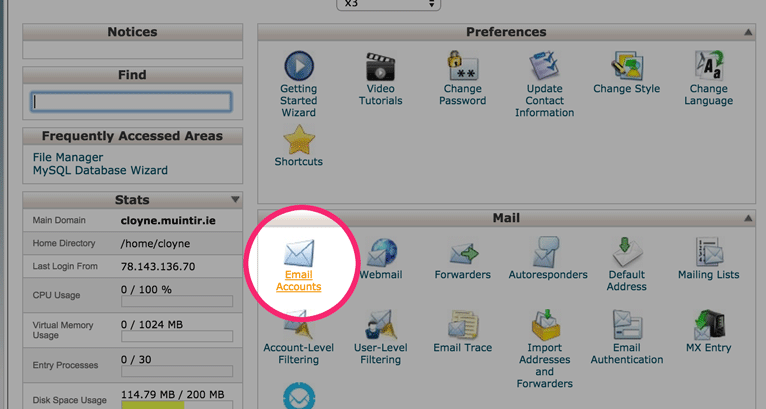
Enter user name (info) and password and click create
You can use passwords created in advance or else use the password generator on this screen
- New username should be xxxadmin
- use http://passwordsgenerator.net/ for passwords
- Enter brian@rassoodock.ie for the email address
- Select 'Administrator' from role dropdown
- Save changes
Note: I will take care of deleting any extraneous users
Create a new Wordpress user by visiting the dashboard for that
site. e.g. http://xxxx.muintir.ie/wp-admin
First check if a new user exists for a particular group
(Users > All Users) If one does not, proceed with creating a new one.
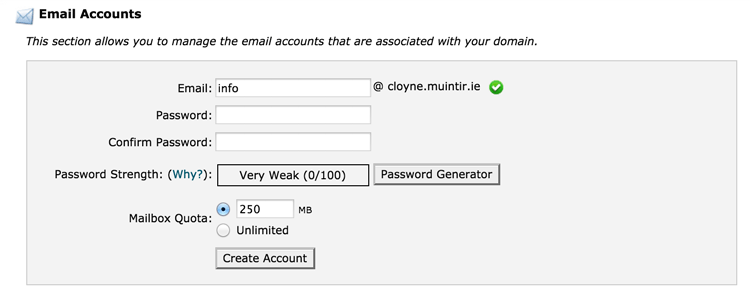
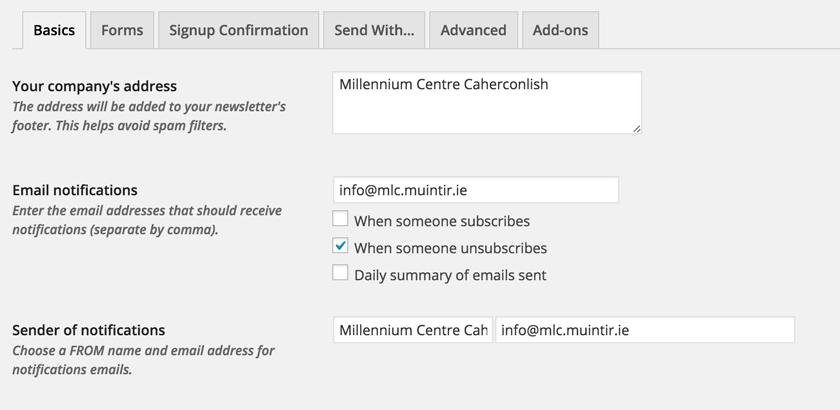
- Select Mailpoet > Settings from the dashboard menu
- In each tab enter the appropriate info (to be supplied in pdf)
- Copy the signup confirmation copy
- Click on Mailpoet > Newsletters
Go through each of the steps ensuring the correct mail is used and the correct SMTP details as outlined in the following slides
ensure 'Save Options' is clicked each time
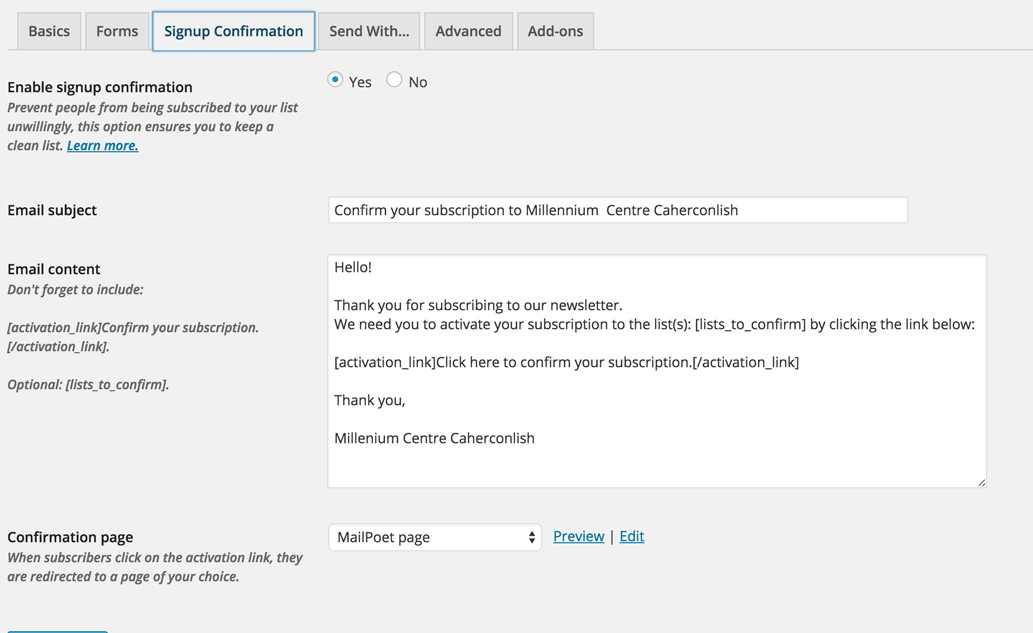
Hello!

Thank you for subscribing to our newsletter.
We need you to activate your subscription to the list(s):
[lists_to_confirm] by clicking the link below:

[activation_link]Click here to confirm your subscription.[/activation_link]

Thank you,
XXXX Community Council
Copy and Paste the code below and amend accordingly
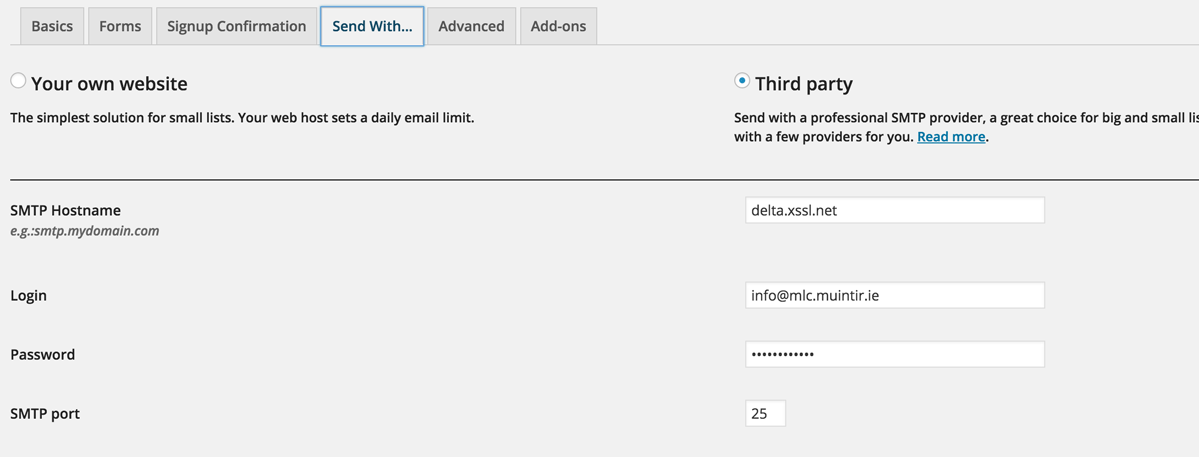
Copy and Paste the code below and amend accordingly
SMTP hostname will always be: delta.xssl.net
Ensure you click 'Save Details'
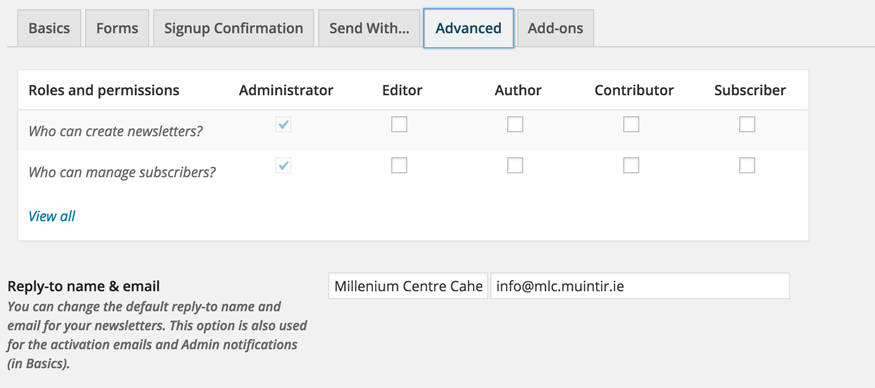
Copy and Paste the appropriate Reply-to name & email
Click Save Details
Go to Mailpoet > Newsletters
Go through each step, saving details each time and make sure the From name, email address and Subject line are correct.
The email address in this section should always be:
info@xxxx.muintir.ie
- Double check facebook details - these should be entered in the 'text' tab and should ONLY include the domain (no <a> tags)
- Finally we need a list of email addresses for each group to which form submissions will be sent
Final Steps