Question 6
What have you learnt about technologies from the process of constructing this product?
Production Stages
There are three different stages that we went through when we were making our media product. These are:
Planning and research
Construction
Evaluation
I am therefore going to use this presentation to address all the technology that we used within this presentation throughout these stages and what we learnt from them when using them.


Research and Planning
In our research and planning stage we used a range of different technologies to gain a bigger understanding of our chosen genre. We used a range of websites like IMDb and box office which showed us information for certain films of our genre. For example, they show us the film plot and also a rating of the audience which tells us whether it is worth making a film with some aspects of the film searched within it. Also, we used numbers which showed us statistical data about the target audience and how much the film has made which helps us to know whether we would be able to gather a wide audience and therefore whether we would get a lot of money with using this genre. We also used general websites such as YouTube to gather inspiration from other media products already produced. Also, we used this to look at horror film openings and other schools and years AS media films to be able to make our film even more suitable for our target audience and even more fitting for the typical horror film conventions.
These websites were easy to use as the majority of them I have used before which means that I was able to just get on with using them. However, some websites like The Numbers I hadn't used before but it was self explanatory and I was able to easily begin using it.


Construction
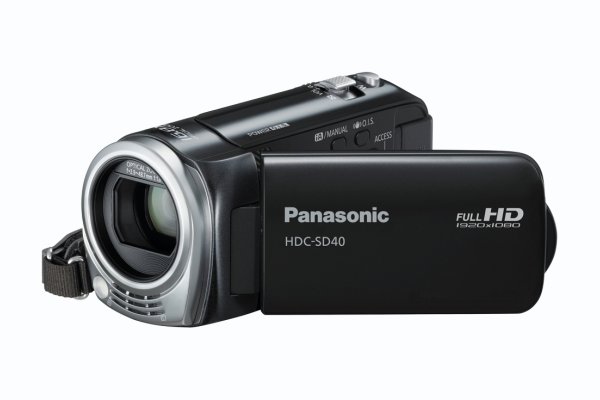
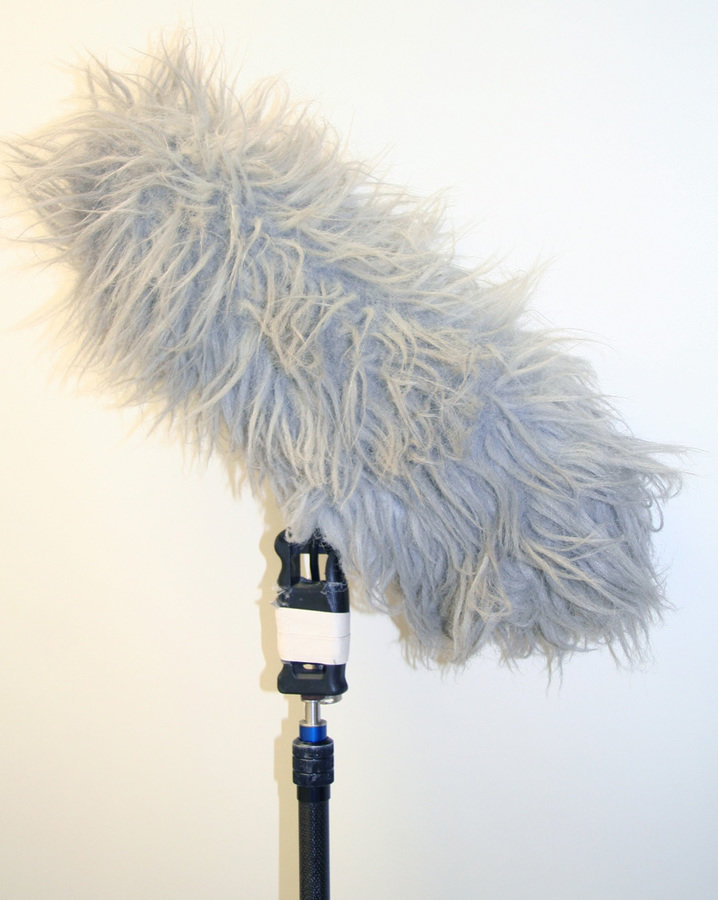
Beginning the construction stage we had to learn how to use a range of hardware to maximise the quality of our work and therefore higher our potential for a higher grade. This meant that we had to learn how to use a HD Panasonic camera. As well as the boom microphone and the editing software being movie studio platinum.
A few people within the group had used the software before which made it easier to understand. However, after a few lessons with using it, it became pretty easy to use. We all played a big part with the filming which meant that we all had to use it however as previously mentioned because it wasn't difficult to use we all managed to get on with the software and work sufficiently. When we were filming we split the jobs as it allowed us to only have to learn to use one thing and having the same person using the camera at all times it made the filming consistent. We had Josh using the camera as he goes out and films on a regular basis meaning he has a better understanding of it all. We also used a key light which we found very easy to use and we also found it quite effective. We used a GoPro as the usual camera which we also found easy to use as it belonged to someone in our group but the microphone on it was temperamental and worked occasionally. Or it made the sound very quiet however when we were editing we managed to turn the sound up to get an effective volume.
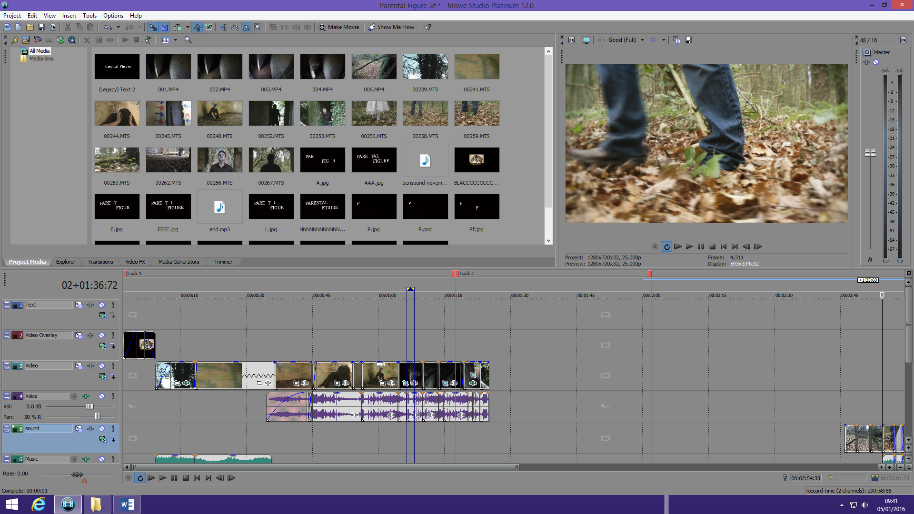
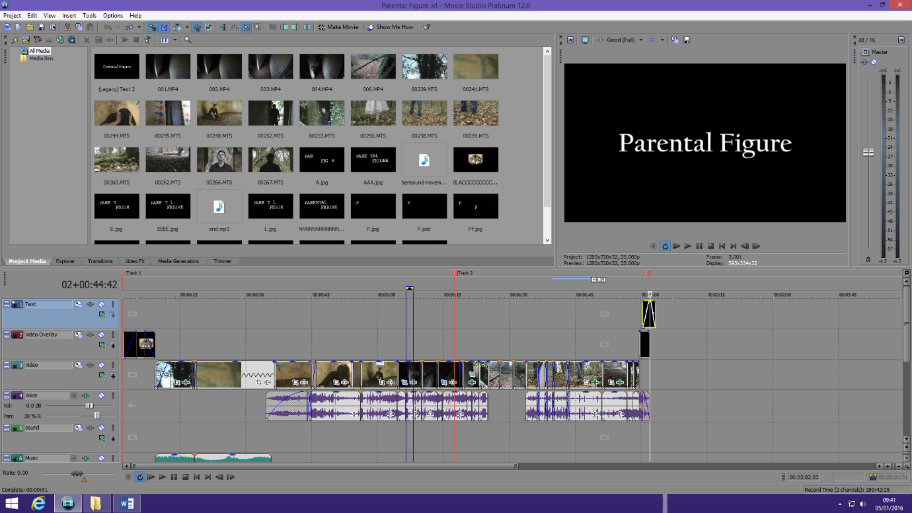
Movie Studio Platinum
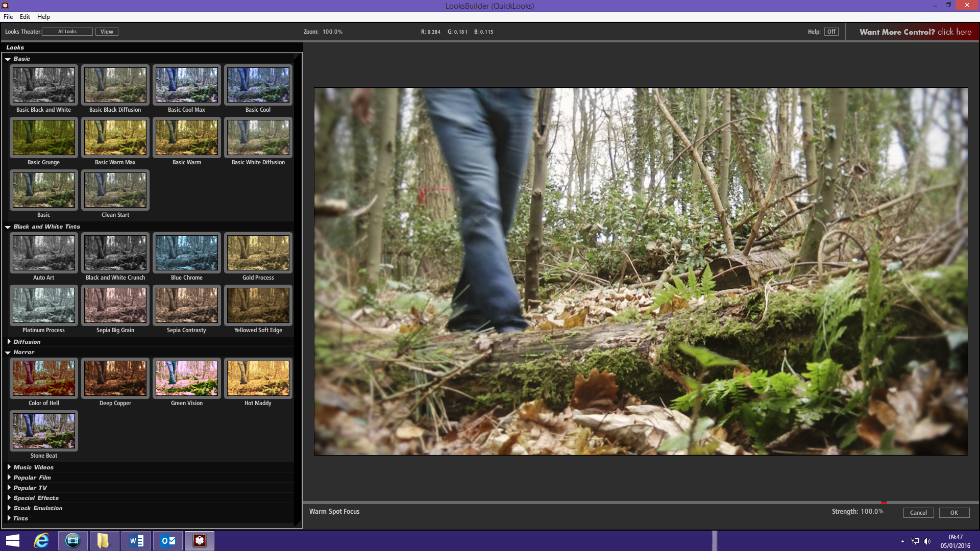
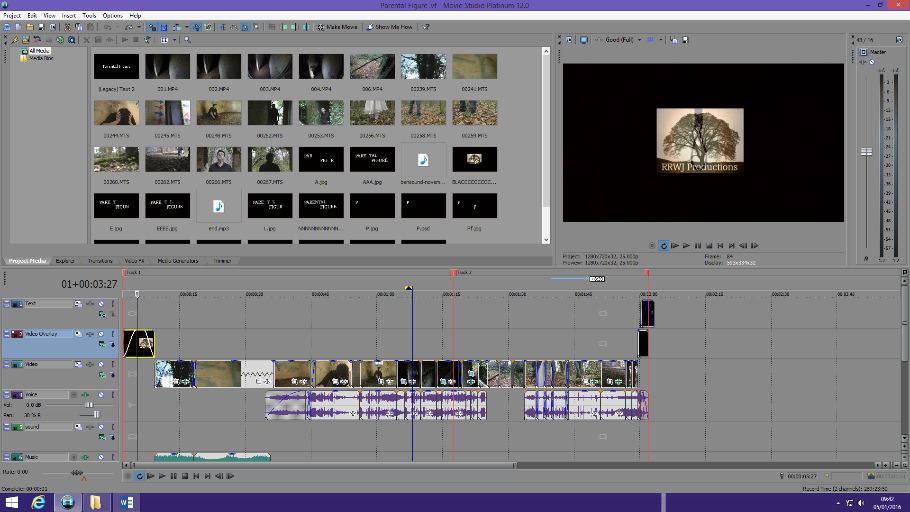
Movie Studio Platinum was the software we used in order to edit our filming. We had to create a sequence of the film scenes and cut them down so that they would fit together and look effective. We also had to add different diegetic sounds and non-diegetic sounds and create transitions between the frames. These included fades, dissolves and match cuts. We also had to add effects onto the outside footage to make them all look the same. We also made slow motion footage with the software but we were in danger of going over the time limit. This was all fairly simple to use however it was very time consuming when footage didn't fit together in trying to find transitions to make it look efficient. We used a range of tools on this software including one to cut down the footage beginning and the ending to make it fit with the other footage. This was successful as we were able to do this on all the footage to make the editing look continuous. We also added effects to our outside footage to be able to make it fit with our genre and for it to also make the editing look continuous. We imported sound from bensound to our film opening and made the original sound of the traffic go quieter so that they audience could have the full effect of the music. There was nothing with this software that we wanted to do but couldn't and it allowed our film opening to be as effective as possible for the idea that we wanted.
Photoshop
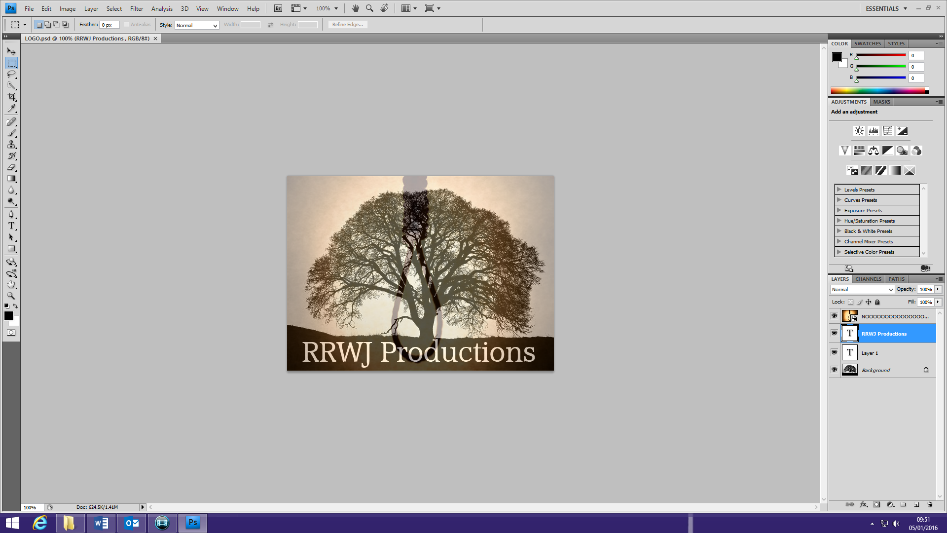
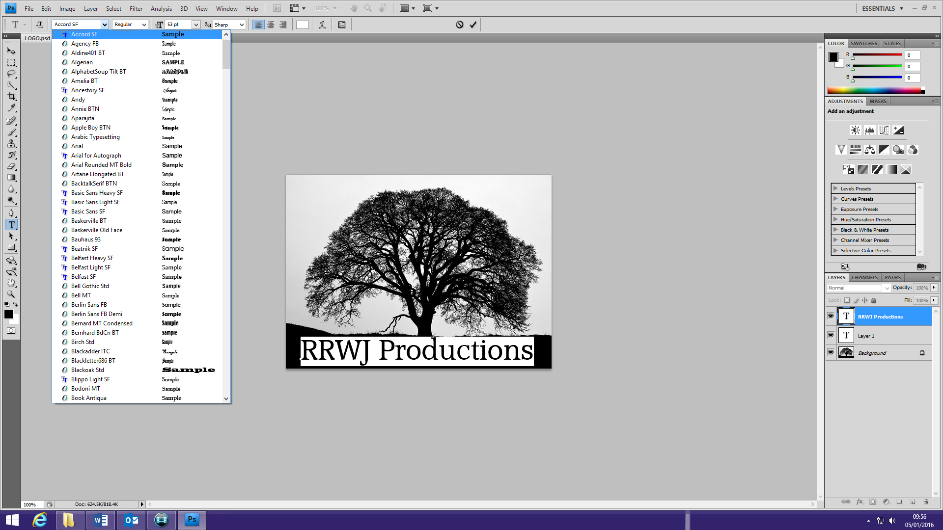
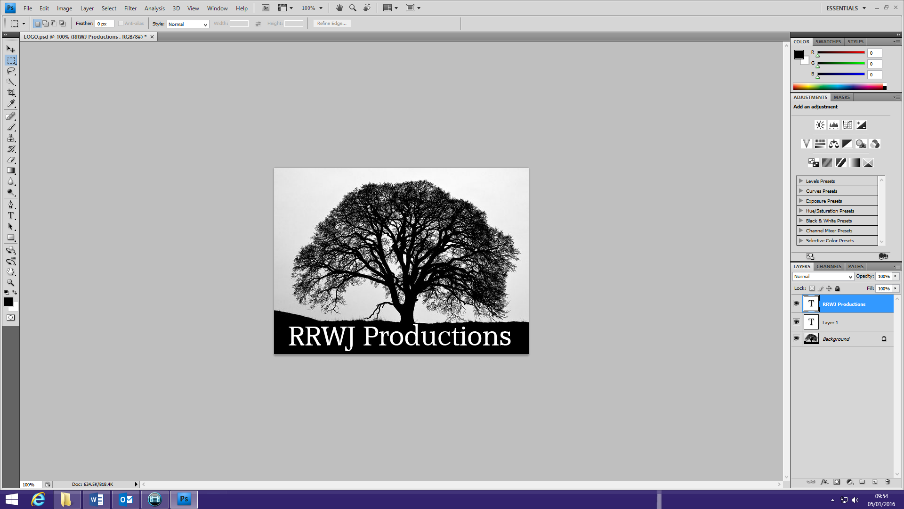
We used Photoshop to create our title and studio logo 'RRWJ Production'. We did the studio logo by search on Google for a picture of a tree silhouette and uploading it onto Photoshop to be our background. Then we added two layers the first one included the writing and the second one included the oose image also collected of Goggle and then uploaded. We then added this onto the Movie Studio Platinum software. However, we found this quite difficult to use when we were wanting to delete something when we were initially making different logos and seeing which one was more effective for the genre. But in the end when we got used to it we found that it was quite easy to use and it was also a quite way in trying a range of different logos. We then did the title for the film on there and we began by adding a letter for Parental Figure on each page until it finally made up the word. We found this easy but very time consuming for us as we had a lot of work to still do and then we also has to make each slide as long as each other but you had to do them all separately. So in the end we changed our idea and just used a black background with the word Bonnie in white for the title which was very easy to produce.
Evaluation
After doing the previous stages I have then had to evaluate my work. I have used a range of websites again that I previously used within the research and planning section and the construction stage. For example, prezi, word, PowerPoint, YouTube etc. Using them multiple times meant that I was able to have more knowledge of the media and was therefore able to use the software easier and add different thing. As I knew how to use all of the multimedia by the evaluation stage I used a different media for each question in order to further my knowledge with other sites. I began using PowToon, Slides and Emaze. As these all made my work look more professional and they include a range of media content by using a range of different websites.
I used YouTube to gather screen shots of our film opening and real life example to evaluate the use of conventions within our film. I also used it to get the pitch my group and I did and the target audience interviews.
I then used prezi, word, PowerPoint and the new range of multimedia to be able to present my evaluations in a range of different ways. This allowed me to include various media forms like pictures and videos to improve my blog standard and also show proof.
All the websites were very self explanatory and were easy to use. However looking for different sites to use was very time consuming but looking for them allowed me to show I can use a range of multimedia.
Blogger
Throughout every part of the production I put all of the work I made through the multimedia on to Blogger. This is a website that I hadn't previously used it was confusing in the setting up stages but, as I got used to it I found it was very easy to use and the layout was simple and easily understandable. Also, it allowed my teacher to add comments to my posts in order for me to improve the post that he has commented on. This then allowed me to be able to get the best grade that I could. Also, as everyone include in the media subject used Blogger I was able to look at other peoples work to get inspiration on the quality of work I had to produce to get the best grade that I could. Also, you could use a variety of designs as the background to make your blog unique which made it better to use.
Conclusion
In conclusion, in these stages of production I have altogether used a range of multimedia. These include:
1. Panasonic camera recorder 9. Slides
2. Boom microphone 10. Emaze
3. IMBd 11. PowToon
4. Rotten Tomato 12. Box Office
5. YouTube 13. Prezi
6. Blogger 14. Camera
7. Movie Studio Platinum 15. Photoshop
8. Google 16. Slideshare
Using all of these allowed me to be able to gain the knowledge of a range of different multimedia and by using them multiple times it allowed me to gain more skill in using them which will help me going on to doing A2 coursework.