MY TOP 5 GIT COMMANDS

WTF GIT?
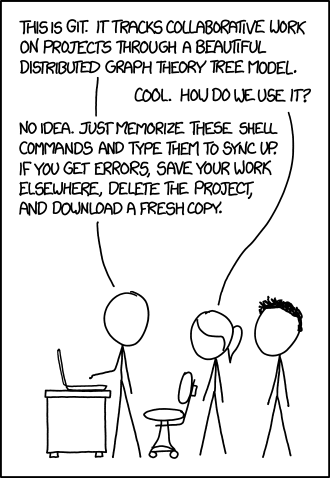
NO REALLY
what is git?!
noun (British) an unpleasant person
OR
open source version control system for your files with local "repositories" on your local computer and can work offline. You commit your work locally and then sync your code to a server (github). Great choice for teams, not so for a solo developer.*

okay what is GITHUB ?
SHORT ANSWER :
-
it's the social version of git
-
a remote repo
-
showcases your portfolio
-
Your code is public facing and anyone can get their grimy hands on them (forking)* unless paid
-
Security risk if you push your private api keys ** (use .gitignore file)
Preference for Visual Studio Team Services
(similar to git, but free private repos)
https://www.visualstudio.com/team-services/
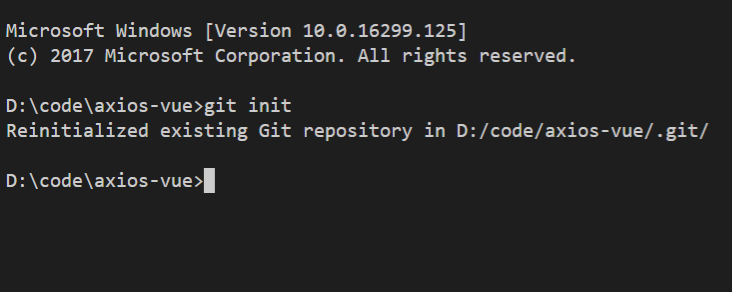
git init
This command creates an empty Git repository - basically a .git directory
Running git init in an existing repository is safe.
git clone (repo)
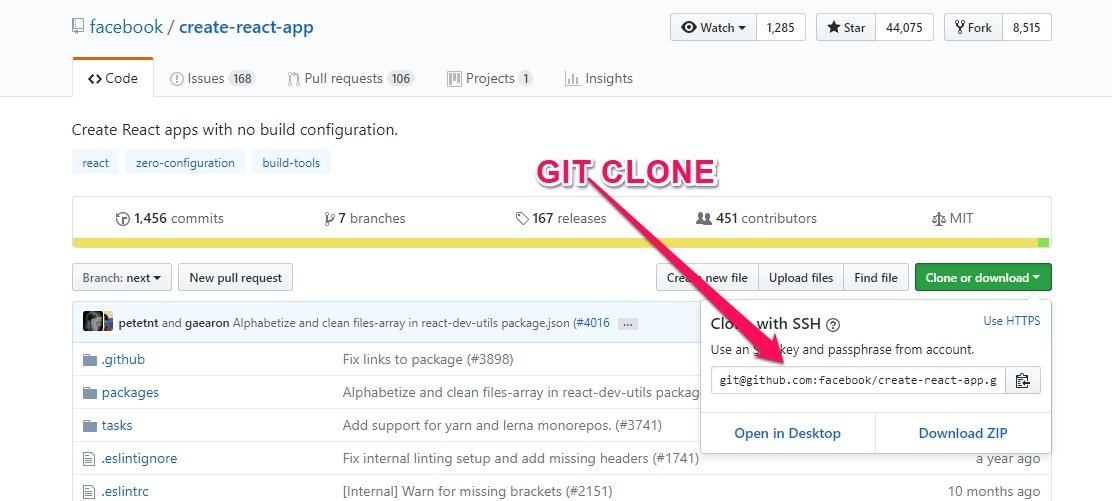
the remote repo is now known as the "origin"
(it's an alias for the cloned repo)

git remote -v
List all currently configured remote repositories
D:\code> git remote -v
origin https://pmgl.visualstudio.com/_git/repo (fetch)
origin https://pmgl.visualstudio.com/_git/repo (push)
As a solo developer I don't use branches except "master"
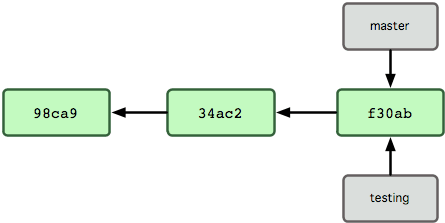
master branch is the default branch
a branch is a pointer to a snapshot of your code commit
Two or more developers can work on separate branches of the same code and not have any conflict.
Set up a new branch : git branch [branch name]
Switch to a branch : git checkout [branch name]
List Branches : git branch
Adding new remote repo and switching
List your repos : "git remote -v"
Add New Repo : "git remote add <shortname> <url>
List Again : "git remote -v"
Fetch repo locally : "git fetch <shortname>"
Don't be afraid to commit
commit creates a snapshot of your code at that current time and if you screw up you can always revert back to this snapshot.
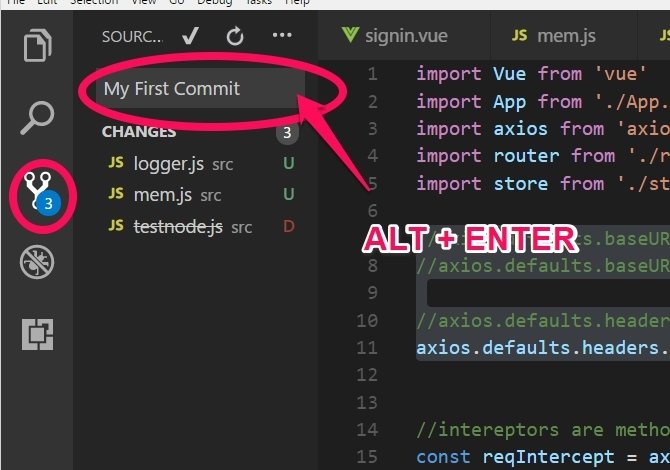
"git status"
"git add ." //adds to staged
"git commit -am" first commit"
"git push"
"git status"
"git add ." //adds to staged
"git commit -m" first commit" // local repo
"git push" //remote repo

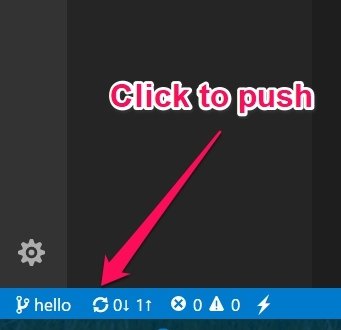
IDE
COMMAND
LINE

PUSH
"git status"
"git pull"
IDE
COMMAND
LINE
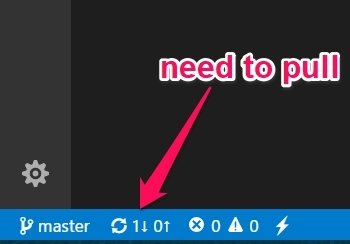

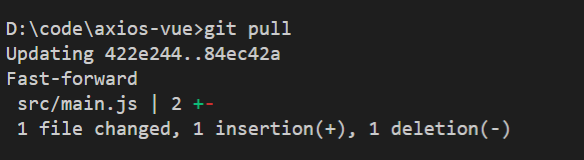
PULL
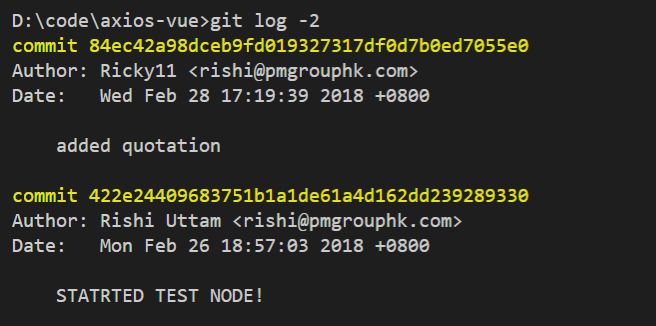
"GIT LOG -1"
returns the last commit message
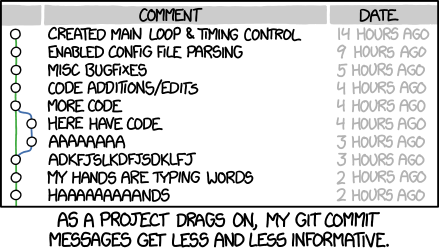
GIT COMMIT MESSAGES OVER TIME
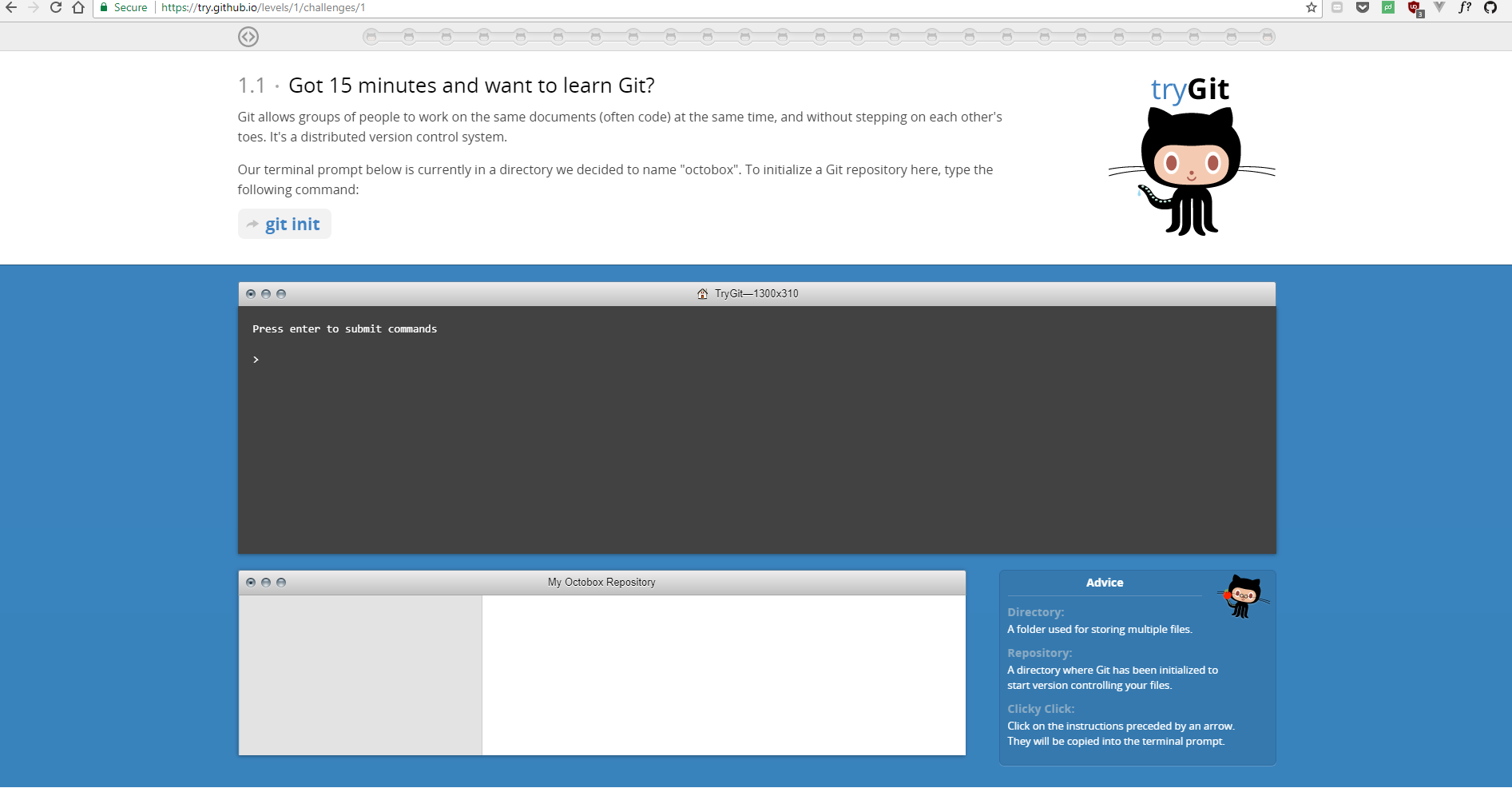
Learn more git:
try.github.io
Caution

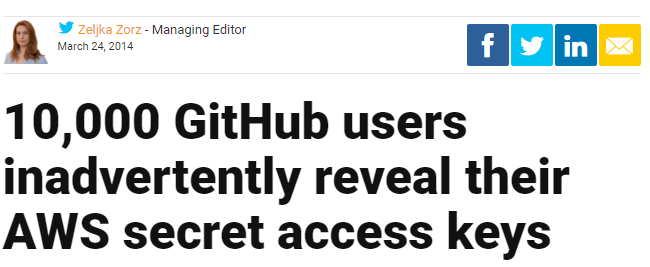
“When you access AWS programmatically, you verify your identity and the identity of your applications by using an access key. (something like wJalrXUtnFEMIK7MDENGbPxRfiCYEXAMPLE)
Text
use .gitignore file
Text
use IAM tools
don't use github