Creating Sequence
robustack.com
What Sequence Is
You can run multiple workflow commands and bash scripts according to those sequencial run orders.
The objects those commands to be applied can be any groupstacks or groupstack members in any locations.
Create a Sequence for your routine tasks which need to be run with orders. And then just click to run it or apply it as any Schedule actions or Trigger actions.
Create Sequence
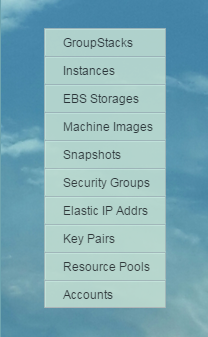
(1) Click "GroupStacks" in main menu.
(2) Select groupstack to create a sequence on it.
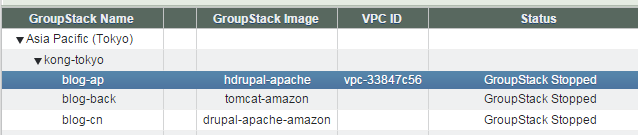
(3) Click right arrow to see "Sequence Jobs" tab.
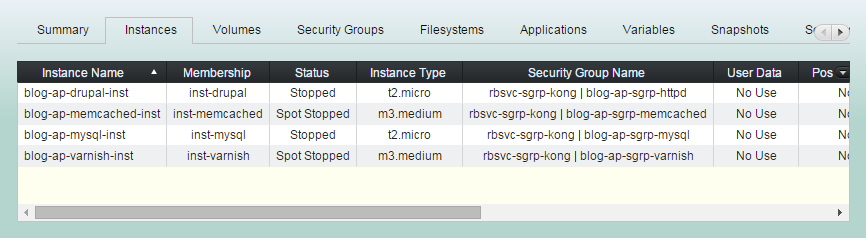
(4) Click "Sequence Jobs" tab.
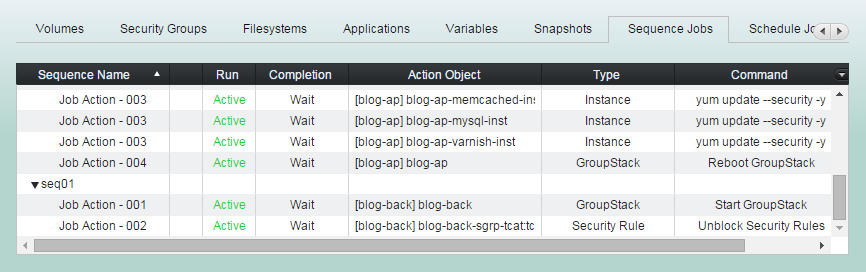
(5) Click "Add Sequence" button
(6) Enter 'Sequence Name', 'Run Order', 'Wait Completion' option and the action to be run first. And click "Add Sequence" button.
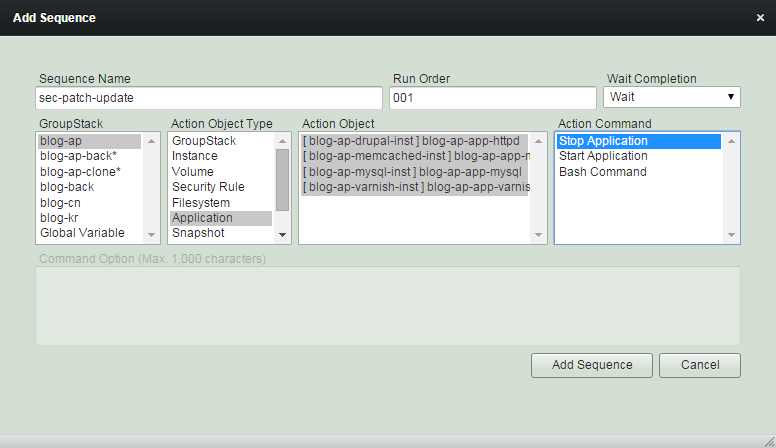
Enter 'Run Order' from 001 to 999.
Enter lowest number here as the action to insert now will be the first action of the sequence.
Select 'Wait Completion' option.
If you select 'Wait', then the next action will be run after this first action completed.
Add the first action. You can choose action objects outside this groupstack, too.
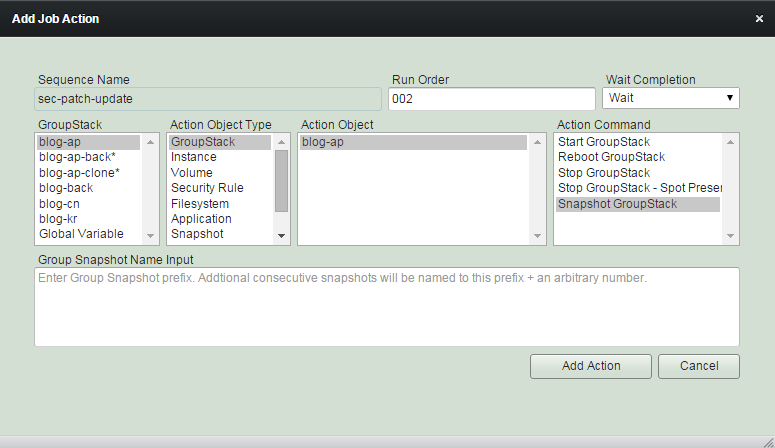
(7) Add all subsequent actions.
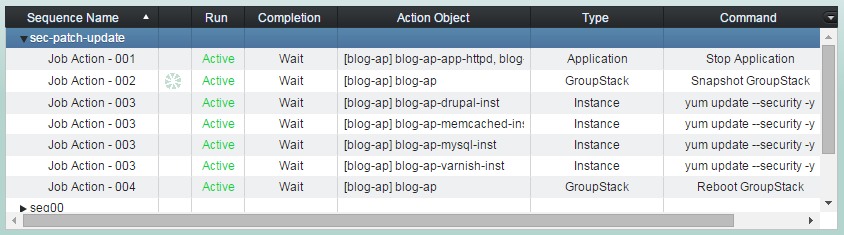
'Add Sequence' completed.
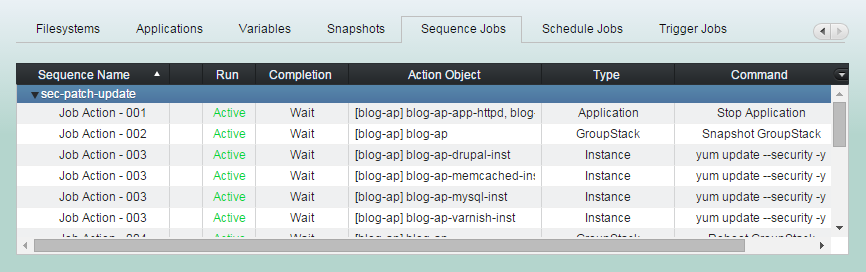
Actions with same 'Run Order' will be run in parallel ( action 003 ).
Job Action 004 will be started after all 003 actions completed.
Add Sequence Action
Unlike job actions in Schedule/Trigger, those in Sequence have run orders and waiting options. You can design them to run in serial or in parallel to suit your needs.
(1) Click "Sequence Jobs" tab and select the sequence you'd like to add actions into it.
(2) Click "Add Job Action" button
'Run Order' is integer number between 001 and 999.
Actions in a sequence with lower number will run earlier than those with higher. Actions with same order number will run in parallel.
We recommend you set the order 010, 020, 030 ... rather than 001, 002, 003.
So that you could put an action between them as 015, 025, 035 ... later.
Select 'Wait Completion' option.
If you select 'Wait', then the next action with higher run order will wait until this action completed.
You can select any groupstack
in any location.
Or Global variable.
Select one type of action object.
GroupStack
Instance
Volume
Security Rule
Filesystem
Application
Snapshot
Schedule
Variable
Global Variable
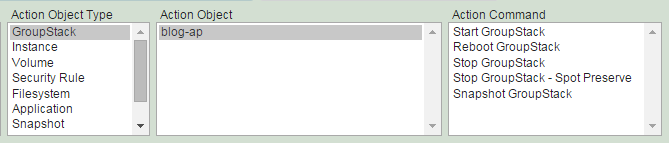
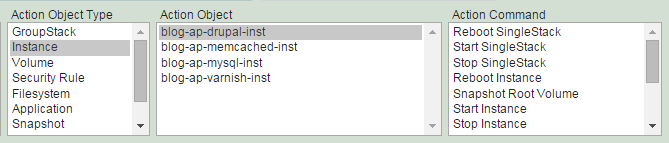
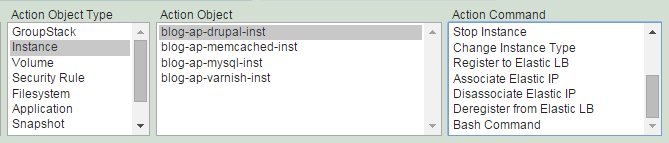
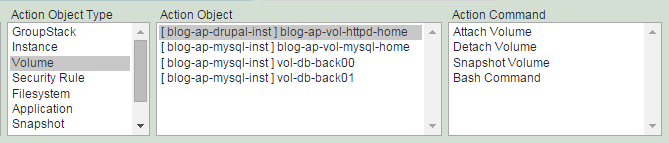
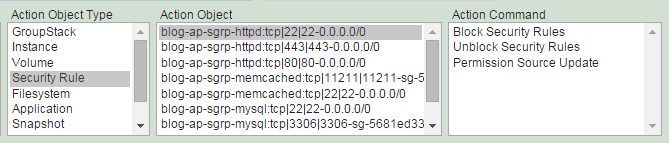
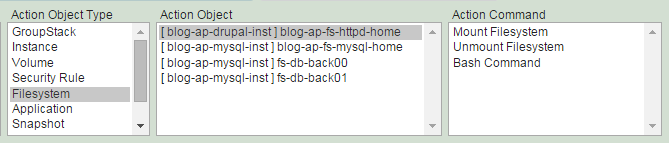
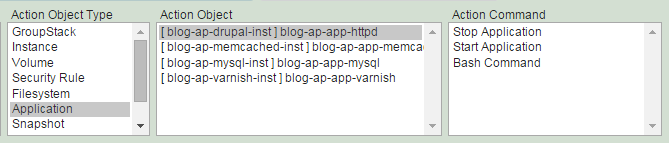
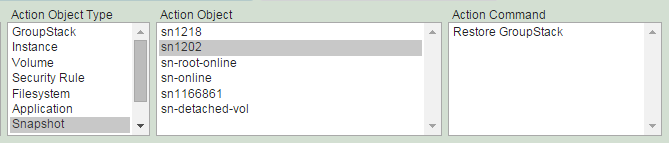
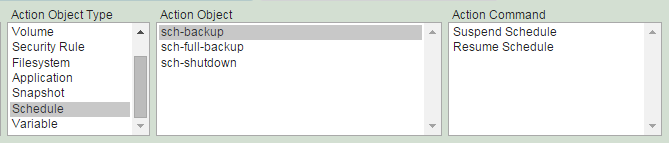
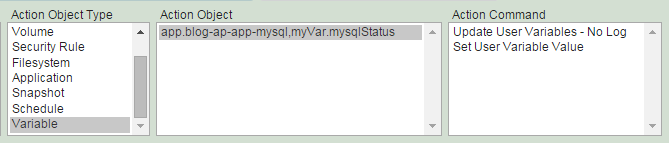
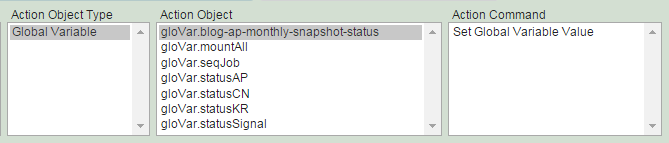
Select action objects and command.