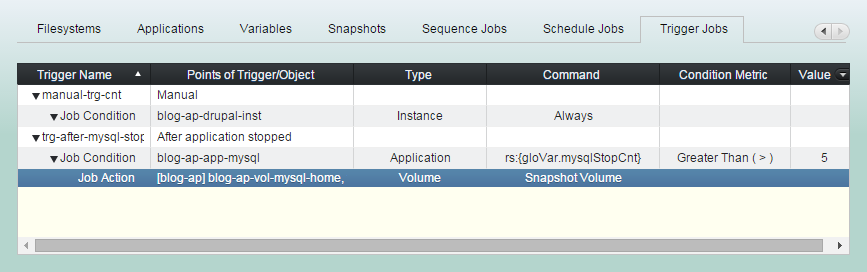
Managing Trigger
robustack.com
Many properties of an EC2 object are changing over its lifecycle and state changes. You can make some actions to be executed whenever there are any state changes for groupstack member objects.
The actions can be workflow commands, bash scripts or sequence jobs. You can set required additional condition for the action runnings with robustack variables at the points of triggering.
Create Trigger
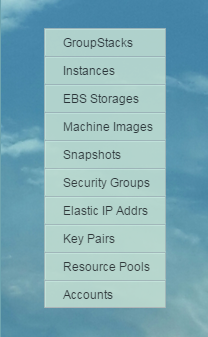
(1) Click "GroupStacks" in main menu.
(2) Select groupstack to create triggers on it.
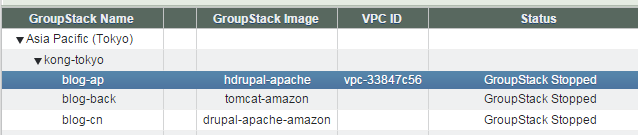
(3) Click right arrow to see "Trigger Jobs" tab.
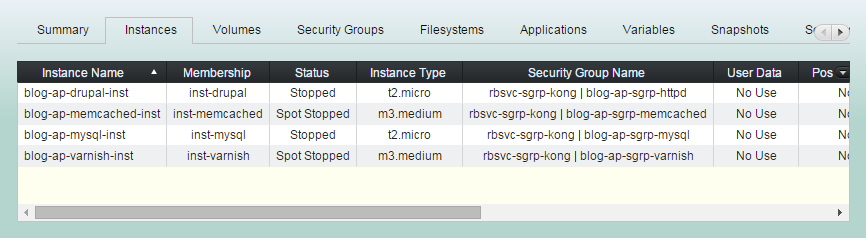
(4) Click "Trigger Jobs" tab.
(5) Click "Add Trigger" button
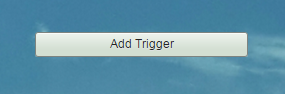
(6) Enter 'Name', fill 'Condition' option and click "Add Trigger" button.
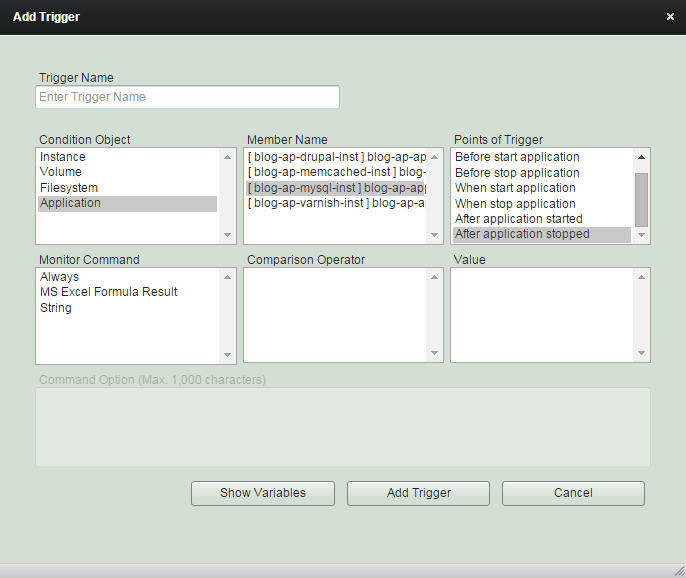
(7) 'Add Trigger' completed.
You can now add actions to be run if the condition at the point of trigger meets.
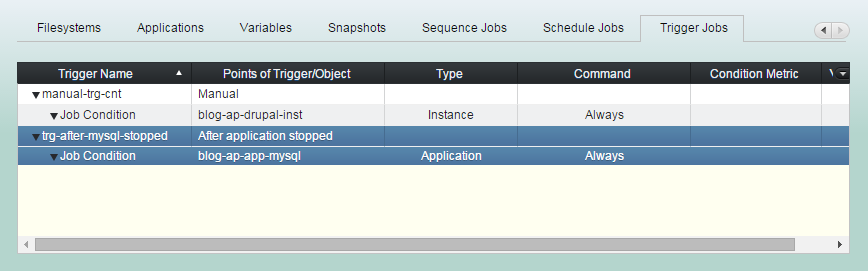
Point of Trigger
If you set the 'point of trigger' as 'manual', you can trigger it through schedule action or 'Trigger Now' button.
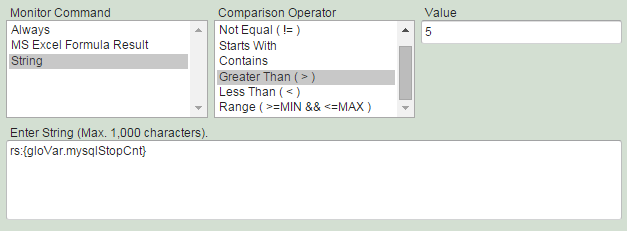
Monitor command is an optional clause of the trigger which specifies a condition that must evaluate to true to run the associated actions.




Add Trigger Action
All child job actions in a trigger or a schedule run in parallel. Robustack may limit you from creating multiple workflow type actions for one single member of groupstack in a trigger.
(1) Click "Trigger Jobs" tab and select a trigger you'd like to add actions to it.
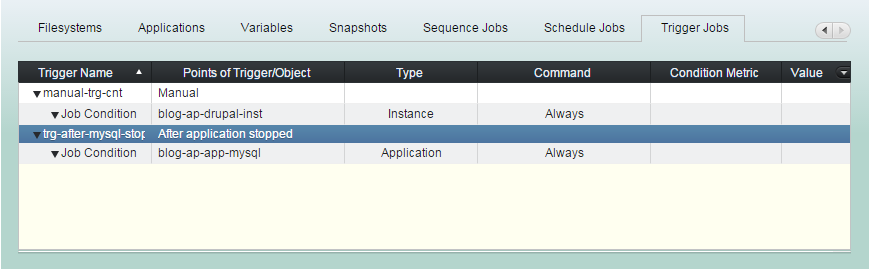
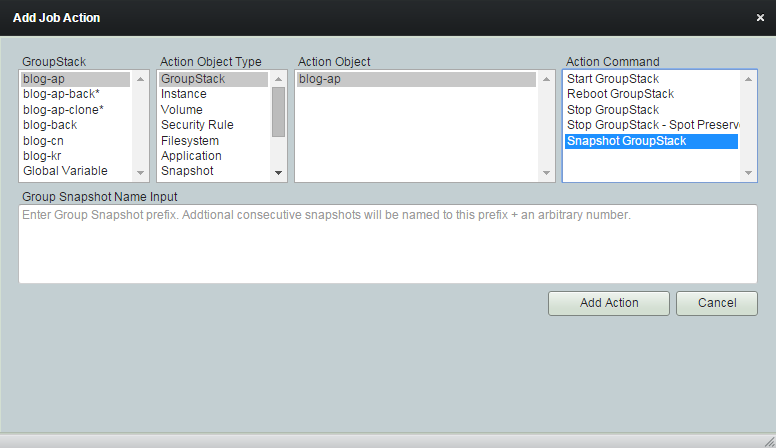
(2) Click "Add Job Action" button
You can select any groupstack
in any location.
Or Global variable.
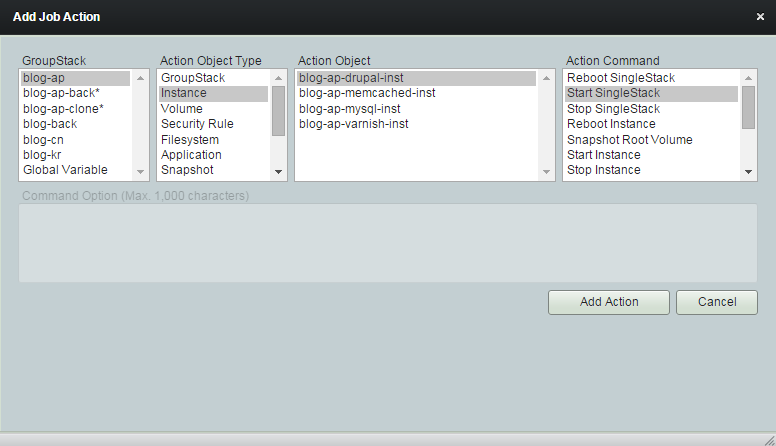
Select one type of action object.
GroupStack
Instance
Volume
Security Rule
Filesystem
Application
Snapshot
Schedule
Variable
Sequence
Global Variable
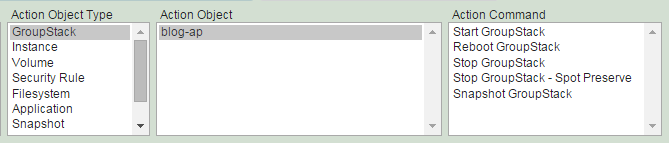
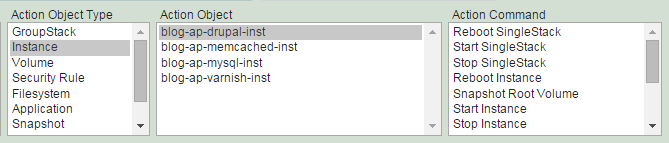
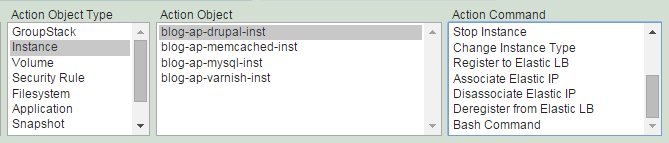
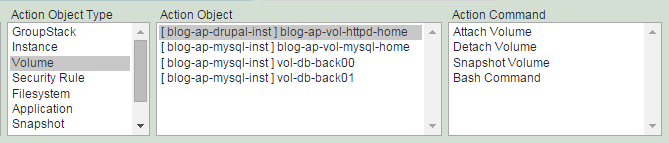
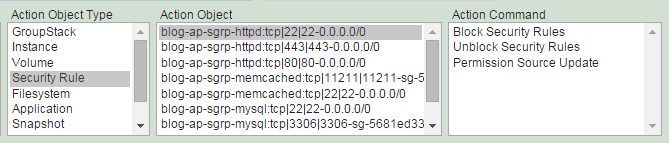
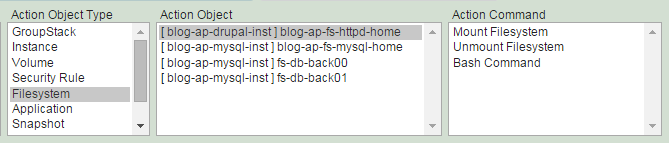
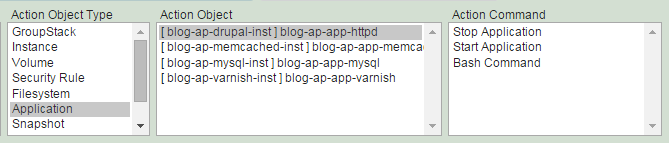
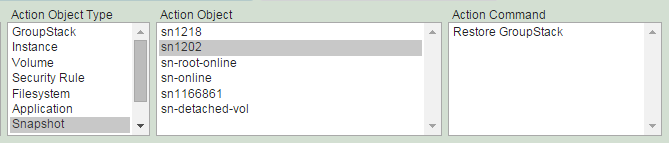
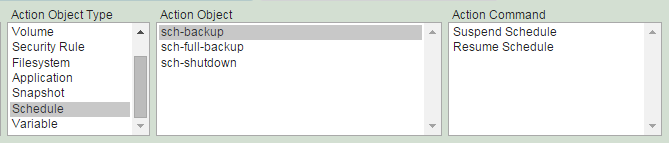
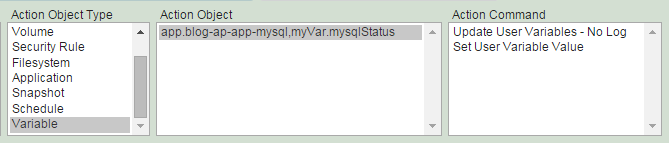
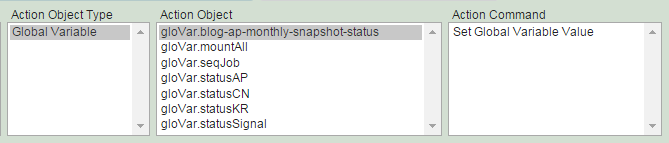
Select action object and command.
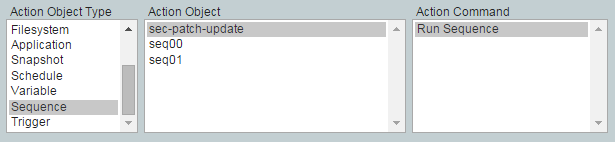
Fill 'Command Option' if requested.
(3) Click "Add Action" button.
(4) 'Add Job Action' completed.
You can add more actions which run in parallel.