Managing Schedule
robustack.com
Add Schedule Action
All child job actions in a schedule or a trigger will run in parallel. Robustack may limit you from creating multiple workflow type actions for one single member of groupstack in a schedule.
(1) Click "Schedule Jobs" tab and select a schedule you'd like to add actions into it.
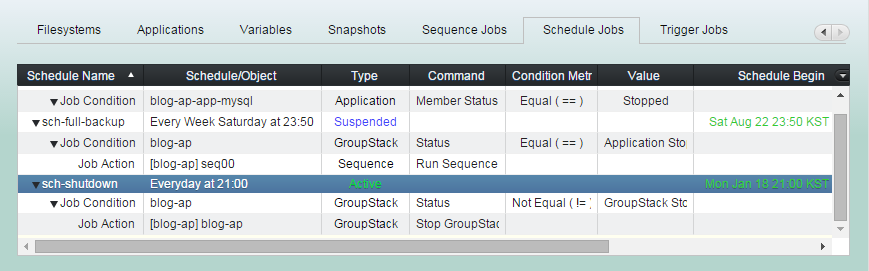
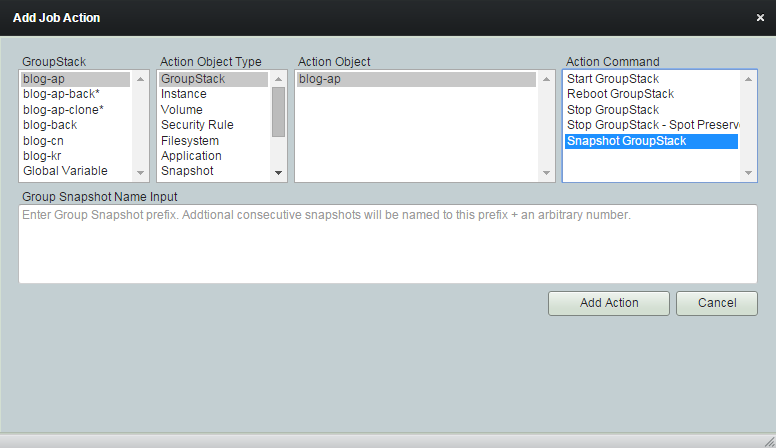
(2) Click "Add Job Action" button
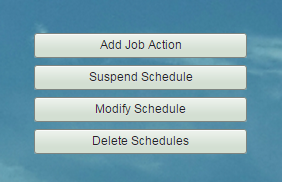
You can select any groupstack
in any location.
Or Global variable.
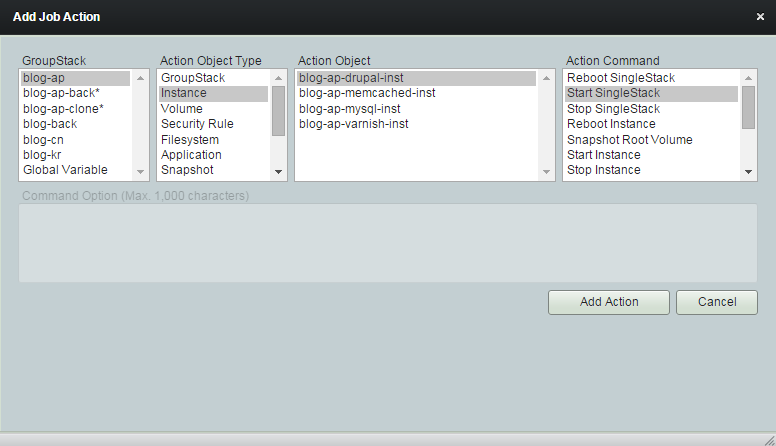
Select one type of action object.
GroupStack
Instance
Volume
Security Rule
Filesystem
Application
Snapshot
Schedule
Variable
Sequence
Trigger
Global Variable
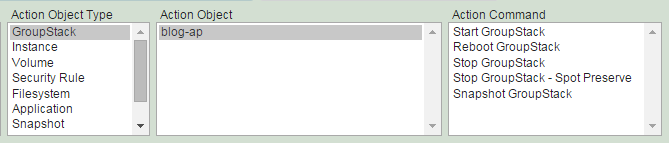
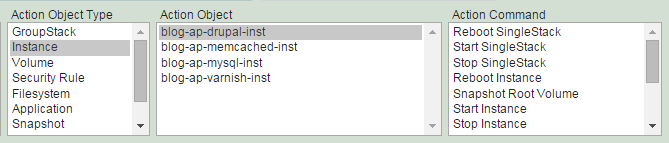
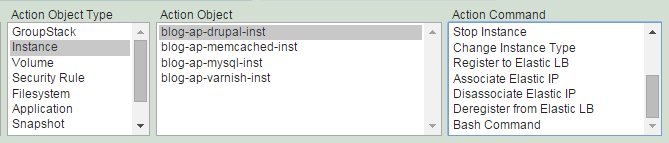
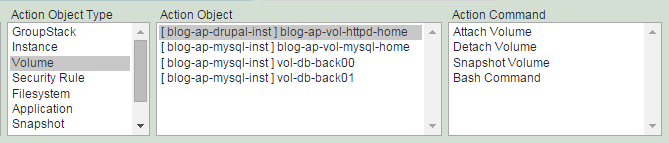
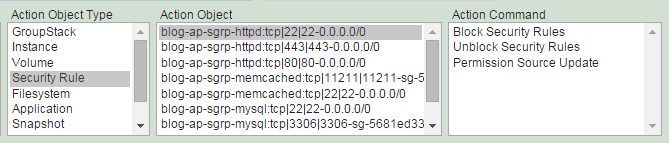
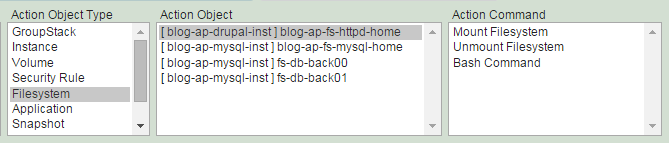
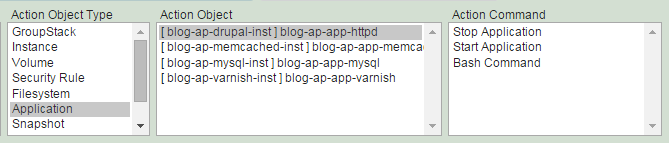
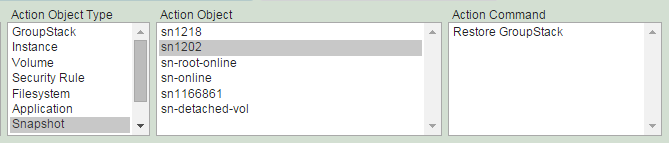
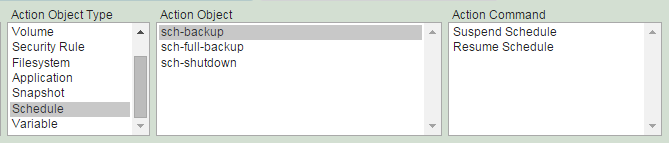
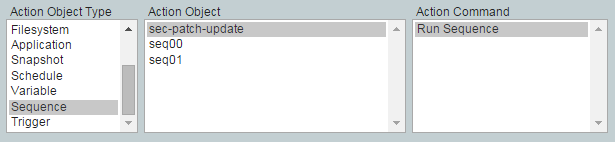
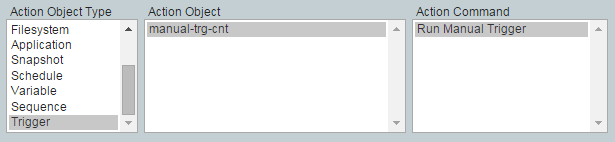
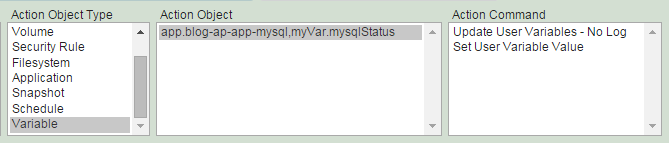
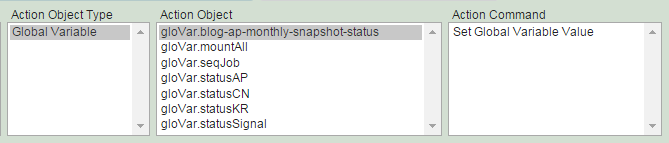
Select action objects and command.
Fill 'Command Option' if requested.
(3) Click "Add Action" button.
Suspend Schedule
Suspend your schedule if there is a need to stop using the schedule temporaily.
You can resume it again later.
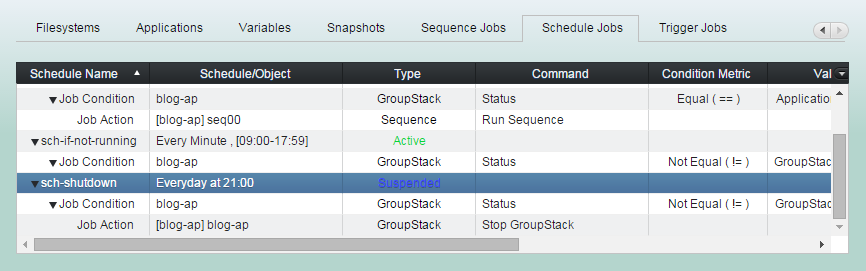
(1) Click "Schedule Jobs" tab and select a schedule you'd like to suspend.
(2) Click "Suspend Schedule" button
(3) 'Suspend Schedule' completed. Check the type field value turn to 'Suspended'.
Resume Schedule
Resuming a schedule is as easy as suspending it. Resuming/suspending schedule can be a action of Sequence/Schedule/Trigger.
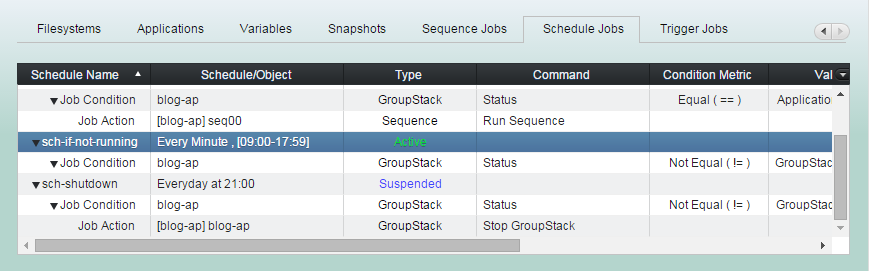
(1) Click "Schedule Jobs" tab and select a suspended schedule you'd like to resume.
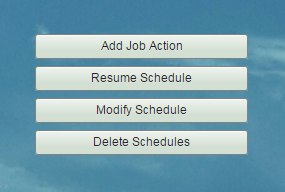
(2) Click "Resume Schedule" button
(3) 'Resume Schedule' completed. Check the type field value turn to 'Active'.
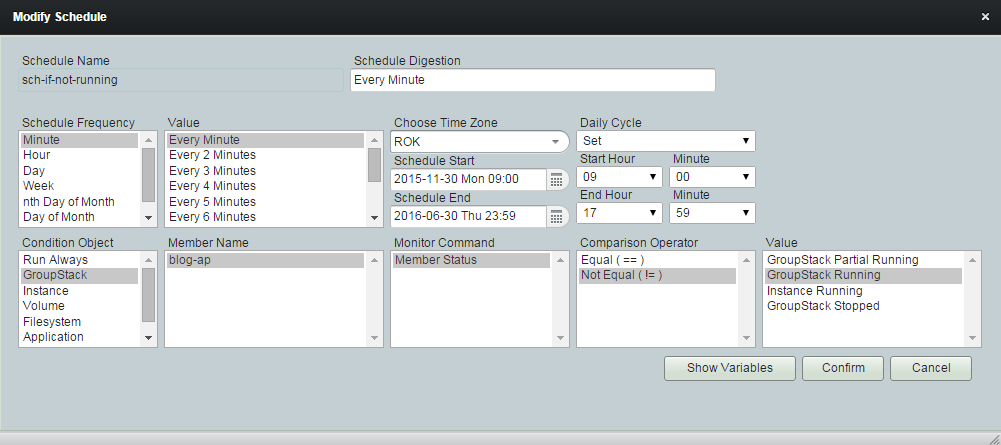
Modify Schedule
(1) Click "Schedule Jobs" tab and select a schedule you'd like to modify.
(2) Click "Modify Schedule" button
(3) Modify as needed and click "Confirm".
Delete Schedule
(1) Click "Schedule Jobs" tab and select a schedule you want to delete.
(2) Click "Delete Schedule" button