ECMAScript 6
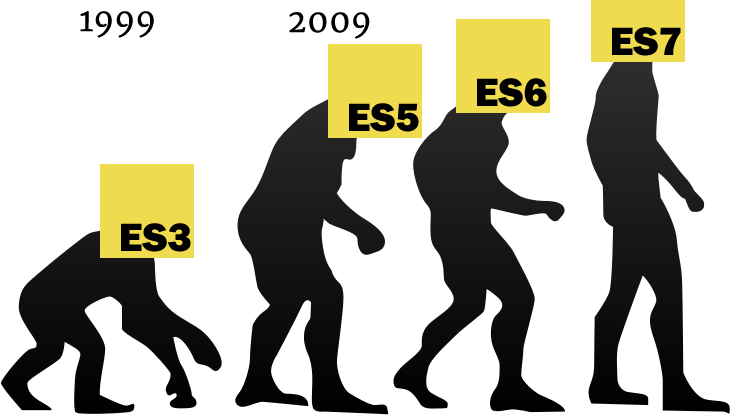


AGENDA
- Overview of ECMAScript
- ECMAScript 6 Features
- Using ECMAScript 6 today
Overview of ECMAScript


What is ECMAScript?
Scripting language specification standardized by ECMA International.
Developed by Technical Committee 39 (TC-39).
- The official name of JavaScript.
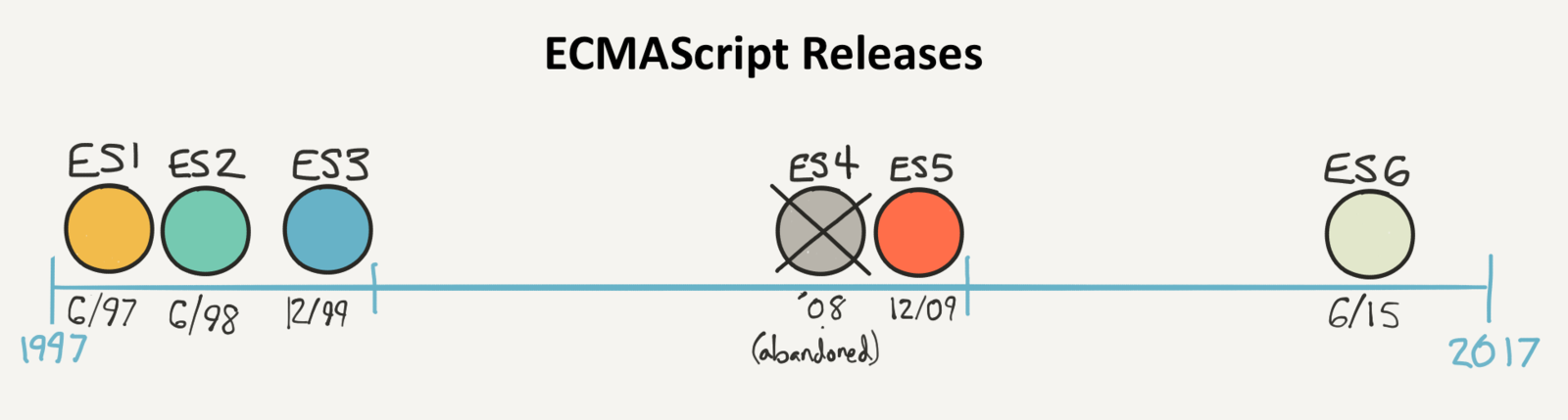
Brief History
Browser support
| Name | Version | Coverage |
|---|---|---|
| IE 11, Edge 13, Edge 14 | 15%, 79%, 90% | |
| 49 | 93% | |
| 52 | 98% | |
| 39 | 98% | |
| 8, 9, 10 | 21%, 53%, 100% |





ECMAScript 5 Pitfalls
- Prototype inheritance (No class)
- new, this
- Function scope (No block scope)
- Hoisting
- Global variables (No module system)
- NaN, undefined
- typeof null
- with, eval
- ...

Why ECMAScript 6?
- Be a better language for writing:
- Complex applications.
- Libraries shared by those applications.
- Code generators targeting the new edition.
ECMAScript 6 vs TypeScript

ECMAScript 6 Features

Block Scope


From var to let/const
Unexpected value changes are a source of bugs.
var
var x = 3;
function func(randomize) {
    if (randomize) {
        var x = Math.random();
        return x;
    }
    return x;
}

func(false);
var funcs = [];
for (var i = 0; i < 5; i++) {
funcs.push( function(){
console.log(i);
});
}
funcs[3]();From var to let/const
With let/const:
- Block scope
- Temporal Dead Zone instead of hoisting
- Loops created fresh binding of the variable
- Constant
const foo;//SyntaxError
const a = 2;
console.log(a); //2
a = 3; //Uncaught TypeError
var funcs = [];
for (let i = 0; i < 5; i++){
funcs.push(function(){
console.log(i);
});
}
funcs[3](); //3var x = 3;
function func(randomize) {
if (randomize) {
let x = Math.random();
return x;
}
return x;
}
func(false); // 3From IIFEs to blocks
(function () { // open IIFE
    var tmp = ···;
    ···
}()); // close IIFE
console.log(tmp);
{ // open block
let tmp = ···;
···
} // close block
console.log(tmp);Arrow Function
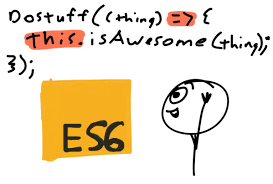

From function expressions to arrow functions
var foo = function(x, y){
    return x + y;
};
console.log(foo(1, 3)); //4
let foo = (x, y) => x + y;
console.log(foo(1, 3)); //4function doSomething() {
var self = this;
setTimeout(function() {
self.start();
}, 1000);
}function doSomething() {
setTimeout(() => {
this.start();
}, 1000);
}Template Literal
From concatenating strings to template literals
Interpolation = parsing + evaluating
let name = "Walter" ;
let greeting = "Hello " + name + "!";
let text = "Now is the time for all good men\n"
+ "to come to the aid of their\n"
+ "country!";let name = "Walter" ;
let greeting = `Hello ${name}!`;let text = `Now is the time for all good men
to come to the aid of their
country!` ;From concatenating strings to template literals
let foo = function (strings, ... values) {
    console.log( strings );
    console.log( values );
}

let desc = "awesome";
let yeah = "yeah!";

foo`Everything is ${desc}, ${yeah}! `;

// ["Everything is ", ", ", "! "]
// ["awesome", "yeah!"]
Tagged Template Literals
- After interpolations are evaluated.
- Before the final string value is compiled.
Default Parameter

Default Parameter
Lazily evaluated
let foo = function(x, y){
    x = x || 11;
    y = y || 31;
    console.log(x + y);
}

foo( 0, 42 ); //53, not 42
let foo = function(x = 11, y = 31){
console.log(x + y);
}
foo(undefined, 6); // 17
foo(null, 6); // 6Destructuring Assignment


=
Destructuring Assignment
ES5 Assignment
var arr = [1,2,3];
var a = arr[0], b = arr[1], c= arr[2];
var obj = {x: 4, y: 5, z: 6 }
var x = obj.x, y = obj.y, z = obj.z;var obj = {x: 4, y: 5, z: 6 }
var a = obj.x, b = obj.y, c = obj.z;ES6 Assignment
let [a,b,c] = [1,2,3];let {x,y,z} = {x: 4, y: 5, z: 6 };let {x:a, y:b, z:c} = {x:4, y:5, z:6};Destructuring Assignment
Swap variables
[left, right] = [right, left]Default values
let [ a = 3, b = 6, c = 9, d = 12 ] = [1, 2, 3];
let { x, y, z, w = 20 } = (() => ({ x: 4, y: 5, z: 6 }))();
Computed property
let key = "z"; let { [key]: foo } = { z: "bar" };Rest items
let a = [2, 3, 4]; let [b, ... c] = a;Named parameter
let o = { a: 1, b: 2, c: 3 };
function doSomething({b, a, c} = o){
  console.log(a,b,c);
}
Complex structures
let obj = { x: { y: { z: 6 } } };
let { x: { y: { z: w } } } = obj;
Promise

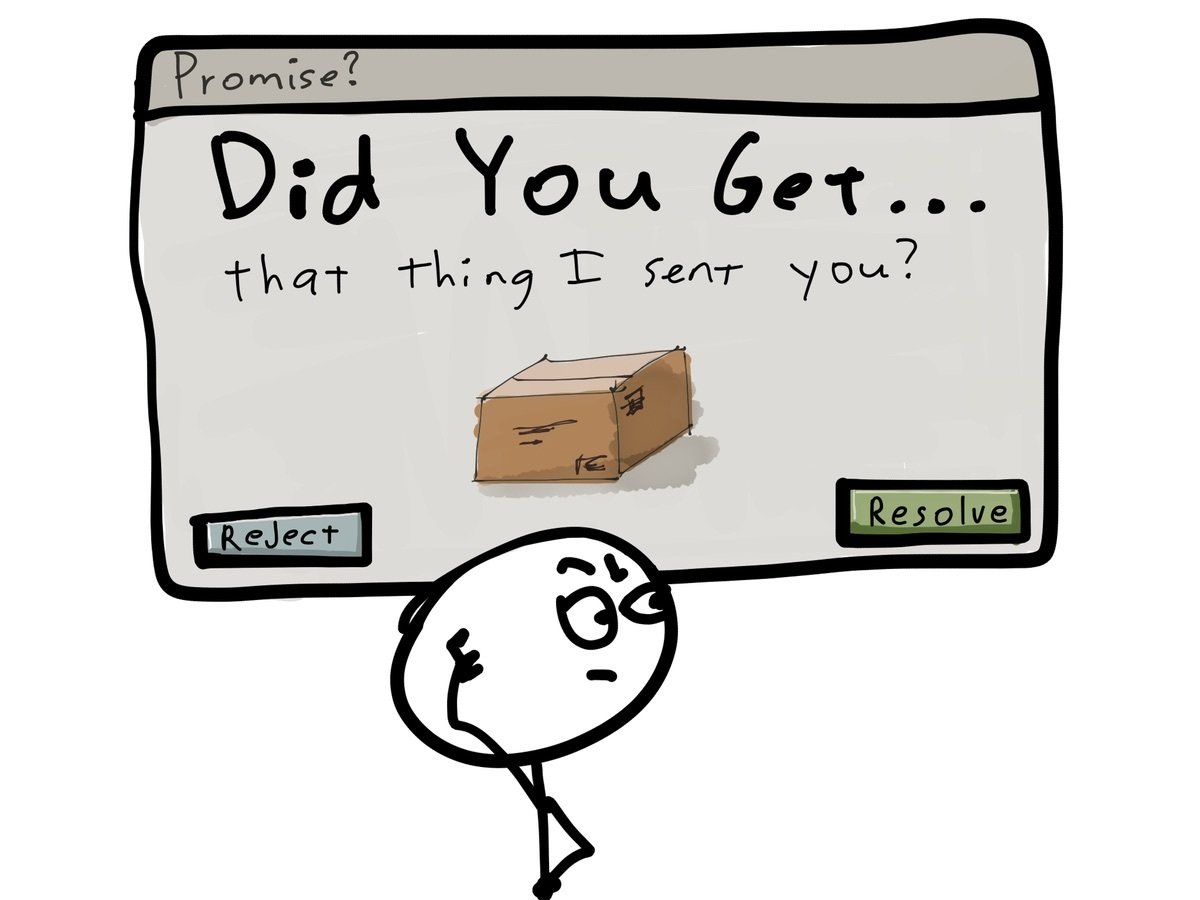
Promise
Callback hell - N levels deep
function foo(finalCallback) {
  request.get(url1, function(err1, res1) {
    if (err1) { return finalCallback(err1); }
    request.post(url2, function(err2, res2) {
      if (err2) { return finalCallback(err2); }
      request.put(url3, function(err3, res3) {
        if (err3) { return finalCallback(err3); }
        request.del(url4, function(err4, res4) {
          // let's stop here
          if (err4) { return finalCallback(err4); }
          finalCallback(null, "whew all done");
        })
      })
    })
  })
}
Promise - 1 level deep
function foo() {
  return request.getAsync(url1)
  .then(function(res1) {
    return request.postAsync(url2);
  }).then(function(res2) {
    return request.putAsync(url3);
  }).then(function(res3) {
     return request.delAsync(url4);
  }).then(function(res4) {
     return "whew all done";
  });
}
Callback vs Promise
| Callback | Promise |
|---|---|
| Is function | Is object |
| Is passed as arguments | Is returned |
| Handle success and failure | Don’t handle anything |
| Can represent multiple events | Can only represent one event |
Promise Advantages
- Unified handling of both asynchronous errors and normal exceptions.
- Reuseable.
- Chaining is easier.
- Be able to run in parallel.
Promise in ECMAScript 6
- The ECMAScript 6 Promise follows Promises/A+ standard, allow us to work with Promises natively in the language.
- Libraries that implement Promise/A+: jquery 3.0, Q, When, Bluebird, ...
- ES6 Promise API: Promise.resolve, Promise.reject, Promise.all, Promise.race, Promise.prototype.catch.
let p = new Promise(function (resolve, reject) {
        setTimeout(() => resolve(4), 2000);
});

p.then((res) => console.log(res)); //4
Bonus
Generator + Promise: 0 level flat
function* foo() {
  var res1 = yield request.getAsync(url1);
  var res2 = yield request.getAsync(url2);
  var res3 = yield request.getAsync(url3);
  var res4 = yield request.getAsync(url4);
  return "whew all done";
}
Class

Class
ES5
function ES5Class(name){
    this.name = name;
}
ES5Class.prototype.work = function(){
}

function ES5DerivedClass(name, title){
    ES5Class.call(this, name);
    this.title = title;
}
ES5DerivedClass.prototype = Object.create( ES5Class.prototype);
ES5DerivedClass.prototype.constructor = ES5Class;
ES5DerivedClass.prototype.work = function () {
    ES5Class.prototype.work.call(this); //super call
    // do more...
};
ES6
class ES6Class{
    constructor(name){
        this.name = name;
    }
    work(){
    }
}
class ES6DerivedClass extends ES6Class{
    constructor(name, title){
 	 super(name);
	 this.title = title;
    }
    work(){
	 super.work();
         //do more….
    }
}
ECMAScript 6 Class
- Syntactic sugar
- Constructor, inheritance, static method, getter/setter
- Mixin - multiple inheritance
- Super calls
- Instance
- Inheriting the built-in natives
- Class declarations are not hoisted
ECMAScript 6 Class
class Person {
     constructor(name) {
         this._name = name;
     }
     prototypeMethod() {
         console.log(`prototype method`);
     }
     static staticMethod(){
         console.log(`static method`);
     }
     get name() {
         return this._name.toUpperCase();
     }
     set name(newName) {
         this._name = newName;
     }
}
class Employee extends Person {
constructor(name, title){
super(name);
this._title = title;
}
prototypeMethod() {
super.prototypeMethod();
console.log(`${this._name}, ${this._title}`);
}
}
let employee = new Employee("Rapth", "Developer");
employee.prototypeMethod();Module
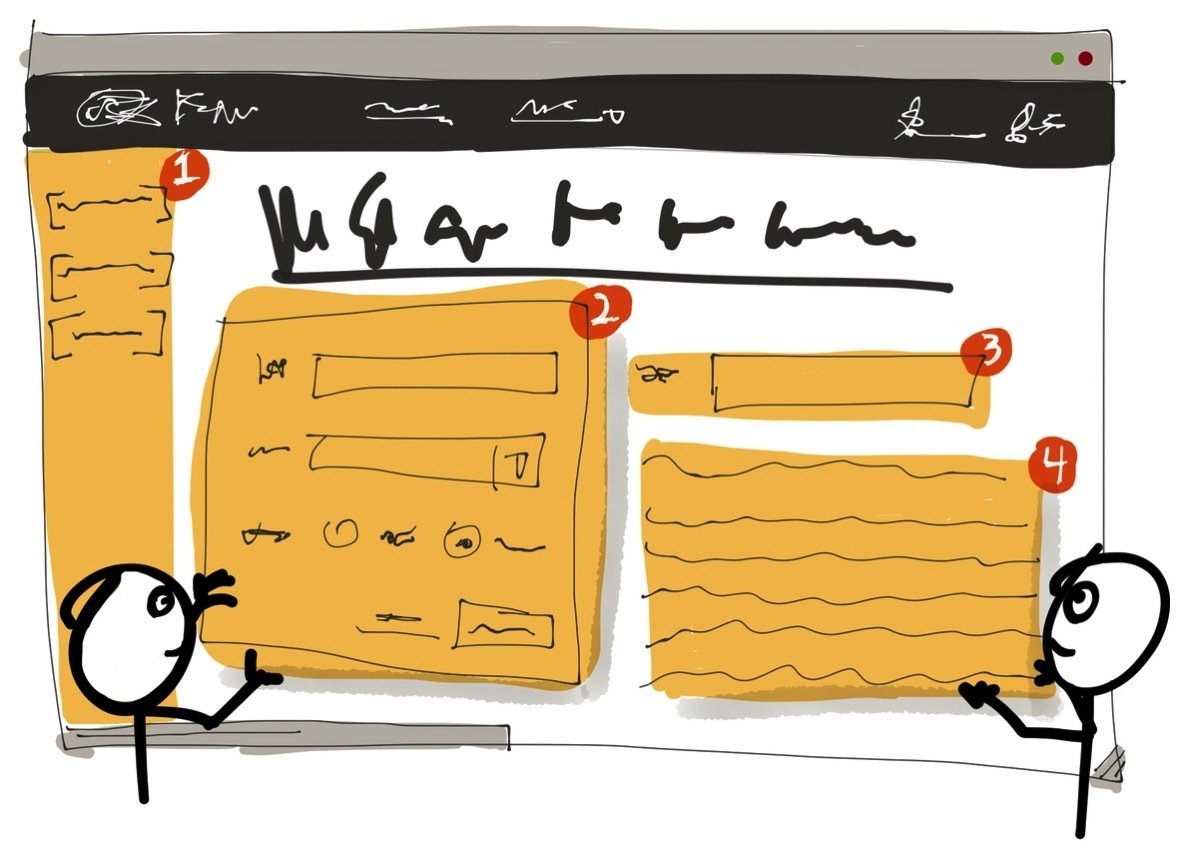
Module
var es5Module = (function () {
    function greeting(name) {
        console.log( "Hello " + name);
    }

    return {
        greeting: greeting
    };
})();

es5Module.greeting("Walter");
//es6Module.js
export function greeting(name){
console.log( "Hello " + name);
}
//app.js
import { greeting } from 'es6Module'
greeting("Walter");ECMAScript 6 Module
- Native standard module system.
- File-based, one module per file.
- Singleton, encapsulation.
- Static module structure.
- Support for both synchronous and asynchronous loading.
- Support for cyclic dependencies between modules.
ECMAScript 6 Module
//module.js
export function foo() {
    console.log("foo");
}
export default function doSomething(){
    console.log("default");
}

let awesome = 42;
let bar = [1, 2, 3];
let baz = {Id: 1, Name: "ABC"};

export { bar, awesome, baz as obj };
//app.js
import fnDefault, {foo as aliasFoo, bar, awesome, obj} from "module"
/* import fnDefault, * as es6Module from "module" */
fnDefault();
aliasFoo();
console.log(bar);
console.log(awesome);
console.log(obj);ECMAScript 6 Performance
| Feature | Comparison with ES5 |
|---|---|
| Destructuring | 2x slower |
| Arrow Function | Identical |
| Default Parameter | Identical |
| Template Literal | 30x slower |
| Promise (with jquery 3.0) | 6x faster |
| Class | Identical |
Beyond ECMAScript 6
- Async function: async/await
- object.observe(..)
- Exponentiation operator: **
- Object Property and …
- Array#includes(..)
- SIMD: Single Instruction Multiple Data
Using ECMAScript 6 today

Using ECMAScript 6 today
- Current JavaScript engines (browsers, Node.js, …) already support much of ES6.
- Support for legacy engines: use transpiling (Babel, Google Traceur, ...).
- ES6 Standard library (Map, Set, new Array methods, ...): use Shim/Polyfill
Babel
JavaScript transpiler

ES6
ES5
const a = [1, 2, 3];
const a1 = input.map(item => item + 1);
"use strict";
var a = [1, 2, 3];
var a1 = input.map(function (item) {
return item + 1;
});
Babel - Usage
  "devDependencies": {
    "babel-core": "^6.9.1",
    "babel-loader": "^6.2.4",
    "babel-polyfill": "^6.9.1",
    "babel-preset-es2015": "^6.9.0",
    "webpack": "^1.13.1"
  },
  "scripts": {
    "webpack": "webpack --watch"
  },
var path = require('path');
module.exports = {
entry: {
userManager: "./Scripts/userManager.js"
},
output: {
path: path.resolve(__dirname, './'),
filename: './Bundle/[name].js'
},
module: {
loaders: [
{
test: /\.js$/,
loader: 'babel-loader',
query: {
presets: ['es2015']
}
}
]
},
devtool: 'source-map'
};package.json
webpack.config.js
npm run webpack
start


References
[1] Kyle Simpson, You Don’t Know JS: ES6 and Beyond, O’Reilly, 2015
[2] http://es6-features.org/
[3] http://exploringjs.com/es6/
[4] https://leanpub.com/understandinges6/read
[5] https://developer.mozilla.org/en-US/docs/Web/JavaScript/Reference
[6] http://www.html5rocks.com/en/tutorials/es6/promises/