JavaScript
Whack A Mole
講者:蔡孟軒
日期:2021/12/8
OUTLINE
-
上周課程補充
- querySelector
- querySelectorAll
- 箭頭函數
- Whack A Mole JS部分
上周課程補充
測試用網頁
<!DOCTYPE html>
<html>
<head>
    <title>Example</title>
</head>
<body>
    <div>
        <h1>這是標題</h1>
        <p class="text">第一行</p>
        <p class="text">第二行</p>
        <p class="text">第三行</p>
        <p class="text">第四行</p>
    </div>
</body>
</html>
querySelector(selectors)
let a = document.querySelector(".text")
// 找出 classname 是 text 的 HTML 元素
// <p class="text">第一行</p>- CSS 選擇器來尋找符合條件且 "第一個" 找到的 HTML 元素
querySelectorAll(selectors)
let a = document.querySelectorAll(".text");
// 找出 classname 是 text 的 HTML 元素
// NodeList(4) [p.text, p.text, p.text, p.text]
console.log(a[1]);
// <p class="text">第二行</p>- CSS 選擇器來尋找 "所有" 符合條件的 HTML 元素集合
箭頭函數
箭頭函數
- 要用時才寫
- 建立即呼叫
- 特定狀況下搭配使用
- 不用特別去記他
一般函數結構
function functionName(parameter1, parameter2, ...) {
  // statements

  // return value;
}
箭頭函數結構
(parameter1, parameter2, ...) => {statements;}

(parameter1, parameter2, ...) => value;
// 等於(parameter1, parameter2, ...) => { return value; }
Whack A Mole JS部分
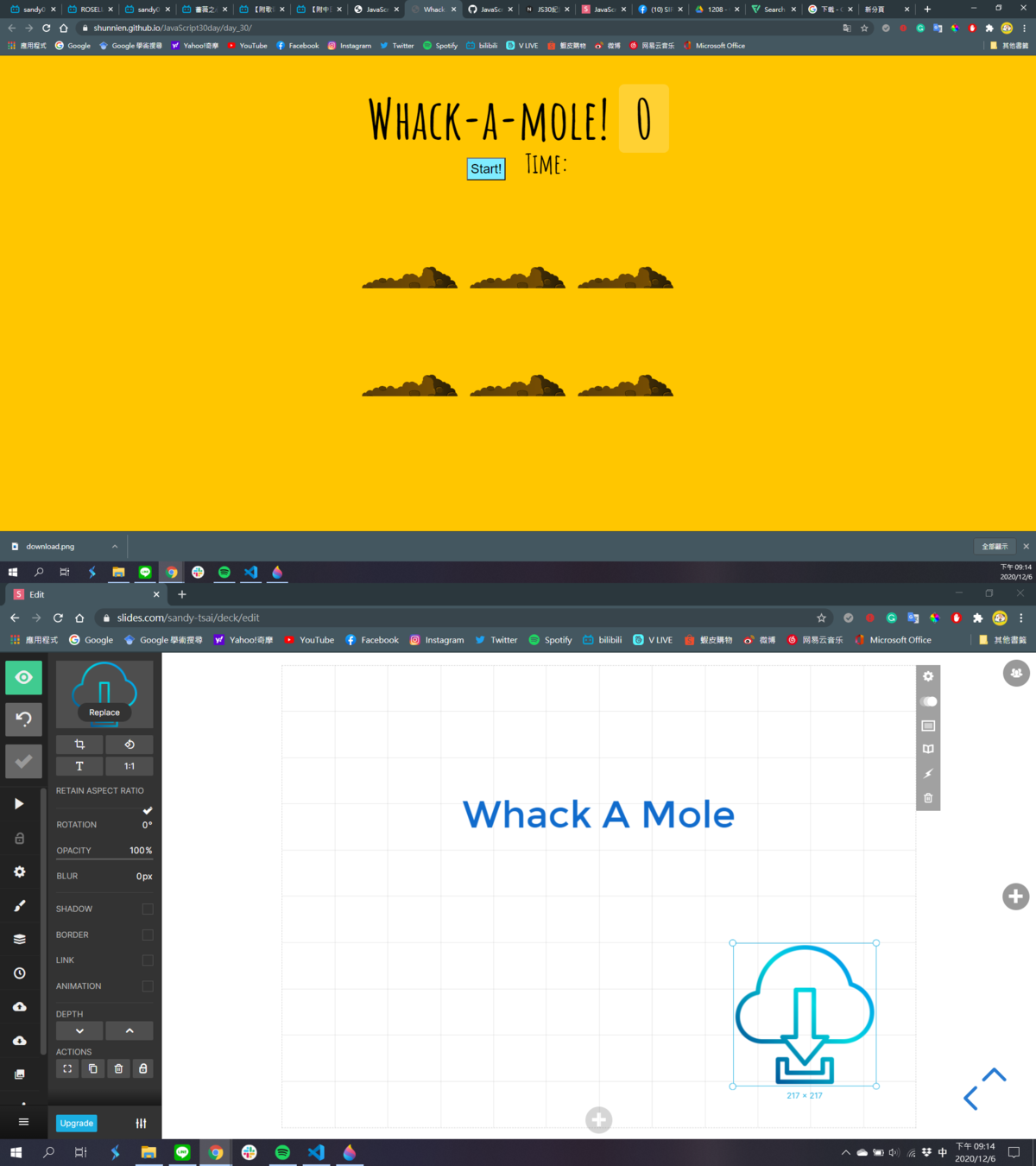
STEP1 建立隨機時間
function randomTime(min, max) {
  return Math.round(Math.random() * (max - min) + min);
}
STEP2 隨機出現地鼠的地洞
const holes = document.querySelectorAll(".hole");
// [div.hole.hole1, div.hole.hole2, div.hole.hole3, div.hole.hole4, div.hole.hole5, div.hole.hole6]
const scoreBoard = document.querySelector(".score");
// <span class="score">0</span>
const moles = document.querySelectorAll(".mole");
// [div.mole, div.mole, div.mole, div.mole, div.mole, div.mole]0: div.mole1: div.mole2: div.mole3: div.mole4: div.mole5: div.molelength: 6__proto__: NodeList
let lastHole;
// 紀錄地鼠上次出現的位置
STEP2 隨機出現地鼠的地洞
function randomHole(holes) {
  const idx = Math.floor(Math.random() * holes.length);
  const hole = holes[idx];
  if (hole === lastHole){
    console.log("重複出現啦");
    return randomHole(holes);
  }
  lastHole = hole;
  return hole;
}
STEP3 讓地鼠出現
let timeUp = false;
function peep(){
  const time = randomTime(500, 2000);
  const hole = randomHole(holes);
  hole.classList.add("up");
  setTimeout(() => {
    hole.classList.remove("up");
    if (!timeUp) {
      peep()
    }
  }, time)
}
STEP4 開始遊戲按鈕功能
let score = 0;
function startGame() {
  scoreBoard.textContent = 0;
  timeUp = false;
  score = 0;
  peep();
  setTimeout(() => (timeUp = true), 30000);
}
STEP5 計算得分
function bonk(e) {
  if (!e.isTrusted) return;
  score++;
  this.parentNode.classList.remove("up");
  scoreBoard.textContent = score;
}
moles.forEach(mole => mole.addEventListener('click', bonk));
STEP6 顯示遊戲時間
function paddingLeft(str, lenght) {
  if (str.length >= lenght) {
    return str;
  } else {
    return paddingLeft("0" + str, lenght);
  }
}
STEP6 顯示遊戲時間
function displayTimeLeft(seconds) {
  const minutes = Math.floor(seconds / 60);
  const remainderSeconds = seconds % 60;
  const display = `${paddingLeft(minutes.toString(), 2)}:${paddingLeft(remainderSeconds.toString(),2)}`;
  timerDisplay.textContent = display;
}
STEP6 顯示遊戲時間
const timerDisplay = document.querySelector(".controllPanel span");
let countdown;
function timer(seconds) {
  clearInterval(countdown);
  displayTimeLeft(seconds);
  countdown = setInterval(() => {
    seconds--;
    if (seconds < 0) {
      clearInterval(countdown);
      return;
    }
    displayTimeLeft(seconds);
  }, 1000);
}
STEP6 顯示遊戲時間
function startGame() {
  timer(30); // 增加
}
Reference
- ShunNien Yu (2019). JS30紀錄 30-Whack a Mole. Retrieved from: https://ppt.cc/fgnpLx.
- MDN web docs (2020). 箭頭函式. Retrieved from: https://ppt.cc/fJVsmx.
- Fooish 程式技術 (2020). JavaScript DOM (Document Object Model). Retrieved from: https://reurl.cc/5qWyVV.

Thanks for Listening