Bit.dev


Build everything into components
Seiji Villafranca
Seiji Villafranca
github.com/SeijiV13


Senior Developer, CoDev
Microsoft MVP
Auth0 Ambassador
Community Lead, AngularPH,
Author
seijivillafranca.com

Talks









MicroFrontends
what is it?
Components
/
Micro
"Micro" means small
Services
FrontEnd
"micro web services" was first used by Dr. Peter Rogers in 2005
A developed architecture which is intended to solve the monolithic maintainability dilemma


early companies who adapted microservice architecture
Micro
What does it "Solve"
Services
Monolithic Architecture
the common thing we "do"
App1



A big chunk of App with a single repository or codebase
service 1
service 2
service 2
The Monolithic Issue
Well, we know it's a single codebase
A big chunk of App with a single repository or codebase
Application 1
- Debugging
- Maintainability
- Tight Coupling
- Deployment and Restart times
- Less reusability
Code Change (Has errors)
All code are affected

The Solution
The Monolithic Issue
Smaller Fine Components
Single Responsibility Principle
S1
S2
S3
S4
Client
Common Design Patterns
API
Gateway
Service
Service
Service
Service
Orchestration
Microservice

Storage
Client
Common Design Patterns
API
Gateway
Service
Service
Service
Service
Microservice
Storage
Event Bus

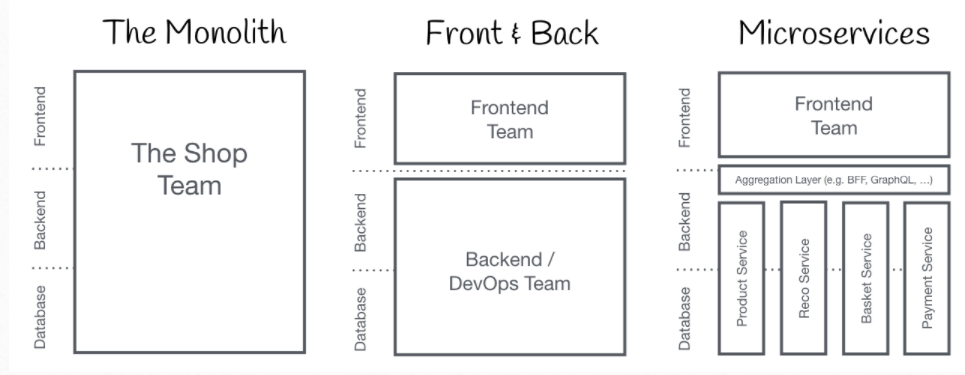
MicroFrontends
first came up in ThoughtWorks Technology Radar at the end of 2016
Microservice concepts going into frontend world
- Micro Frontends is to develop a web app into a composition of features which are owned by independent teams
Well idea is not new, it has a lot in common with Self Contained Systems
MicroFrontends
The Monolithic Structure
MicroFrontends
Frontend with Verticals
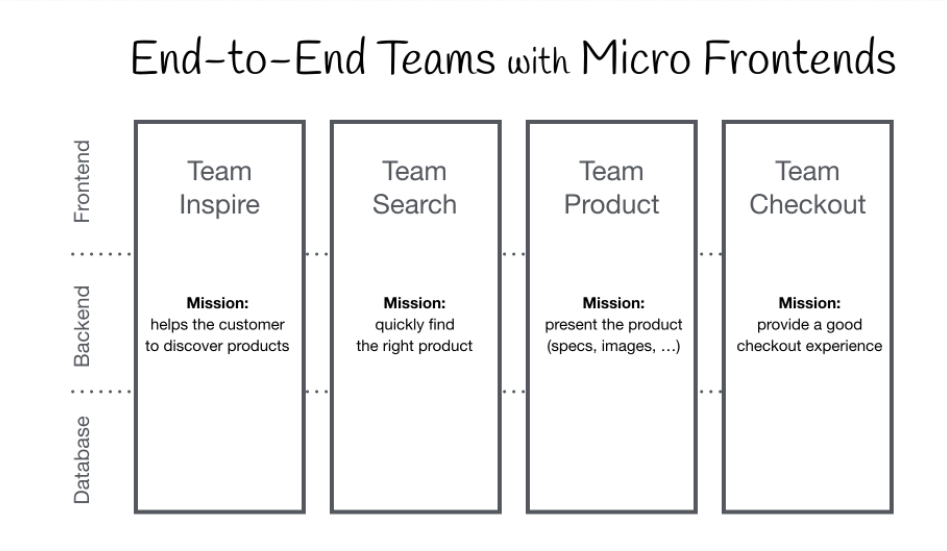
MicroFrontends
Client
API
Gateway
Service
Service
Service
Service
Orchestration
MF4
MF3
MF2
MF1
Orchestration

Design Pattern
MicroFrontends
What are the goals
- Technology Agnostic
- Team Code Isolation
- Establish Team Prefixes

MicroFrontend Implementations
- Iframes
- Web Components (Angular Elements)
- Angular Libraries
- Monorepos
- Customized Orchestrators
- Bit.Dev
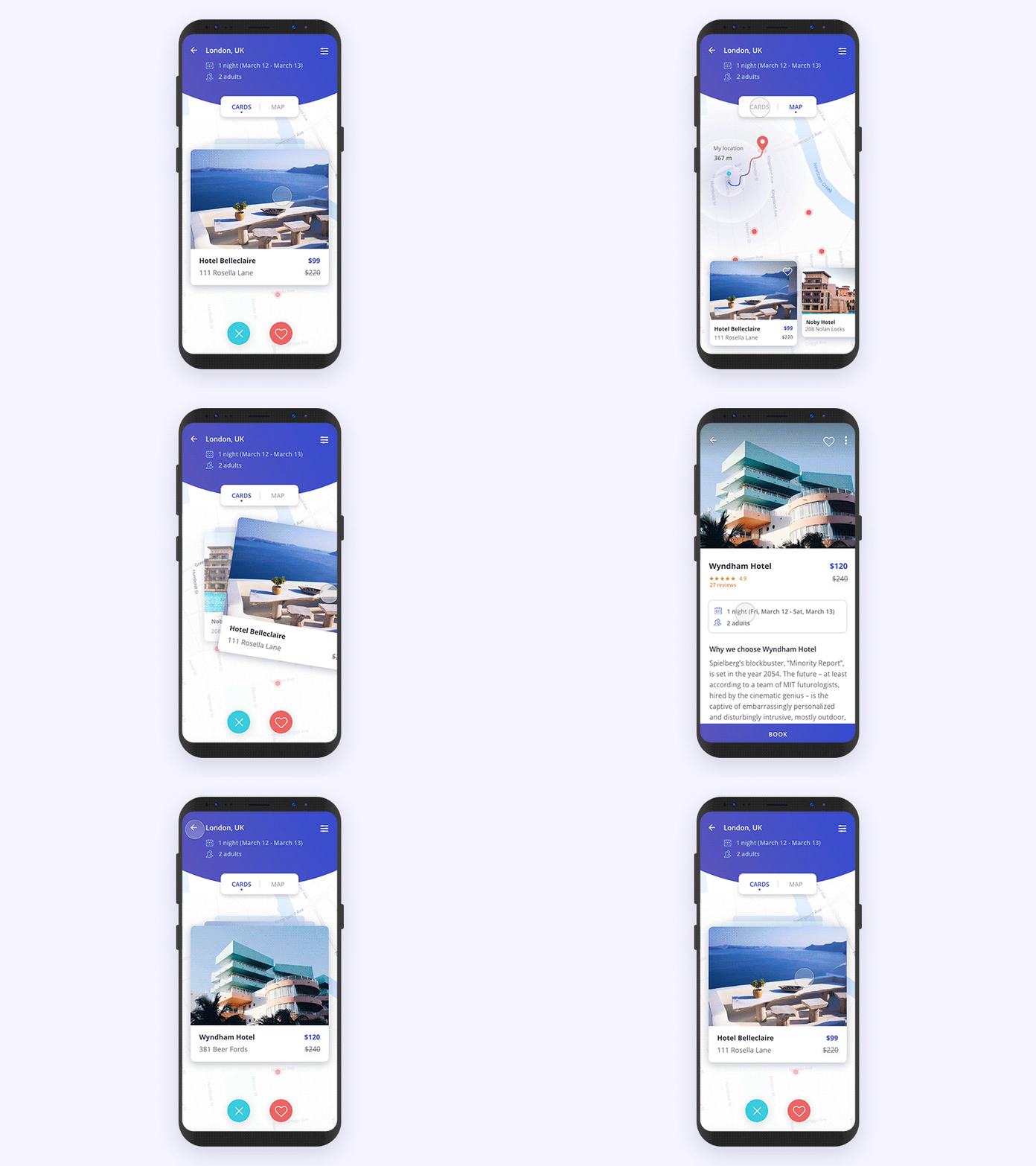



Components


Cloud
Document
Collaborate
CI/CD
Moving to Bit.Dev
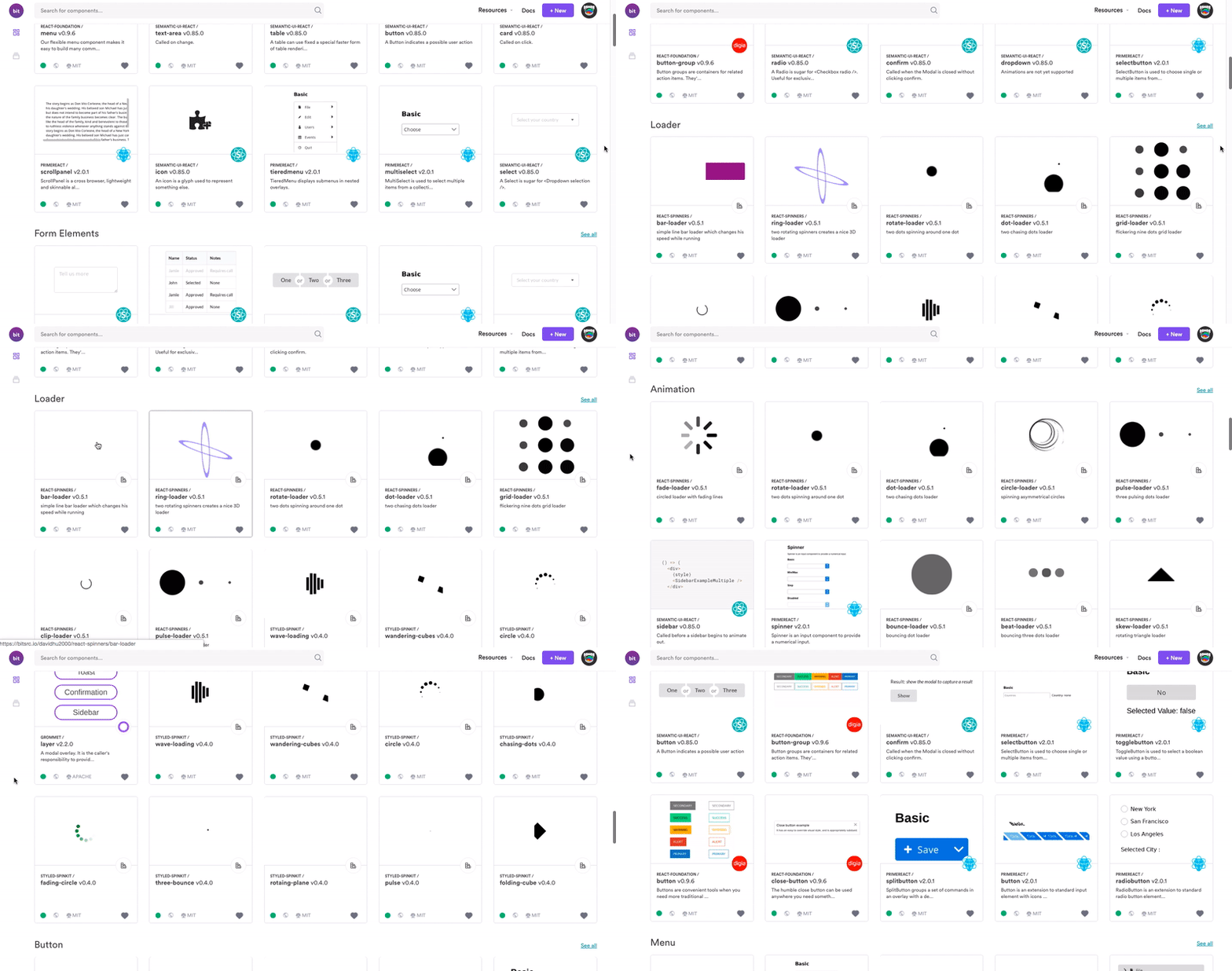
What is Bit.dev?
Cloud-collaborative platform for hosting UI components using different frameworks
"If a component library is like a music CD-Album, then bit.dev is like iTunes or Spotify for UI components."
https://blog.bitsrc.io/15-reasons-to-build-your-component-library-in-bit-dev-93a514878863
Moving to Bit.Dev
Why use Bit.dev
https://blog.bitsrc.io/15-reasons-to-build-your-component-library-in-bit-dev-93a514878863
No boilerplate setup
automatically generate a package.json file for every component
reusable dev-environments
Moving to Bit.Dev
Why use Bit.dev
https://blog.bitsrc.io/15-reasons-to-build-your-component-library-in-bit-dev-93a514878863
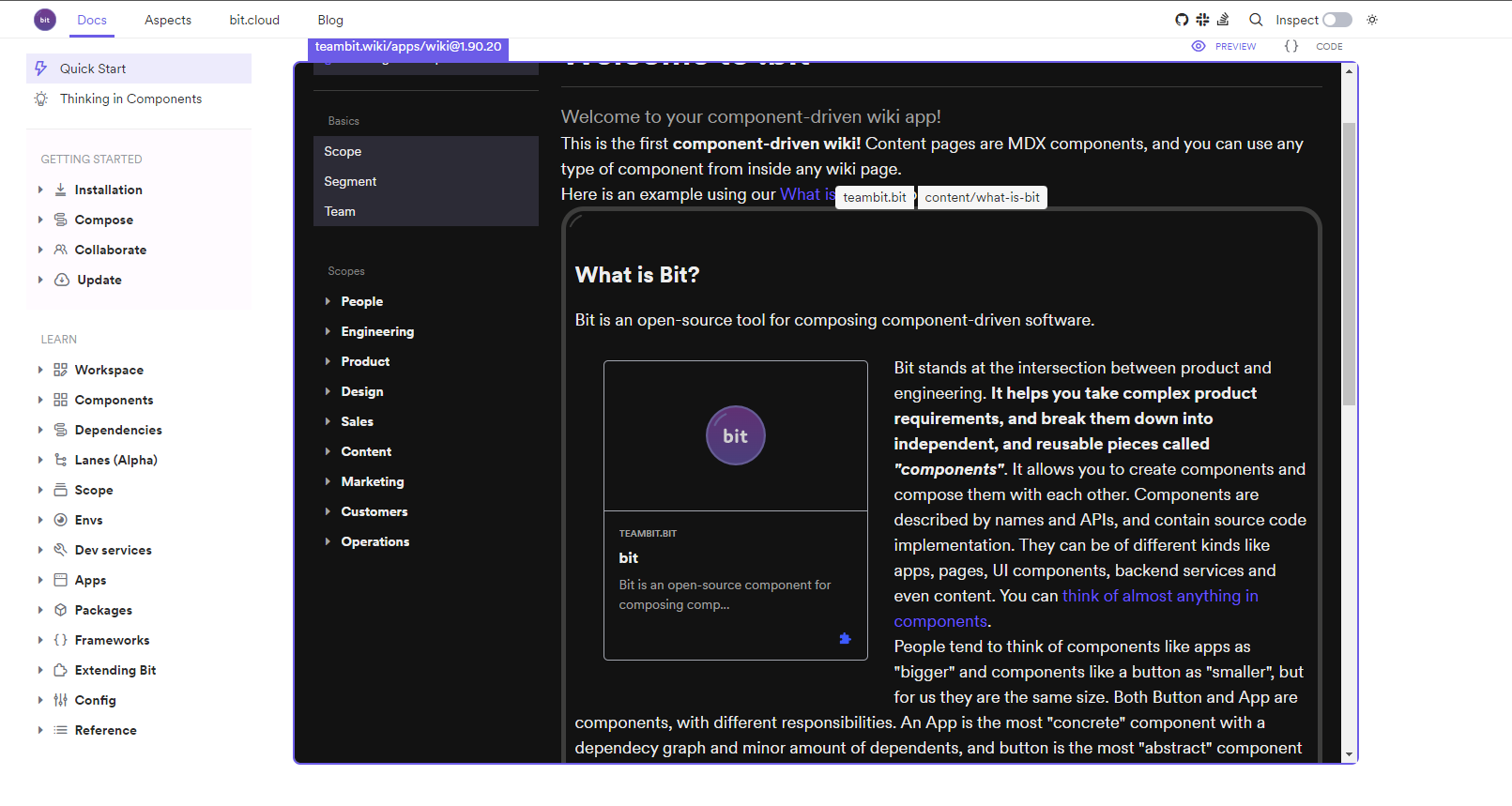
SemVer components
Different components Different Versions
Moving to Bit.Dev
Why use Bit.dev
https://blog.bitsrc.io/15-reasons-to-build-your-component-library-in-bit-dev-93a514878863
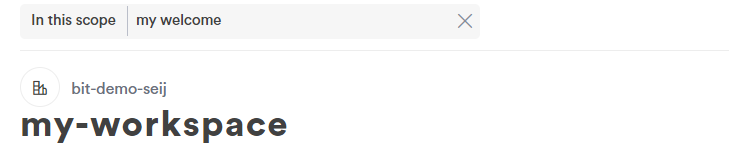
Segmenting components
Components are easy to organize:
- Powerful semantic component search.
- Automatically-generated component labels \
- Smart filters for component size, dependencies, context etc.
Moving to Bit.Dev
Why use Bit.dev
https://blog.bitsrc.io/15-reasons-to-build-your-component-library-in-bit-dev-93a514878863
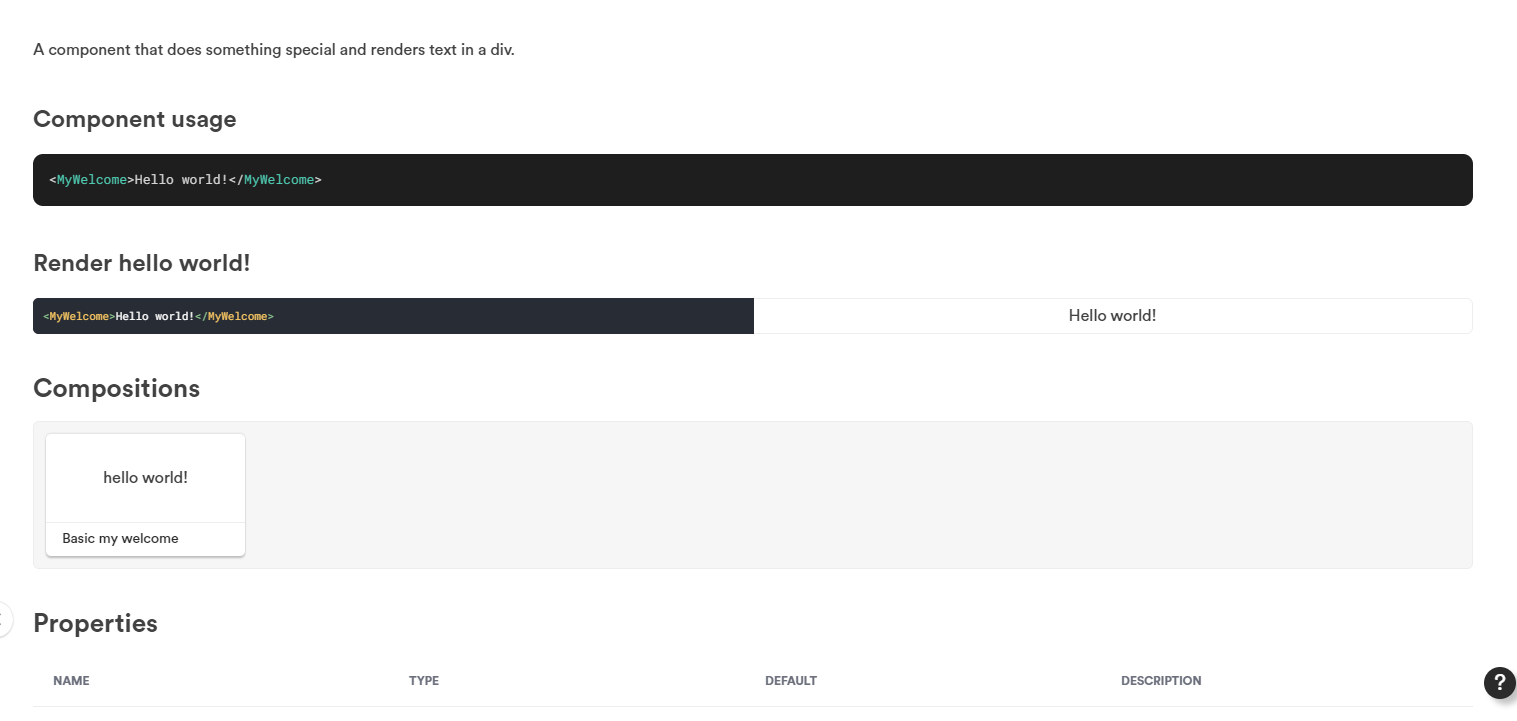
Documentation out of your hand
component shared to bit.dev is analyzed, hosted, rendered and documented in one place
Bit.Dev Features
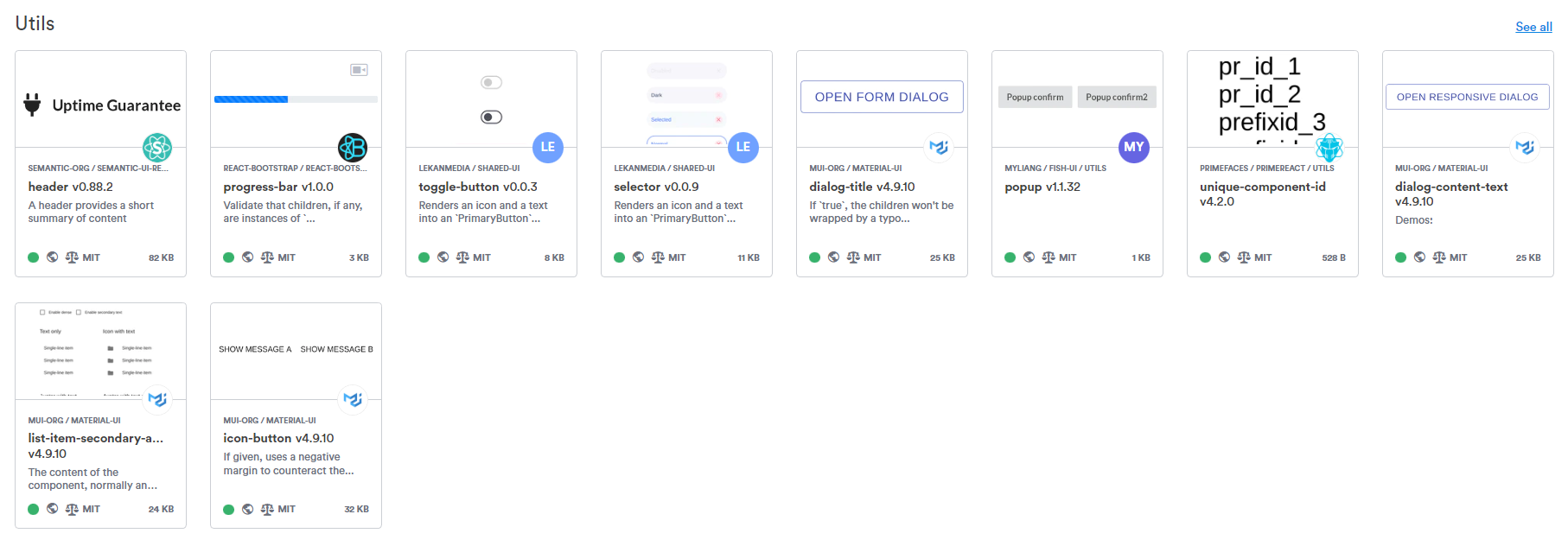
Bit.cloud
Where compoents are deployed, rendered, documented and can be imported
Components from your network
Components from the community
Local Resources
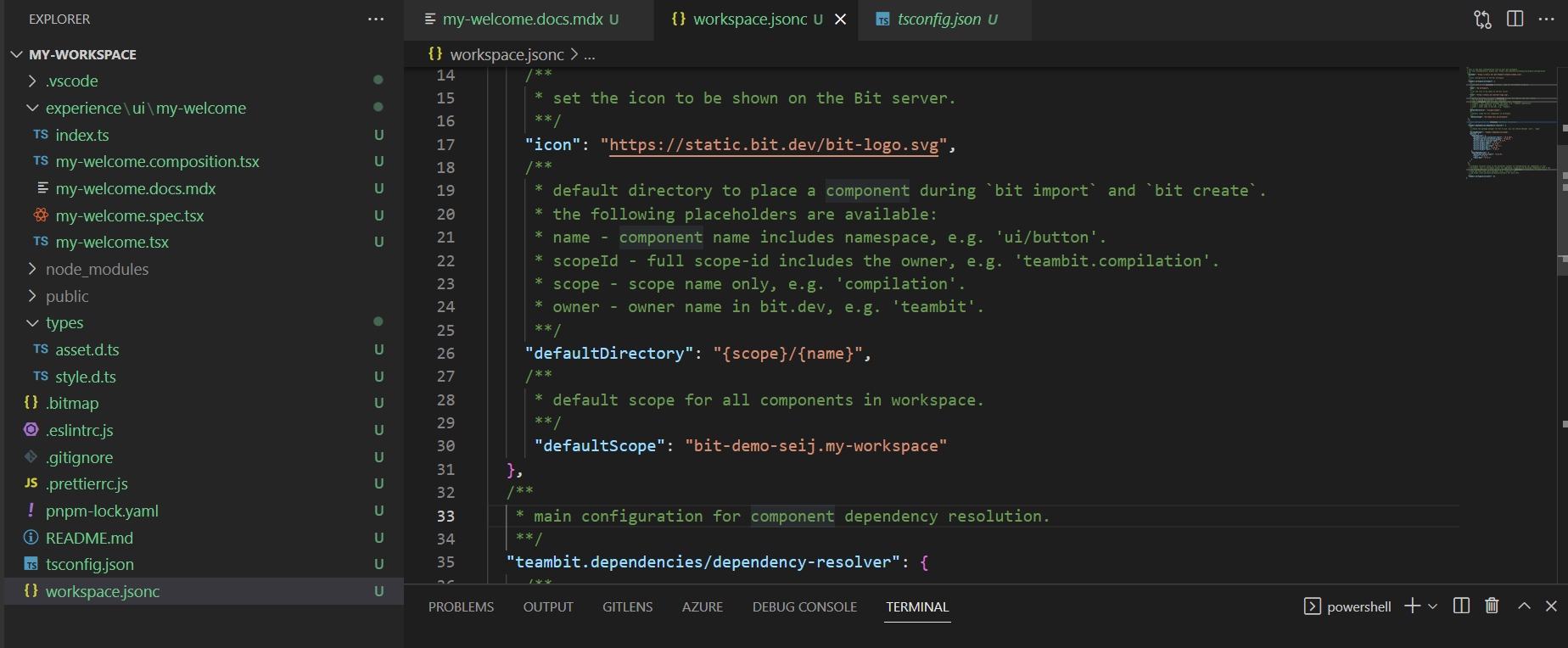
Workspace
development workspaces where you create new components, use existing components, modify existing components, and export changes.
Local Resources
Workspace
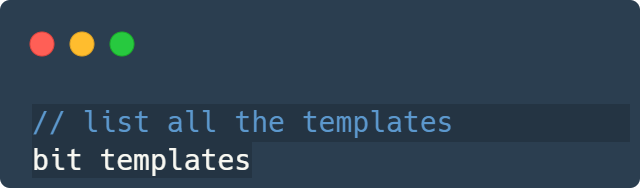
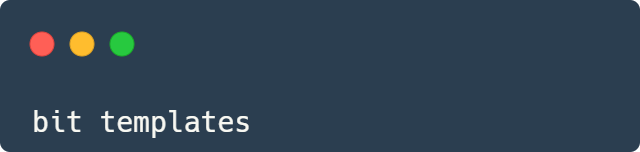
Bit provides templates that we can use for easy setup
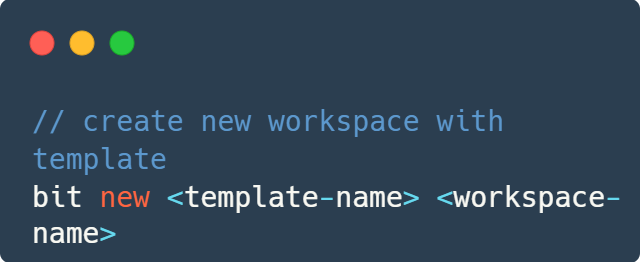
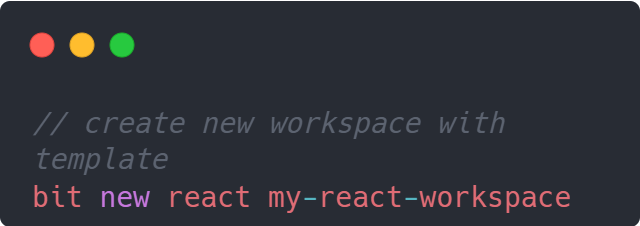
Local Resources
Components
Can be a Node Module, React Components, Angular Modules
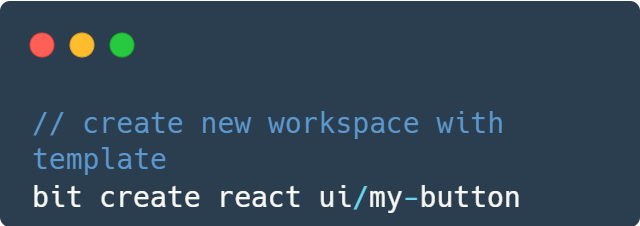
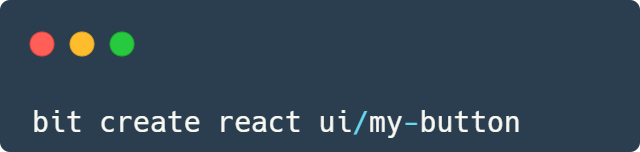
Creating a component
── ui/my-button                 # Component directory
    ├── index.ts                   # Main component file.
    ├── my-button.tsx             # Implementation of the component.
    ├── my-button.spec.tsx        # Test file of the component.
    ├── my-button.composition.tsx # Compositions for simulating the component in different states.
    └── my-button.docs.mdx        # Docs file for the component.
Local Resources
Components are powerful!
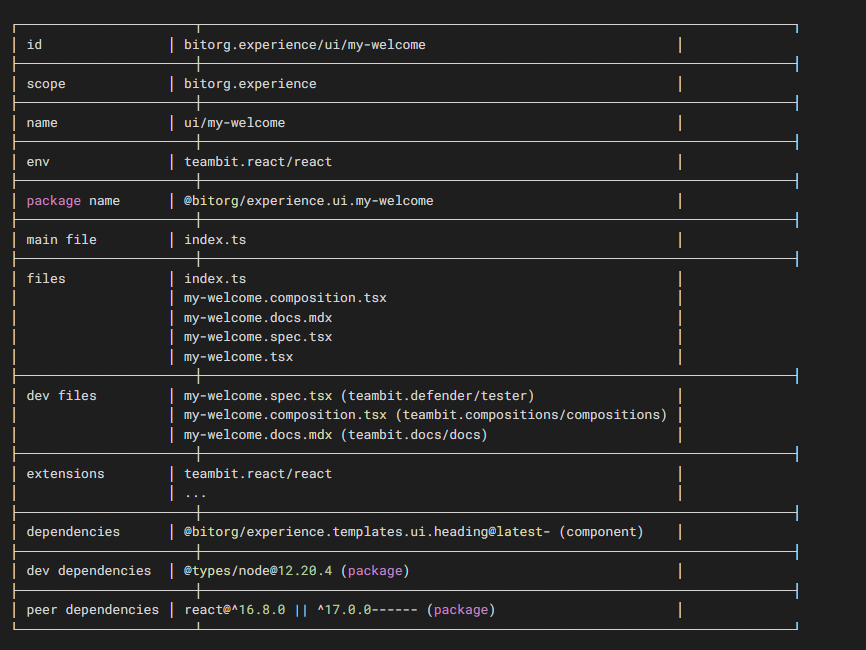
contains the history of its source code, dependencies (packages and other Components), artifacts, and metadata
Local Resources
Component Actions
Inspect
Check logs and history
Tag
Snap
create a snap copy of the component for component collaboration (not for release)
create a snapshot of the component marked with a release version (for consuming)
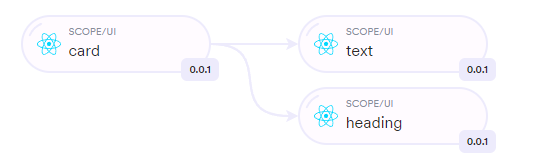
Local Resources
Scopes
defines ownership on components
collaboration server for components
A mixture of React, Angular and Node modules
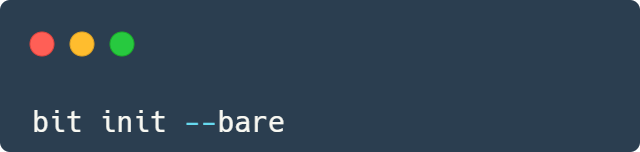
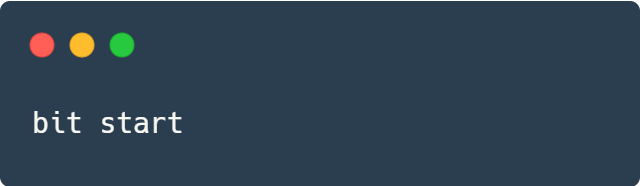
starting a local scope server
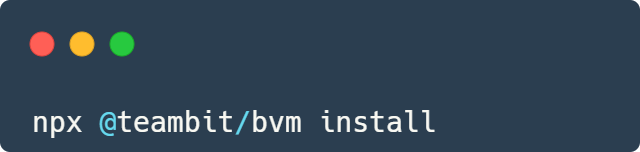
Installing Bit CLI
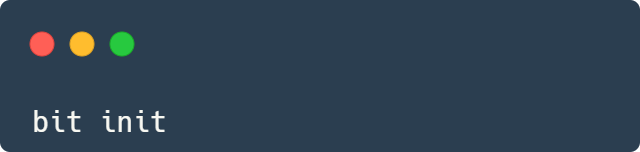
Creating new workspace
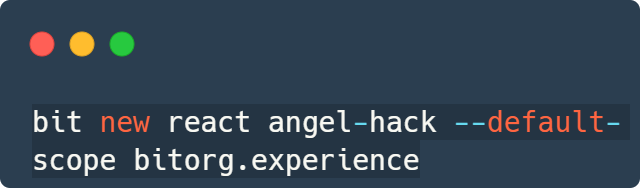
Starting with
List templates
Create new components
Starting with
Starting with
Starting Bit Locally
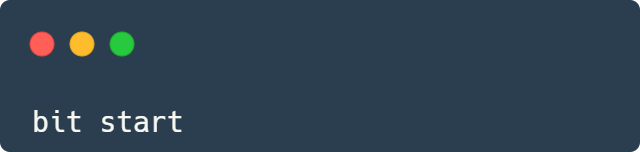

What we learned
Create our own workspace
Create components
Create local and remote scopes in bit.cloud
visualize the dependencies
Create our CI/CD
Thank you
and happy coding!

Questions