Integrating Auth0 with Angular



Seiji Villafranca
github.com/SeijiV13


Technical Lead, Frontier Software Asia Philippines
Trainer, RakSquad
Auth0 Ambassador
Community Lead, AngularPH,
seijivillafranca.com
Talks
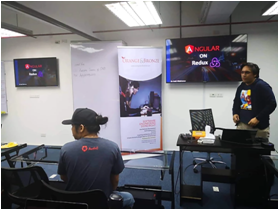









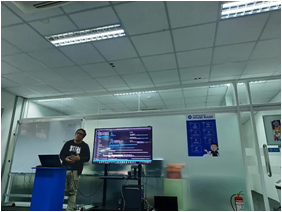

Configuring your own OIDC
Own Encryption
SSO
More security features…..
=

What is Auth0?

Add authentication and authorization services to your applications
A one stop shop for integrating SSO and multiple factor authentication
Provides the following services
Universal Login for your multiple apps (OIDC Concept)
Single Sign-on (SSO) capability
Anomaly Detection
Multi-Factor Authentication (MFA)
How Auth0 works?
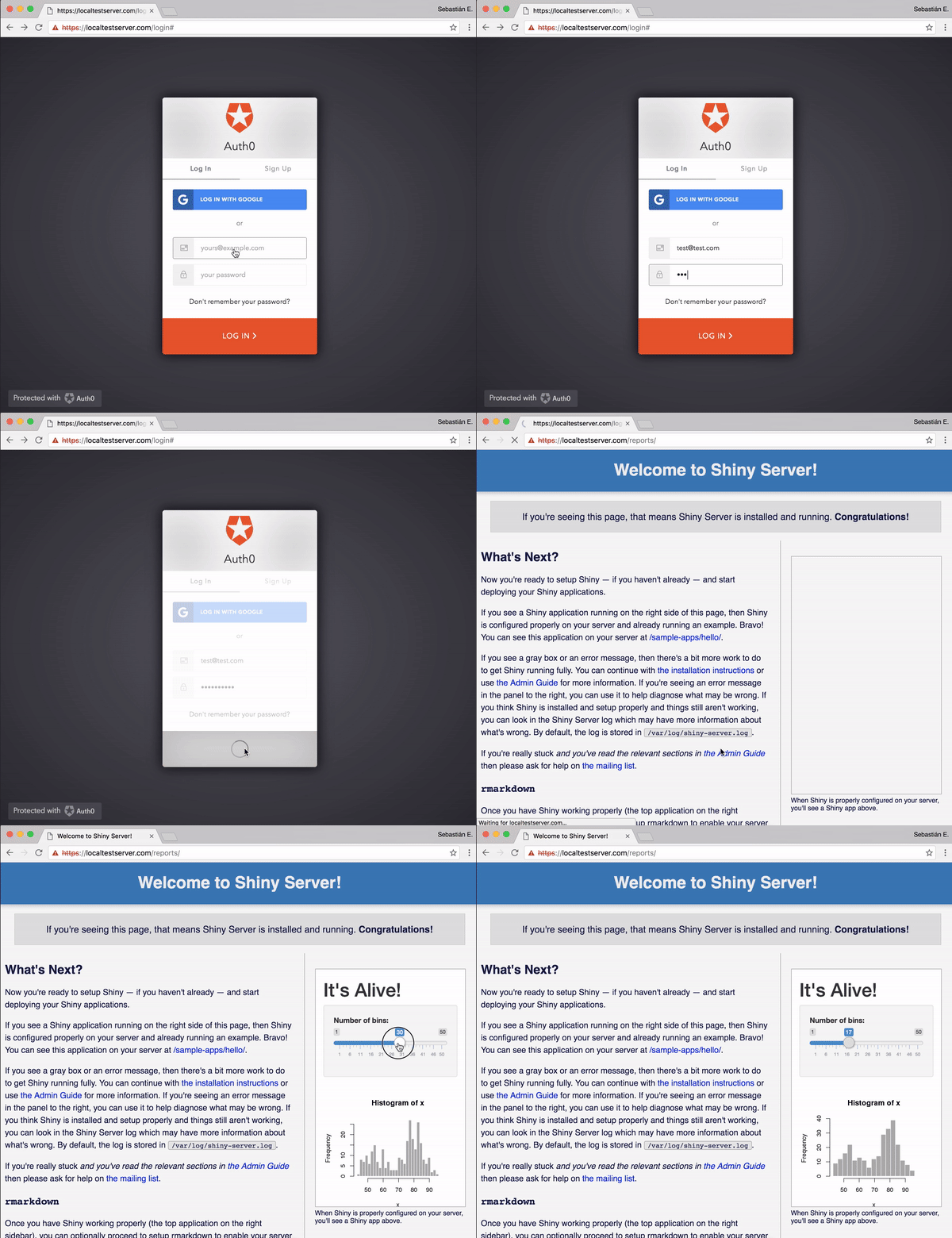
Auth0 applies the concept of OpenID Connect (OIDC) which provides an identity layer that will be executed by an authorization server.
The identity layer is simply the login page which collects credentials from the user to validate if the access is valid.
if valid it will return on the application with a valid JSON Web Token (JWT) with the user information.
this token can be used on APIs to protect each endpoints from unauthorized access

Deep dive in the flow



No token calls auth server
valid token and user info
user info
Redirects to universal login
Send user credentials
query
Start the Setup!
So what do we need to do first?
Let us create our account on the following link https://auth0.com/signup
We can use our github, google or microsoft account for faster creation of our auth0 account.

Auth0 will ask the name of your tenant
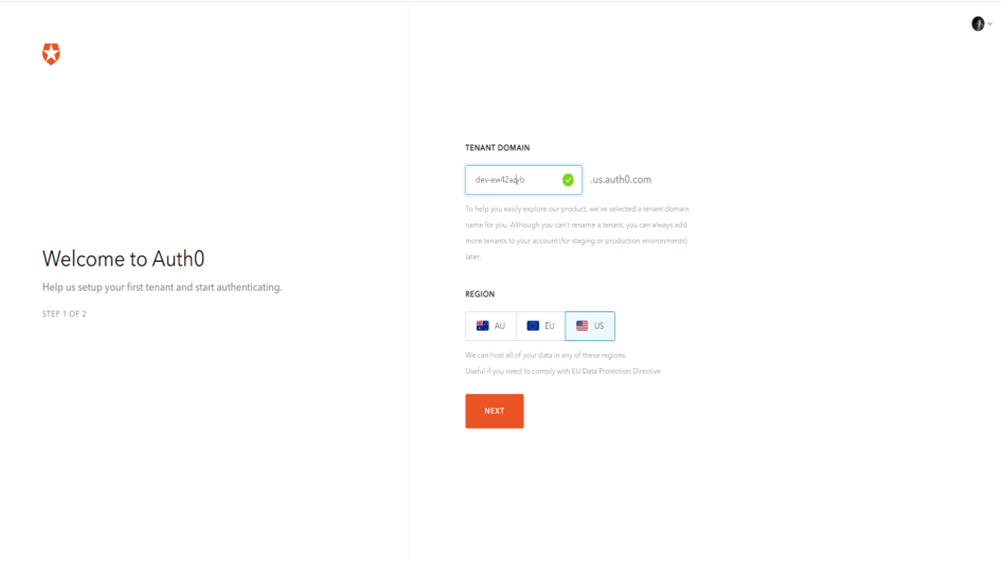

It will ask what account type to be used.
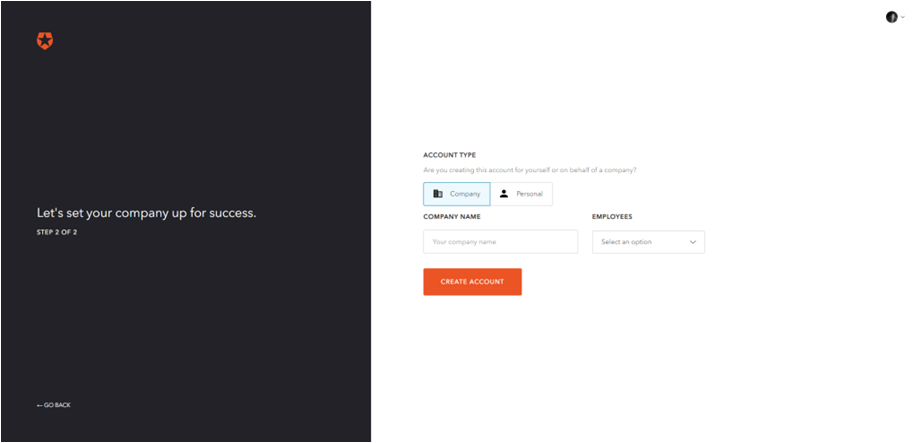
And now we are all set on Auth0
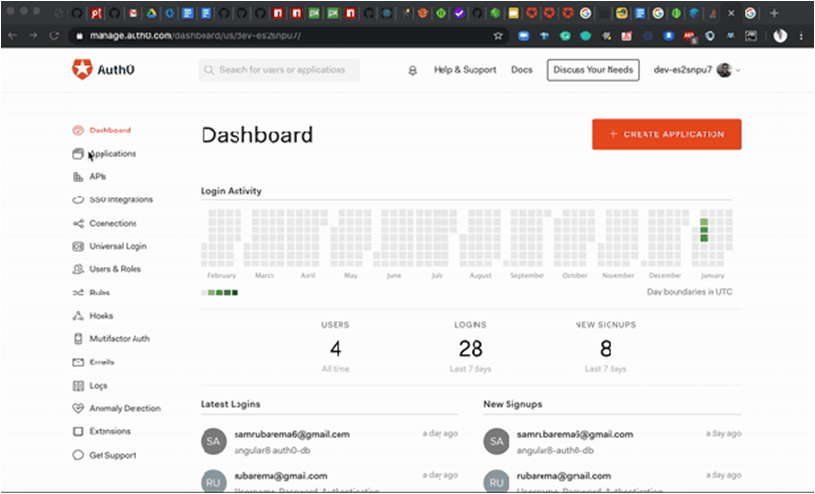
Create an application on Auth0 Dashboard
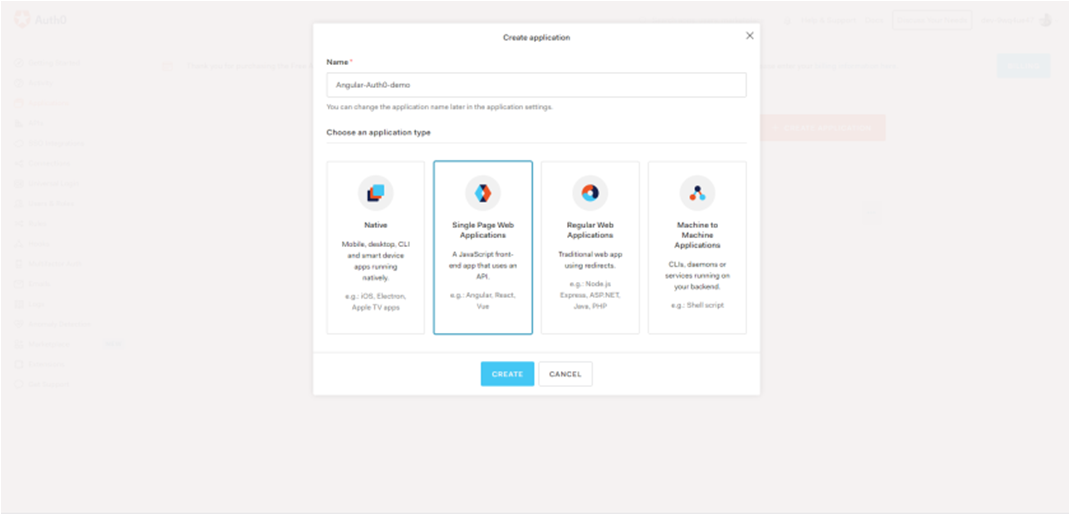
Select Single Web Applications (SPA)
Choose Angular for your technology to see an example integration
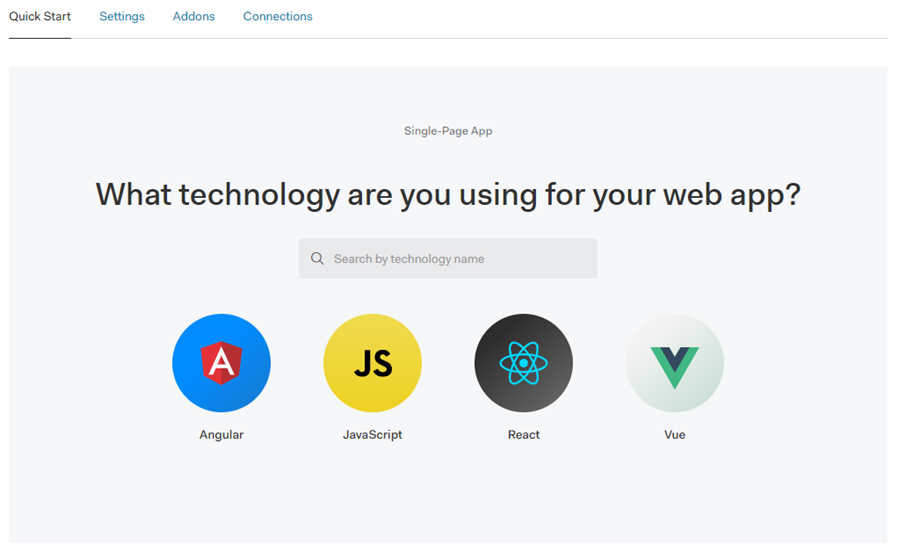
Connecting Angular to Auth0

import { AuthModule } from '@auth0/auth0-angular';


AuthModule.forRoot
(
    {
      domain: ‘app domain',
      clientId: ‘app_client_id’
     }
)
Import the module from the SDK
Install Auth0 on your app
npm install @auth0/auth0-angular

Other Features for Auth0
Useful features provided
Anomaly Detection
User and Roles
Activity Monitoring
That's all Happy Coding!
