Making a Discord Bot
(Deprecated)
v0.46 - by 晴☆
Slides.com
就是你現在正在看的簡報網站,按 吧


使用方法
右下角的箭頭可以換頁,但簡報頁面的排列方式不是網格狀的,而是像很多串投影片,而它會記住使用者在每一串投影片的垂直位置(預設是最上方),所以先往下滑到底看完一個章節,再往右滑至另一個章節吧!
Title A
Title B
Title C
Title D
A1
B1
C1
D1
A2
C2
為什麼要用
- 線上方便共用
- 編輯介面簡單
- 支援數學嵌入
- 支援程式嵌入
- 很容易分章節
- 看起來就很酷

小提示:
-
也可以用鍵盤的方向鍵換頁
-
按 [Esc] 可以看縮圖
-
回到標題頁可以重置簡報順序
前情提要
Discord 介紹、做機器人的原因與選擇程式語言

什麼是 Discord ?
一個通訊 / 社群軟體,可以建立伺服器與朋友聊天、互動
特色:
- 在一個伺服器中,有很多頻道,可以用來分類不同主題的對話
- 可以分派「身分組 (Roles) 」,給予別人不同的權限
- 有機器人,機器人可以建立「指令」,從後台接收、回應等等

因為使用 Discord 可以很方便地分享程式碼,建北電資主要就是在 Discord 活動
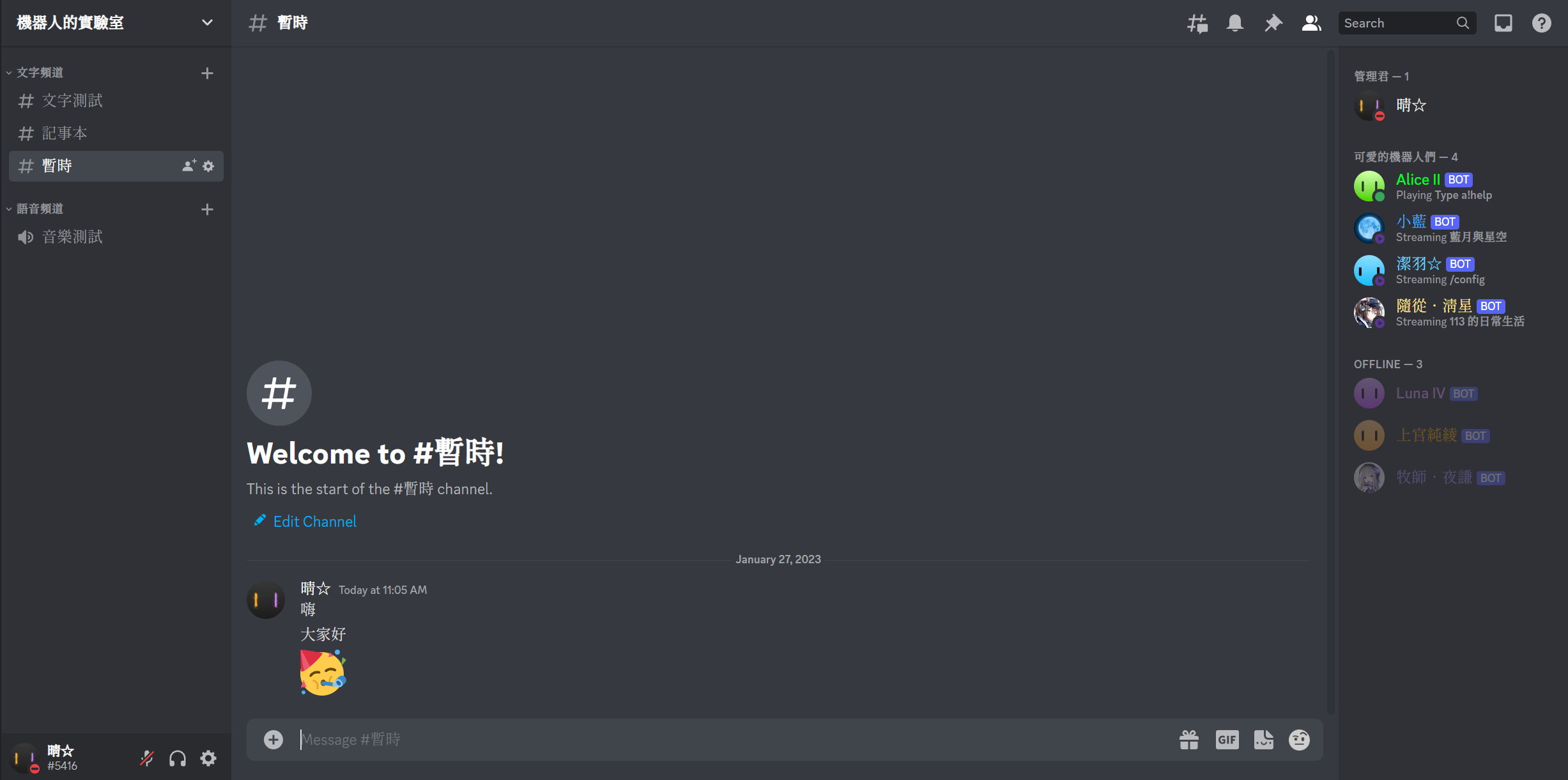
伺服器
頻道
|
|
聊天內容
|
|
這是我
為什麼要做機器人
- 跟同學聊天時,覺得 Discord 缺少某些功能,可以用機器人做
- 看到別人做的機器人,很酷,我也想試試看
- 順便學習寫程式
- 看起來很帥
機器人
什麼是機器人呢?
我懶得做簡報了怎麼辦
想學的來找我啦
選擇程式語言


以 Python 開發的「Discord.py」
以 Node.js 開發的「Discord.js」
有兩種可以選,但因為我已經會寫 Python 了,所以寫的是 Node.js 的版本
成果
完成的功能與結果

更新
經過幾個月的嘗試,我做了很多隻機器人
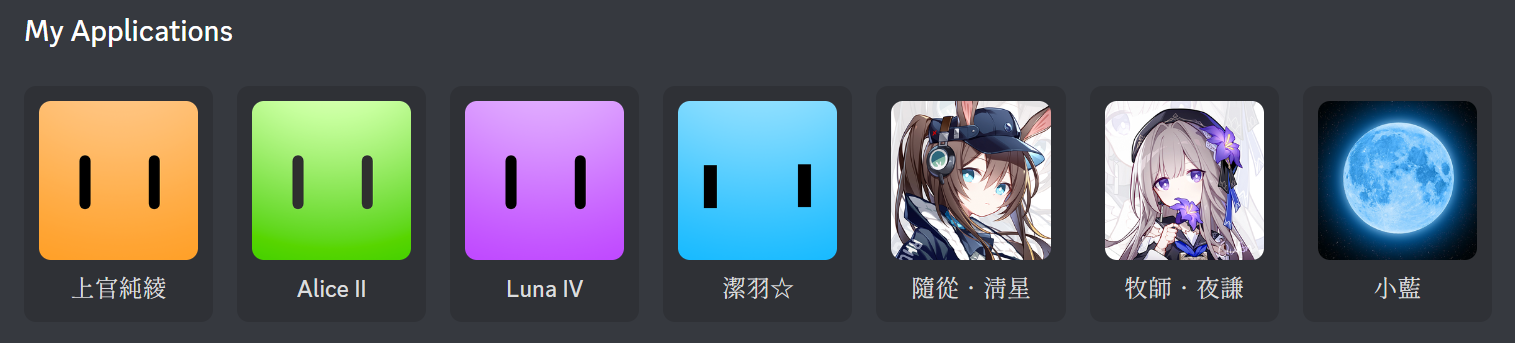
每隻有不同的功能,等等會逐一介紹
(除了 Alice II 和牧師.夜謙外,它們是代理運行的,並非我的作品)
註:清星 & 夜謙的頭貼轉載自 QuAn_ 的作品,來源:Pixiv
上官純綾
生活幫手 / 搞笑機器人
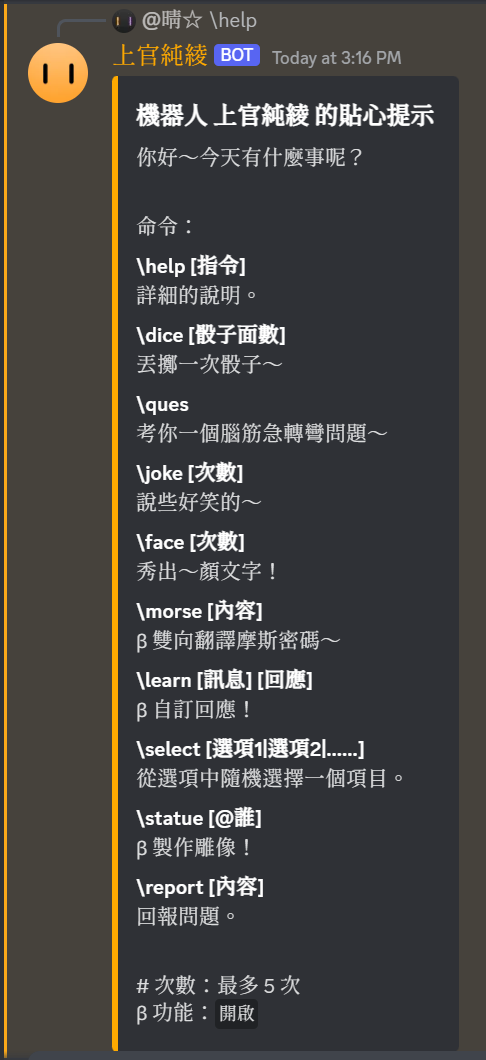
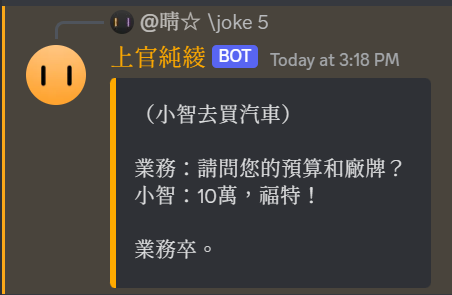
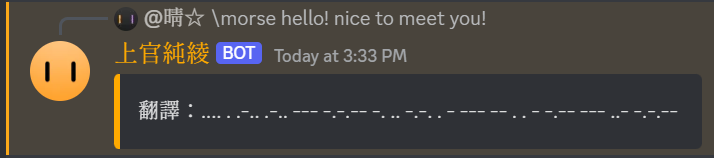
特色功能 - 摩斯密碼翻譯:
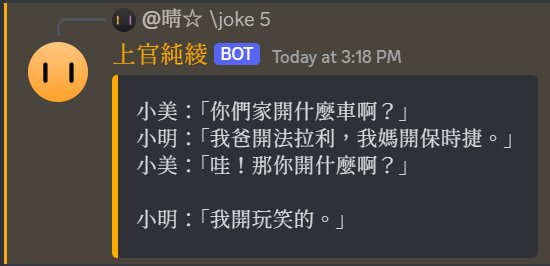
特色功能 - 笑話:
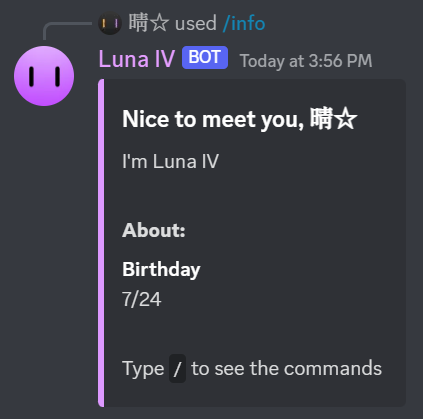
Luna IV
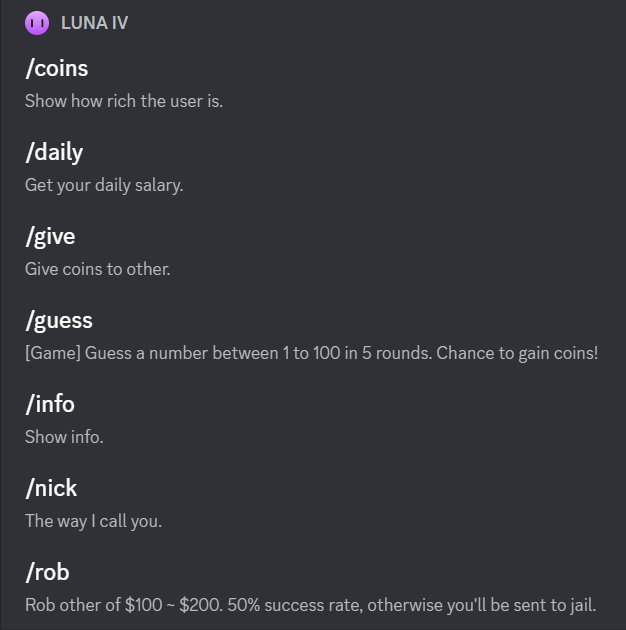
虛擬金融系統機器人
特色功能 - 猜數字遊戲:
特色功能 - 每日簽到:



潔羽☆
身分組發放系統機器人
特色功能 - 身分組發放 / 領取按鈕:
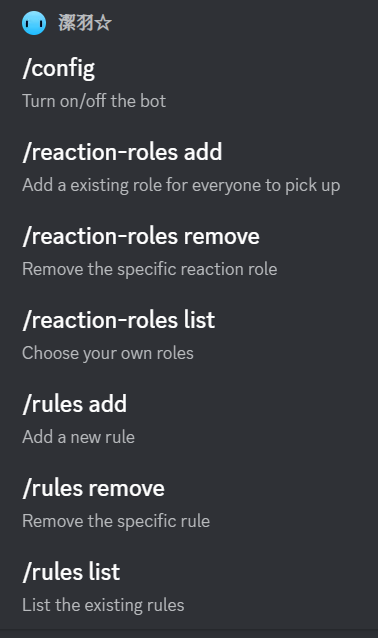

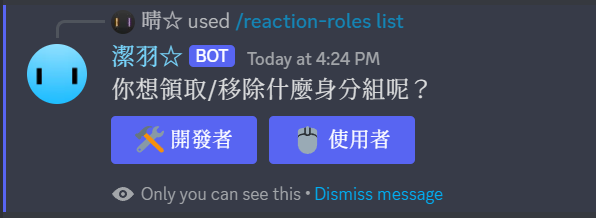
(按了按鈕以後)
隨從.清星
輔助機器人
特色功能 - 預定時間提醒:
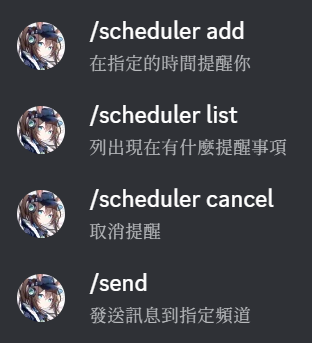


開始寫程式
Node Modules、Client Setup

Node.js
我研究了一下 Node.js,覺得它很像 JavaScript 版本的 Python:
-
有很多模組包
-
在終端機運行
-
使用 JavaScript 編寫
註:JavaScript 的基本語法可以參考這篇文章
Npm
Node.js 所可以使用 Npm 來裝模組:
我需要使用的模板是「Discord.js」,於是安裝它:
> npm install discord.js這時資料夾中會出現 node_modules 資料夾、package.json & package_lock.json
node_modules 是模組包所需的檔案
package.json & package_lock.json 是列出安裝的模組們
> npm install <package name>
> npm uninstall <package name>
建立機器人
從 Discord Developer Portal 按 New Application 新增一個應用程式

按 Add Bot 新增一隻機器人
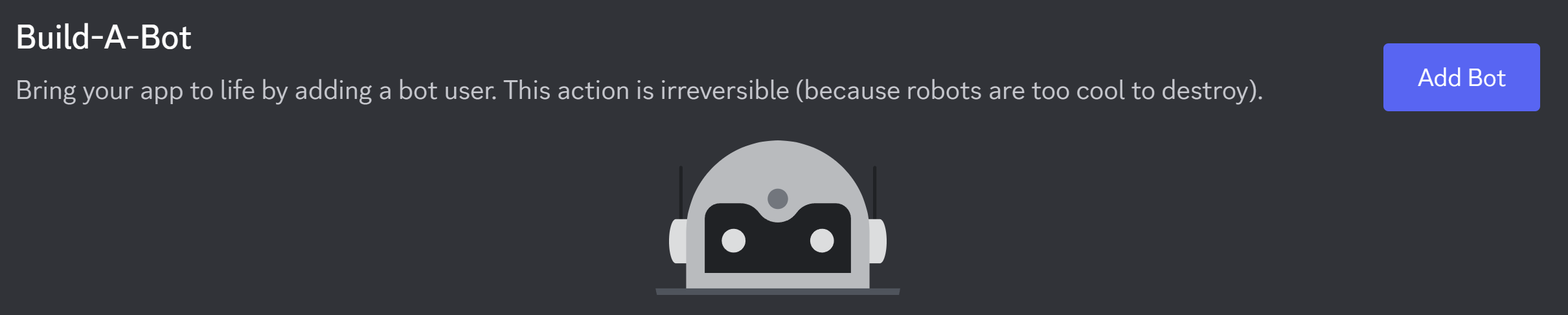
記得幫機器人新增個人資料!
重設它的 Token 然後複製,機器人的 Token 是超級機密,得收好
設定機器人
開啟訊息和成員讀取目的


儲存 Token
機器人得靠 Token 登入,所以程式碼中會需要 Token
root
- token.json
- main.js
新增兩個檔案:
在 token.json 中貼上 Token:
{
	token: "................................."
}
基礎程式
這樣就可以了,執行看看:
// 從 Node Modules 中的 Discord.js 模組讀取必要的東西
const { Client, GatewayIntentBits } = require('discord.js');
// 讀取之前存的機器人 token
const { token } = require('./config.json');

// client 是一個虛擬使用者,目的是「Guild (伺服器)」
const client = new Client({ intents: [GatewayIntentBits.Guilds] });

// 以機器人的 token 登入
client.login(token);

// 機器人上線時的事件
client.on("ready", (client) => {
	console.log(`已將 ${client.use.tag} 從沉睡中喚醒`);
});
> node .\main.js
已將 小藍#0740 從沉睡中喚醒
█事件
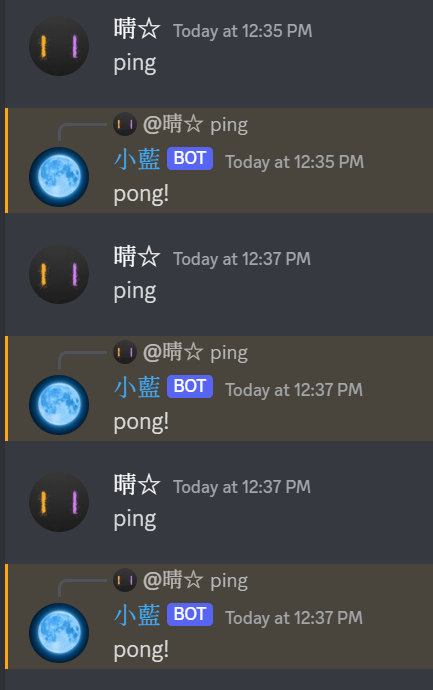
收到訊息會有事件,可以做出回應:
client.on("messageCreate", (message) => {
    if (message.content == "ping")
        message.reply("pong!");
});
收不到事件,因為 intents 太少,改成:
const {
    Client,
    GatewayIntentBits,
    Partials
} = require("discord.js");

const client = new Client({
    intents: [
        GatewayIntentBits.Guilds,
        GatewayIntentBits.GuildMessages,
        GatewayIntentBits.MessageContent
    ],
    partials: [
        Partials.Message,
        Partials.Channel
    ],
});
斜線命令
Discord 有內建的交互 Interaction 系統
機器人可以建立指令
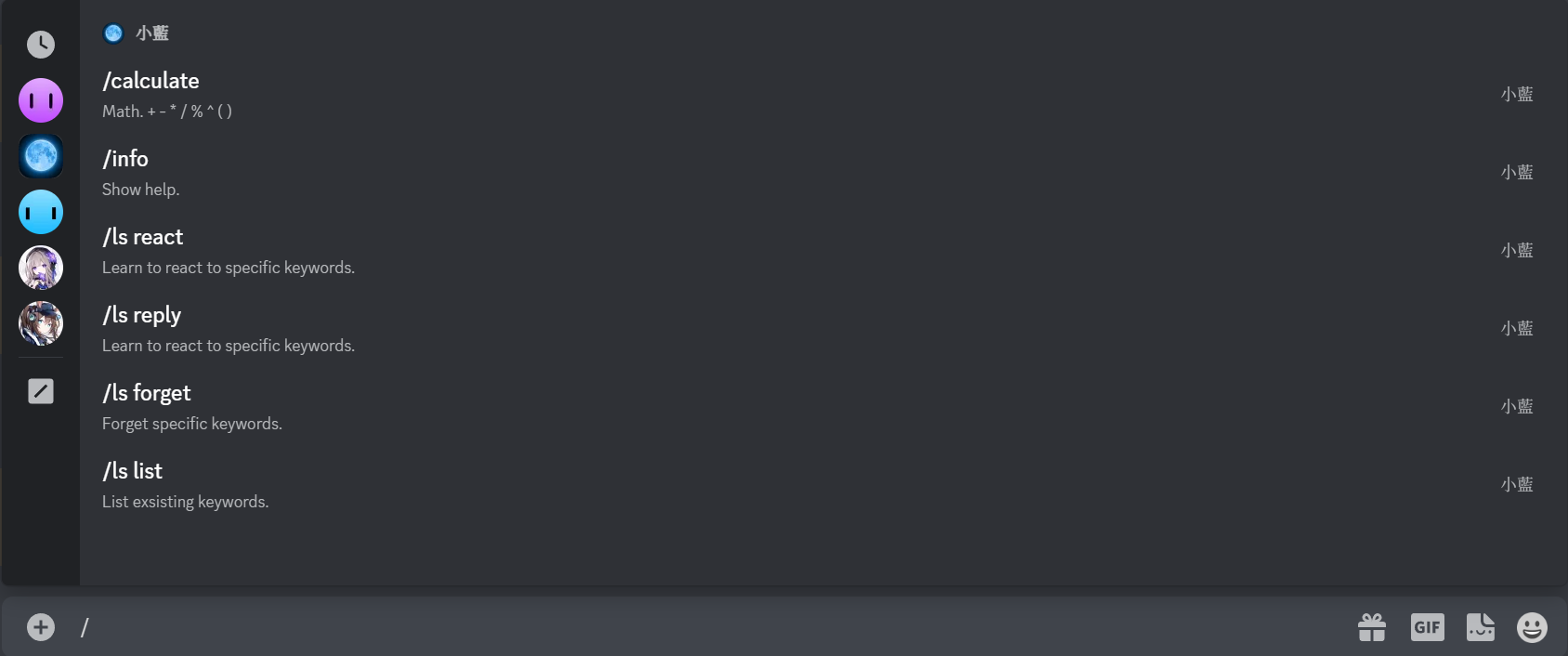
註冊命令
reload_slash_command.js
const { REST, SlashCommandBuilder, Routes } = require('discord.js');
const { token } = require("./token.json");

const commands = [
    new SlashCommandBuilder()
        .setName("ping")
        .setDescription("Reply pong.")
];

const rest = new REST({ version: "10" }).setToken(token);

(async () => {
    try {
        console.log("Started refreshing application (/) commands.");

        await rest.put(Routes.applicationCommands("YOUR CLIENT ID HERE"), { body: commands });

        console.log("Successfully reloaded application (/) commands.");
    } catch (error) {
        console.error(error);
    }
})();
Client ID
剛才的程式碼中 "YOUR CLIENT ID HERE" 是機器人用戶的 ID
在 Discord 中,每個使用者都有自己的 ID,怎麼看呢?
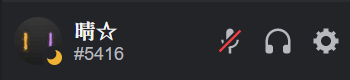
到使用者設定
找到「進階」中的「開發者模式」並打開

複製 ID
找到你的機器人,按右鍵
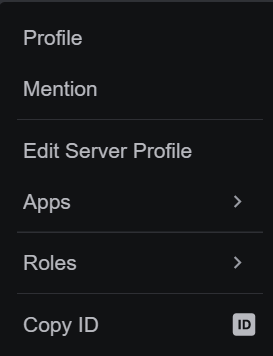
就可以複製 ID 了
測試一下
如果成功的話,斜線命令會長這樣:
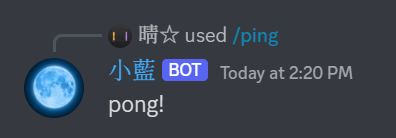
基礎都建好了,可以正式開始實作功能了!
計畫
想一下要做什麼功能
啊
喔
還沒結束
之後再繼續做囉!