Build cross platform desktop apps
with JavaScript, HTML, and CSS
What is Electron?
ElectronJS helps us develop cross-platform applications by using existing web technologies. You don't need specific skills, for most cases, to develop apps with Electron. If you have basic in web developer, then you should have easy way to learn electron
Electron History
Open sourced
May 2014
Project begins
January 2013
Named Electron
April 2015
Electron Facts
No native skills

Profiling and debugging IS ALWAYS AVAILIBLE

Three platforms

Windows, Mac OS X, Linux











Yoman
Wordpress
Wagon
Screencat
Gitbook
Slack
Visual Studio Code
Atom
GitKraken
Postman
Caret

{
  main: "main.js"
}
$ npm install electron-prebuilt
$ electron .

package.json
main.js
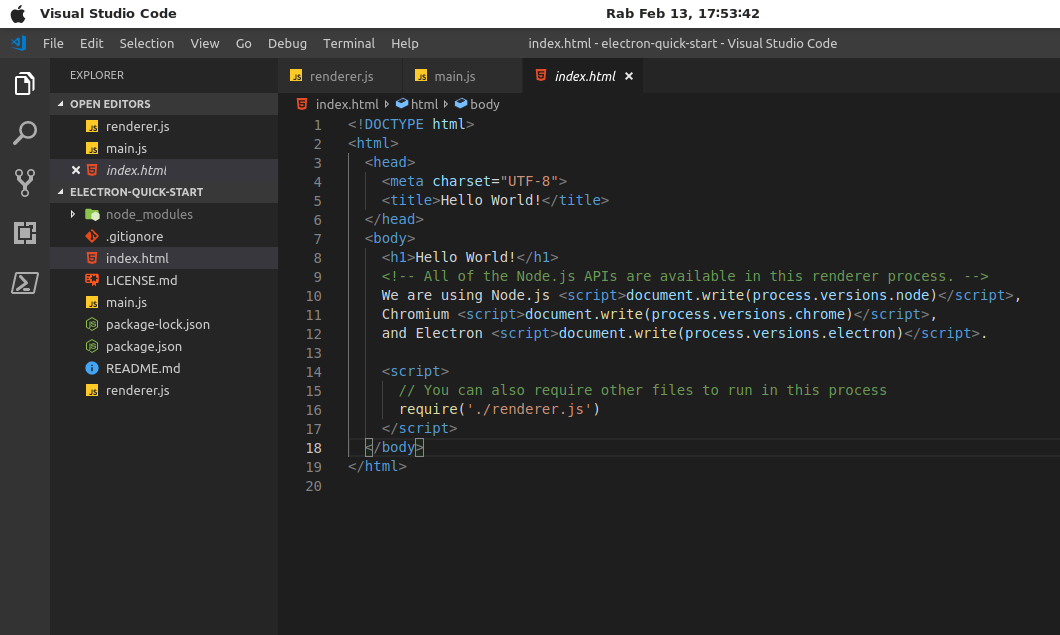
index.html
const {app, BrowserWindow} = require('electron')

let mainWindow = null;

app.on('ready', () => {
    mainWindow = new BrowserWindow({ width: 500, height: 400 });
    mainWindow.loadURL('file://' + __dirname + '/index.html');
});
main.js
index.html
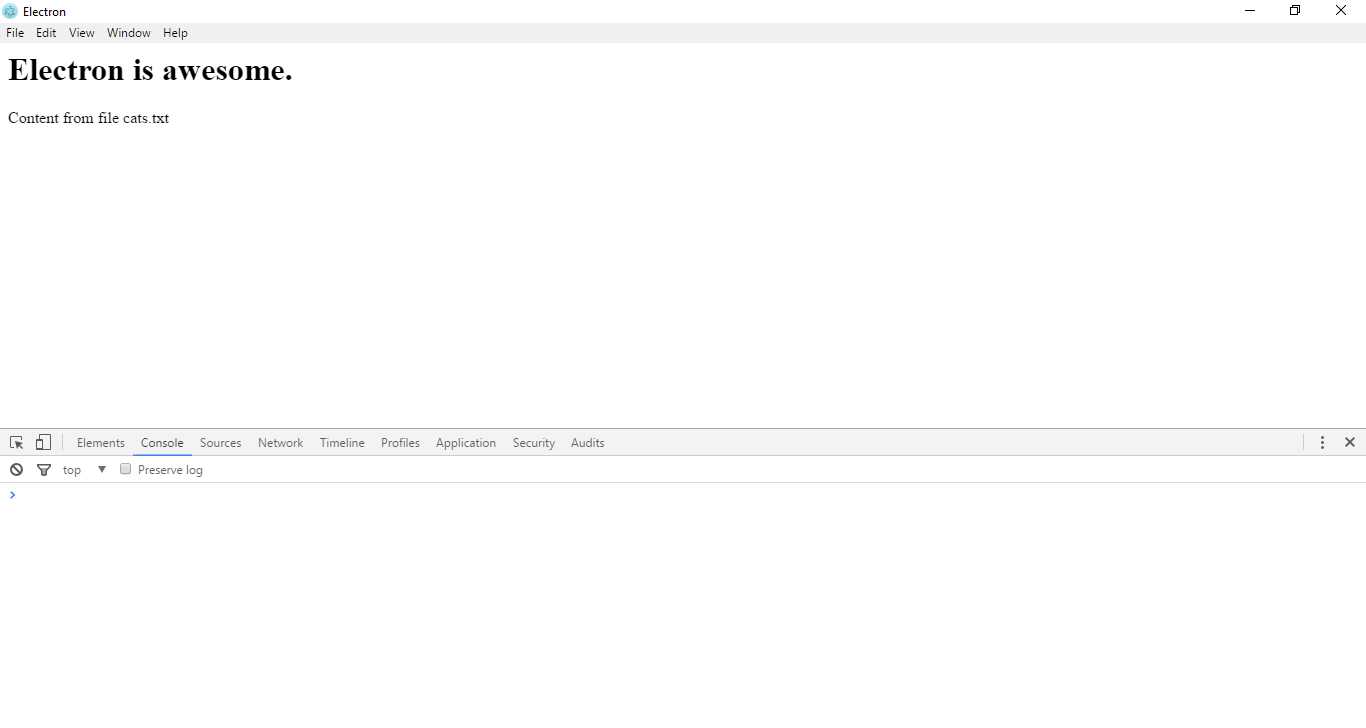
<html>
    <head>
        <script>
            window.onload = () => {
                const fs = require('fs');
                const p = document.createElement('p');
                p.textContent = fs.readFileSync('cats.txt');
                document.body.appendChild(p);
            }
        </script>
    </head>
    <body>
        <h1>Electron is awesome.</h1>
    </body>
</html>
pROJECT INIT
Index.html
Security checklist
Only display secure (https) content
Disable the Node integration in all renderers that display remote content
Do not disable webSecurity. Disabling it will disable the same-origin policy.
Override and disable eval.
Do not use insertCSS or executeJavaScript with remote CSS/JS.
ELECTRON ROADMAP
Documentation, App Store, Windows 10 API support, Community, Dev tools
questions ?