MULTIPLATFORM APP DEVELOPMENT
with Fabulous, Xamarin, and F#
Gregor Fernbach
WF-ENG, IMA16
FH | JOANNEUM
Fabulous Xamarin F#
First Things First
- Go to https://github.com/sweiland/WF-ENG_Fabulous-App
- Click on "Releases"
- Download .zip file from the blank tag
- unzip and copy only the TicTacToe folder to your workspace
- Open VS17
- Click on "File -> Open -> Solution". Navigate to your TicTacToe folder and open
the . sln file
- is a F# community project
- Based on Elmish (Elm architecture ported to F#)
- Model-View-Update-architecture
model-View-update
- Model: Contains application state & data
- View: Functions that generate HTML based on Model
- Update: Interacts with and transforms the Model
- Runtime: Ties everything together (wires up MVU)

Xamarin
- Code needs to be written only once
- Multiplatform Development (Android, iOS, Mac, etc.)
- For iOS we would need a Mac
- UI with Xamarin.Forms and XAML

Fabulous Abstraction
- F#-File gets abstracted to Elmish and Xamarin
- Elmish maps UI to Xamarin.Forms

Our project
TICTACTOE
The Structure
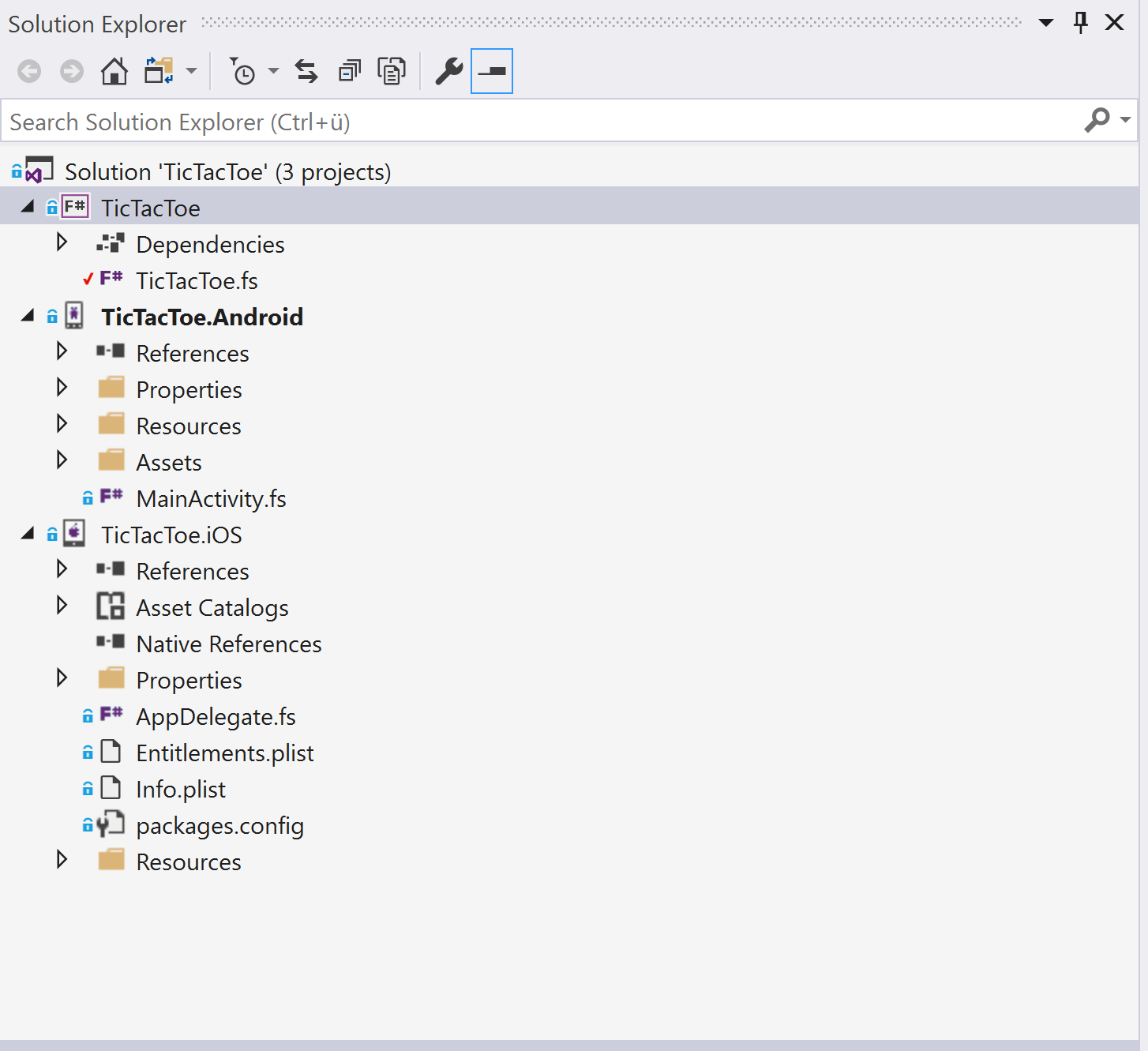
One F# .NET 2.0 Class Library
One F# Android project
One F# iOS project
Android emulator
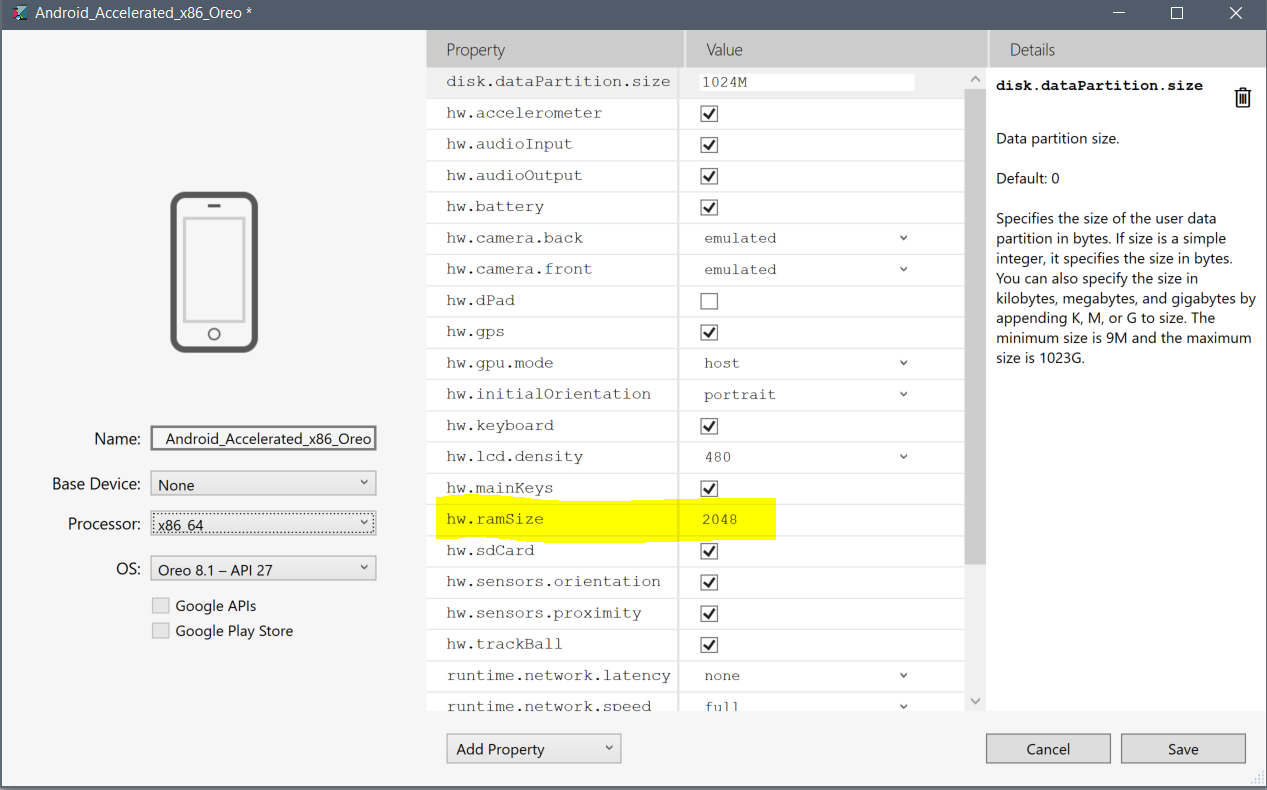
- Go to "Tools -> Android -> Android Device Manager"
- Select your Emulator and click on Edit
- change the value of hw.ramSize to at least 2048 MB
TicTacToe
The Model
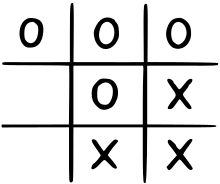
The Model 1/2
type Player =
| X
| O
member p.Swap = match p with X -> O | O -> X
member p.Name = match p with X -> "X" | Y -> "Y"
type GameCell =
| Empty
| Full of Player
member x.CanPlay = (x = Empty)
type GameResult =
|
| Win of Player
| Draw
The Model 2/2
type Pos = int * int
type Board = Map<Pos, GameCell>
type Row = GameCell list
type Model =
{/// Who is next to play
NextUp: Player
/// The state of play on the board
Board: Board
/// The state of play on the board
GameScore: (int * int)
VisualBoardSize: double option
}
TicTacToe
Init
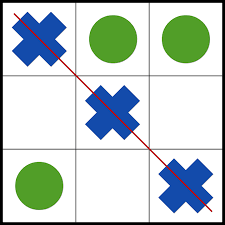
Init 1/2
let positions =
[ for x in 0 .. 2 do
for y in 0 .. 2 do
yield (x, y) ]
let initialBoard =
Map.ofList [ for p in positions -> p, Empty ]
let init () =
{ NextUp = X
Board = initialBoard
GameScore = (0,0)
VisualBoardSize = None }
Init 2/2
let lines =
[
// rows
for row in 0 .. 2 do yield [(row,0); (row,1); (row,2)]
// columns
for col in 0 .. 2 do yield [(0,col); (1,col); (2,col)]
// diagonals
yield [(0,0); (1,1); (2,2)]
yield [(0,2); (1,1); (2,0)]
]
TicTacToe
Determine Winner
Winner 1/2
let getLine (board: Board) line =
line |> List.map (fun p -> board.[p])
let getLineWinner line =
if line |> List.forall (function Full X -> true | _ -> false) then Some X
elif line |> List.forall (function Full O -> true | _ -> false) then Some O
else None
let anyMoreMoves m = m.Board |> Map.exists (fun _ c -> c = Empty)
Winner 2/2
let getGameResult model =
match lines |> Seq.tryPick (getLine model.Board >> getLineWinner) with
| Some p -> Win p
| _ ->
if anyMoreMoves model then StillPlaying
else Draw
TicTacToe
Update
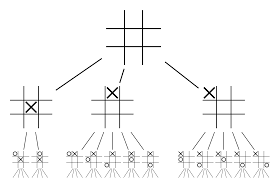
Update 1/2
type Msg =
| Play of Pos
| Restart
| SetVisualBoardSize of double
let getMessage model =
match getGameResult model with
| StillPlaying -> sprintf "%s's turn" model.NextUp.Name
| Win p -> sprintf "%s wins!" p.Name
| Draw -> "It is a draw!"
Update 2/3
let update gameOver msg model =
let newModel =
match msg with
| Play pos ->
{ model with Board = model.Board.Add(pos, Full model.NextUp)
NextUp = model.NextUp.Swap }
| Restart ->
{ model with NextUp = X; Board = initialBoard }
| SetVisualBoardSize size ->
{ model with VisualBoardSize = Some size }
// Make an announcement in the middle of the game.
let result = getGameResult newModel
if result <> StillPlaying then
gameOver (getMessage newModel)
let newModel2 =
let (x,y) = newModel.GameScore
match result with
| Win p -> { newModel with GameScore = (if p = X then (x+1, y) else (x, y+1)) }
| _ -> newModel
// Return the new model.
newModel2
Update the existing update function
Update 3/3
let canPlay model cell = (cell = Empty) && (getGameResult model = StillPlaying)
TicTactoe
The View
View 1/3
let imageForPos cell =
match cell with
| Full X -> "icon"
| Full O -> "Nought"
| Empty -> ""
let uiText (row,col) = sprintf "%d%d" row col
View.NavigationPage(barBackgroundColor = Color.LightBlue,
barTextColor = Color.Black,
pages=
[View.ContentPage(
View.Grid(rowdefs=[ "*"; "auto"; "auto" ],
children=[
View.Grid(rowdefs=[ "*"; 5.0; "*"; 5.0; "*" ], coldefs=[ "*"; 5.0; "*"; 5.0; "*" ],
children=[
yield View.BoxView(Color.Black).GridRow(1).GridColumnSpan(5)
yield View.BoxView(Color.Black).GridRow(3).GridColumnSpan(5)
yield View.BoxView(Color.Black).GridColumn(1).GridRowSpan(5)
yield View.BoxView(Color.Black).GridColumn(3).GridRowSpan(5)
for ((row,col) as pos) in positions ->
let item =
if canPlay
View.Button(command=(fun () -> dispatch (Play pos)), backgroundColor=Color.LightBlue)
else
View.Image(source=imageForPos model.Board.[pos], margin=10.0)
item.GridRow(row*2).GridColumn(col*2) ],
rowSpacing=0.0,
columnSpacing=0.0,
horizontalOptions=LayoutOptions.Center,
verticalOptions=LayoutOptions.Center,
?widthRequest = model.VisualBoardSize,
?heightRequest = model.VisualBoardSize).GridRow(0)
View.Label(text=getMessage model, margin=10.0, textColor=Color.Black,
horizontalOptions=LayoutOptions.Center,
verticalOptions=LayoutOptions.Center,
horizontalTextAlignment=TextAlignment.Center, verticalTextAlignment=TextAlignment.Center, fontSize="Large").GridRow(1)
View.Button(command=(fun () -> dispatch Restart), text="Restart game", backgroundColor=Color.LightBlue, textColor=Color.Black, fontSize="Large").GridRow(2)
]),
// This requests a square board based on the width we get allocated on the device
onSizeAllocated=(fun (width, height) ->
match model.VisualBoardSize with
| None ->
let sz = min width height - 80.0
dispatch (SetVisualBoardSize sz)
| Some _ ->
() ))])
Update the existing View function
View 3/3
let gameOver msg =
Application.Current.MainPage.DisplayAlert("Game over", msg, "OK") |> ignore