Deploy an Angular app on GKE

-
You got $300 credit which can be used for a 3 month period from the account creation. There is no restriction on the resources and the number of nodes for creating a cluster.
- Extras: you can add Istio and Try Cloud Run (Knative)
- Requirements: a Credit Card is required for signing up, but you will not be charged if your credit runs out.
- Link: https://cloud.google.com/free/

Before we start
Let's create a service account
That can :
- Interact with the GCP Artifactory/Registry
- Interact with Kubernetes Engine
Service Account
gcloud iam service-accounts create SA_NAME --description="DESCRIPTION" \
--display-name="DISPLAY_NAME"

gcloud iam service-accounts add-iam-policy-binding SA_NAME@PROJECT_ID.iam.gserviceaccount.com \
    --member="user:USER_EMAIL" \
    --role="roles/iam.serviceAccountUser"
The roles you should assign to this service account are:
- Cloud Storage Admin
- Kubernetes Admin
- Service Account User
Build & Push Docker image
First
Build the image
// M1 chip
docker buildx build --platform linux/amd64 -t eu.gcr.io/{NAME OF REPOSITORY}/{NAME OF THE IMAGE}:{VERSION} .

// Other chip
docker build -t eu.gcr.io/{NAME OF REPOSITORY}/{NAME OF THE IMAGE}:{VERSION} .
1) You can choose between several registries:
- gcr.io
- eu.gcr.io
- us.gcr.io
-
asia.gcr.io
2) Tag the image with its target path in Container Registry and the project ID

The image is created
Deploy the image

docker push eu.gcr.io/jmblog-f76d7/jmblog-front:1.0.0-beta
And the image is now available in the container Registry
Create & deploy in a cluster

Create a deployment

1- Choose Deploy
2- Select the container image & choose the region & the zone for your deployment
Create a deployment

3- Go to Workloads and you will see your deployment

You can see in details the 3 pods of the application running
But no exposing services, my application it's not accessible from outside
Expose a deployment
kubectl expose deployment jmablog --name=jmablog-service --type=LoadBalancer --port 80
/ --target-port 8080 -n jmablog
Expose the deployment "jmablog" with a LoadBalancer in the namespace "jmablog"

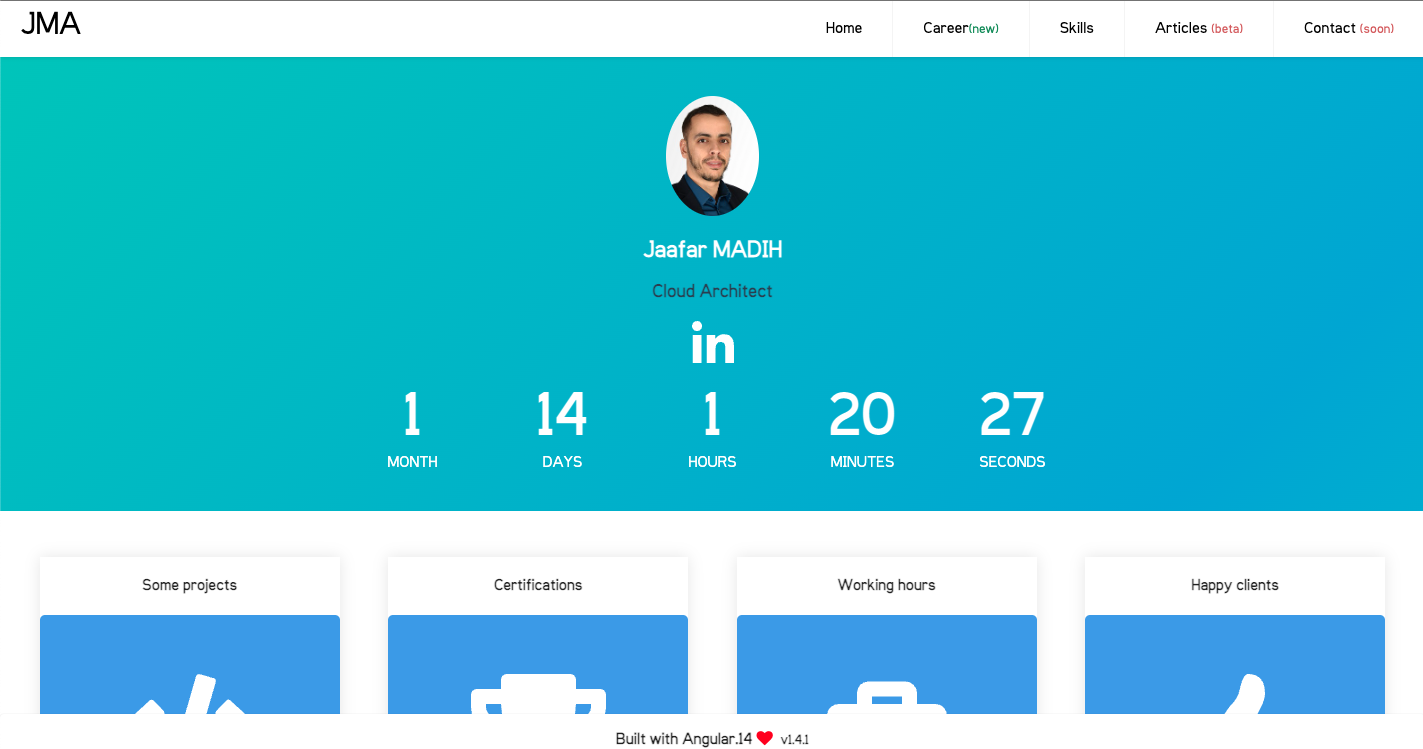
Now my application is accessible from an external IP Adress
CleanUp
gcloud container clusters delete --zone=europe-west9-c jmablog-cluster

gcloud container images delete eu.gcr.io/jmblog-f76d7/jmblog-front:1.0.0-beta
Or you can dot it from the GCP interface