publishing My first web page!
Very seriously presented by the

Techies Lab
Timeline for the workshop
- Welcome
- Recap from previous workshop
- Let's publish our web page
- What if we make changes?
- Customized domain name?
- Very serious coding: intro to JavaScript
- Let's play our visitors a trick
- Time to play: Code Combat
- Customize our website
How does a web Site work?

AN adDress
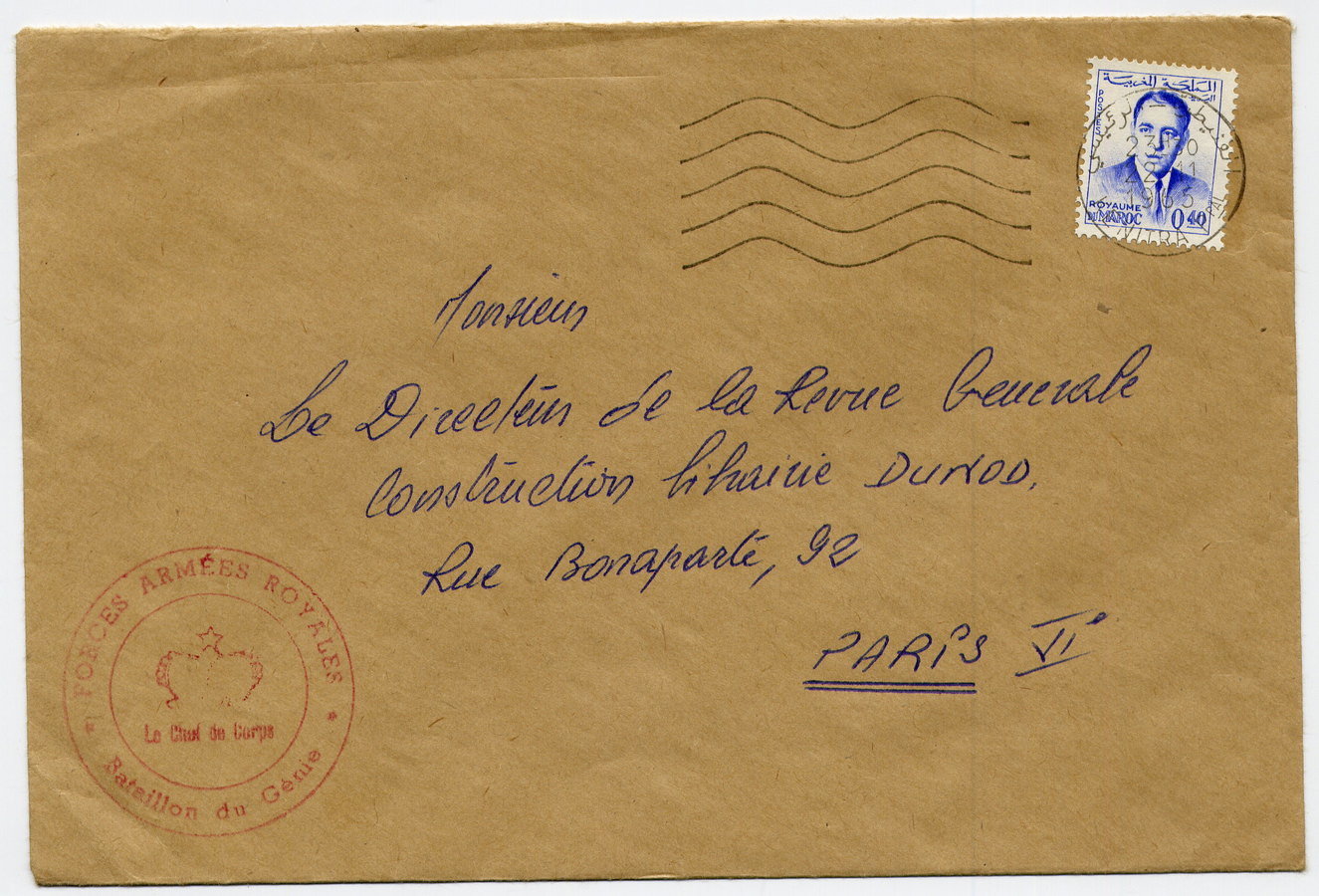

The message Is sent to...

A server


What is the server's response?

languages used to
communicate with the browser



content and structure
style and appearence
animations
http Request / http response
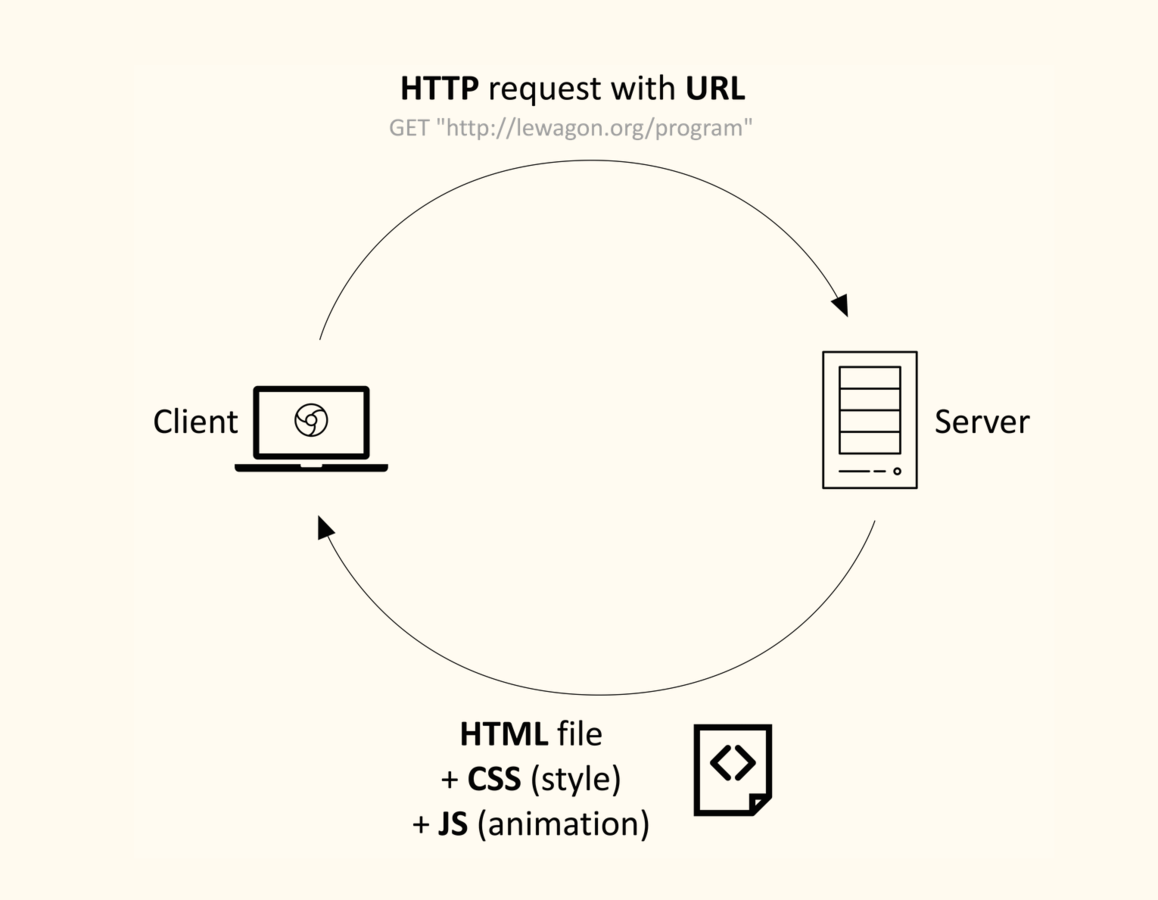
+ browser
who owns the Servers?
hosting companies

how to chose a
hosting company?

- Price
- Ads
- Available space for your website
- Number of visits per month
www.000webhost.com

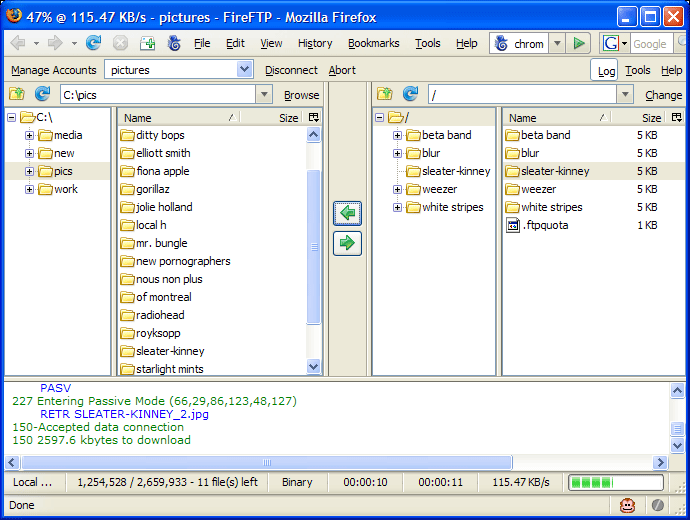
What if we update our web page?

READY FOR really aDvanced STUFF?
first steps in javascript
the disappearing button

In Sublime Text, right-click on the name of the folder
and add a new Javascript file named
animation.js
Let's link our javascript (JS) file to our HTML file
  <head>

    <title>Bob ze Cat</title>
    <meta charset="utf-8"/>
    <link rel="stylesheet" href="style.css">
    <script type="text/javascript" src="animation.js"></script>

  </head>
let's add a button
<button id="weirdbutton" onmouseover="hide()">CLICK ME</button>In our index.html file

function hide() {
    var button = document.getElementById('weirdbutton');
    button.style.display = 'none';
    setTimeout(function(){ button.style.display = 'initial';}, 1000);
}
let's add Some javascript

In our animation.js file
catch me!
online resources




Thank you!