React Native
Thomas Hopkins, CTO
Kai Faust, Designer


Working with
May 24, 2016
React Native is a library to build cross-platform native apps using JavaScript.


Facebook s

React
- Declarative
- Self-contained UI
components - Fast development cycles
React Native
- Speed
- Access to native features
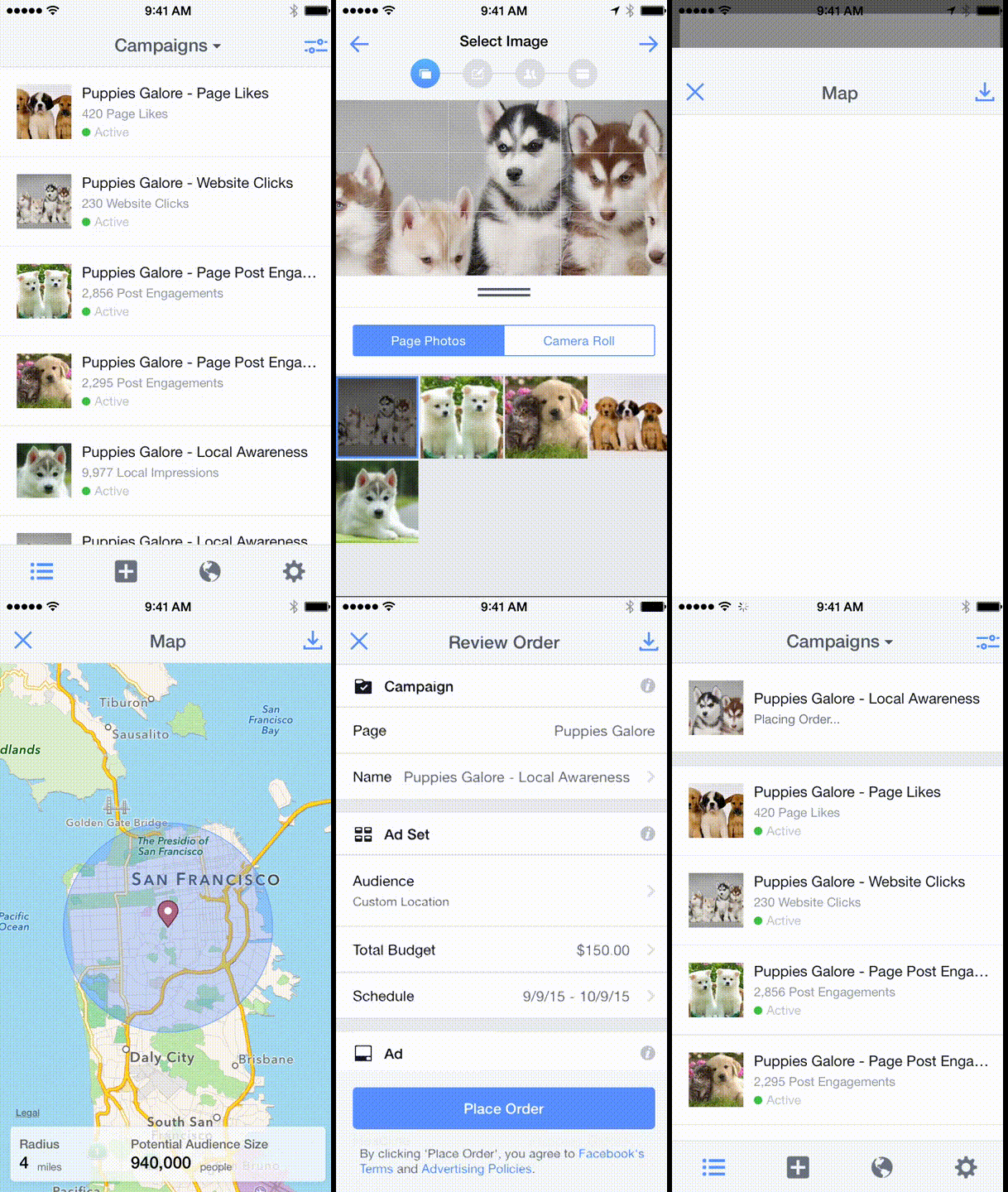
React Native
Styling/Layout
Flexbox
Native APIs
Web styles



Web styles
CSS as JS object literals
var styles = StyleSheet.create({
  container: {
    borderRadius: 4,
    borderWidth: 0.5,
    borderColor: '#d6d7da',
  },
  title: {
    fontSize: 19,
    fontWeight: 'bold',
  },
  activeTitle: {
    color: 'red',
  },
});
<View style={styles.container}>
<Text style={[
styles.title,
this.props.isActive && styles.activeTitle
]}>
This is a string.
</Text>
</View>Flexbox
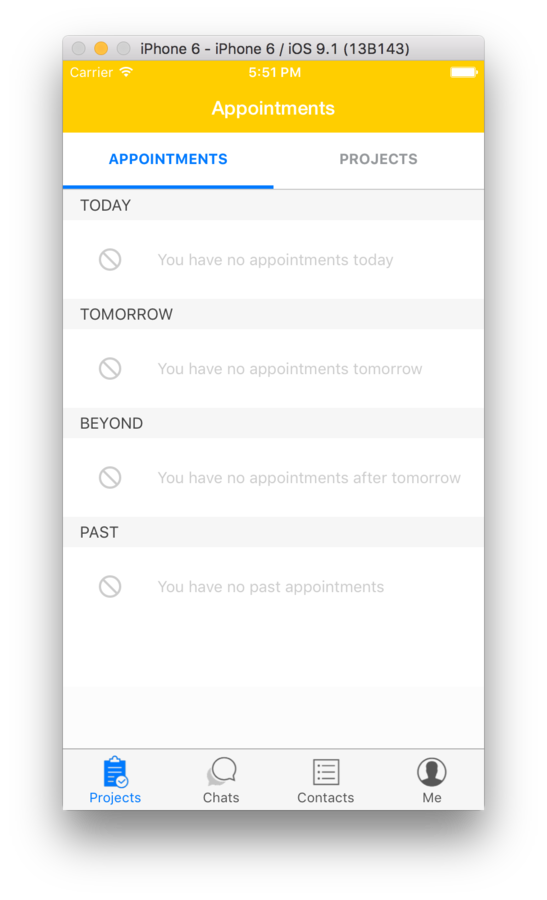
  render() {
    const tab_style = {
      height: 50,
      flex: 1,
      justifyContent: 'center',
      alignItems: 'center',
      borderBottomWidth: 3,
      borderColor: 'transparent',
    };
    const tab_text_style = {
      fontSize: 13,
      fontWeight: 'bold',
      color: '#95989b',
    };

    if (this.props.active) {
      Object.assign(tab_style, {
        borderColor: '#007aff',
      });
      Object.assign(tab_text_style, {
        color: '#007aff',
      });
    }
}
return (
    <TouchableHighlight
      onPress={this.pressHandler}
      underlayColor="#f8f8f8"
      style={tab_style}>
      <Text style={tab_text_style}>
        {this.props.children}
      </Text>
    </TouchableHighlight>
);
Native APIs
Dimensions API
Animation API
LayoutAnimation API
Gesture Responder System
and more!
const {device_height, device_width} = Dimensions.get('window');Learn once, write everywhere.

Environment
Android
- Java 6
- Java SDK 7
- Genymotion (recommended)
- Android Visual Studio (recommended)
iOS
- XCode
Command line tools
RN ships with CLI tools that make it easy to generate and maintain your apps.
# create a new boilerplate app
react-native init MyAwesomeApp

# run app in iOS simulator (with XCode)
react-native run-ios

# run app in Android simulator (ie, GenyMotion)
react-native run-android
Developer tools
Emulating a shake gesture, RN's developer tools menu appears.
As you can see, RN comes bundled with a lot of utility tools for the developers, making it easy to debug.
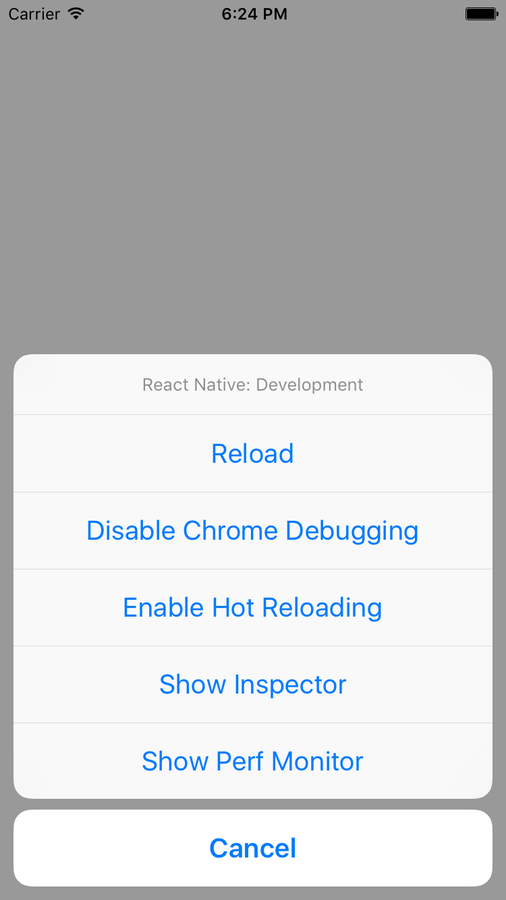
The packager
The packager is a really nice tool for debugging your app. When you are in development mode, RN starts a socket server on your localhost. This server does 2 things mainly:
- Create a dynamic bundle on the fly (using Babel) so you can refresh your app like in a web browser with no need to build
- Allow debugging from Chrome. You can do a `console.log`from your app and it will be displayed in your Chrome's developer console.
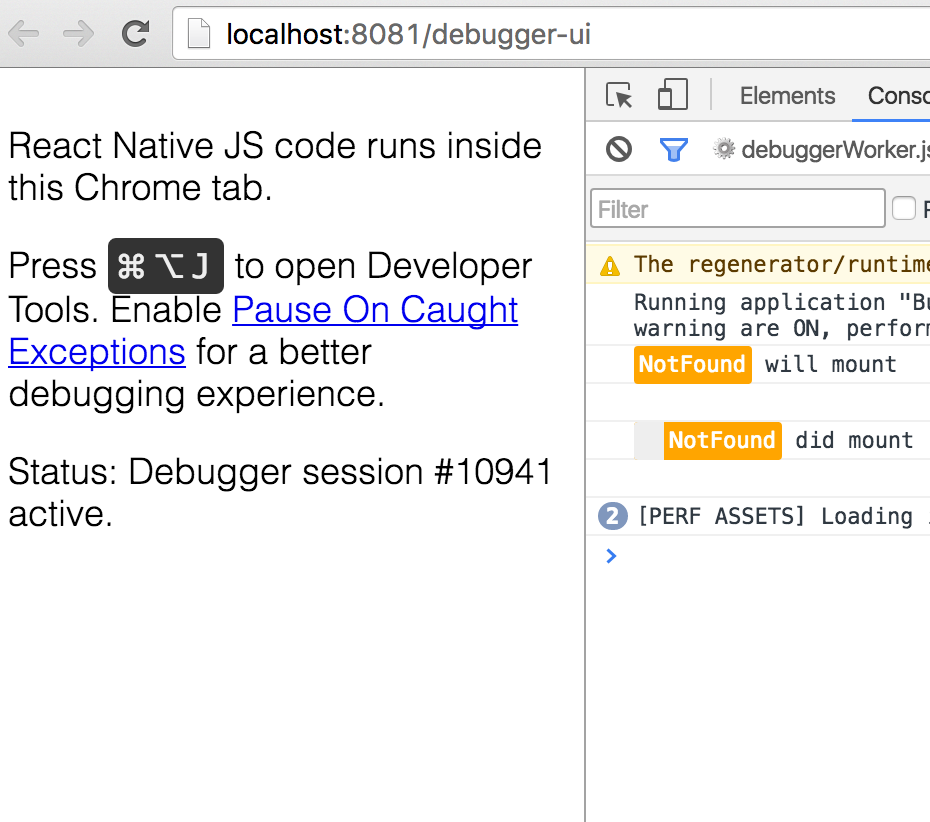
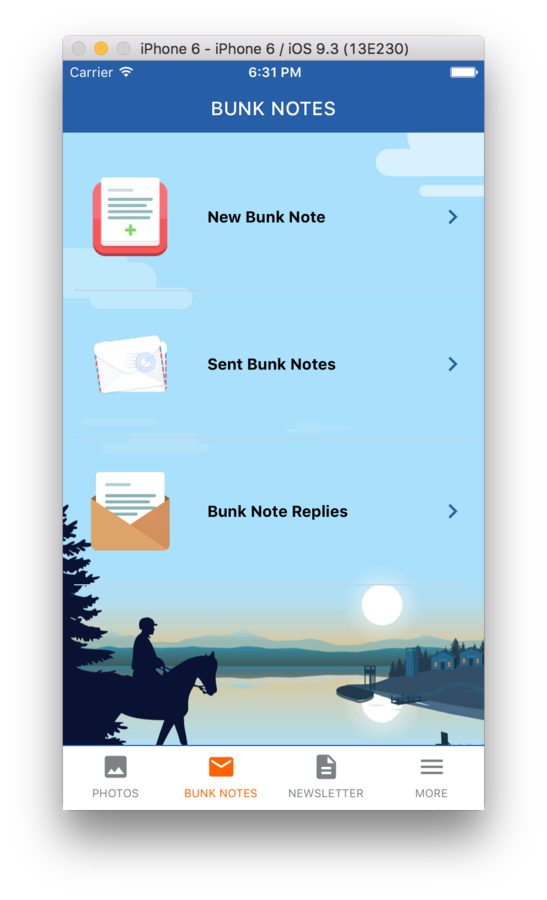
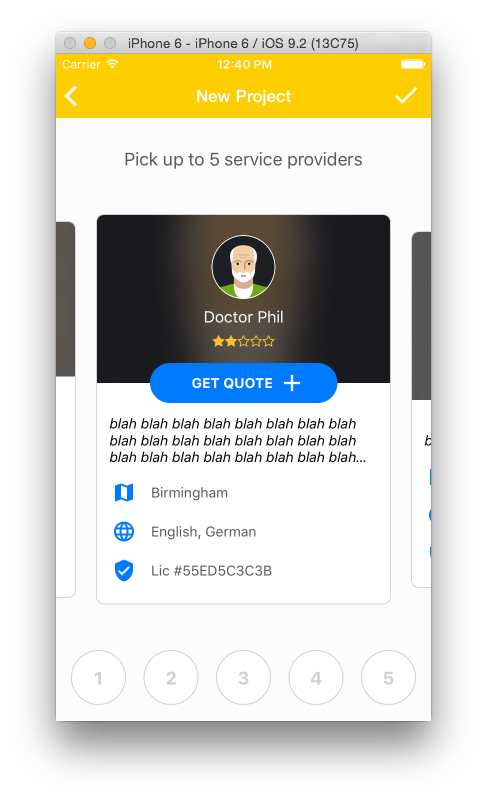
What We've Built With It
Gotchas...
Resources
Thank you!