TalkBack
VoiceOver
Accessibility
Process
Process
Accessible from the start
Plan for accessibility when designing & developing the solution.
Ideally accessbility shouldn’t require alot
Accessibility shoudn’t be something you need to custumize alot to get it right.
It should be abstracted away
We should strive to have accessibility abstracted away to reduce redundant work.
Process
Process
Navigating & debugging
Navigating & debugging
Activation and setup
Enabling and adjust the screen read with correct language settings is important.
Learn the gestures
Accessibility Inspector is debugging tool that allows you to check accessibility related information from elements.
Debugging when developing
Using accessibility requires basic knowledge of the gestures used for navigation.
Process
Navigating & debugging
Process
Navigating & debugging
Make accessible features
Make accessible features
Make accessible features
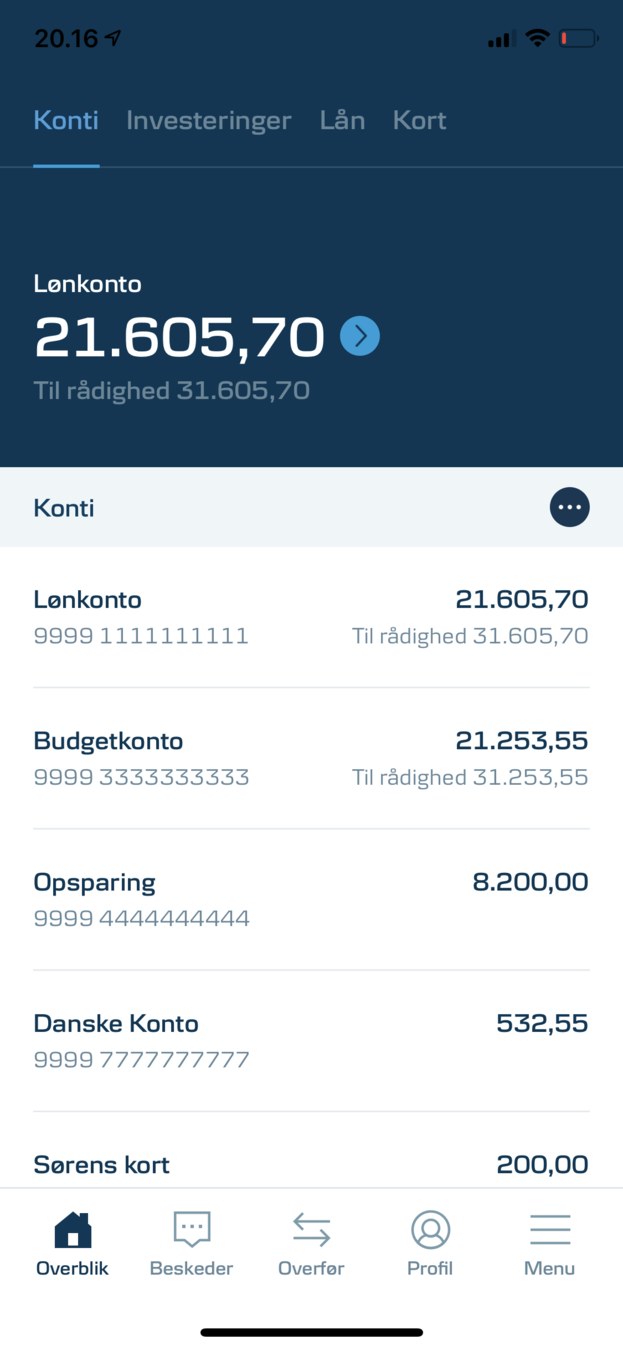
- Interactable element (accessbilityRole:button)
- Combined readout “Lønkonto 21.605,70 TIL rådighed 31.605,70. Button.
Make accessible features
Make accessible features
Make accessible features
- Interactable element (accessbilityRole:button)
- Combined readout “Lønkonto 21.605,70 9999 1111111111 til rådighed 31.605,70. Button".
- "9999 111111111" & "21.605,70" is both easy to understand with the context and composition of elements. However, with no visual composition these information can be difficult to understand. For that reason accessibility labels would be useful here.
Make accessible features
Make accessible features
Make accessible features
Make accessible features
Make accessible features
Make accessible features
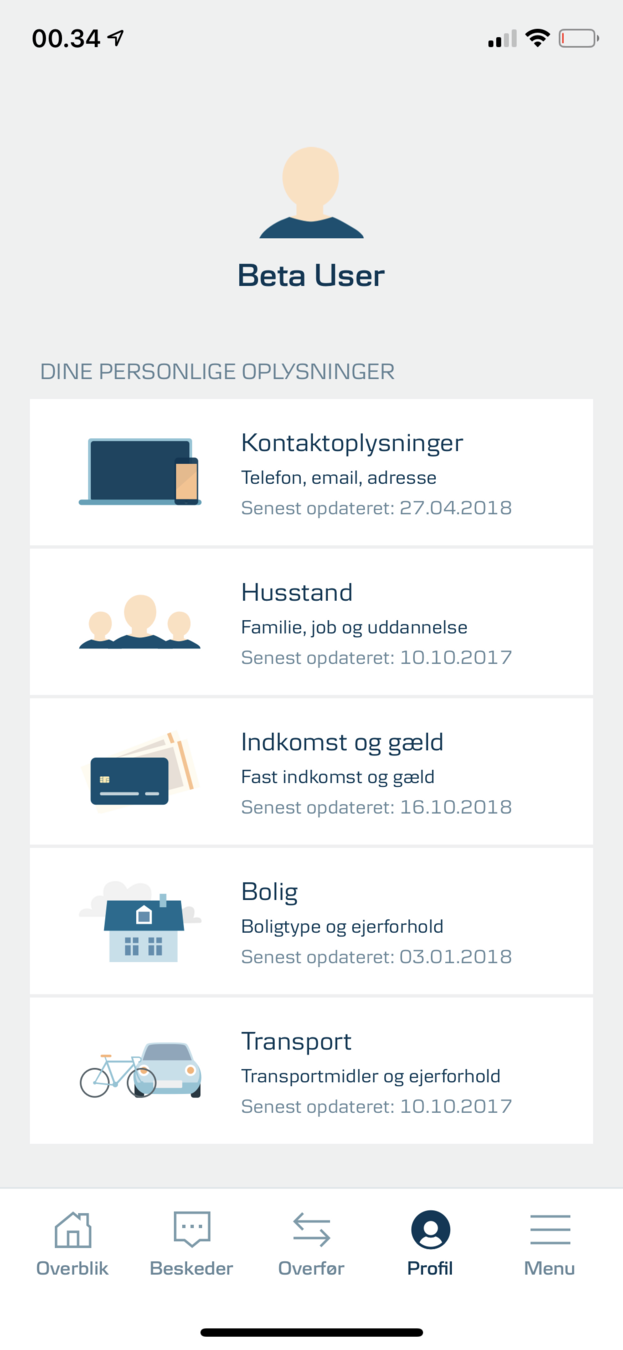
- Adds context to the following elements
Make accessible features
Make accessible features
Make accessible features
Make accessible features
Make accessible features
Make accessible features
Make accessible features
Process
Navigating & debugging
Make accessible features
Process
Navigating & debugging
Make accessible features
Developing for accessibility
Developing for accessibility
-
Override default readouts
-
Translating accessibility labels
-
Formatting currencies
- Accessibility conditional UI
Accessibility Guidelines
Process
Navigating & debugging
Make accessible features
Developing for accessibility
Process
Navigating & debugging
Make accessible features
Developing for accessibility
Questions
Questions
- Dialog, Toast from DB-UI
- TopBar needs accessibility properties
- Expected behaviour when transitioning between screens
- How to manage WebView content
- Extend usage of AccessibilityHints
- Other questions?