Introduction to Web Components and Polymer
A cheatsheet on creating web components by TJ Monserrat
Who am I?
HCI Researcher

Interactive Platforms for Learning
Front-end Web Dev
Web Components, Polymer, Web Performance, PWA
Web Perf Enthusiast
Avid web component user and creator
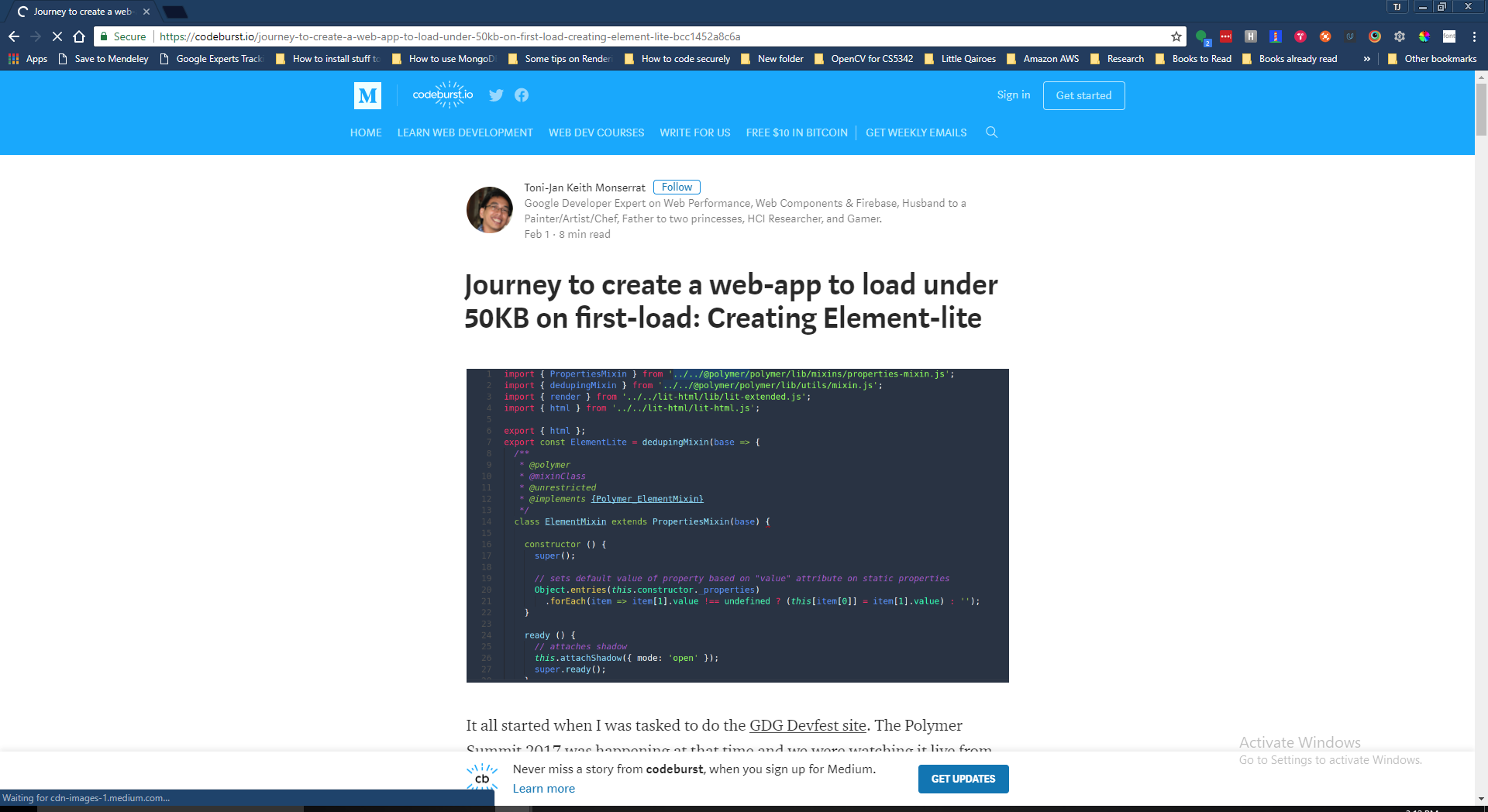
Search for the 50KB complex web-app
Web Google Dev Expert
Follow Me
Reminder for the 2nd talk
Install Polymer-cli:
npm i -g polymer-cli
Introduction to Web Components and Polymer
What is a web component?
Web Components is a suite of different technologies allowing you to create reusable custom user interface components
— with their functionality encapsulated away from the rest of your code —
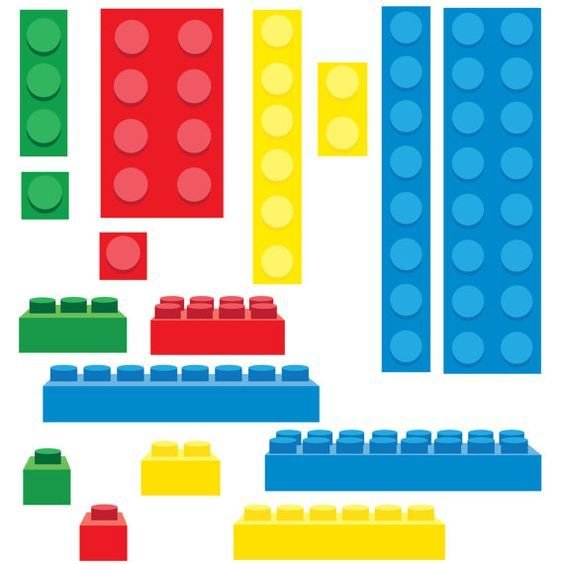

Web components are re-usable lego blocks that creates web-apps
Why do we need web components?
Reusing code as much as possible is a good idea.
- MDN Web docs: Web Components
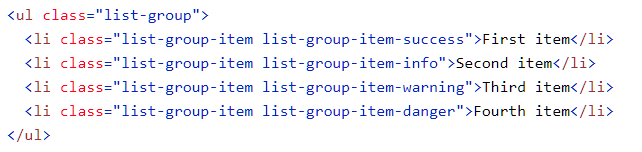
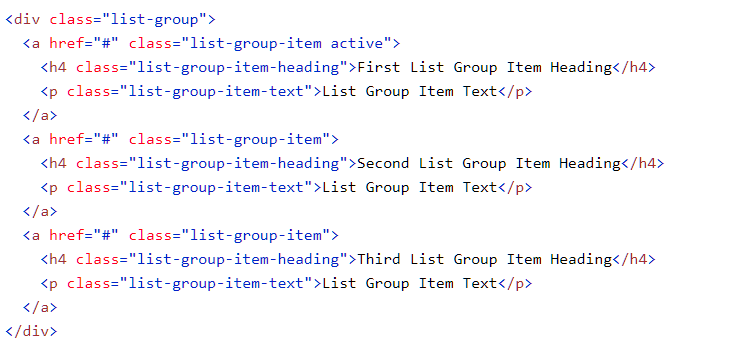
... the purpose of [information] hiding is to make inaccessible certain details that should not affect other parts of a system.
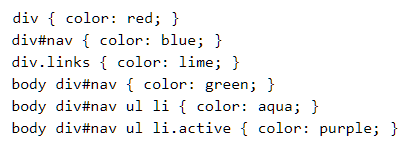
document.querySelector('#button-unique')
  .addEventListener('click', handleClick)
The purpose of web components is to provide developers with the ability to create re-usable and encapsulated components...
But we are creating
components before...
Imperative way of creating components...
Vanilla
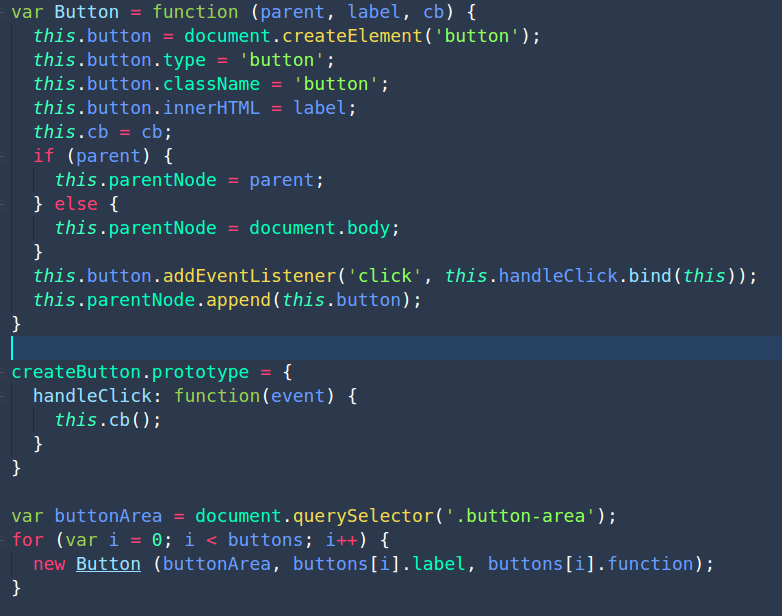
jQuery
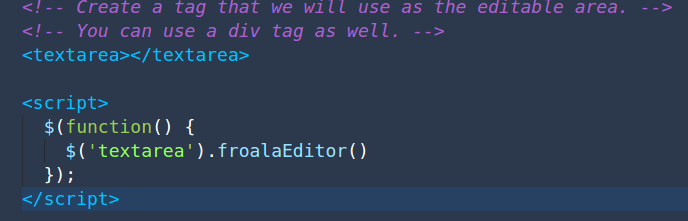
jQuery
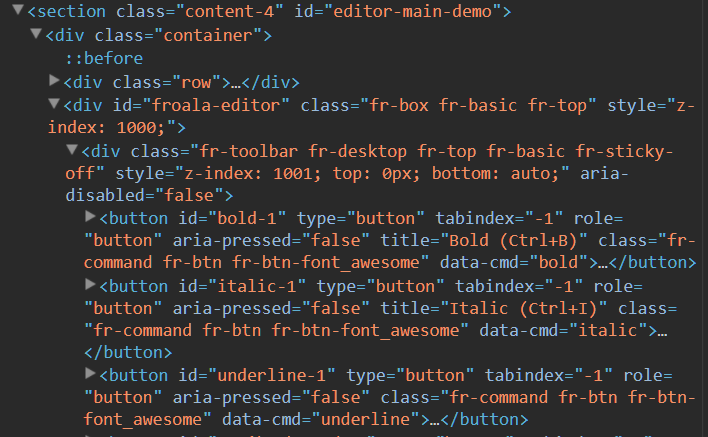
Creation is encapsulated...
making creation re-usable...

Limitations...
Output is still exposed on accidental manipulation...
Virtual DOM
Angular / React / Vue
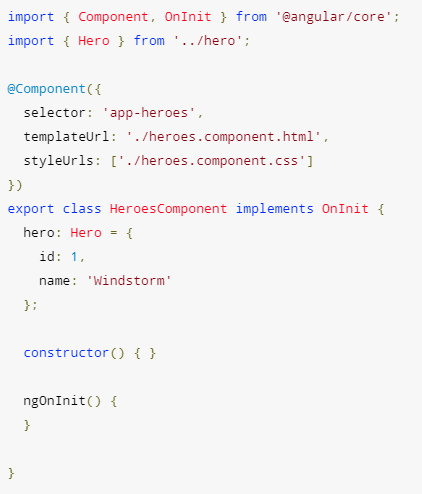
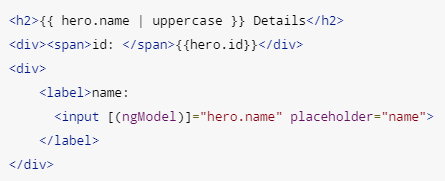
Angular / React / Vue
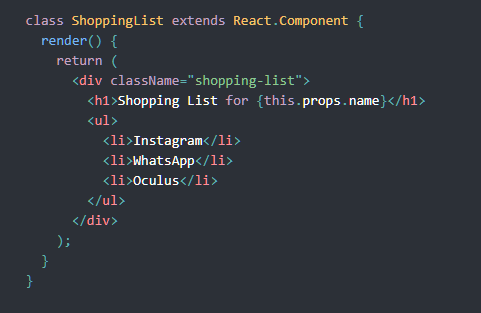
Angular / React / Vue
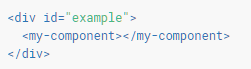
+
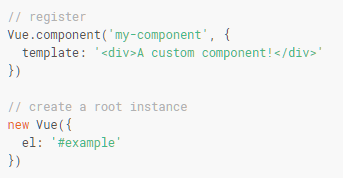
=
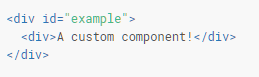
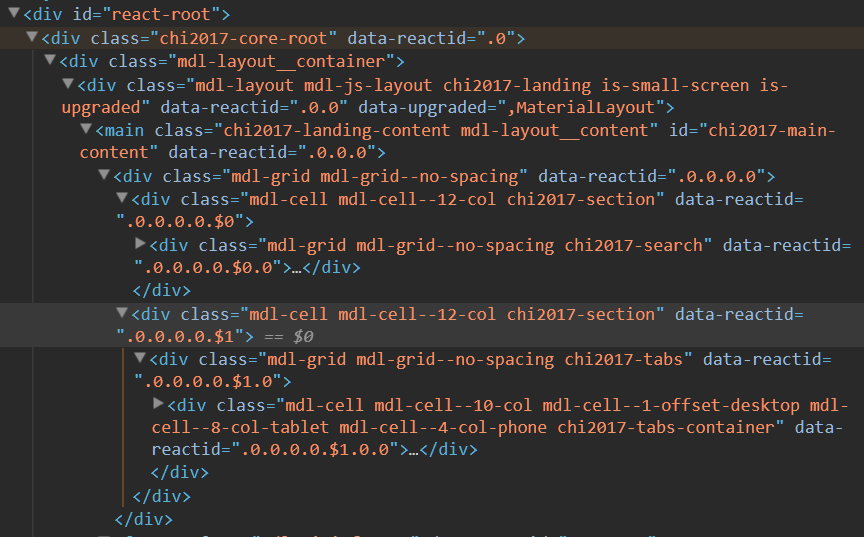

Limitations...
You cannot build a web component
without them...
Output is still exposed on accidental manipulation...
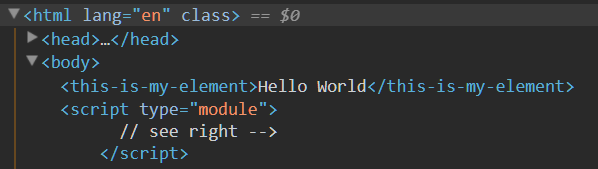
Custom Element and Shadow DOM specs
Custom Element
<this-is-my-element></this-is-my-element>
customElements.define('name-of-custom-element', CustomElementClass)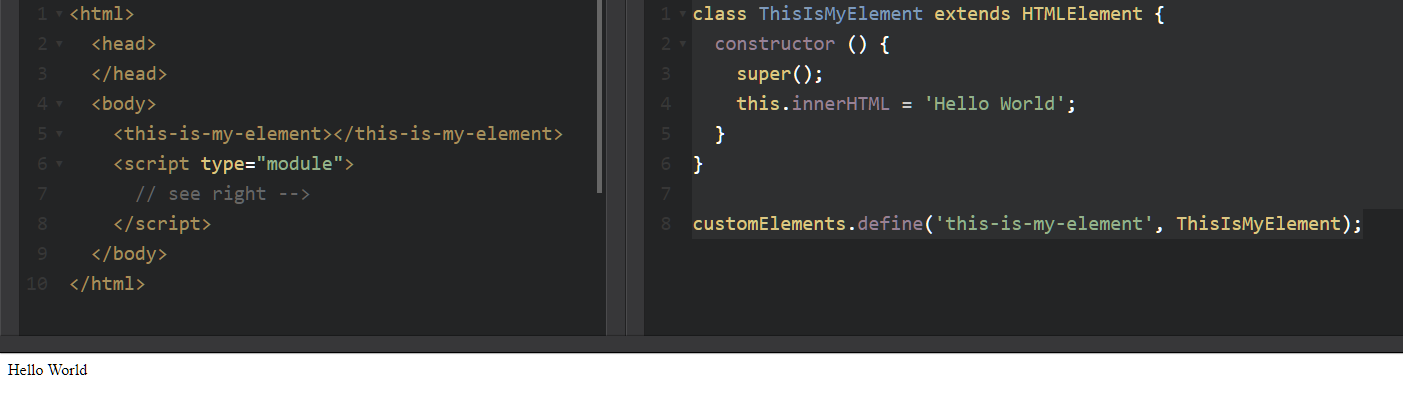
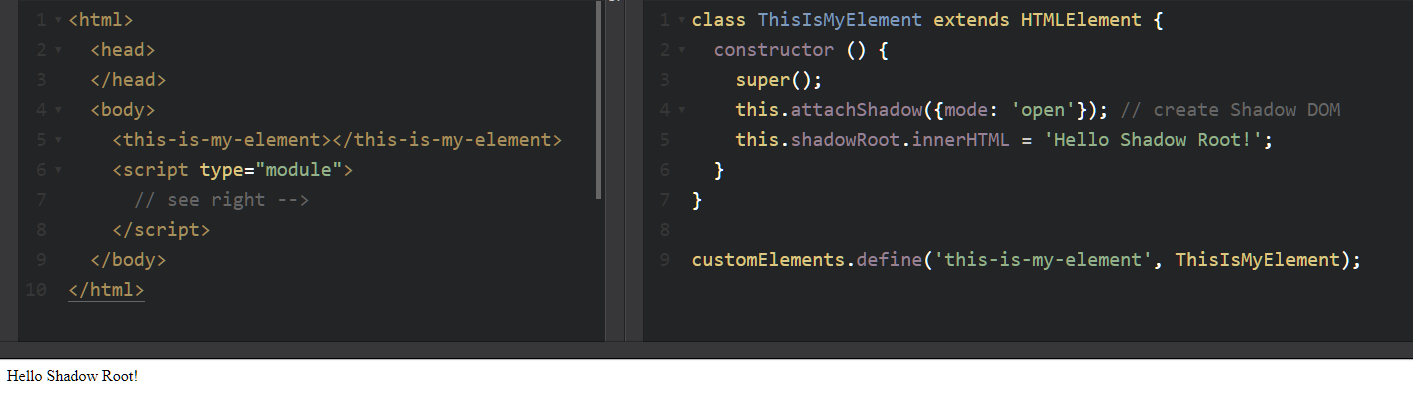
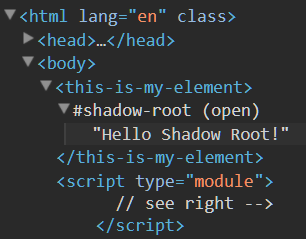
Shadow DOM
this.attachShadow({mode: 'open'});
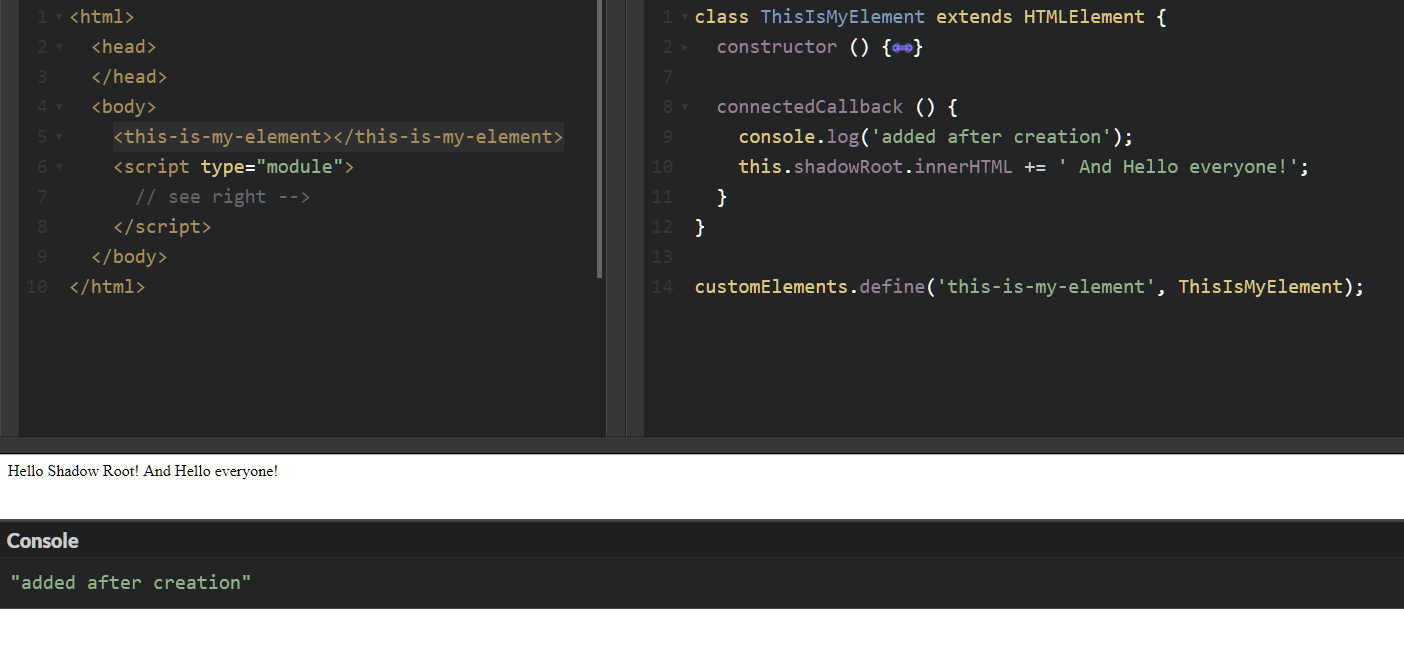
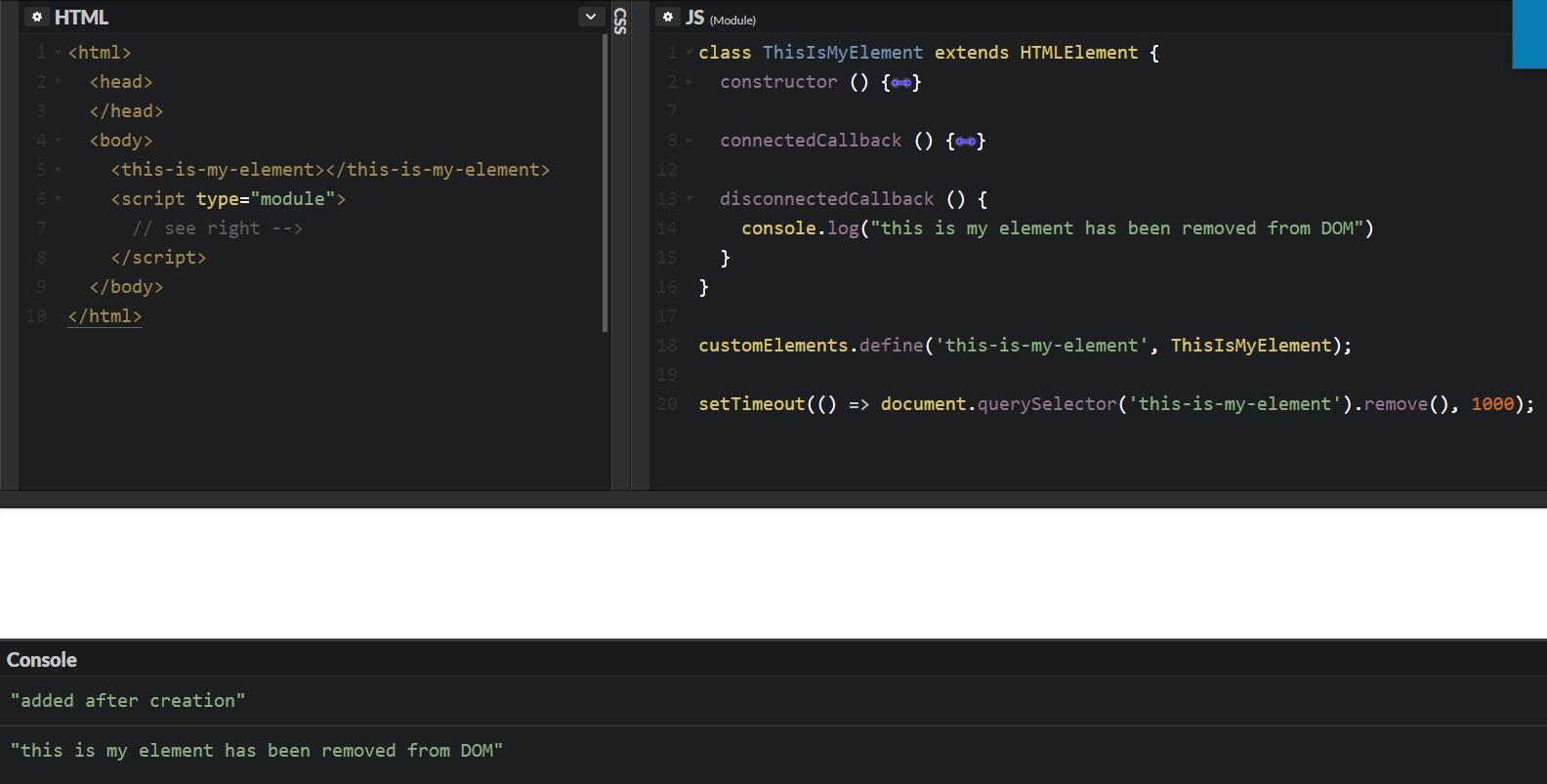
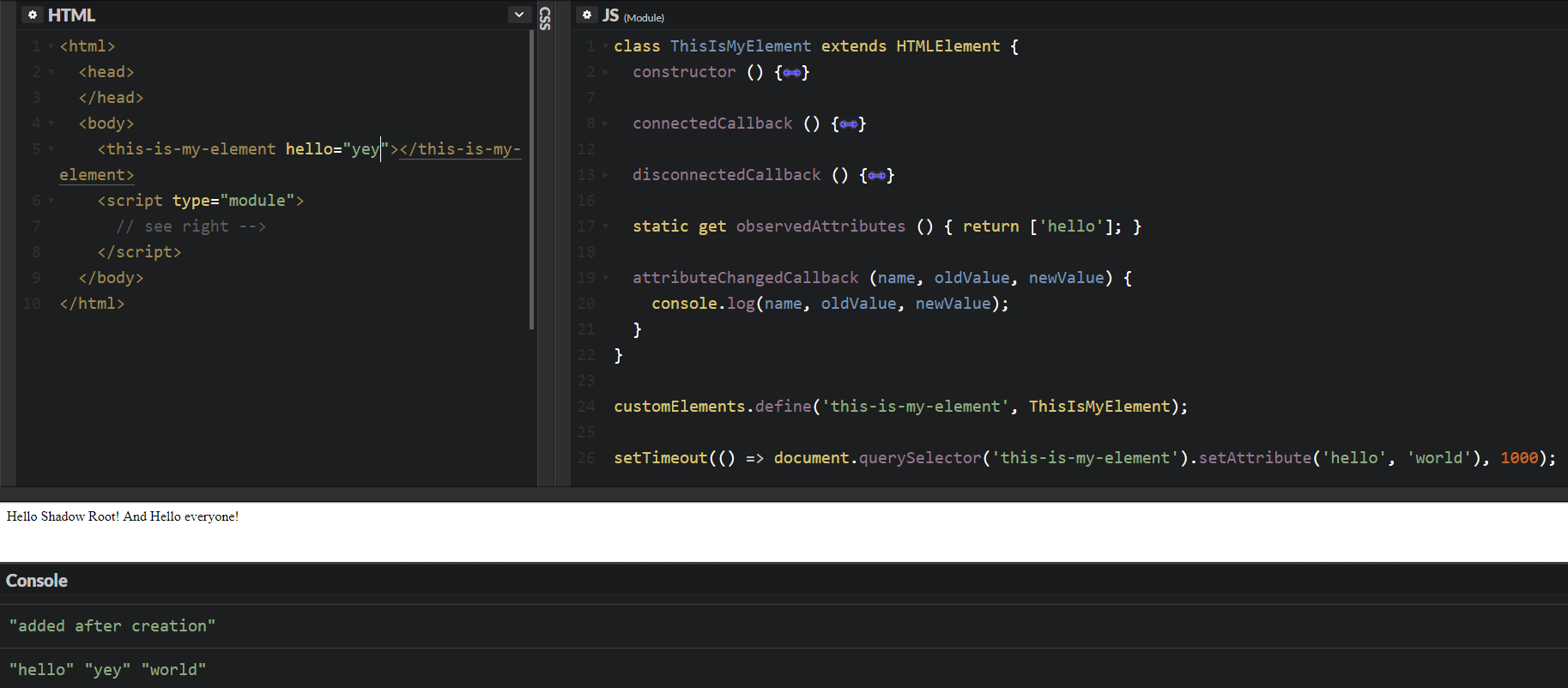
Lifecycle
connectedCallback () { }
disconnectedCallback () { }
attributeChangedCallback () { }
static get observedAttributes() { }
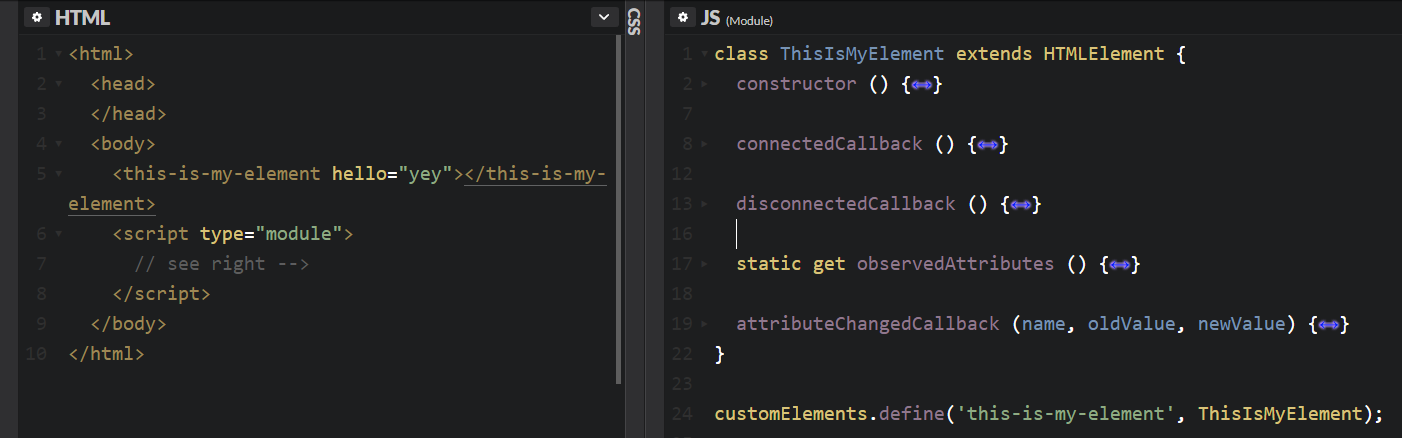
So how do we create a proper web component now?
Let's spice things up...
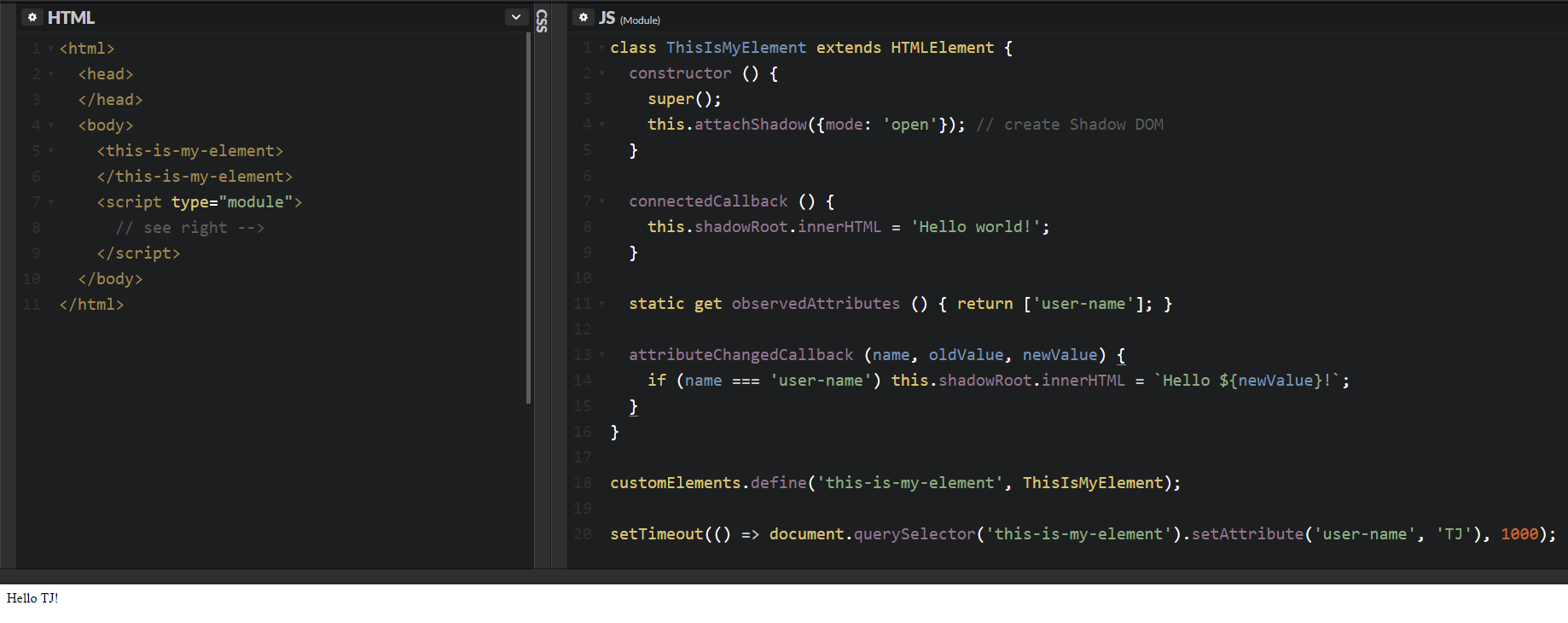
But what if we want to track many attributes?
Or change attributes without using "setAttributes"
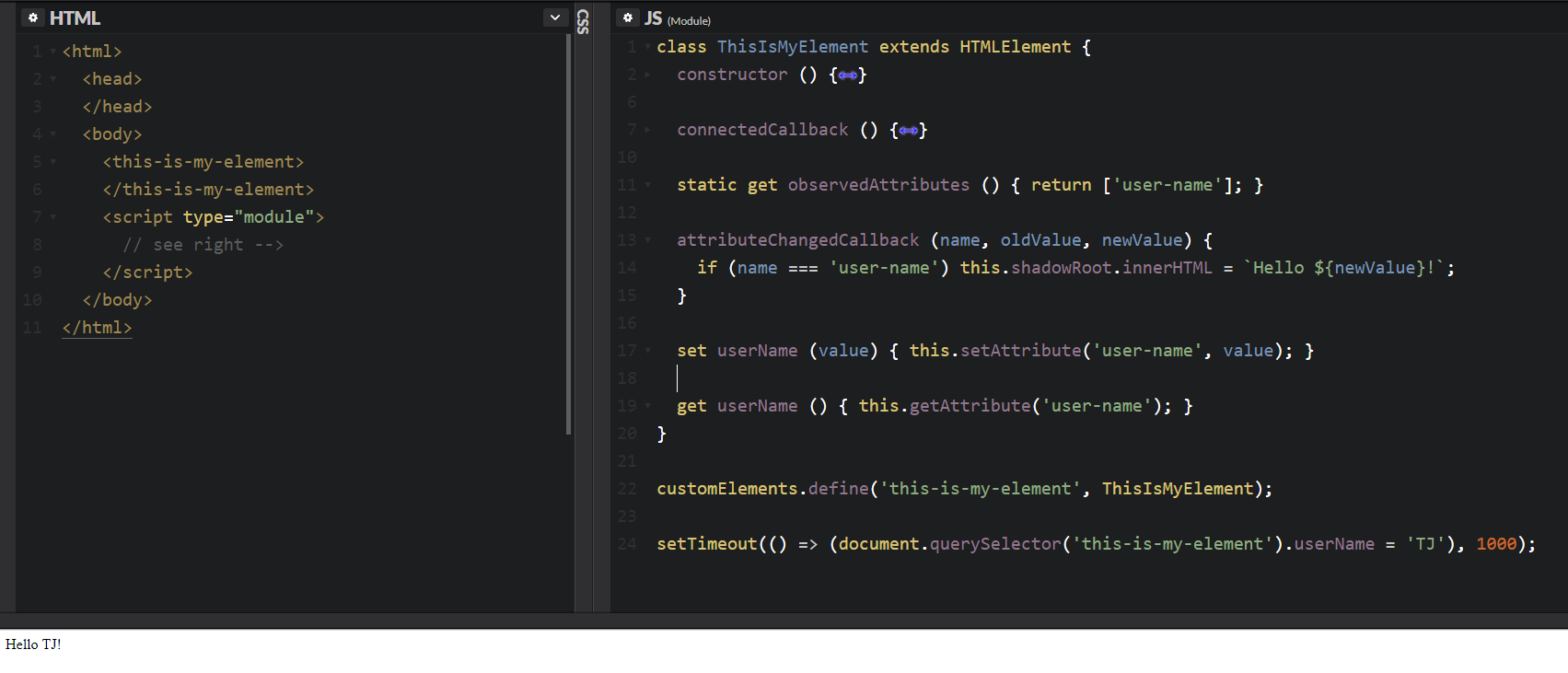
Or use some form of templating?
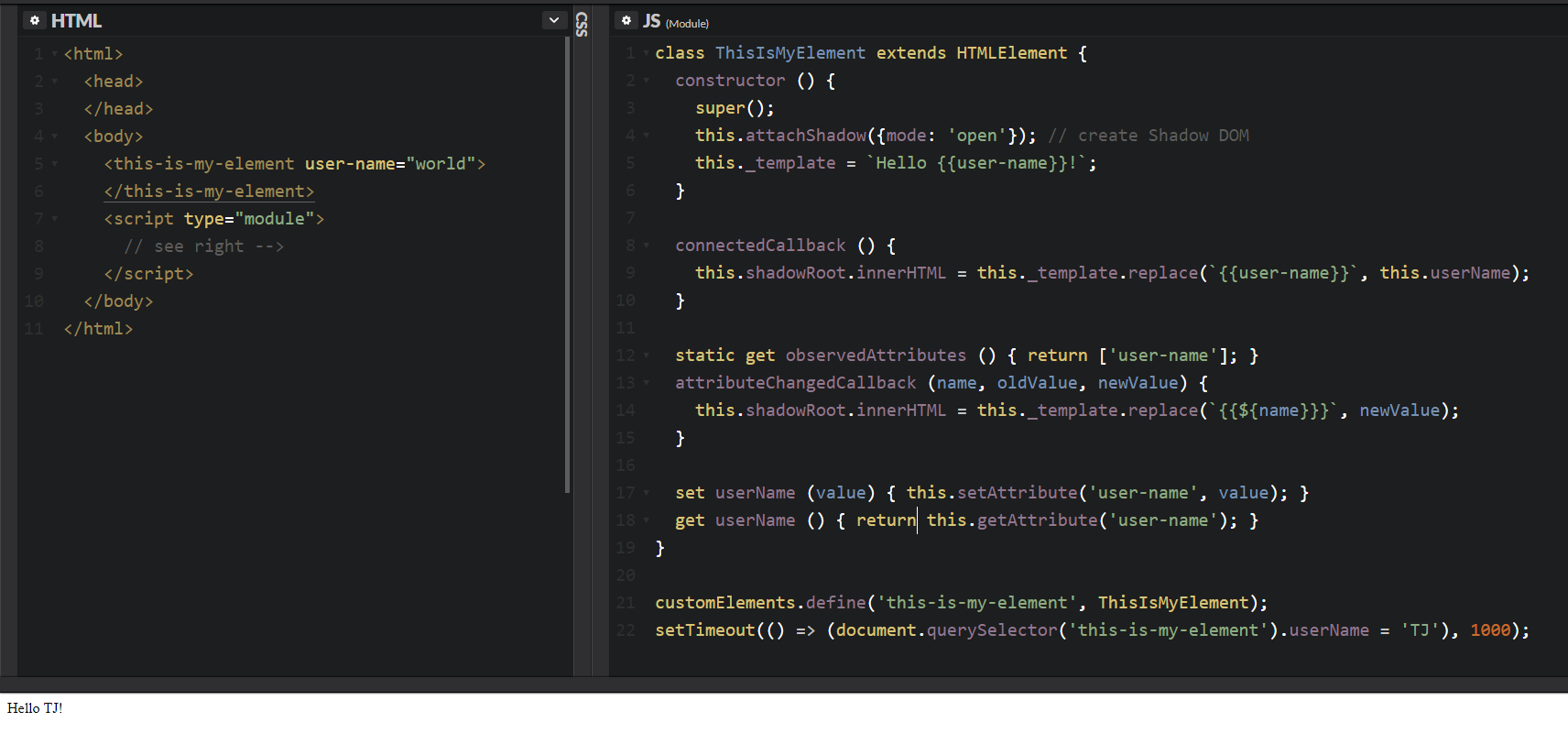
But I want it simple...
Introducing
Polymer
Let's build the same
component using
Polymer...
Bower route
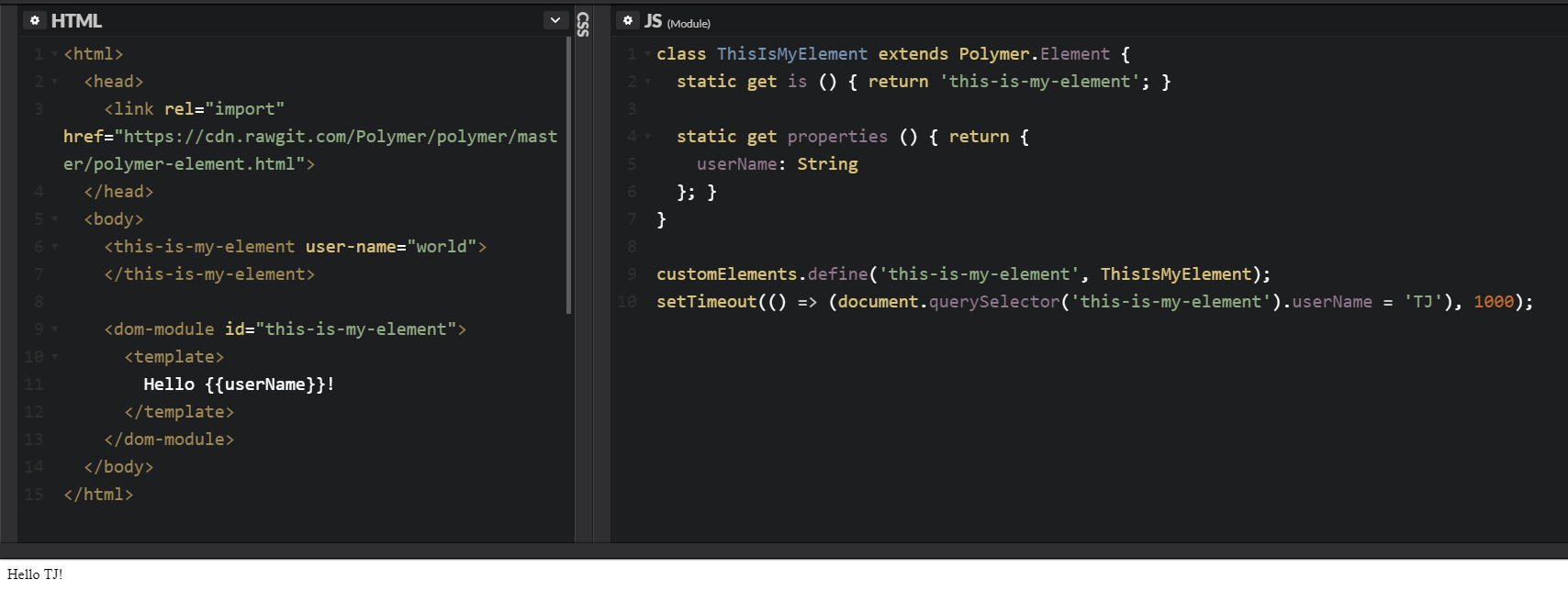
npm route
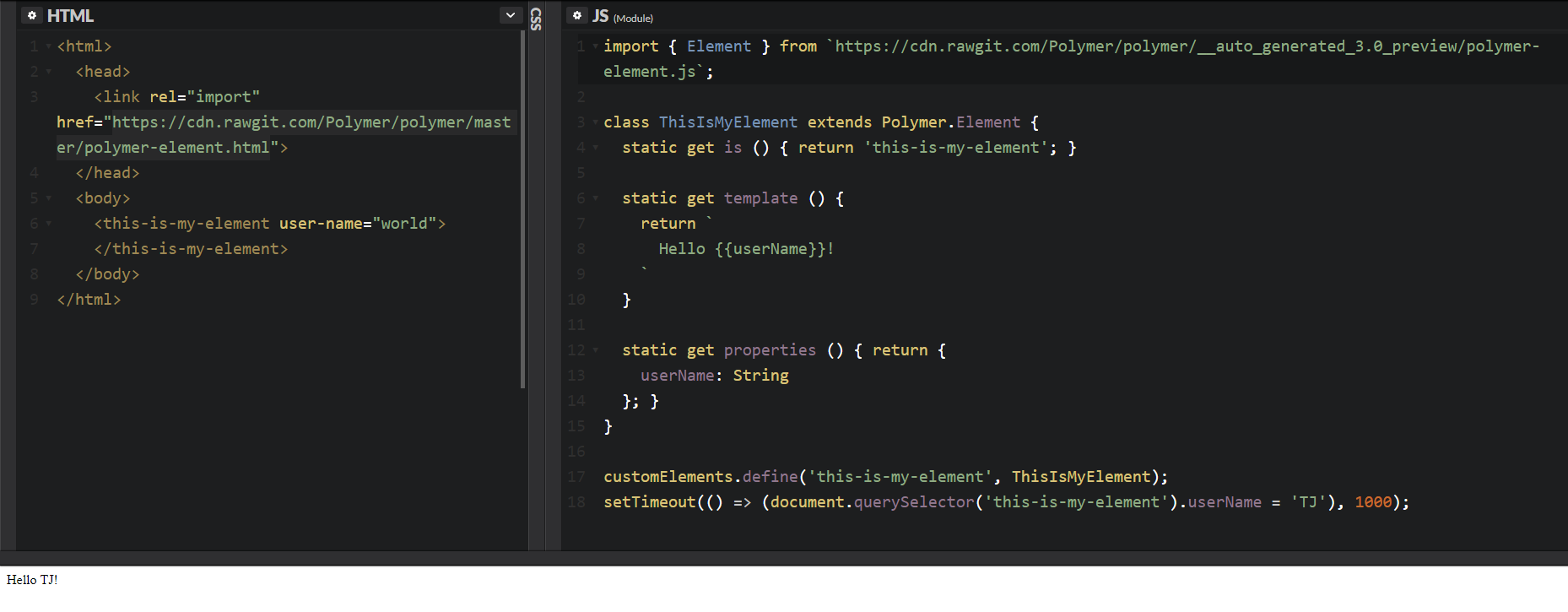
Problems I encountered...
<link rel="import"> is only supported in Chrome (but polyfilled in other browsers)
bower is deprecated in favor of npm
You'll have to use the same Polymer.Element file on all polymer elements to avoid
dom-module conflicts
Future of Templating and tracking property changes...
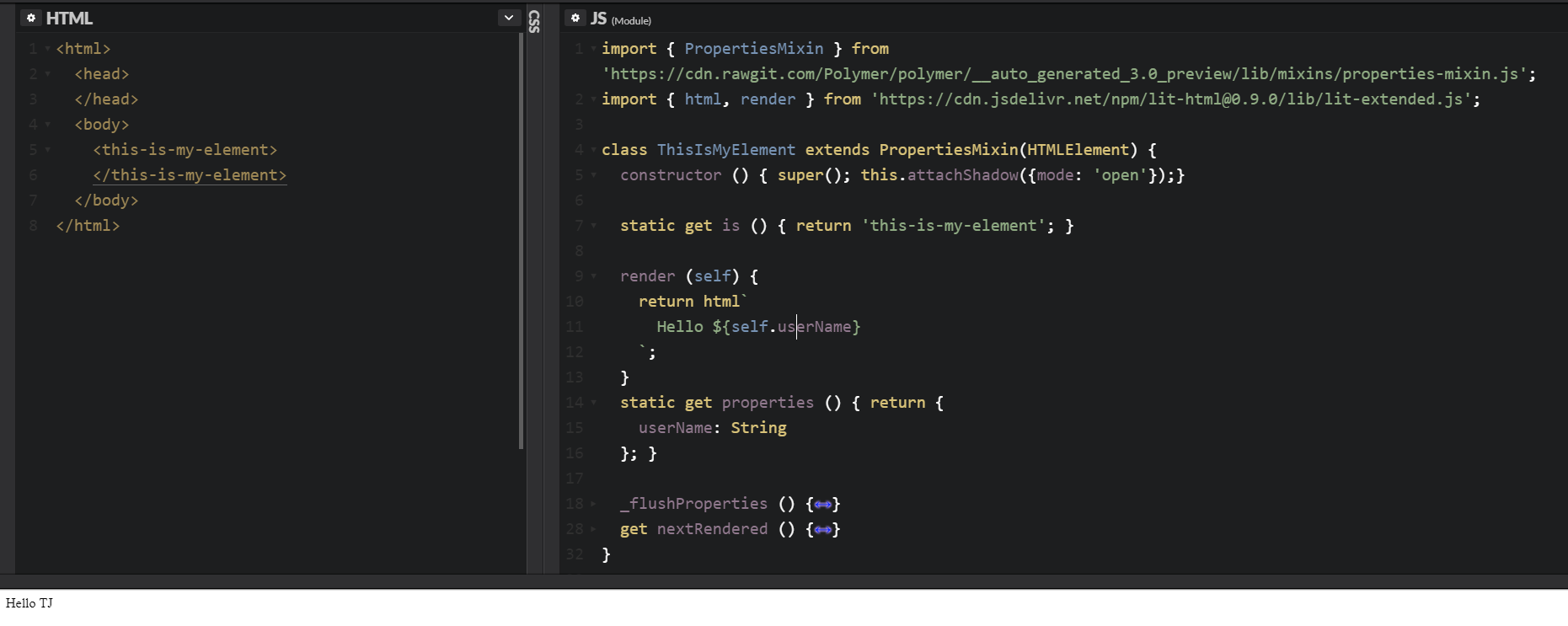
What's next?
The race towards below 50KB web-app first-load
Questions
Follow Me