Bye bye Flash, its not you its the HTML5
Shota Papiashvili
@shotapa
@shotap
shota@walla.net.il



Agenda
- A Brief History of Flash
- What we have today?
- Converters
- HTML5
- canvas
- css animations
- SVG
- Adobe Edge Animate
- IAB
- Recommendations
- Q&A
A Brief History of Flash
1996
Macromedia Flash 1
Flash was a two-part system, a graphics and animation editor known as Macromedia Flash, and a player known as Macromedia Flash Player.
1996
Web application platform
MovieClips, JavaScript, Alpha transparency, and other features.
As Flash matured, Macromedia's focus shifted from marketing it as a graphics and media tool to promoting it as a Web application platform
1999
1996
Flash 5 + ActionScript
the first major version of ActionScript was developed, and released with Flash 5
1999
2000
1996
Actionscript 2.0
Actionscript 2.0 was released with Flash MX 2004 and supported OOP, improved UI components, and other advanced programming features. The last version of Flash released by Macromedia was Flash 8
1999
2000
2004
1996
Flash CS3 Professional
9th major version of Flash. It introduced the ActionScript 3.0 programming language.
1999
2000
2004
2007
1996
Something else happened at 2007
1999
2000
2004
2007

1996
1999
2000
2004
2007
The "mobile era" started and triggered the deterioration of the flash
1996
1999
2000
2004
2007
2010
HTML5
Although HTML5 has been well known among web developers for years, its interactive capabilities became a topic of mainstream media around April 2010 after Steve Jobs issued a public letter titled "Thoughts on Flash"
1996
1999
2000
2004
2007
2010
2015



The common browsers starting to remove the flash
Top Reasons to Stop Using Flash
- Slow loading
- Doesn’t display on mobile devices
- Flash is more expensive to develop
- Security
Flash isn’t the platform of the future
What we have today?
What we have today?
HTML5
canvas
CSS animations
SVG
Converters
convert .SWF to HTML5
Converters

A simple Flash to HTML5 converter that helps make SWF files available to a larger audience.
Pros:
- Support AS2
- Support most flash assets
- Active google project
Cons
- Very slow
- Very heavy (simple swf => 3M!)
- A lot of vendor code, we cant controll the code
HTML5
canvas
CSS animations
SVG
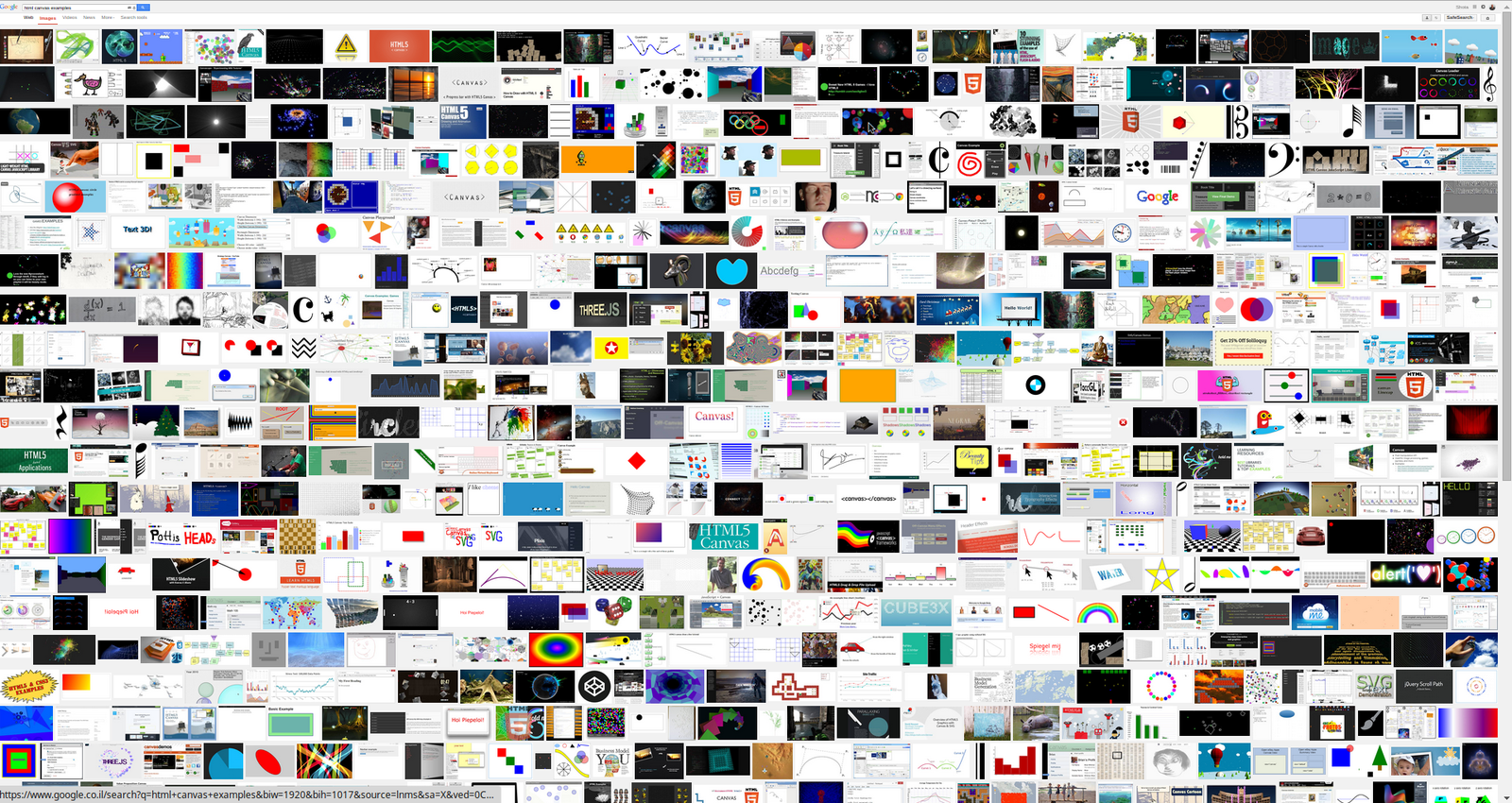
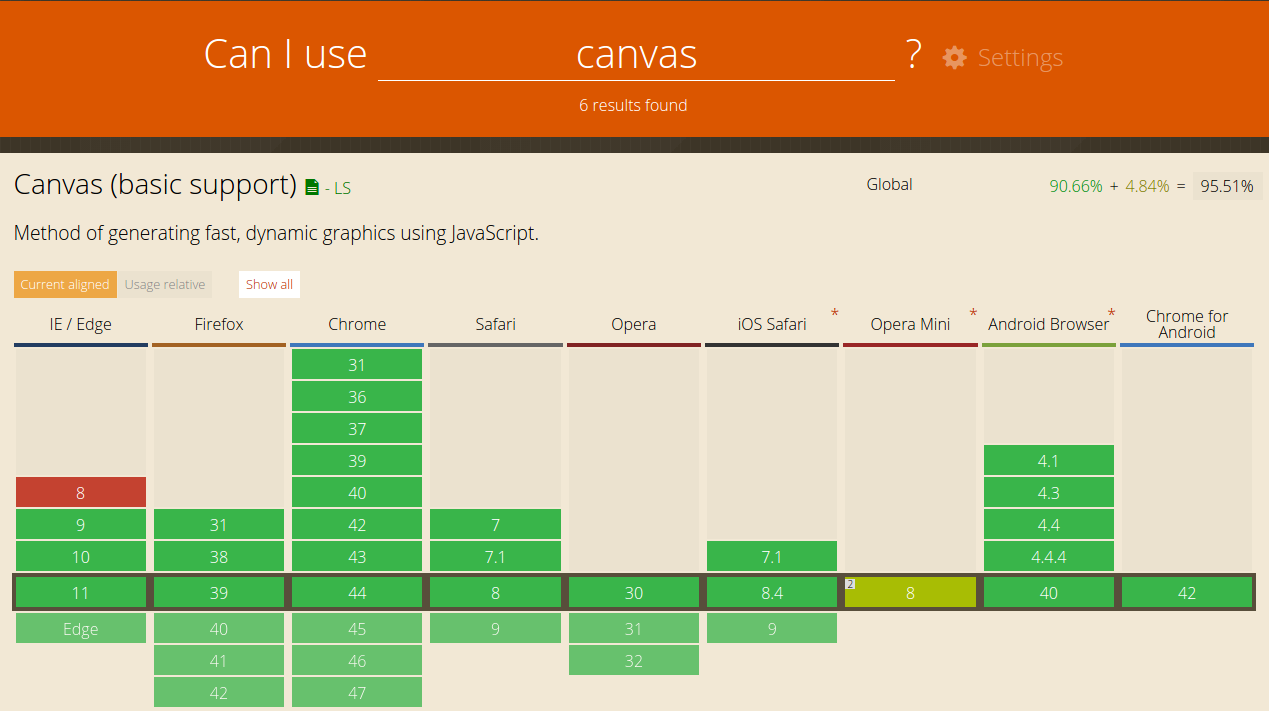
canvas
The HTML <canvas> element is used to draw graphics, on the fly, via scripting (usually JavaScript).
Canvas has several methods for drawing paths, boxes, circles, text, and adding images.
You can do everything with canvas!
CSS3 Animations
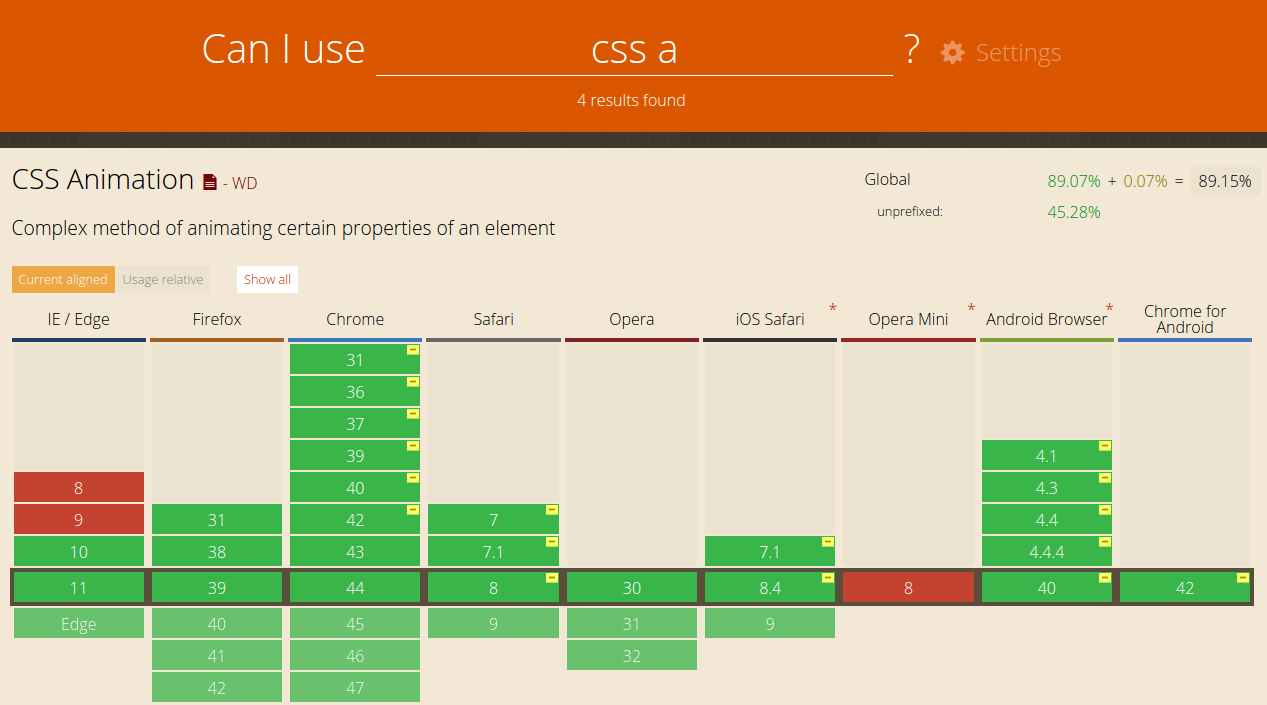
CSS3 animations allows animation of most HTML elements without using JavaScript or Flash!
- They're easy to use for simple animations
- The animations run well. The rendering engine can use frame-skipping and other techniques to keep the performance as smooth as possible.
- Letting the browser control the animation sequence lets the browser optimize performance and efficiency.
- Great debug tool
SVG
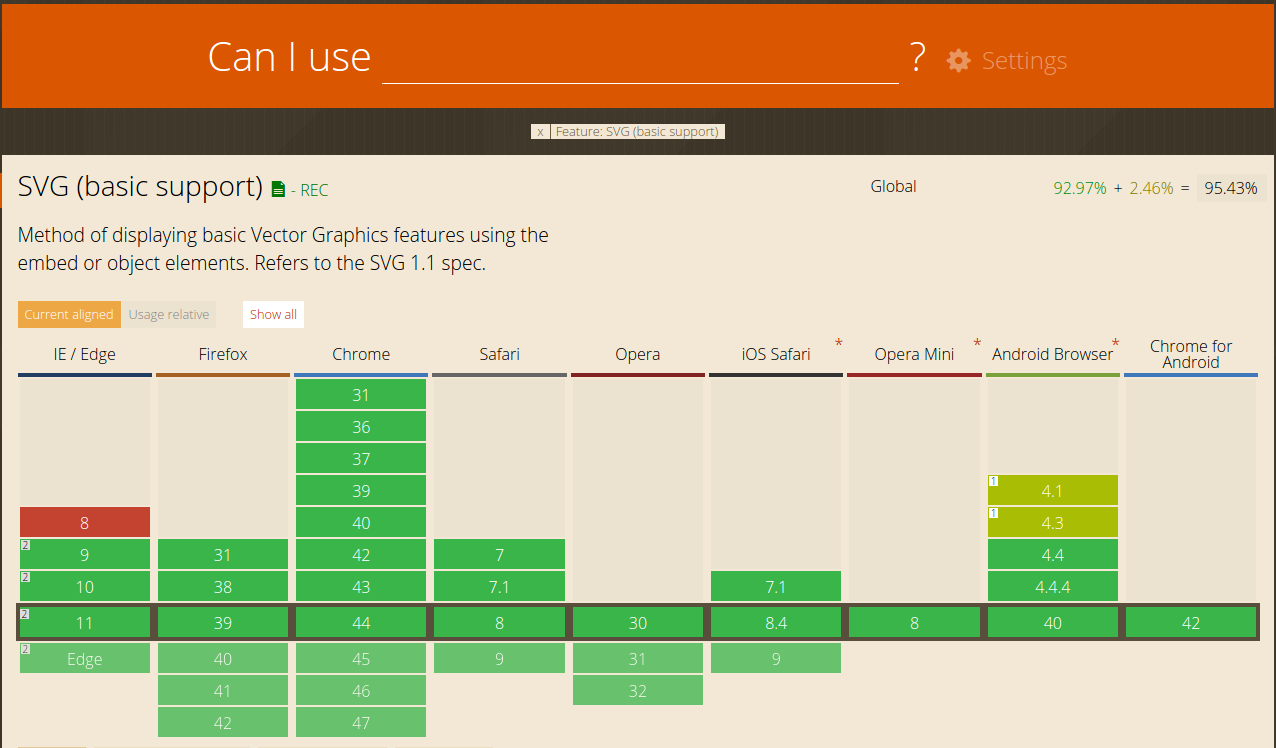
SVGs can be styled and animated with CSS (slides). Basically, any transformation or transition animation that can be applied to an HTML element can also be applied to an SVG element
- Scalable & Resolution-Independent
- Very good browser support
- Accessible
- Smaller file sizes than JPEG and/or PNG
- Built-in graphics effects
- Interactive & styleable
- More..
Adobe Edge Animate

Edge Animate lets web designers create interactive HTML animations for web, digital publishing, rich media advertising and more, reaching both desktop and mobile browsers with ease
HTML5, JavaScript, and CSS interchange
Responsive web design
Importing fonts
Familiar drawing tools
Intuitive timeline
An animation tool anyone can use
IAB
The Interactive Advertising Bureau is an advertising business organization that develops industry standards, conducts research, and provides legal support for the online advertising industry
HTML5 Standards:
Recommendations
- HTML5 is the desired, flash is the fallback
- Dont check the browser, check the capabilities (http://modernizr.com/)
- W3C validator: validator.w3.org
- Always minify + gzip

Shota Papiashvili
@shotapa
@shotap
shota@walla.net.il
You can find this slides at: slides.com/wallacode
Follow us on twitter: twitter.com/wallacode
And github: github.com/wallacode