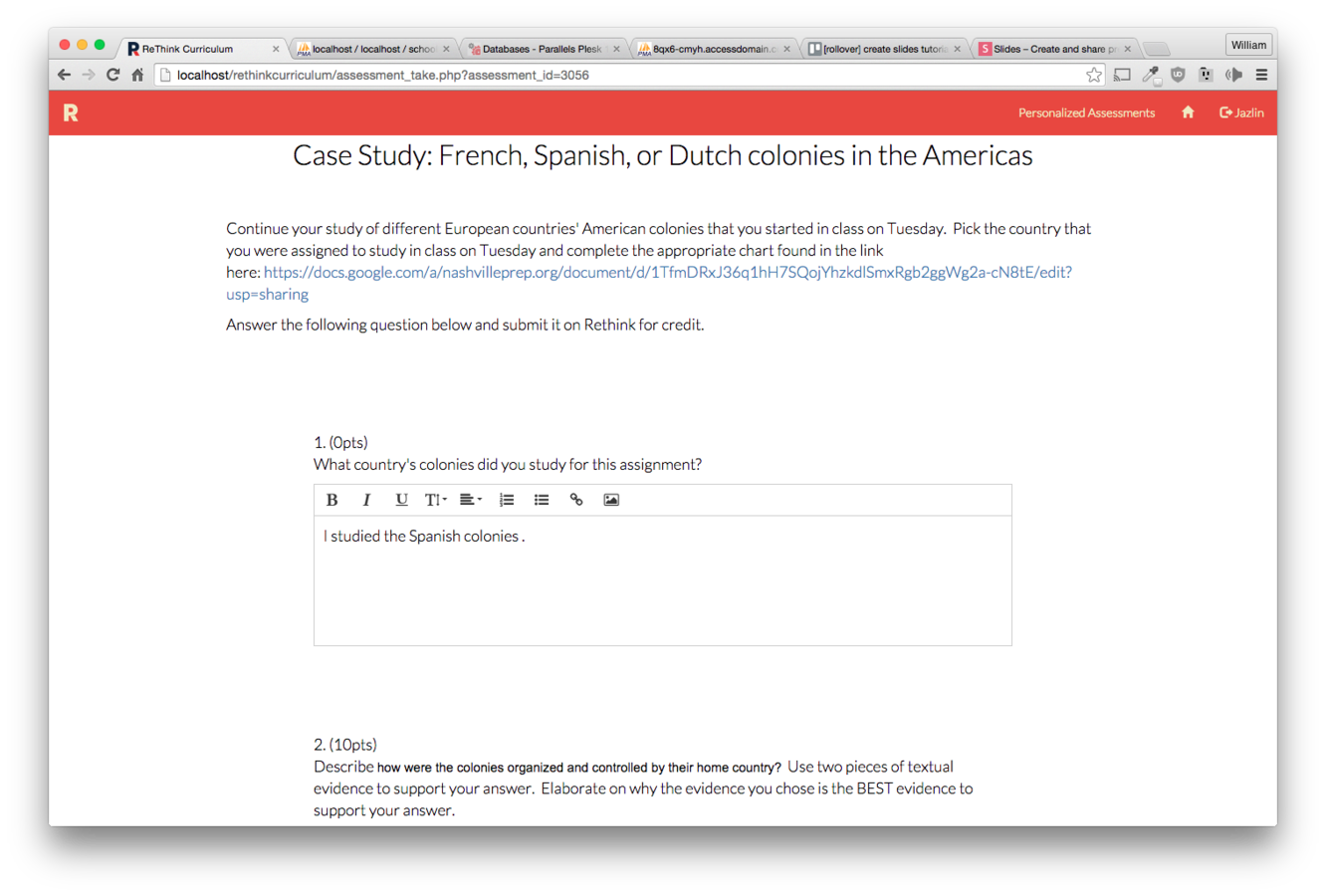
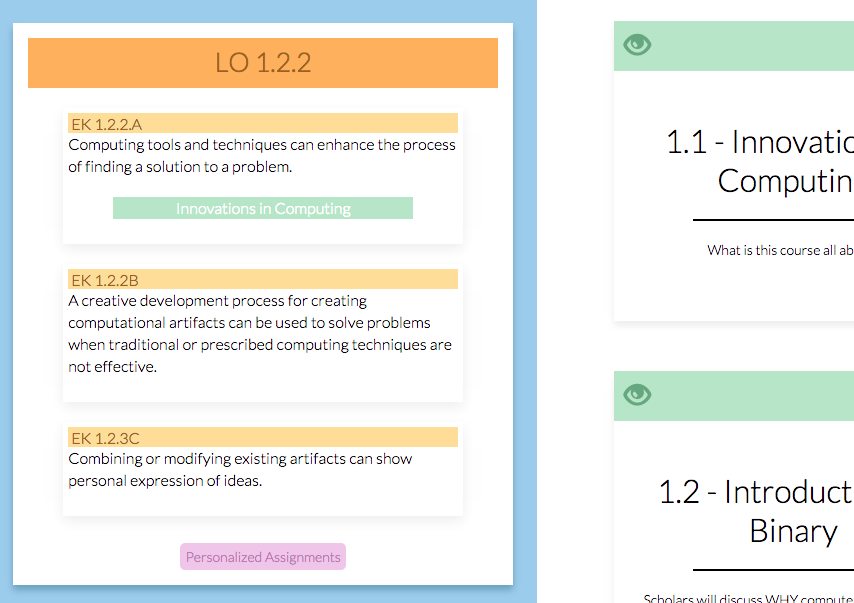
Personalized Assignments
Each standard has a button that will take you to the page
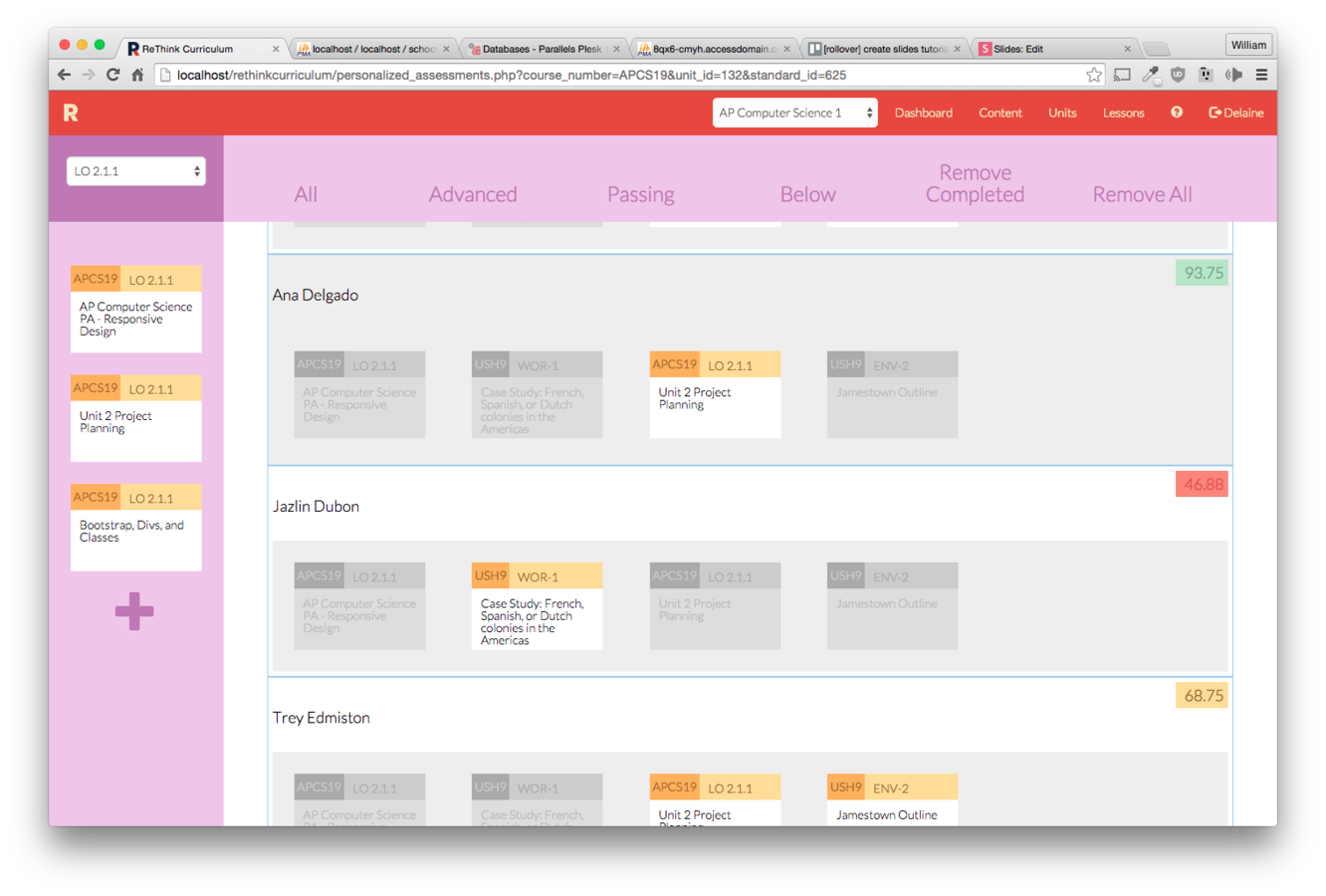
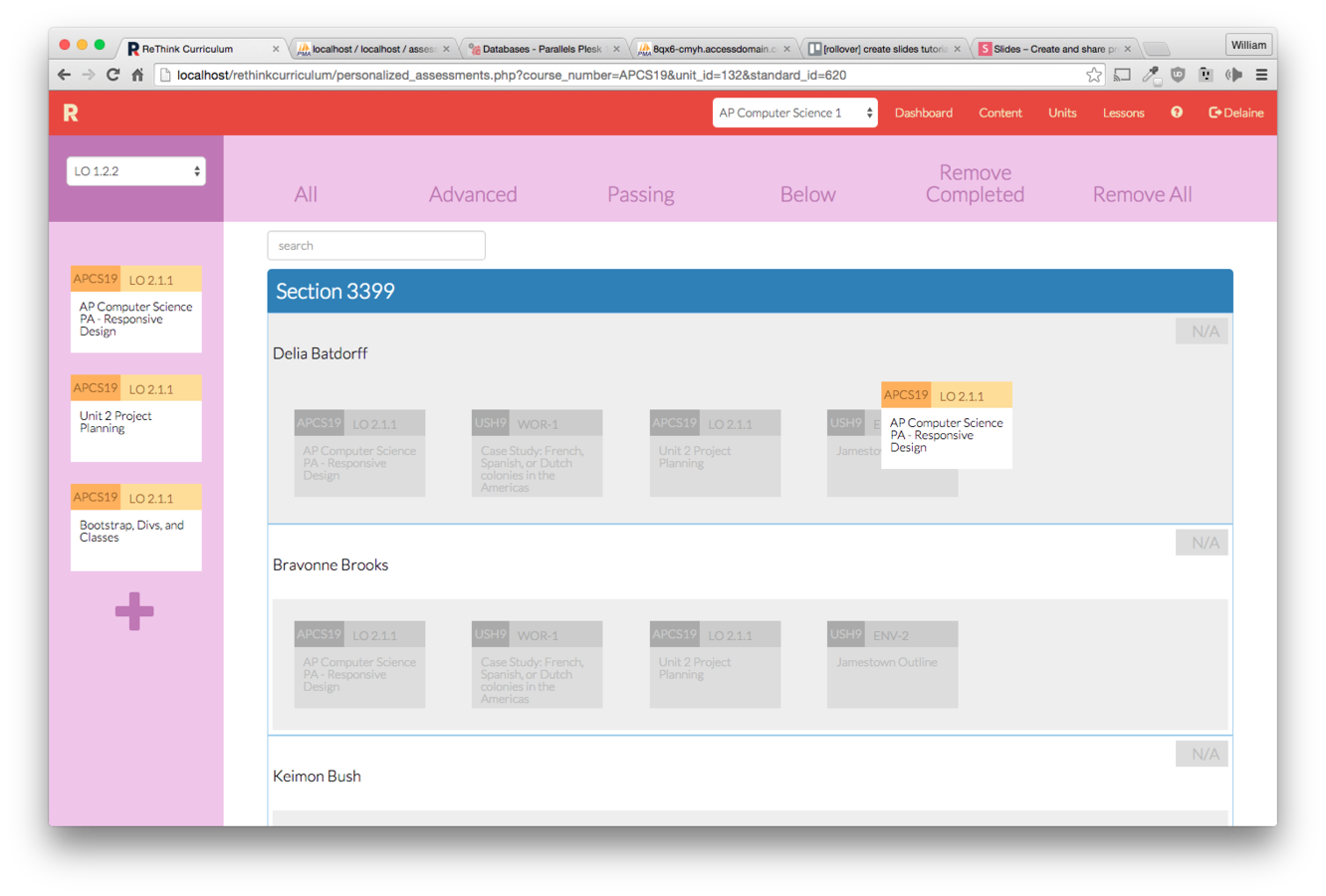
Left: All Personalized Assessments for the unit
Right: Your students by section and all of their assignments
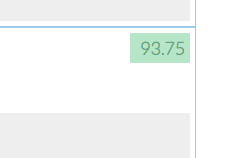
Each student's mastery for the selected standard is shown by their name.
Click the plus button to create an assignment (see other tutorial for creating assignments)
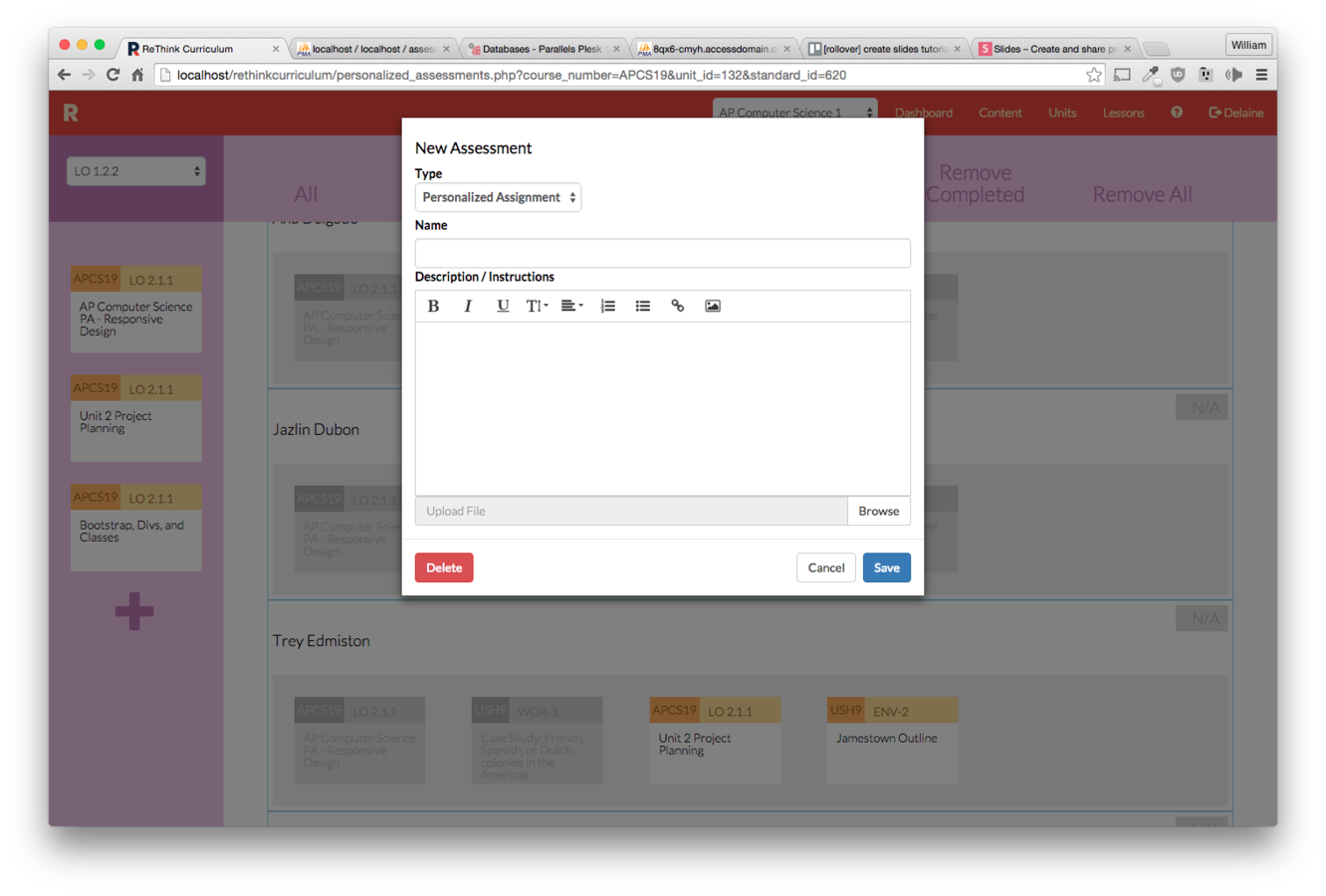
Drag an assignment into a student's list to assign it to them.
Drag it into one of the buckets up top so assign it to multiple students
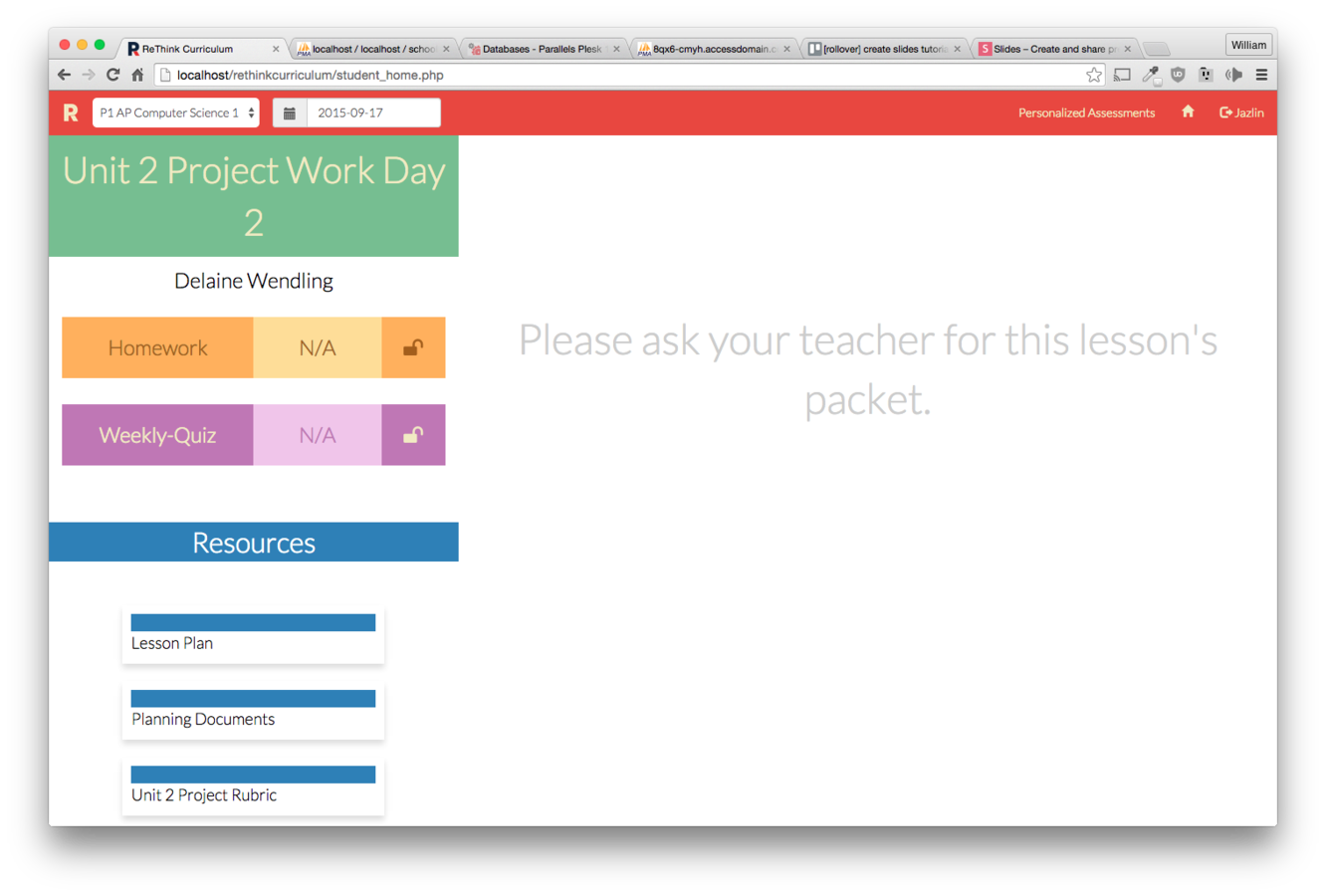
Students will have a button in their menu called "Personalized Assignments"
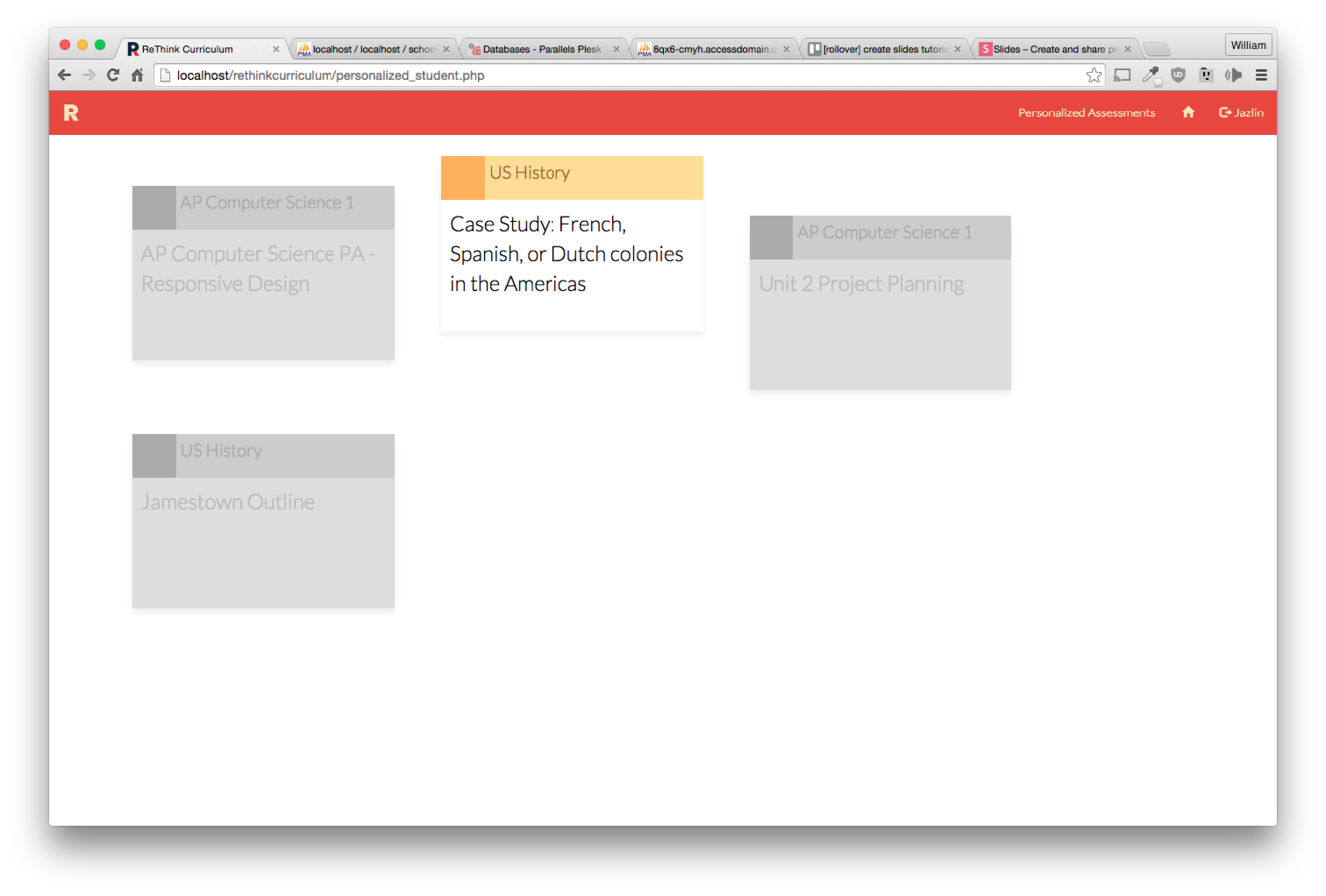
All their assignments will appear here. When they complete an assignment, it will appear greyed out.
Personalized assignments are taken like any other assessment. They will push out to SchoolRunner as Homework.