Ansible 이해

Web Service




WAS 이외에도 같이 운영해야할 여러 컴포넌트들
운영해야 할 환경들..
QA
Stage
Production
서버 수도 많고 환경별로 설정도 다를 수 있음
Config 관리
운영하는 컴포넌트 별로 각각의 Config파일이 존재
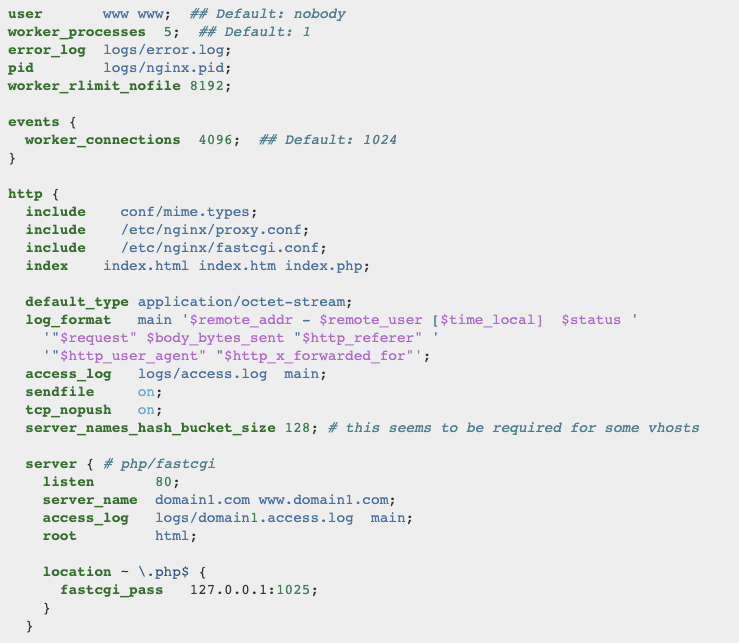
서버 설치 및 Config 변경


Terminal
Server Group
command
설정도 서버도 많음
Terminal Broadcast
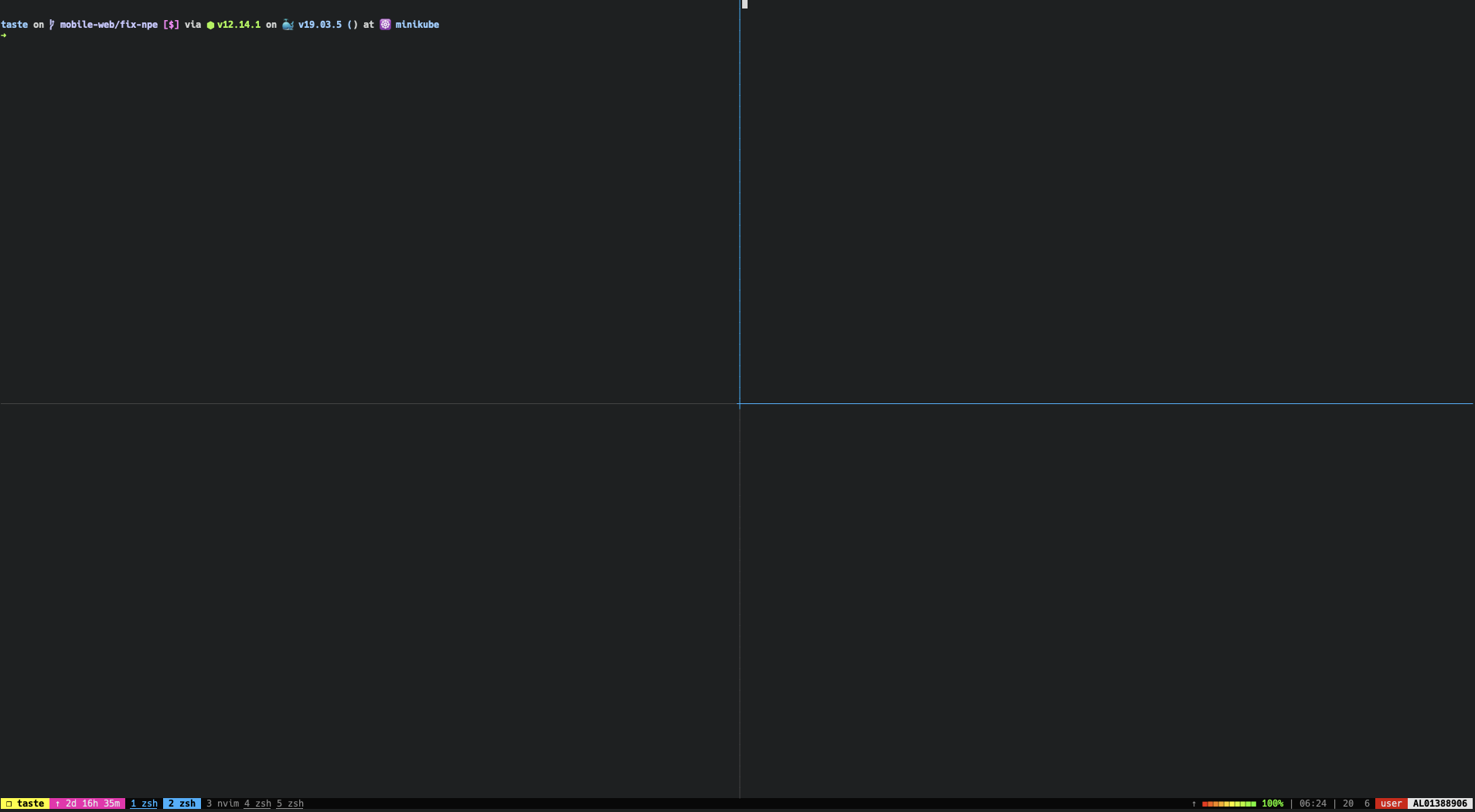
가장 쉽게 접근할 수 있지만 원시적인 방법
Bash Script
for i in $REMOTE_HOSTS
do
    ssh ...
    scp ...
    echo ..
done
bash script 를 작성해서 모든 설치를 한번에 끝냄
Bash 자체가 작성하기 어려워서 규모가 있는 작업에 활용하기 어려움
잘 운영할 수 있는 방법?
Provisioning Tools
= 미리 준비해놓고 요청에 맞게 공급하는 절차 행위

Infrastructure as Code
(IaC)
Docker

Application 을 동일한 규격의 컨테이너로 만들어서 배포
컨테이너 기반으로 운영하지 못하는 환경
기술적으로 학습 비용이 커서
예전부터 운영해오던 것들을 옮기는 비용이 커서
이외에도...
컨테이너로 배포하지 않는 컴포넌트가 있을 수 있음
클라우드 환경을 사용하지만 물리서버를 사용할 수 있음
Ansible
- 설치 및 배포
- 패키지 인스톨, 설정변경, 서비스 시작/정지
- 오케스트레이션
- 서버, 네트워크, 로드밸런스, 방화벽 설정을 배포 및 자동화
위에 있는 사항들을 원격서버에 한꺼번에 반영할 수 있고
코드로 작성해서 재사용 및 자동화 가능
Ansible Concept

Ansible-server
Ansible-node
Ansible core
Client node에는 별도 Agent 불필요
Tutorial
테스트 할 수 있는 환경 준비
- VirtualBox, Vagrant
- LightSail
CentOS or Ubuntu 와 같은 Linux OS 설치
Managed Nodes
작업할 서버 목록을 등록하는 과정
작업할 서버 목록을 등록하는 과정
- Global hosts file 을 통해서 등록할 수 있음
- /etc/ansible/hosts 을 기본적으로 사용
- ANSIBLE_HOSTS 라는 환경변수를 사용해서 지정 가능
192.0.2.50
aserver.example.org
bserver.example.org
IP, DNS 사용가능 (INI 형식)
Inventory
Ansible을 실행할 호스트 혹은 그룹
lightsail:
  hosts:
    13.125.9.57:
    13.125.226.230:
    13.125.75.72:
  vars:
    ansible_ssh_private_key_file: ~/dev/ansible/LightsailDefaultKey-ap-northeast-2.pem
    ansible_user: centos
서버 그룹을 지정할 수 있고 호스트 혹은 그룹별 변수 사용 가능
INI, YAML 포멧 사용가능
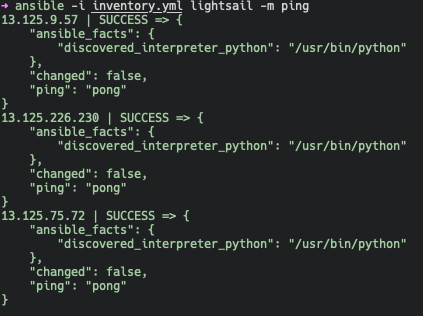
Ping Check
Managed Nodes 들의 연결상태를 확인
ansible -i inventory.yml <host or group> -m ping
Ad-hoc command
Managed Node에 실행할 단발성 명령
$ ansible atlanta -a "/sbin/reboot"$ ansible atlanta -m copy -a "src=/etc/hosts dest=tmp/hosts"Server reboot
Managing files
$ ansible atlanta -a "/sbin/reboot"$ ansible atlanta -a "/sbin/reboot"$ ansible webservers -m yum -a "name=acme-1.5 state=present"Managing packages
$ ansible atlanta -a "/sbin/reboot"$ ansible all -m user -a "name=foo password=<crypted password here>"Managing Users and groups
Playbook
Ansible 에서 사용하는 설정, 배포 및 오케스트레이션 언어
Ad-hoc command로 사용했던 모듈 명령을 tasks로 구성해서 원격시스템에 적용한다.
---
- hosts: webservers
  remote_user: root
  tasks:
    - name: test connection
      ping:
      remote_user: yourname
Nginx Playbook
---
- name: install nginx
  hosts: lightsail
  become: yes
  tasks:
    - name: install epel-release
      yum:
        name: epel-release
        state: latest
    - name: install nginx
      yum:
        name: nginx
        state: present
    - name: start nginx
      service: name=nginx state=started
install_nginx.yml
$ ansible-playbook -i inventory.yml install_nginx.ymlAnsible Role
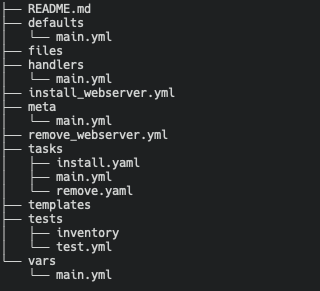
Ansible에서 Role은 표준화된 구성방식. Role을 사용하면 각각의 역할별로 디렉토리를 구조화
ansible-galaxy 를 통해 구조 생성 가능
$ ansible-galaxy init <role_name>Role Directory
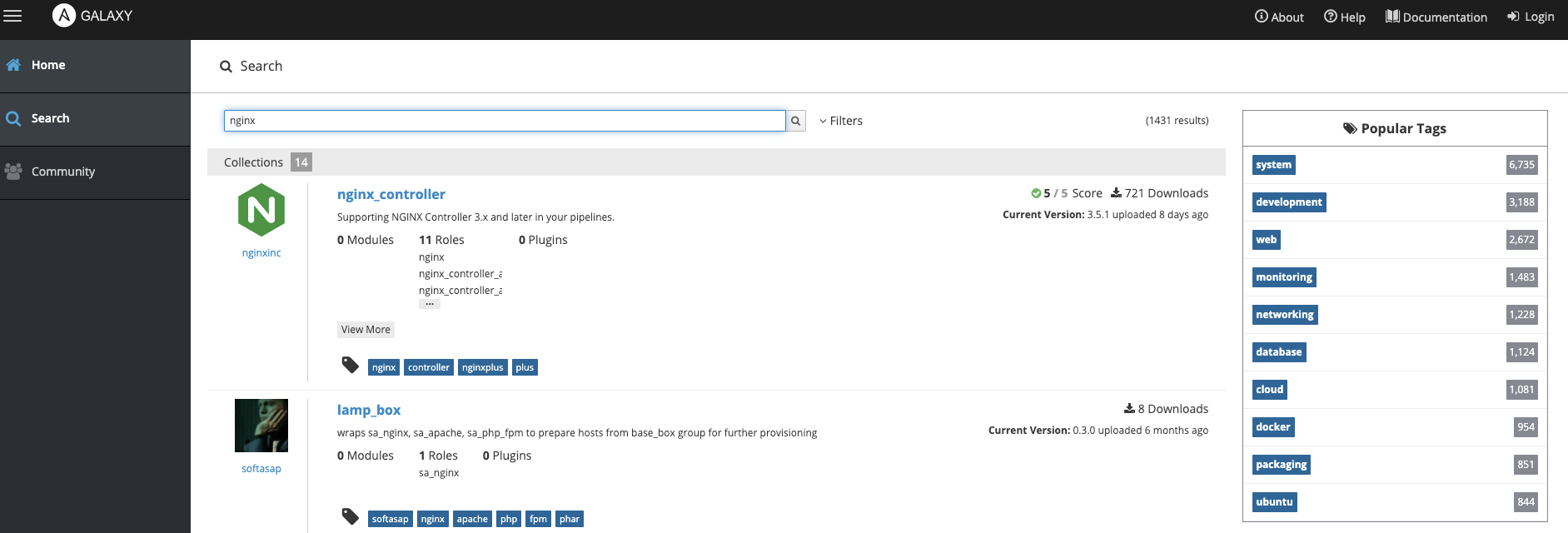
Ansible galaxy