<info340 />
Client-side Web Development
Alessia S. Fitz Gibbon
About Me - Alessia!
- Graduated Undergrad (Computer Science) in 2009
- Post-bacc research in HPC education
- Spent ~15 years in "Big Tech" software jobs
- (Amazon, Google, Startup)
- Concurrently, started teaching with UW CSE in 2019. First year with the iSchool!
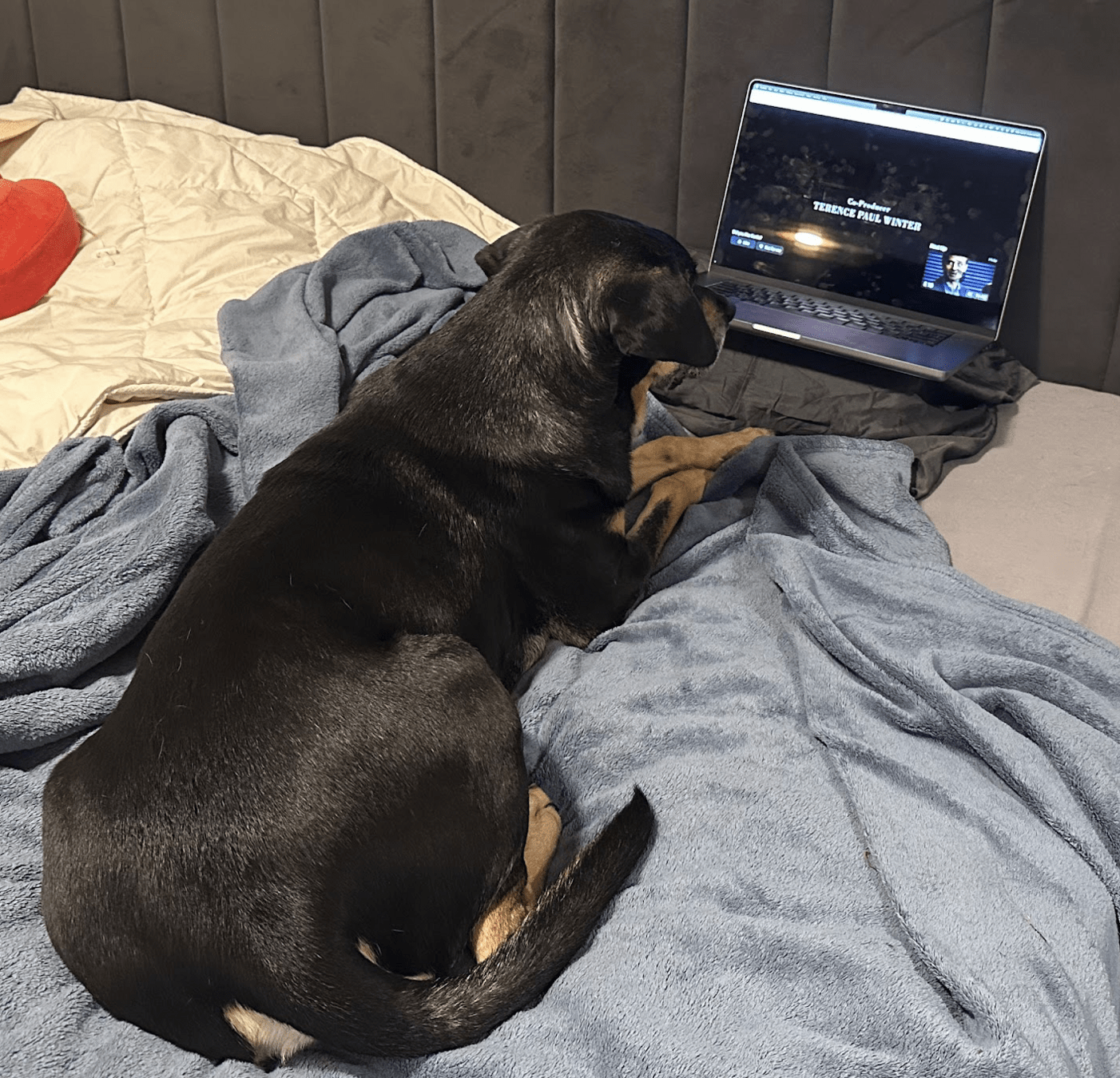
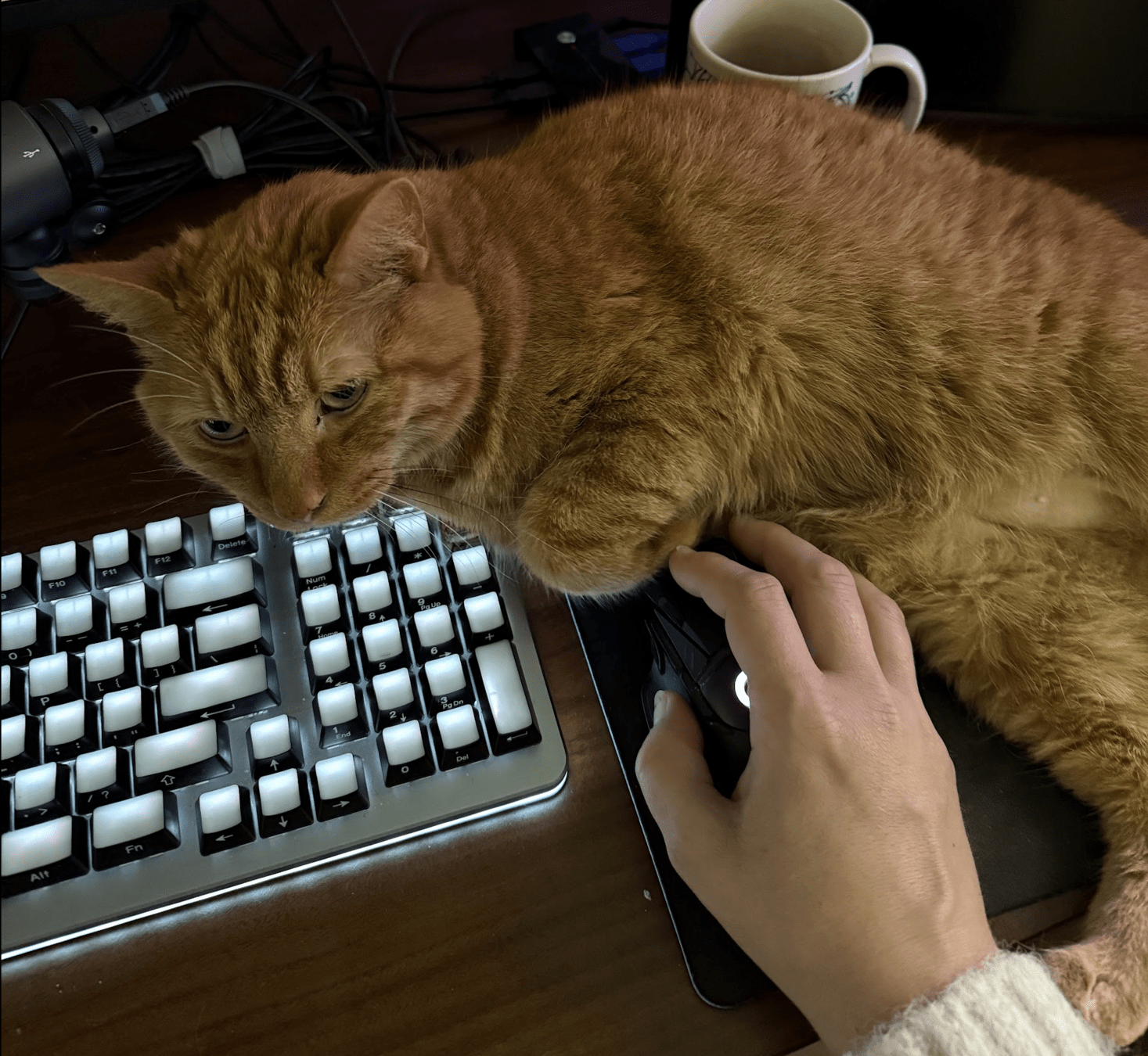
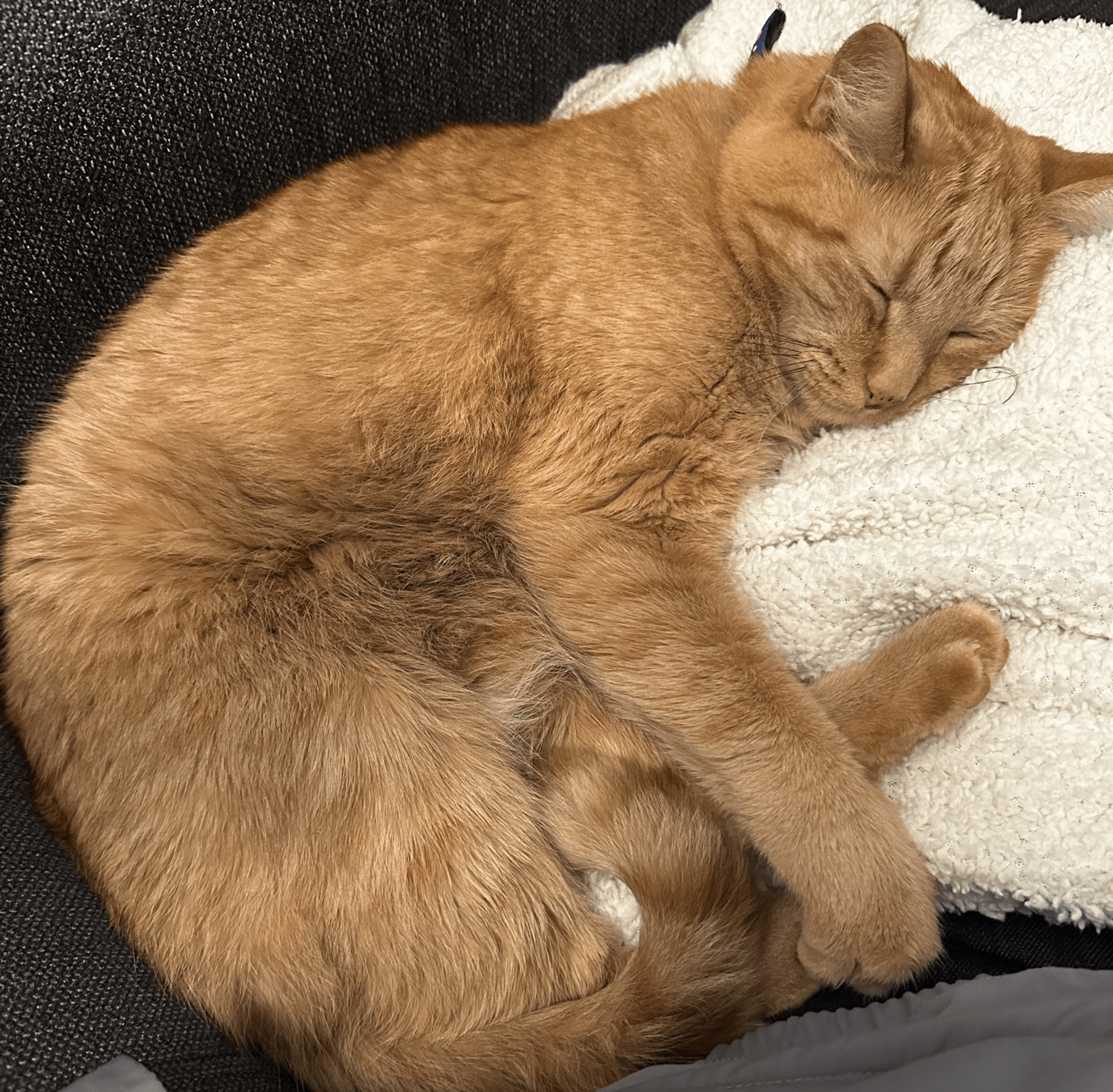
- Two cats and a dog!

Dishita Soni (CB)

Rania Sundramurti (CA)
TAs!
About the Course
A vs. B vs. C ...
You're in one of three lectures for the course!
- C taught by me! You're here!
- A by Joel Ross (long-time instructor of 340).
- B by Time Carlson
You may notice that some things are different or change throughout the quarter. For example, most of the readings and watchings are from past iterations of the course!
Zoom Practices / Etiquette
- Camera?
- I'd love to see your lovely faces, but not required!
- Only turn on if you're comfortable.
- Mute when not talking!
- Chat?
- Use it! It doesn't interrupt or distract me at all.
- Have a question/comment? Don't wait! Put it in the chat!
First Two weeks!
- A whole lot of setup and background
- Git! VSCode! Command line! Jest!
- Introductions!
- Ed! Survey! Group forming!
- Content!
- HTML! CSS! Semantics!
Assignments
Problem Sets
- Directed practice problems to make sure you can apply the material in code.
- Auto-graded on completion basis
- Due 1-2 times a week to keep you moving
- 2-day grace period
- DO NOT FALL BEHIND ON THESE!
Group Project
- Develop an interactive web app of your own choosing to creatively apply your new skills
- Completed in small teams (up to 4)
- Deliverables throughout the quarter
Project Deliverables
-
Project Proposal
- Tell us what you're going to do!
-
Draft 1 (Static Mockup)
- Do all of the HTML/CSS design work for the whole thing
-
Draft 2 (React)
- Redo mockup in React (copy-paste a lot)
- add basic interactivity (~1 small feature)
-
Final Version
- Final complete version!
Deadlines
-
Problem Sets
- Can turn in 2 days late at no penalty
- After 2 days, earn up to 80% credit
- Treat these as having "hard" deadlines - don't put them off!
-
Project Deliverables
- Proposal may be revised until correct
- Drafts have hard deadlines, with no late credit available
- Final has hard deadline, with no late credit available
- Iterating: fixing problems in subsequent drafts can boost earlier scores by up to 20%
We will provide accommodations for illnesses/etc!
"Waterfall Chat"
Rules:
- I'll ask/post a question
- You'll type your answer into the chat
- DO NOT HIT SEND
- I'll give some time for people to think and type in an answer
- ... Then countdown. On "Go", everyone hits send!
Waterfall chat question
Question:
Where are you calling in from?
"my bed"
"downtown seattle"
"east coast us"
"india"
"my parents' house"
"coffee shop"
"europe"
"dorm room on campus"
"i'm actually on a plane rn"
I hereby authorize you to seek help learning from others...
... and to help others learn in return.
You are expected to develop projects by yourself, from scratch. Using pre-written examples or code from the internet or an AI will not be sufficient to earn credit.
You will not earn credit for code you do not write yourself.
AI Policy
While the task maybe to implement a program, the work you need to do for this class is to learn the material. AI can help you with the task, it cannot help you with the work.
recognition != recall
-
❌ Don't use AI tools for problem sets
-
✅ Use AI tools to support (but not do) your project work
- ✅ Scaffolding, code templates, etc.
- ❌ Generating entire features for you
-
Required: cite your usage of these tools:
- You MUST include a comment in the code indicating that the line, block, component, feature was generated or modified by AI.
Poll Everywhere Qs
Action Items!
- Do the "Getting Started" steps on Canvas
- Start through week 1's tasks!
- Watch for and respond to messages about forming groups
Development Tools: npm and Jest
npm - the Node Package Manager
-
npm install -g PACKAGE_NAME-
install command line programs for use anywhere on the computer (globally)
-
Or can use
npxPACKAGE_NAMEto download and run without installing
-
-
npm install PACKAGE_NAME-
locally (per project) install a new code package and record it in
the
package.jsonfile as a project dependency.
-
locally (per project) install a new code package and record it in
the
-
npm install-
locally install all of the
package.jsonlisted dependencies for a project.
-
locally install all of the
We'll see this in action with the first problem set.
Grading your work
Exercises contain test suites that you can use to check your work. Run these tests using the Jest test framework:
-
Install the problem set's dependencies:
# from within the problem set directory npm install -
(Optional) Install jest globally
npm install -g jest -
Run the tests
# Run only "problem-a"'s tests
jest problem-a

# Run ALL tests
jest
Test Results, locally
 PASS  problem-a/problem.spec.js
  Source code is valid
    ✓ HTML validates without errors (5 ms)
    ✓ CSS validates without errors (80 ms)
  Has required HTML
    ✓ Specifies charset (2 ms)
    ✓ Includes page title
    ✓ Includes author metadata
    ...

  Test Suites: 1 passed, 1 total
  Tests:       17 passed, 17 total
  Snapshots:   0 total
  Time:        0.632 s
  Ran all test suites.
Debug with Browser, not Jest
Problem solve in the browser
Use jest for checking work
Continuous Integration
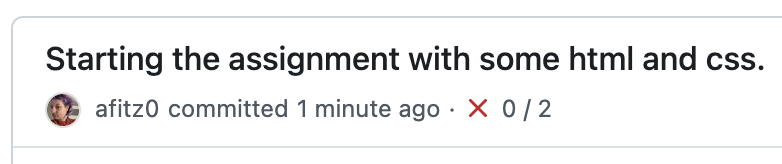
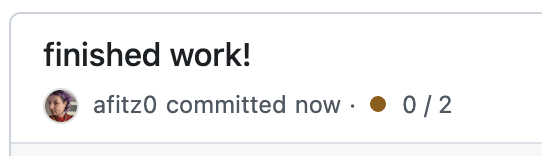
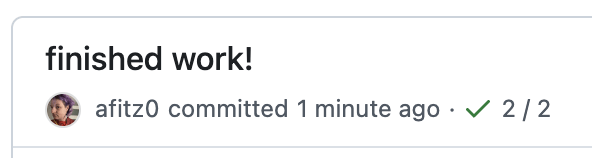
Problem Set repositories are set up to automatically run the Jest grader when pushed to GitHub.
Failed tests:
In Progress:
Successful Test:
GitHub checks per commit, on the entire repo--not on individual problem folders. You will only see the green check when the
info340-welcome
By Alessia Fitz Gibbon