Your team’s shared workspace.
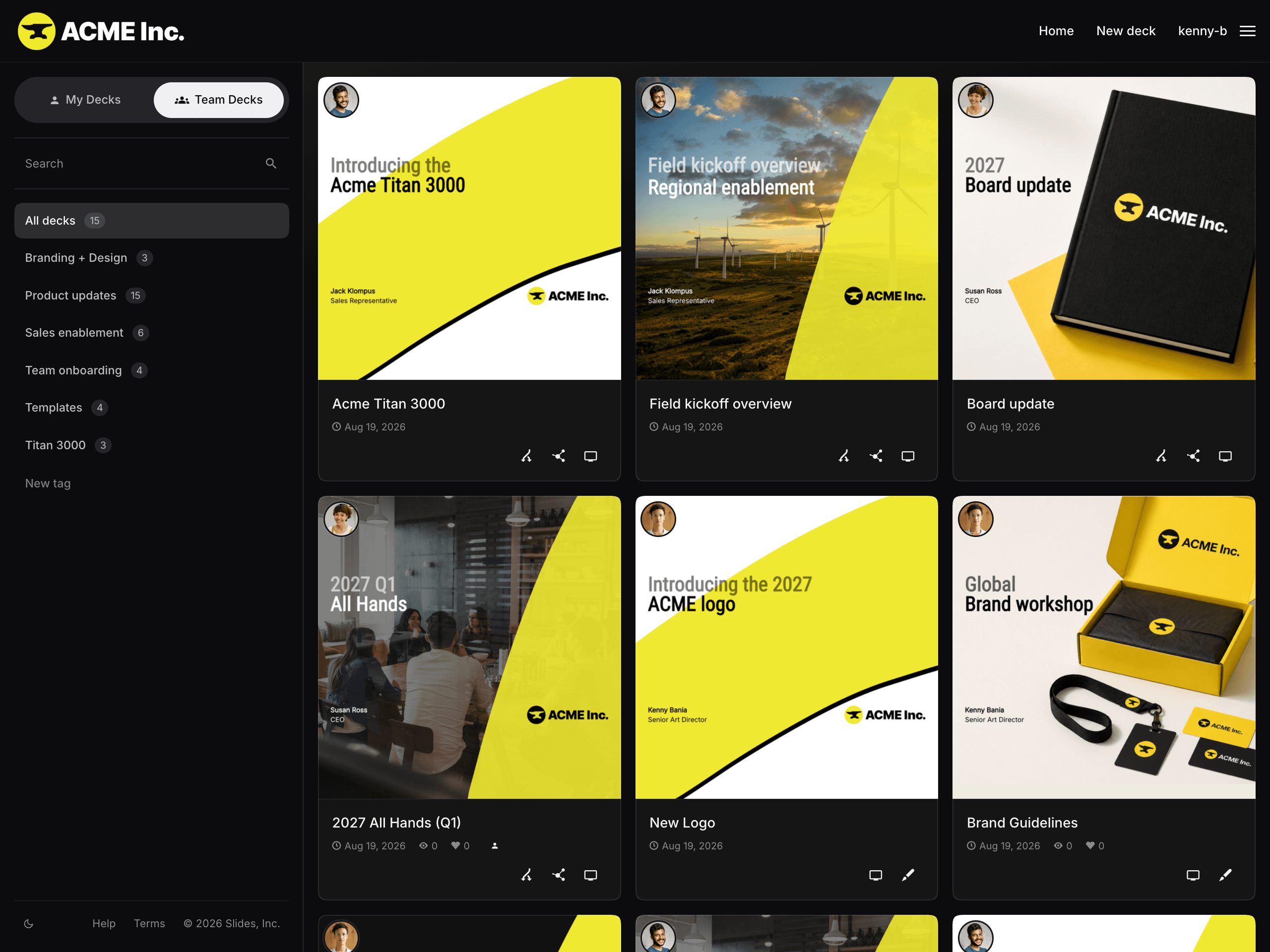
Find any deck in seconds.
No more hunting through inboxes and drives. Every deck your team shares gathers at yourteam.slides.com.
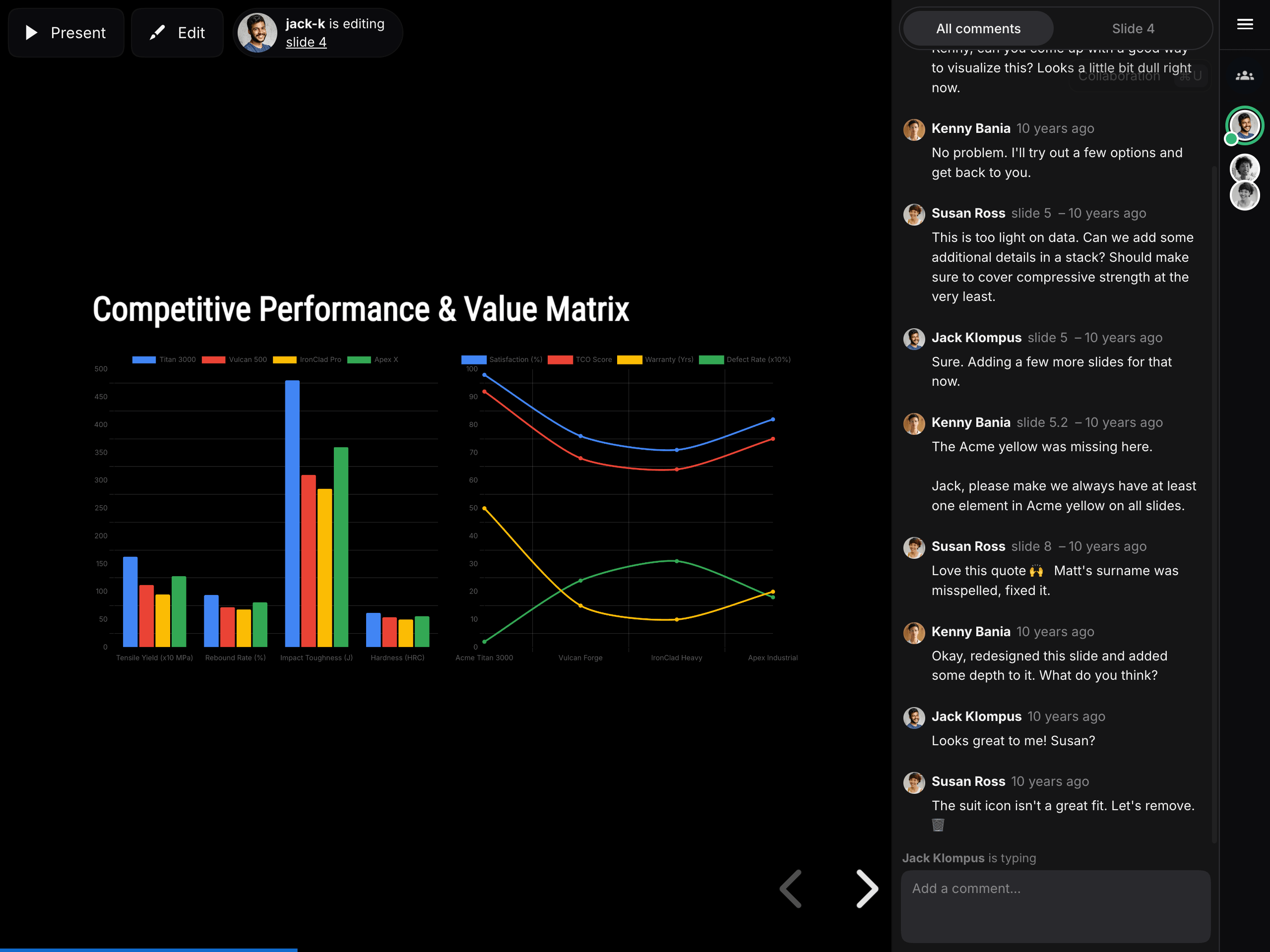
Work on it together.
Teammates can jump into a deck to edit, present, or weigh in, and comments stay pinned to the slides they’re about.
Share every asset.
Logos, icon sets, headshots, and approved footage live in one library everyone can reach from inside the editor.
Build on your team’s best work.
Team members can reuse any team deck as a starting point or drop in specific slides from a teammate’s deck.
On brand by default.
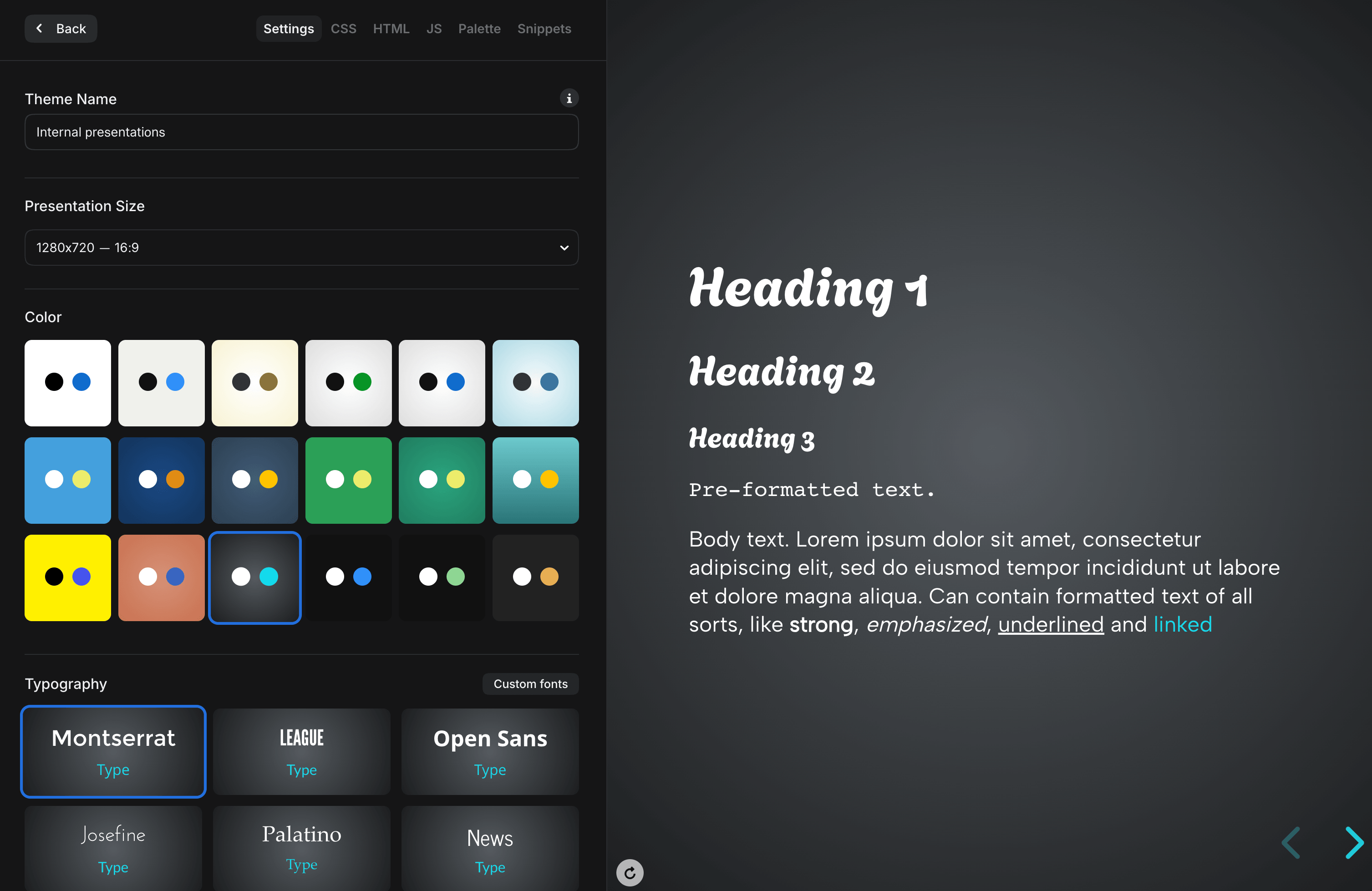
Build your team’s look once in the theme editor: typography, color palettes, backgrounds, slide transitions, and custom CSS. Save it and it’s available to everyone.
New decks are on brand the moment they’re created. No style guide to hunt down, no font files passed around, no drift to clean up later.
Sign in the way your organization already does.
Start with email invitations, let people in through Google Workspace, or connect any OpenID Connect provider — Okta, Microsoft Entra, OneLogin — and require SSO across the team.
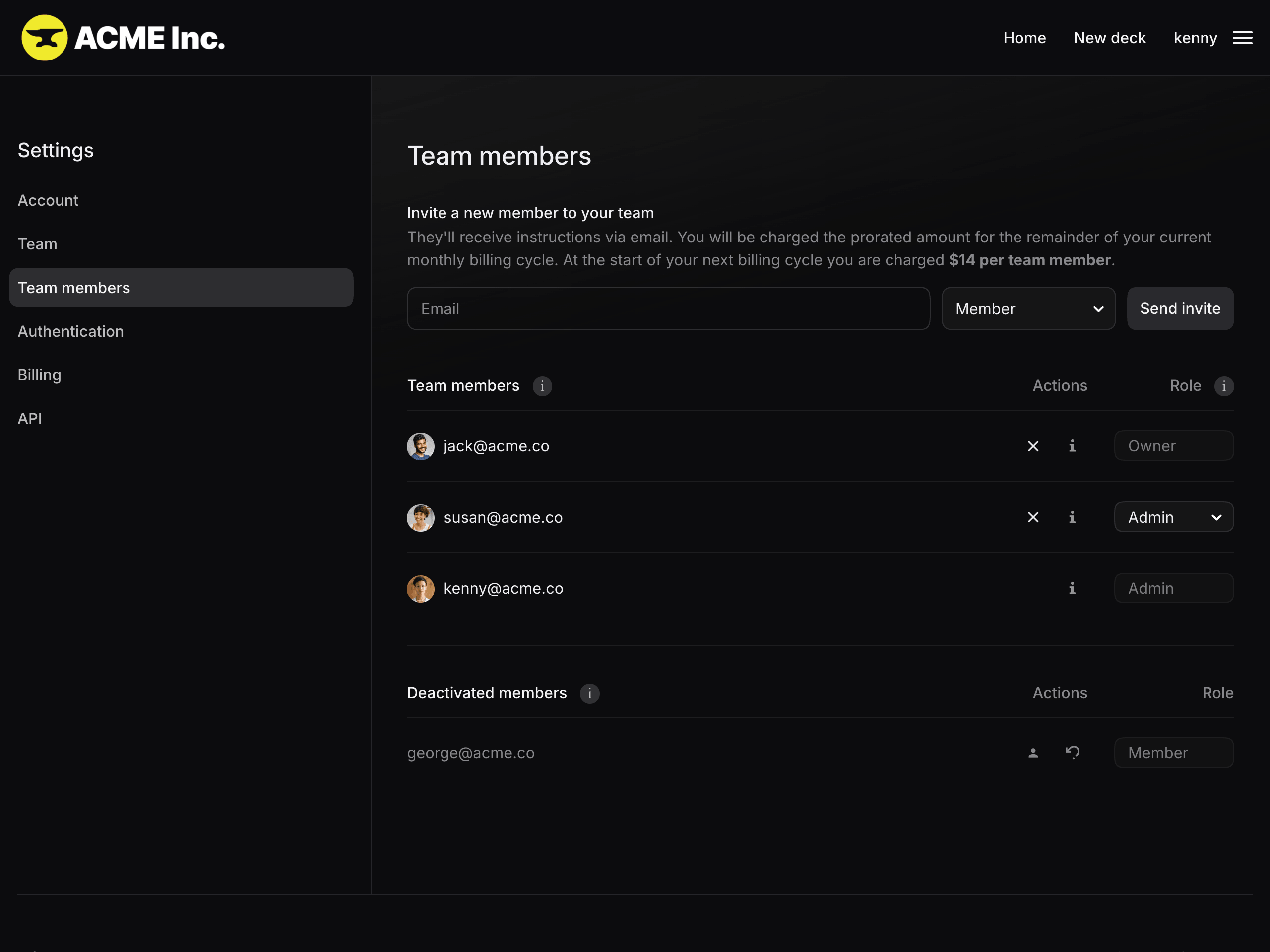
From there, team settings decide the rest: assign roles, tune what each member can do, and deactivate or reactivate access as needed.
See how the team’s decks perform.
Every deck reports back: who opened it, when, and how many times. Connect Google Analytics to to see traffic across every team deck in one place.