Kubernetes
deployments & automation

History

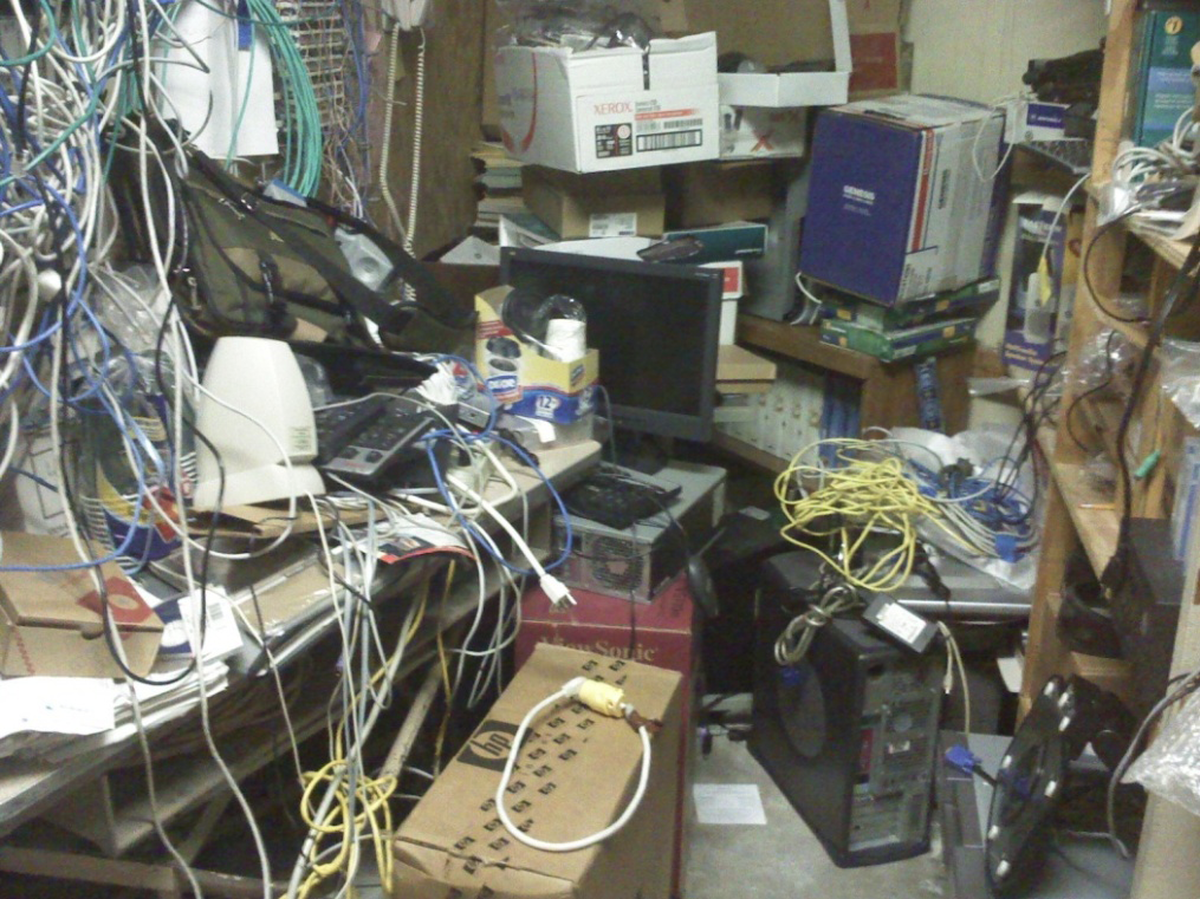
First we deployed in our servers rooms
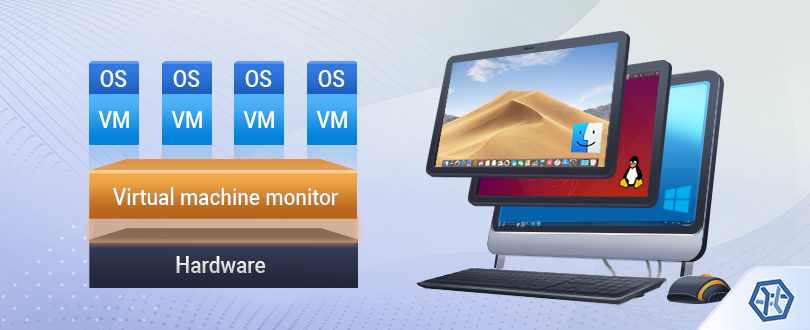
Then we started with VMs (local -> cloud)
Then we abstracted cloud and hardware
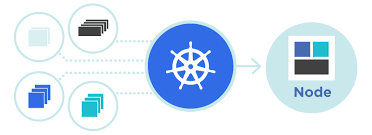
So how an app goes into kubernetes?





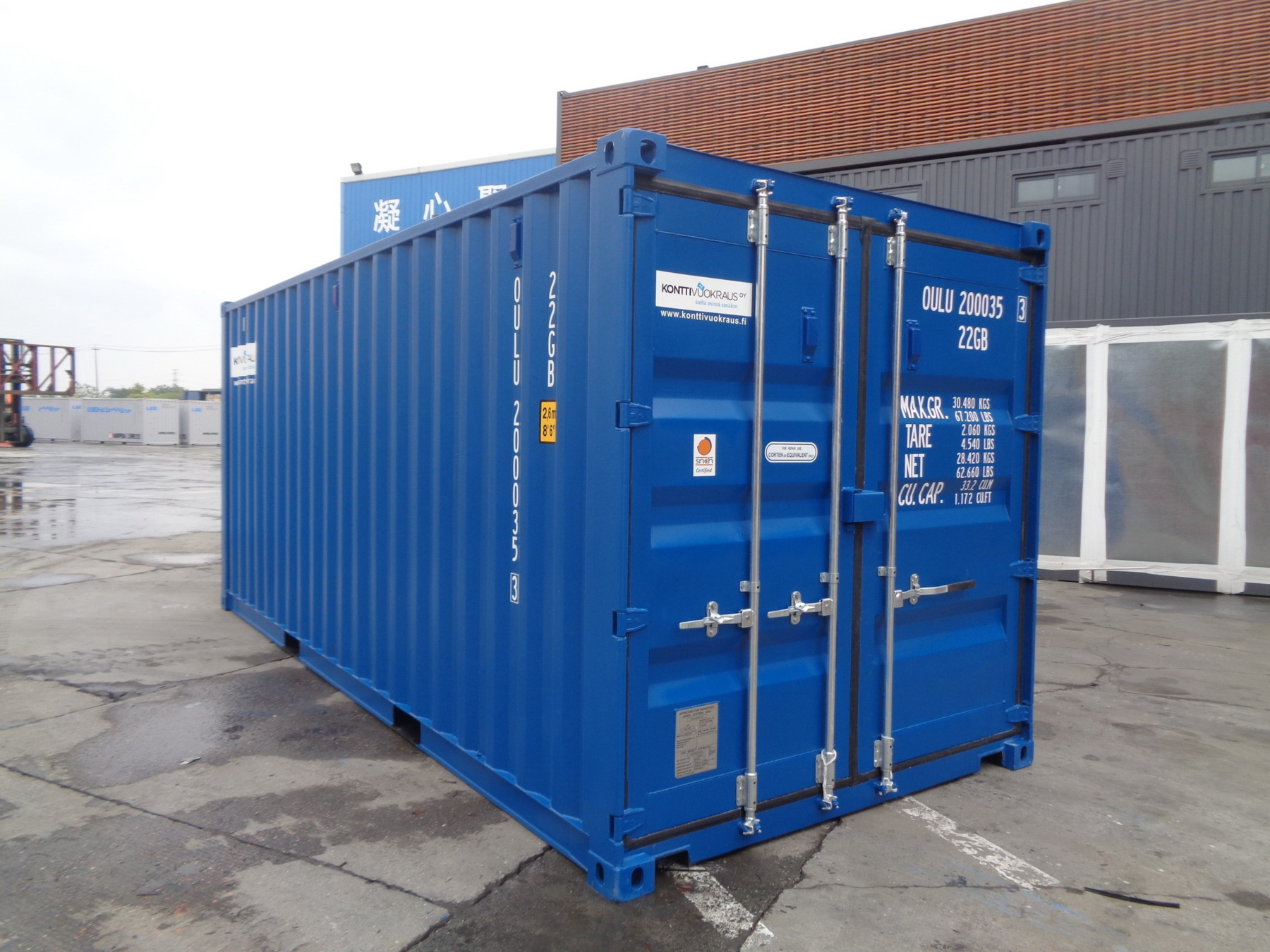
Our image can now run in a container
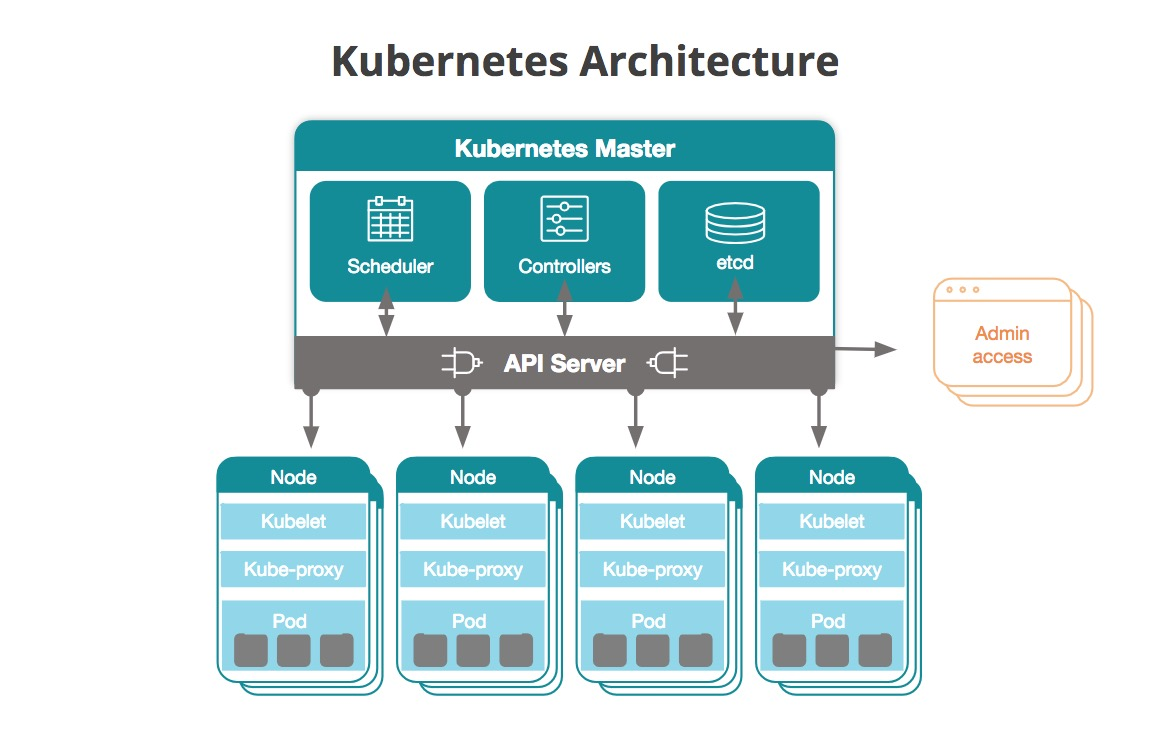
How does hardware look?
Lets see a deployment

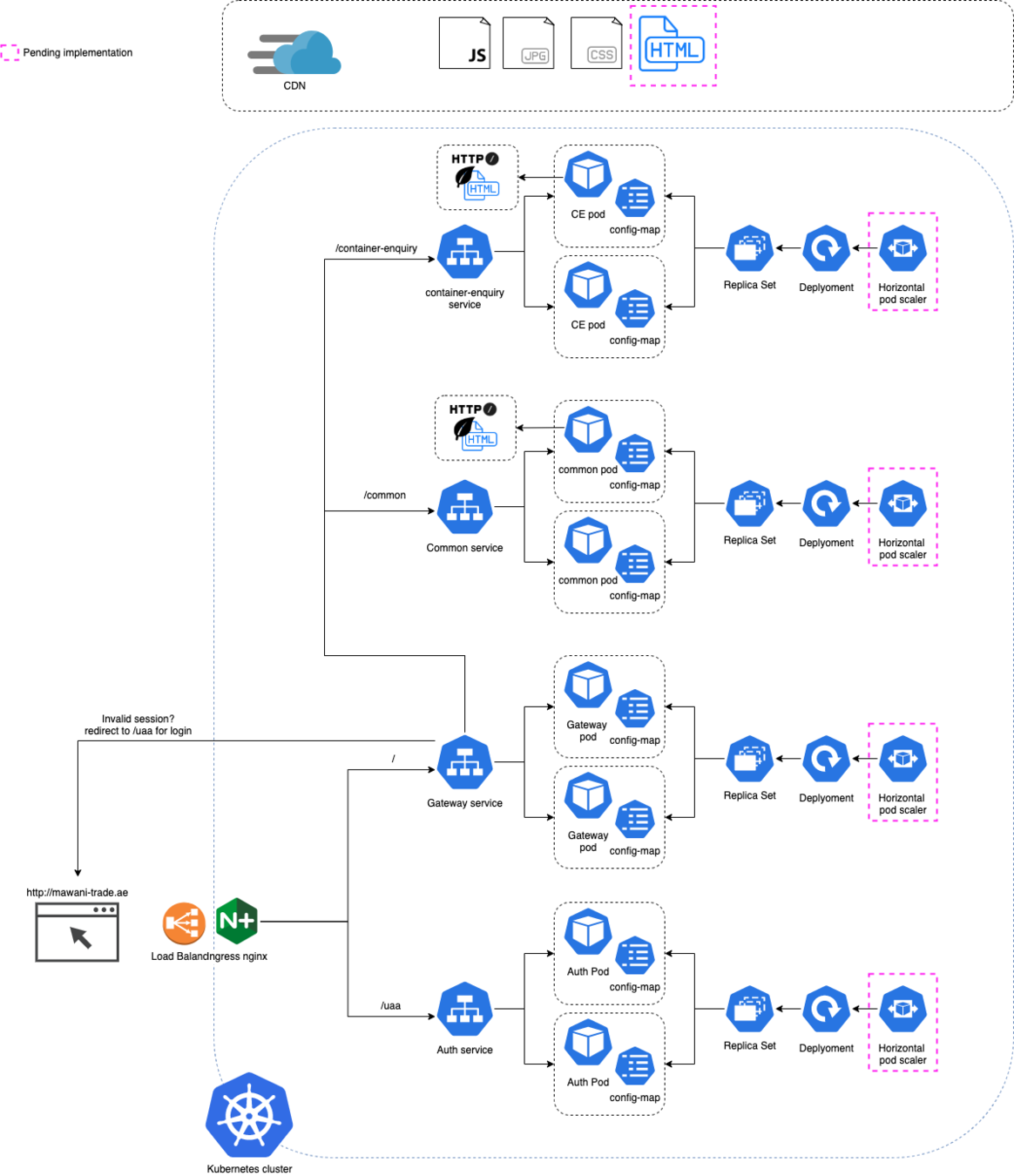
The pod
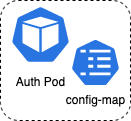
apiVersion: apps/v1
kind: Deployment
metadata:
  name: auth-server-deployment
  namespace: default
  labels:
    app: auth-server
spec:
  replicas: 1
  selector:
    matchLabels:
      app: auth-server
  template:
    metadata:
      labels:
        app: auth-server
    spec:
      containers:
        - name: auth-server
          image: mawani.azurecr.io/auth-server:develop
          command: [ "/bin/bash", "-c", "$(JAVA_OPTIONS)" ]
          env:
            - name: JAVA_OPTIONS
The pod door & health
 livenessProbe:
          httpGet:
              path: uaa/actuator/health
              port: 9000
          readinessProbe:
            httpGet:
              path: uaa/actuator/health
              port: 9000
          ports:
            - containerPort: 9000
wget http://142.34.56.78:9000/login The config-map
apiVersion: v1
kind: ConfigMap
metadata:
  name: javaconfig
  namespace: default
data:
  ENV_VARIABLE: hello
  JAVA_OPTS:
    java -Djava.security.egd=file:/dev/./urandom
    -DbaseUrl=cnstest.cnsonline.co.uk
    -Doauth2.server=auth-server.common
ssh 142.34.56.78:9000
-> echo ${ENV_VAR}
"hello"The service
apiVersion: v1
kind: Service
metadata:
  name: auth-server
  namespace: default
spec:
  ports:
    - port: 80
      targetPort: 9000
  selector:
    app: auth-server
wget http://auth-server/login 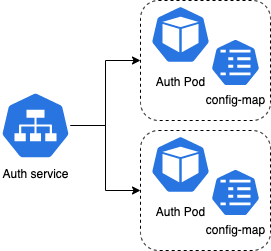
The Ingress
wget http://www.domain.com/uaa/login 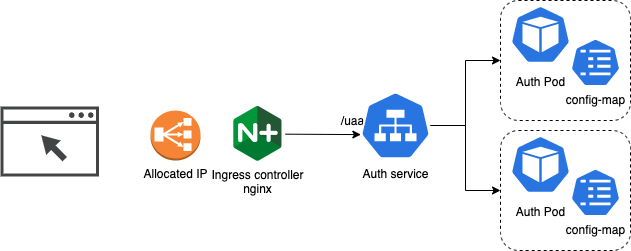
The Ingress
apiVersion: extensions/v1beta1
kind: Ingress
metadata:
  name: mawani-ingress
  namespace: default
  annotations:
    kubernetes.io/ingress.class: nginx
spec:
  rules:
    -  http:
         paths:
           - path: "/"
             backend:
               serviceName: gateway-server
               servicePort: 8686
           - path: "/uaa"
             backend:
               serviceName: auth-server
               servicePort: 9000
Scaling and sizing
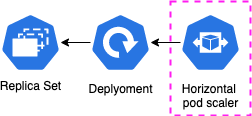
piVersion: autoscaling/v2beta2
kind: HorizontalPodAutoscaler
metadata:
  name: php-apache
  namespace: default
spec:
  scaleTargetRef:
    apiVersion: apps/v1
    kind: Deployment
    name: php-apache
  minReplicas: 1
  maxReplicas: 10
  metrics:
  - type: Resource
    resource:
      name: cpu
      target:
        type: Utilization
        averageUtilization: 50
Then what is HELM?

Parameterize yaml
apiVersion: apps/v1
kind: Deployment
metadata:
  name: auth-server-deployment
  namespace: default
  labels:
    app: auth-server
spec:
  replicas: 1
  selector:
    matchLabels:
      app: auth-server
  template:
    metadata:
      labels:
        app: auth-server
    spec:
      containers:
        - name: auth-server
          image: ${image_name}
apiVersion: apps/v1
kind: Deployment
metadata:
name: auth-server-deployment
namespace: default
labels:
app: auth-server
spec:
replicas: 1
selector:
matchLabels:
app: auth-server
template:
metadata:
labels:
app: auth-server
spec:
containers:
- name: auth-server
image: auth-server:developPackage it & deploy
echo "Deploying mawani services using deployment: ${deployment_name}"
helm install ${deployment_name} kubernetes-infra/helm/mawani \
--values kubernetes-infra/helm/config/cns-automation.yaml \
--set tag=develop \
--set configmap.baseUrl=${public_ip} \
--set configmap.cdnurl=${public_ip} \
--set deployment=vbs \
--set type=automation \
--set ingress.host=${public_ip}  \
--set configmap.security_hostname=auth-server-${deployment_name} \
--set configmap.oauth2=auth-server-${deployment_name} \
--set configmap.config_server=config-server-${deployment_name} \
--set configmap.registry_server=registry-server-${deployment_name} \
--set configmap.dbhost=mawani-vbs-db-${deployment_name} \
--set configmap.mqhost=vbs-test-mq-queue-${deployment_name}:61616
Automation!

Automation!
Deploy a full environment
PUBLIC_IP = az network public-ip create --name public_ip_${deployment_name} --allocation-method static
helm install my_deployment helm_folder_with_templates --values my-cofing --set ingress.host=${public_ip}
Collect results and clean
EXIT_CODE=$?
helm uninstall ${deployment_name}
helm uninstall nginx-ingress-${deployment_name}
az network public-ip show -g $cluster_rg -n public_ip_${deployment_name} -o table
Run test automation
sleep 120
robot --variable var_mawani_app_url:http:/${PUBLIC_IP}
DEMO!
Lets see it in action?

Questions?

Kubernetes, deployments and automation
By Alejandro Vidal Rodriguez
Kubernetes, deployments and automation
Helm, kubernetes, routing, robot, cucumber