AIs and Visualization
slides.com/andrewjanco/ai-viz
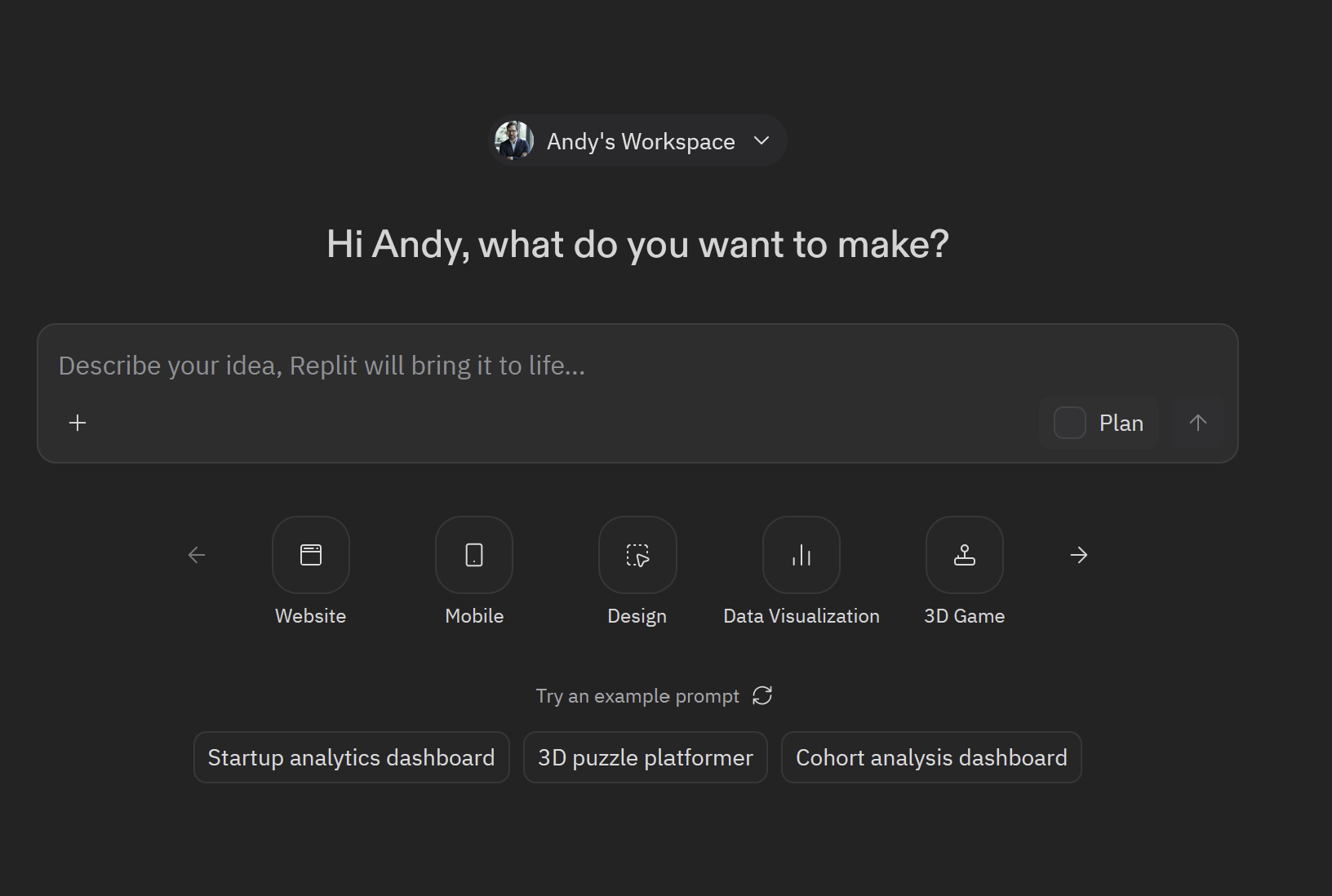
replit.com

Build a simple Datasette web app that serves the Museum of Modern Art's public artwork collection.
What it should do:

On first run, download Artworks.json from https://github.com/MuseumofModernArt/collection/raw/refs/heads/main/Artworks.json
Load the JSON records into a SQLite database (moma.db) in a table called artworks
Enable full-text search on the Title, Artist, and Medium columns
Start Datasette serving that database on host 0.0.0.0 and the port Replit expects (use the PORT environment variable if set, otherwise 8080)
On subsequent runs, skip the download/build step if moma.db already exists and just start Datasette

Requirements:

Python 3
Use the datasette and sqlite-utils packages (add them to requirements.txt or pyproject.toml)
Use sqlite_utils.Database.insert_all(records, alter=True) so the schema adapts to the JSON's varying fields
Single entry-point file main.py that handles both the build and the server launch
Configure .replit so clicking "Run" starts the app and the webview shows Datasette's homepage

Notes / gotchas:

The JSON file is ~30MB with ~140,000 records — load it with json.load into memory (fine for this size) and insert in one batch
Some records have nested arrays (e.g. ConstituentID); insert_all with alter=True will store these as JSON strings, which is fine
Print progress messages during download and DB build so the user can see what's happening
Set Datasette's default_page_size to 25 for snappier loads

Deliverable: a working Repl where clicking Run produces a browsable Datasette UI of the MoMA collection with search and SQL query support.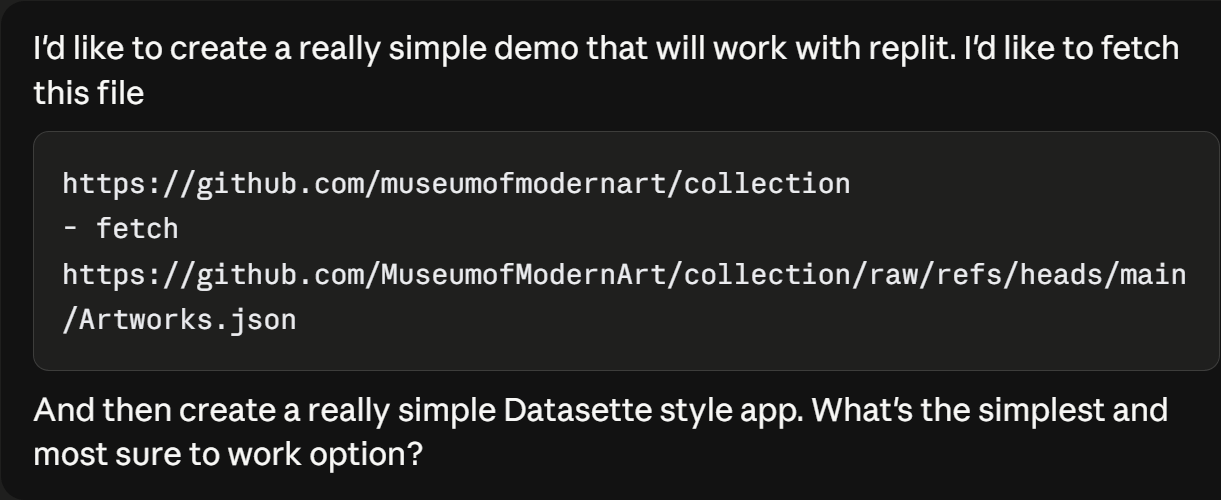
Prompt > Spec.md

datasketch.es/
...
a life with no
migrations, losses, or conflicts is mostly seed-color stretched and
combed; a life with many of those has visible new ink threads.
Comb color
- `migration` — something foreign is added when you move
- `loss` — death and separation leave a trace
- `conflict` — fights and strikes paint themselves into the record
Comb strokes
Number of tines
Direction of stroke
pull strength
Drops of paint
Color of the paint
Amount of paint
Location of the drop
The visual "grammar" of marbling
# Specification

## 1. Concept

A visualization that turns a life history into a marbled pattern. Each
person's story is composed of:

- **Seeds** — the conditions they began with: birthplace, family,
  heritage, faith. These are placed as ink drops on a virtual marbling
  tray before any narrative motion happens.
- **Events** — the things that happened to them, in chronological order:
  migrations, work, family changes, hardships, losses, conflicts,
  community moments. These are comb strokes that warp the seeded
  canvas.

The final marble is a portrait of a life. Different lives produce
visibly different marbles.

## 2. UI layout

Three vertical panels plus a bottom timeline:

```
┌──────────────┬────────────────────────────┬──────────────────┐
│              │                            │                  │
│   Roster     │     Marble canvas          │   Transcript     │
│   (left)     │     (center stage)         │   (right)        │
│              │                            │                  │
│   - Turney   │     ┌──────────────┐       │  Mrs. Samantha   │
│   - Marando  │     │              │       │  Jane Turney,    │
│   - Harper   │     │   marble     │       │  age 78, born    │
│              │     │              │       │  in Arkansas...  │
│              │     └──────────────┘       │                  │
│              │     [caption text]         │  [highlighted    │
│              │                            │   active span]   │
│              │     ▶ ⏸ ⏮ ⏭                │                  │
├──────────────┴────────────────────────────┴──────────────────┤
│  ●─●─●──●───●──────●─●──●────●──●──●           [scrubber]    │
└───────────────────────────────────────────────────────────────┘
```

### Roster panel (left, ~22% width)

- Title at top: "American Life Histories"
- Subtitle: "Federal Writers' Project, 1936–1940"
- A list of interview cards, one per entry in `data/interviews/_index.json`
- Each card shows: title (narrator name), subtitle (one-line summary),
  location and year
- The selected card is highlighted

### Center stage (~46% width)

- The marble canvas, square aspect ratio, takes most of the panel
- Caption area below the canvas: shows the label of the current
  operation, plus the relevant quote from the transcript (max ~30
  words)
- Playback controls below the caption: Play/Pause, Restart, Skip to End

### Transcript panel (right, ~32% width)

- Header: narrator name, age, interviewer, location, date
- Body: the full transcript text, broken into anchored spans
- Each span corresponds to a `text_anchor` in the JSON (a seed or event)
- The active span is highlighted; the panel auto-scrolls to keep it
  visible
- Clicking any span replays the animation from that operation

### Timeline scrubber (bottom, full width)

- A horizontal track running left to right
- Markers along the track: small dots for seeds, larger dots or short
  bars for events, colored by category
- A playhead that moves as the animation runs
- Clicking a marker jumps the animation to that operation

## 3. Visual style

This is the piece that determines whether the workshop demo lands.
Aim for an archival, editorial feel — not a tech-demo aesthetic.

- **Background**: warm cream paper (`#f1ead8` or thereabouts), with a
  subtle paper-grain texture overlay
- **Typography**: serif for body and headers (suggested: Old Standard TT,
  IM Fell English, or a similar transitional/old-style serif). Monospace
  for technical labels (JetBrains Mono, IBM Plex Mono).
- **Color palette for the marble**: defined in `reference/color_palette.json`,
  fixed across all interviews so visuals are comparable
- **Letterpress feel**: slight darkening at edges, subtle shadows on
  raised elements, no flat material-design surfaces

## 4. Data flow

1. On load, fetch `data/interviews/_index.json`. Render the roster.
2. On selection, fetch `data/interviews/<id>.json`. This is the
   complete interview data including seeds, events, transcript text.
3. Render the transcript panel by walking the transcript text and
   wrapping each `text_anchor` span (from seeds + events) in a
   clickable element.
4. Render the timeline scrubber by placing markers at each operation's
   `narrative_position`.
5. Initialize the marbling engine with empty state.
6. Begin animation.

## 5. Animation flow

**Phase 1: Seeds drop, in order of appearance in the JSON.**

Each drop animates over ~700ms. As each drop begins:
- The transcript scrolls to its `text_anchor` and highlights that span
- The caption updates to show the seed's label and quote
- The scrubber playhead moves to the seed's position

After the last seed: pause 800ms ("the seeds settle").

**Phase 2: Events animate in chronological order (`order` field).**

Each event animates over a duration derived from its `duration_relative`
field (see `reference/animation_choreography.md`). As each event begins:
- The transcript scrolls to its `text_anchor` and highlights it
- The caption updates
- The scrubber playhead moves
- The comb stroke sweeps across the canvas

Between events: pause 200–400ms, scaled by `intensity` (heavier events
get longer pauses after them, to let the moment land).

**Phase 3: End state.**

The final marble holds. The caption shows a summary line: "78 years.
4 seeds. 12 events." The user can click any transcript span or scrubber
marker to replay from that point.

## 6. The marbling engine

Two operations only:

- **Drop** — an area-preserving radial expansion that places a colored
  ink blob and pushes existing material outward. Formula in
  `reference/marbling_math.md`.
- **Comb** — a parallel set of N tines, each pulling material along
  a line. Some events also deposit new ink along the tine path.
  Formula in `reference/marbling_math.md`.

Implementation approach: **particles**. Represent the canvas as a grid
of ~50,000 colored points. Each operation moves each point. Render by
drawing each point as a small splat into the canvas. This is faster
than fluid simulation, deterministic, and animates beat-by-beat
naturally.

Performance target: each operation completes its frame budget within
its `duration_ms`. On a modern laptop the particle approach handles
~50k points at 60fps without breaking a sweat.

## 7. Mapping schema fields to operations

These mappings are exact. Do not change them.

### Seeds → Drops

| Schema field         | Drop parameter         | Mapping                                |
| -------------------- | ---------------------- | -------------------------------------- |
| `position.x, .y`     | drop center C          | direct, scaled to canvas dimensions    |
| `spread`             | drop radius R          | `R = canvas_width × spread`            |
| `color_key`          | drop color             | lookup in `reference/color_palette.json` |
| `weight`             | drop opacity / density | `opacity = 0.5 + 0.5 × weight`         |

### Events → Comb strokes

| Schema field           | Comb parameter             | Mapping                                  |
| ---------------------- | -------------------------- | ---------------------------------------- |
| `direction_degrees`    | tine direction d           | `d = (cos θ, sin θ)`                     |
| `extent`               | tine length L              | `L = canvas_width × extent`              |
| `intensity`            | pull strength λ            | `λ = 0.05 + 0.4 × intensity`             |
| `tine_count`           | number of parallel tines   | direct integer                           |
| `tine_spacing`         | spacing between tines      | `spacing = canvas_width × tine_spacing`  |
| `duration_relative`    | animation duration in ms   | `ms = 600 + 4000 × duration_relative`    |
| `color_key`            | tine ink color (if any)    | lookup, but only used by ink-depositing categories |

### Ink-depositing categories

These categories cause the comb to deposit new ink along its sweep
(in addition to pushing existing ink):

- `migration` — something foreign is added when you move
- `loss` — death and separation leave a trace
- `conflict` — fights and strikes paint themselves into the record

Other categories are pure pushes that warp existing seeds without
adding new color. This keeps the visual grammar legible: a life with no
migrations, losses, or conflicts is mostly seed-color stretched and
combed; a life with many of those has visible new ink threads.

## 8. Interactivity

- **Hover a transcript span**: show a tooltip with the operation label
  (mild, not intrusive)
- **Click a transcript span**: replay the animation from that operation
  to the end
- **Click a scrubber marker**: same as clicking a transcript span
- **Drag the scrubber playhead**: scrub through the animation; the
  marble state updates to that point in the timeline
- **Click a different interview while one is playing**: cancel the
  current animation and start the new one

## 9. Out of scope for v1

- Live extraction (calling an AI to extract a fresh interview) — this
  may be added later, not now
- More than three interviews
- User accounts, saving, sharing, export
- Mobile layouts (assume desktop, ≥1100px wide)
- Audio, sound effects, voice
- A "how it works" explainer page (the workshop facilitator explains)

## 10. File structure (suggested)

```
/
├── index.html
├── styles.css
├── src/
│   ├── main.js              ← entry point, wires everything
│   ├── engine.js            ← MarblingEngine (drops, combs, render)
│   ├── animator.js          ← LifeAnimator (orchestrates timeline)
│   ├── ui.js                ← DOM bindings (roster, transcript, scrubber)
│   └── palette.js           ← loads color_palette.json
├── data/                    ← copied from this package
├── reference/               ← copied from this package
└── package.json             ← if you use a framework
```
deck
By Andrew Janco