Learning Data Science
Lecture 6
Data Exploration with Pandas
Visualization
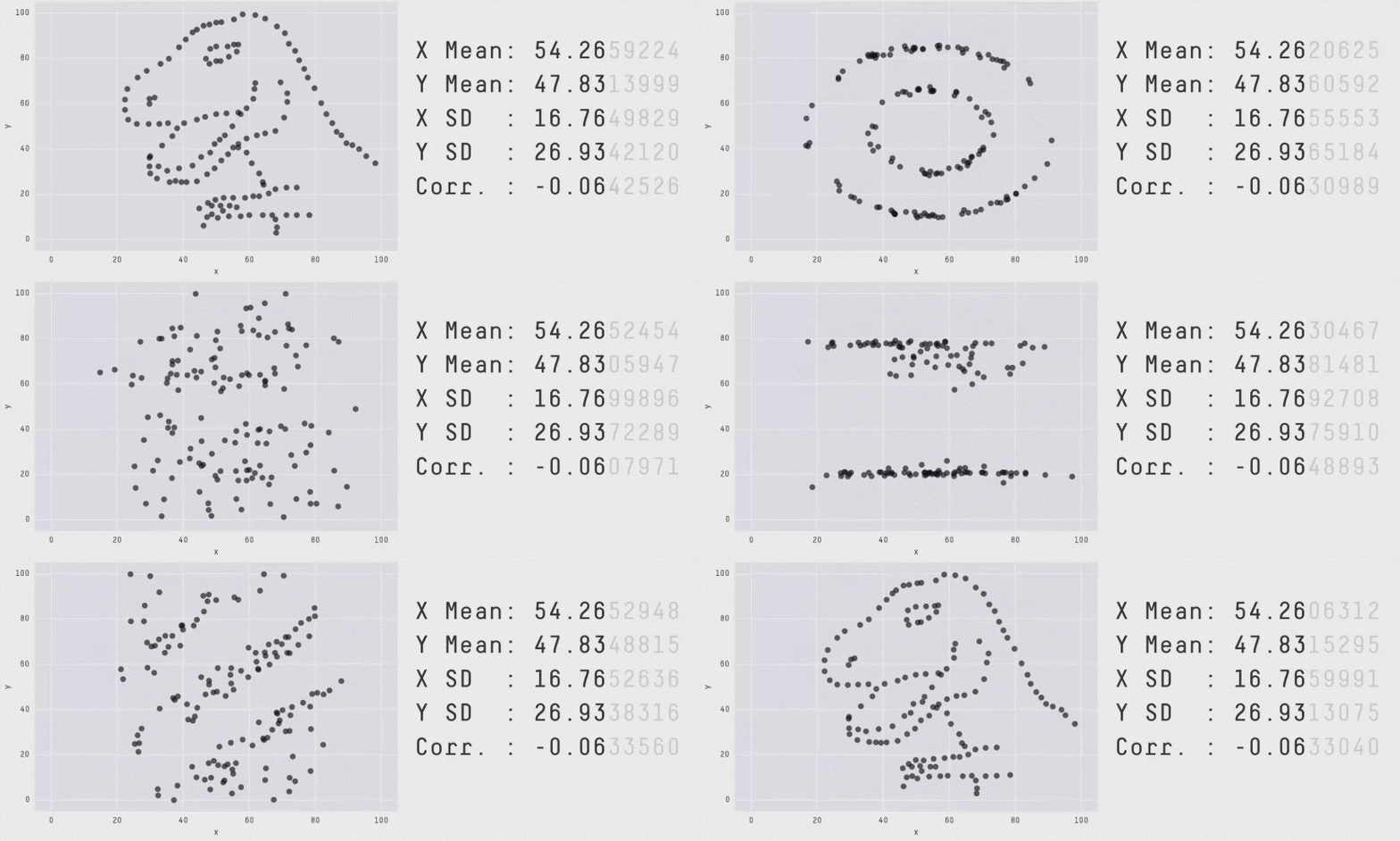
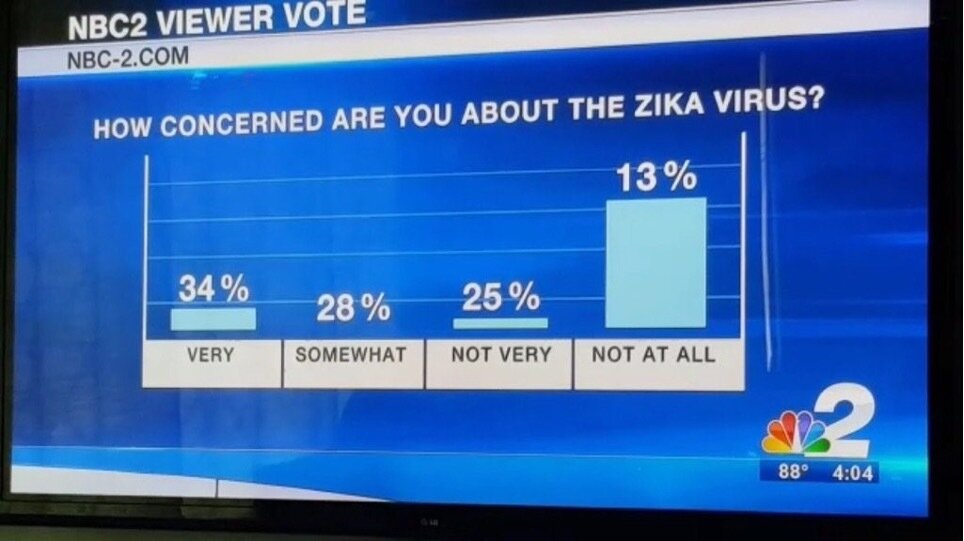
Looking at the numbers alone is not enough!
Style is important
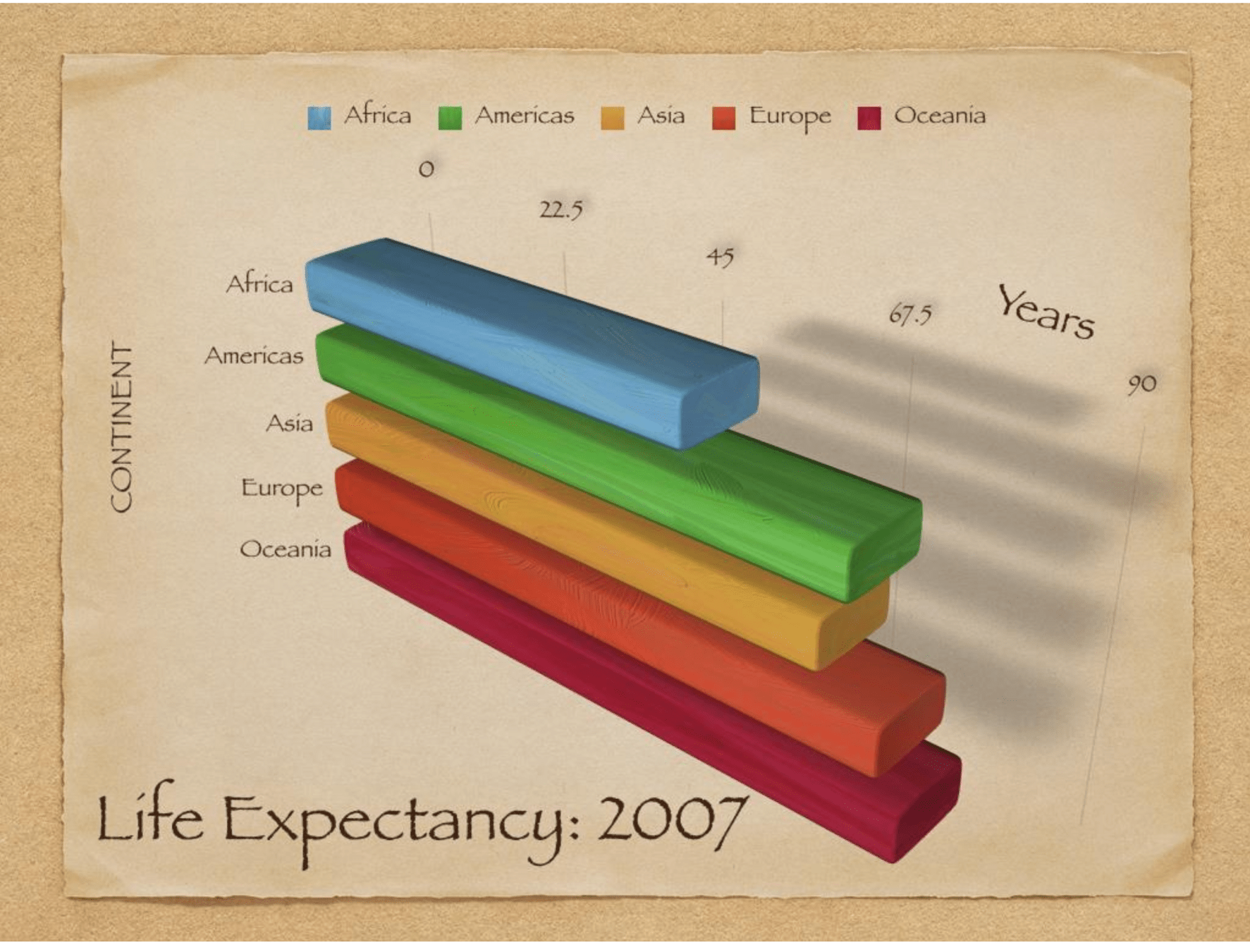
Math is important
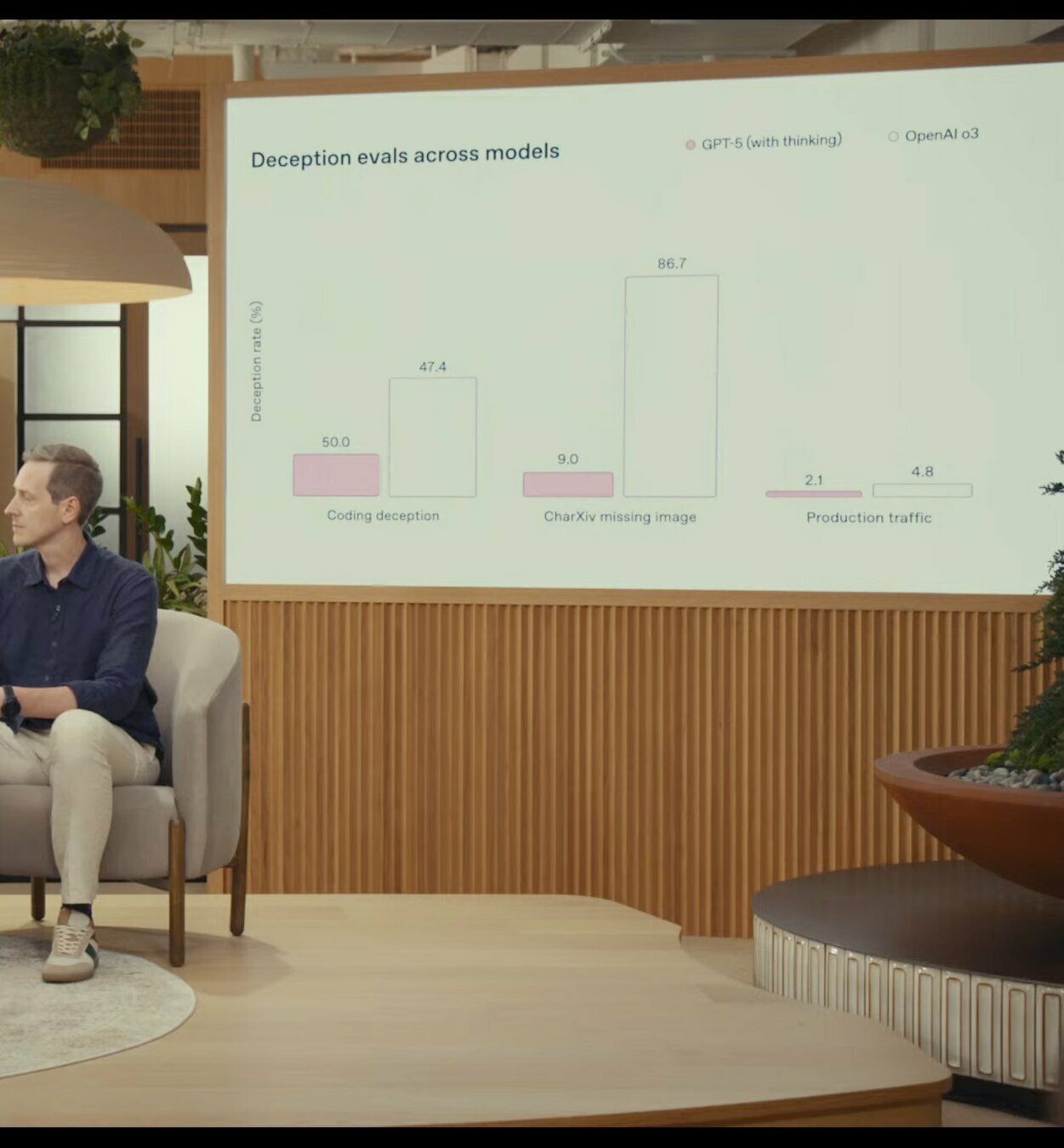
Open AI's Official
ChatGPT 5 Release Video
(Aug 2025)
Math is
important
matplotlib

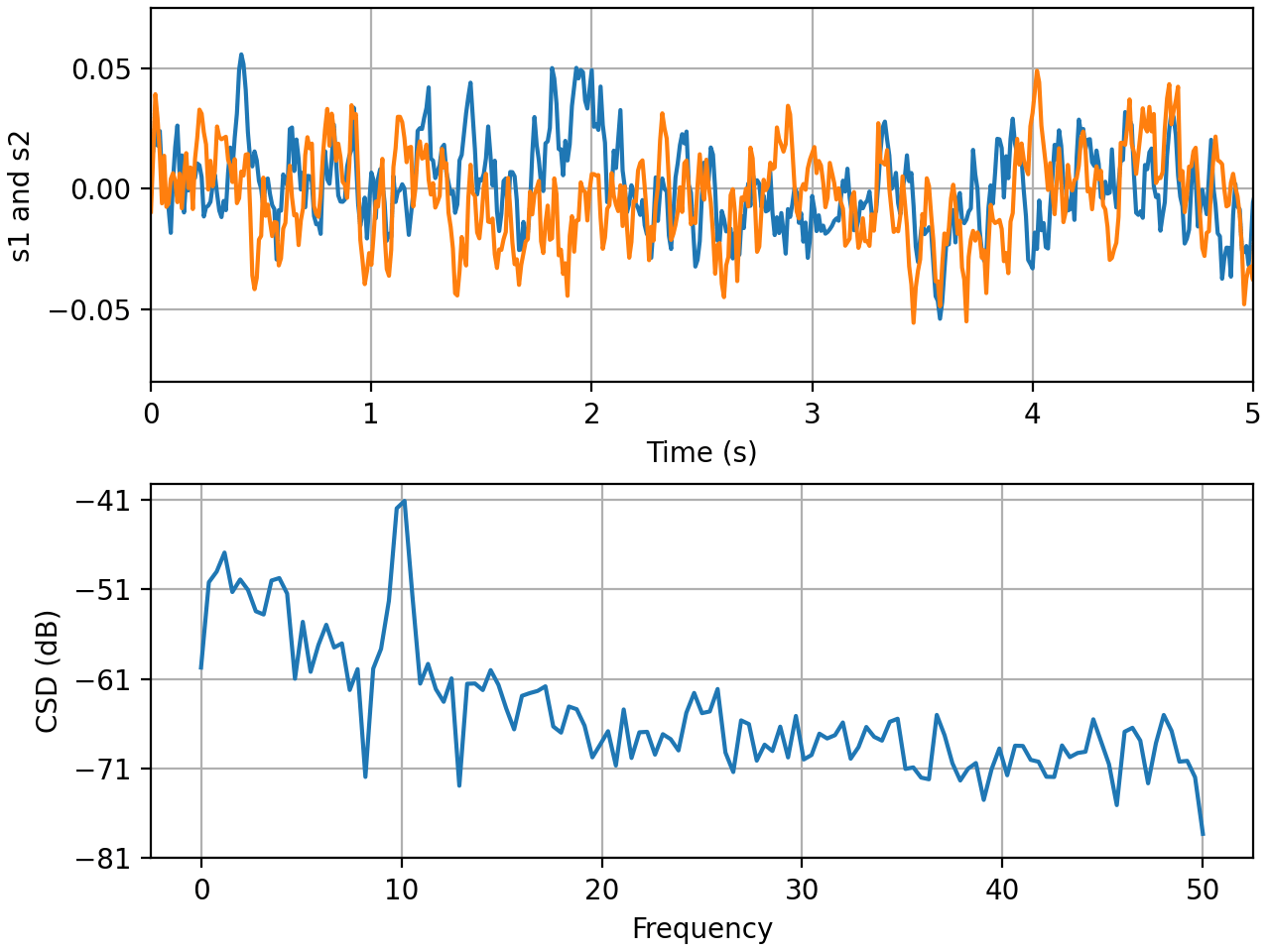
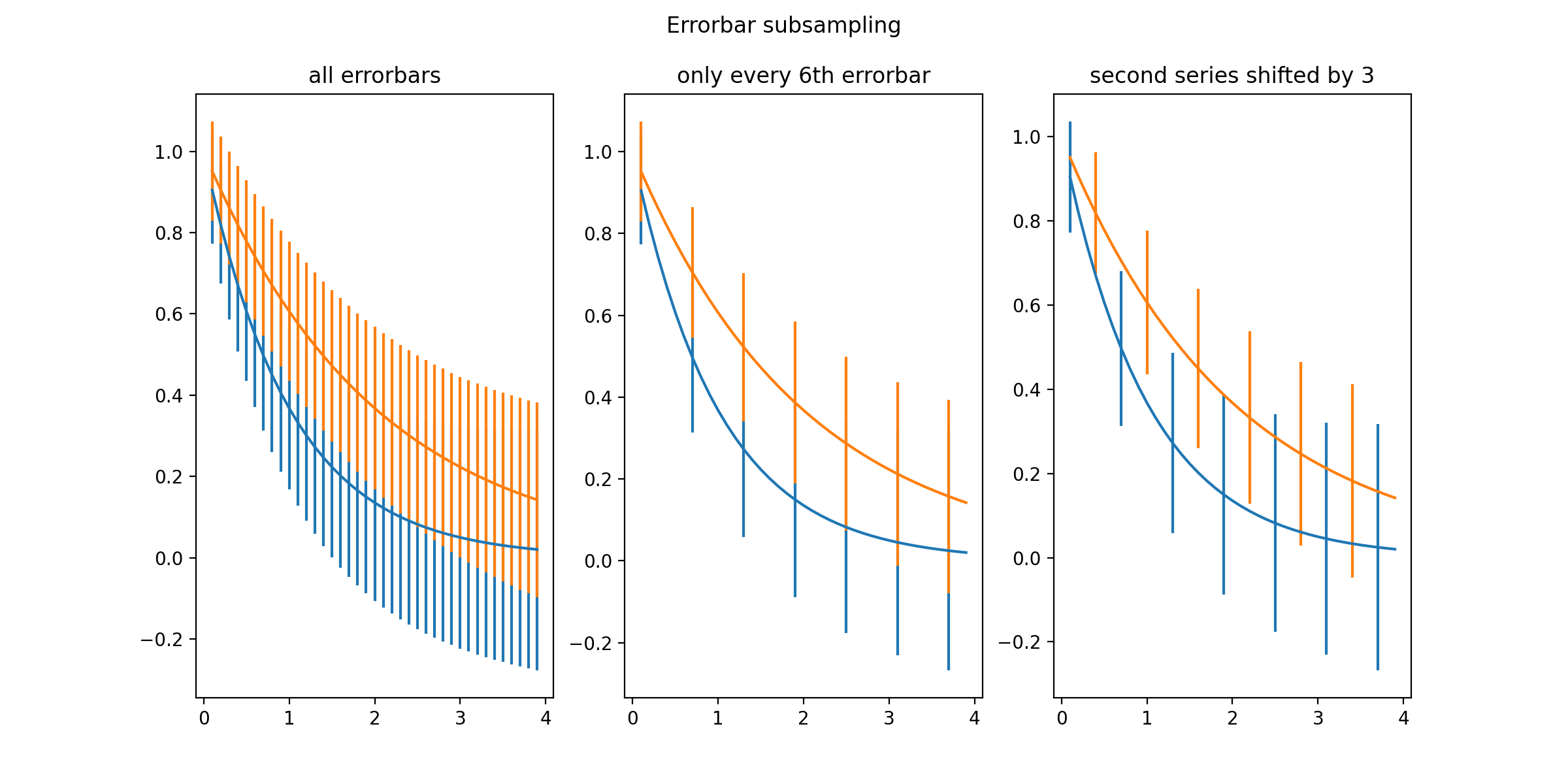
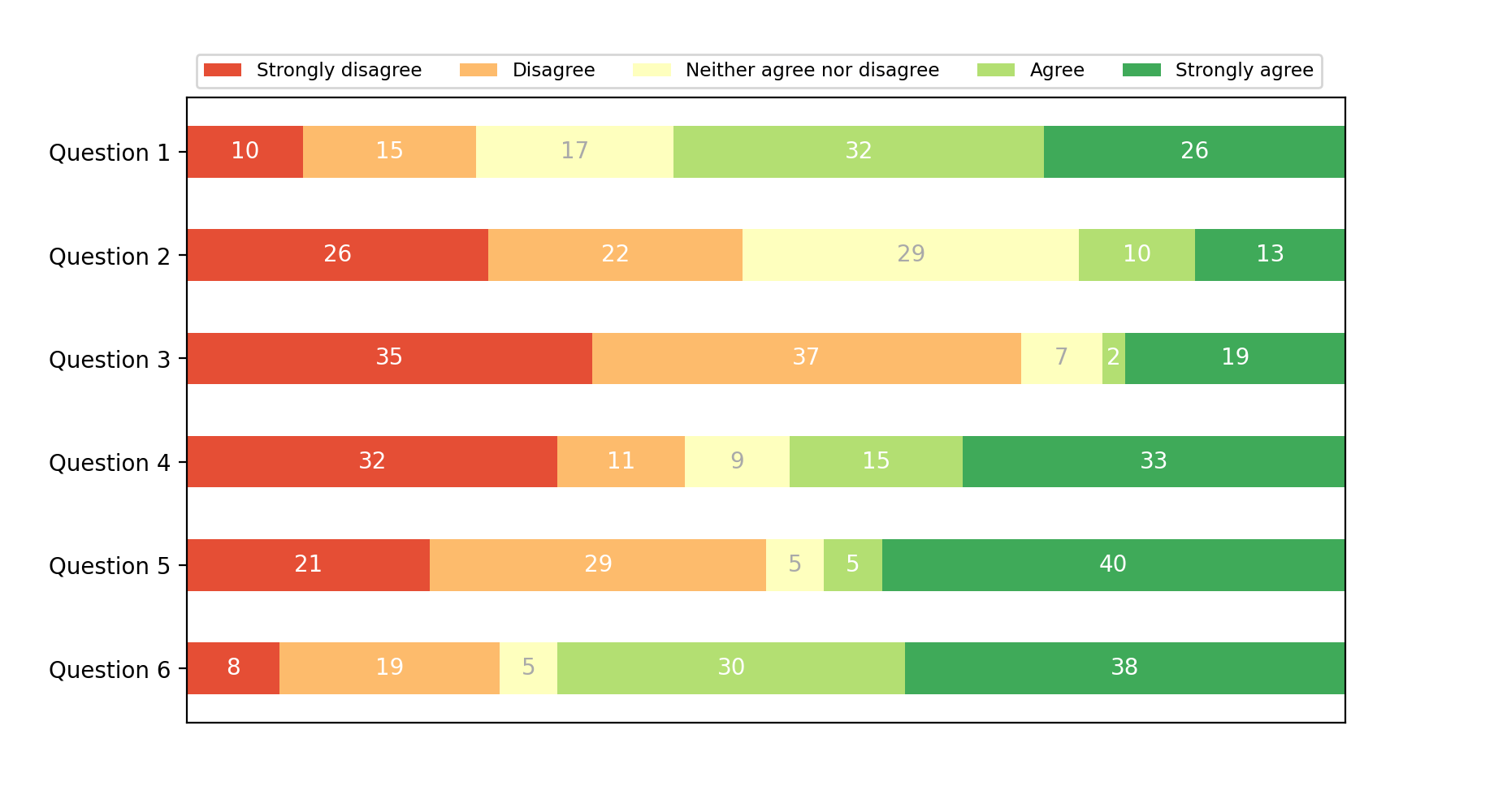
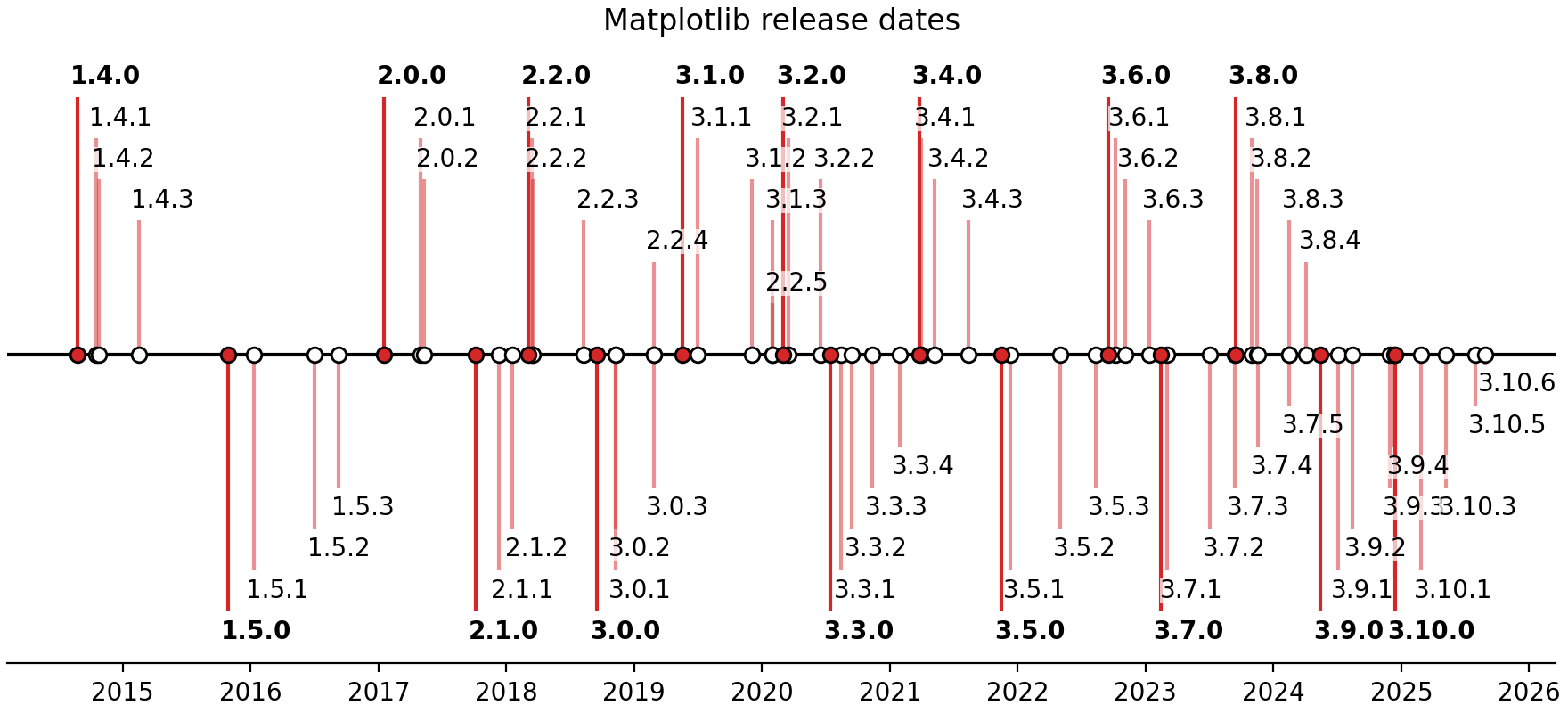
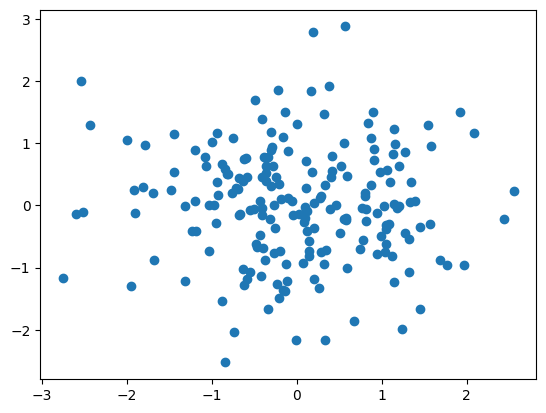
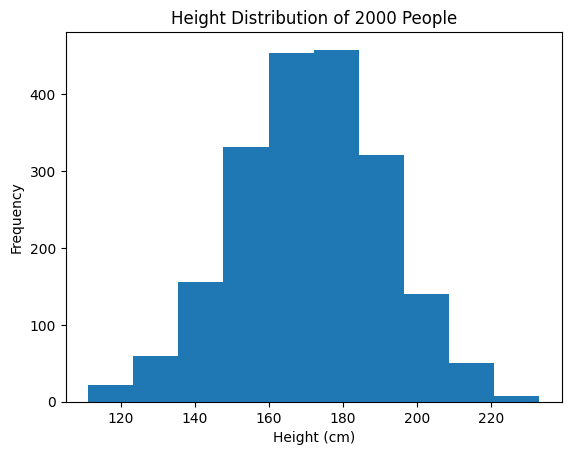
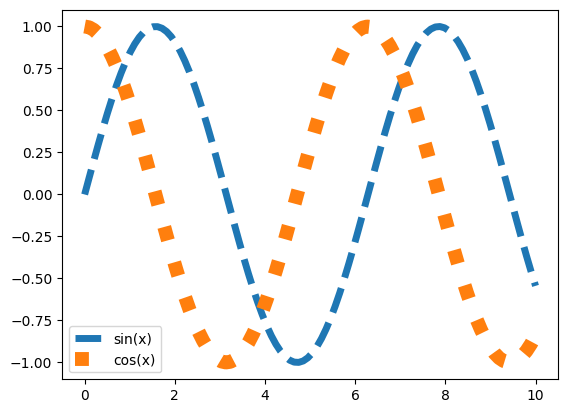
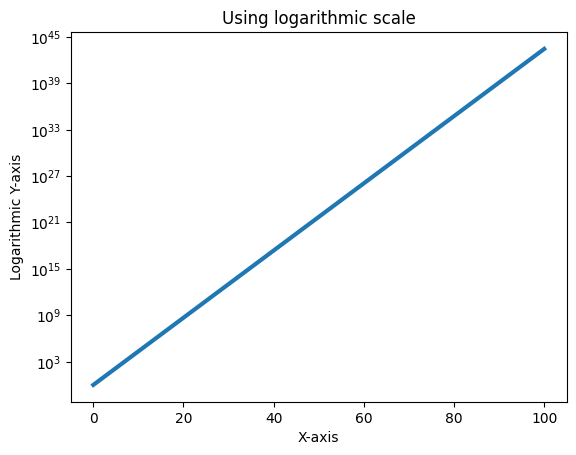
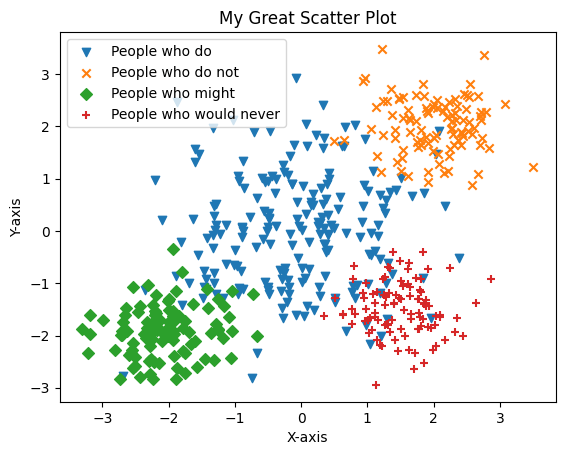
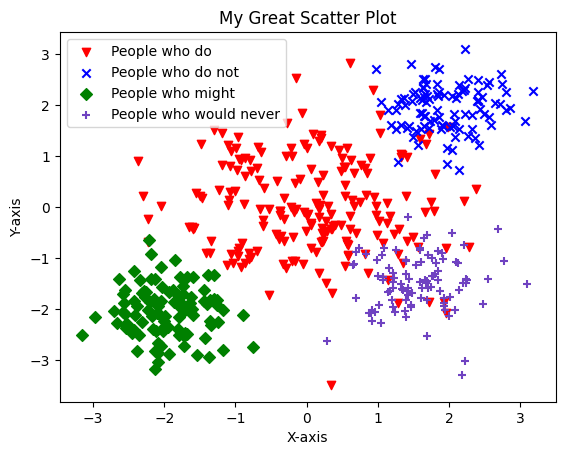
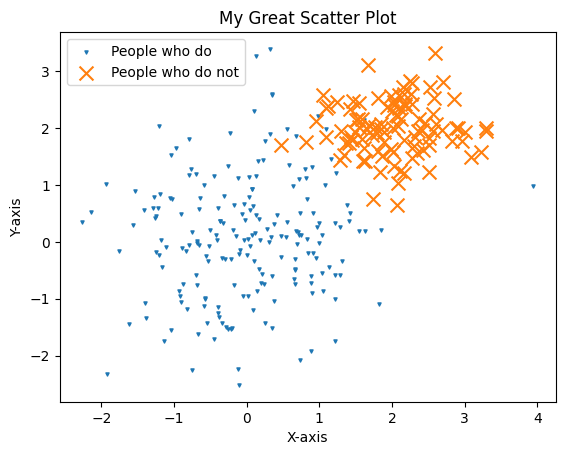
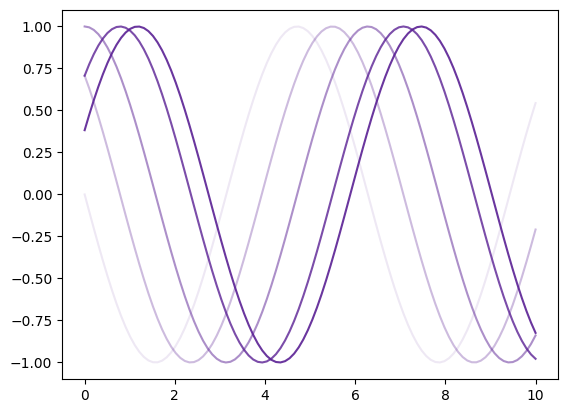
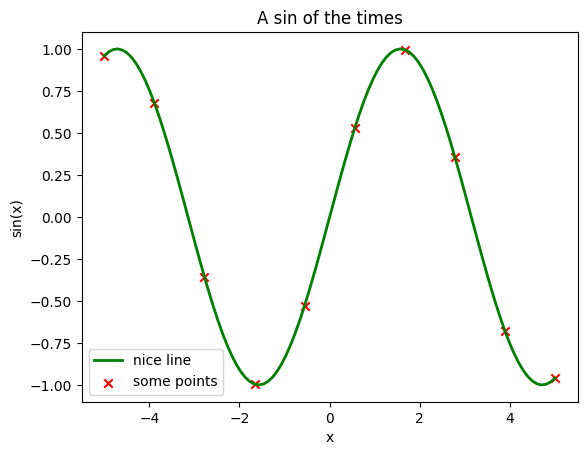
we did
cool stuff
with
matplotlib
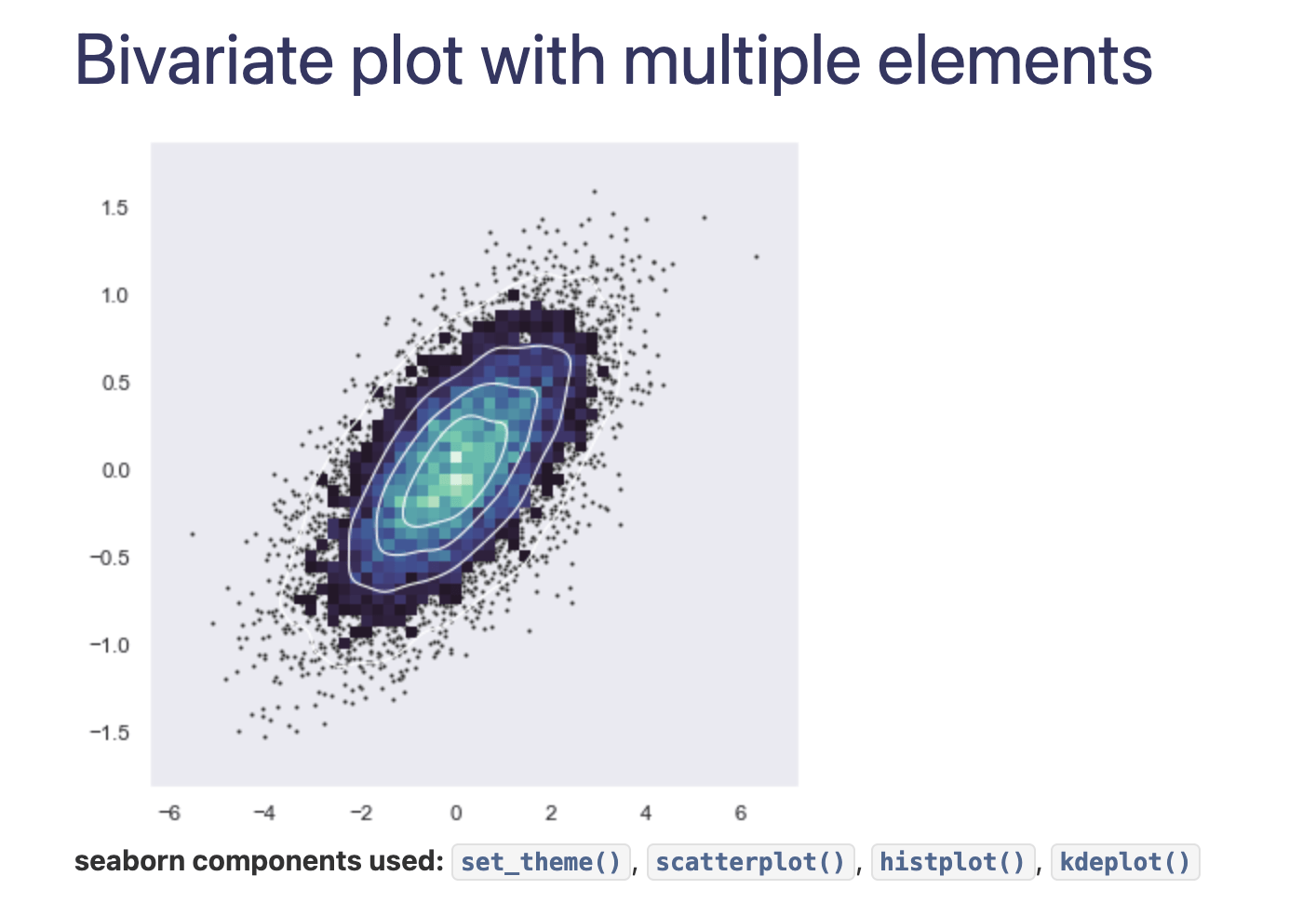
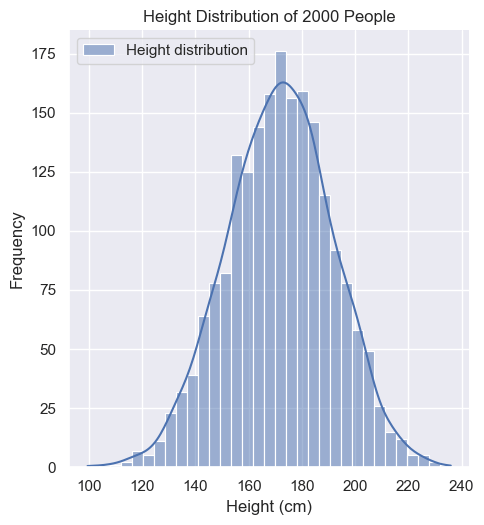
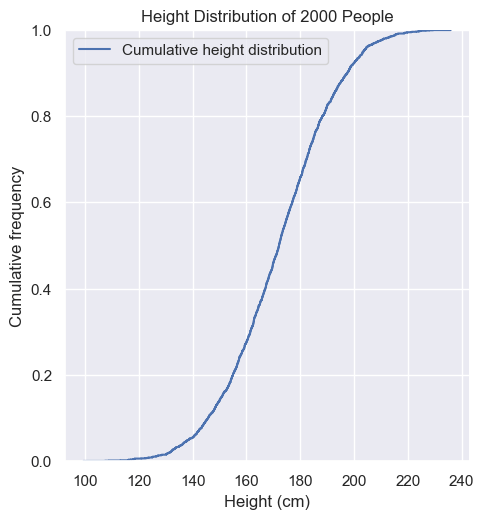
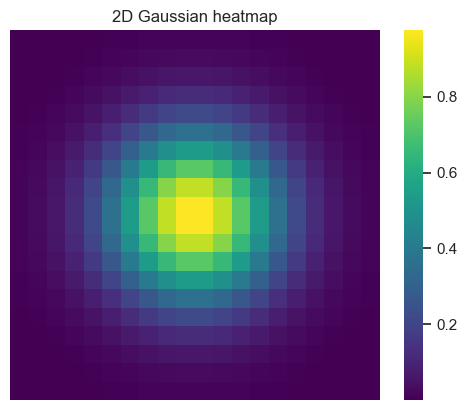
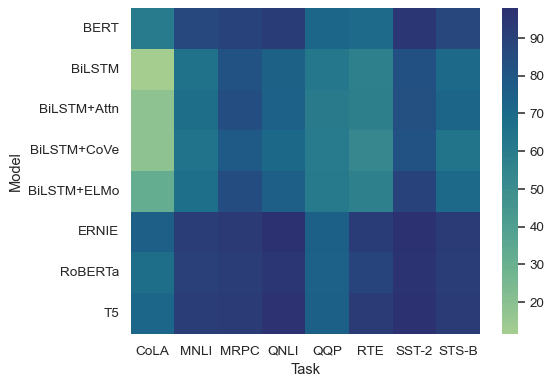
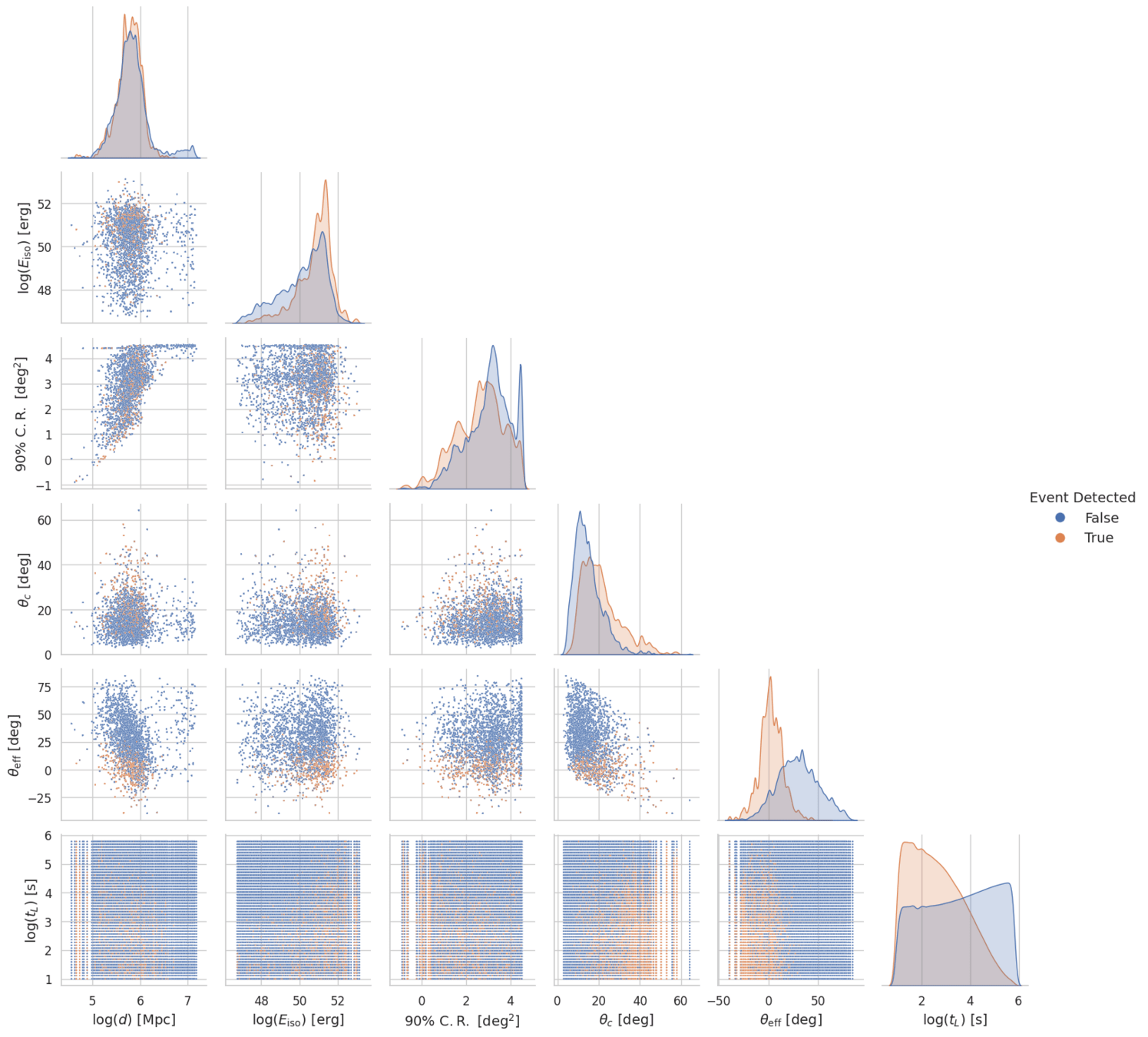
we did cool stuff with seaborn, too
Text file cheat sheet
| File Format | When to use |
|---|---|
| CSV | Tabular data, not to much data |
| JSON | Web/API |
| TOML | Human-readable config |
| YAML | Human-readable config |
| XML | Working with super old machine |
| TXT | Notes, logs, etc |
# uv add pyyaml
import yaml

with open("lec5-data/userinfo.yaml", "r") as f:
    data = yaml.load(f, Loader=yaml.FullLoader)

print(data)
Lecture 6
- Recap
- Intro to pandas
Pandas

Unfortunately not a zoology class
Panda facts:
-
Newborn panda cubs are incredibly small, weighing only around 100 grams (about 4 ounces), roughly 1/900th the size of their mother.
pandas
- fast
- powerful
- flexible
- easy to use
- open source
- data analysis tool
- data manipulation tool
Definition from the website

Install
uv add pandas
Everything we will learn today with Pandas
- Series
- dtypes
- indexing
- Series operations
- Boolean Indexing
- DataFrames
- Inspecting DataFrames
- Reading/writing tabular data
- Indexing rows
- DataFrame boolean indexing
- Sorting DataFrames
- Stats of columns
- DataFrame Operations
- The magic apply() method
- Axes in DataFrames
- Aggregation
- Plotting from pandas
- Pandas and Seaborn
Anatomy of a Pandas DataFrame
CSV file
pd.Series
Geom
Alg
Trig
Calc
| 4.0 |
| 4.3 |
| 2.0 |
| 2.3 |
Take one column
Take one row
| 1.3 |
| 4.0 |
| 1.3 |
Susie
Jay
Lara
pd.Series
A ✨fancy numpy array, but with an index column
Take one column
Susie
Jay
Lara
pd.DataFrame
✨ Fancy Google Sheets or Excel but in Python
| Trig | Alg | Geom | Calc |
|---|---|---|---|
| 1.3 | 1.3 | 3.7 | 2.3 |
| 4.0 | 4.3 | 2.0 | 2.3 |
| 1.3 | 1.0 | 2.0 | 3.0 |
Open with pandas
Index
| Name | Trig | Alg | Geom | Calc |
|---|---|---|---|---|
| Lara | 1.3 | 1.3 | 3.7 | 2.3 |
| Jay | 4.0 | 4.3 | 2.0 | 2.3 |
| Susie | 1.3 | 1.0 | 2.0 | 3.0 |
Live Coding
The pandas demonstration today is live coded.
If you are checking back after the lecture, please view the rest the lecture notes in this notebook:
[URL soon]
Challenge #1
orders = pd.Series(
    [
        "Americano",
        "Cappuccino",
        "Cold Brew",
        "Espresso",
        "Flat White",
        "Cappuccino",
        "Cold Brew",
        "Mocha",
        "Cold Brew",
        "Matcha Latte",
        "Cappuccino",
        "Espresso",
        "Chai",
        "Matcha Latte",
        "Cortado",
        "Cold Brew",
        "Americano",
        "Cappuccino",
        "Mocha",
        "Matcha Latte",
        "Cappuccino",
        "Cold Brew",
        "Mocha",
        "Cold Brew",
        "Matcha Latte",
        "Cold Brew",
        "Flat White",
        "Cappuccino",
        "Espresso",
        "Cold Brew",
        "Cappuccino",
        "Espresso",
        "Chai",
        "Matcha Latte",
        "Cortado",
        "Cappuccino",
        "Cold Brew",
        "Mocha",
        "Cold Brew",
        "Matcha Latte",
        "Americano",
        "Cappuccino",
        "Cold Brew",
        "Espresso",
        "Flat White",
    ],
    dtype="string",
)
How many orders were for "Cappuccino", "Cold Brew", and "Matcha Latte"?
First CSV file
Lecture 6
- Recap
- Intro to pandas
The End
Learning data Science Lecture 6
By astrojarred
Private