


















Content ITV PRO
This is Itvedant Content department
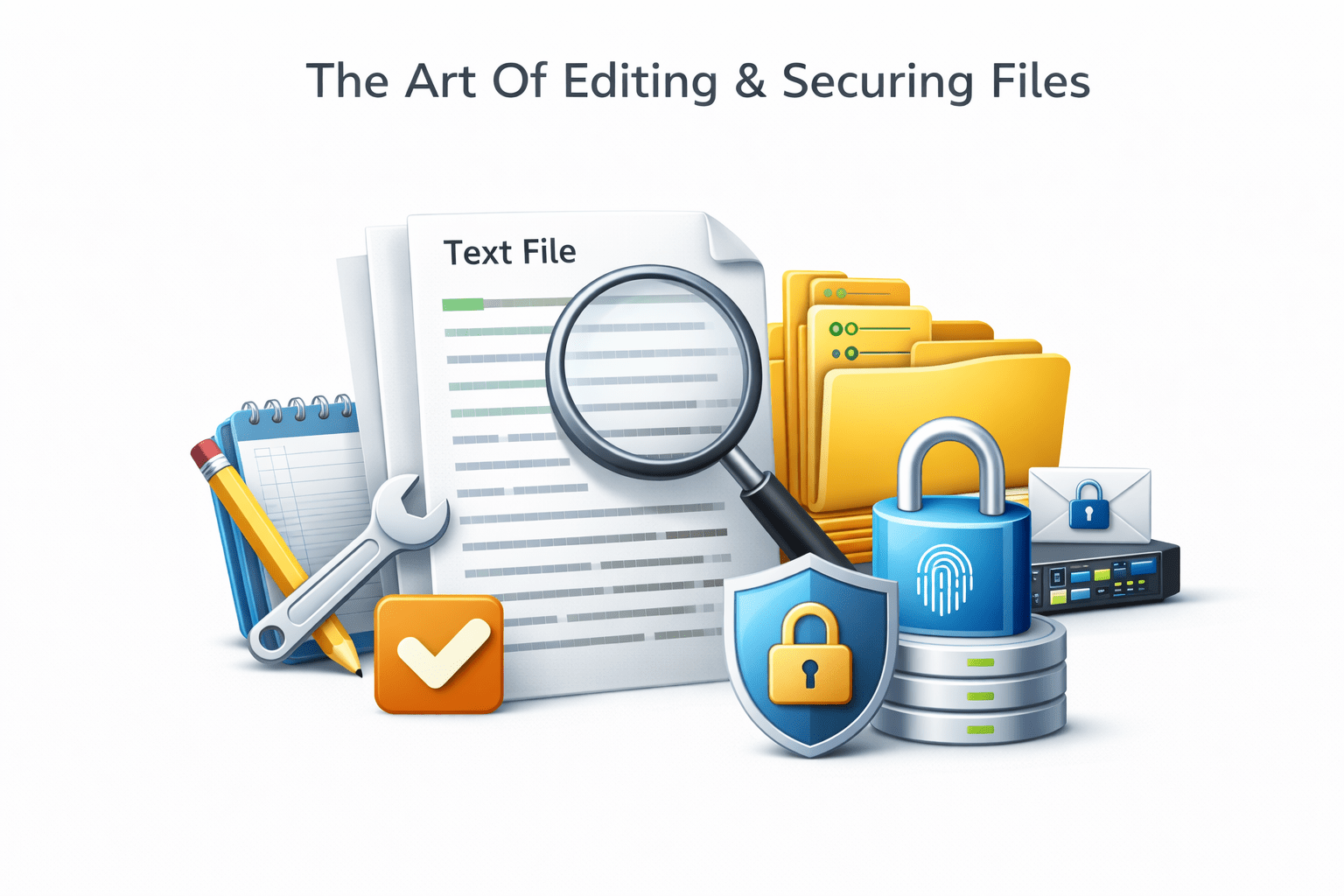
The Art Of Editing & Securing Files
Learning Outcome
5
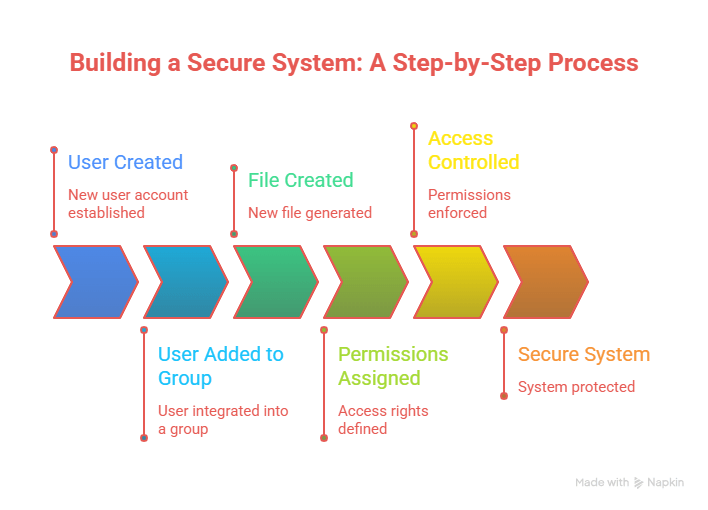
Manage local users and groups
4
Use nano editor effectively
3
Use vi editor confidently
2
Differentiate between vi and nano editors
1
Understand how to edit files in Linux
6
Understand RBAC basics
7
Understand Linux file permissions
8
Change permissions and ownership securely
Earlier, we learned that
Analogy
Imagine a company office
Employees work on documents
Some can only read documents
Some can edit
Managers can control access
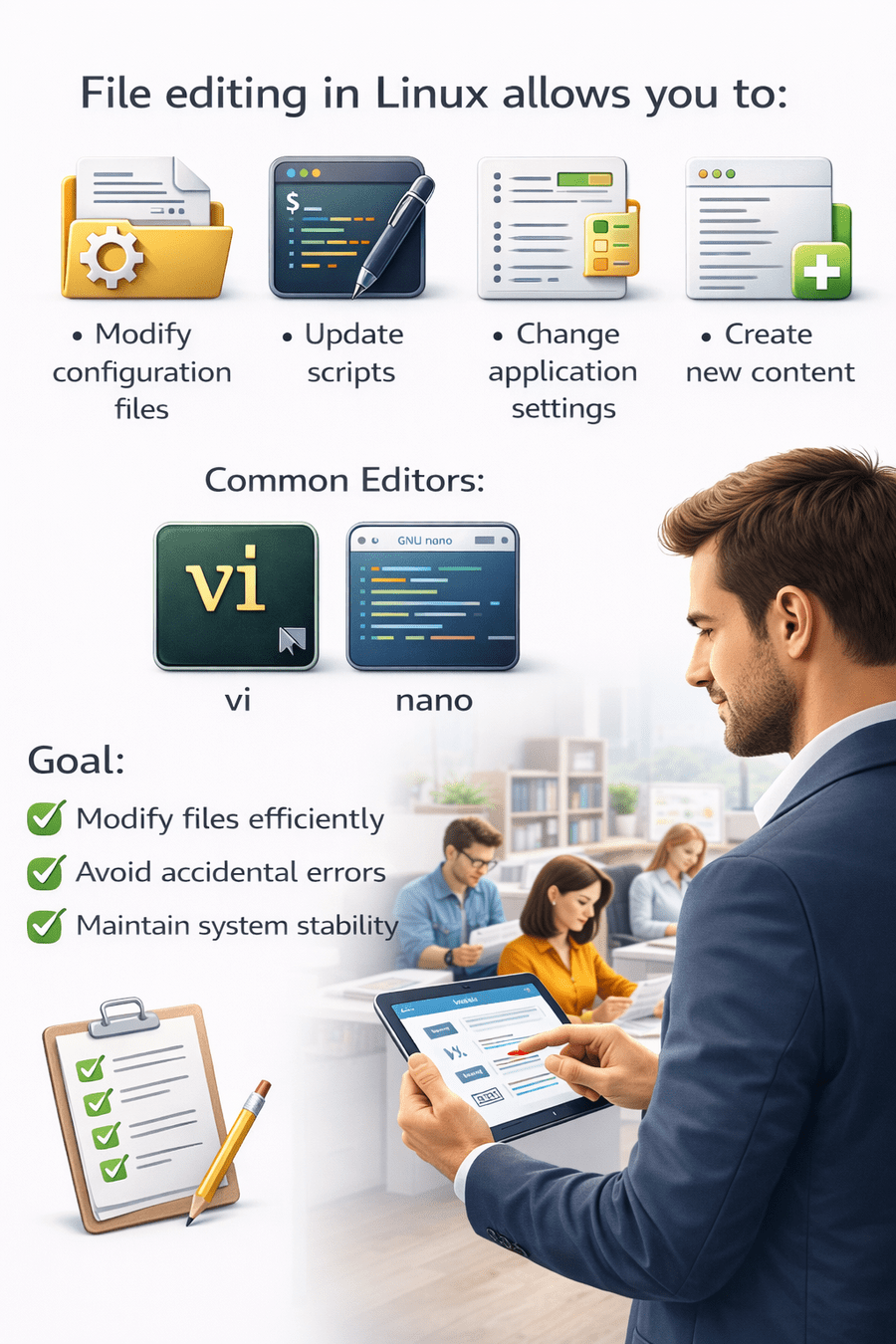
File editing in Linux allows you to
Modify configuration files
Update scripts
Change application settings
Create new content
Common Editors:
V I
NANO
Goal :
Modify files efficiently
Avoid accidental errors
Maintain system stability
Feature
|
vi |
|
nano |
Difficulty
Interface
Mouse Support
Learning Curve
Used In
Advanced
|
Mode-based |
No
|
High |
Production Servers
|
Beginner Friendly |
Simple
|
Limited |
|
Low |
Quick Editing
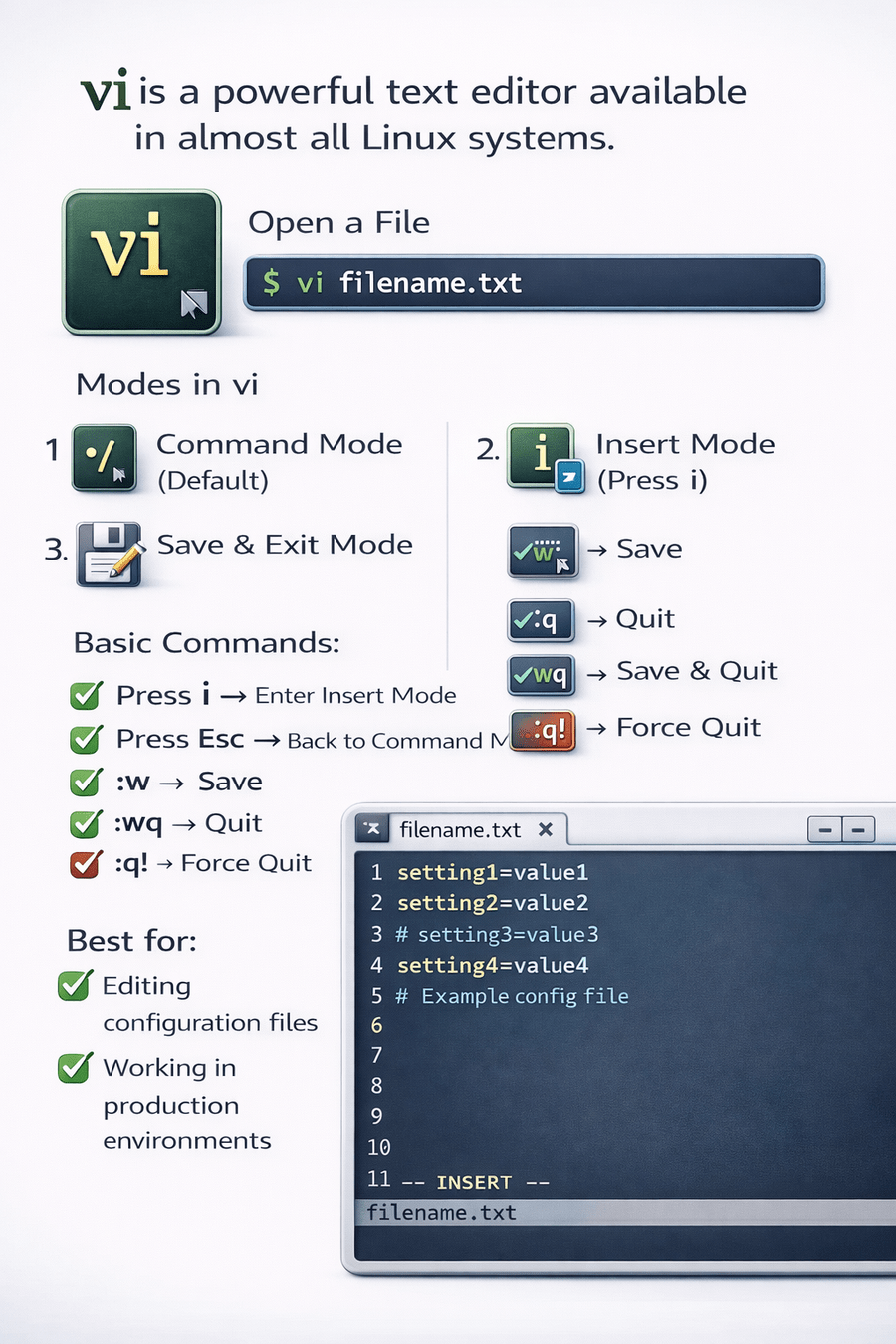
vi is a powerful text editor available in almost all Linux systems
Open a File
vi filename.txt
Modes in vi
Command Mode (Default)
Insert Mode (Press i)
Save & Exit Mode
Basic Commands
Press i → Enter Insert Mode
Press Esc → Back to Command Mode
:w → Save
:q → Quit
:wq → Save & Quit
:q! → Force Quit
Best for
Editing configuration files
Working in production environments
nano is simple and beginner-friendly
Open a File
nano filename.txt
Basic Commands
Ctrl + O → Save
Ctrl + X → Exit
Ctrl + K → Cut line
Ctrl + U → Paste
Best for:
Beginners
Quick file edits
Simple scripts
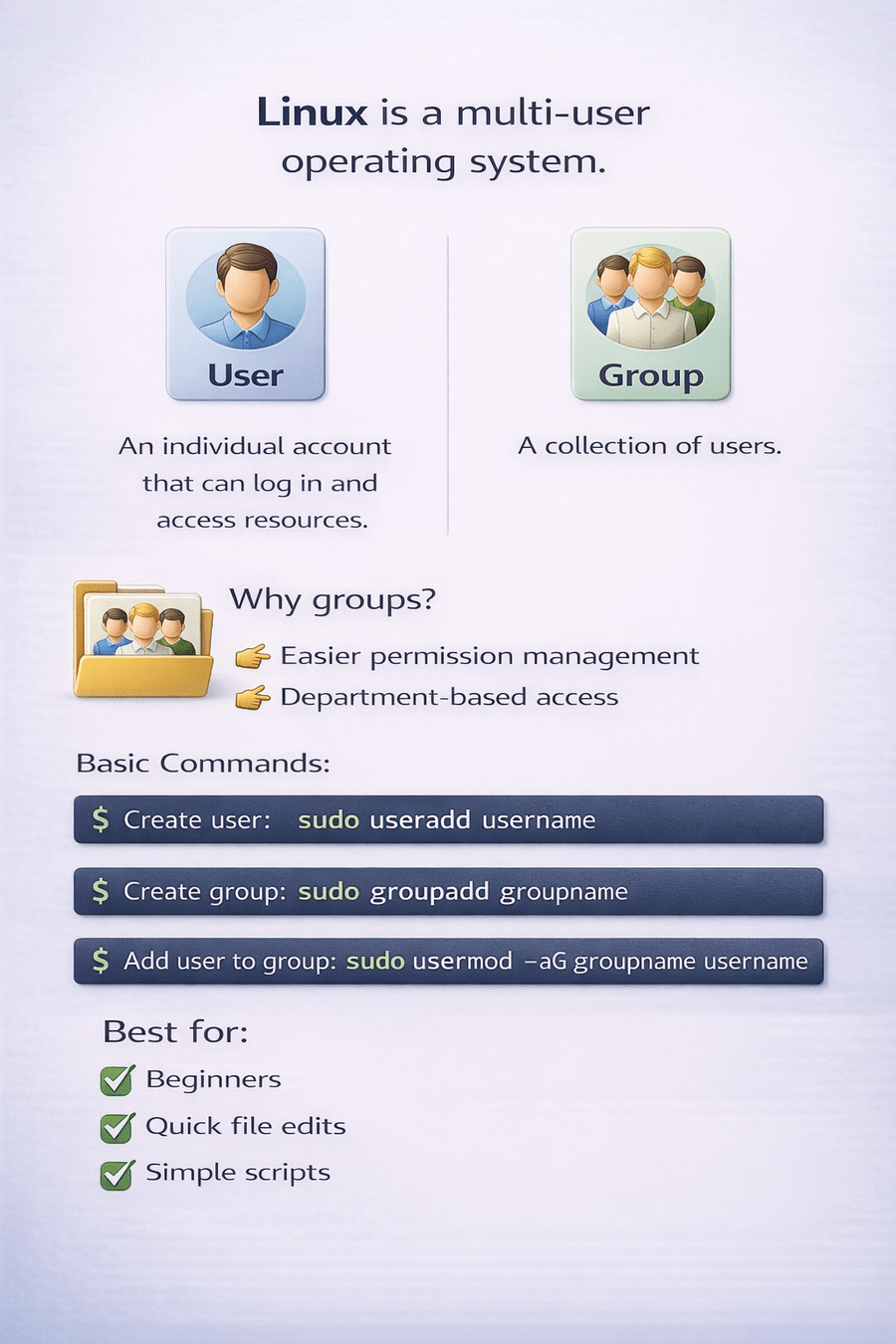
Linux is a multi-user operating system
An individual account that can log in and access resources
A collection of users
Why groups?
Easier permission management
Department-based access
Basic Commands
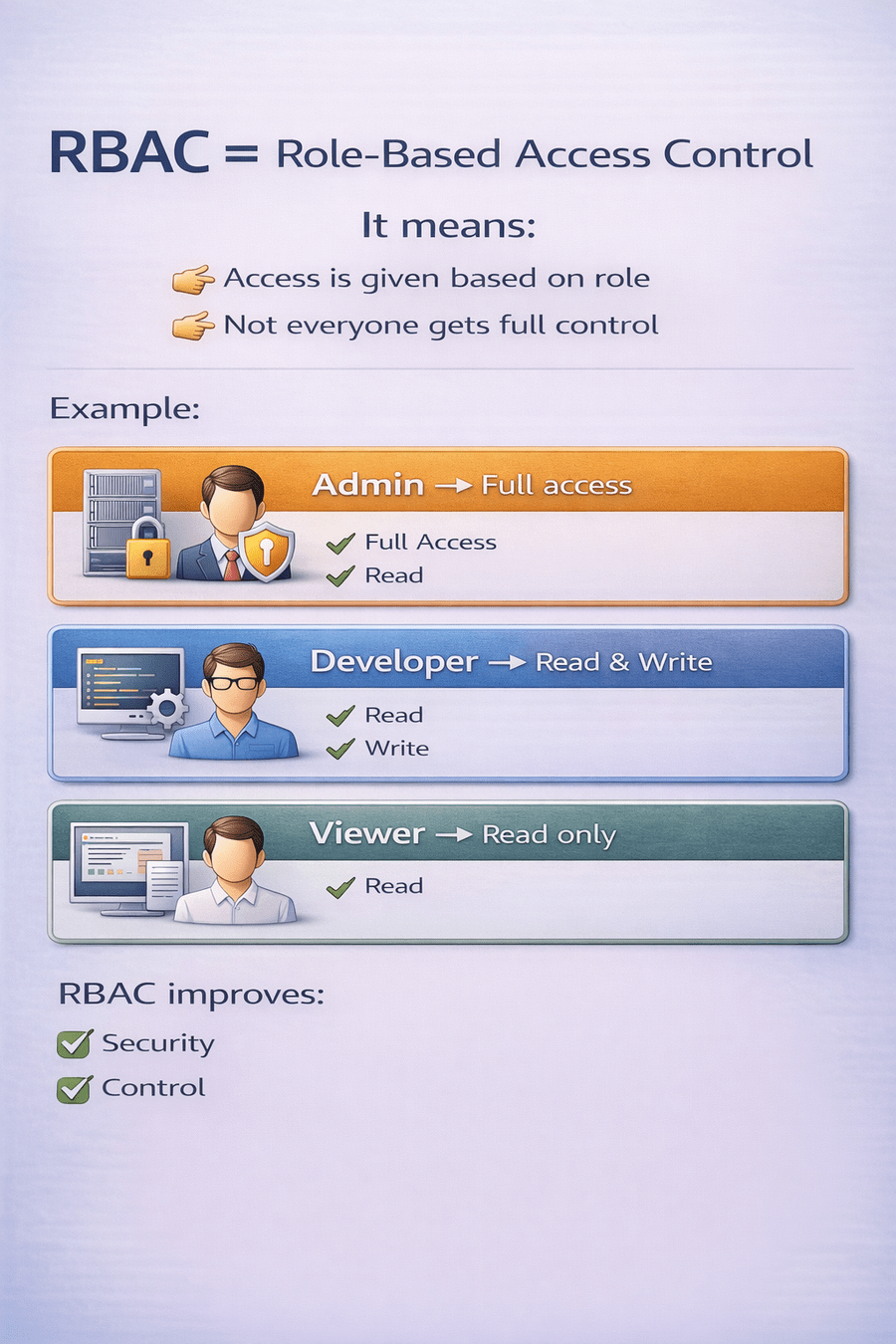
RBAC = Role-Based Access Control
It means:
Access is given based on role
Not everyone gets full control
Example:
Admin → Full access
Developer → Read & Write
Viewer → Read only
Linux controls access using permissions
Each file has 3 types of owners
User (Owner)
Group
Others
Each has 3 types of permissions
Read (r)
Write (w)
Execute (x)
Example:
-rwxr-xr--
Read (r)
View file content
List directory contents
Write (w)
Modify file
Add or delete content
Execute (x)
Run script or program
Uses letters
chmod u+x file.txt
u = user
g = group
o = others
Symbolic Method
Numerical Method
Uses numbers
|
Permission |
Value |
|
Read |
4 |
|
Write |
2 |
|
Execute |
1 |
Example:
chmod 755 file.txt
755 means:
Owner → 7 (4+2+1 = rwx)
Group → 5 (4+1 = r-x)
Others → 5 (4+1 = r-x)
Changing Permissions (chmod)
Change permission using number
chmod 644 file.txtOR
Change permission using symbol
chmod g+w file.txtUse carefully in production systems
chown (Change Owner)
sudo chown user file.txt
Change owner and group
sudo chown user:group file.txtchgrp (Change Group)
sudo chgrp groupname file.txt
Used to change only group ownership
4
File permission types
3
Understanding RBAC
2
Managing users and groups
1
vi and nano editors
5
Symbolic and numeric methods
6
chmod, chown, chgrp
Quiz
Permission 755 gives full access to
A. Group
B. Others
C. Owner
D. Everyone
Quiz-Answer
Permission 755 gives full access to
A. Group
B. Others
C. Owner
D. Everyone
By Content ITV