























Content ITV PRO
This is Itvedant Content department
Learning Outcome
5
Use file handling classes and handle file operation exceptions
4
Use important methods of the File class
3
Create, read, and write files in Java
2
Explain why file handling is needed
1
Understand what file handling is
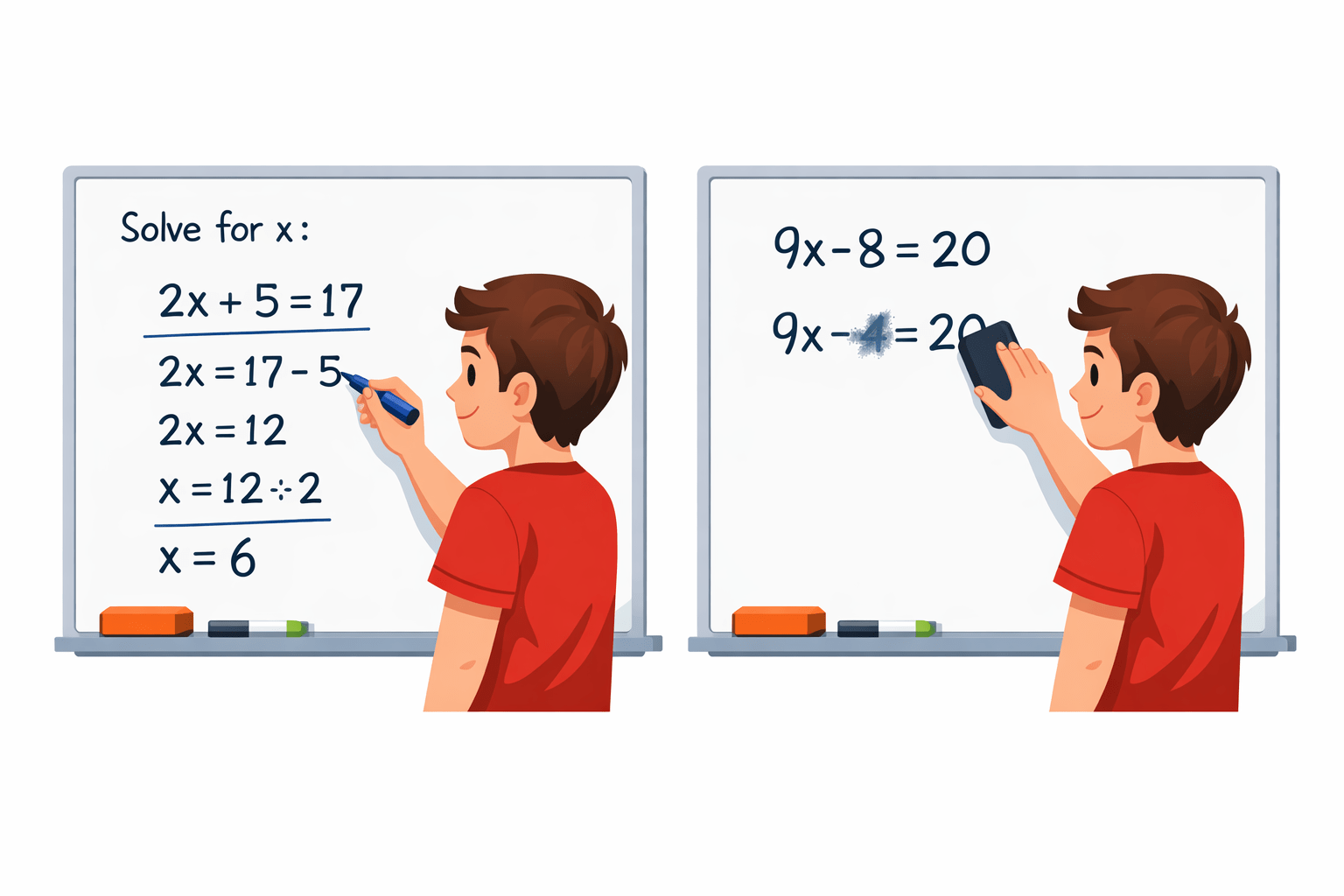
The Whiteboard vs The Notebook
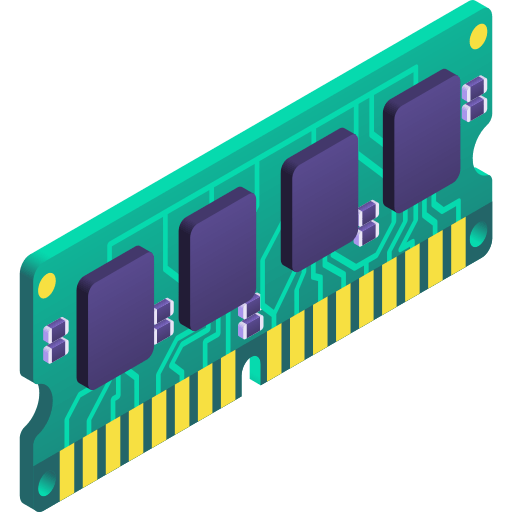
The Whiteboard (RAM):
The Whiteboard vs The Notebook
The Hardbound Notebook (Hard Drive/File):
Bridging to Java File Handling
Just like we transfer important whiteboard notes to a notebook before wiping the board clean, Java needs a mechanism to transfer data from volatile RAM to permanent storage on your hard drive
What is File Handling?
Hard Disk (Permanent)RAM (Temporary)File handling bridges:
Program ↔ Stream ↔ File (Disk)Data inside variables → Stored in memory (temporary)
Data inside files → Stored in storage device (permanent)
When a Java program runs:
Why File Handling is Important?
Store user data permanently
Store configuration settings
Generate and save reports
Maintain application logs
Handle large datasets
Share data between applications
Basic File Operations
Write to File
Stores data inside a file
Check File Properties
Check file name, size, permissions, existence, etc
Delete File
Removes file from system
Read from File
Retrieves data from a file
Create File
Creates a new file in the system
Package Used
Most file handling classes belong to:
java.io packageStream in Java
I/O Stream
Byte Stream
Character Stream
Input Stream Classes
Output Stream Classes
Reader Classes
Writer Classes
IOException
FileNotFoundException
So exception handling is mandatory
Important Note
FileReader
FileWriter
It contains:
BufferedReader
BufferedWriter
FileInputStream
Creating a File (Using File Class)
The File class represents:
About File Class
File name
File path
Directory
Metadata (size, permissions)
It does NOT store file content, it only represents file path information
Example: Create a File
import java.io.File;
import java.io.IOException;

public class CreateFileExample {
    public static void main(String[] args) {
        try {
            File file = new File("sample.txt");

            if(file.createNewFile()) {
                System.out.println("File Created Successfully");
            } else {
                System.out.println("File already exists");
            }

        } catch(IOException e) {
            e.printStackTrace();
        }
    }
}
Explanation
new File("sample.txt") → Creates File object
createNewFile():
Creates physical file on disk
Returns true if created
Returns false if already exists
Throws IOException
Important Points
If path is not specified → file is created in project root directory
Always handle IOException
File object creation ≠ File creation on disk
Creating a File (Using File Class)
About FileWriter
Used to write text data
It is a Character Stream
Writes data character by character
Example
import java.io.FileWriter;
import java.io.IOException;

public class WriteExample {
    public static void main(String[] args) {
        try {
            FileWriter writer = new FileWriter("sample.txt");

            writer.write("Hello, this is file handling in Java!");

            writer.close();

            System.out.println("Successfully Written");

        } catch(IOException e) {
            e.printStackTrace();
        }
    }
}
Converts characters into bytes
Writes data to disk
Requires closing stream to flush data
Important Points
Default behavior → Overwrites existing content
Must call close()
Throws IOException
Append Mode
FileWriter writer = new FileWriter("sample.txt", true);Internal Working
Reading from a File (FileReader)
About FileReader
Used to read text data
Character stream
Reads one character at a tim
Example
import java.io.FileReader;
import java.io.IOException;

public class ReadExample {
    public static void main(String[] args) {
        try {
            FileReader reader = new FileReader("sample.txt");

            int character;

            while((character = reader.read()) != -1) {
                System.out.print((char) character);
            }

            reader.close();

        } catch(IOException e) {
            e.printStackTrace();
        }
    }
}
Explanation
read() returns ASCII/Unicode value
Returns -1 when end of file reached
Typecasting needed → (char) character
Limitations
Reading character-by-character is slow for large files
Solution → BufferedReader
File Class Methods
Methods
getName()
exists()
Returns file name
Checks if file exists
Returns full path
Checks write permission
Deletes file
Returns file size (bytes)
Checks read permission
getAbsolutePath()
canWrite()
length()
delete()
canRead()
Description
Creating File Object
File file = new File("sample.txt");Example
System.out.println(file.exists());
System.out.println(file.getName());
System.out.println(file.getAbsolutePath());
System.out.println(file.canRead());
System.out.println(file.canWrite());
System.out.println(file.length());
Key Understanding
Why Buffered Classes?
Normal FileReader/FileWriter:
Access disk frequently
Slower for large data
Buffered classes:
Use internal buffer (memory)
Reduce disk access
Improve performance
BufferedWriter Example
import java.io.BufferedWriter;
import java.io.FileWriter;
import java.io.IOException;

public class BufferedWriteExample {
    public static void main(String[] args) throws IOException {

        BufferedWriter bw =
            new BufferedWriter(new FileWriter("sample.txt"));

        bw.write("Line 1");
        bw.newLine();
        bw.write("Line 2");

        bw.close();
    }
}
BufferedReader Example
import java.io.BufferedReader;
import java.io.FileReader;
import java.io.IOException;

public class BufferedReadExample {
    public static void main(String[] args) throws IOException
    {

        BufferedReader br =
            new BufferedReader(new FileReader("sample.txt"));

        String line;

        while((line = br.readLine()) != null) {
            System.out.println(line);
        }

        br.close();
    }
}
Advantages
FileInputStream & FileOutputStream
Used For Binary Data
Images
PDFs
Audio files
Video files
Executable files
FileOutputStream (Writing Bytes)
import java.io.FileOutputStream;
import java.io.IOException;

public class OutputStreamExample {
    public static void main(String[] args) throws IOException {

        FileOutputStream fos =
            new FileOutputStream("sample.txt");

        String data = "Hello Stream";

        fos.write(data.getBytes());

        fos.close();
    }
}
FileInputStream (Reading Bytes)
import java.io.FileOutputStream;
import java.io.IOException;

public class OutputStreamExample {
    public static void main(String[] args) throws IOException {

        FileOutputStream fos =
            new FileOutputStream("sample.txt");

        String data = "Hello Stream";

        fos.write(data.getBytes());

        fos.close();
    }
}
Summary
1
File Handling = Permanent storage
2
File class manages file metadata
3
FileWriter/FileReader → Character streams
4
Buffered classes → Efficient reading/writing
5
FileInputStream/FileOutputStream → Binary data
6
Always handle IOException
7
Always close streams
Quiz
Which platform is mainly used for professional networking and B2B marketing ?
A. Facebook
B. Instagram
C. LinkedIn
D. Snapchat
Quiz-Answer
Which platform is mainly used for professional networking and B2B marketing ?
A. Facebook
B. Instagram
C. LinkedIn
D. Snapchat
By Content ITV