












Content ITV PRO
This is Itvedant Content department
Learning Outcome
5
Recognize the benefits of using Ansible for cloud automation
4
Learn how Ansible connects with AWS services
3
Understand the setup required to run Ansible on AWS environments
2
Identify how Ansible can be used to manage AWS infrastructure
1
Understand what Ansible on AWS means
Previously, we learned
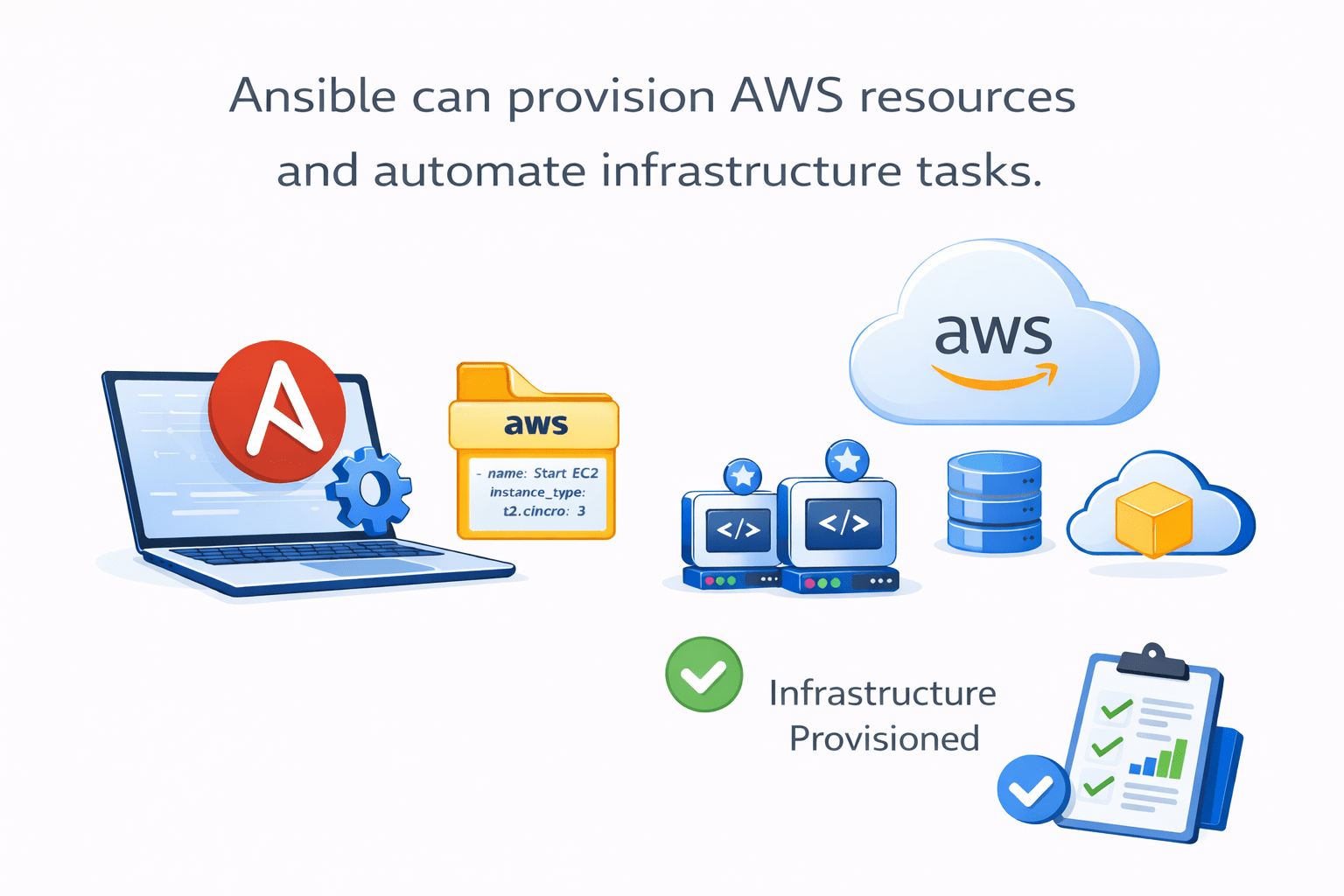
How Ansible can provision AWS resources and automate infrastructure tasks
Understanding the concept
Imagine managing multiple cloud servers from a single control system
without manually configuring each one
Ansible can be used with Amazon Web Services
to automate and manage cloud infrastructure efficiently
Introduction to Ansible on AWS
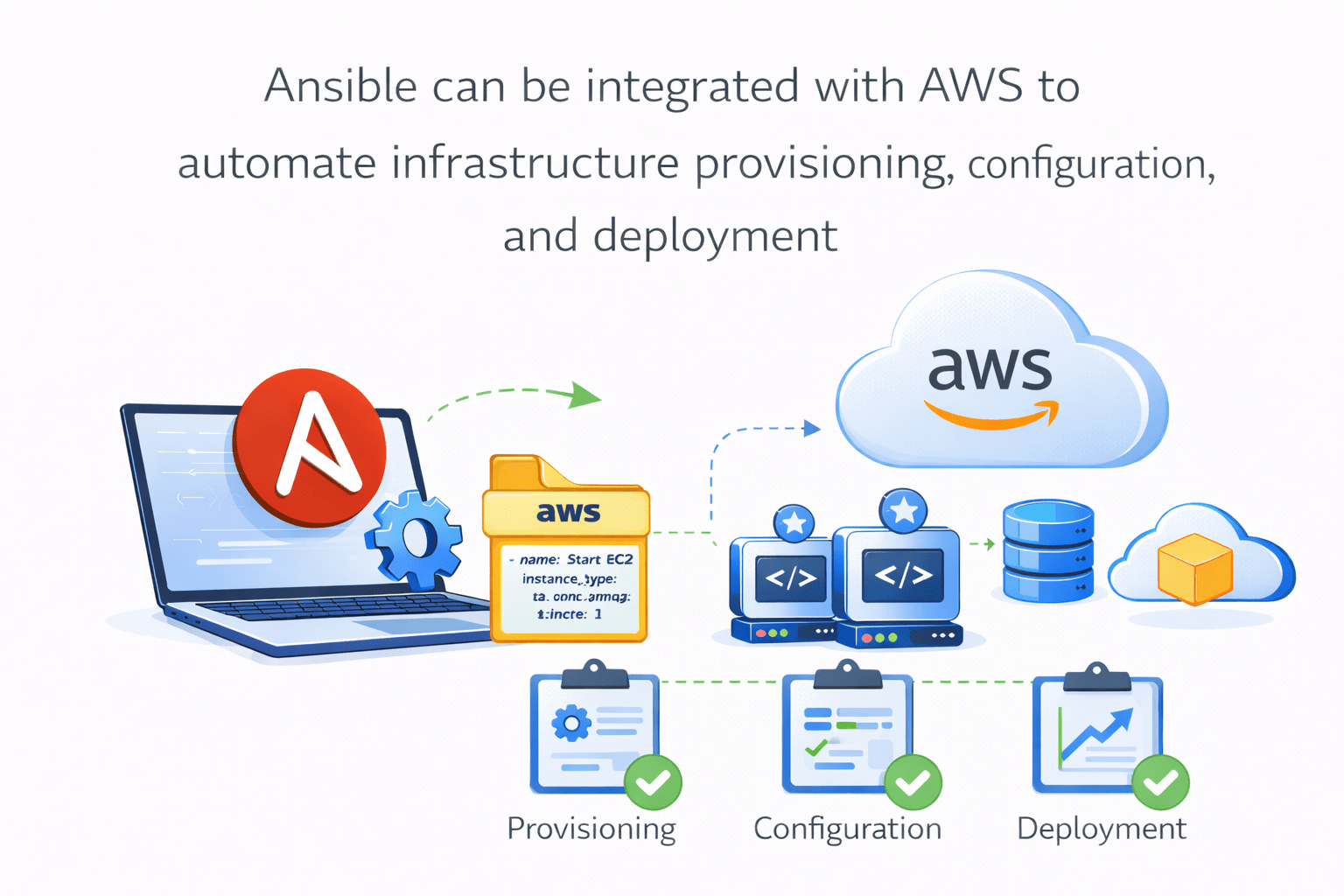
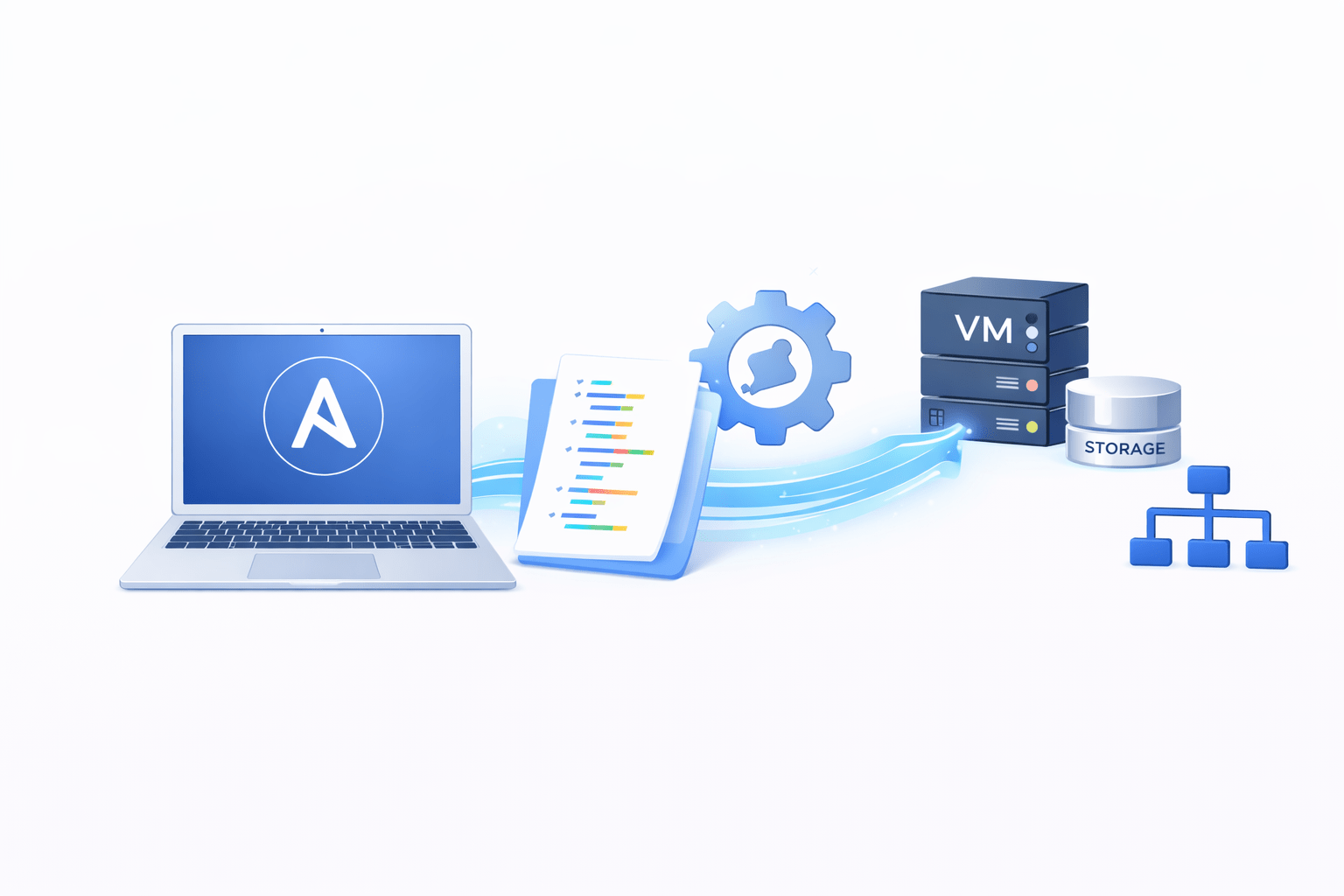
Ansible can be integrated with AWS to automate infrastructure
provisioning, configuration, and deployment
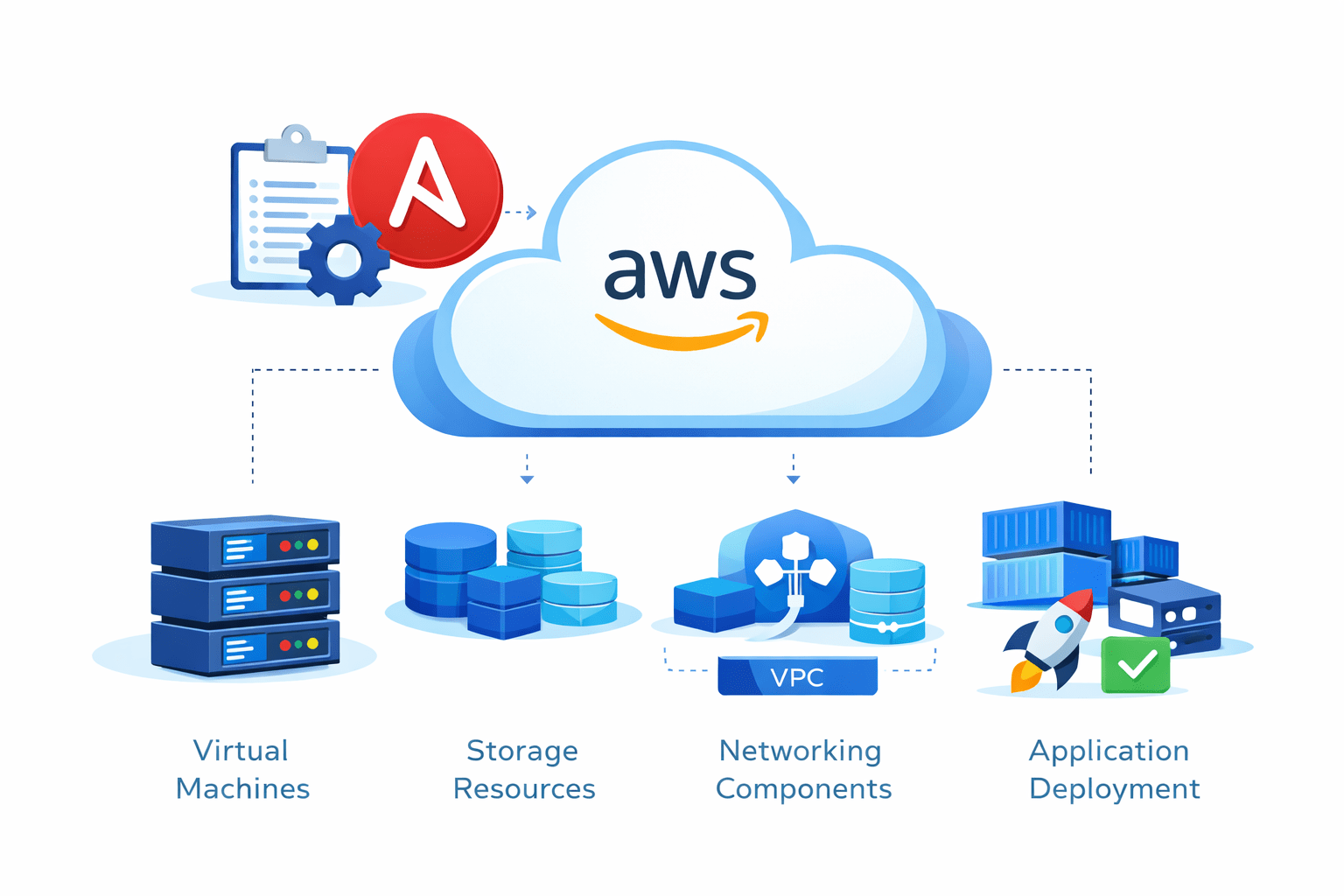
Using Ansible with AWS allows administrators to manage
This integration helps automate cloud infrastructure management
Virtual
machines
Application
deployments
Networking
components
Storage
resources
Why Use Ansible on AWS?
Organizations use Ansible with AWS because it enables
It helps teams manage large-scale cloud environments efficiently
Automated cloud resource provisioning
Simplified cloud management
Consistent infrastructure configuration
Faster infrastructure deployment
AWS Services Commonly Managed by Ansible
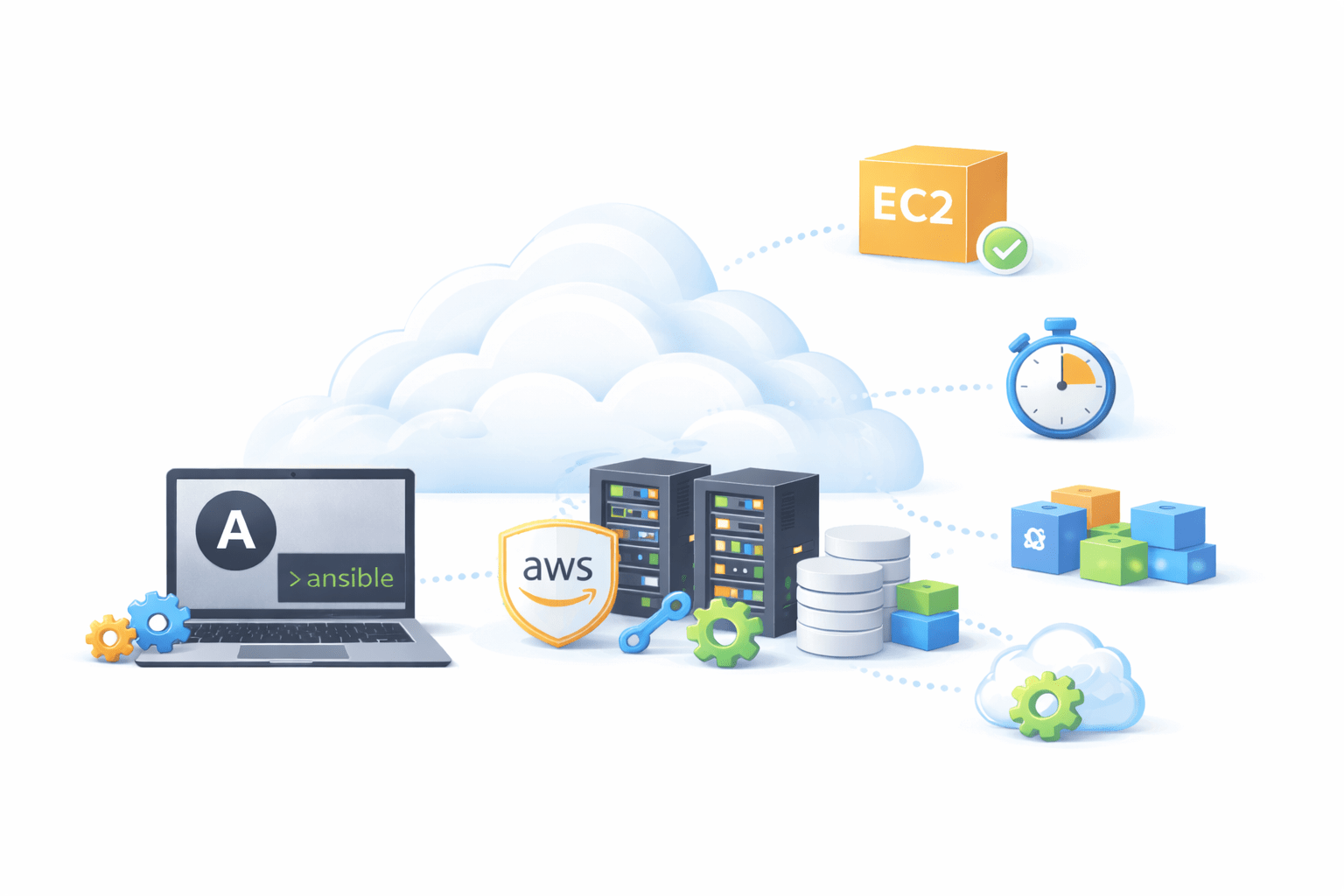
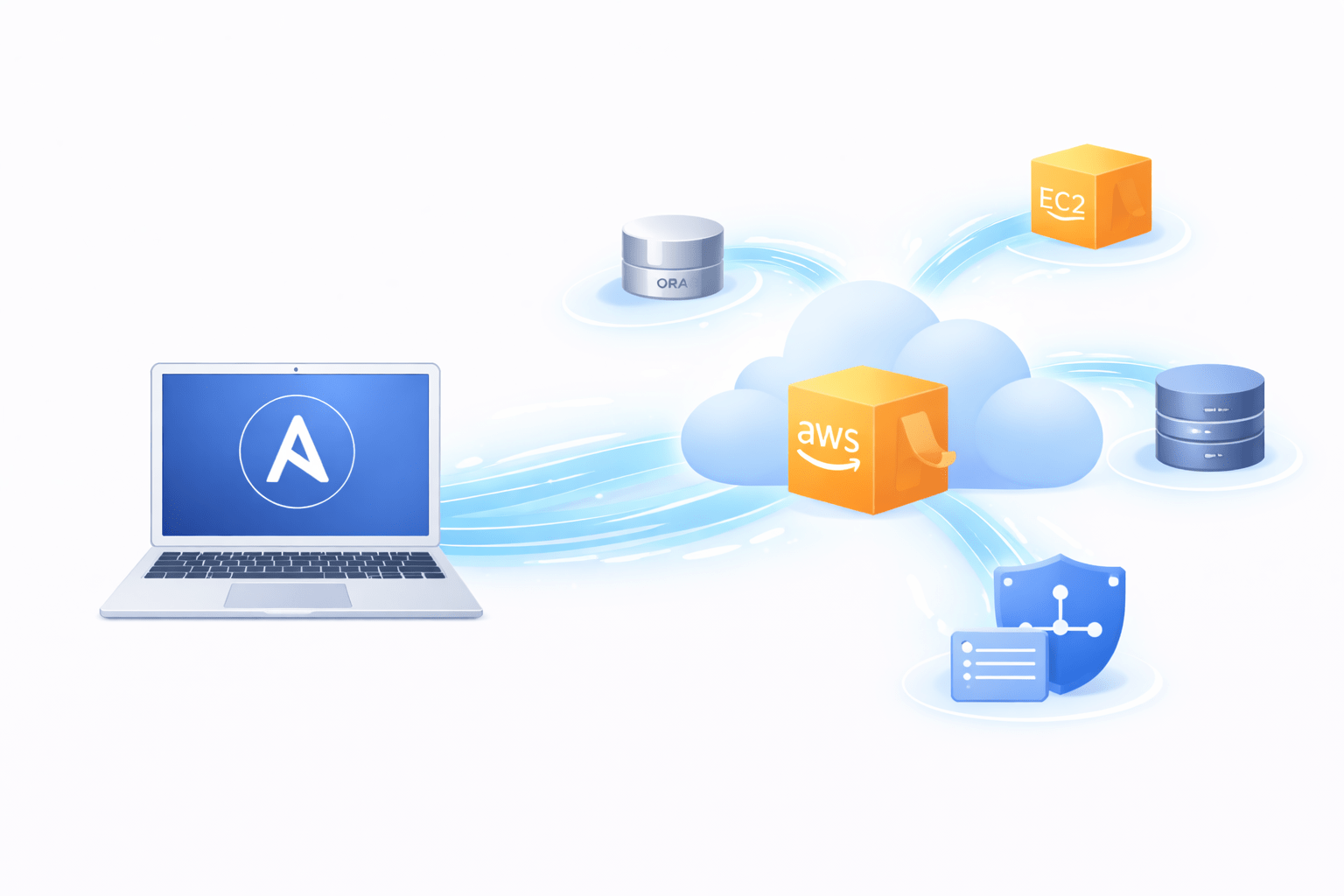
Ansible can automate many AWS services, such as
These services form the core infrastructure of most
AWS architectures
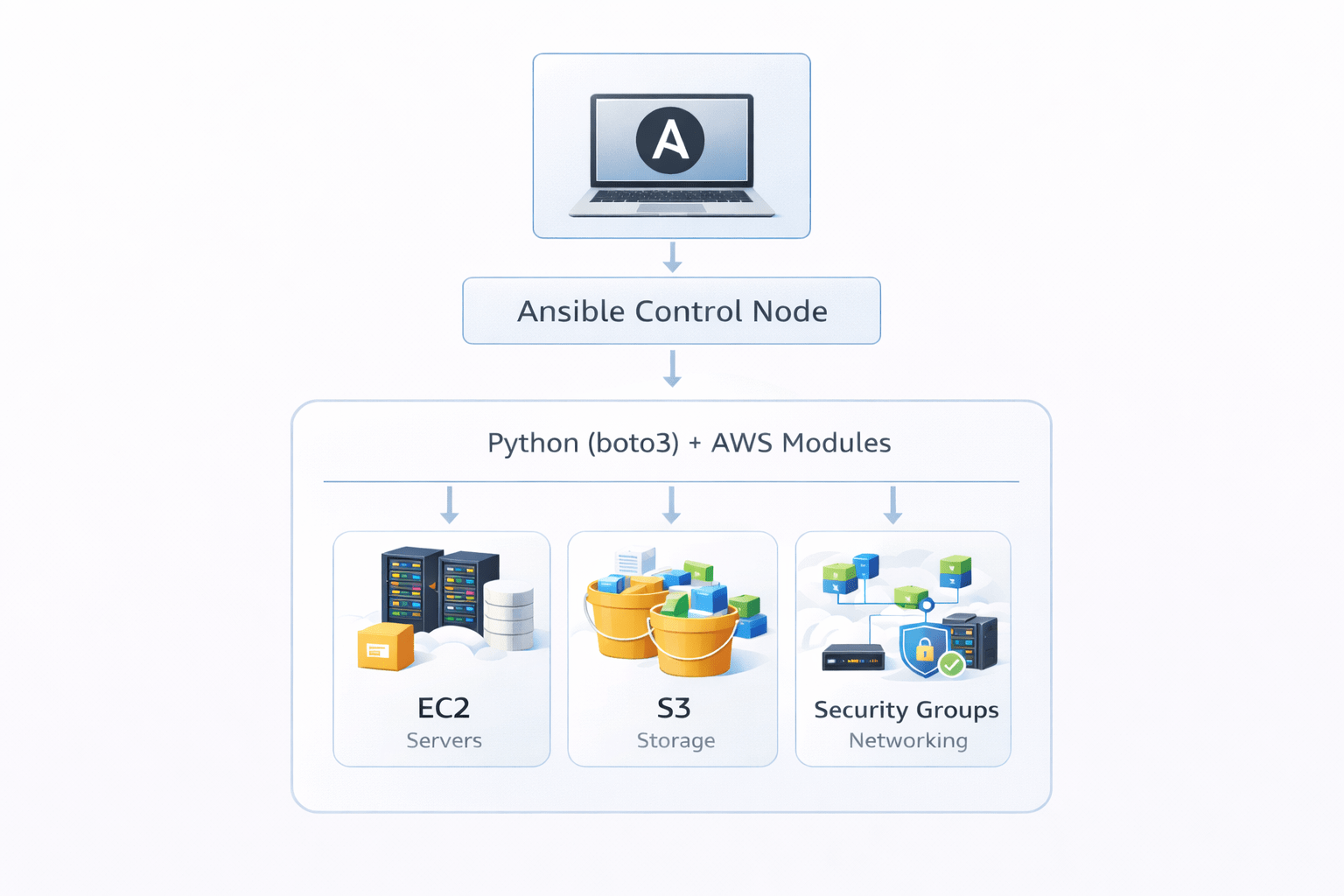
Amazon EC2 → virtual machines
Amazon VPC → networking environments
Amazon S3 → storage buckets
Configuring Ansible on AWS
To use Ansible with AWS, certain configurations are required
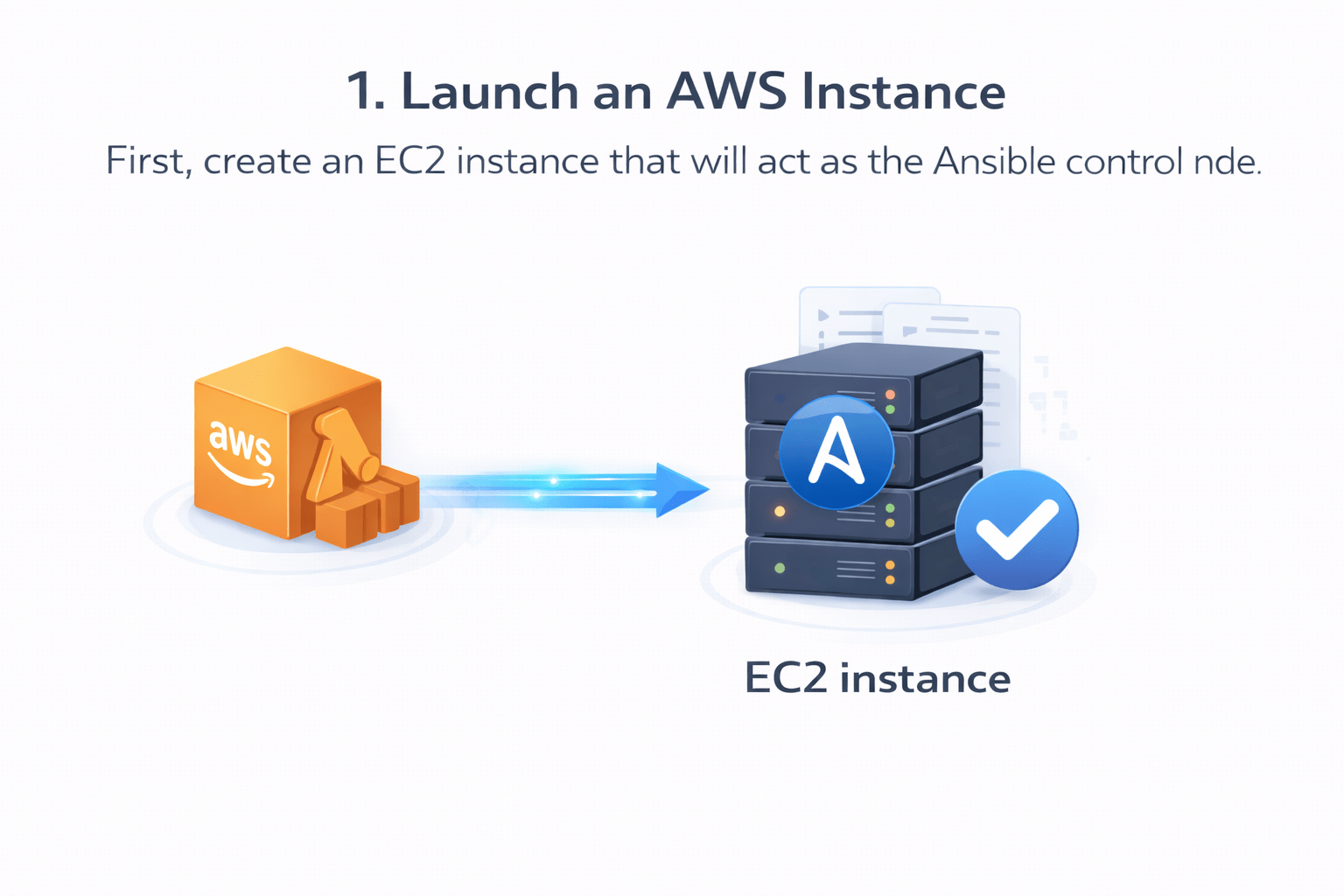
First, create an EC2 instance that will act as the Ansible control node
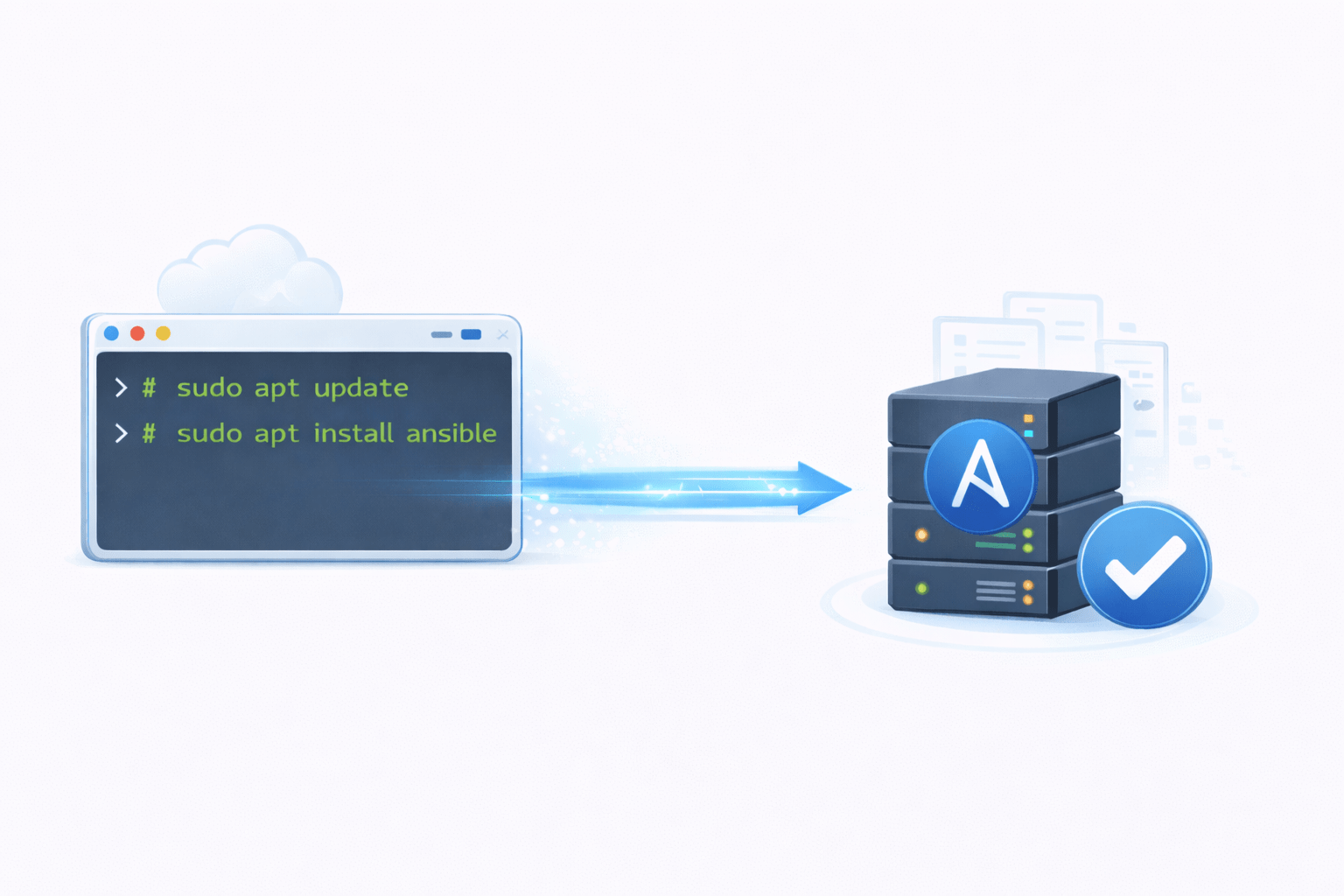
After connecting to the instance, install Ansible
This instance will run playbooks and manage other cloud resources
This prepares the control node for automation tasks
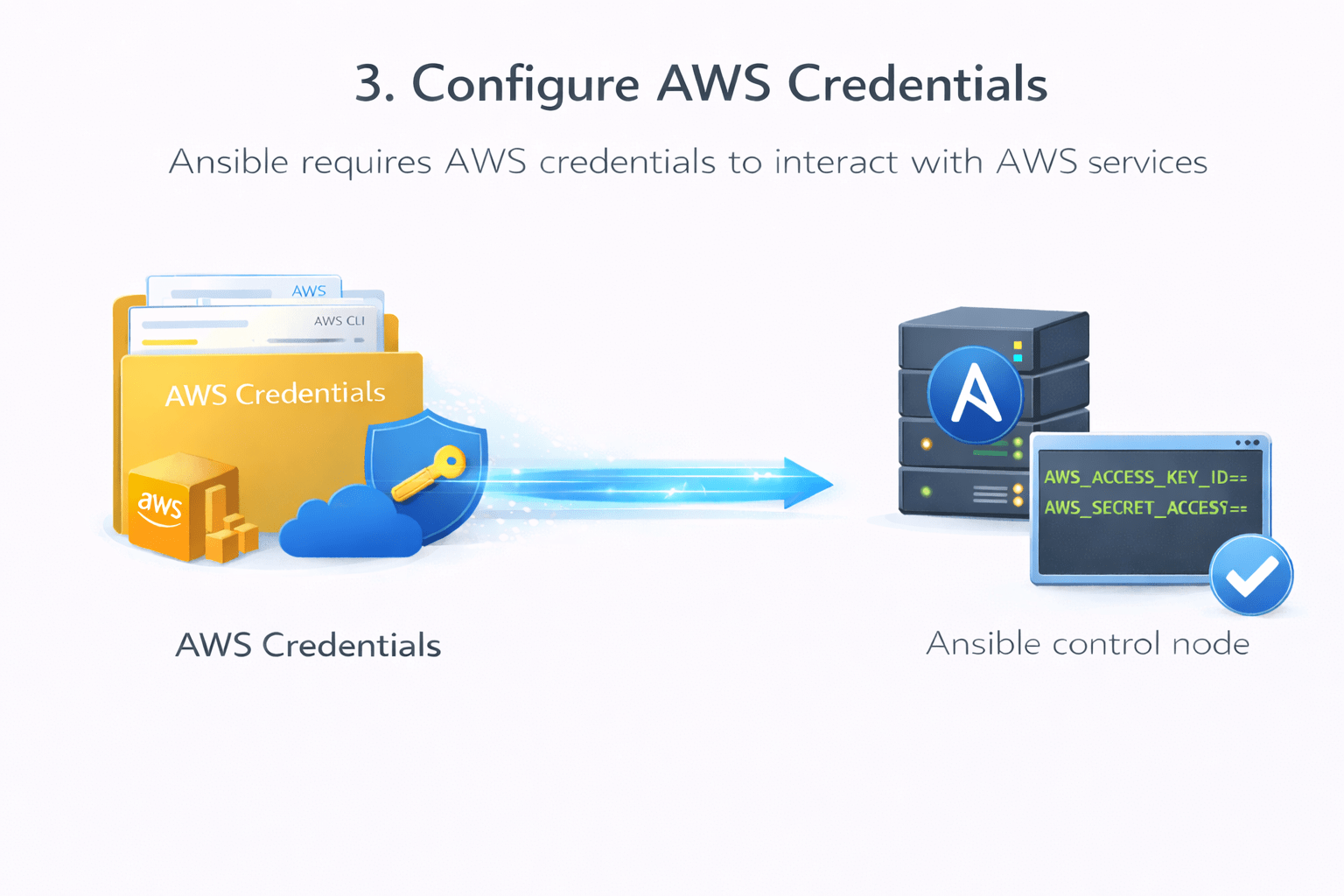
Ansible requires AWS credentials to interact with AWS services
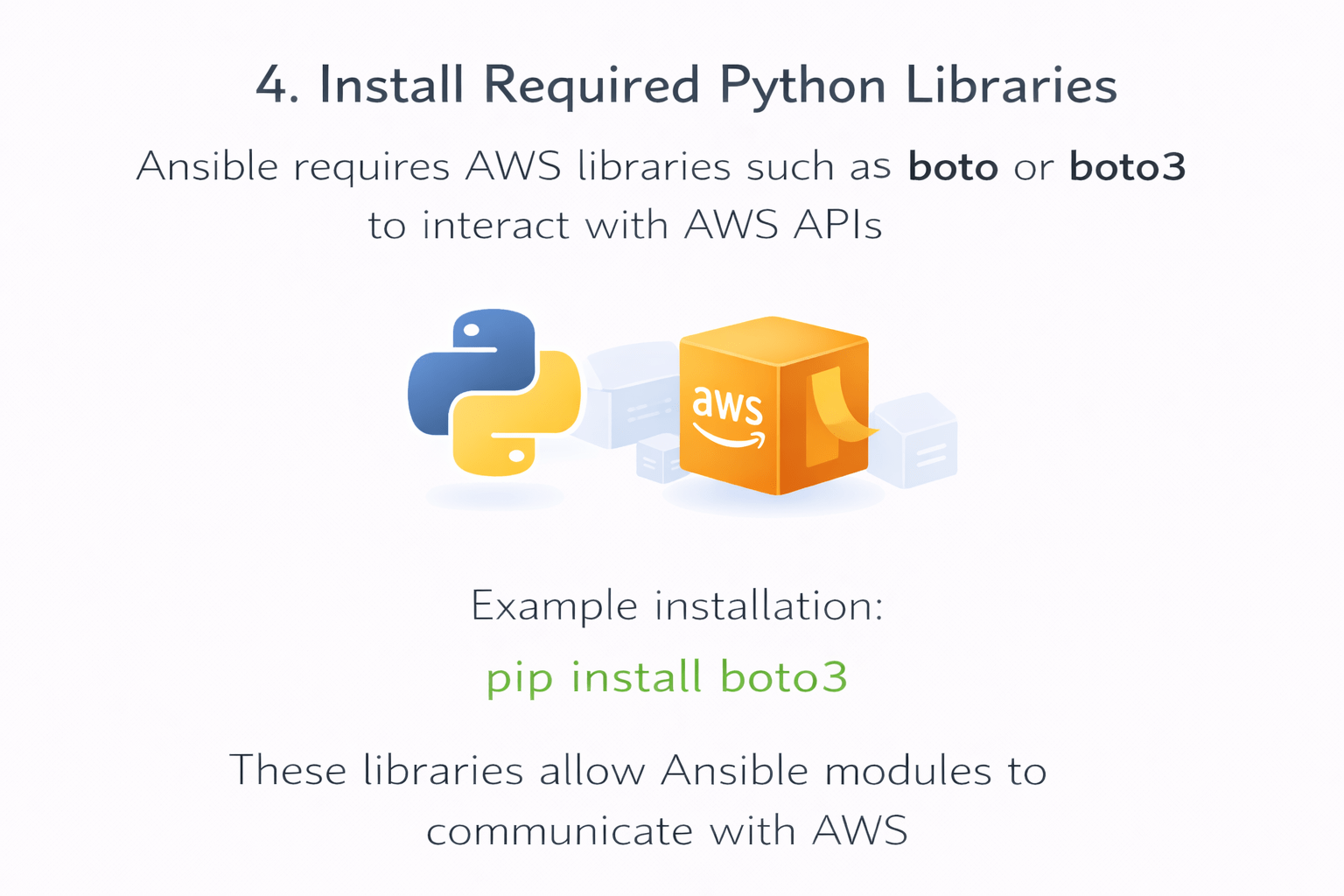
Ansible requires AWS libraries such as boto or boto3 to interact with AWS APIs
Credentials include
These credentials allow Ansible to create and manage resources
These libraries allow Ansible modules to communicate with AWS
Example installation
pip install boto3
Access Key ID
Default region
Secret Access Key
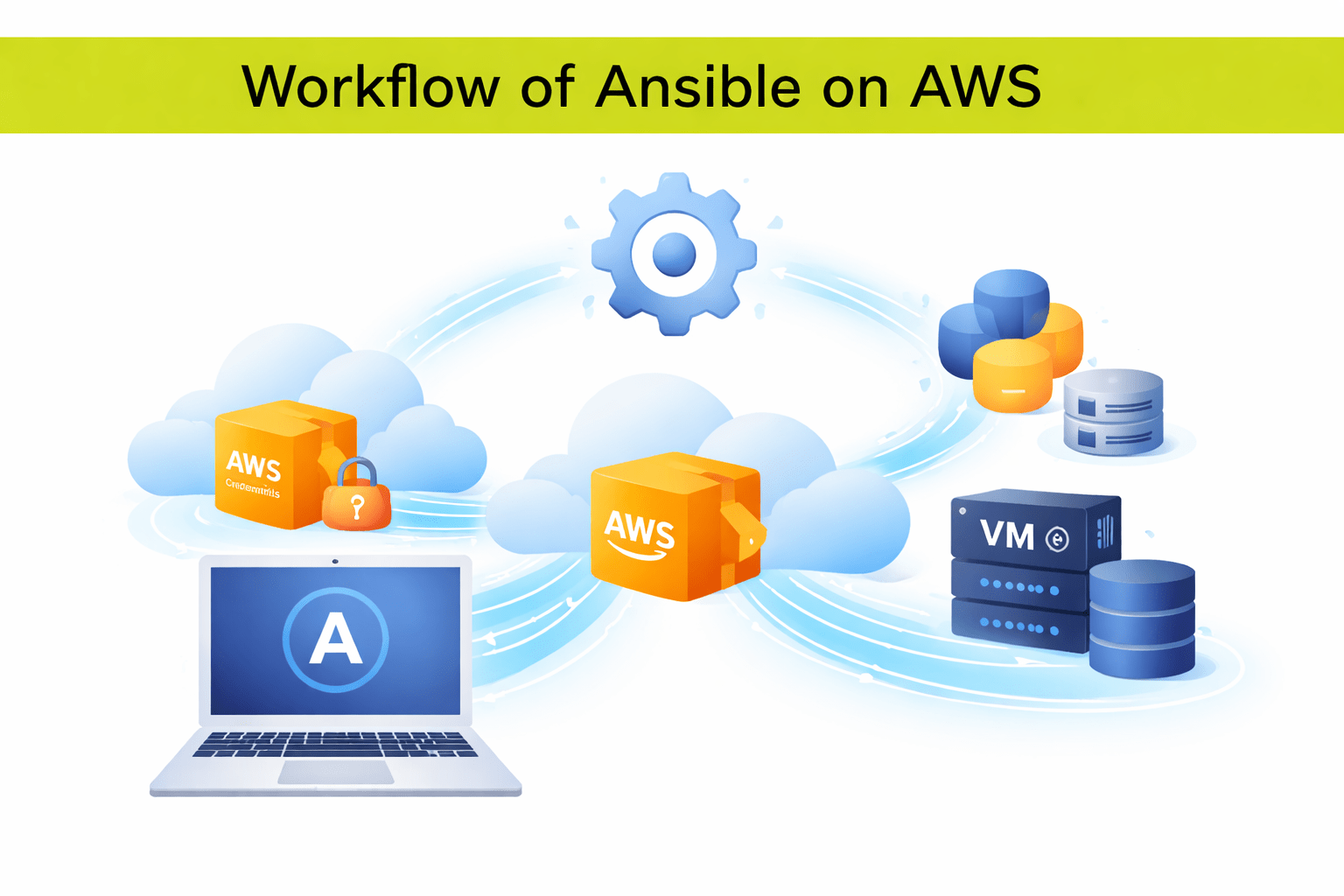
Workflow of Ansible on AWS
The typical workflow is
This enables automated cloud infrastructure management
1. Write automation tasks in an Ansible playbook
4. Ansible communicates with AWS APIs to create or manage resources
3. Run the playbook from the Ansible control node
2. Configure AWS credentials on the control node
Important requirements for Ansible on AWS
An EC2 instance can act as the Ansible control node
Ansible modules allow automation of AWS services
Python libraries like boto3 enable AWS API interaction
AWS credentials must be configured for authentication
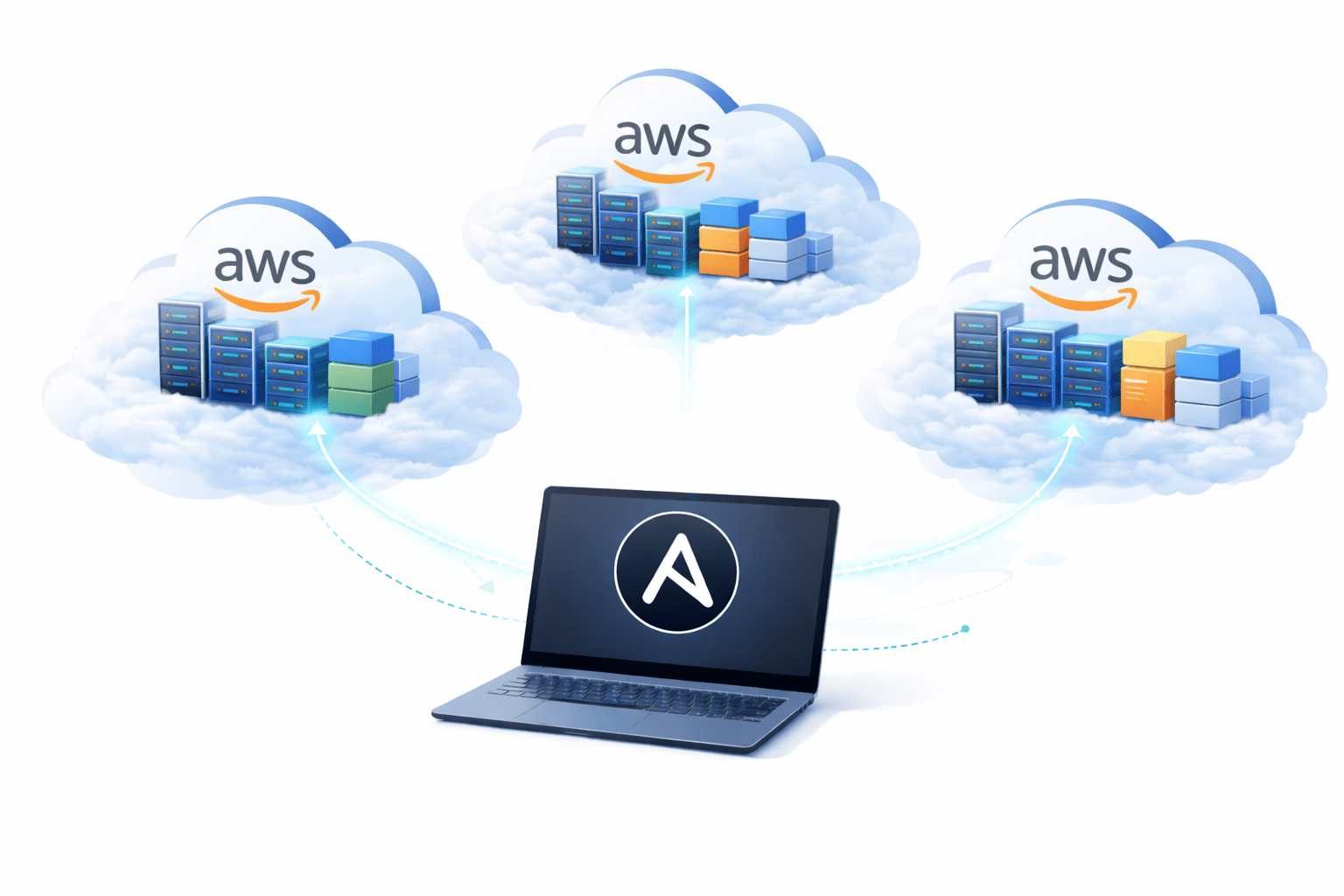
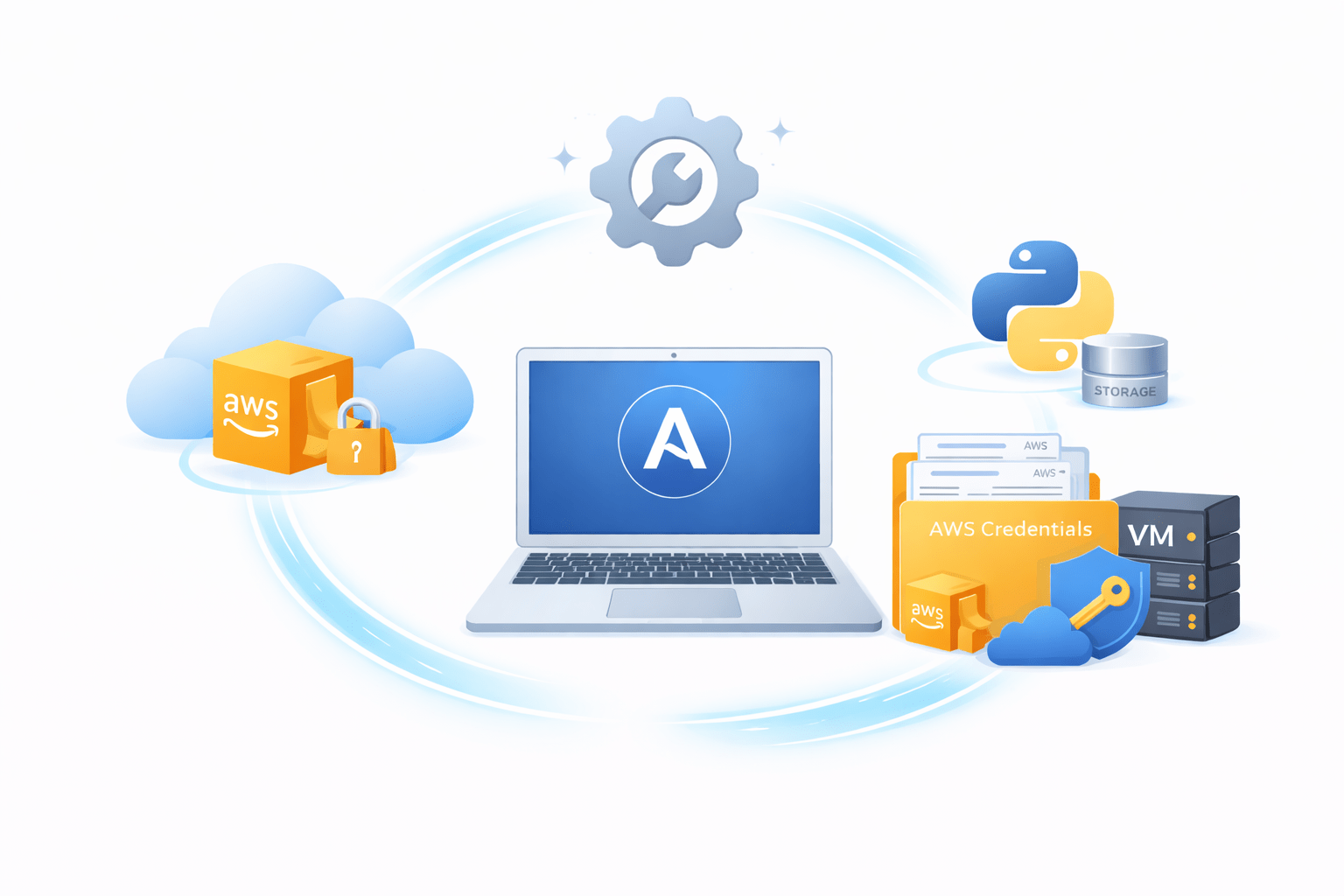
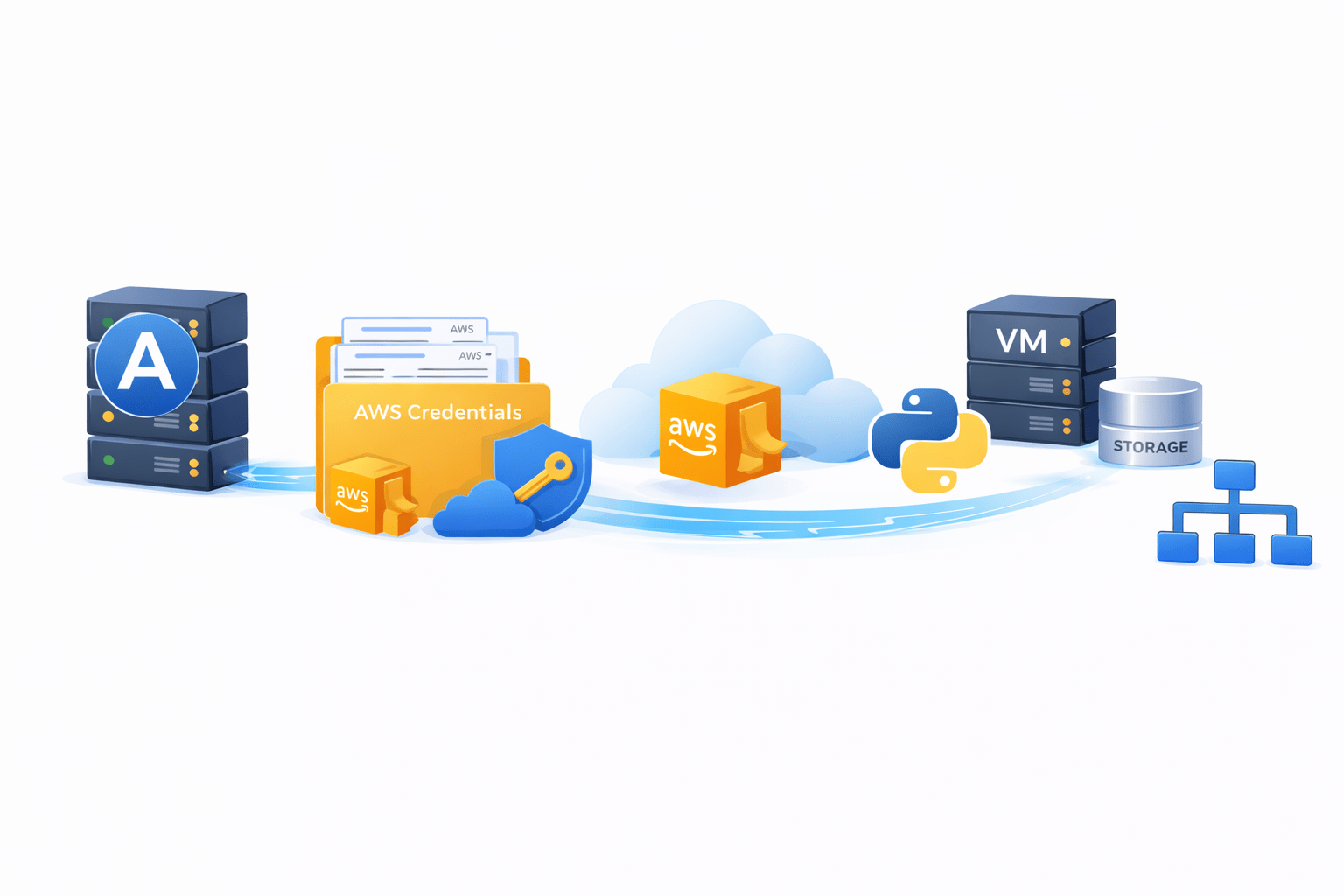
AWS Architecture with Ansible
Summary
5
Ansible simplifies cloud infrastructure automation and deployment
4
AWS credentials allow Ansible to interact with AWS APIs
3
An EC2 instance often acts as the Ansible control node
2
It can manage services like EC2, S3, and VPC
1
Ansible can automate AWS infrastructure management
Quiz
Which AWS service is commonly used as an Ansible control node?
A. S3
B. EC2
C. Lambda
D. DynamoDB
Answer
Which AWS service is commonly used as an Ansible control node?
A. S3
B. EC2
C. Lambda
D. DynamoDB
By Content ITV