









Content ITV PRO
This is Itvedant Content department
Learning Outcome
5
Persistent Storage in Kubernetes
4
Understand storage solutions in Kubernetes
3
Understand how ReplicaSets manage Pods
2
Learn the concept of ReplicaSets
1
Understand what Pods are in Kubernetes
Earlier we have seen
How to create a web application
How to containerize applications using Docker
How to push images to Docker Hub
How to deploy applications in Kubernetes
Now we will learn how Kubernetes manages running containers
using Pods and stores application data using storage systems
Understanding the concept
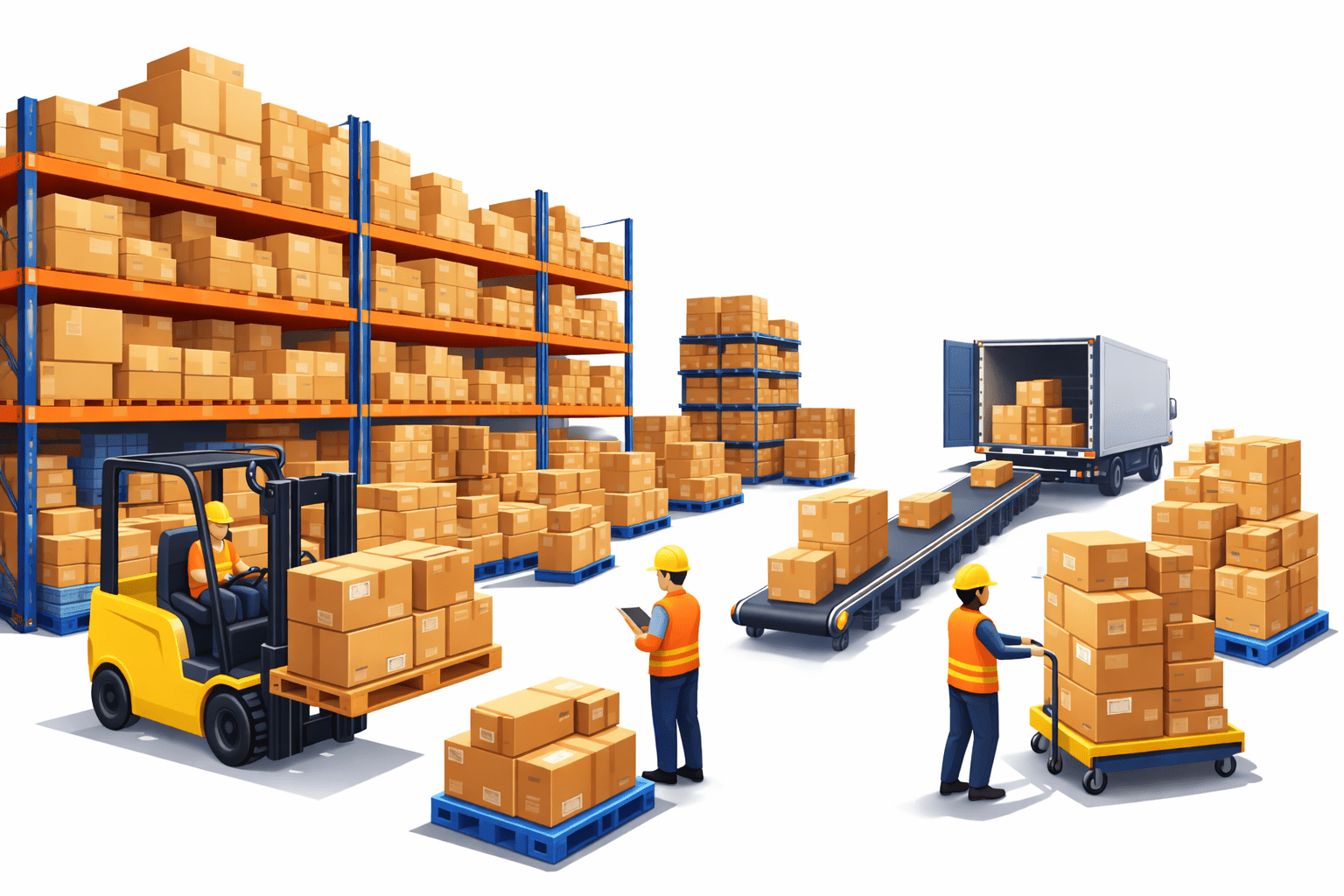
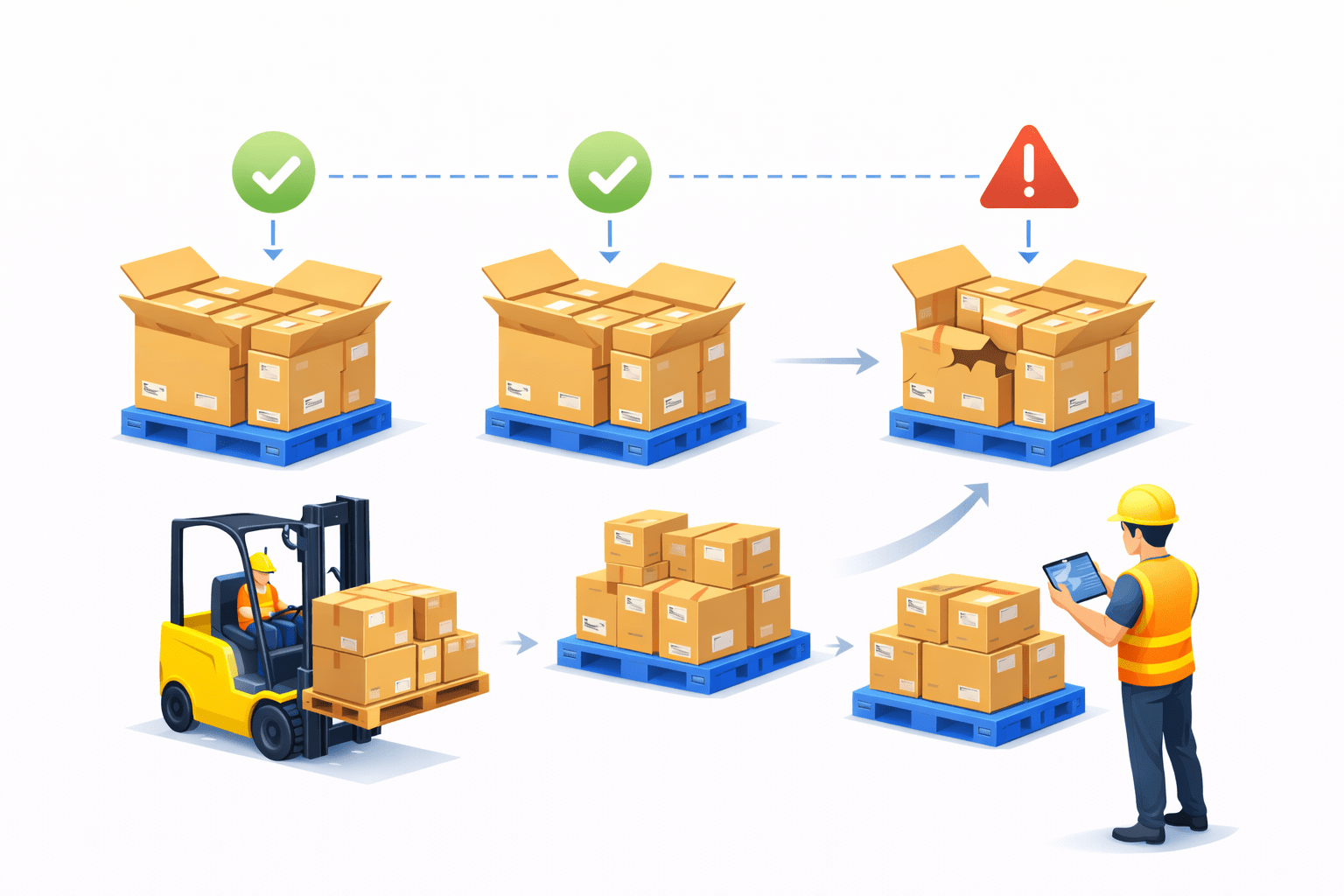
Imagine a warehouse storing packages
Packages are grouped together in boxes
Multiple boxes are created to ensure availability
A manager monitors the boxes and replaces damaged ones
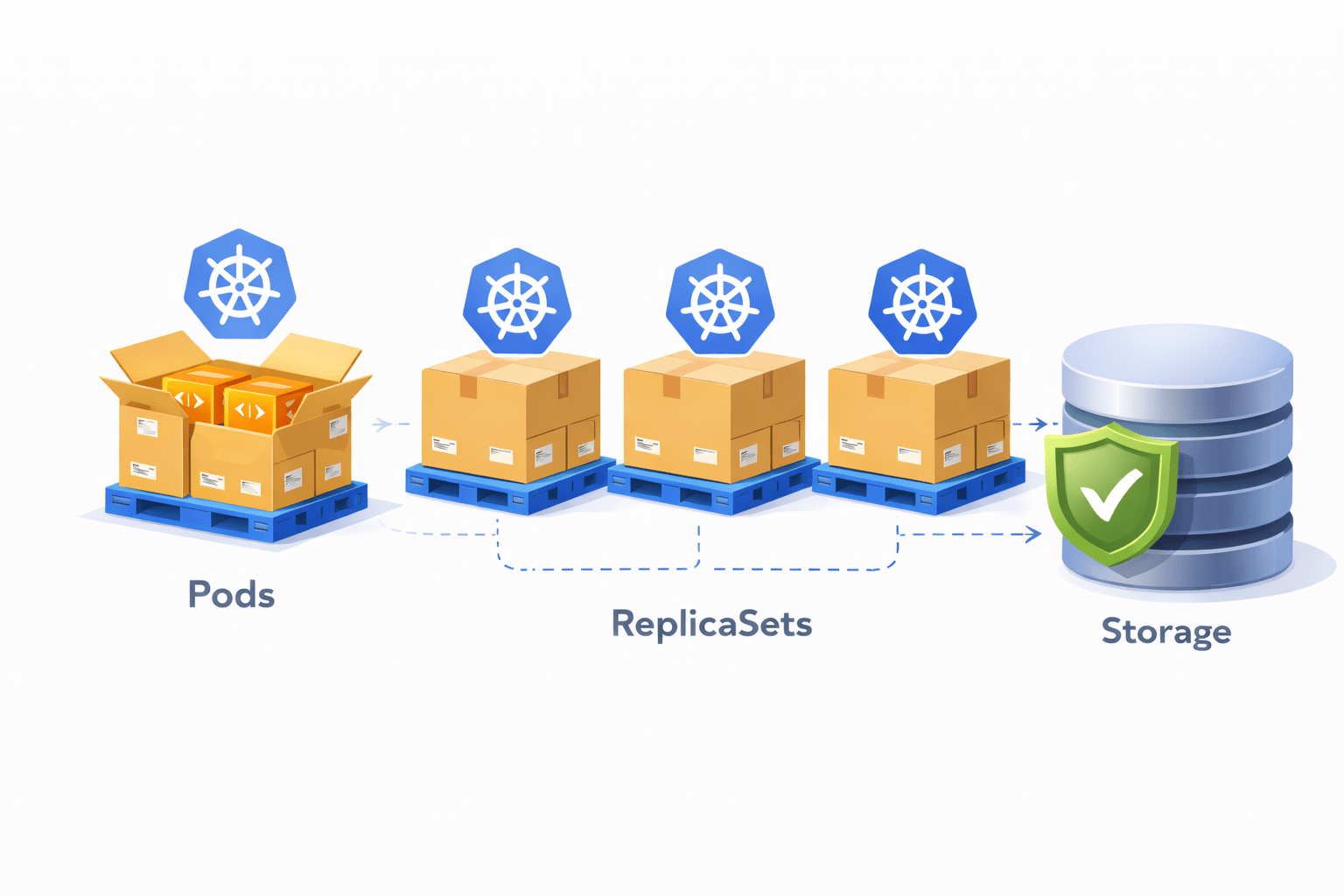
In Kubernetes:
Pods are like boxes containing containers
ReplicaSets ensure multiple pods exist
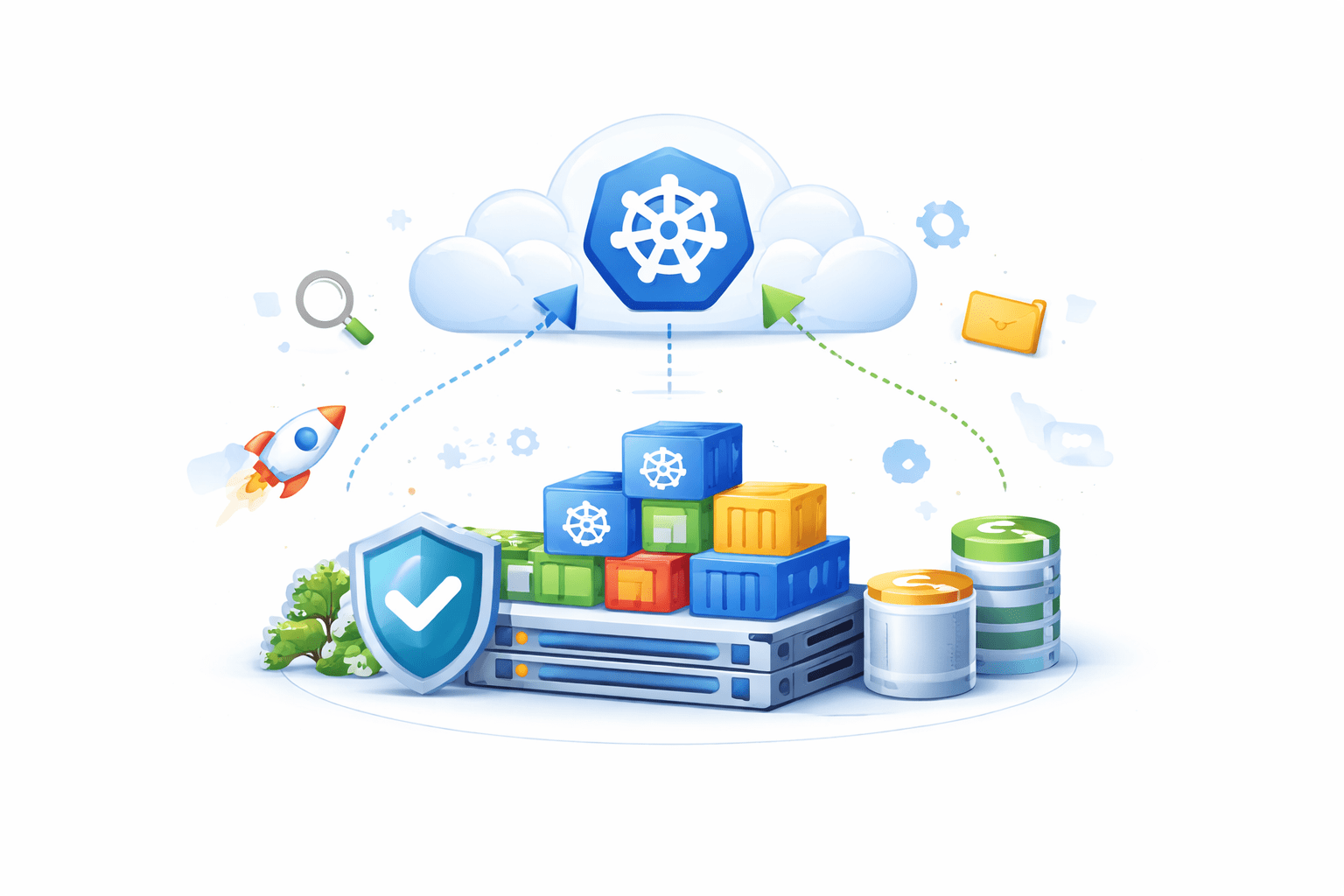
Storage systems safely store application data
What is a Pod?
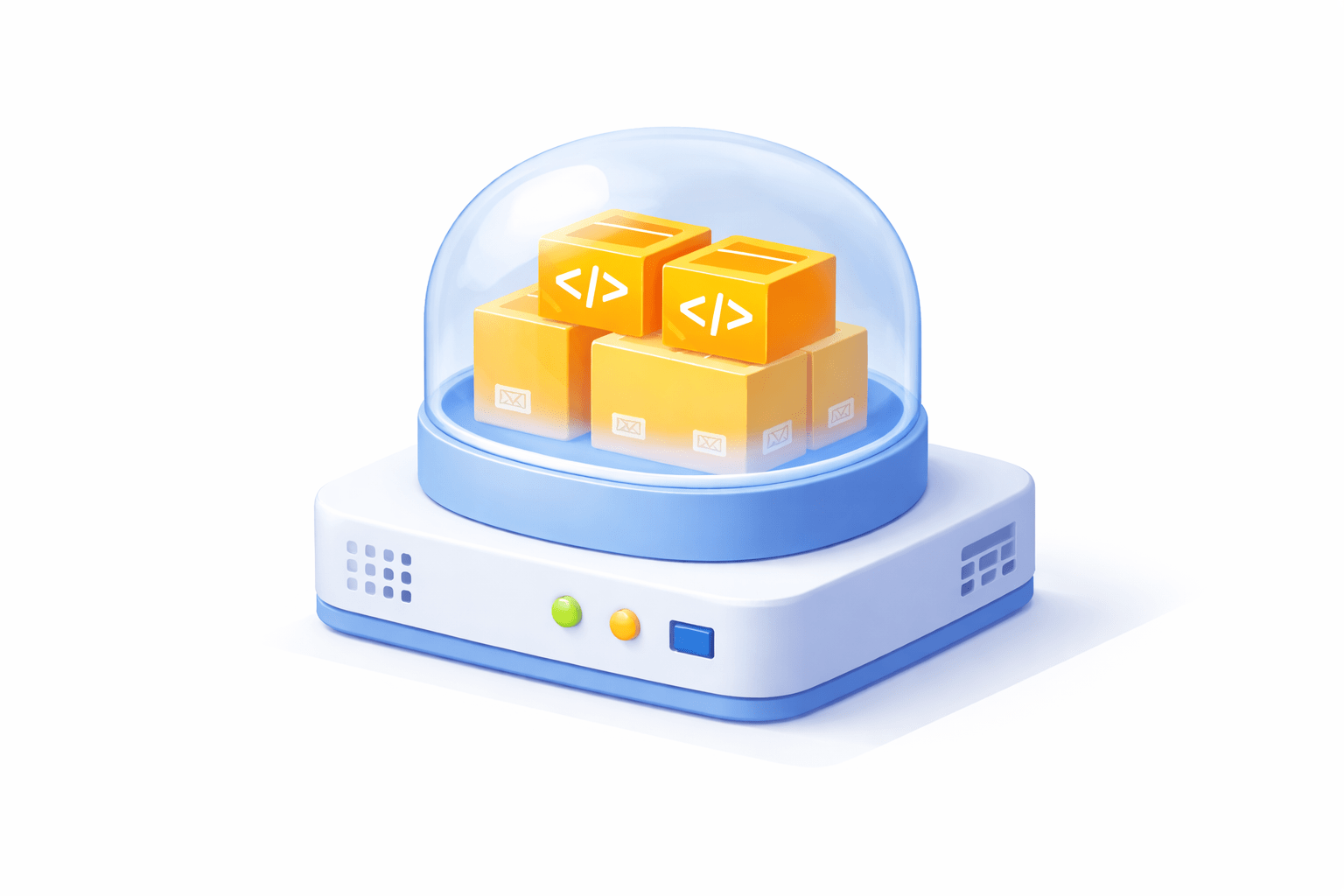
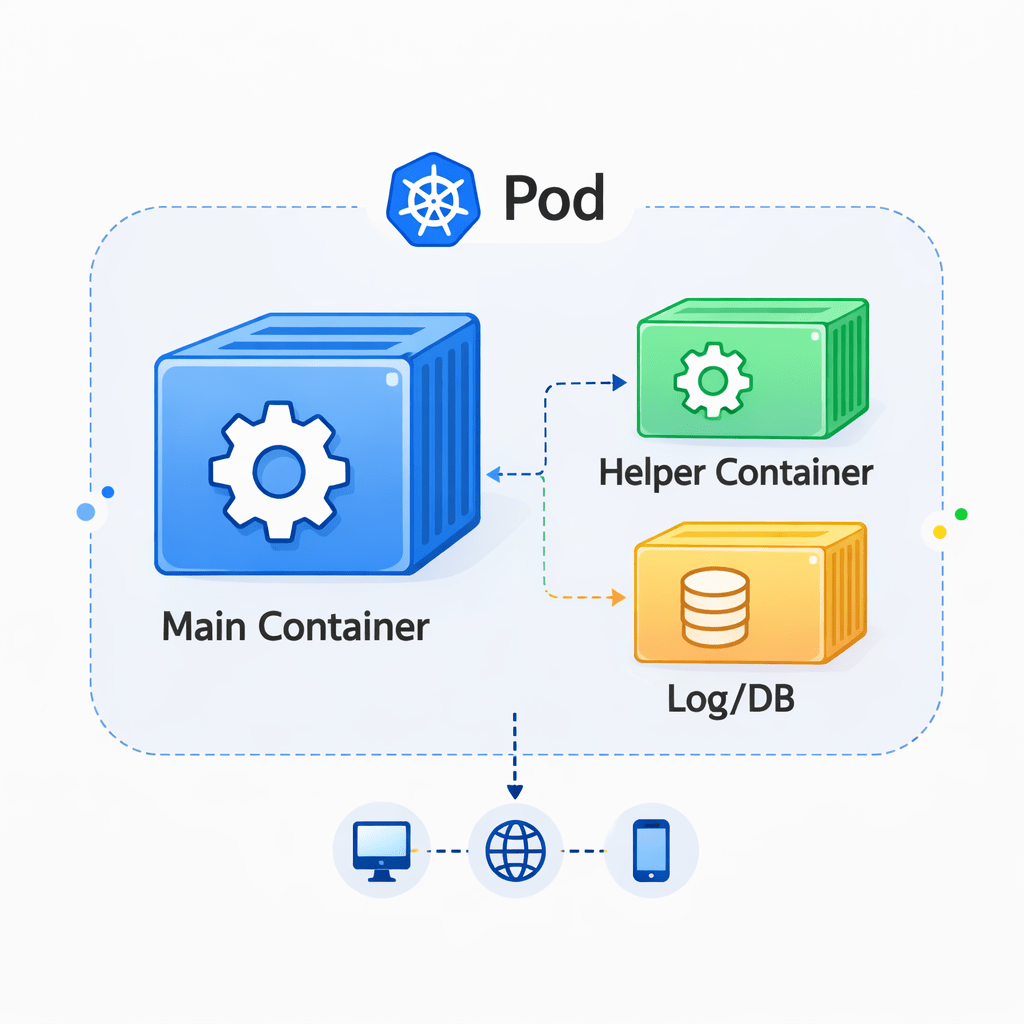
A Pod is the smallest deployable unit in Kubernetes
A Pod contains one or more containers
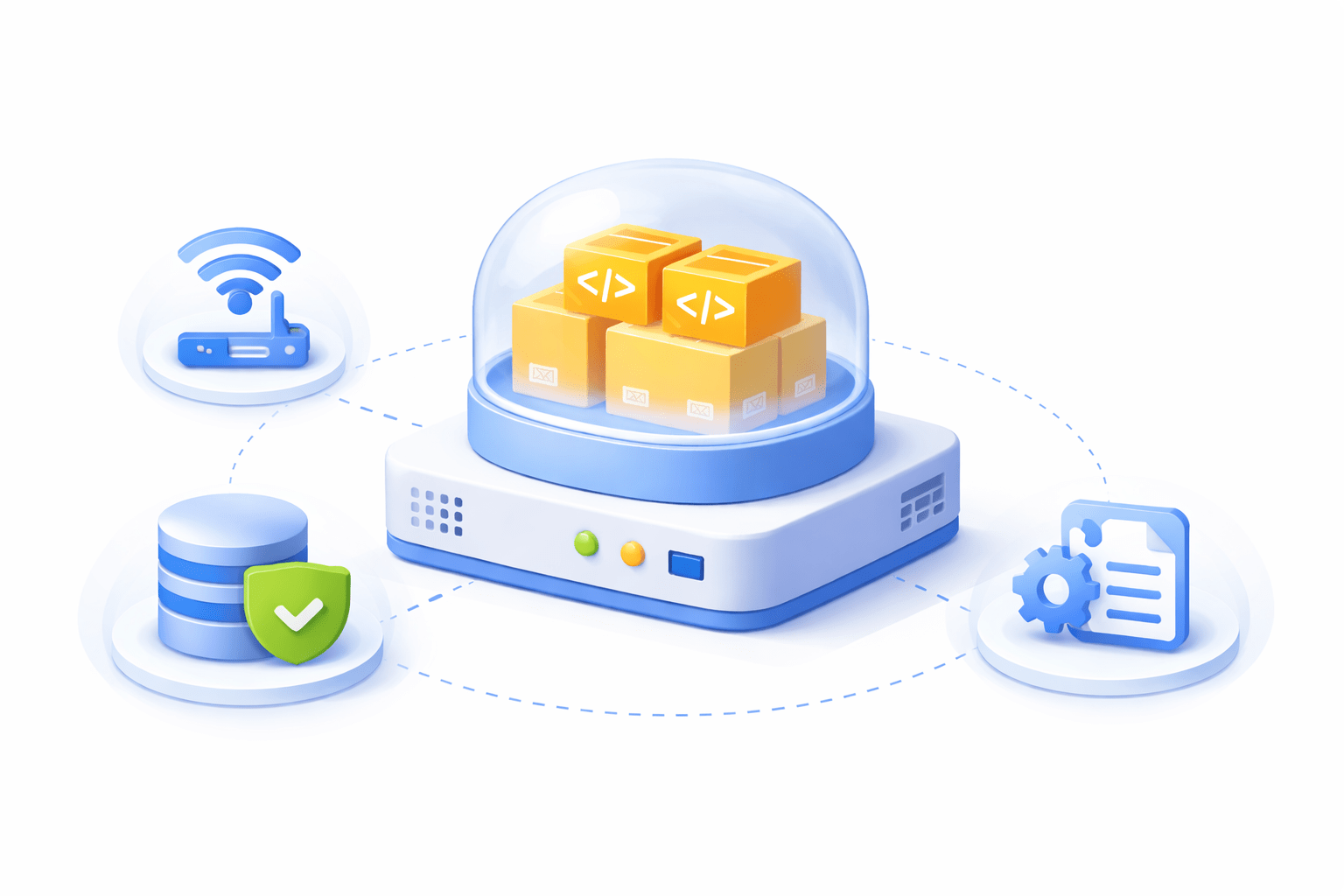
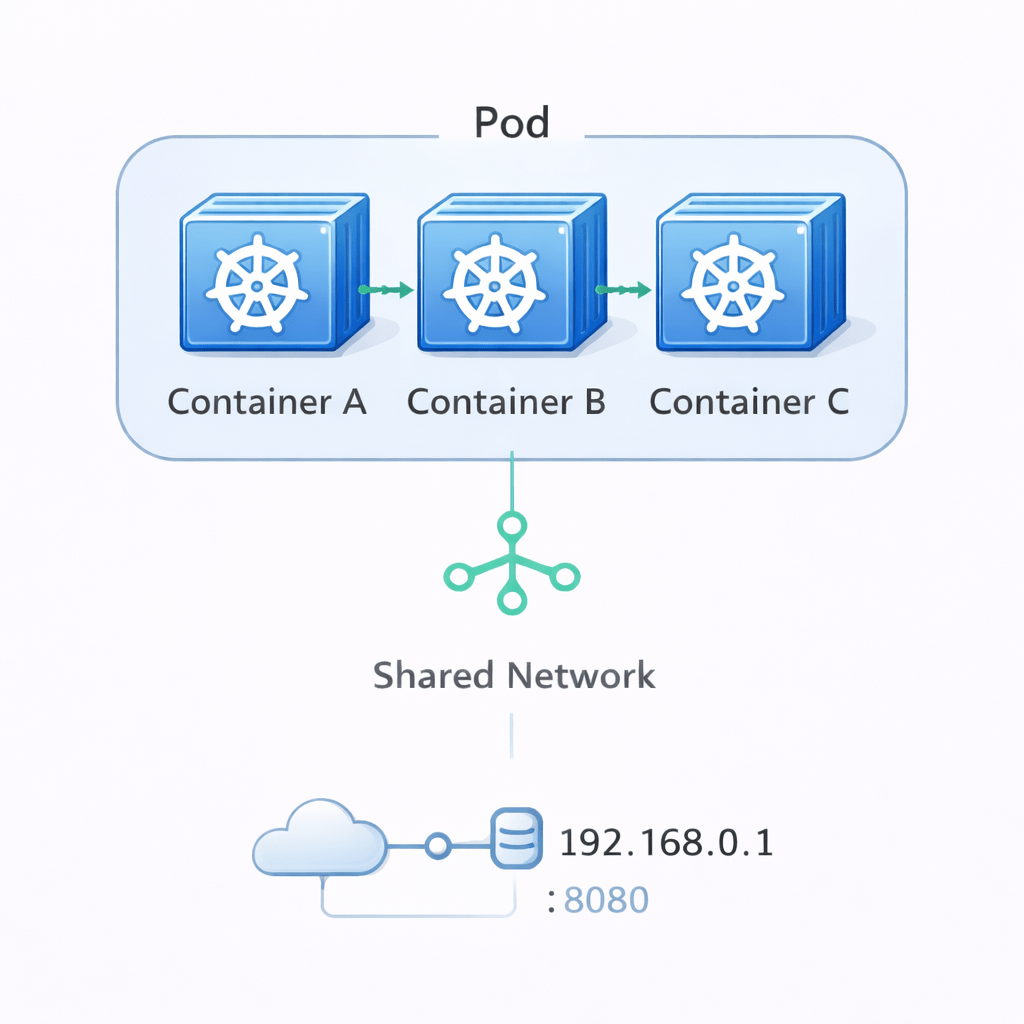
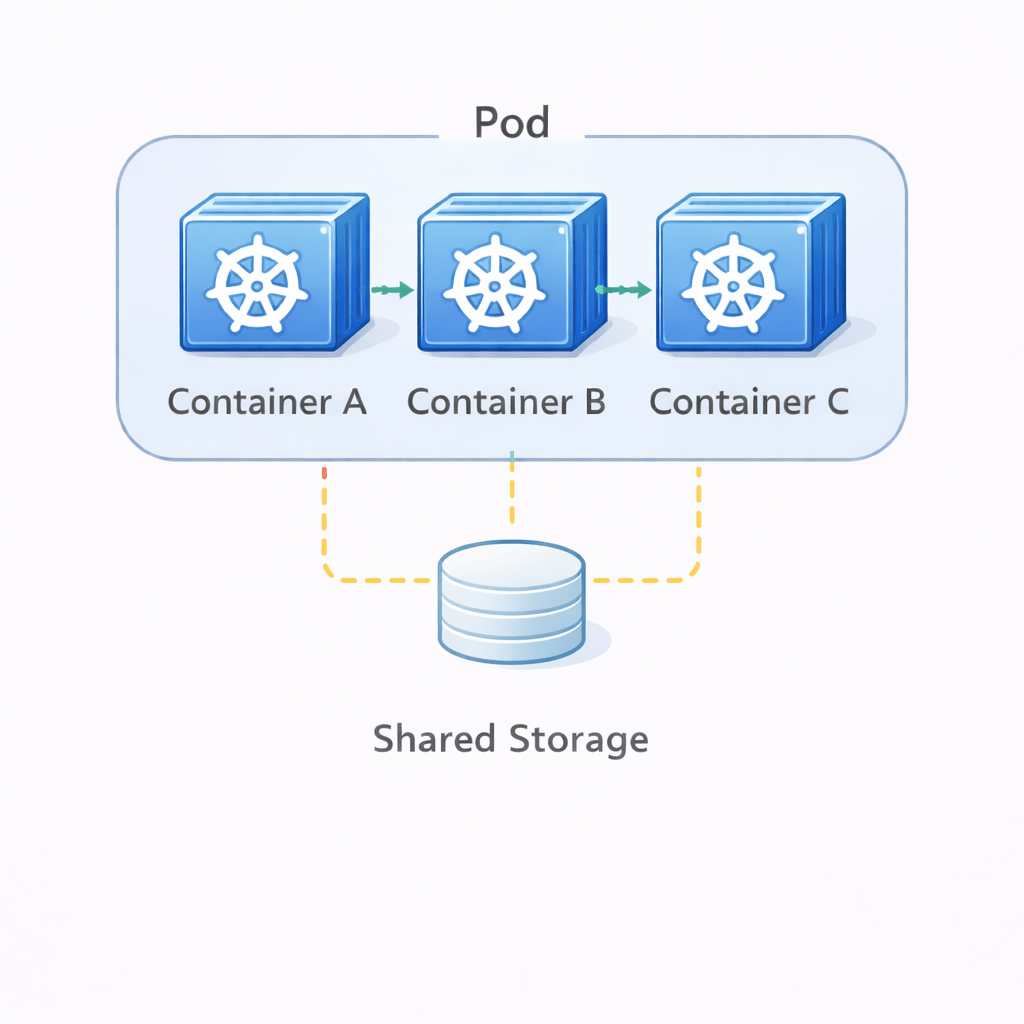
Containers inside a pod share
Pods run the actual application containers
Configuration
Storage
Network
Example
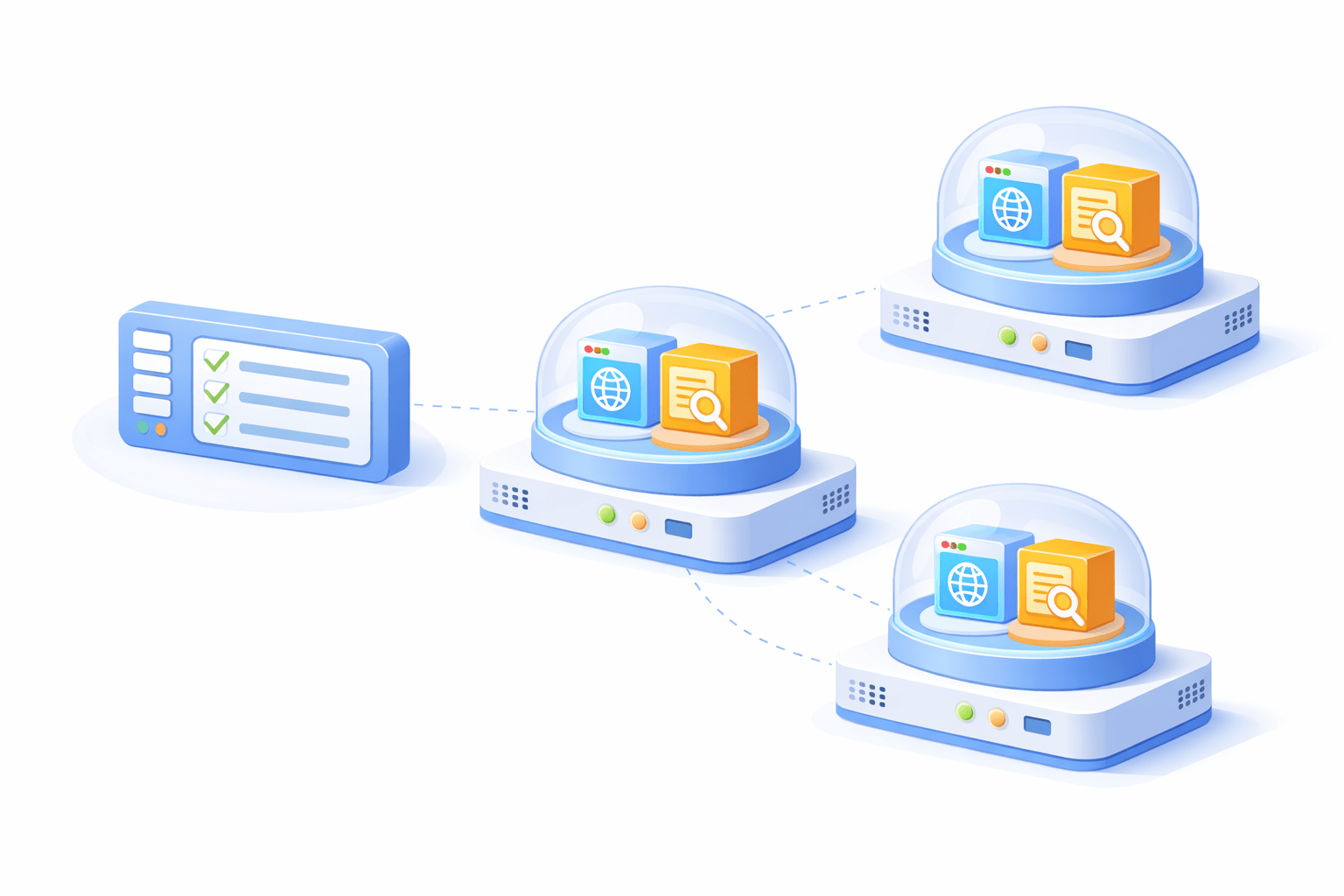
A Pod may contain
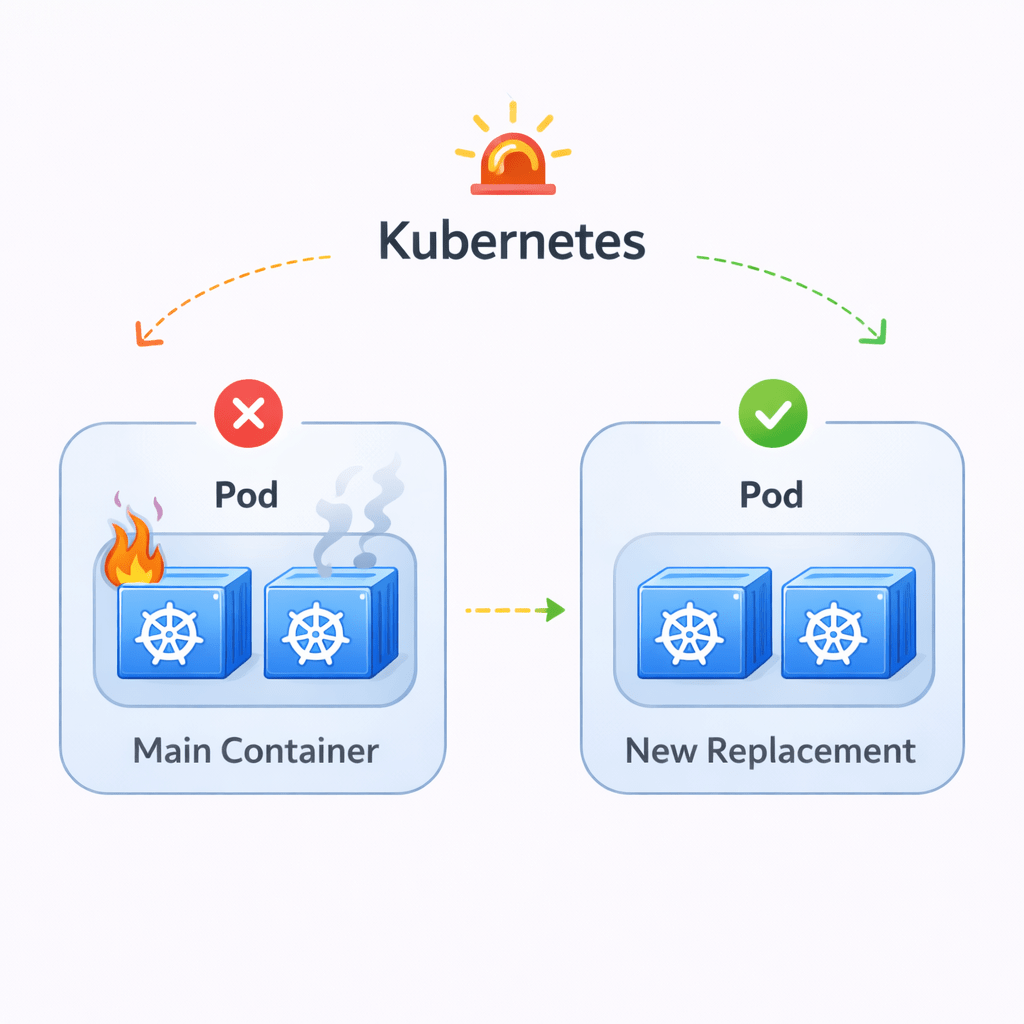
Pods are temporary
If a Pod fails, Kubernetes can create a new one automatically
Pods allow containers to work together as a single application unit
Web server container
Logging container
Pod Characteristics
Pods have several key characteristics
Containers inside the same pod share the same IP address and port space
Containers can share volumes inside the pod
Pods usually run one main container, but can run multiple supporting containers
Pods are not permanent
If a pod crashes
Kubernetes creates a new replacement pod.
Introduction to ReplicaSet
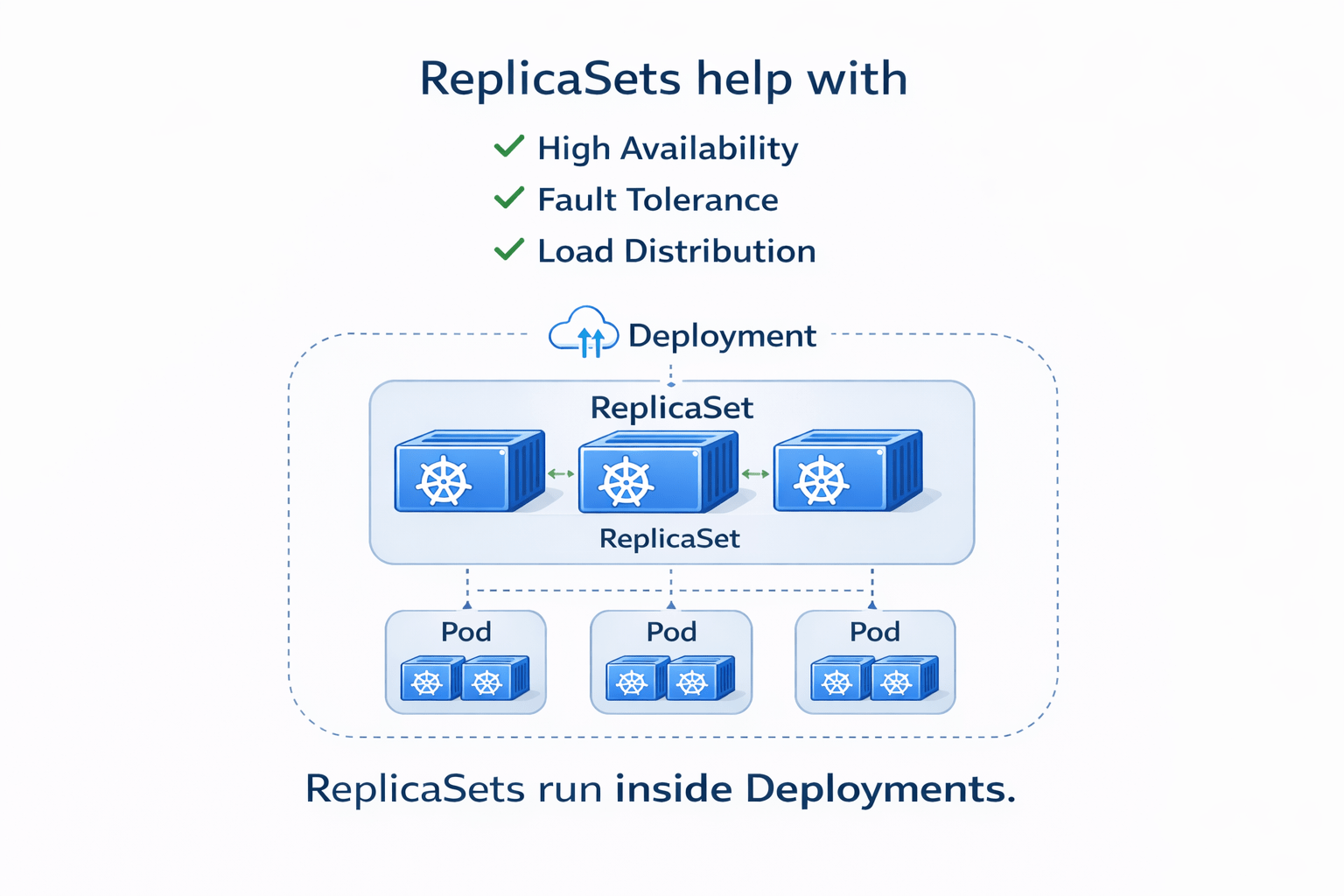
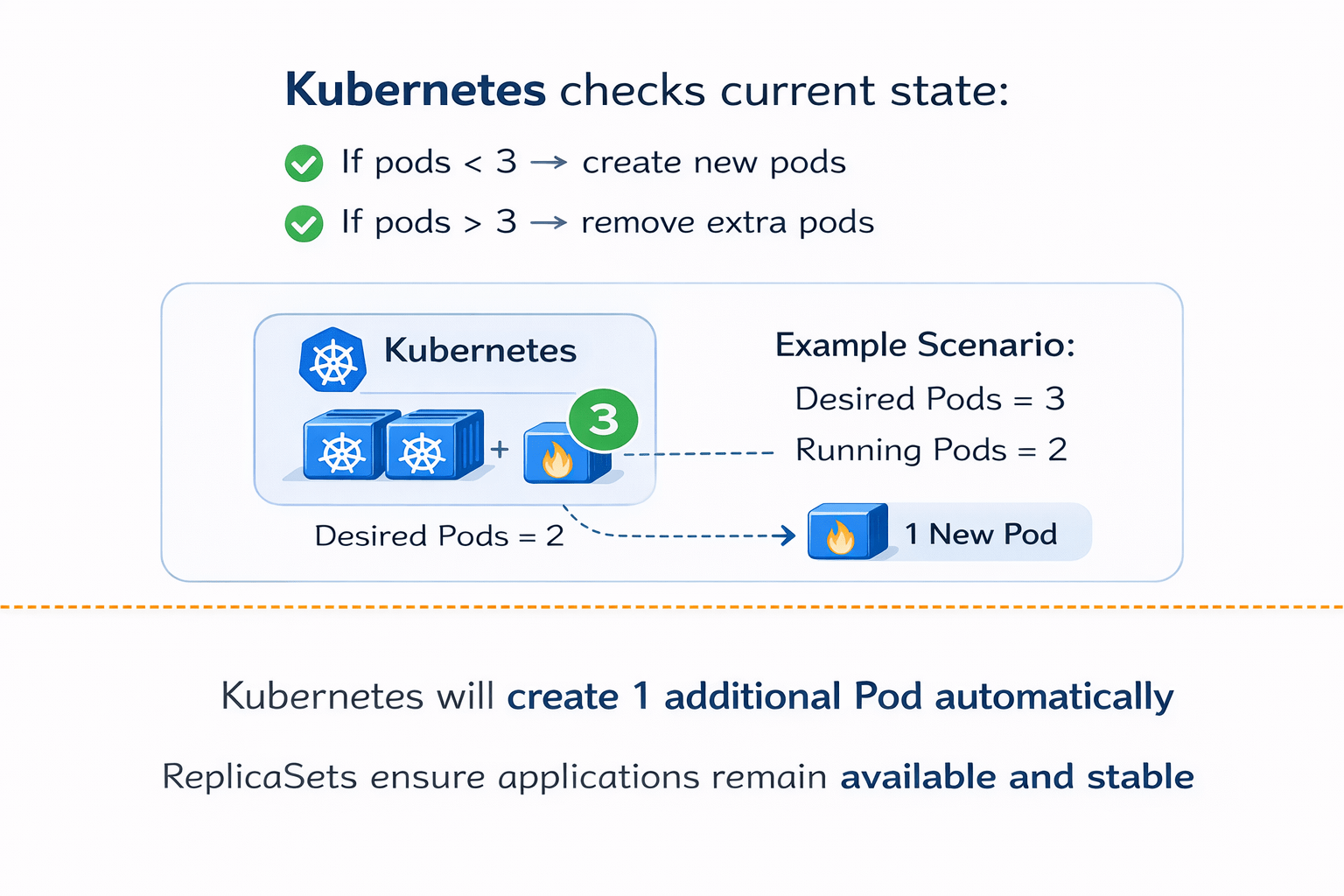
A ReplicaSet ensures that a specified number of Pods are always running
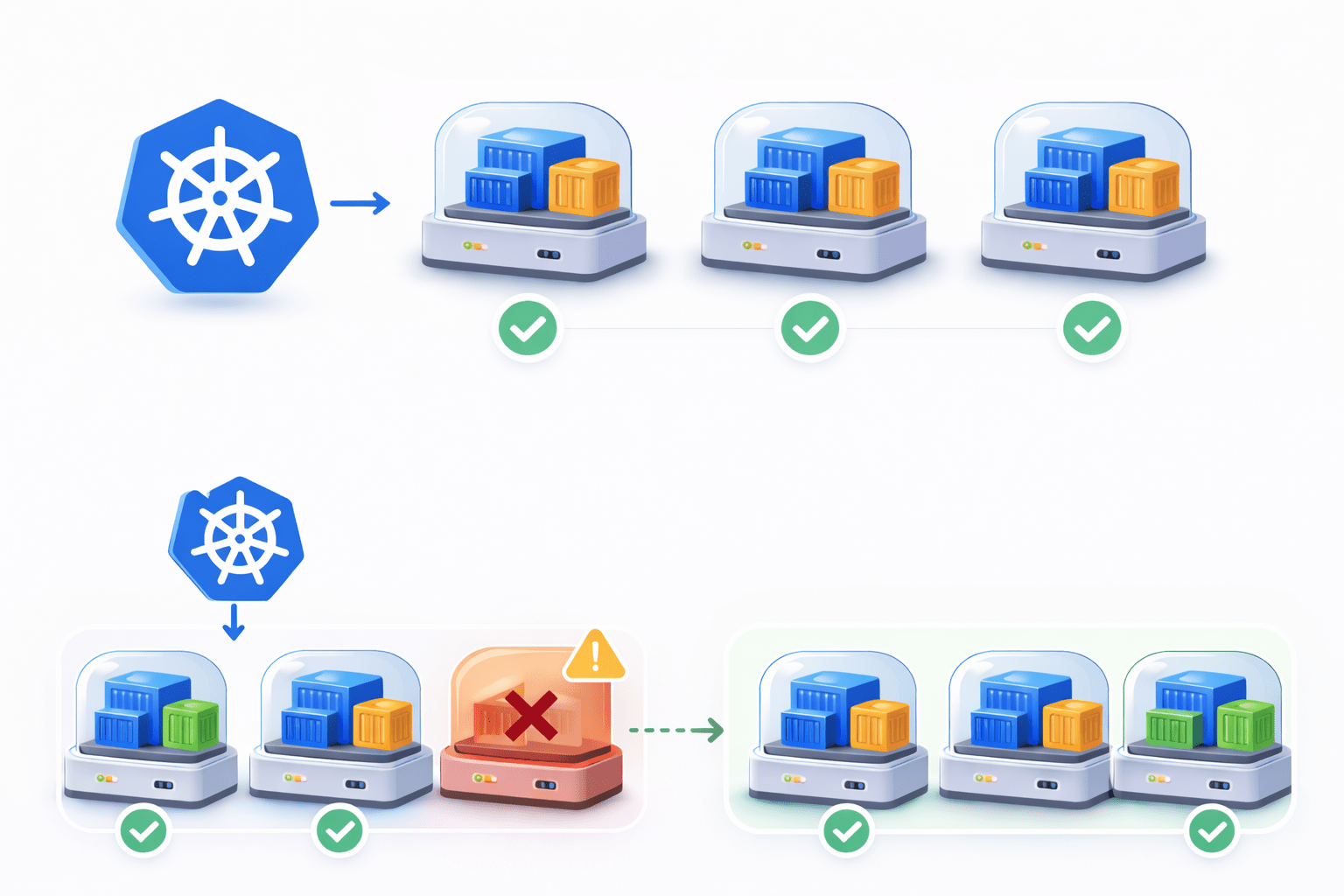
If you define 3 replicas, Kubernetes ensures:
3 Pods are always active
If one pod fails:
Kubernetes automatically creates a new Pod
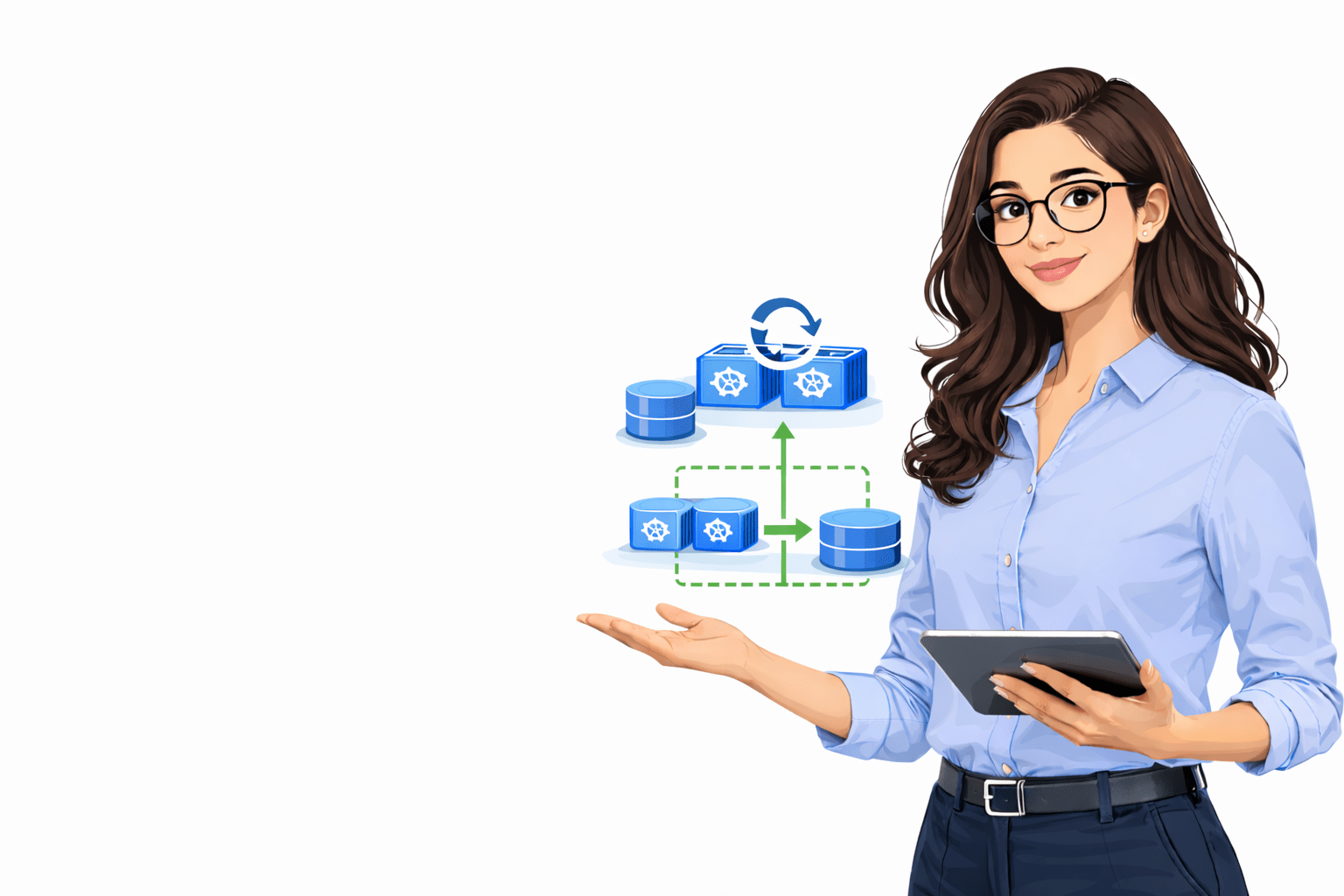
Managing Pods with ReplicaSets
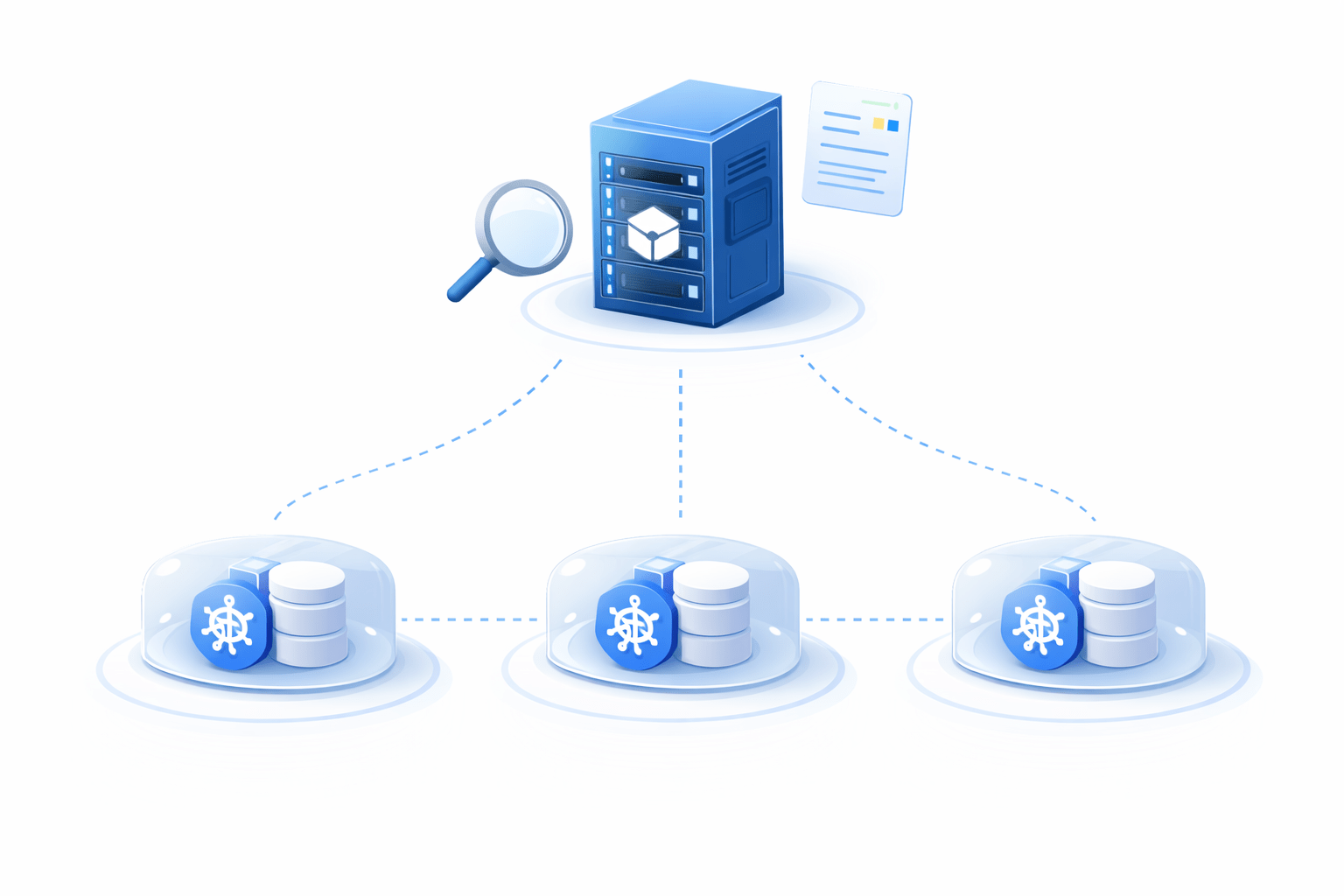
ReplicaSets continuously monitor running pods
User defines desired replicas
Example:
replicas: 3
Kubernetes will create 1 additional Pod automatically
ReplicaSets ensure applications remain available and stable
Storage Challenges in Containers
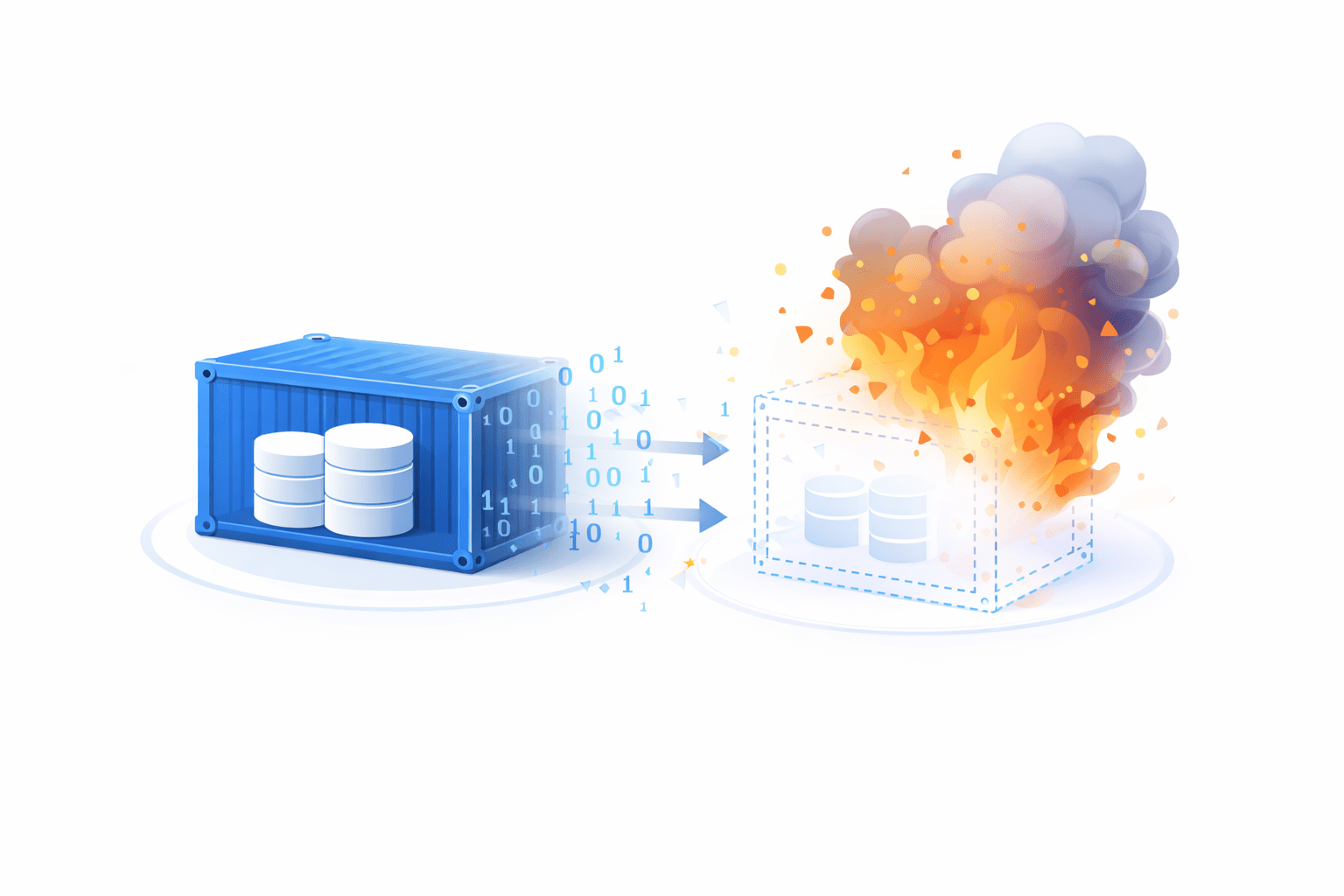
Containers are temporary by design
When a container stops or is deleted:
All data inside the container is lost
A database container stores data
If the container crashes:
The database data disappears
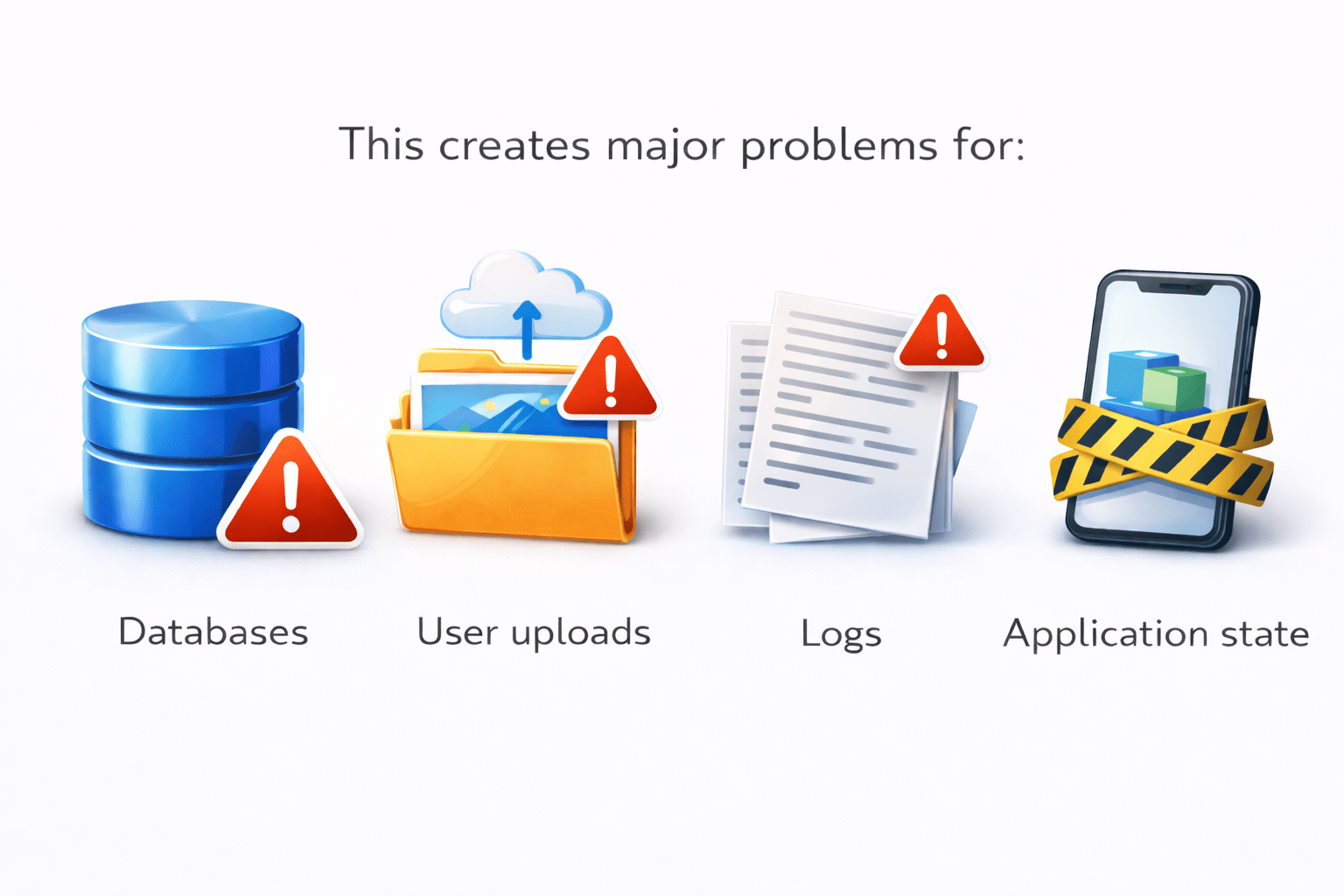
This creates major problems for
Databases
User uploads
Logs
Application state
To solve this problem, Kubernetes provides
persistent storage solutions
Containers are temporary by design
Storage Solutions in Kubernetes
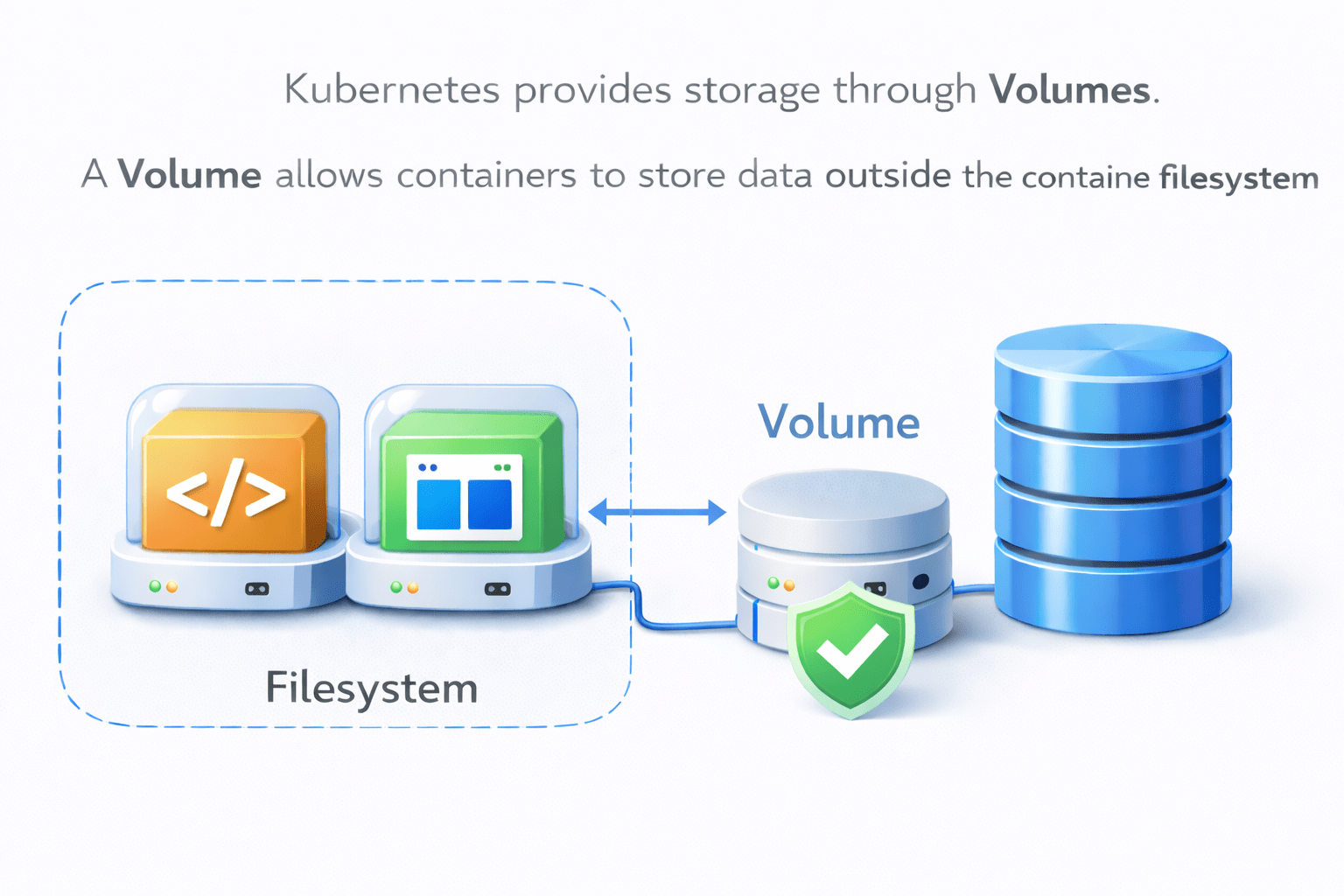
Kubernetes provides storage through Volumes.
A Volume allows containers to store data outside the container filesystem
Data survives container restart
Multiple containers can share data
Storage can connect to external systems
Volumes allow applications to store important data safely
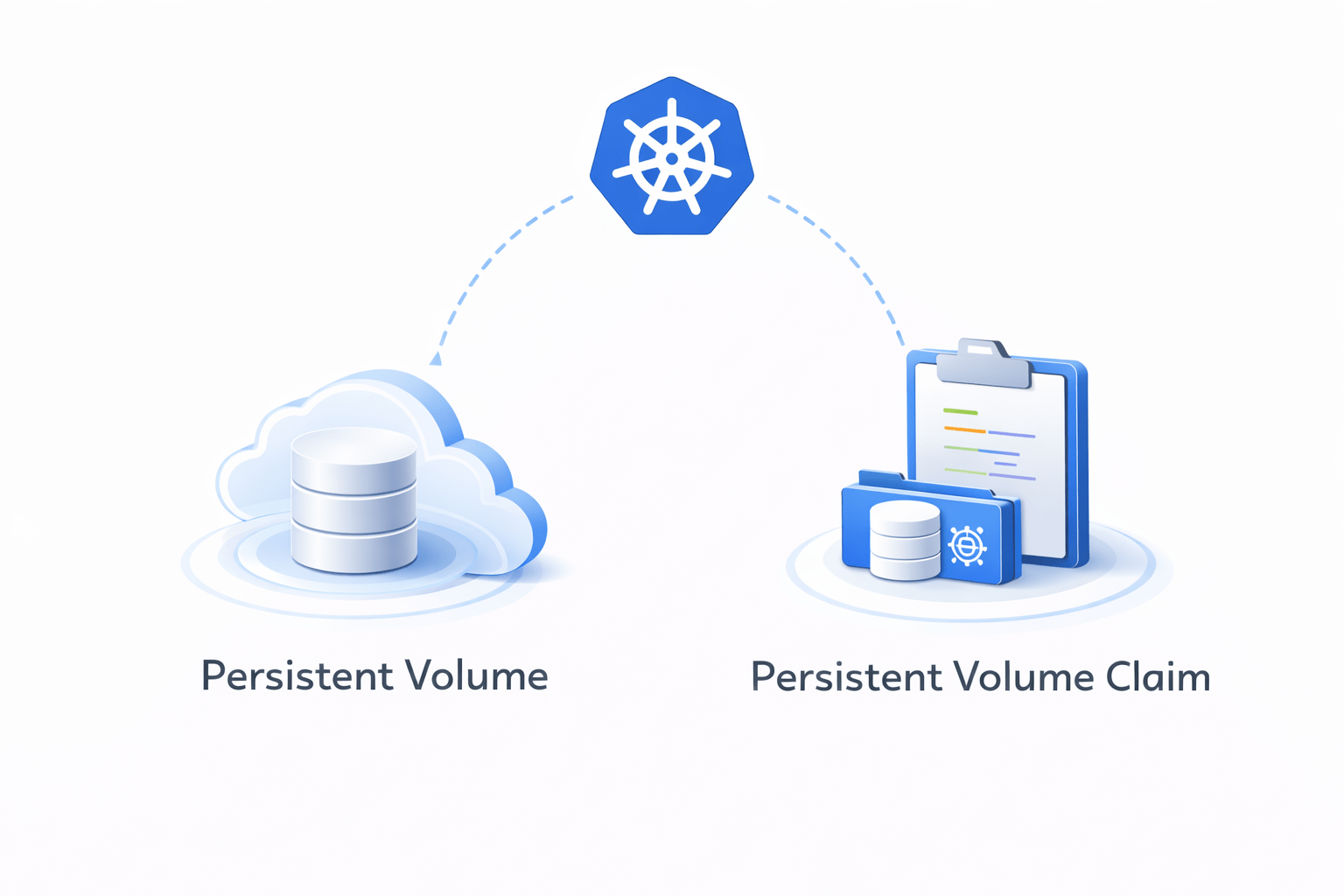
Kubernetes manages storage through
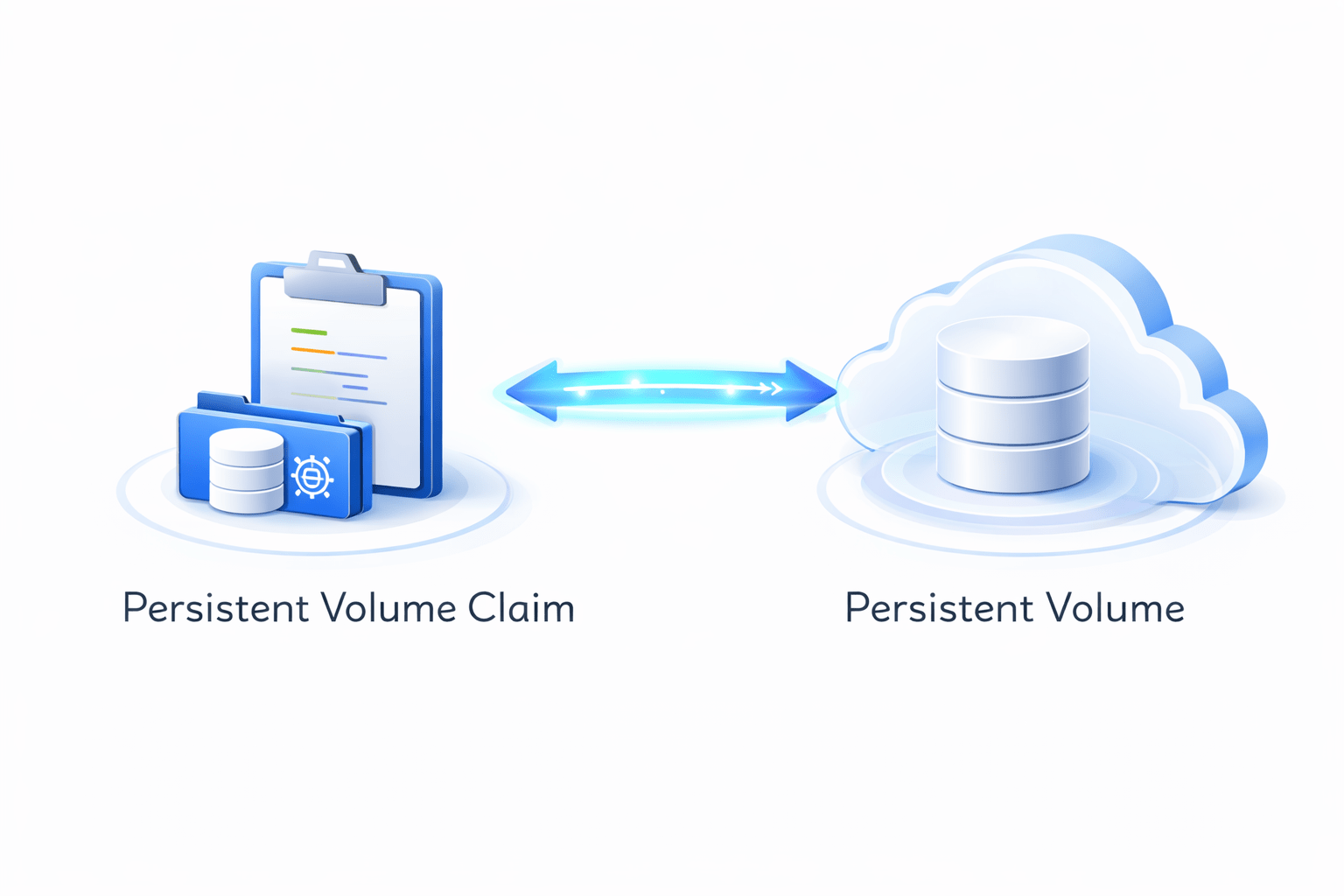
Persistent Volume Claims
Persistent Volumes
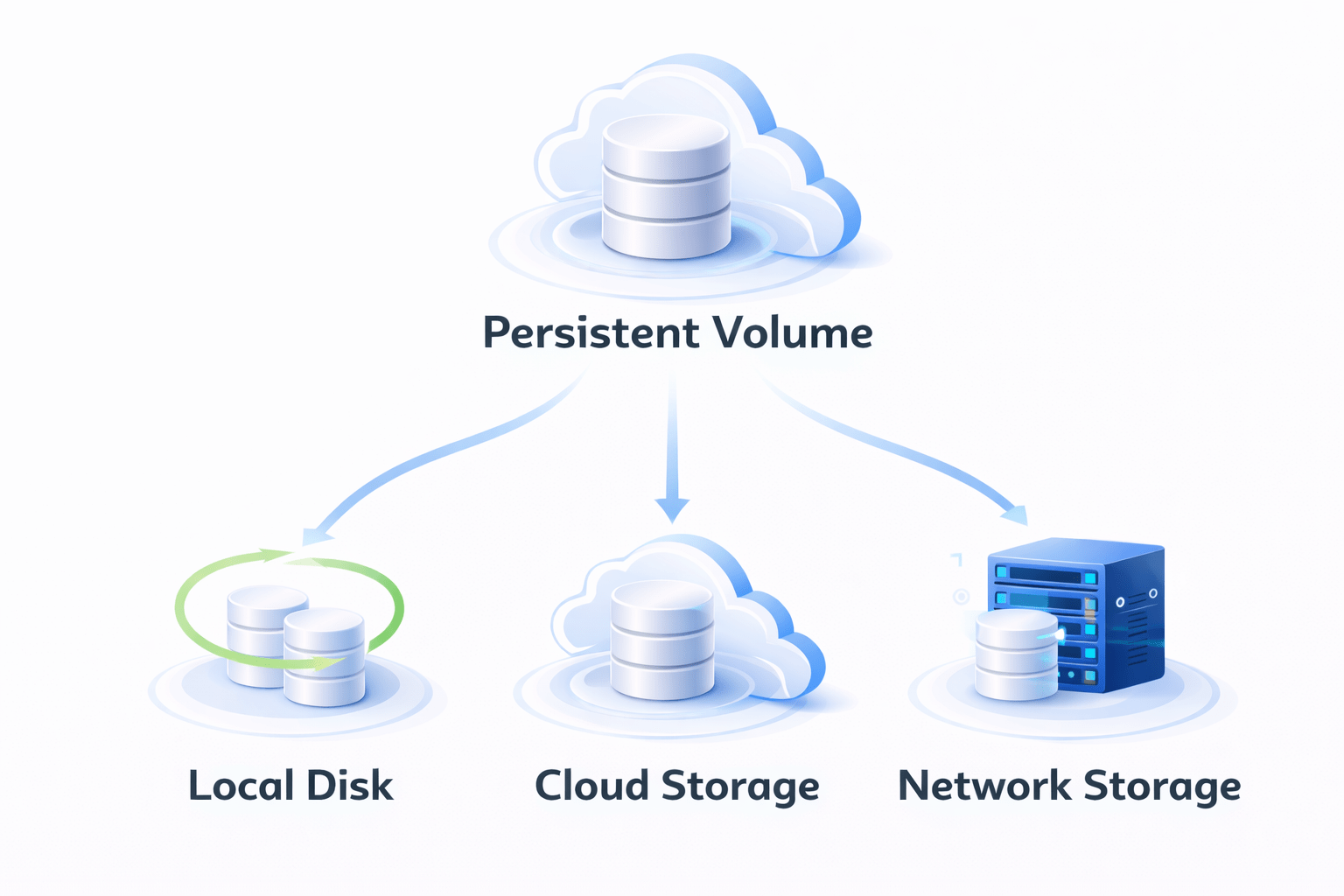
Types of Persistent Storage
Kubernetes supports multiple storage types
A Persistent Volume is a piece of storage in the cluster
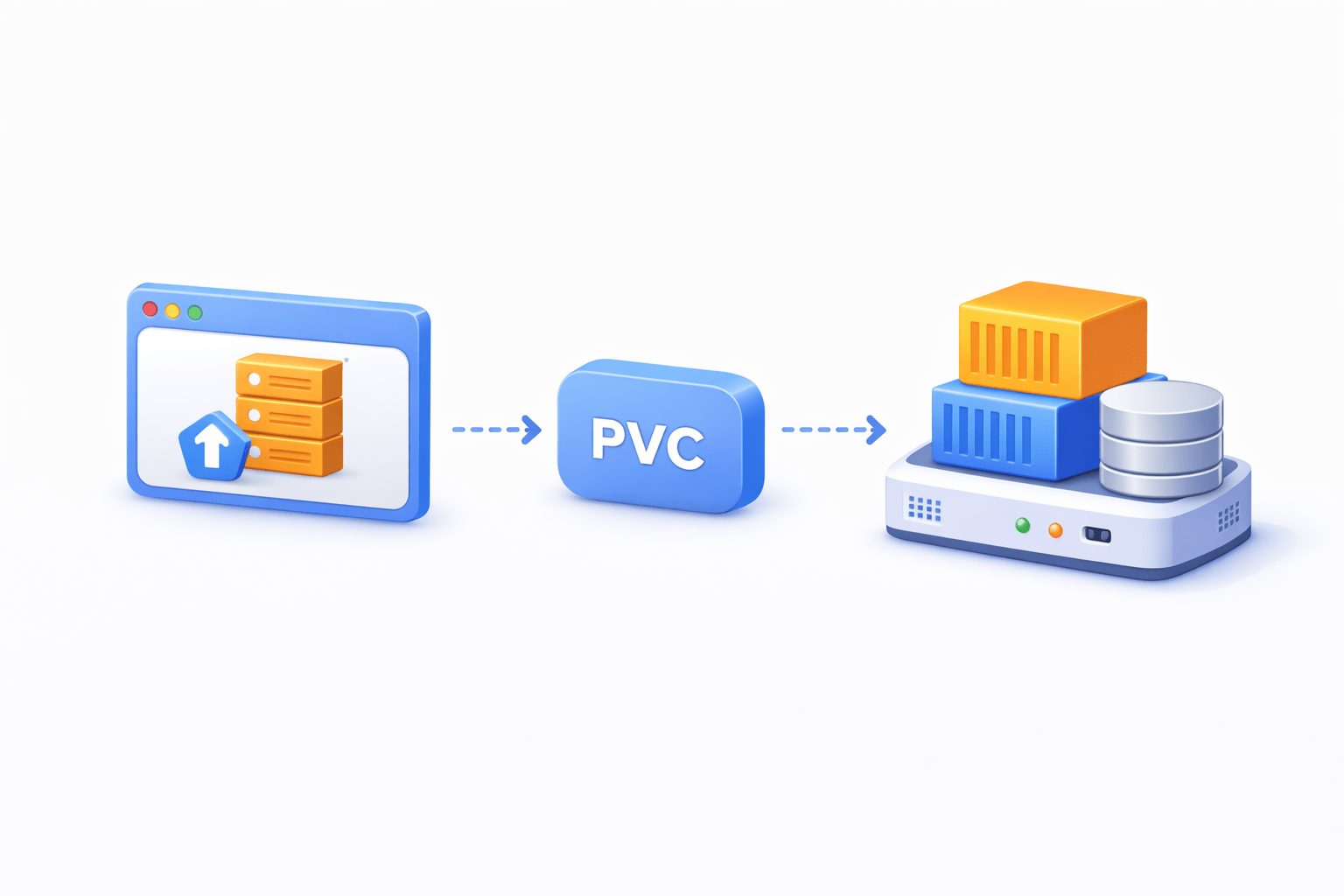
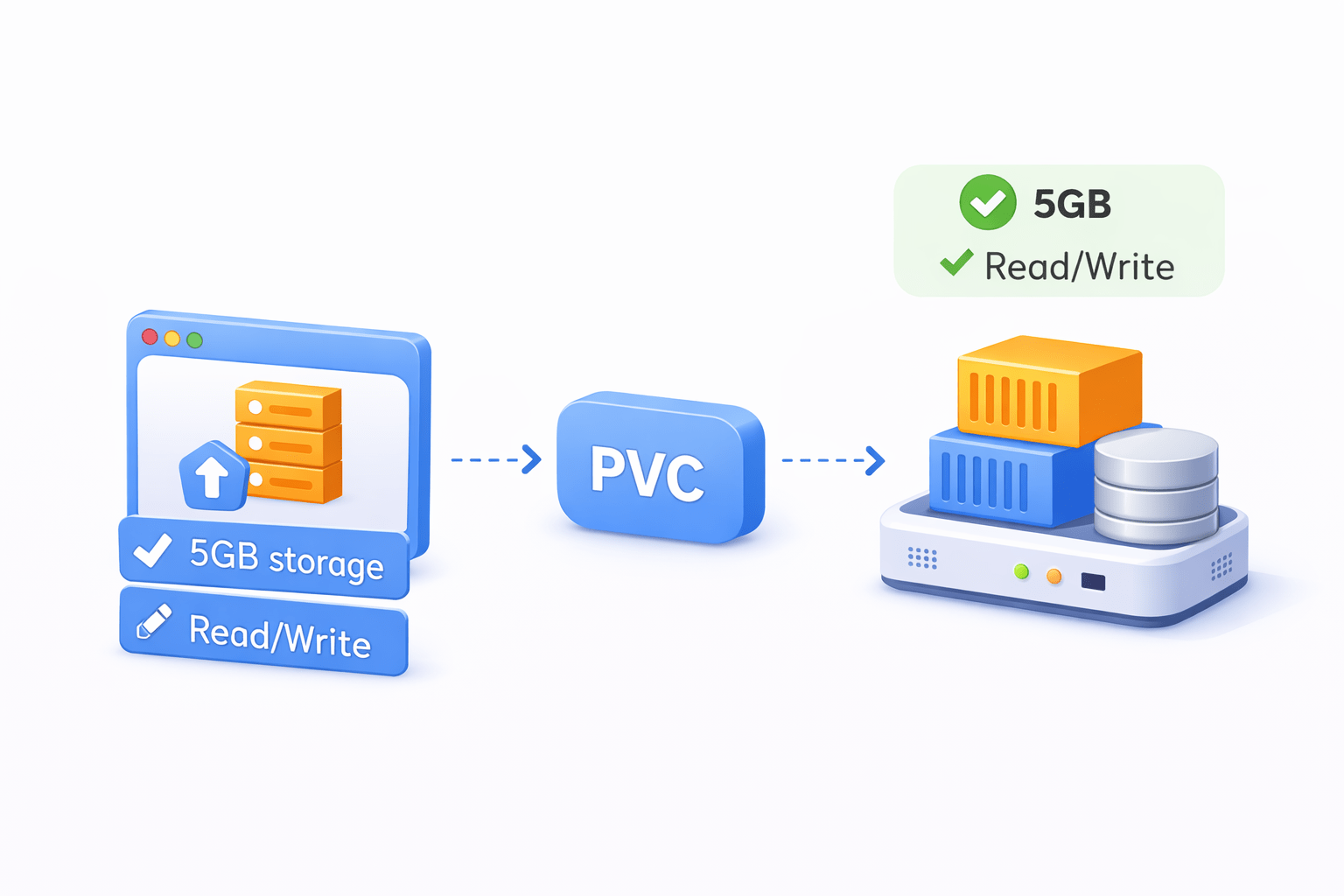
A PVC is a request for storage by a user or application
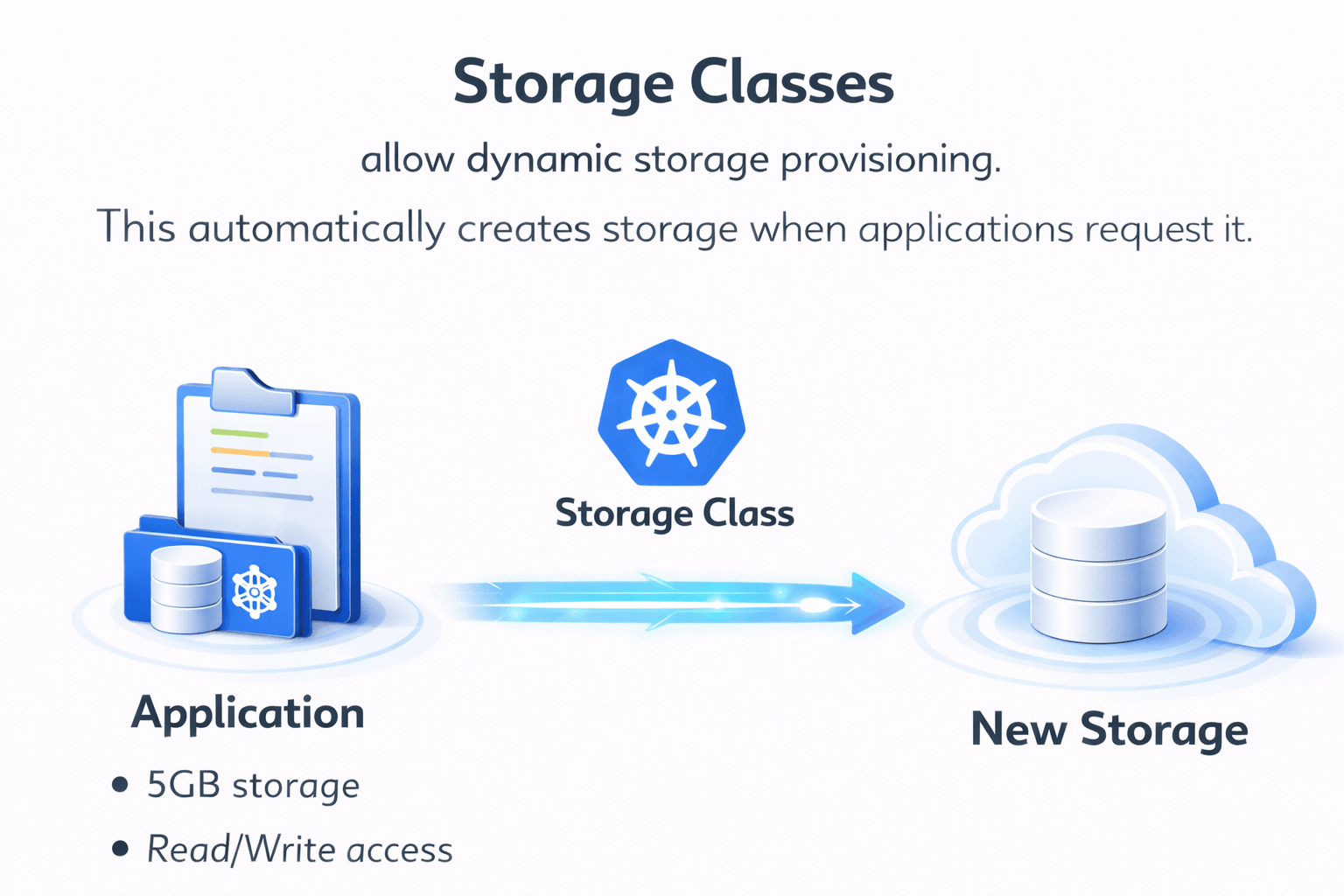
Storage Classes allow dynamic storage provisioning
This automatically creates storage when applications request it
Kubernetes connects the request to a suitable Persistent Volume
Application requests:
5GB storage
Read/Write access
Lifecycle of Persistent Storage
Persistent storage follows a lifecycle
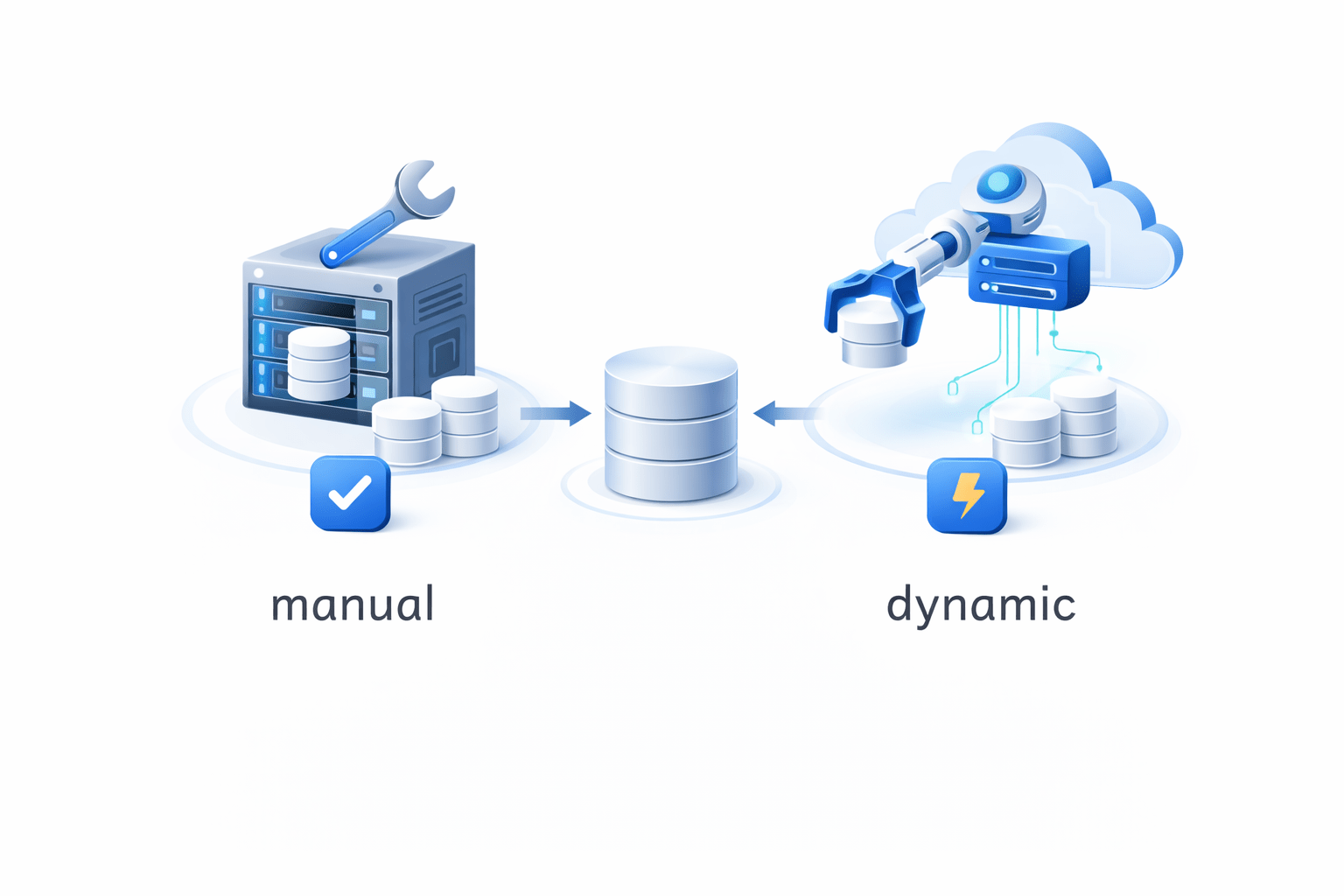
Storage is created manually or dynamically.
A Persistent Volume Claim connects to a Persistent Volume.
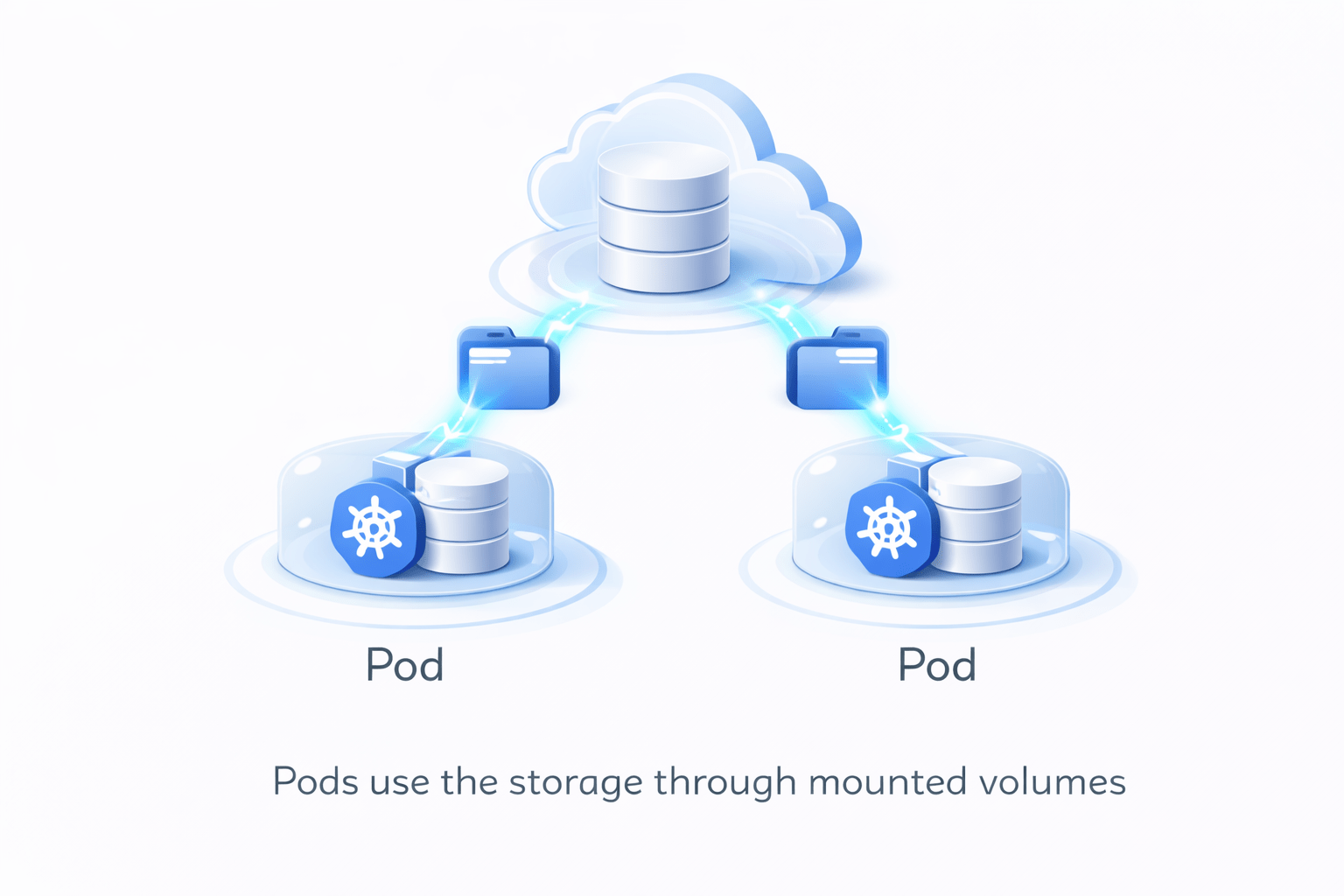
Pods use the storage through mounted volumes.
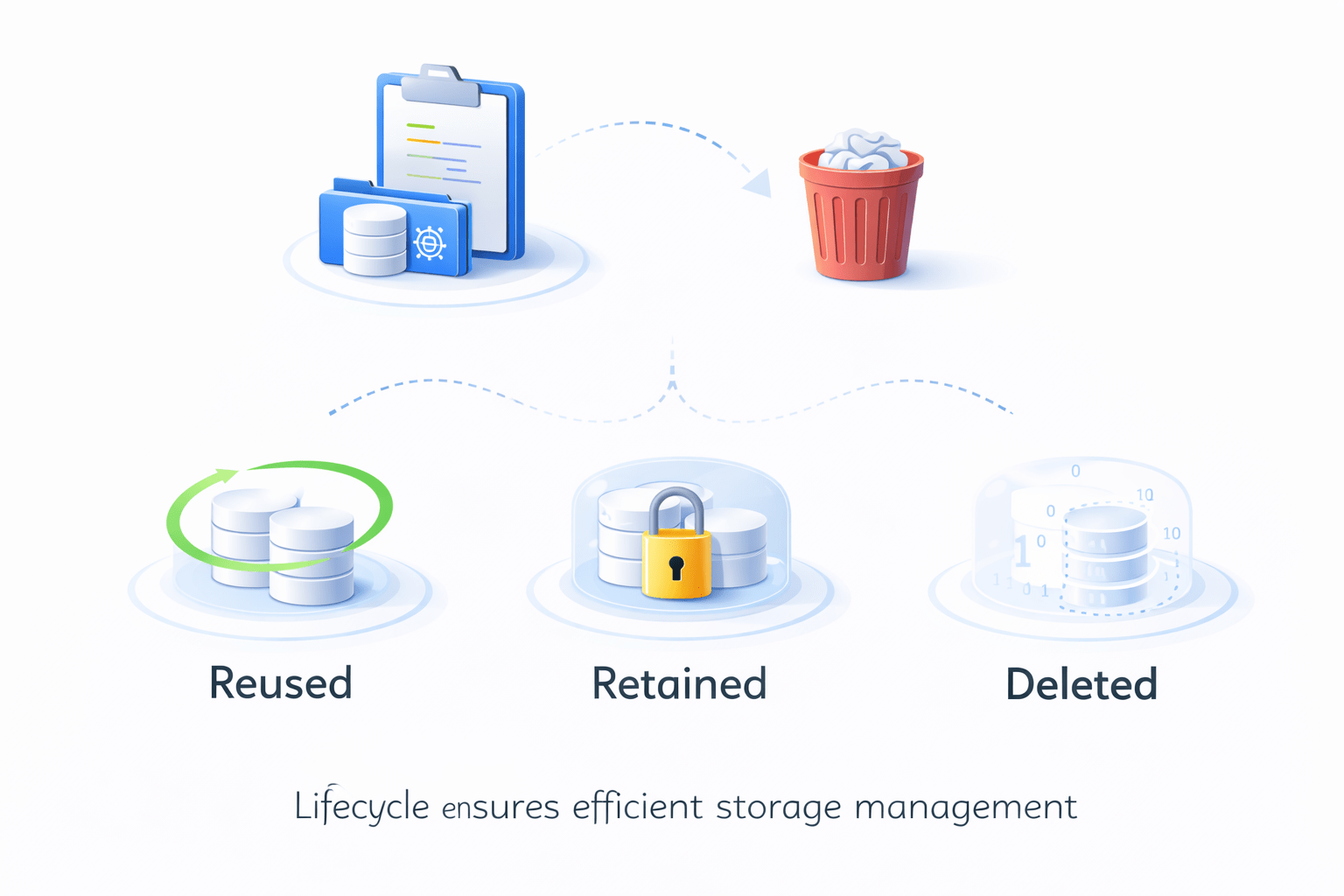
After the PVC is deleted, storage can:
Be reused
Be retained
Be deleted
This lifecycle ensures efficient storage management
How Pods Use Persistent Storage
Pods access storage using volume mounts
Workflow
Application requests storage (PVC)
⬇
Kubernetes assigns Persistent Volume
⬇
Pod mounts storage volume
⬇
Application writes data to storage
Now data remains safe even
if pods restart or move to another node
Summary
5
Types of Persistent Storage (PV, PVC) and Lifecycle of Persistent Storage
4
Kubernetes Storage Solutions
3
Storage Challenges in Containers
2
Introduction to ReplicaSets and How ReplicaSets Manage Pods
1
What Pods are and Pod Characteristics
Quiz
What is the main purpose of a ReplicaSet in Kubernetes?
A. Store application data
B. Ensure a fixed number of Pods are always running
C. Create Docker images
D. Manage container networking
Answer
What is the main purpose of a ReplicaSet in Kubernetes?
A. Store application data
B. Ensure a fixed number of Pods are always running
C. Create Docker images
D. Manage container networking
By Content ITV