





Content ITV PRO
This is Itvedant Content department
Learning Outcome
5
Identify key Kubernetes features
4
Differentiate between Control Plane and Worker Nodes
3
Understand Kubernetes architecture along with Cluster, Node, and Pod concepts
2
Learn the history and origin of Kubernetes
1
Understand what Kubernetes is
Earlier we have seen
What Docker is
How containers package applications
Basic Docker commands
How Docker images and containers work
How containerization solves environment issues
Now we will learn how Kubernetes manages and orchestrates containers at scale
Understanding the Concept
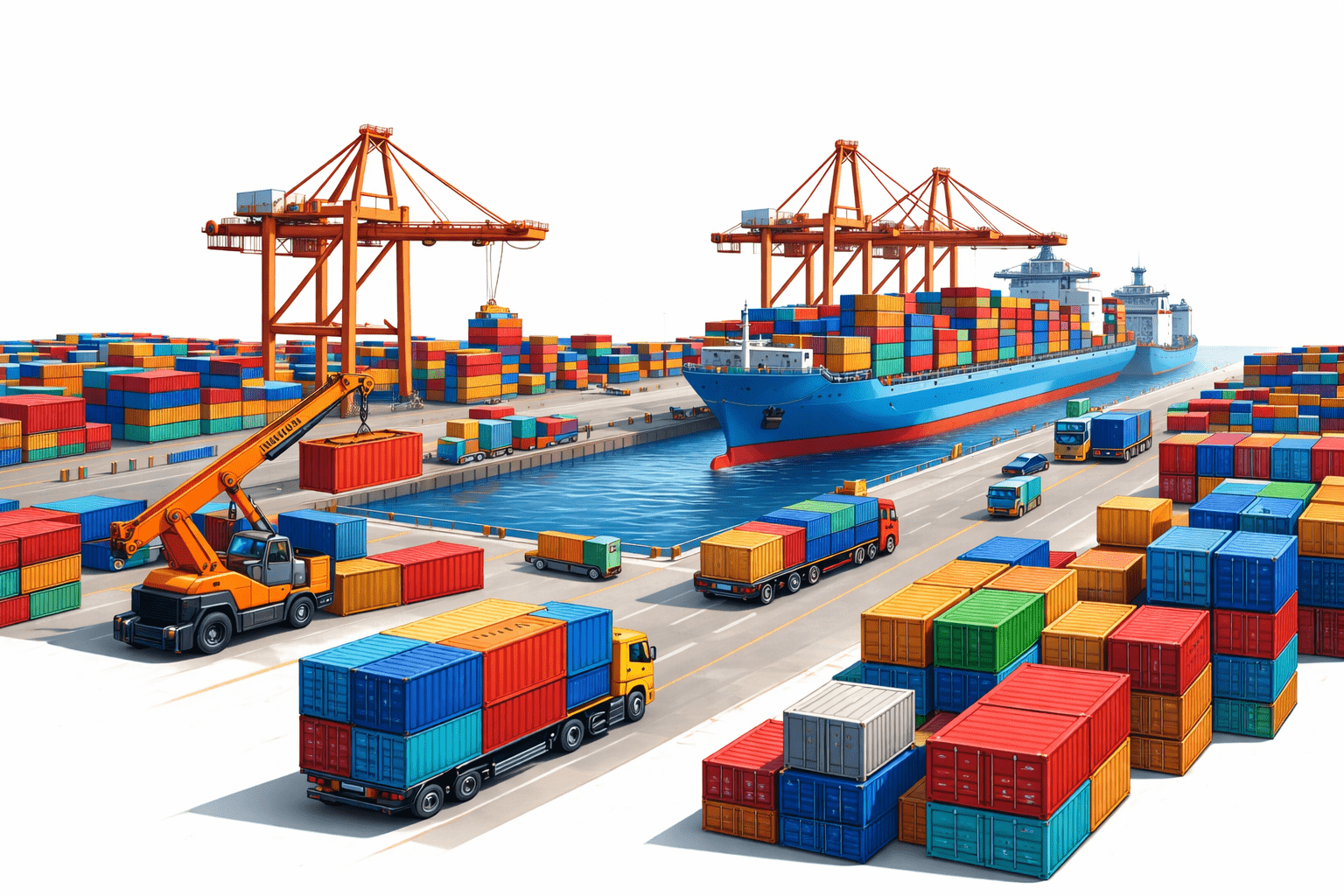
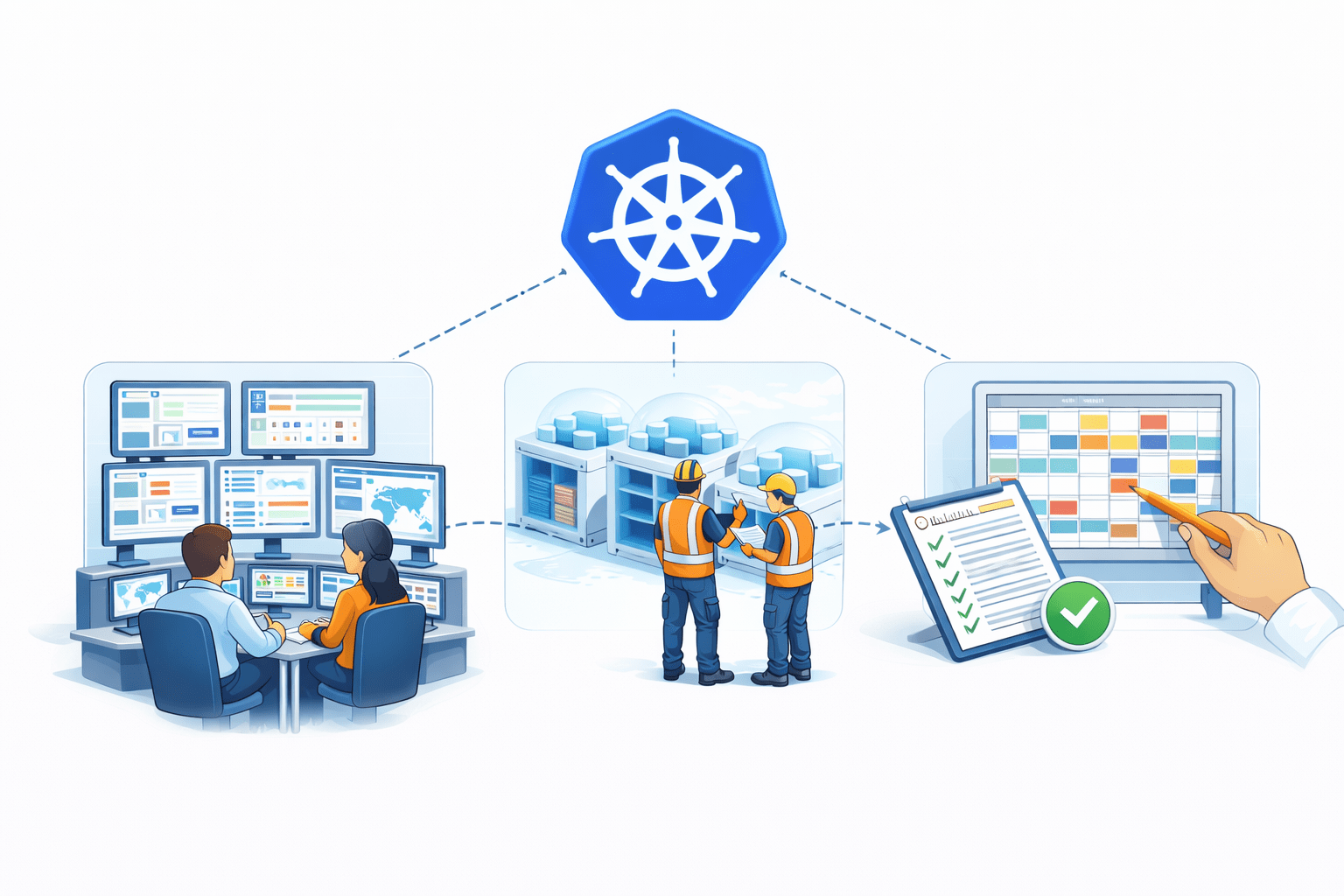
Imagine a shipping port with hundreds of containers arriving daily
To manage this huge number of containers
efficiently, the port needs:
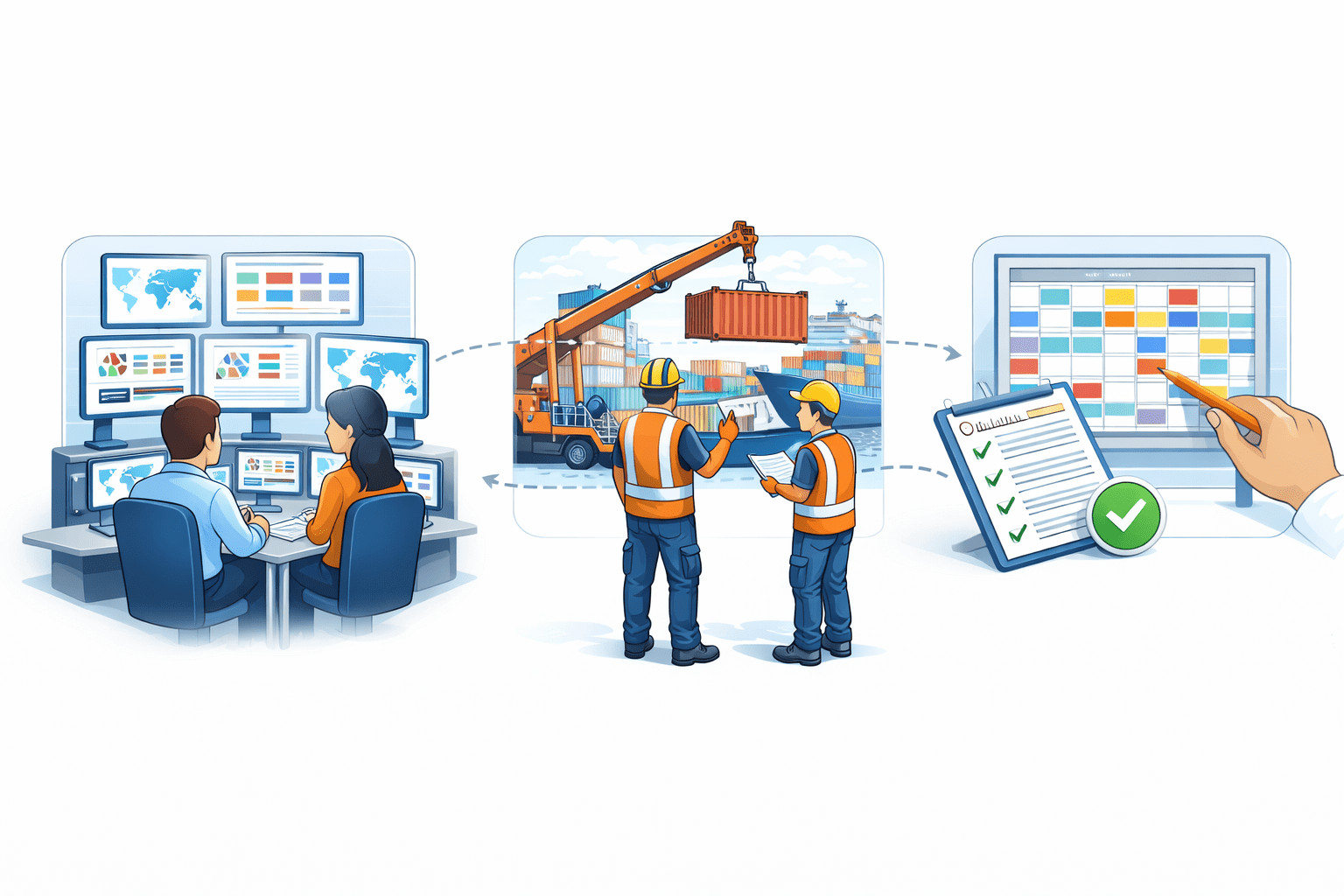
A control center to manage operations
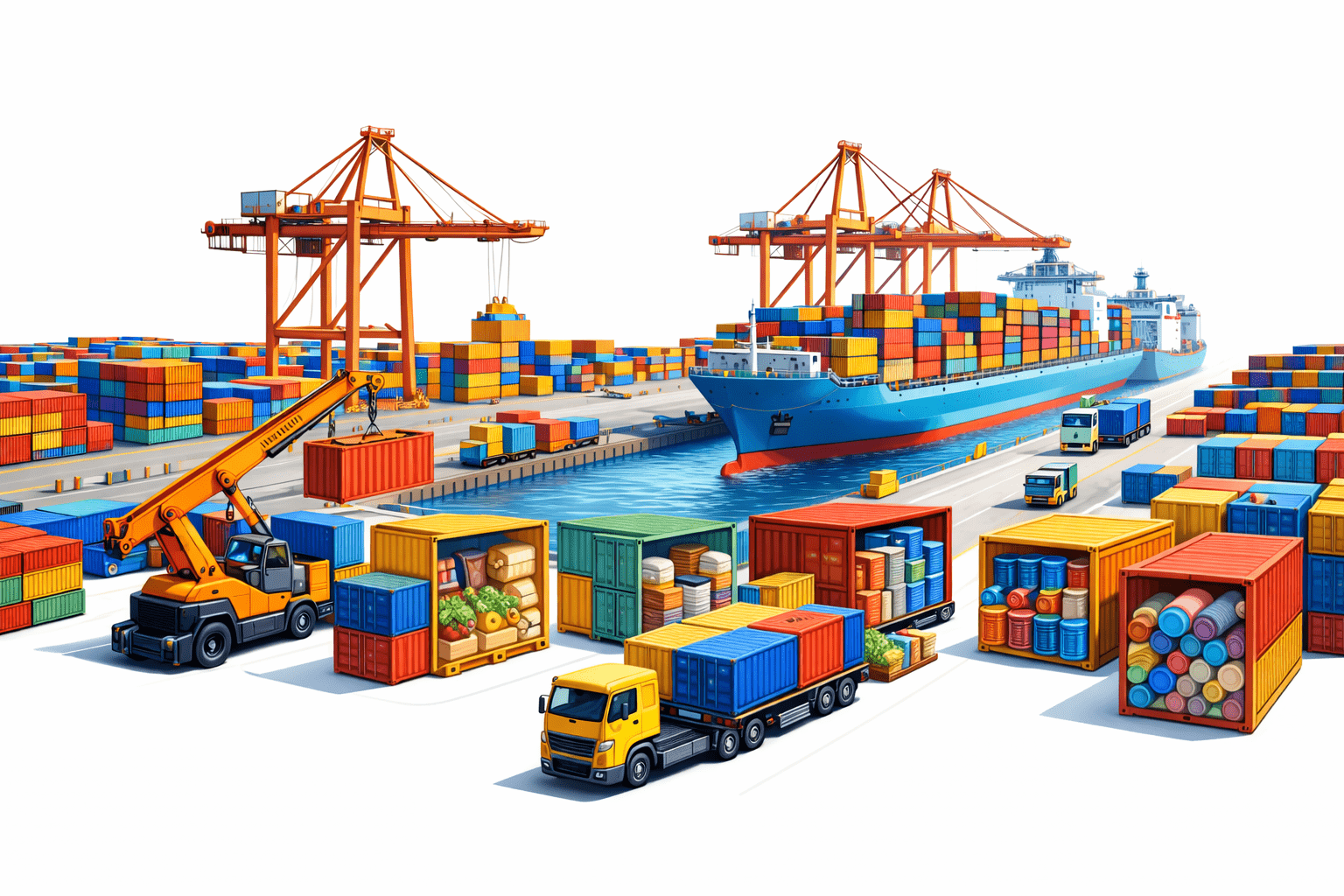
Imagine a shipping port with hundreds of containers arriving daily
Each container holds different goods
A system to schedule and place containers
Workers to handle containers
Kubernetes works like this port management system
It organizes and manages containers running
Across many machines automatically
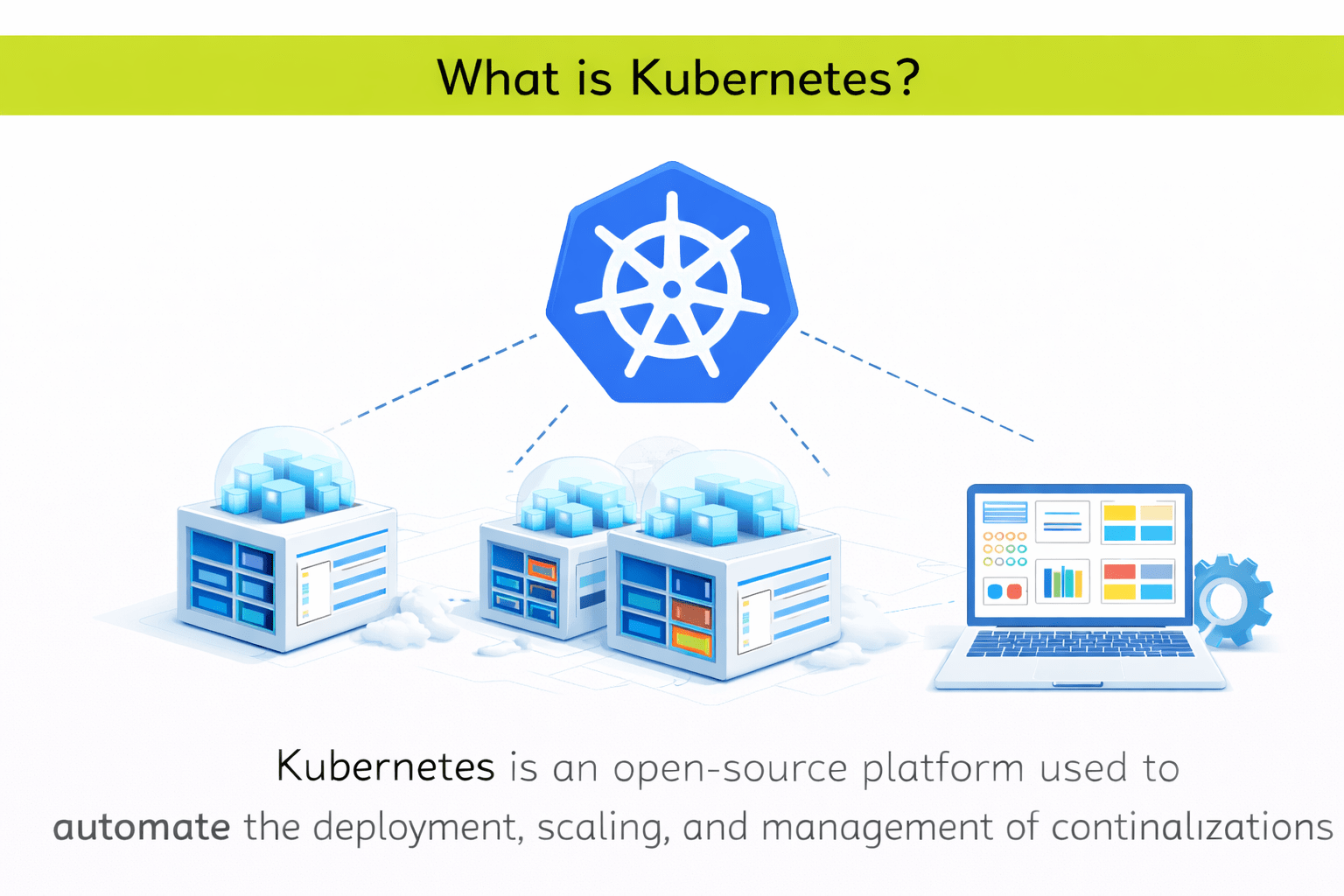
What is Kubernetes?
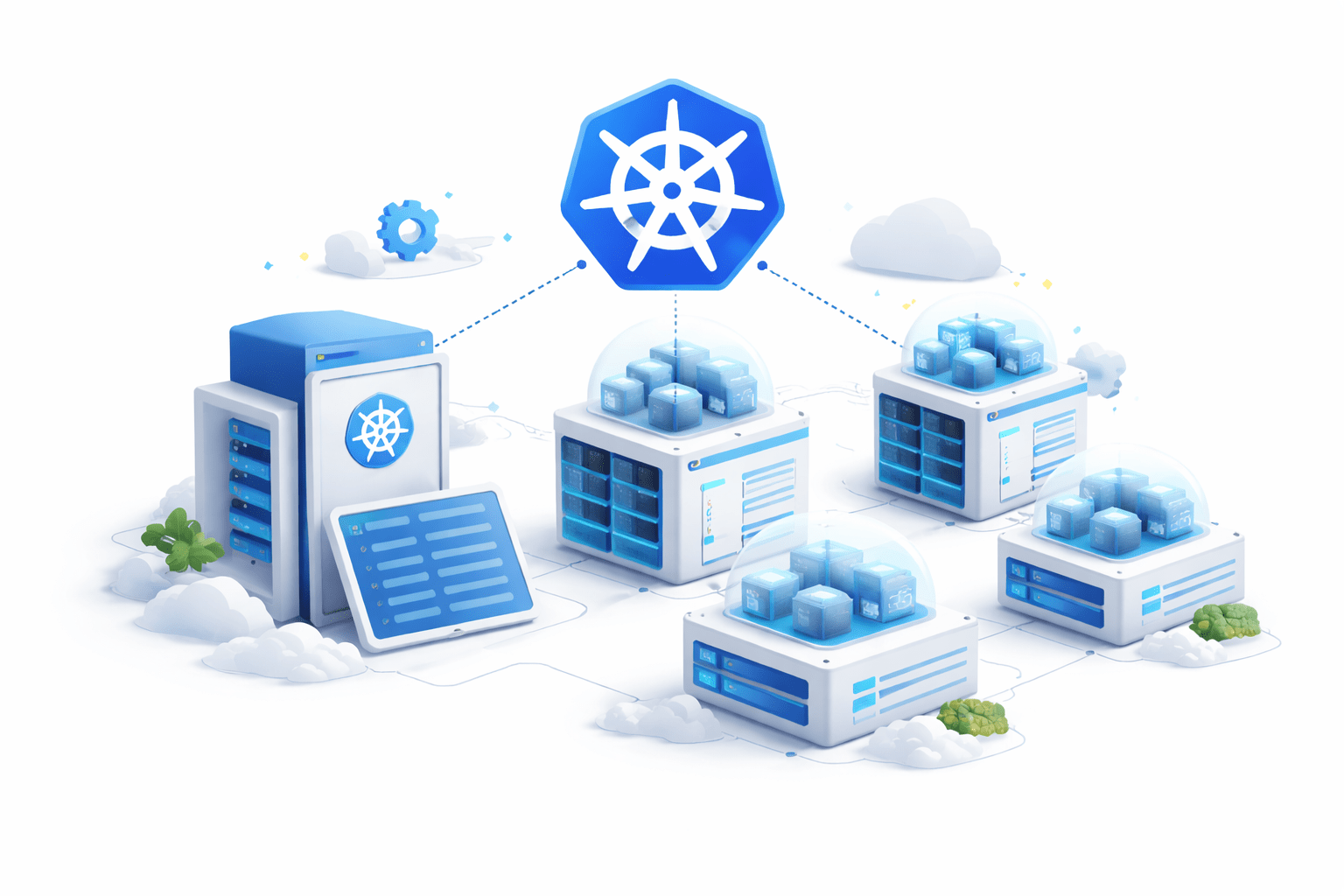
Kubernetes is an open-source platform used to
automate the deployment, scaling, and management of containerized applications
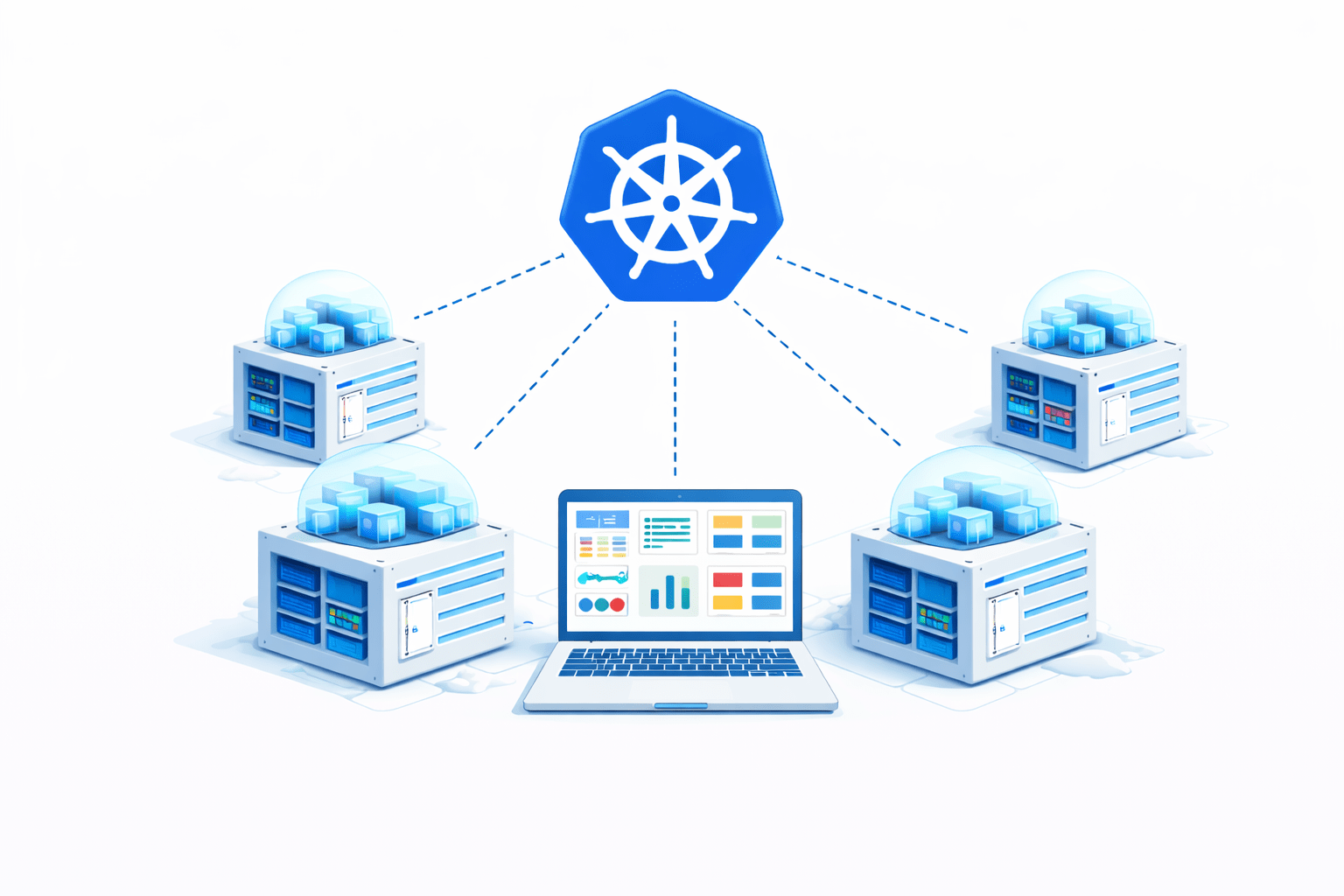
It helps manage containers running across multiple machines
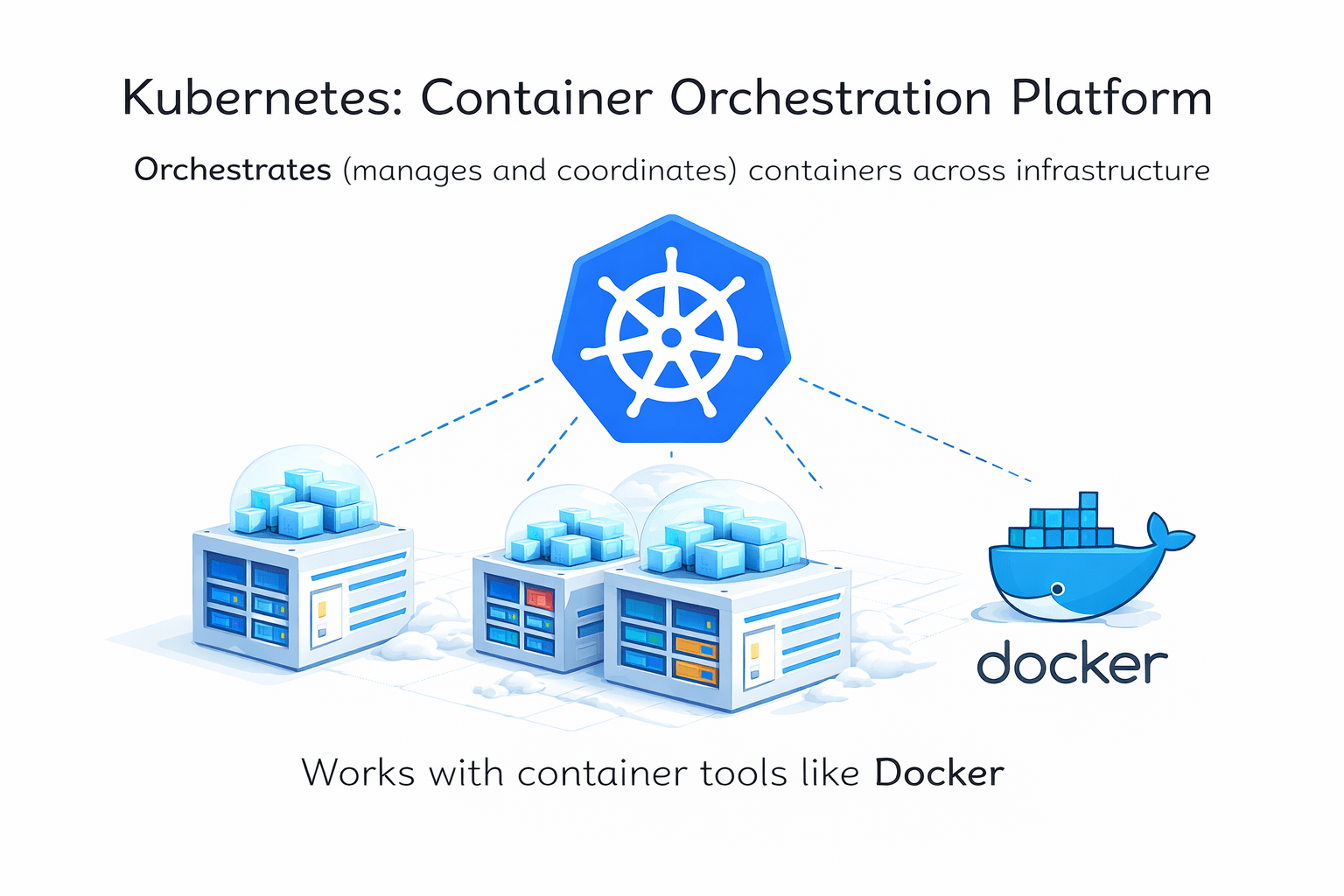
Kubernetes is often called: Container Orchestration Platform
Because it orchestrates (manages and coordinates)
containers across infrastructure
Kubernetes works with container tools like Docker
History of Kubernetes
Kubernetes was originally developed by Google.
Background:
Google had massive infrastructure
They were running billions of containers
They created an internal system called Borg
Borg helped Google:
Schedule containers
Manage workloads
Scale applications
In 2014, Google released Kubernetes as an open-source project.
The project is now maintained by the
Cloud Native Computing Foundation (CNCF).
Many companies contribute to Kubernetes today.
It has become the industry standard for container orchestration.
Why Kubernetes is Needed
Running containers with Docker is easy.
But problems arise when we run hundreds or thousands of containers.
Challenges:
Managing many containers manually
Handling container failures
Scaling applications
Load balancing traffic
Updating applications without downtime
Core Concepts (.....Slide N-3)
Example problem:
A web application needs:
10 containers today
200 containers during high traffic
Manually managing this is very difficult.
Kubernetes solves this by automating container management.
What is a Kubernetes Cluster?
A Kubernetes Cluster is a group of machines that run containerized applications.
These machines are called Nodes.
A cluster contains two main components:
1️⃣ Control Plane (Master Node)
2️⃣ Worker Nodes
Structure:
Control Plane
⬇
Manages the Cluster
⬇
Worker Nodes
⬇
Run Applications (Pods)
Clusters allow applications to run across multiple machines for reliability and scalability.
Kubernetes Architecture Overview
Kubernetes architecture consists of two major parts:
Responsible for managing the cluster.
It makes decisions such as:
Scheduling containers
Monitoring cluster health
Managing workloads
Worker nodes run the actual applications.
They contain containers grouped into Pods.
Architecture Flow:
User Request
⬇
Kubernetes Control Plane
⬇
Worker Nodes
⬇
Pods Running Containers
Kubernetes Control Plane
The Control Plane is responsible for managing the Kubernetes cluster.
It controls the entire system.
Main responsibilities:
Scheduling workloads
Maintaining desired cluster state
Monitoring nodes and containers
Managing cluster communication
Major Control Plane Components
API Server
Entry point for Kubernetes commands
Scheduler
Decides which node runs a pod
Controller Manager
Ensures cluster state remains correct
etcd
Distributed database storing cluster data
The Control Plane acts as the brain of the Kubernetes cluster.
Worker Node
A Worker Node is a machine that runs the application containers.
Each worker node contains:
Container runtime
Kubernetes agent
Pods running applications
Main components inside Worker Node:
Kubelet
Agent that communicates with the control plane and manages containers.
Container Runtime
Runs containers (Docker, containerd, etc.)
Kube Proxy
Handles network communication between services and pods.
Worker nodes execute the tasks assigned by the control plane.
What is a Node?
A Node is a physical or virtual machine in the Kubernetes cluster.
Nodes provide the computing resources needed to run containers
Types of Nodes:
Control Plane Node
Manages cluster operations
Worker Node
Runs application workloads
Each node includes:
CPU
Memory
Storage
Network resources
Nodes allow Kubernetes to distribute workloads efficiently.
What is a Pod?
A Pod is the smallest deployable unit in Kubernetes.
Pods contain one or more containers.
Containers in the same pod:
Share network
Share storage
Work together as a single unit
Core Concepts (.....Slide N-3)
Example:
A pod might include:
Web server container
Logging container
Pods are temporary and can be recreated automatically if they fail.
Kubernetes manages pods rather than individual containers.
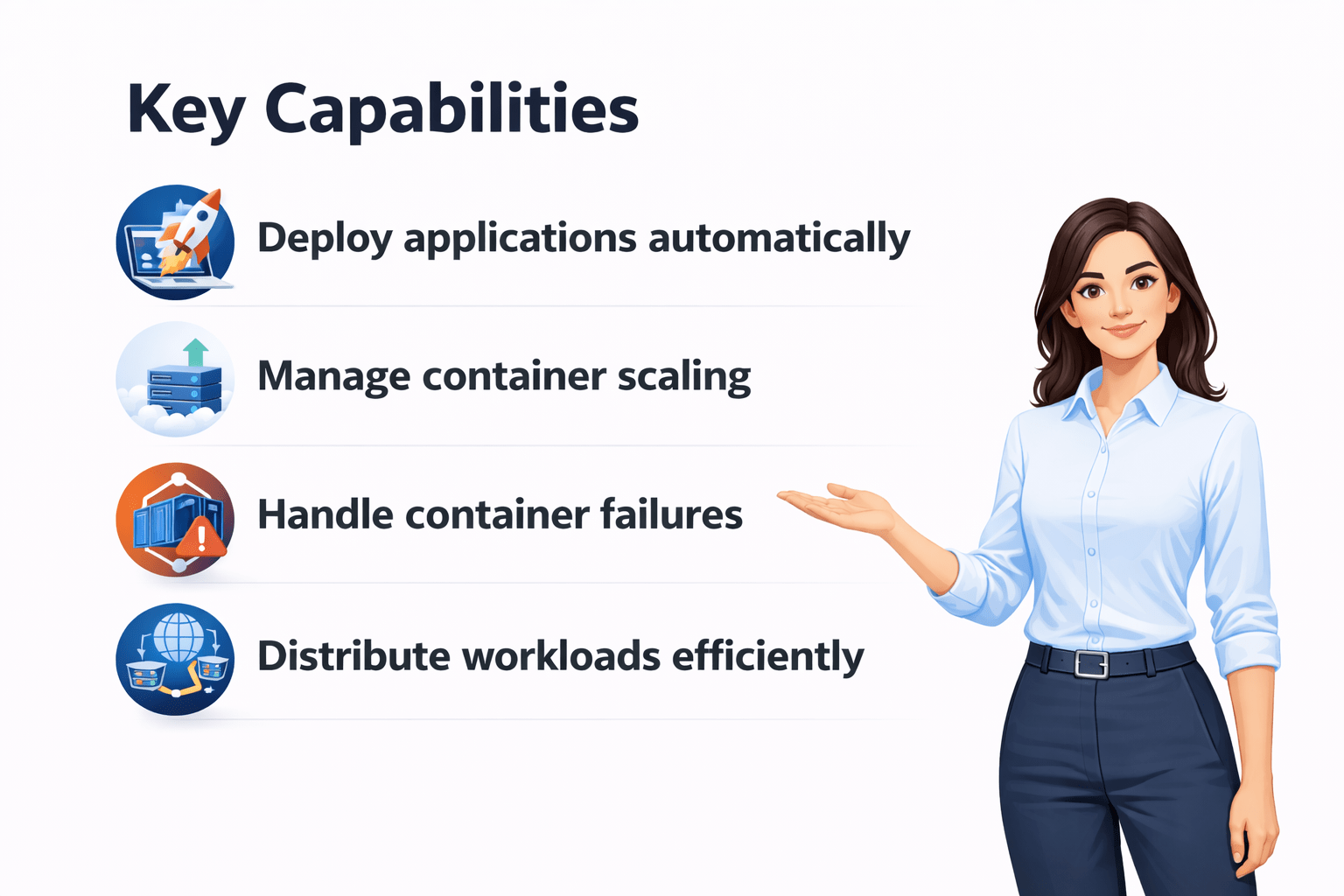
Kubernetes Features
Kubernetes provides powerful features for managing containers.
Applications can scale up or down based on demand.
If a container fails, Kubernetes automatically:
Restarts it
Replaces it
Moves it to another node if needed
Traffic is automatically distributed across containers.
Applications can be deployed and updated without downtime.
Efficient use of CPU and memory across the cluster.
Kubernetes Workflow
Typical Kubernetes workflow:
Developer creates Container Image
⬇
Image stored in Container Registry
⬇
Developer writes Kubernetes configuration (YAML)
⬇
Kubernetes creates Pods
⬇
Pods run on Worker Nodes
⬇
Control Plane continuously monitors system
If a pod fails → Kubernetes automatically recreates it.
Summary
5
Key Kubernetes features
4
Control Plane and Worker Node architecture (Nodes & Pods)
3
Kubernetes Cluster concept
2
History of Kubernetes
1
What Kubernetes is and why Kubernetes is needed
Quiz
Which of the following is the smallest deployable unit in Kubernetes?
A. Node
B. Pod
C. Cluster
D. Container Registry
Answer
Which of the following is the smallest deployable unit in Kubernetes?
A. Node
B. Pod
C. Cluster
D. Container Registry
By Content ITV