







Content ITV PRO
This is Itvedant Content department
Learning Outcome
6
Create custom pipes
5
Learn pipe chaining
4
DatePipe, UpperCasePipe, LowerCasePipe, CurrencyPipe
3
Understand pure and impure pipes
2
Learn how to format data using built-in pipes
1
Understand what Pipes are in Angular
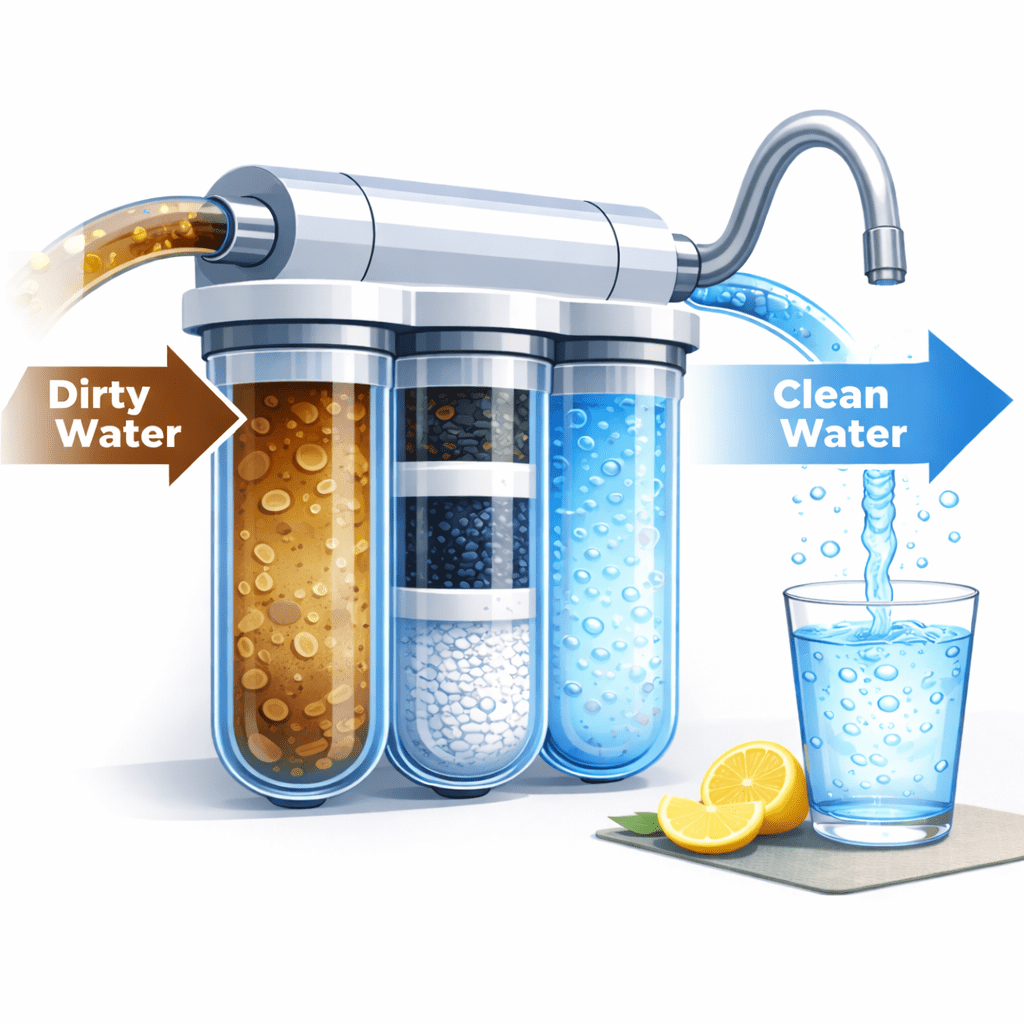
Water Filter - Analogy
Imagine a water filter.
Clean water comes out
The filter transforms the water before it is used.
Dirty water goes in
Water Filter - Analogy
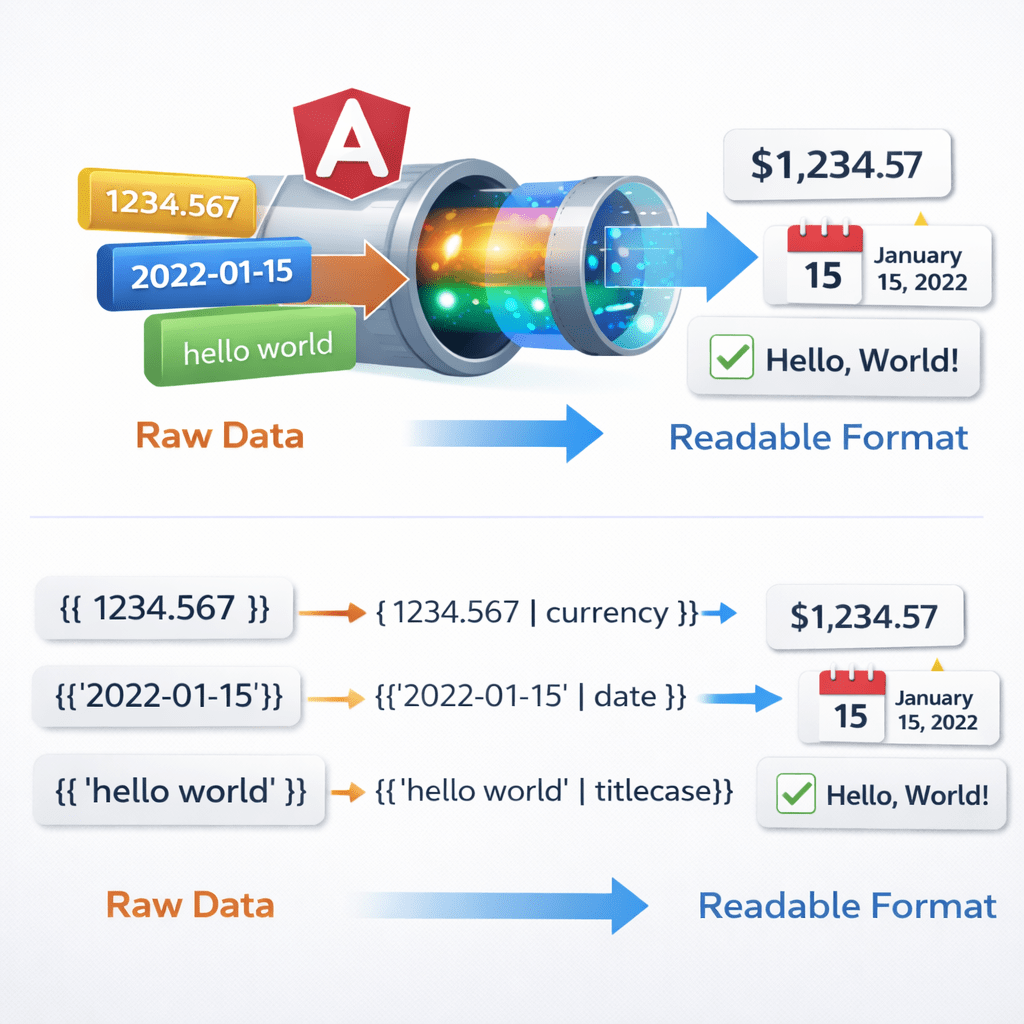
Similarly in Angular:
Pipes help transform data before displaying it in the UI.
Raw data enters the pipe
Pipe transforms it into a readable format
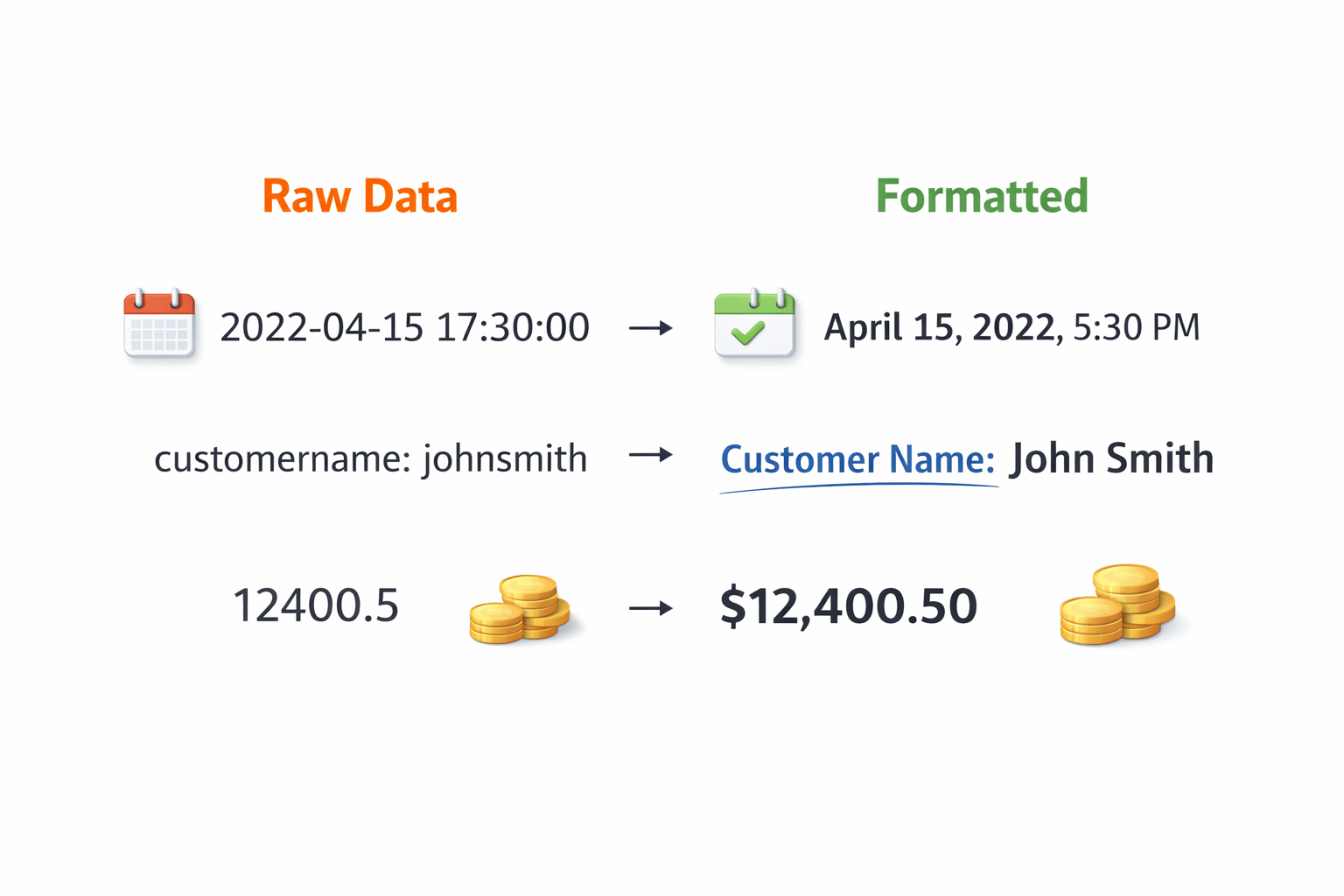
Example :
2026-03-09 →
March 9, 2026
Why Pipes Are Important
In applications, raw data is not always user-friendly.
Examples:
Dates appear in complex formats
Text may need formatting
Currency values need symbols
Without pipes:
Developers would write extra logic in components
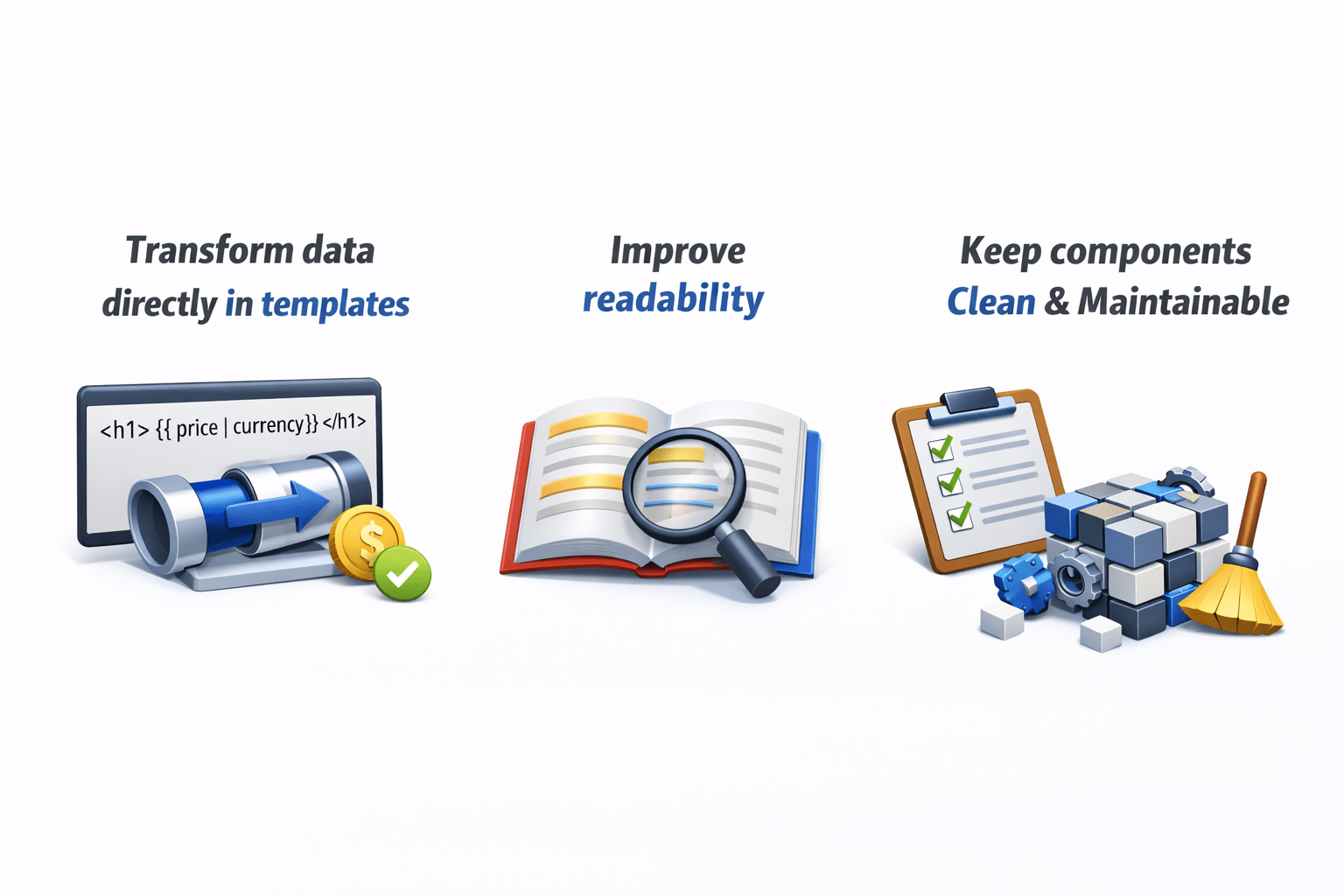
Angular Pipes help to:
Transform data directly in templates
Improve readability
Keep components clean and maintainable
What Are Pipes in Angular?
Pipes are used to transform data in templates.
They use the pipe ( | ) symbol.
Example :
<p>{{ name | uppercase }}</p>Here :
Output becomes uppercase text.
{{ value | pipeName }}Pure vs Impure Pipes
Pure Pipes
Impure Pipes
Benefits:
Faster performance
Efficient change detection
Used when:
Data changes frequently
Objects or arrays are modified
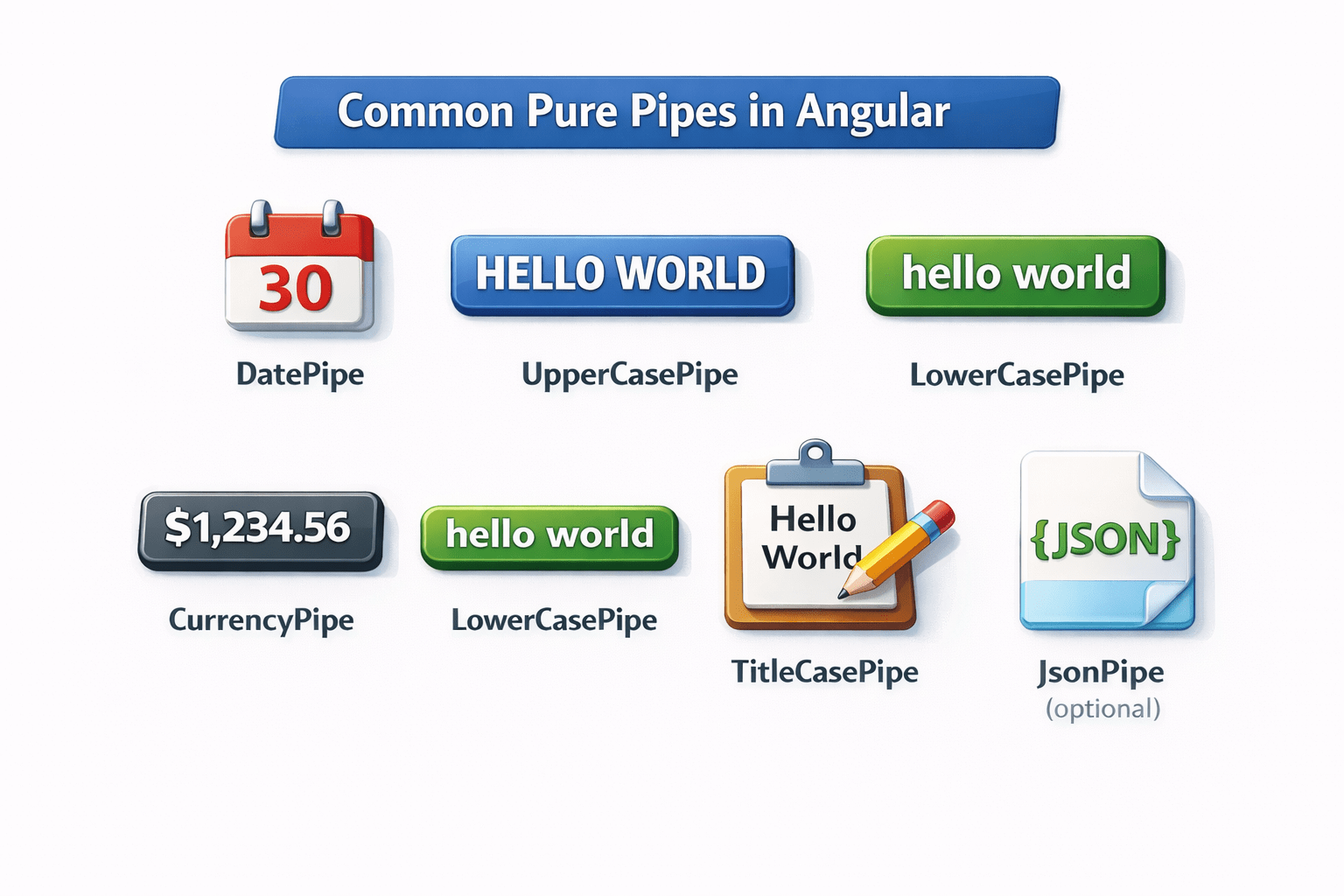
Built-in Pipes in Angular
Angular provides many built-in pipes:
DatePipe
UpperCasePipe
LowerCasePipe
CurrencyPipe
TitleCasePipe
JsonPipe (optional)
These pipes help format common types of data.
Date Pipe Example
DatePipe formats date values.
Example :
<p>{{ today | date }}</p>Output Example :
09/03/2026
Custom format
<p>{{ today | date:'dd/MM/yyyy' }}</p>Text Formatting Pipes
UpperCasePipe
<p>{{ name | uppercase }}</p>Output :
ANGULAR
LowerCasePipe
<p>{{ name | lowercase }}</p>Output :
TitleCasePipe
<p>{{ title | titlecase }}</p>Angular Training Session
Currency Pipe
CurrencyPipe formats numbers as currency.
Example :
<p>{{ price | currency }}</p>Custom Currency :
<p>{{ price | currency:'INR' }}</p>Output Example : ₹1000
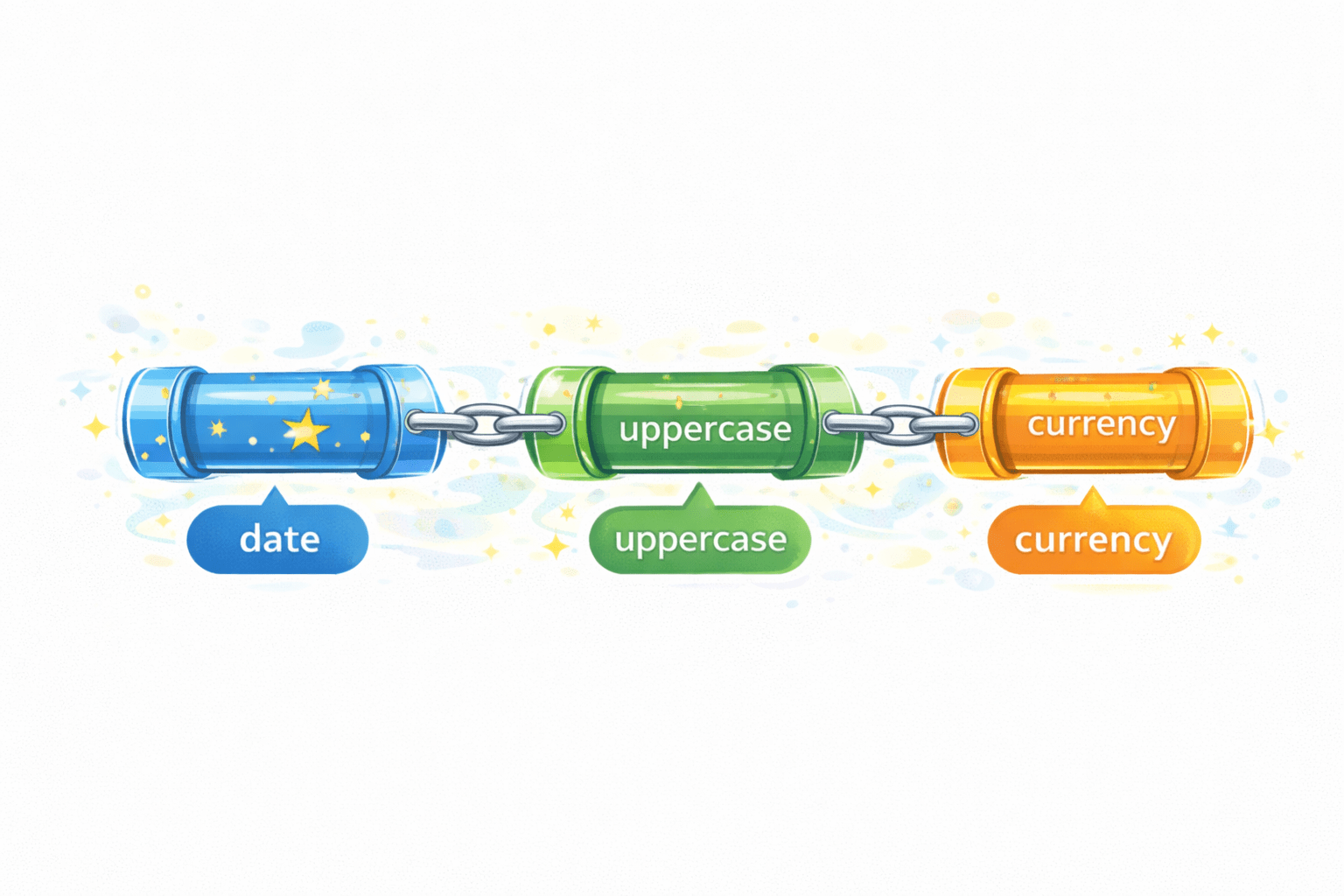
Chaining Pipes
Angular allows multiple pipes together.
value | pipe1 | pipe2 | pipe3Example with Date :
<p>{{ today | date:'fullDate' | uppercase }}</p>Output :
WEDNESDAY, MARCH 11, 2026Custom Pipes
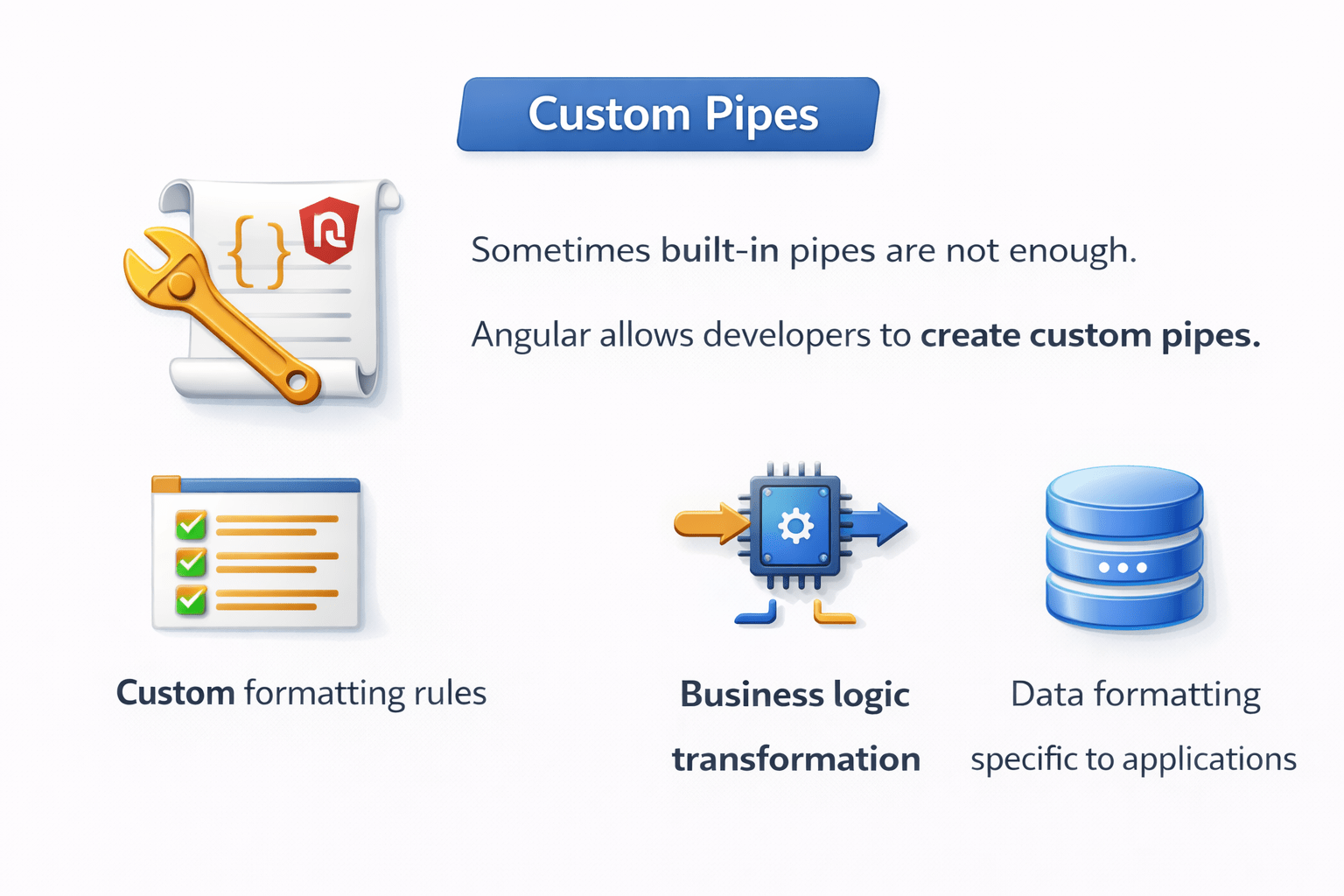
Sometimes built-in pipes are not enough.
Angular allows developers to create custom pipes.
Use cases:
Custom formatting rules
Business logic transformation
Data formatting specific to applications
Creating a Custom Pipe
Example: Reverse Text Pipe
Step 1 – Create pipe
ng generate pipe reverseStep 2 – Pipe implementation
import { Pipe, PipeTransform } from '@angular/core';

@Pipe({
  name: 'reverse'
})
export class ReversePipe implements PipeTransform {

  transform(value: string): string {
    return value.split('').reverse().join('');
  }

}
Creating a Custom Pipe
Output : ralugnA
Usage :
<p>{{ "Angular" | reverse }}</p>Summary
5
Pipes help keep templates simple and maintainable
4
Angular allows custom pipes for advanced logic
3
Pipes can be chained for multiple transformations
2
Built-in pipes include DatePipe, CurrencyPipe, UpperCasePipe
1
Pipes transform raw data into user-friendly formats
Quiz
Pipes are used to:
A. Route pages
B. Transform data
C. Connect APIs
D. Manage services
Quiz-Answer
Pipes are used to:
A. Route pages
B. Transform data
C. Connect APIs
D. Manage services
By Content ITV