




























Content ITV PRO
This is Itvedant Content department
Learning Outcome
5
Learn basic SEO audit using tools like SEMrush
4
Understand how audits improve website performance
3
Know the types of SEO audits
2
Identify common SEO issues in a website
1
Understand what an SEO Audit is
Car Health Check Analogy
The car was working well when it was new, but after some time the owner started noticing problems:
Instead of randomly replacing parts, the owner took the car to a service center
The mileage reduced
The car was slower than before
The engine made unusual sounds
Car Health Check Analogy
The mechanic performed a complete inspection of the car
He checked:
Battery performance
Engine condition
Brake system
Oil level
Tires
Car Health Check Analogy
After checking everything, the mechanic created a report explaining:
Why those problems occurred
What needs to be fixed
What problems exist
Only after this inspection did the repair work begin
Car Health Check Analogy
Before improving something, you must first analyze and identify the problems.
Moral of the Story
From Car Inspection to Website Audit
A company had a website that used to receive good traffic from search engines
Instead of immediately changing the content, an SEO expert conducted a complete SEO audit of the website
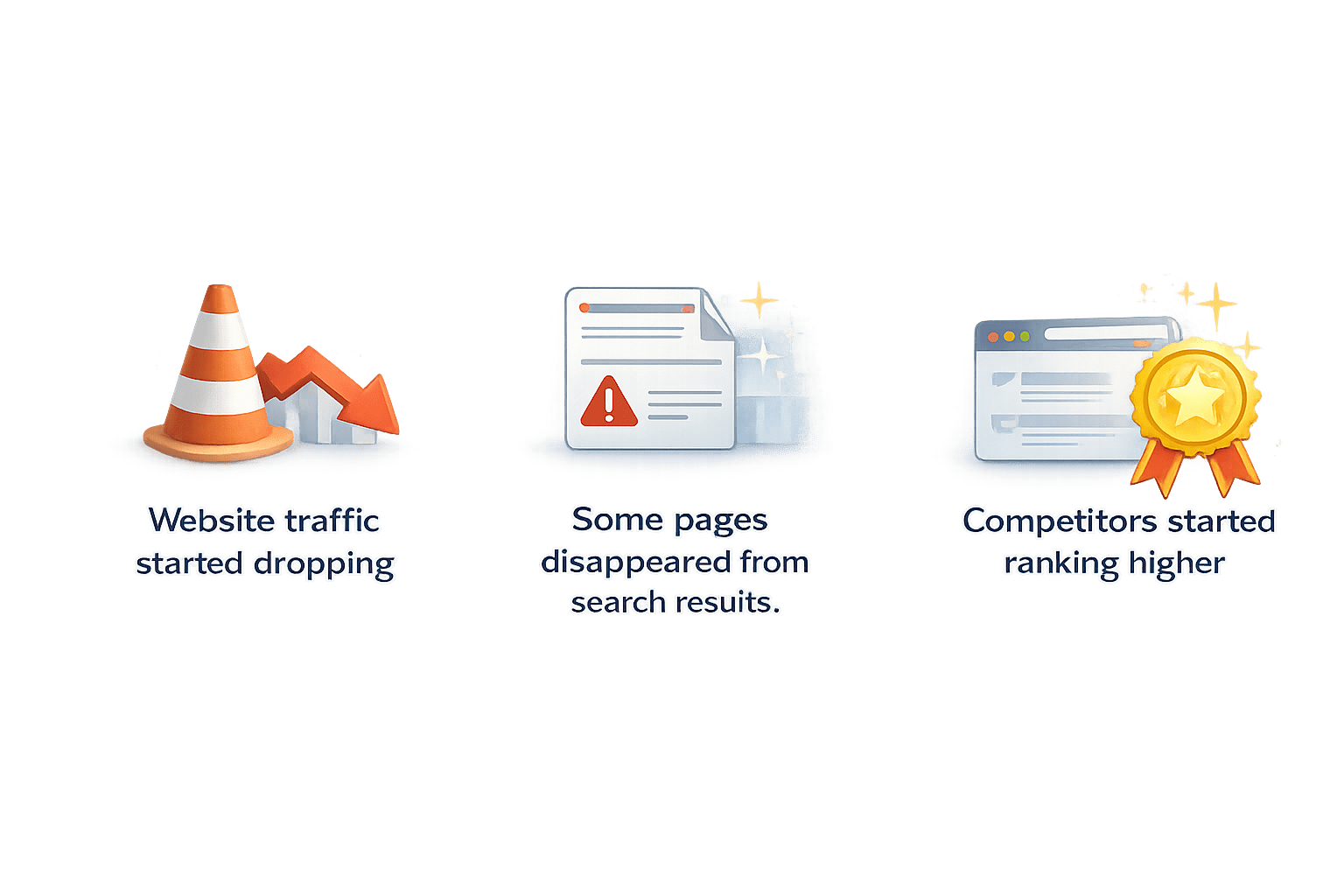
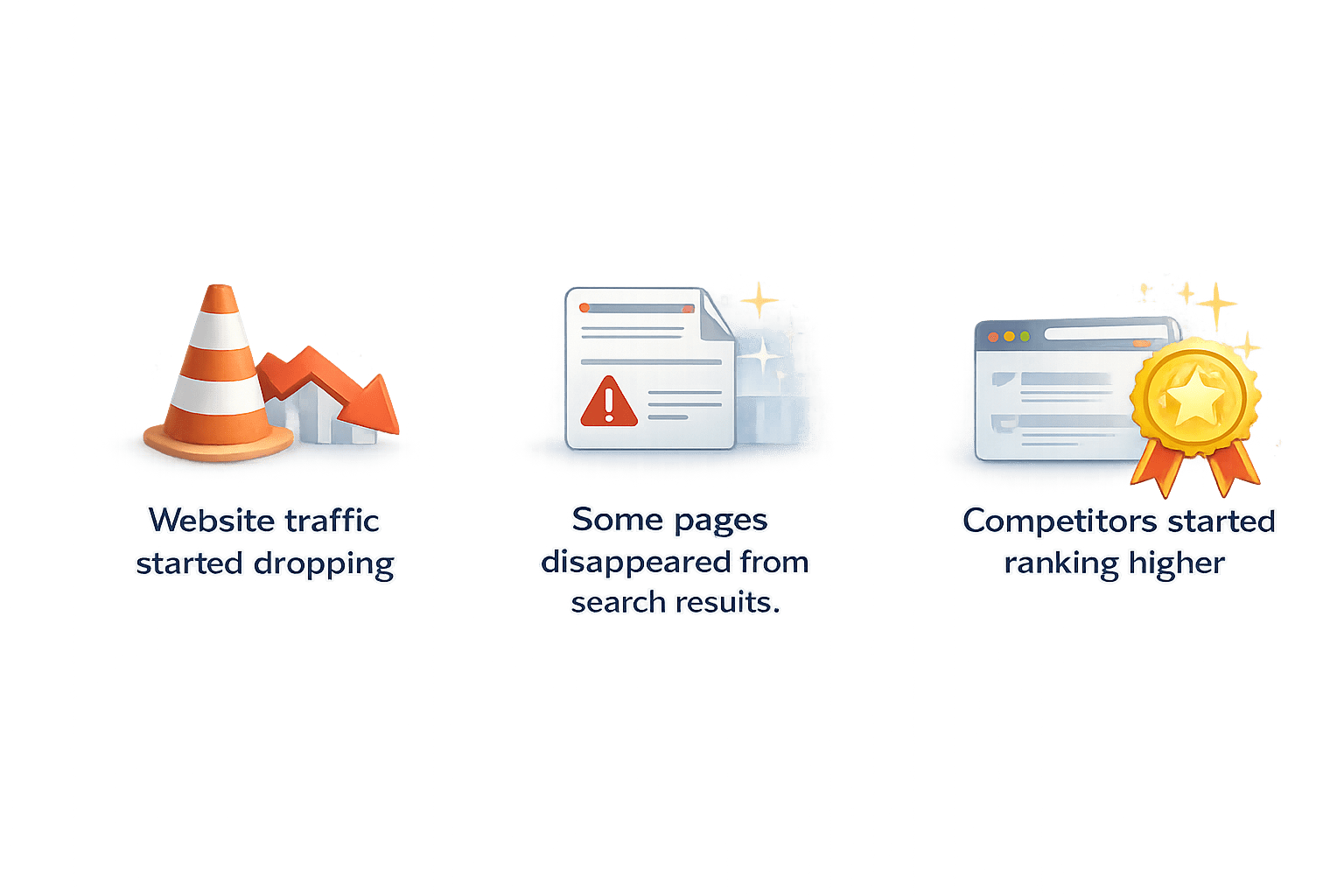
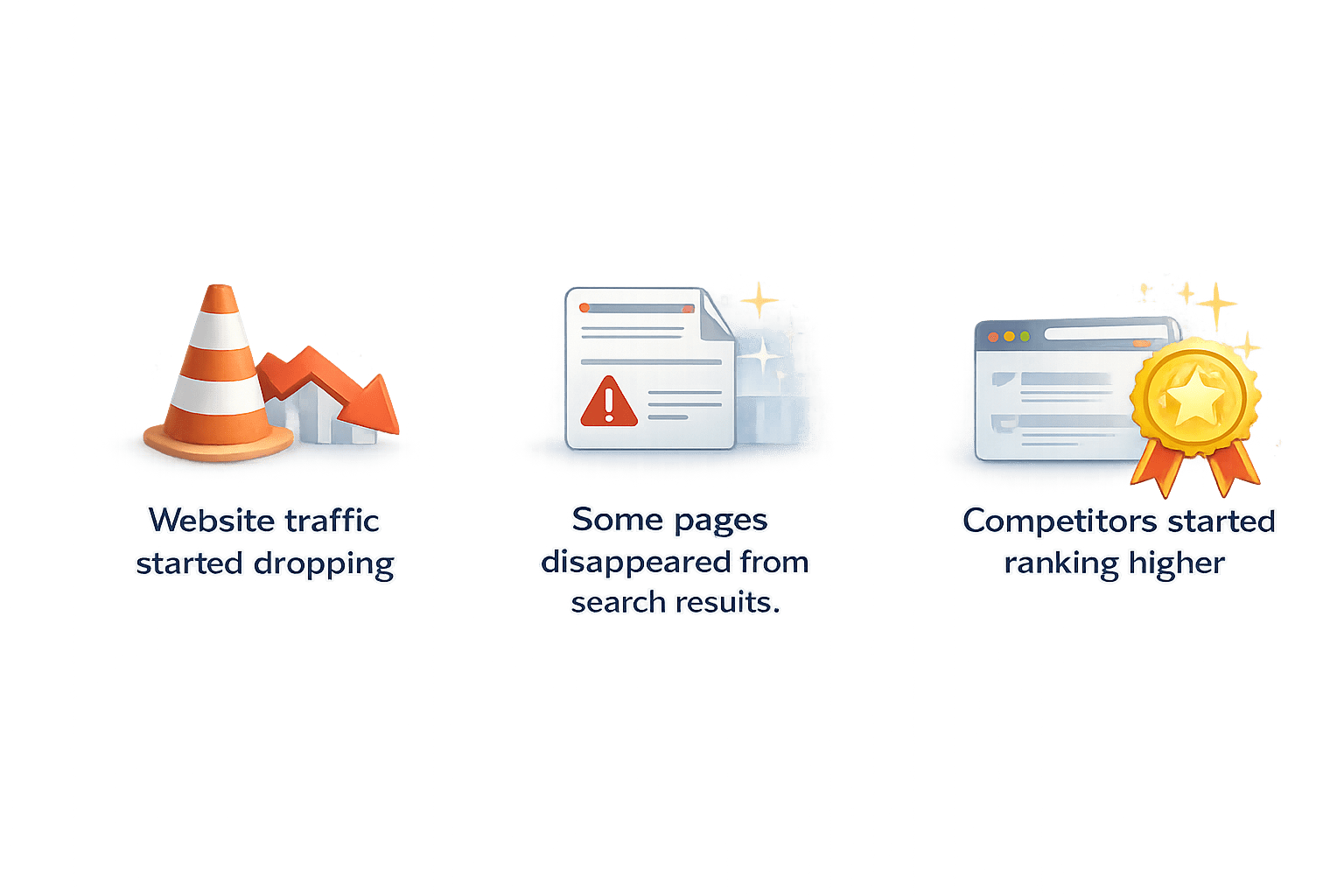
After some time they noticed:
Website traffic started dropping
Some pages disappeared from search results
Competitors started ranking higher
From Car Inspection to Website Audit
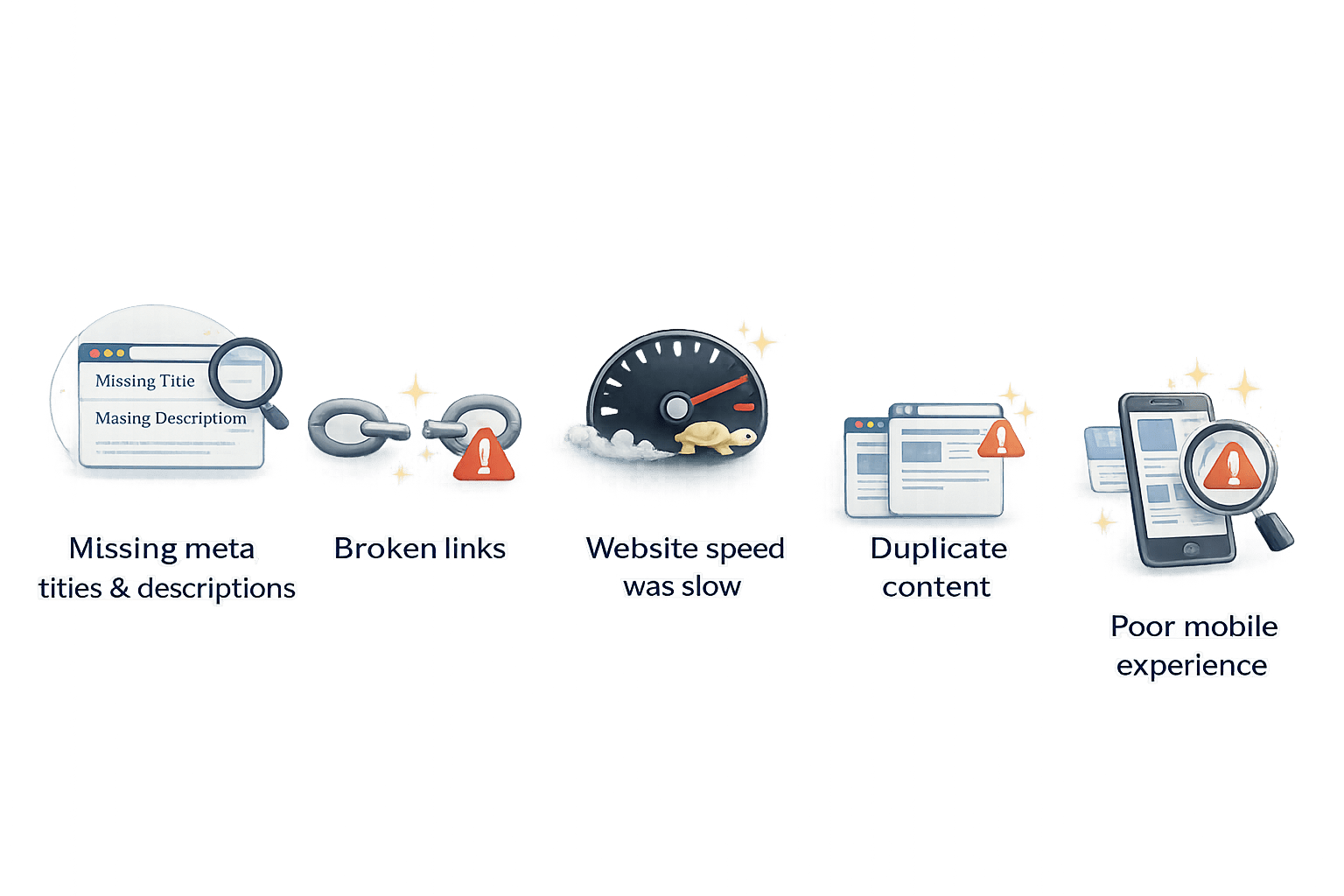
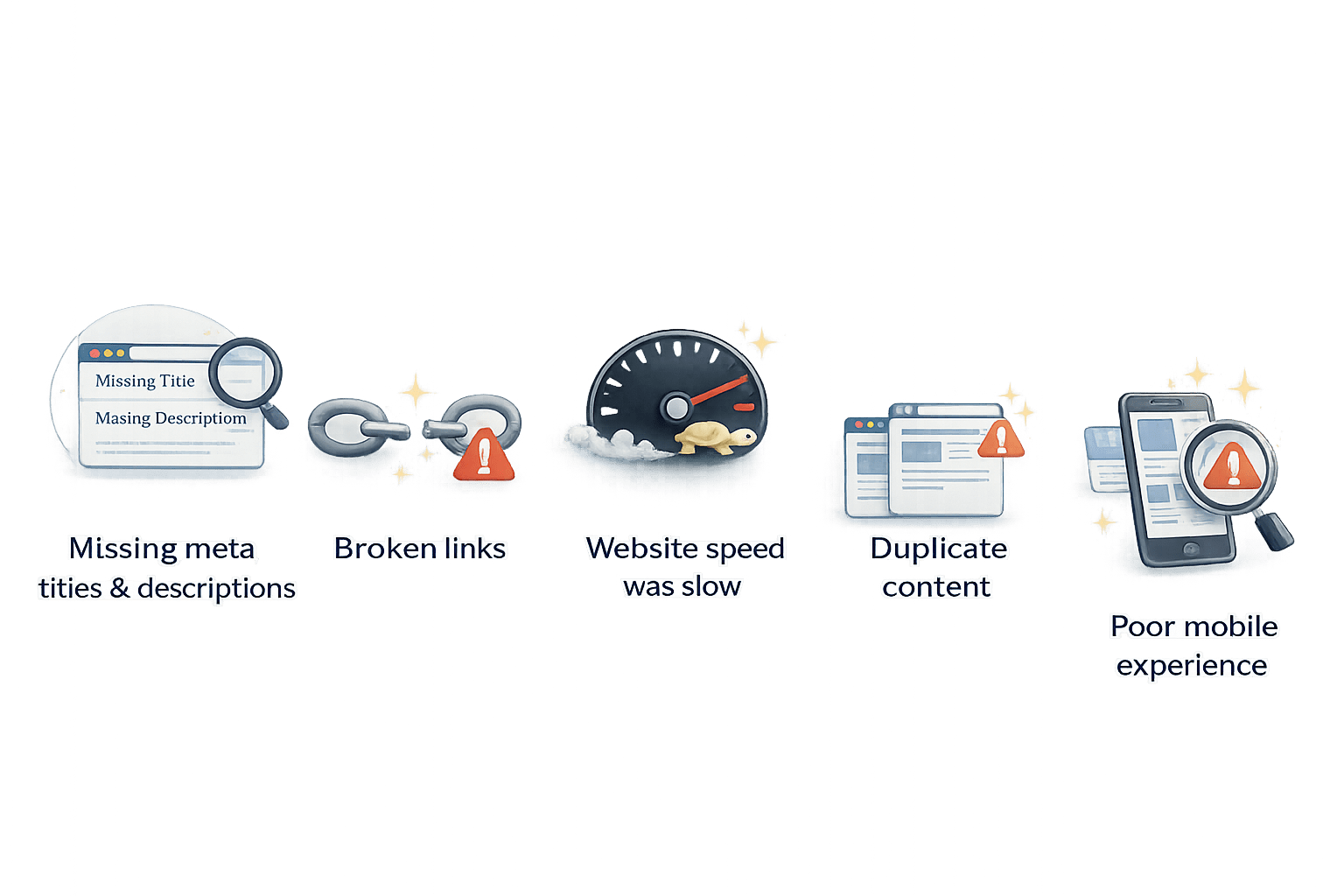
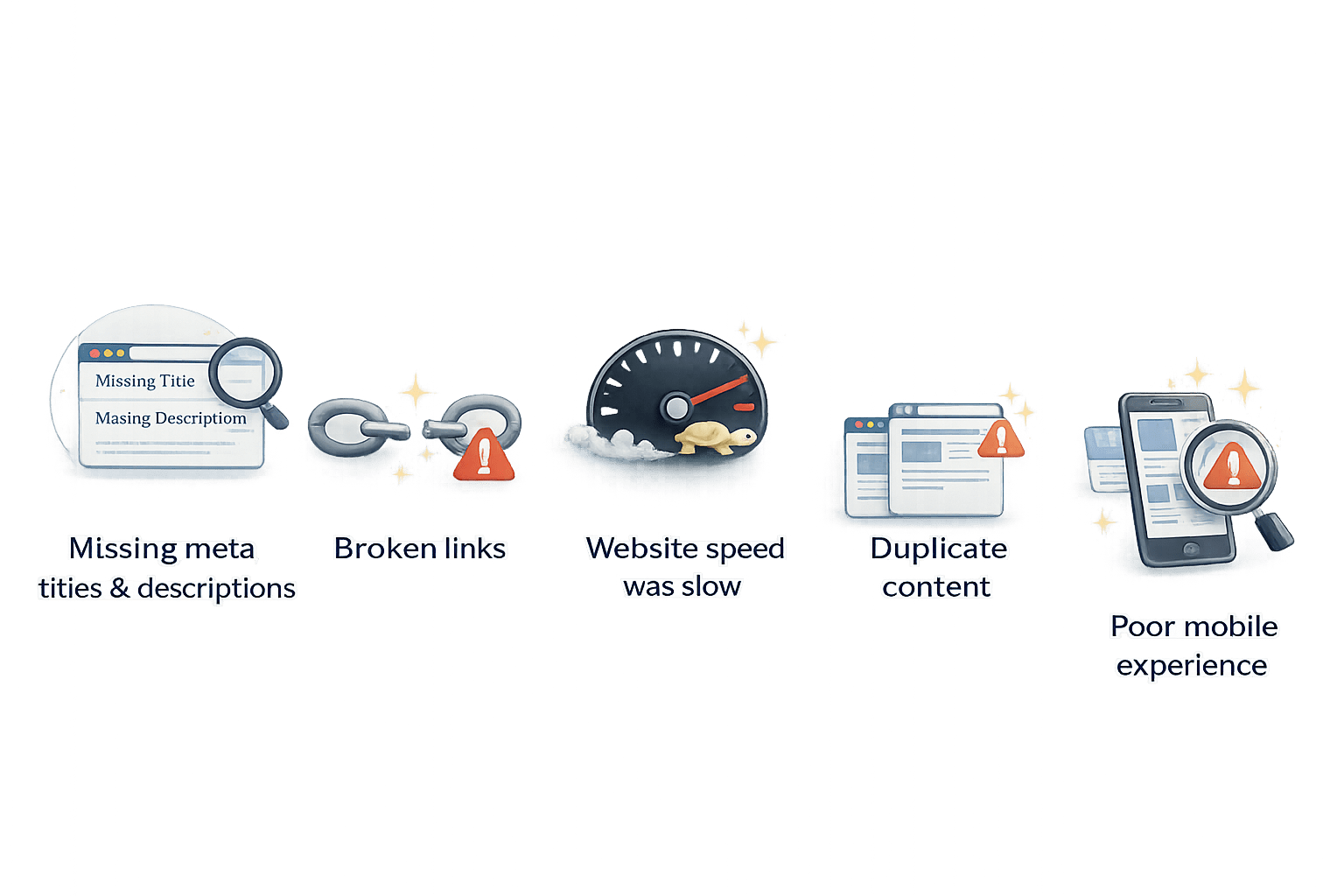
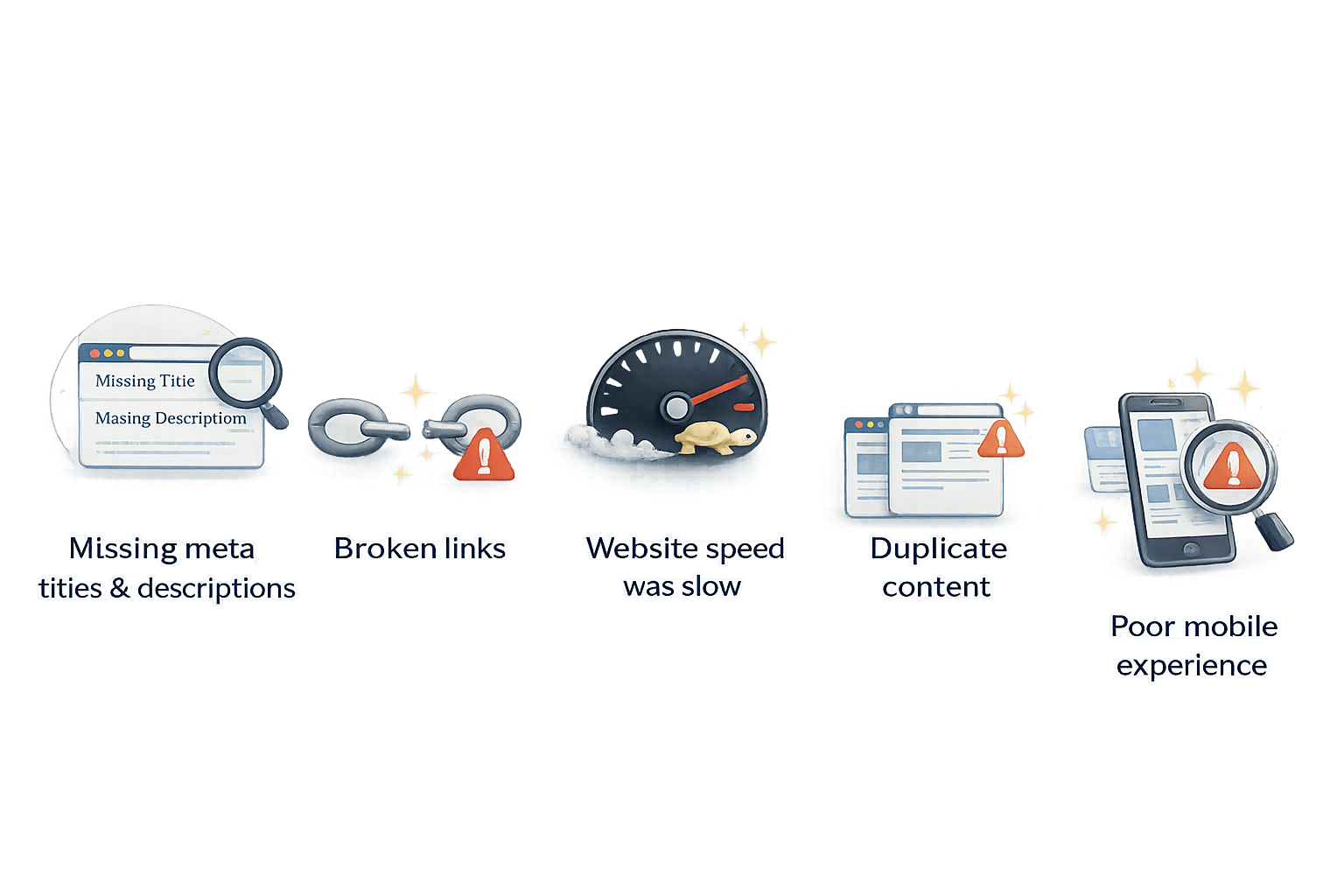
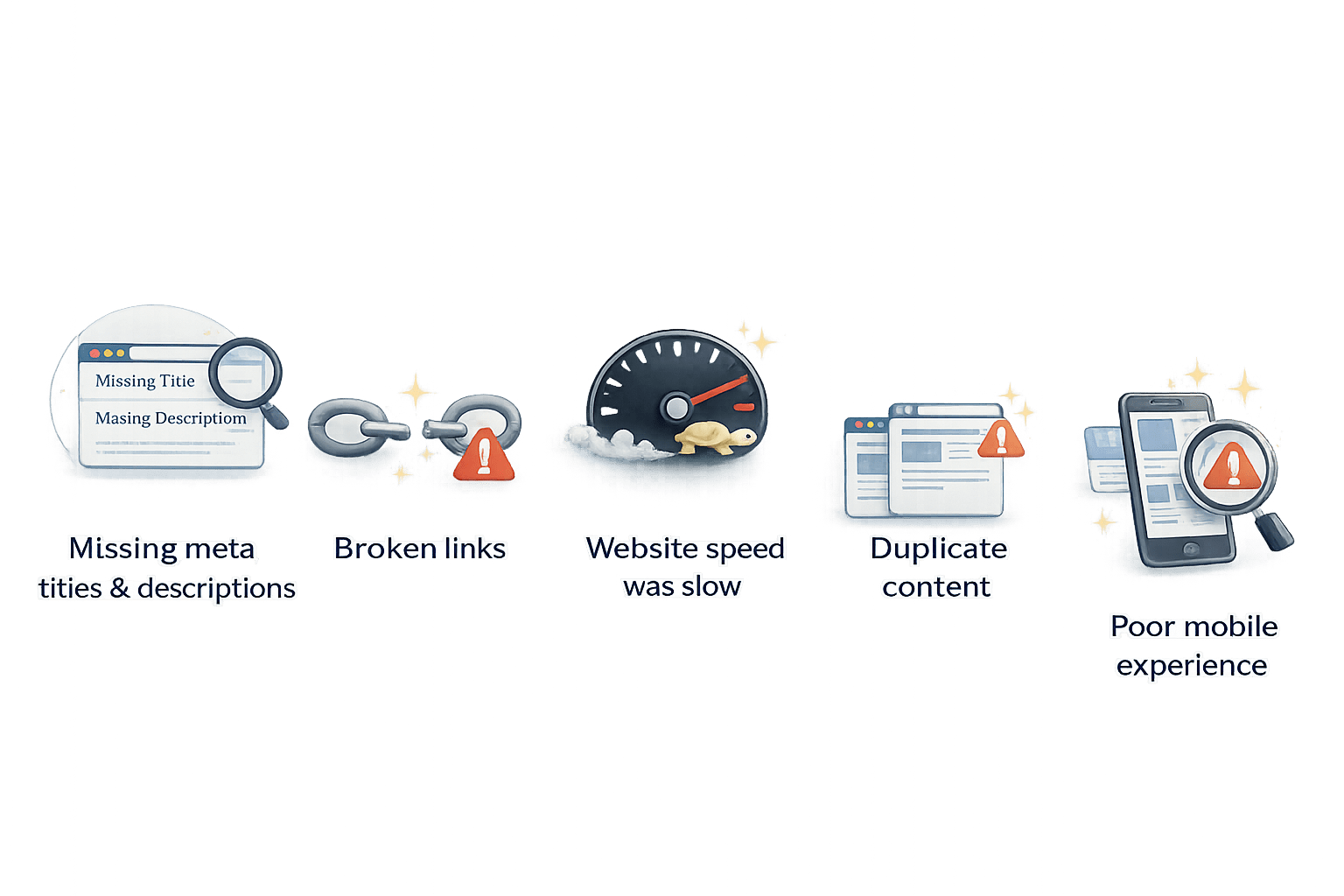
During the audit, several issues were discovered:
Some pages had missing meta titles and descriptions
Many pages had broken links
Website speed was slow
Some pages had duplicate content
Mobile experience was poor
From Car Inspection to Website Audit
After identifying these issues,
the website team fixed the problems step by step
Gradually, the website performance improved and rankings started recovering
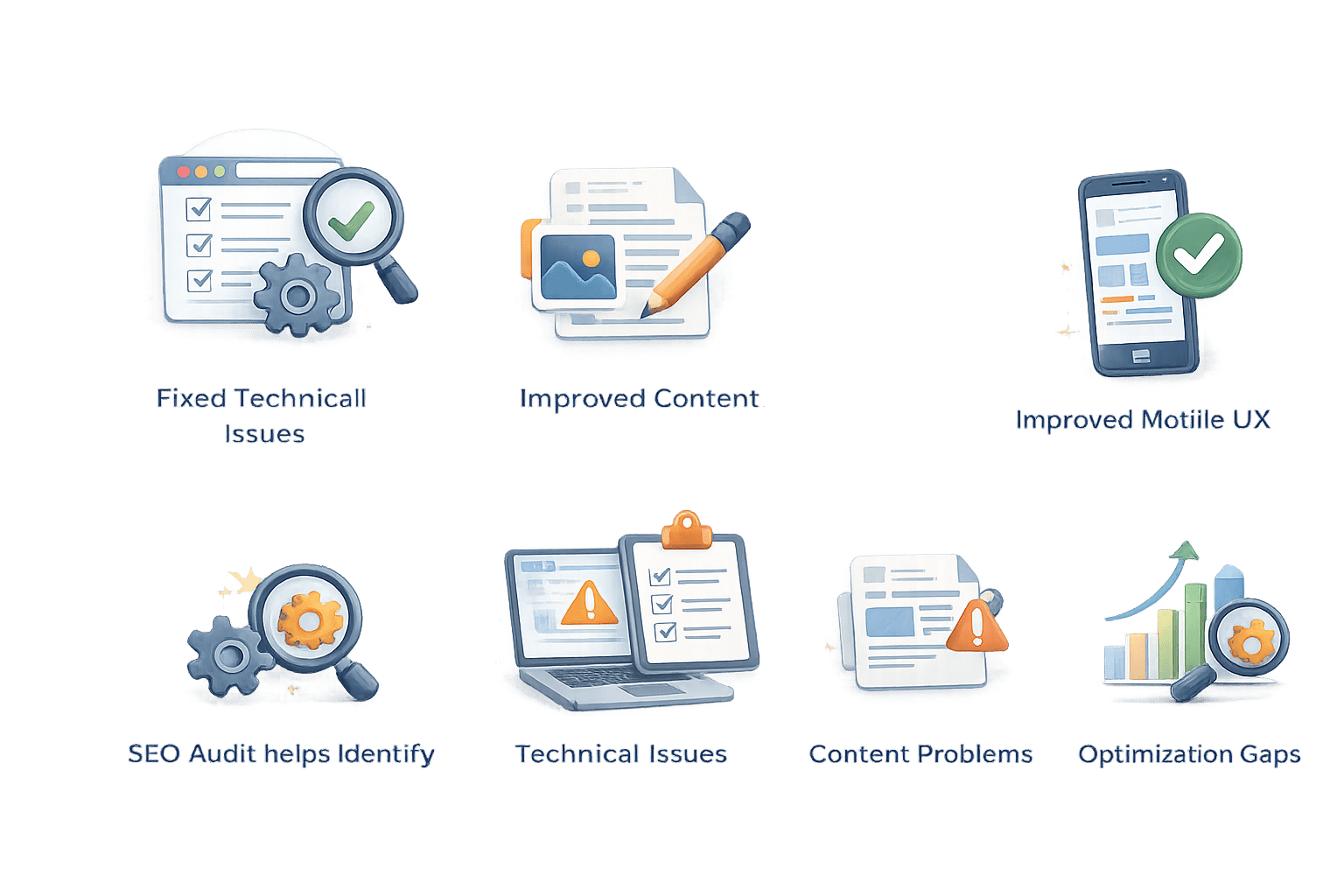
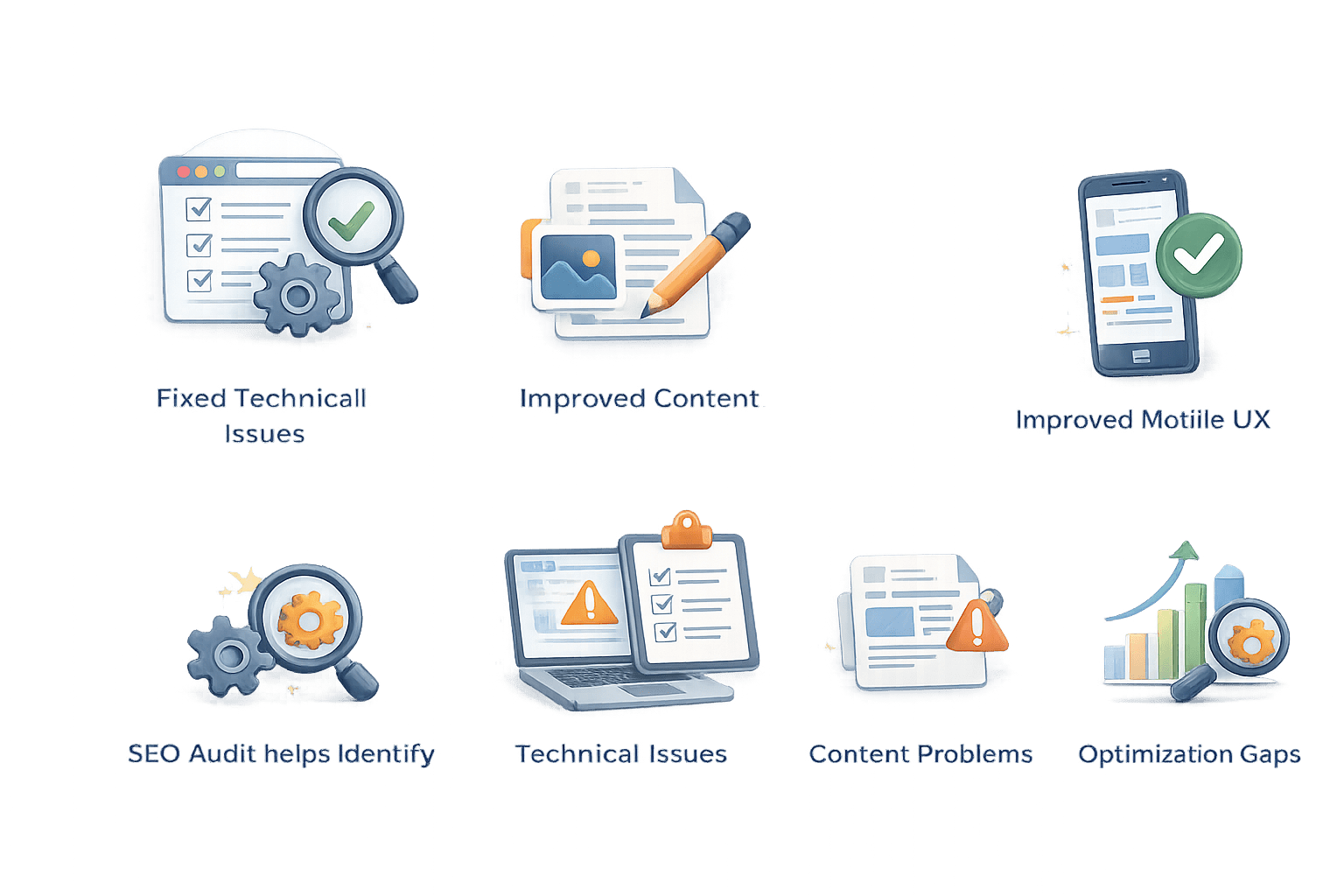
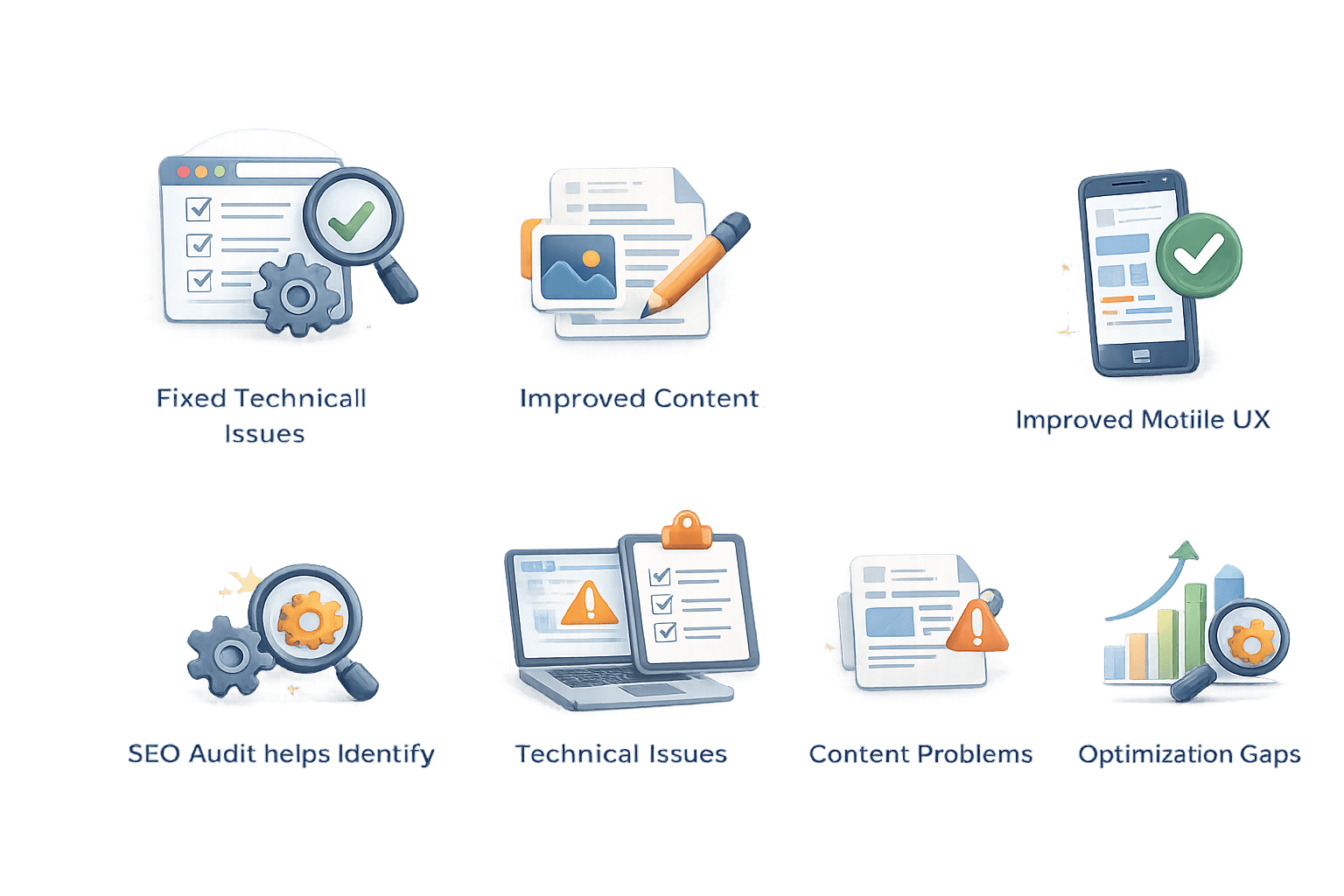
Fixed Technical Issues
Improved Content
Improved Mobile UX
Meaning of the Case
An SEO audit helps identify technical issues, content problems, and optimization gaps that affect a website’s performance.
What is SEO Audit
An SEO audit is a complete check of a website to find problems that affect its search engine ranking
It helps identify technical issues, content problems, and optimization gaps that may prevent a website from performing well on search engines
Types of SEO Audits
Technical SEO Audit
On-Page SEO Audit
Content Audit
Off-Page SEO Audit
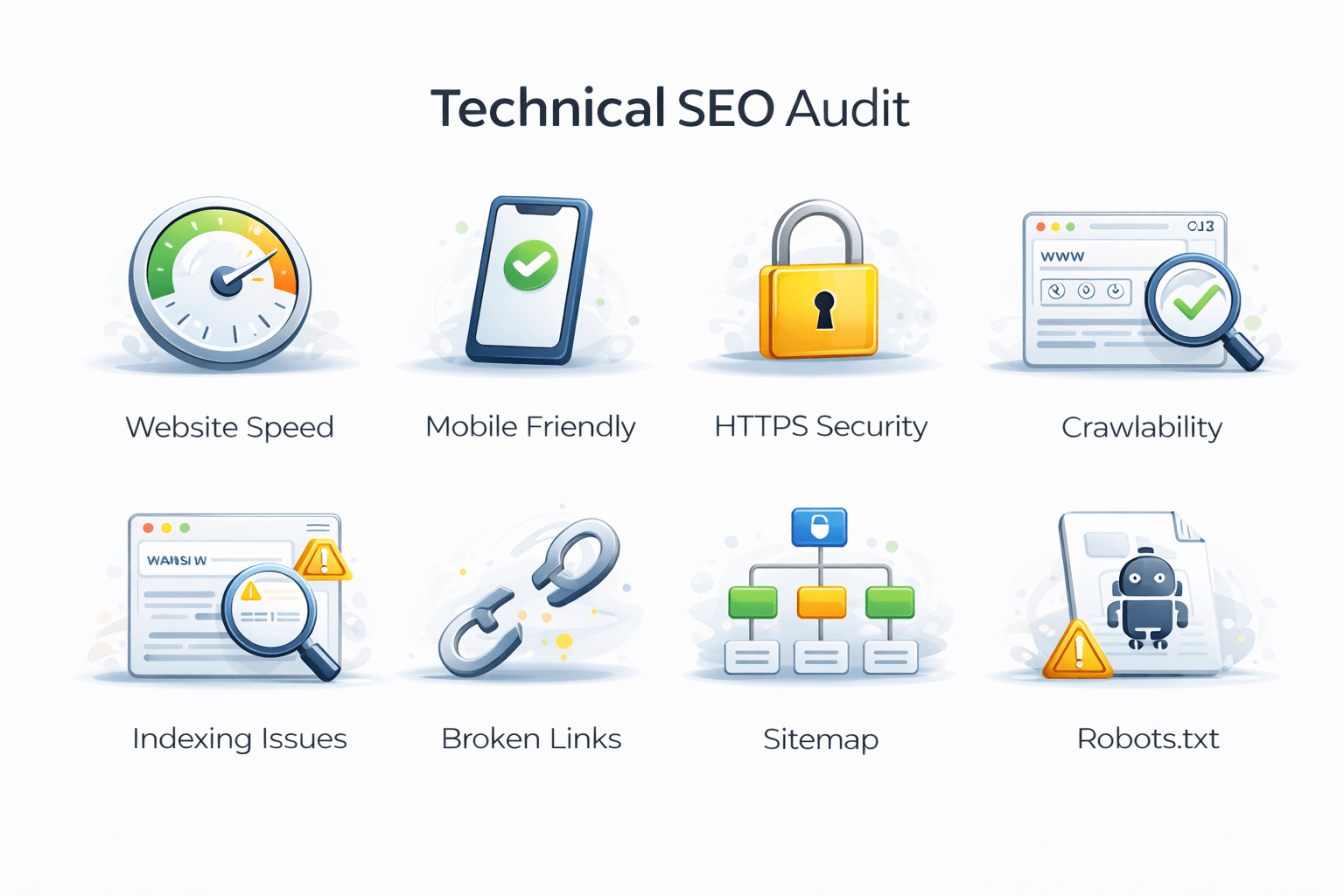
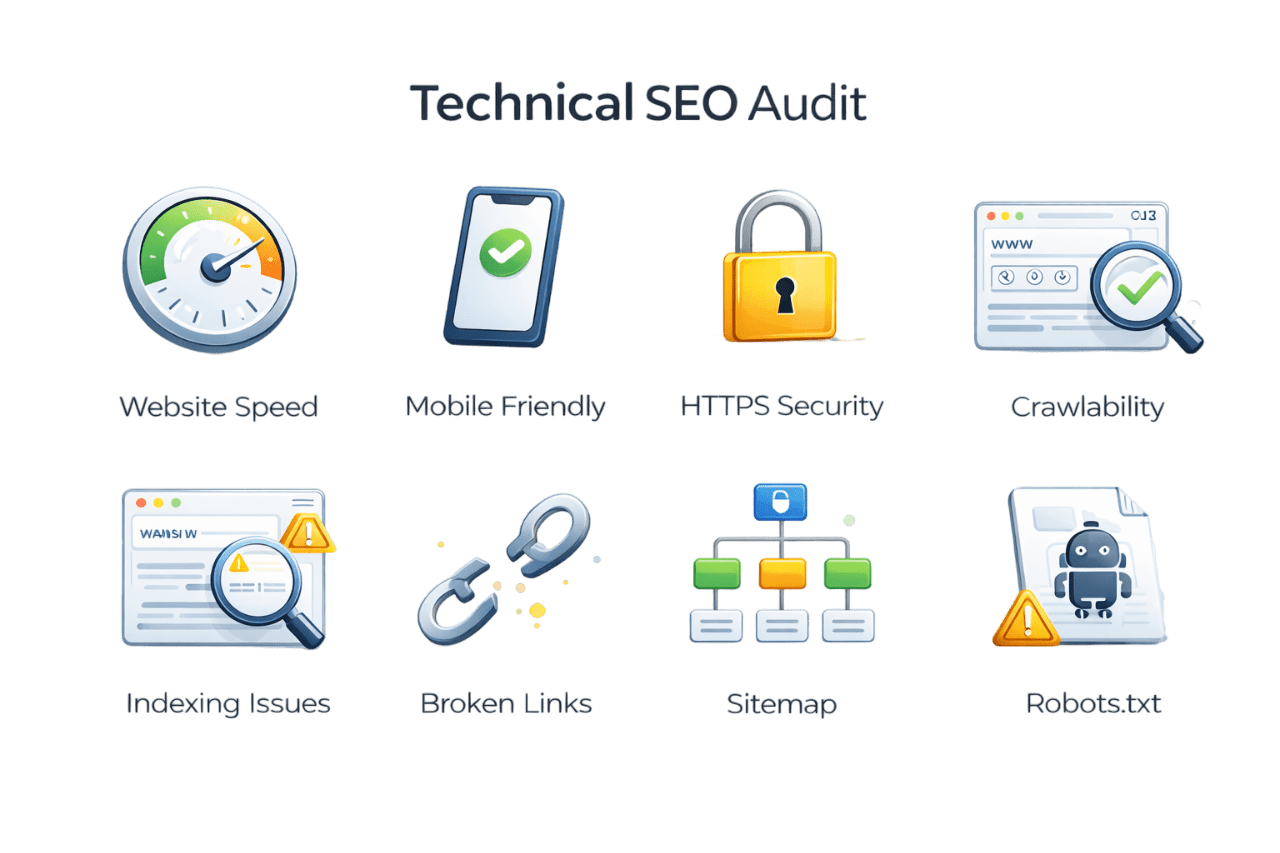
Technical SEO Audit
Website Speed
How fast the website loads
Checks if the website is secure
HTTPS Security
Mobile Friendly
Whether the website works well on phones
Crawlability
Whether search engines can scan the website pages
Technical SEO Audit
Indexing Issues
Checks if pages appear in Google search results
Links that lead to error pages
Broken Links
Sitemap
A file that shows all pages of a website
Robots.txt
A file that tells search engines which pages to crawl
On-Page SEO Audit
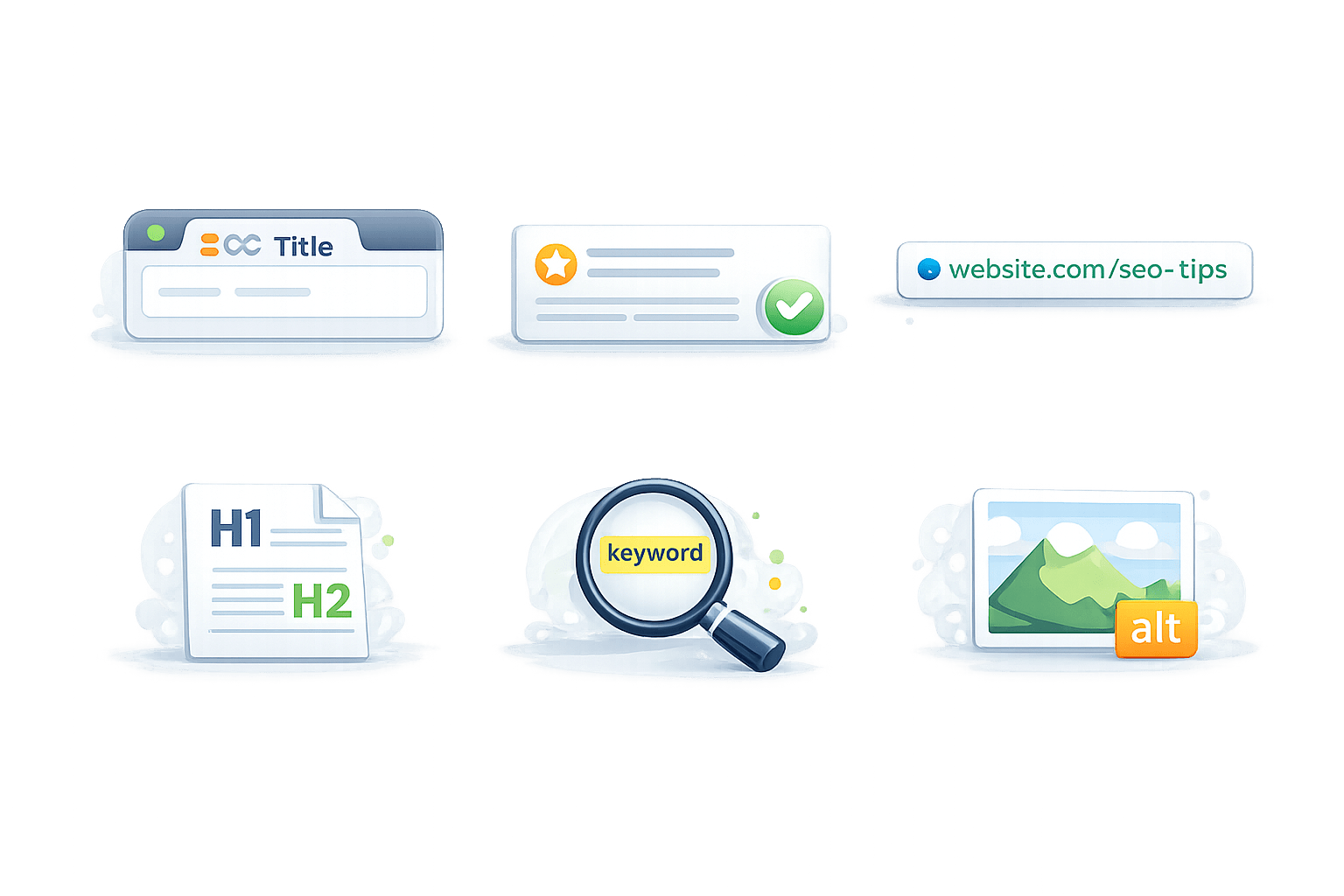
SEO Title
Checks if the page title is clear and optimized
Meta Description
Short summary shown in search results
URL Structure
Checks if the page URL is simple and clear
On-Page SEO Audit
Heading Tags (H1, H2)
Organizes content using headings
Keyword Placement
Checks if important keywords are used naturally
Image Optimization
Images should have alt text and proper size
Content Audit
Content originality
Content should be unique
1
Keyword relevance
Content should match what users search
2
Content Readability
Content should be easy to read
3
Content Length
Content should have enough useful information
4
Duplicate Content
Same content on multiple pages should be avoided
5
Content Updates
Content should be updated regularly.
6
Off-Page SEO Audit
Backlink Count
01
How many websites link to your website
Backlink Quality
02
Whether the links come from trusted websites
Spam Links
03
Low-quality or harmful links pointing to your website
Off-Page SEO Audit
Domain Authority
04
The overall trust and strength of a website
Referring Domains
05
The number of different websites linking to your site
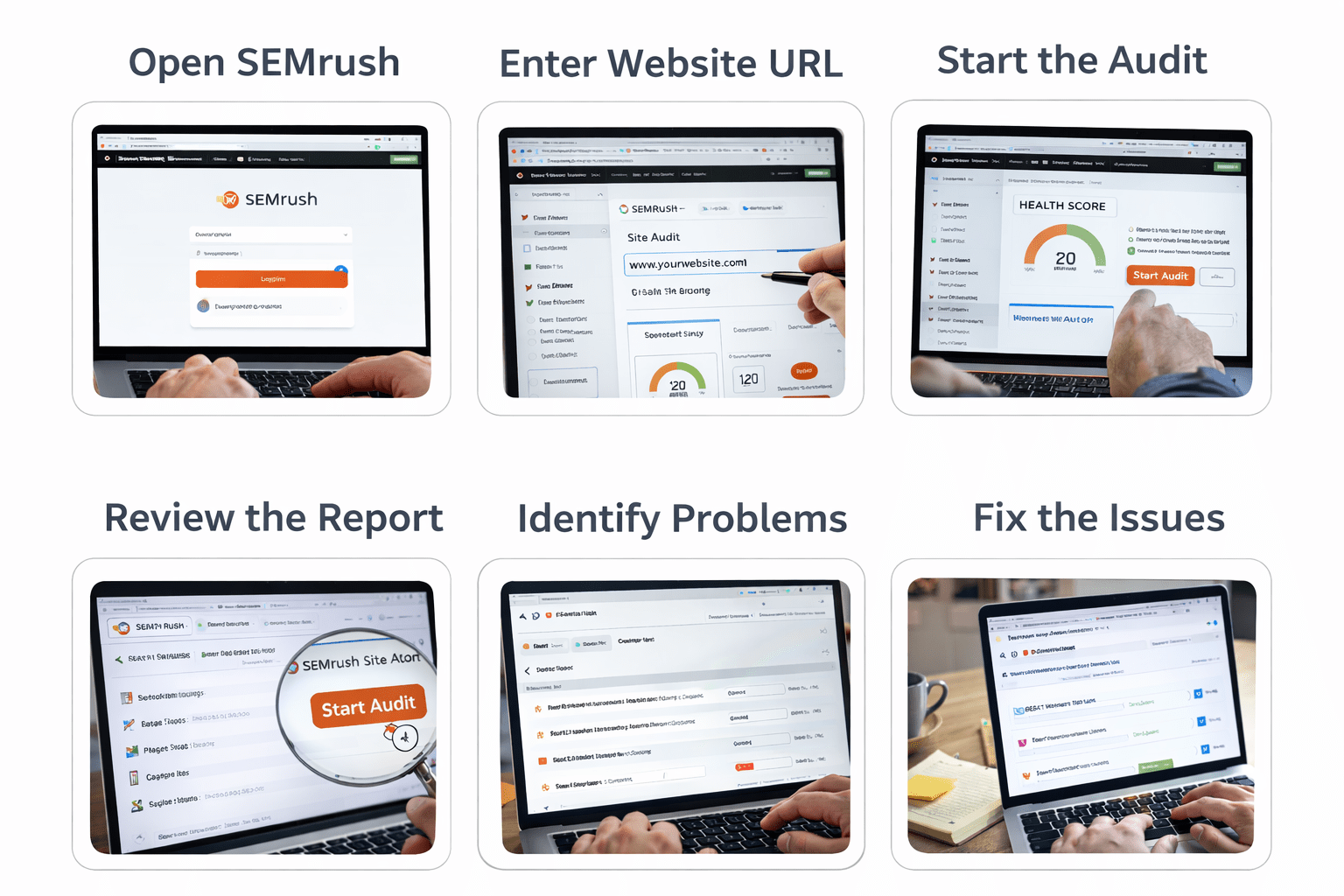
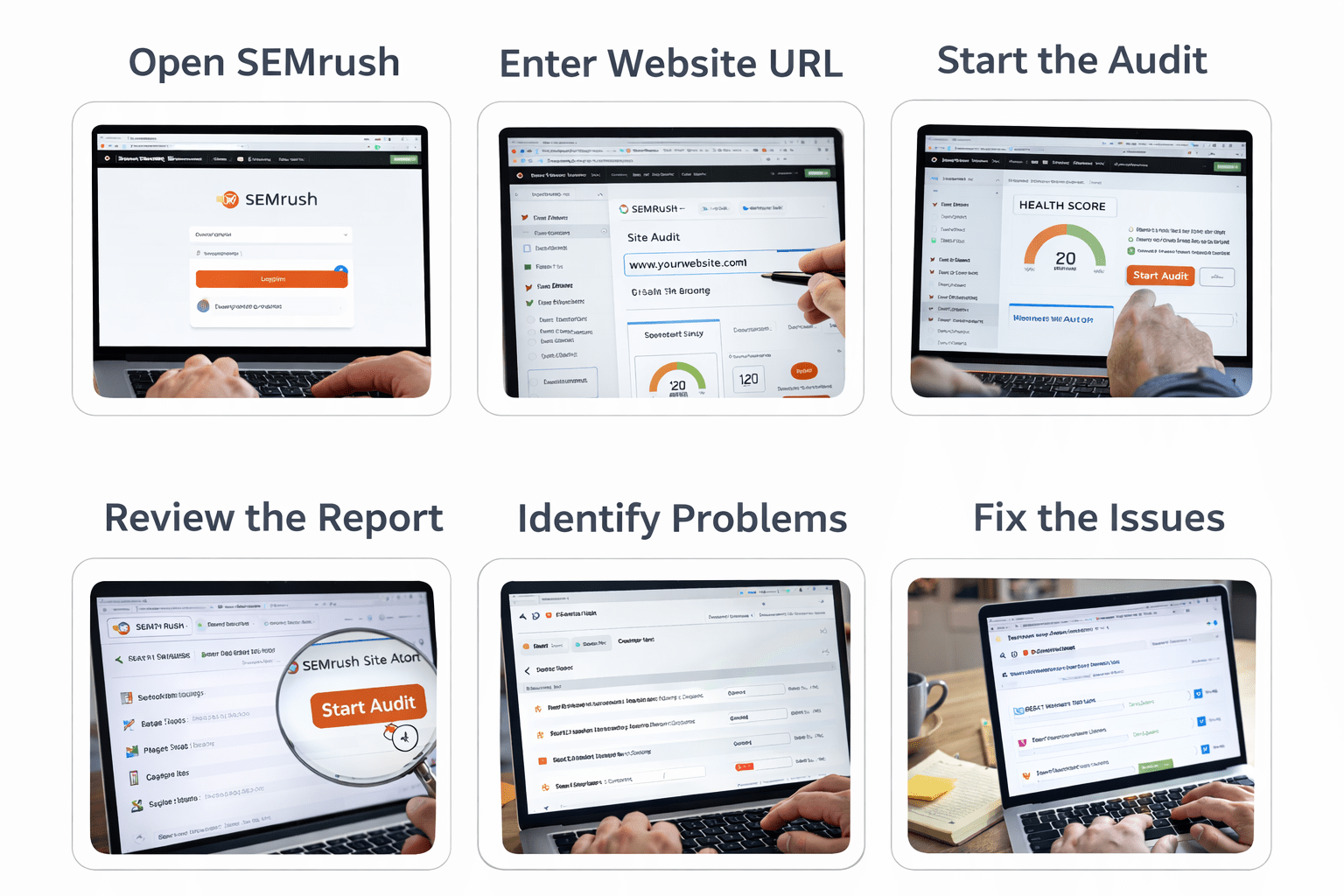
Practical Work
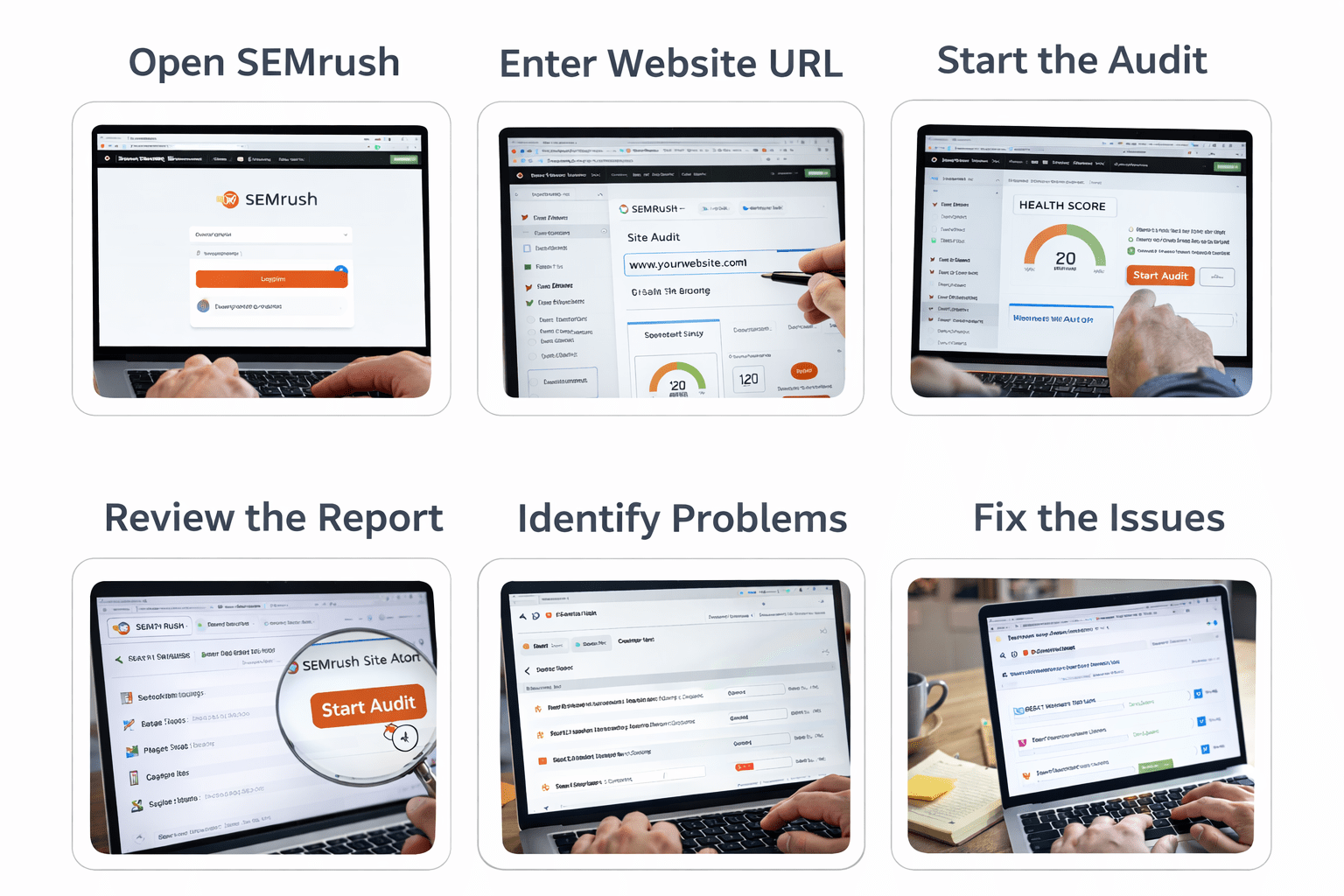
1
Open SEMrush
Go to the SEMrush website and log in to your account
2
Enter Website URL
Go to Site Audit and enter the website URL you want to analyze
3
Start the Audit
Click Start Audit to scan the website
Practical Work
4
Review the Report
Show issues like broken links, slow pages, missing meta tags, and SEO errors
5
Identify Problems
Check the list of errors, warnings, and notices
6
Fix the Issues
Improve the website by fixing the reported problems to improve SEO performance
Summary
4
Fixing issues helps improve visibility and performance
3
Audits include Technical, On-Page, Off-Page, Content checks
2
It finds issues affecting search ranking and traffic
1
An SEO Audit checks the health of a website’s SEO
Quiz
Why should websites perform SEO audits regularly?
A. To change website colors frequently
B. To maintain and improve search engine rankings
C. To increase the number of web pages automatically
D. To remove website hosting services
Quiz
Why should websites perform SEO audits regularly?
A. To change website colors frequently
B. To maintain and improve search engine rankings
C. To increase the number of web pages automatically
D. To remove website hosting services
By Content ITV