











Content ITV PRO
This is Itvedant Content department
Learning Outcome
4
Describe how branch and merge are used step-by-step
3
Define what merge means in Git
2
Define what a branch means in Git
1
Explain why branching is needed
Recall
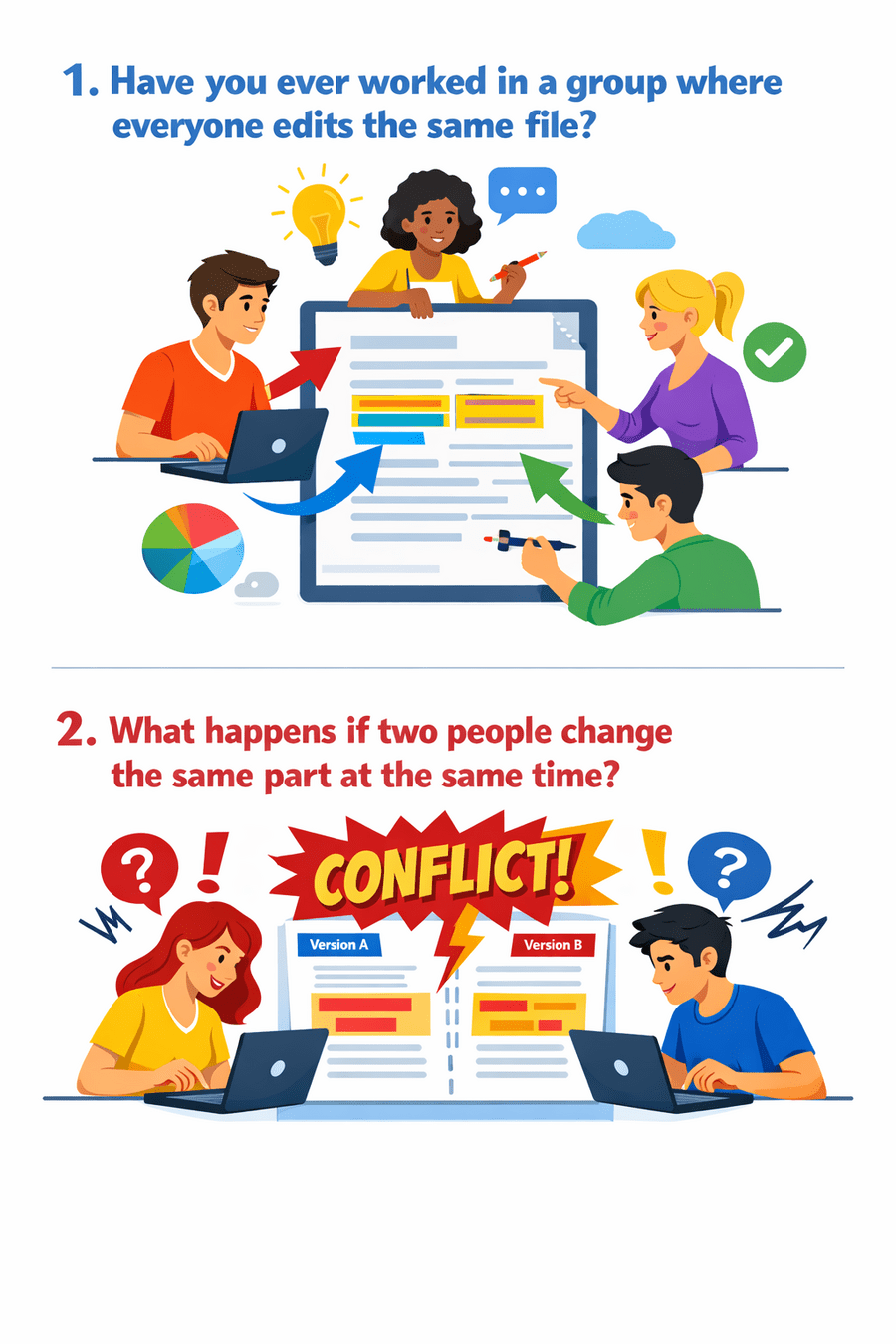
What happens if two people change the same part at the same time?
Have you ever worked in a group where everyone edits the same file?
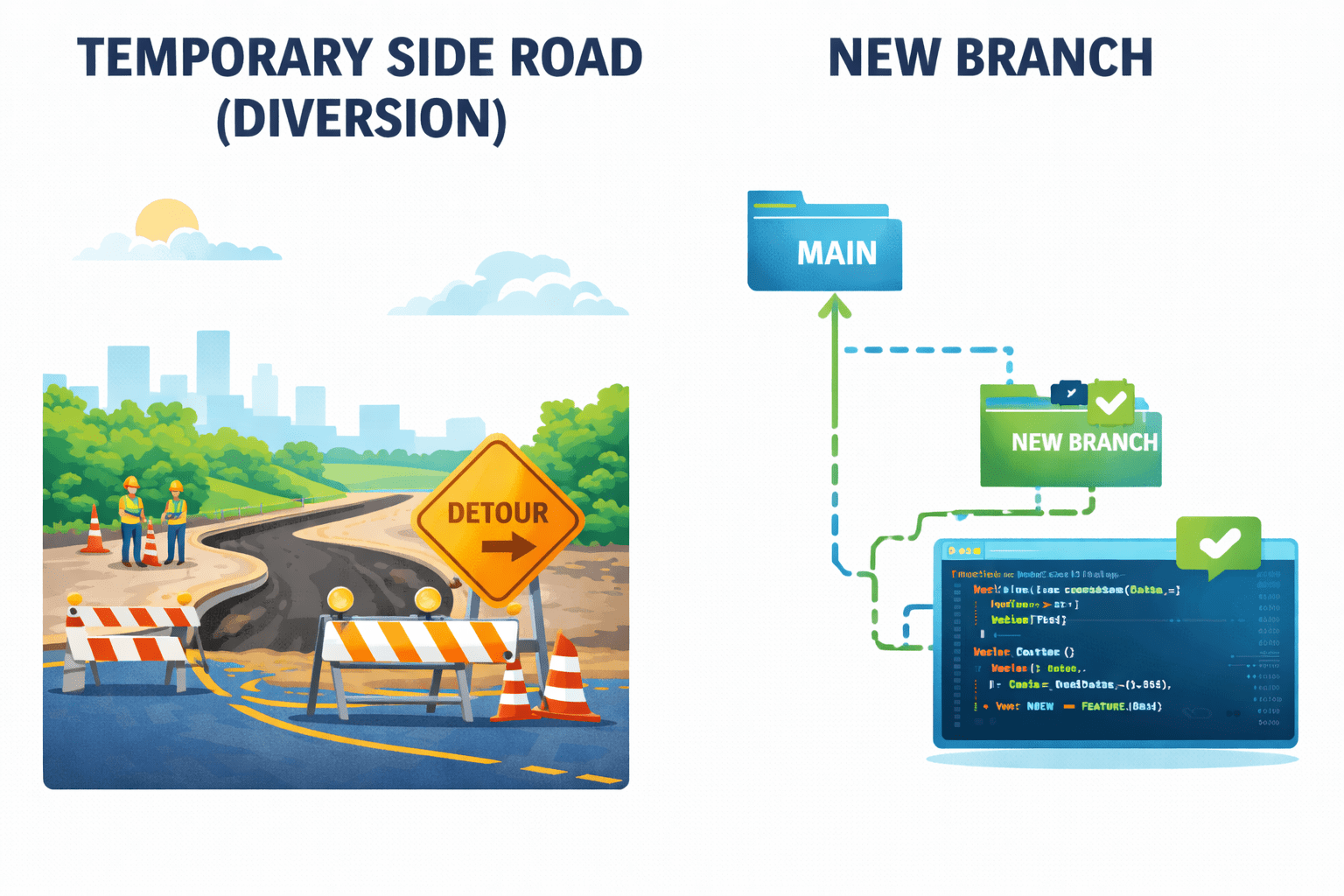
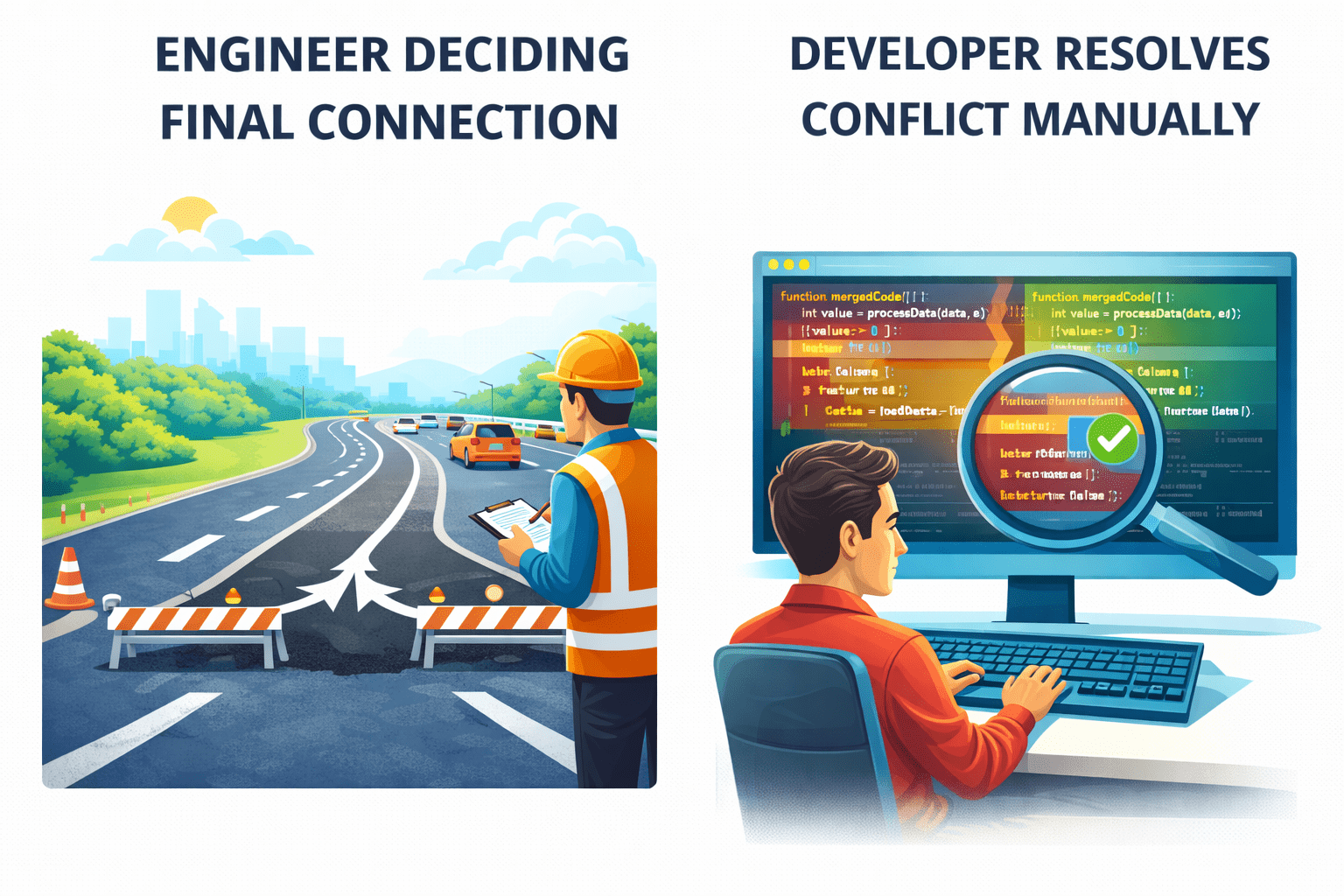
Let’s understand this using a simple road diversion example
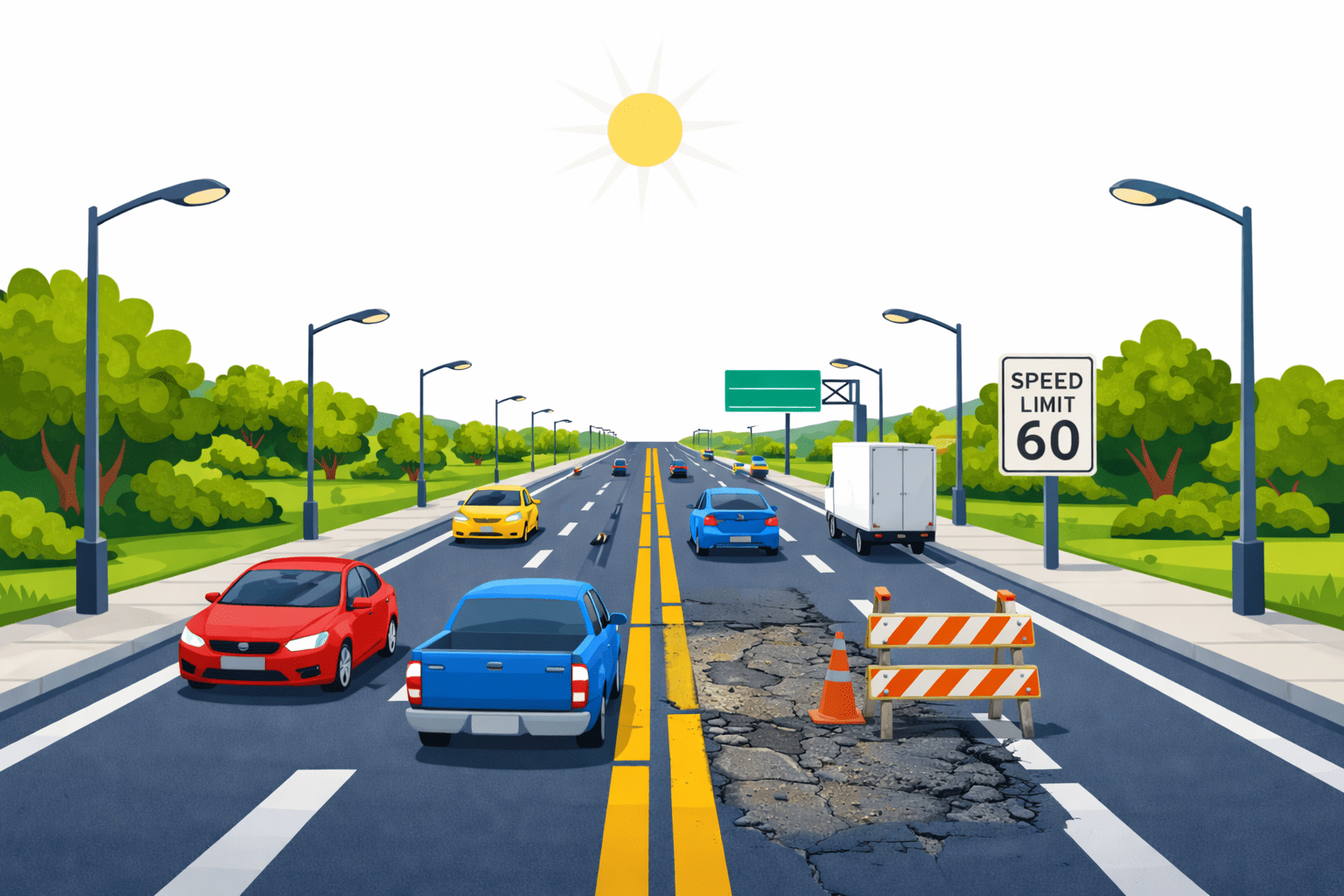
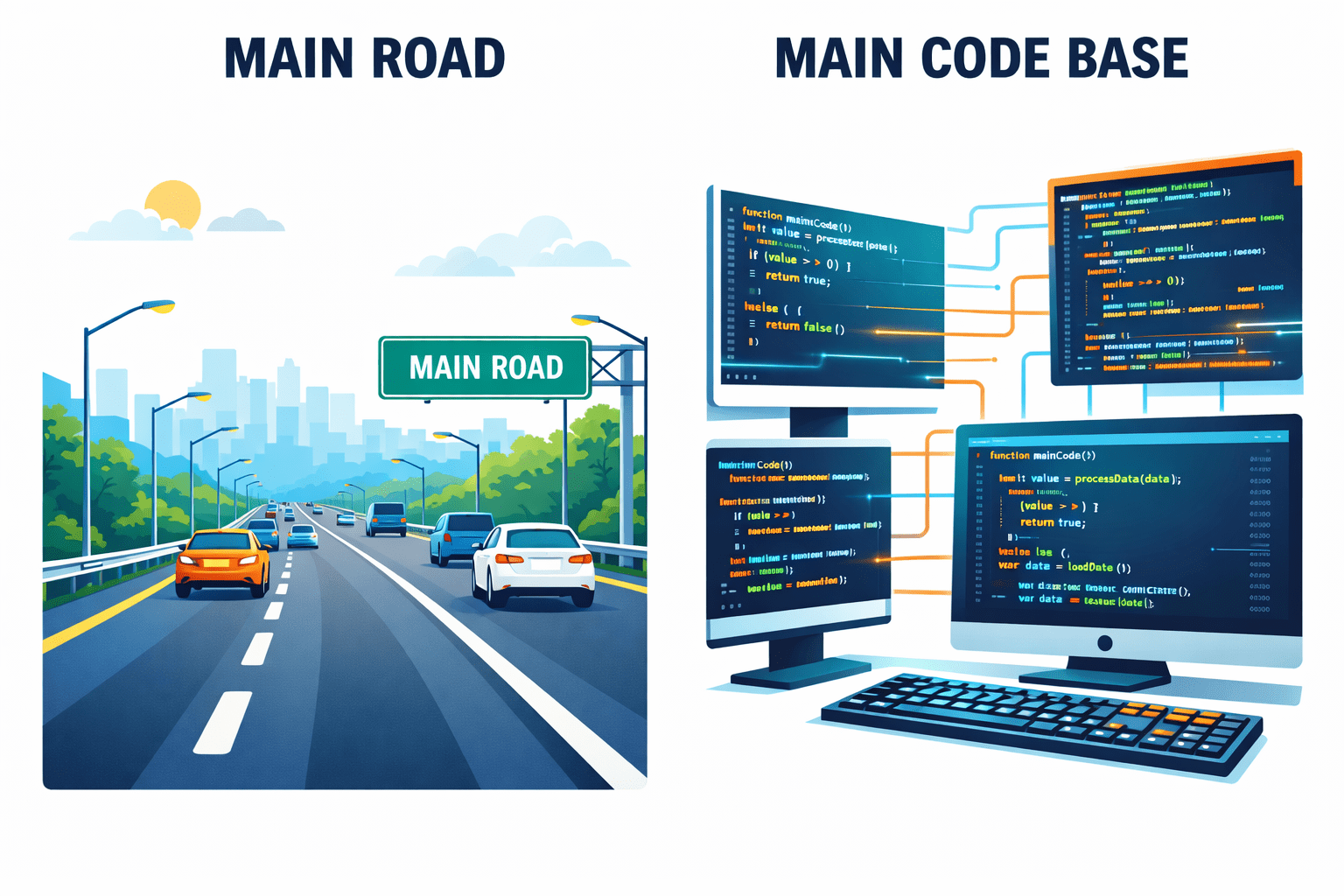
Imagine a highway that everyone use
The main road
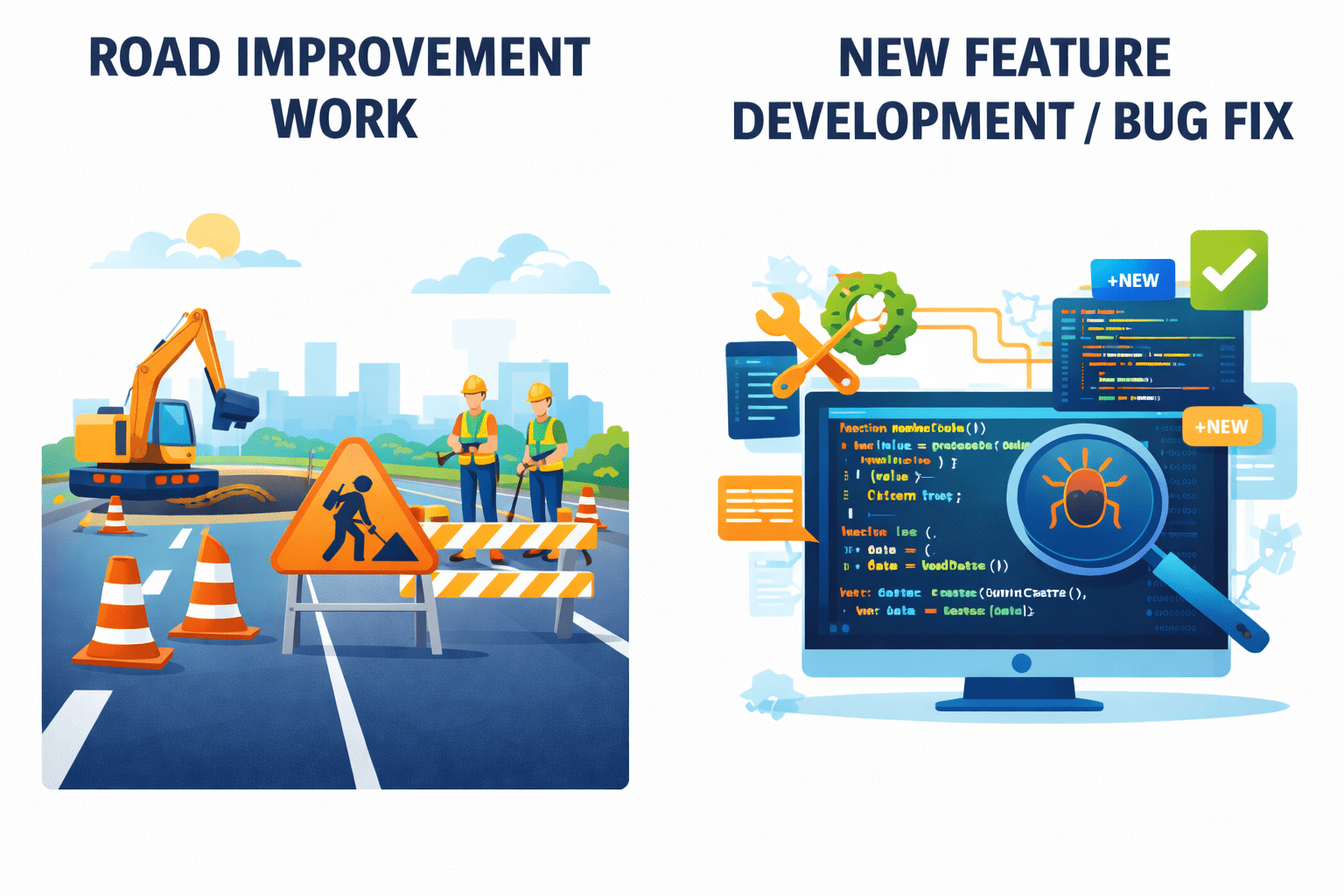
A part of the road needs improvement (new feature or change), but traffic must continue safely
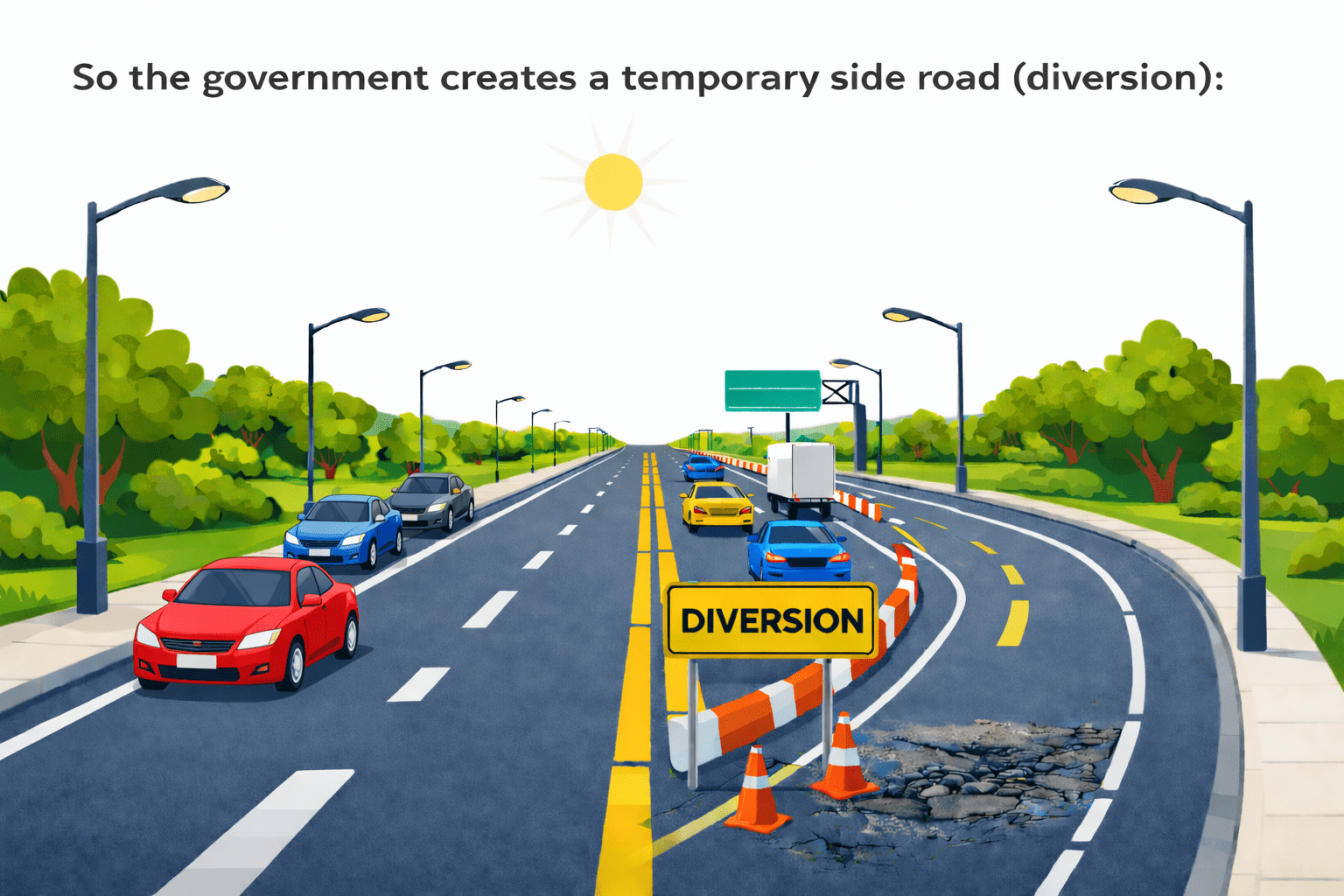
So the government creates a temporary side road (diversion):
That side road is a branch
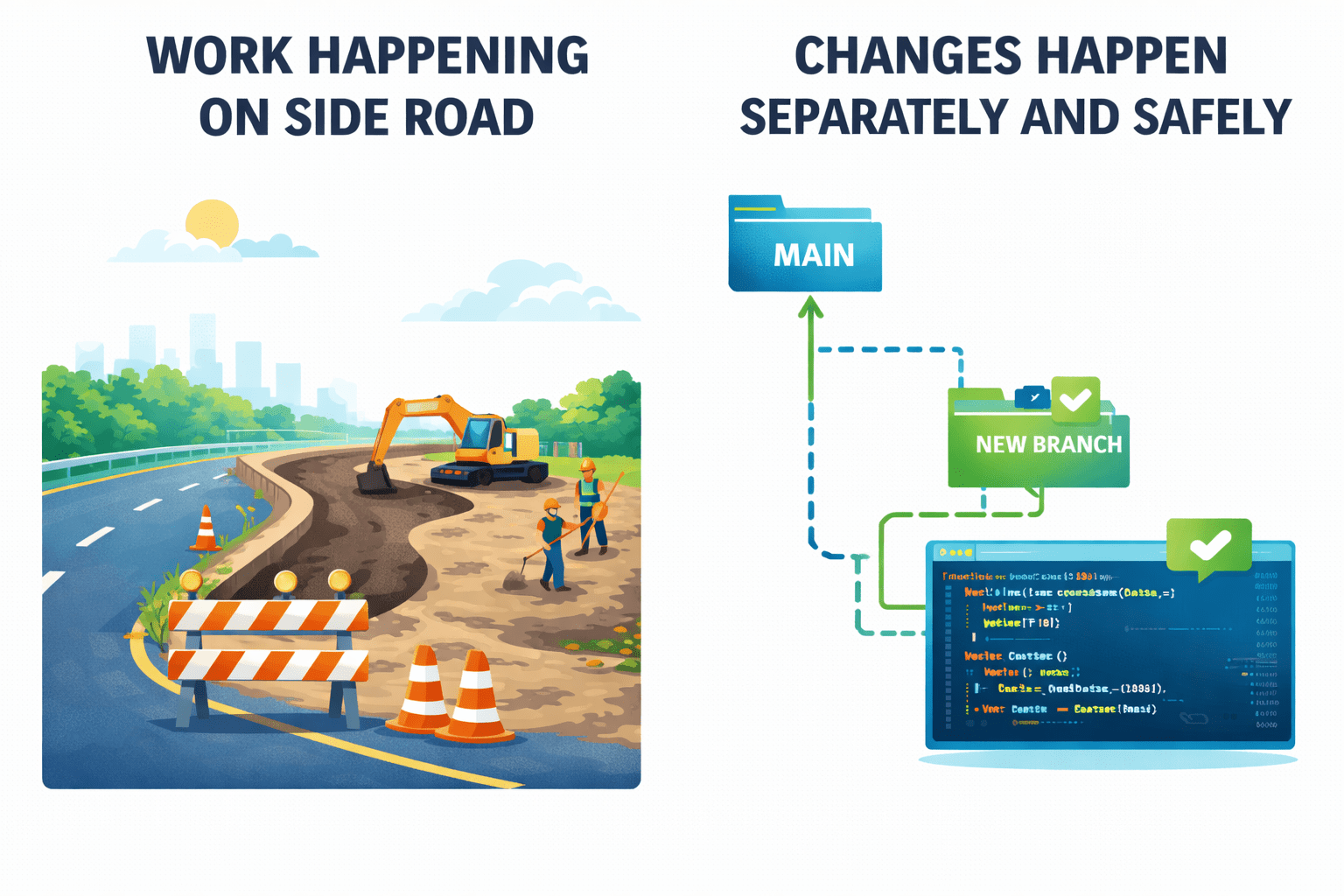
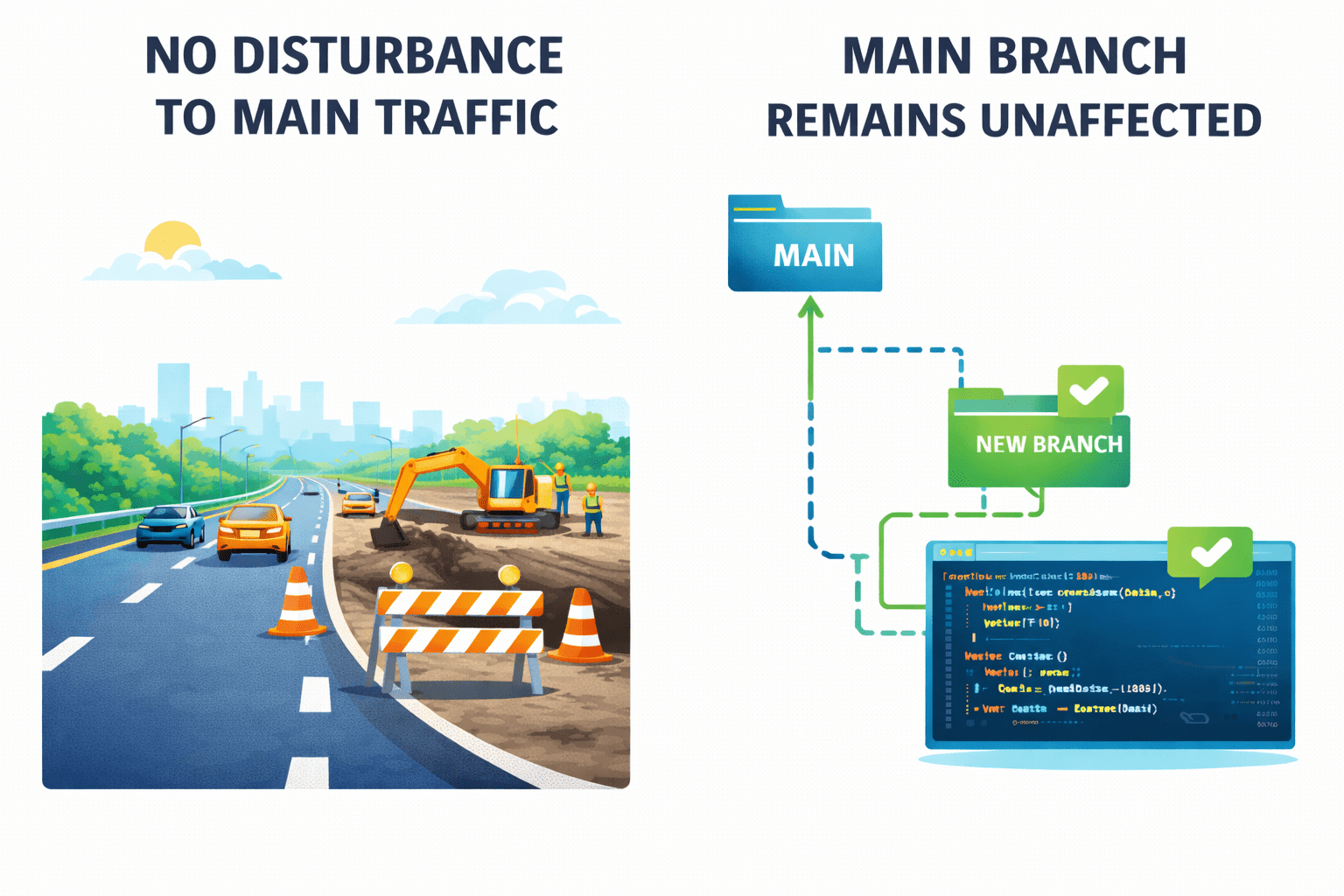
Work happens there without disturbing the main traffic
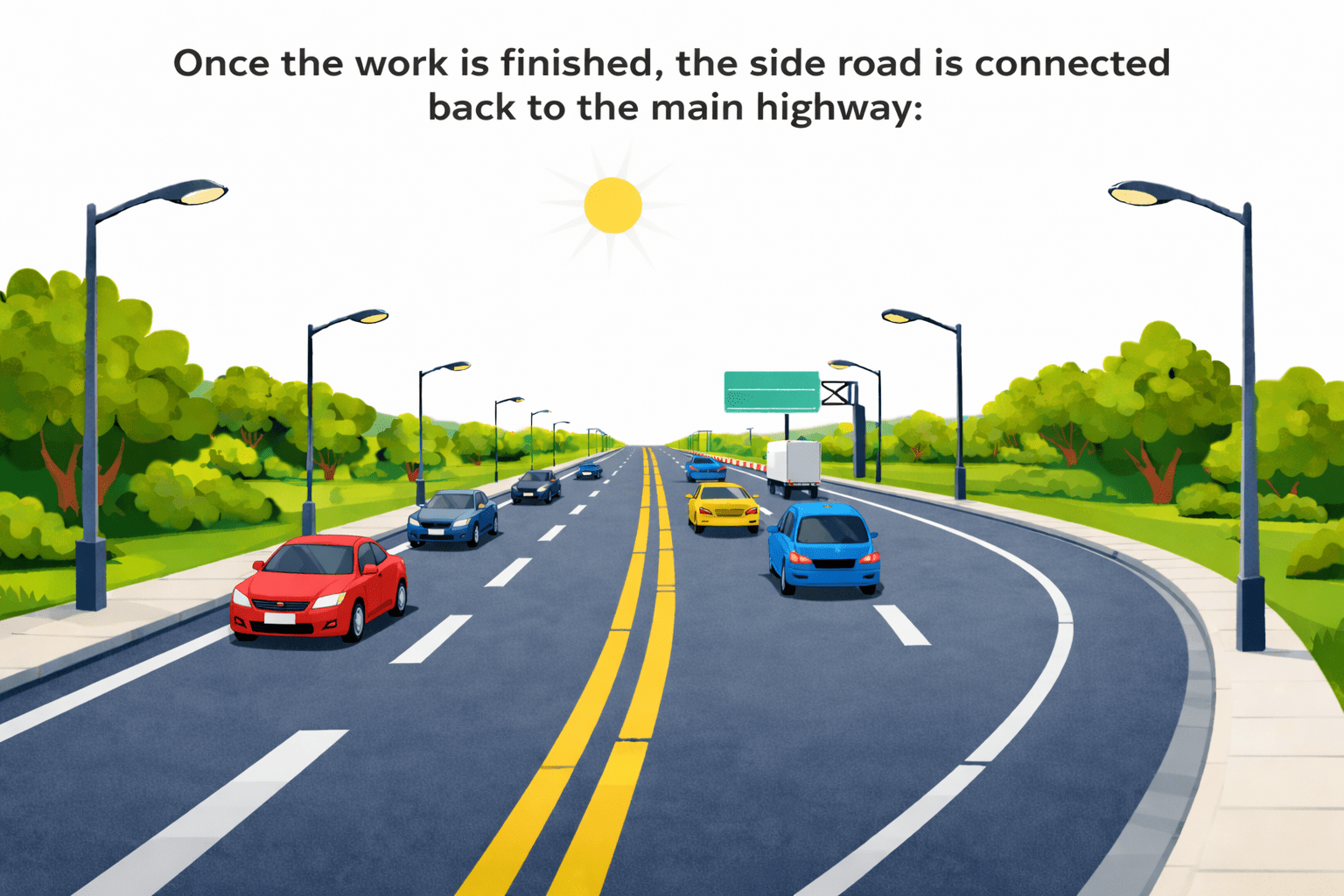
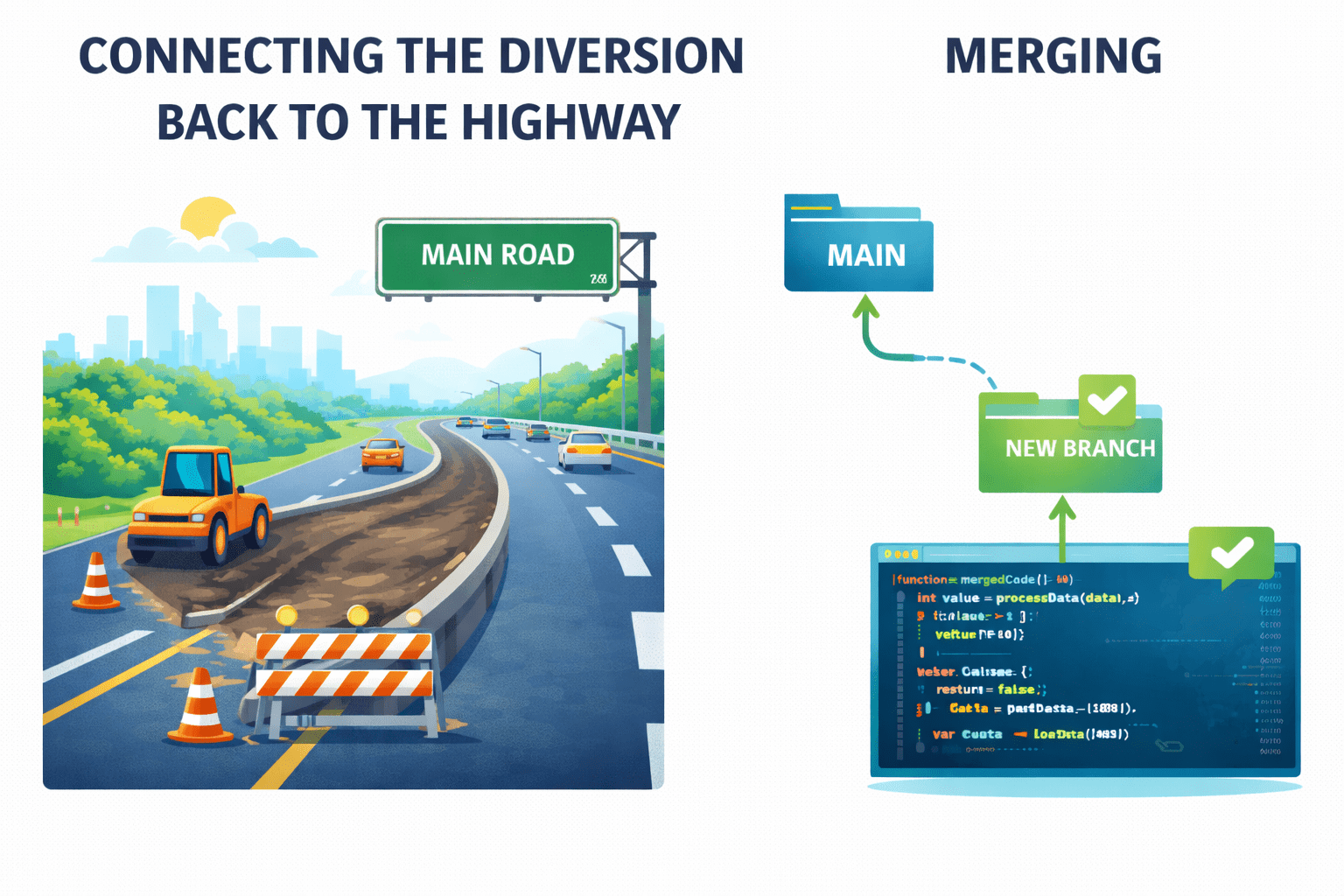
That connection is a merge
Once the work is finished, the side road is connected back to the main highway:
Transition from Analogy to Technical Concept(Slide 5)
Main highway
Main branch (main codebase)
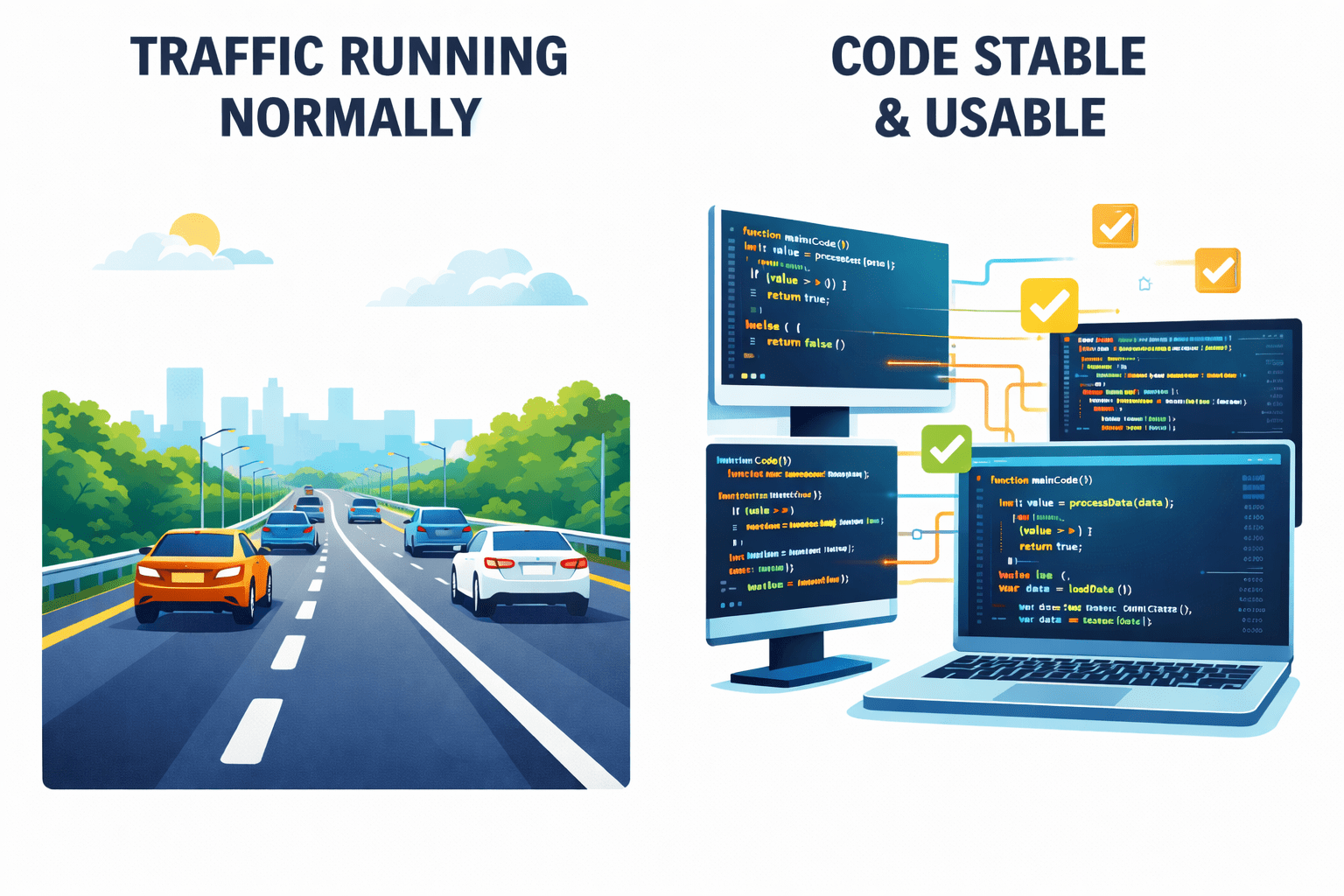
Traffic running normally
Project stays stable and usable
New branch
Temporary side road (diversion)
Road improvement work
New feature development / bug fix
Main branch remains unaffected
No disturbance to main traffic
Work happening on side road
Changes happen separately and safely
Developer resolves conflict manually
Engineer deciding final connection
Connecting the diversion back to the highway
Merging
Why We Use Branch and Merge
Many people work on the same project at the same time
Merging helps combine completed work smoothly
Branching prevents breaking the main project
If everyone works directly on the main code, it becomes risky
Both can work without disturbing each other
Example:
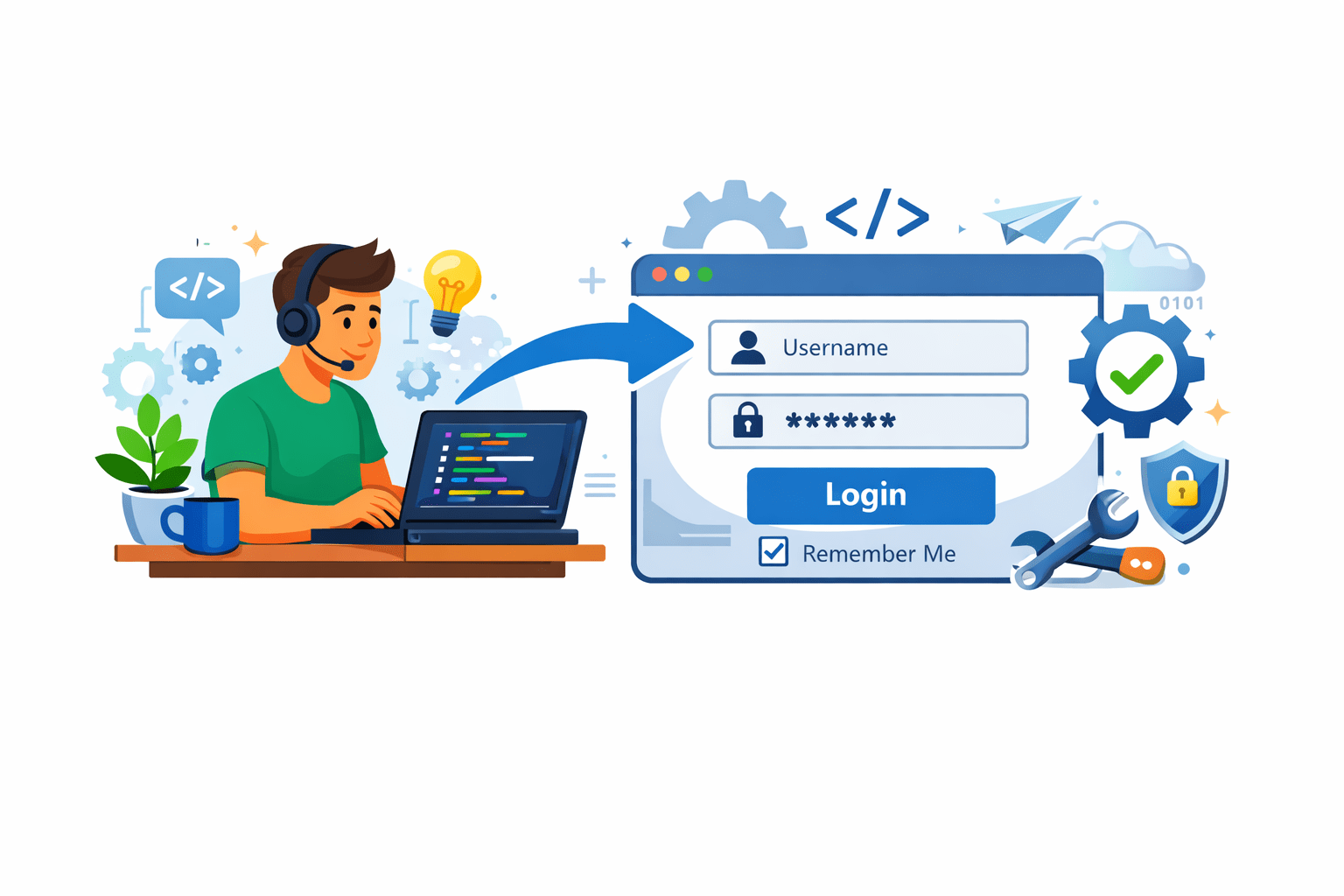
Developer A adds login
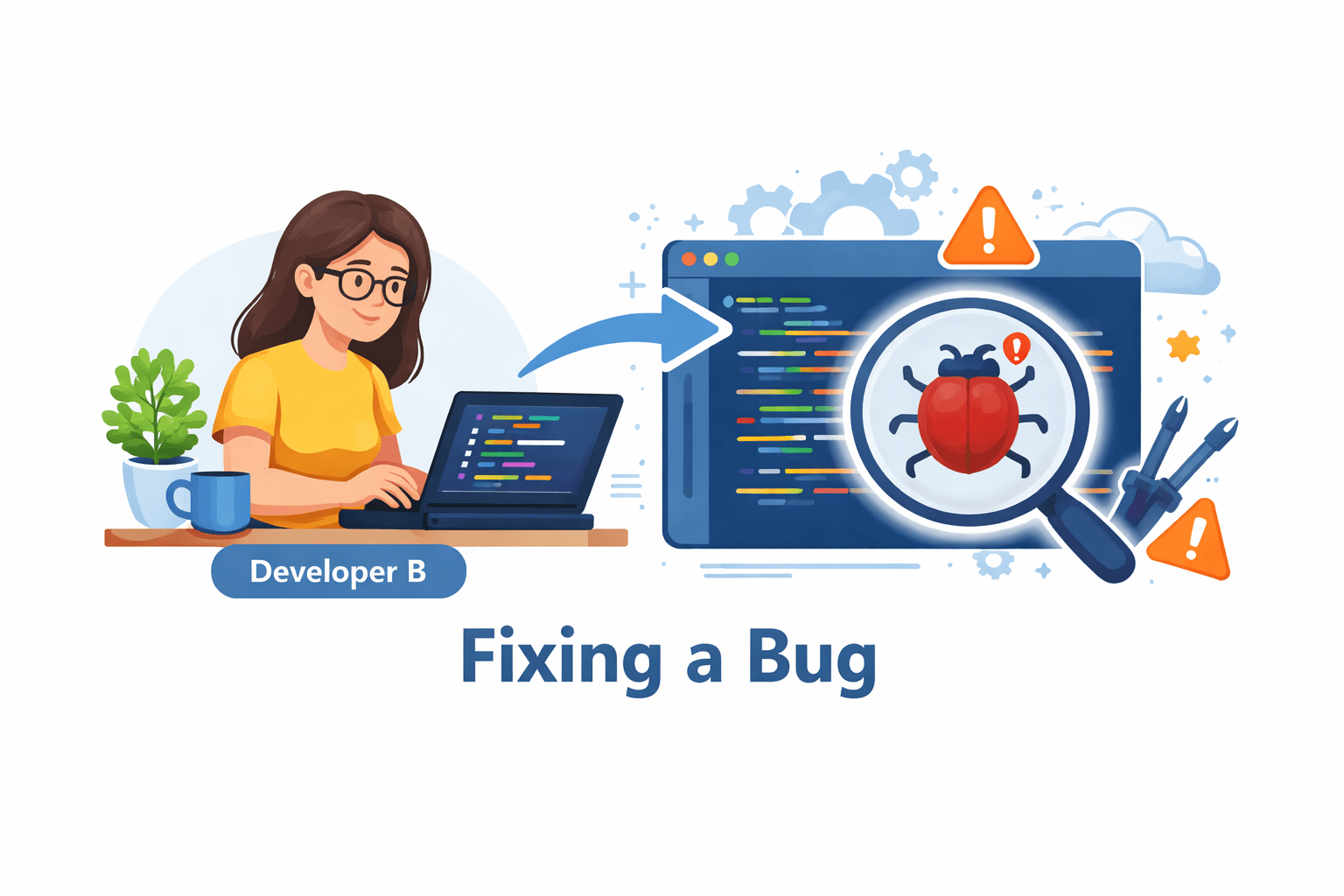
Developer B fixes a bug
What is a Branch?
Key Point:
The main branch stays stable
Feature work happens in a feature branch
What is Merge?
Key Point:
You usually merge your feature branch into the main branch
A branch is a separate copy of the project where you can work safely
Merge means combining changes from one branch into another branch
git branch [branch-name]Command:
Command:
git merge [branch-name]How Branch and Merge Works
Steps:
Make changes and commit
Switch to that branch
Merge the branch into main
i
Create a new branch
ii
iii
iv
Summary
5
Merge conflicts happen when same code is edited
4
Teams use branches to avoid breaking main code
3
Merge combines work back into one version
2
A branch is a separate line of development
1
Branching allows safe parallel work
Branch and merge are essential in industry projects
6
Quiz
Why do developers use branches?
A. To delete code
B. To work safely without changing main code
C. To stop commits
D. To remove Git
Quiz
Why do developers use branches?
A. To delete code
B. To work safely without changing main code
C. To stop commits
D. To remove Git
By Content ITV