












Content ITV PRO
This is Itvedant Content department
By the end of this session, learners will:
6
Understand automatic redeployment
5
Deploy app on Vercel and Netlify
4
Push React app to GitHub
3
Create a production build using Vite
2
Know difference between development and production
1
Understand build & deployment concepts
Before moving forward in this topic, let’s have a quick recap of Git.
Why Git before Deployment?
Deployment platforms get code from GitHub, not from your local system.
Code → add → commit → push → GitHubBasic Git Flow
No push = No deployment
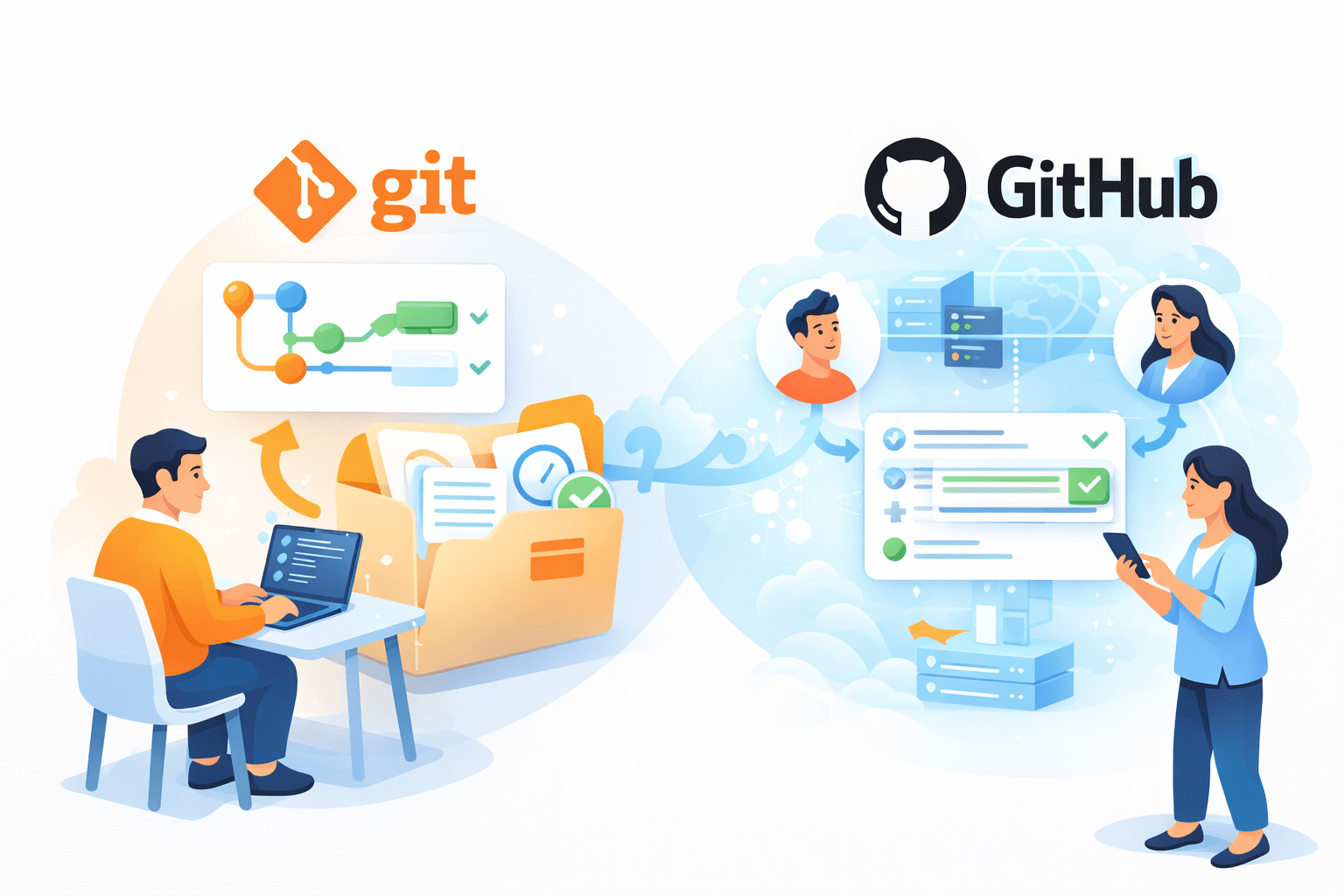
Git vs GitHub
Git → Version control (local)
GitHub → Online code repository
Before moving forward in this topic, let’s have a quick recap of Git.
Why Git before Deployment?
Deployment platforms get code from GitHub, not from your local system.
Code → add → commit → push → GitHubBasic Git Flow
No push = No deployment
Git vs GitHub
Git → Version control (local)
GitHub → Online code repository
Essential Git Commands
git init
git status
git add .
git commit -m "message"
git push origin main
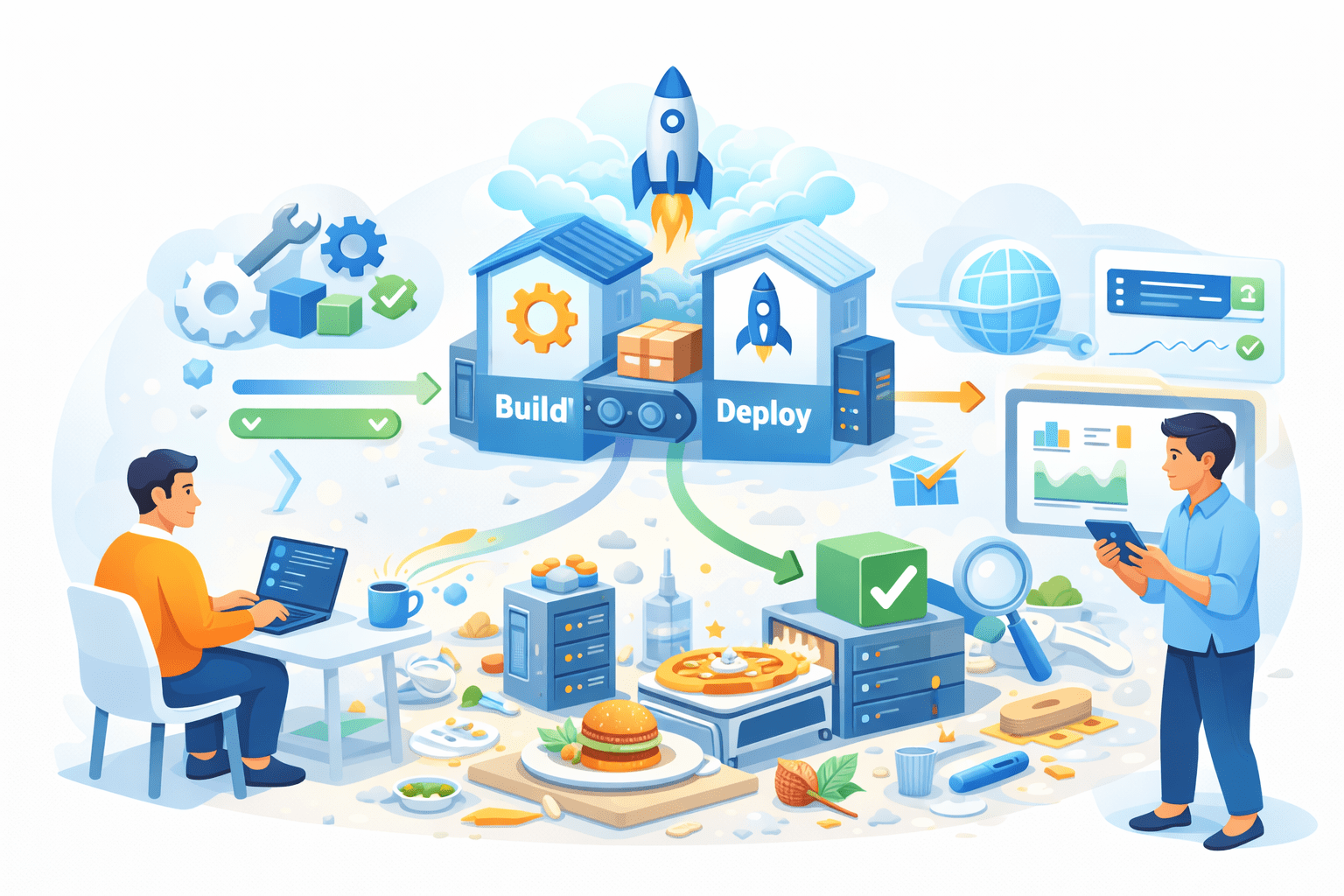
Cooking vs Serving Food Analogy
React build does the same:
Converts code into optimized files for users
Imagine Cooking in kitchen
Messy
Changes frequently
Development → Cooking in kitchen
Serving food to customers
Clean
Optimized
Ready to consume
Production → Serving food to customers
Why Build & Deployment Matter ?
Deployment helps:
- Make app accessible online
- Improve performance
- Share project with real users
React code:
- Cannot be directly served to users
- Needs optimization and bundling
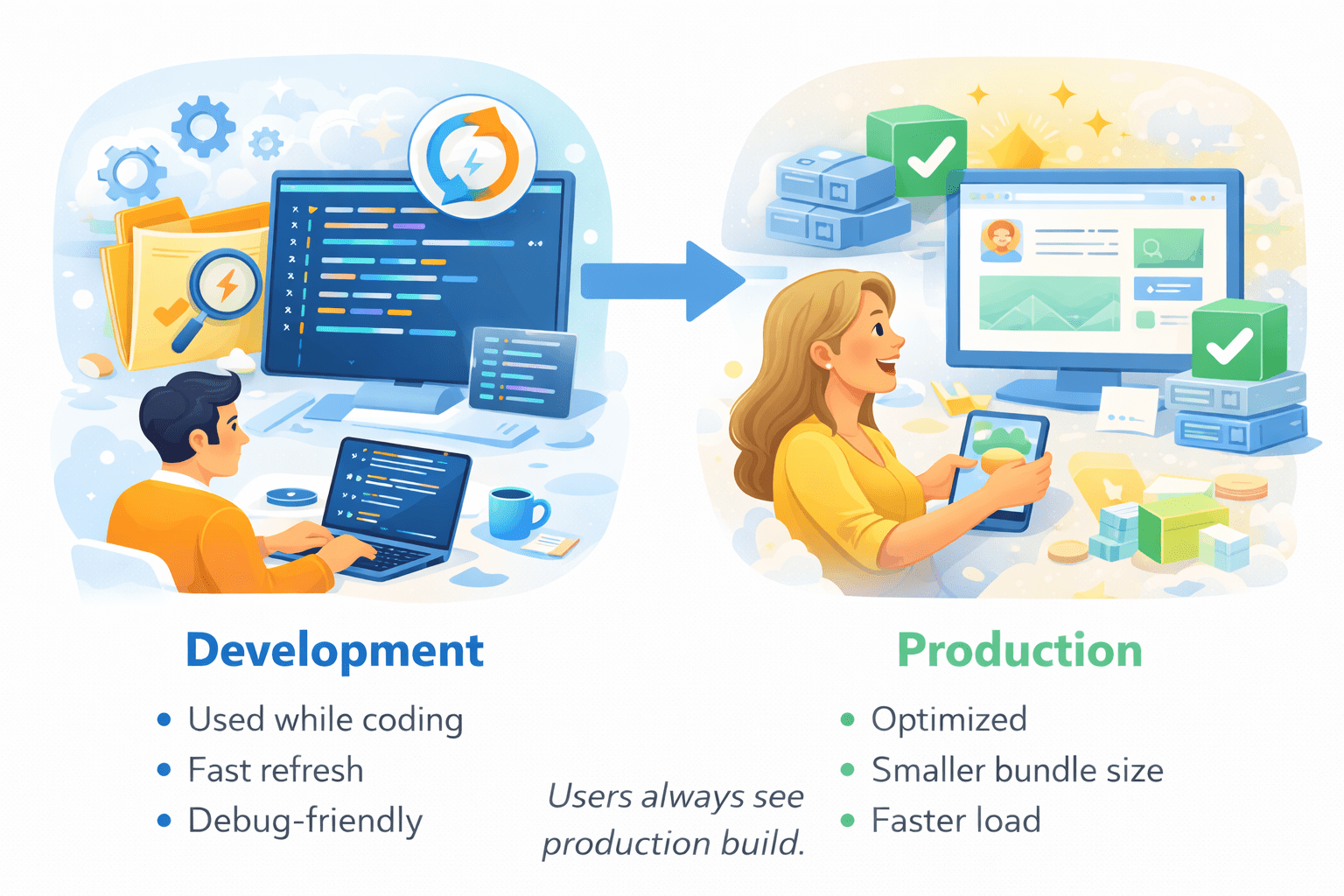
Development vs Production Build
Users always see production build.
Creating Production Build in Vite
Command:
What happens:
Code is bundled
Assets optimized
Ready for deployment
npm run buildBuild Output Folder
Vite creates a dist/ folder
dist/
├── index.html
├── assets/
│   ├── index-4f3a9c2e.js
│   ├── index-a8c21d9c.css
│   ├── vendor-9b2d1f7a.js
│   ├── logo-3e8f91a2.svg
│   └── font-7c1a2f4e.woff2
Only dist/ folder is deployed.
Preparing App for Deployment
Before deploying:
- App runs without errors
- Build command works
- package.json is correct
Git & GitHub Flow
Steps:
Initialize Git
Create GitHub repository
Push React app
Purpose:
Version control
Connect deployment platforms
Optional checks
- Environment variables
- Base path (if required)
Deployment Platforms
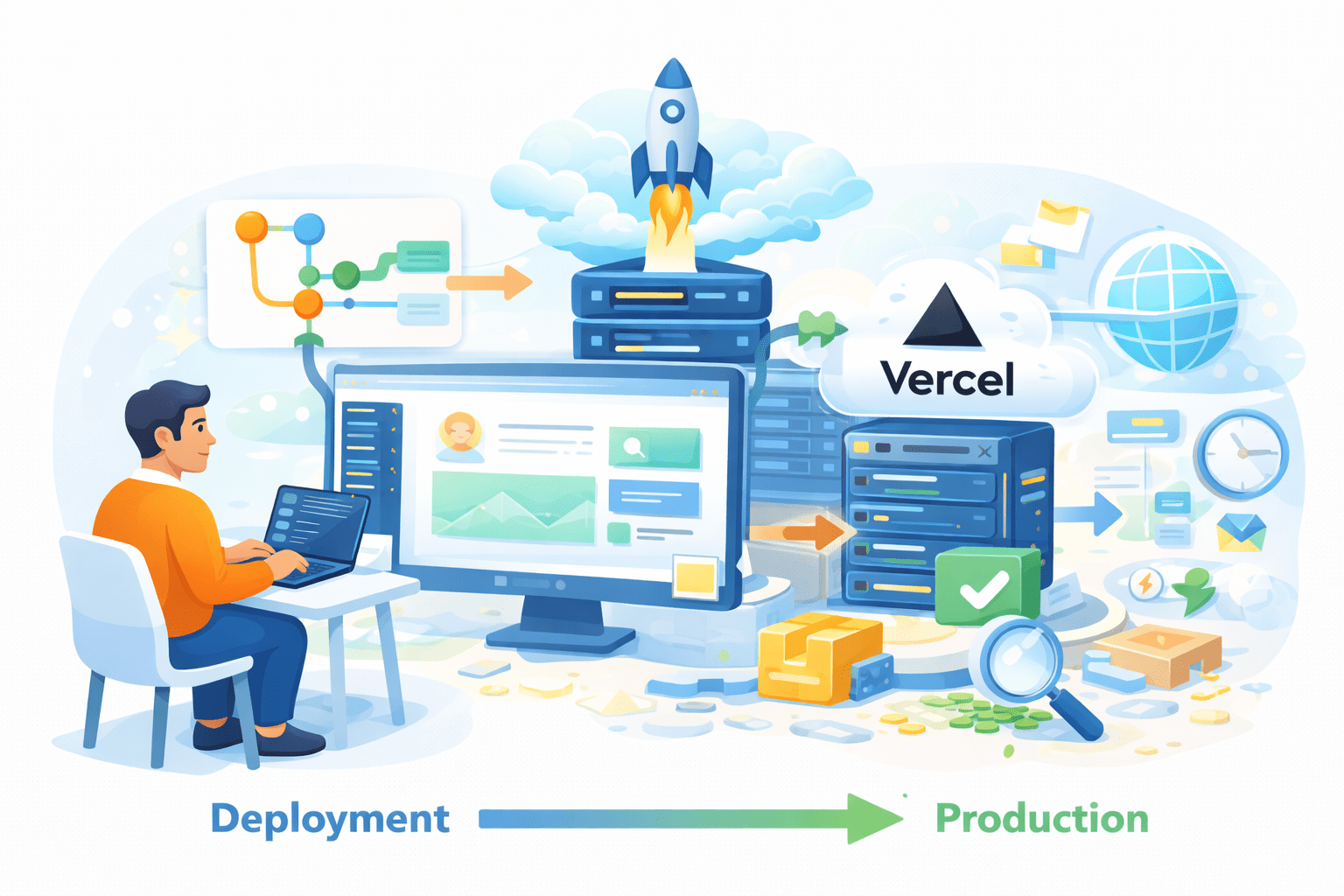
Deploying on Vercel
Steps:
Go to vercel.com
Sign in with GitHub
Click New Project
Select your React repository
Set build command
Deploy
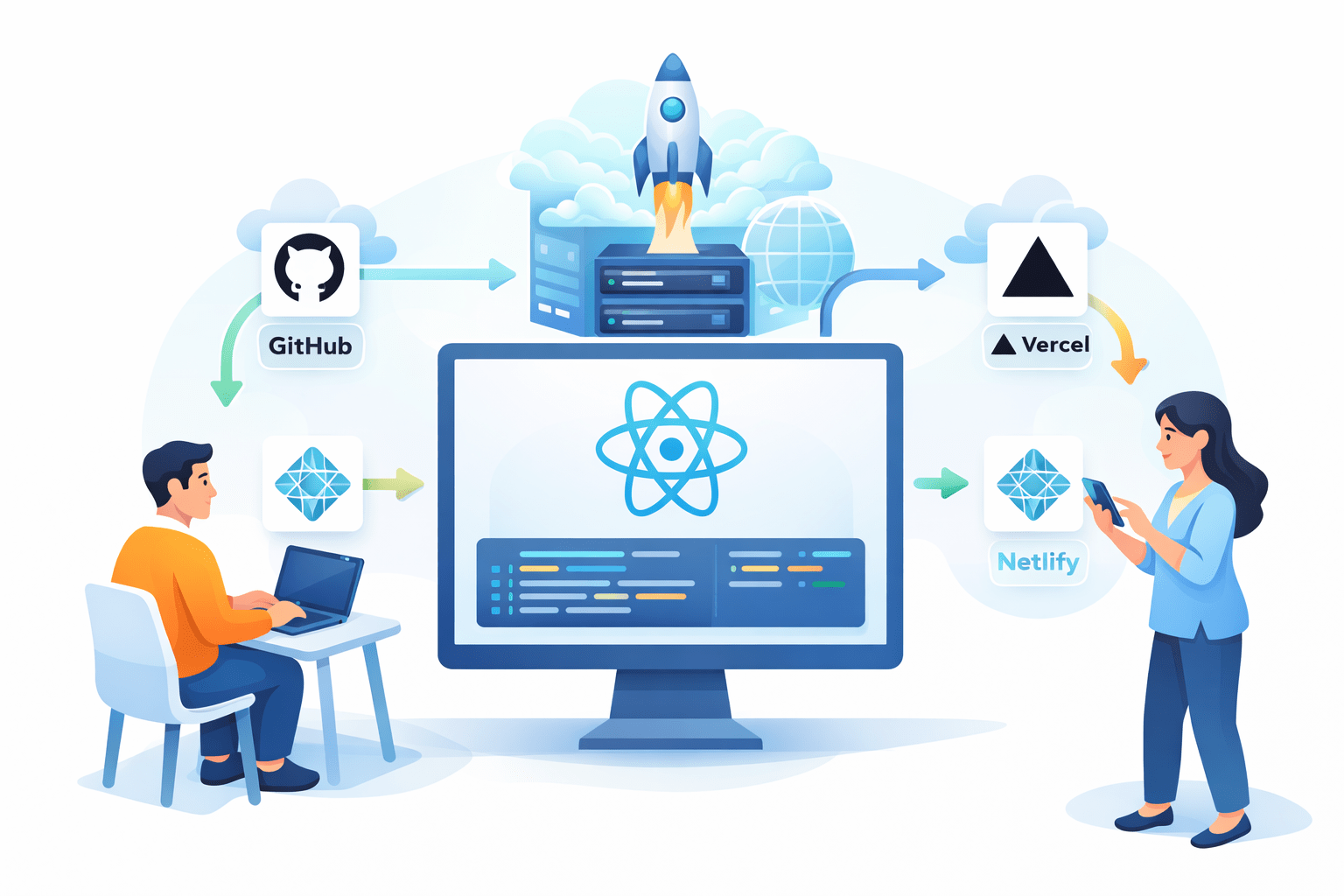
Vercel is a cloud platform optimized for frontend frameworks like React, Next.js, and Vite.
✔ Fast global CDN
✔ Automatic builds
✔ Free HTTPS
✔ Auto redeploy on Git push
Default:
Deployment Platforms
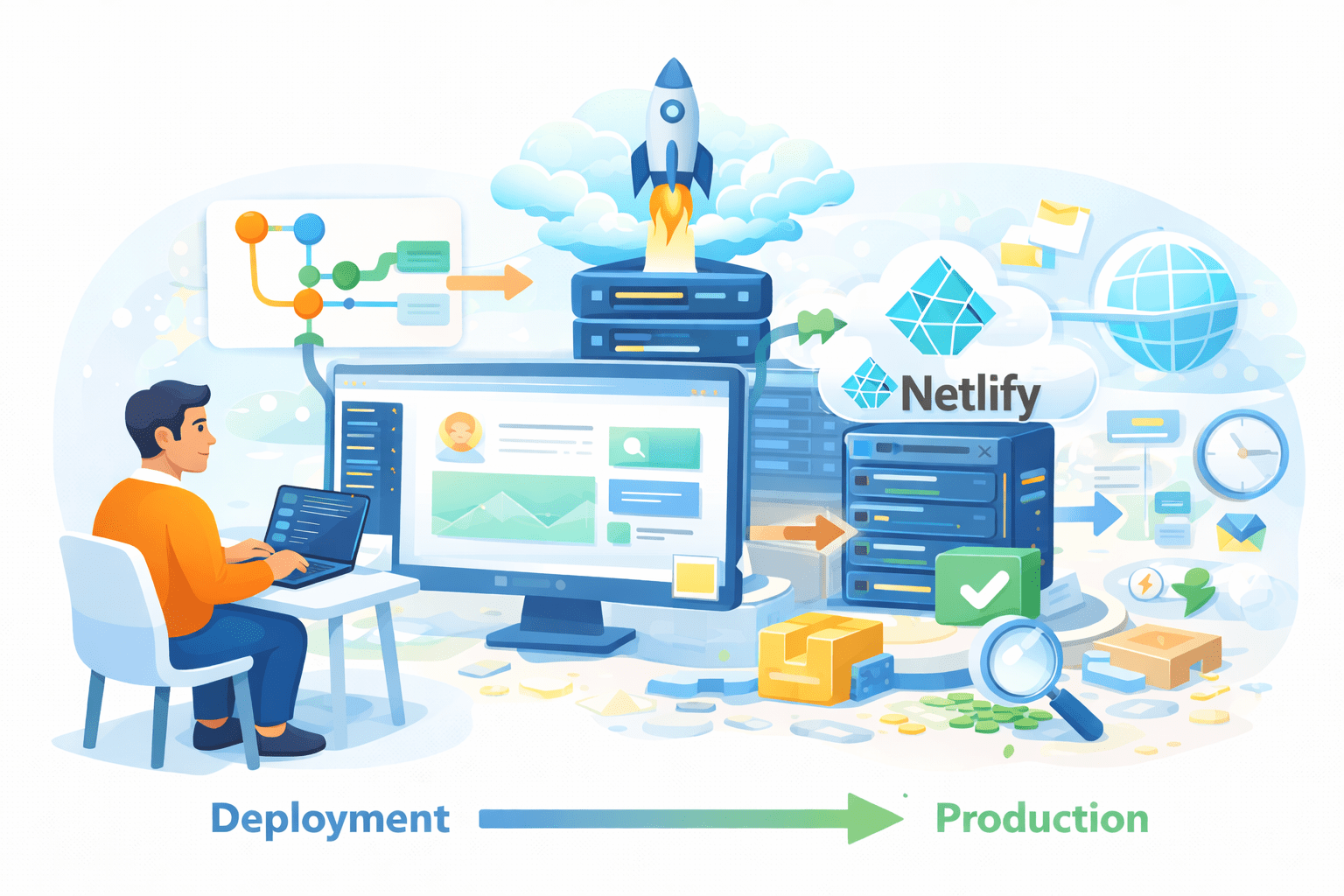
Deploying on Netlify
Steps:
Go to netlify.com
Login with GitHub
Click Add new site → Import from Git
Select your repository
Set build command
Set publish directory
Netlify is a powerful static hosting platform for frontend apps.
✔ Easy setup
✔ Free tier
✔ Continuous deployment
✔ SPA support
Common settings:
Build: npm run build
Deployment Platforms
Note : Trainers can choose any one platform (Vercel or Netlify) for practical deployment demonstration
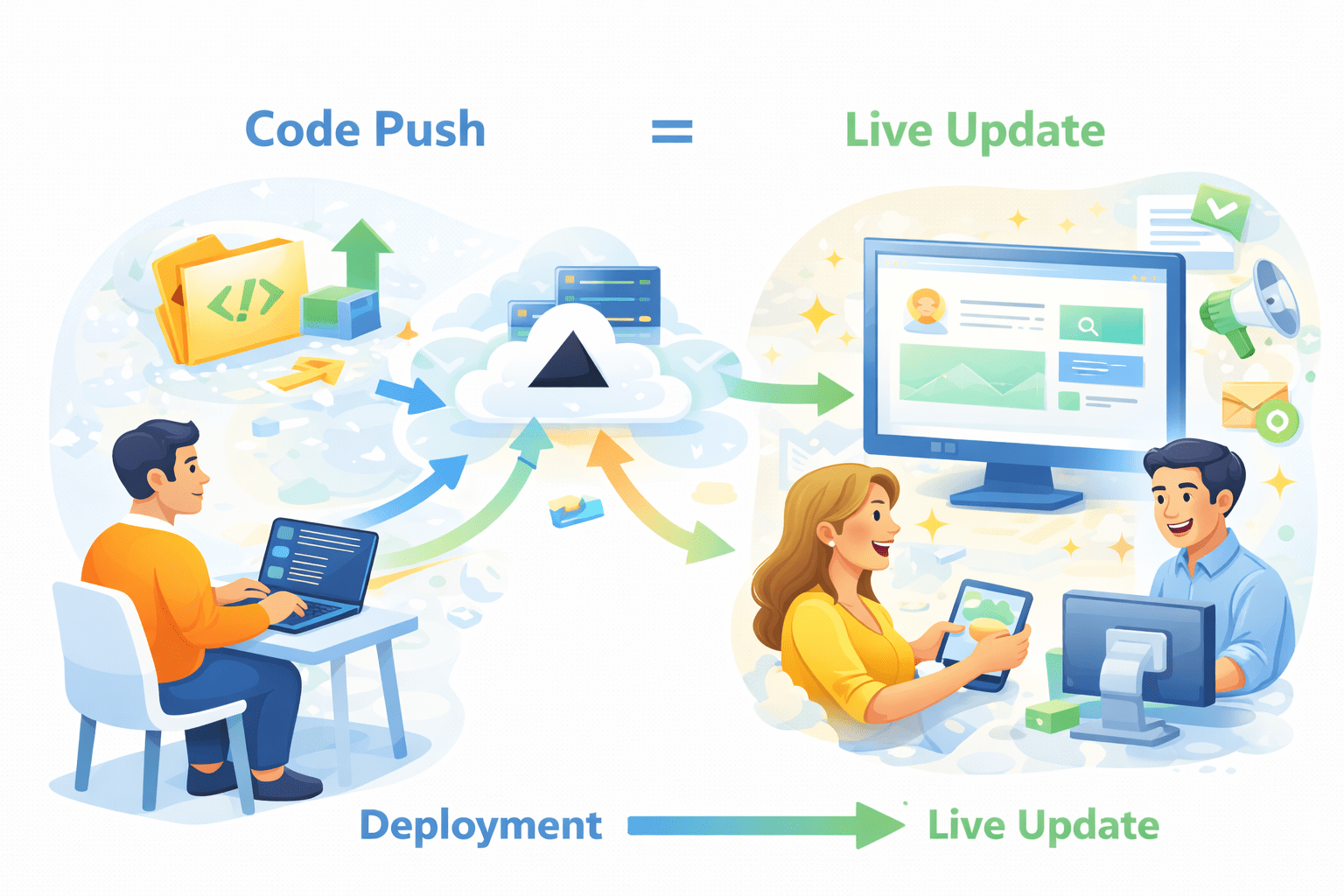
Code push = live update
Automatic Redeployment
How it works:
Push code to GitHub
Platform detects changes
App redeploys automaticall
Benefits:
No manual deployment
Faster updates
CI/CD basics
Summary
4
Automatic redeployment keeps app always updated
3
Vercel & Netlify simplify deployment
2
GitHub connects code to deployment platform
1
Build converts React code into production-ready files
Quiz
Automatic redeployment happens when
A. App reload
B. GitHub repo updates
C. Browser refresh
D. Local server runs
Quiz-Answer
Automatic redeployment happens when
A. App reload
B. GitHub repo updates
C. Browser refresh
D. Local server runs
By Content ITV