

















Content ITV PRO
This is Itvedant Content department
Learning Outcome(Slide2)
6
Basics of branding and messaging
5
Target audience and segmentation
4
Different marketing channels
3
Creating value for customers
2
Understanding customer needs
1
What marketing means ?
Choose cool, soft colors instead of vibrant colors
Max 6 Points for Summary & Min 4
Topic Name-Recall(Slide3)
To achieve this, HTML provides a special element called the Form Tag (<form>).
<form>
</form>
Its like a container having various form elements
To create a form in HTML, you use the <form> tag
User information
Credentials
Surveys
Reviews
Online quizes
File uploads
The action attribute specifies where the form data should be sent after the user submits the form.
When the Submit button is clicked, the browser sends the form data to the URL specified in the action attribute.
Example :
<form action="success.html">
</form>
The method attribute specifies how the form data should be sent to the server when the form is submitted.
GET
POST
Example :
<form method = "get">
Example :
<form method = "post">
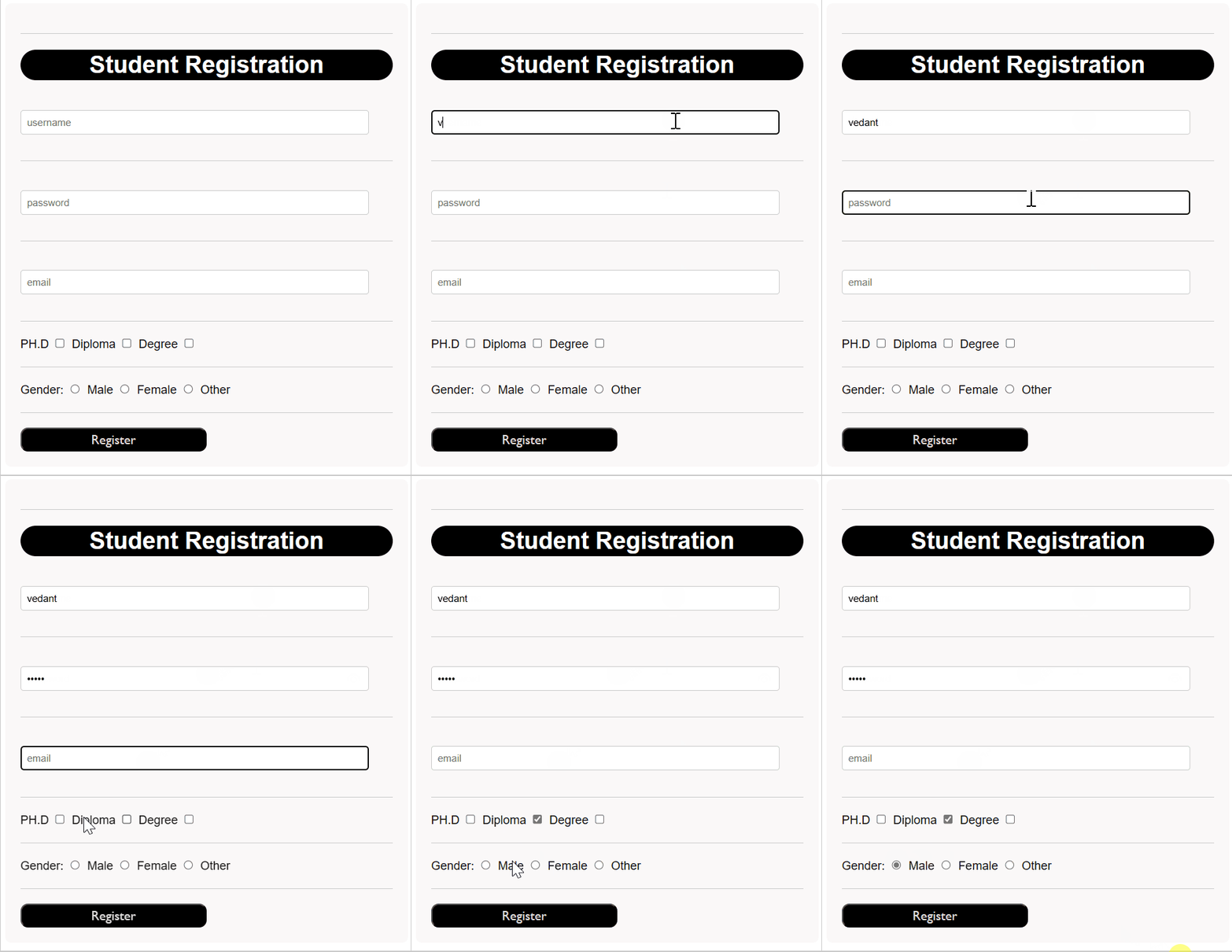
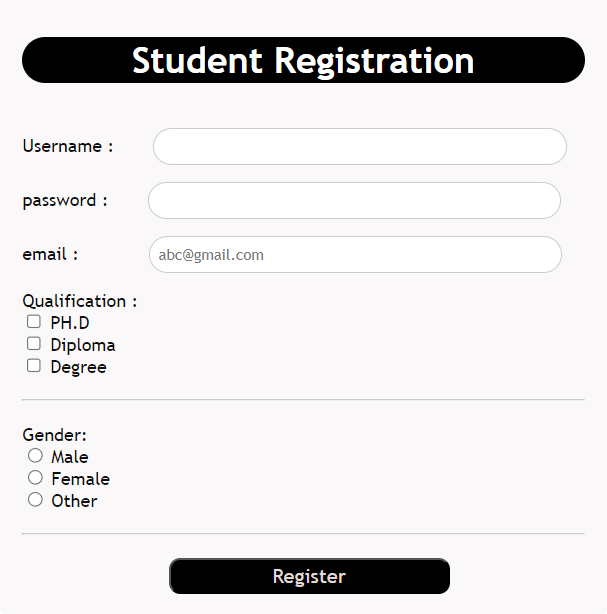
The <input> element allows users to enter data into a web form using 'type' attribute
Input field defined using <input>
Input field defined using <input>
The 'type' attribute specifies the role of the input field
<input type="text" >

<input type="password" >

<input type="email" >

<input type="checkbox" >

<input type="radio" >
Vedant
********
Vedant98@mail.com
The 'type' attribute specifies the role of the input field
Used to collect normal text input.
Used to collect passwords securely.
Characters appear hidden.
Used to collect email addresses.
Browser validates email format automatically.
Checkbox allows selecting multiple options
Radio buttons allow selecting only one option from multiple choices.
<input type="text" >

<input type="password" >

<input type="email" >

<input type="checkbox" >

<input type="radio" >
Vedant
********
Vedant98@mail.com
The 'type' attribute specifies the role of the input field
HTML provides many input types. These are just a few commonly used ones. You can explore other input types as needed.
Core Concepts (Slide 7)
Core Concepts (.....Slide N-3)
Summary
5
Build strong branding
4
Use different marketing channels
3
Target the right audience
2
Create and communicate value
1
Understand customer needs
Choose cool, soft colors instead of vibrant colors
Max 5 Points for Summary & Min 2
Quiz
Which platform is mainly used for professional networking and B2B marketing ?
A. Facebook
B. Instagram
C. LinkedIn
D. Snapchat
Quiz-Answer
Which platform is mainly used for professional networking and B2B marketing ?
A. Facebook
B. Instagram
C. LinkedIn
D. Snapchat
By Content ITV