Content ITV PRO
This is Itvedant Content department
Practical Analysis of OSI vs TCP/IP Models Through Network Simulation
Business Scenario
Welcome!
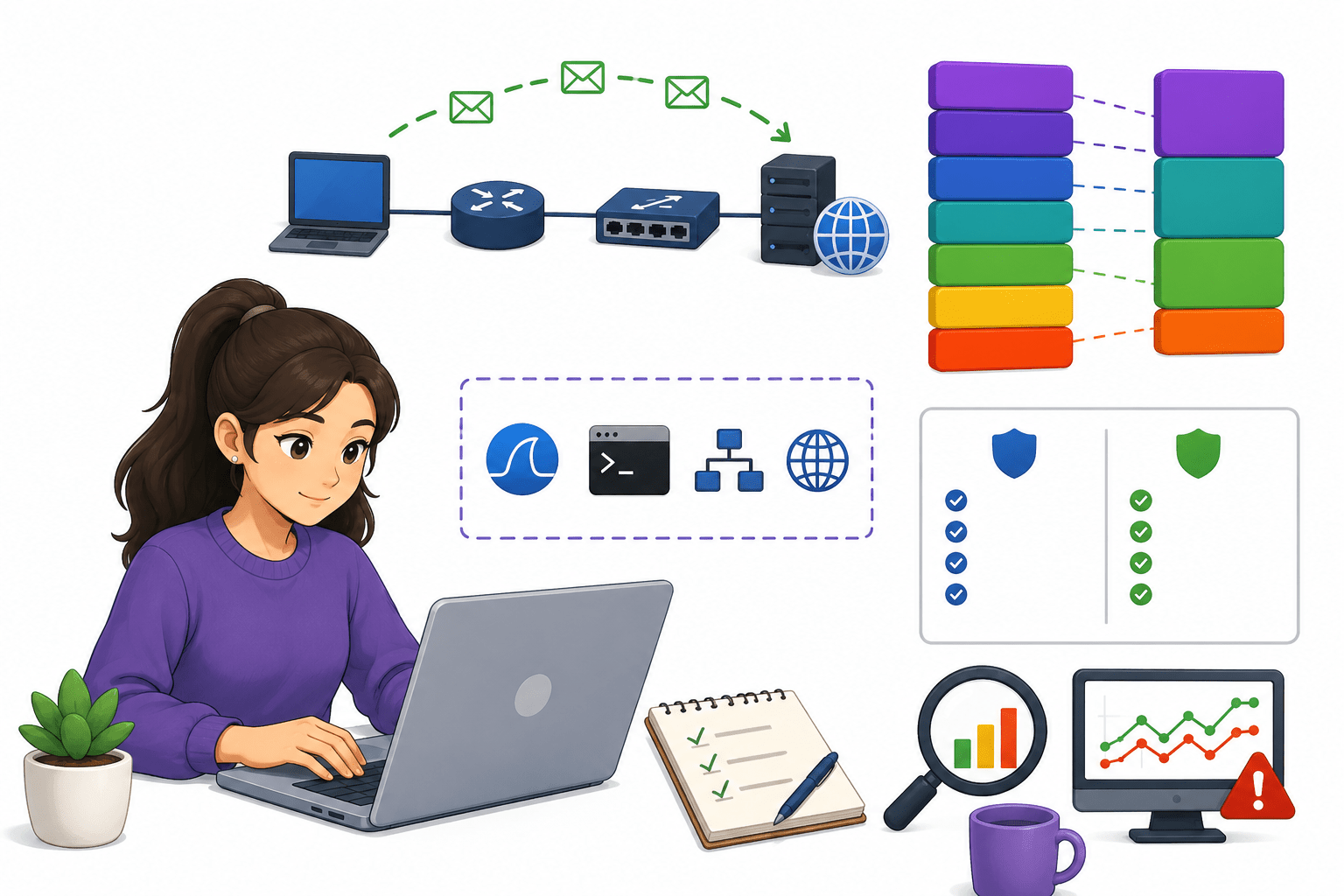
You have joined NetSecureX Solutions as a Junior Network Analyst, where users are experiencing slow internet speeds and connectivity problems. Your responsibility is to examine how data moves across the network using tools like Wireshark and commands such as ping, arp, and curl. By tracking packets through the OSI and TCP/IP layers and analyzing the behavior of TCP and UDP protocols, you work to identify network issues and enhance overall communication performance.
Pre-Lab Preparation
Topic : Core Internet Technologies
1) TCP/IP And OSI Model.
2) Ports and common network protocols.
Task 1: Explore OSI and TCP/IP 4-Layer Architecture
Practical Analyze TCP vs UDP Protocol Behavior Trace Data Flow Across Network Layers Practically Perform real commands to relate theory with practice
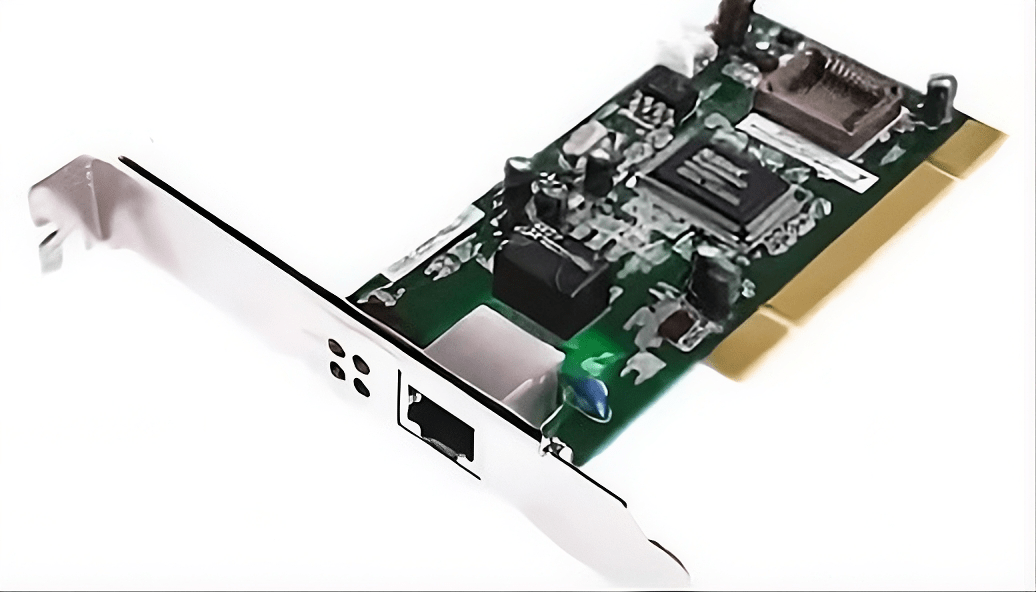
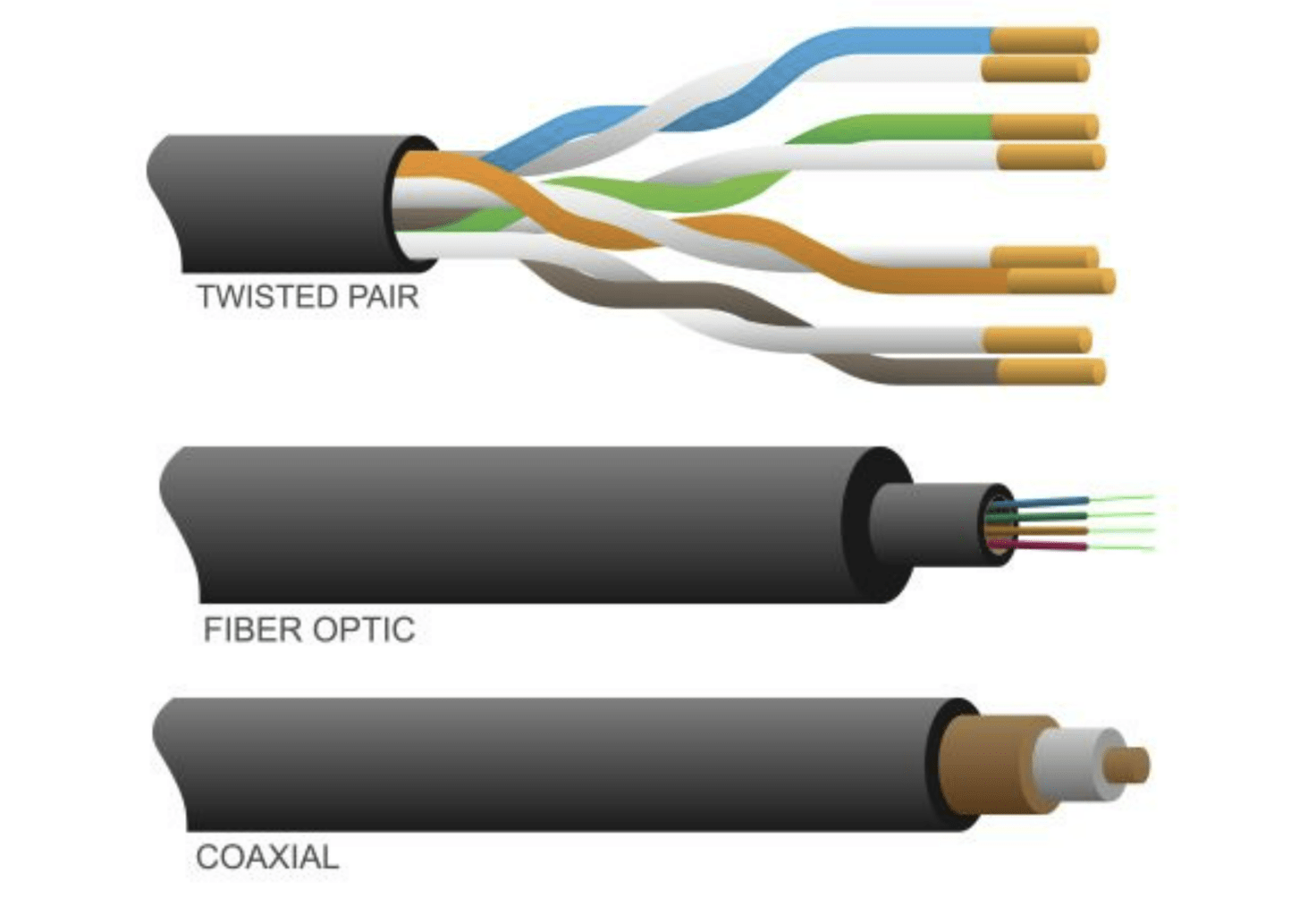
Physical Layer:
a
The Network Interface Card (NIC) converts digital data into electrical or wireless signals.
The physical wire (Ethernet cable) carries these signals between devices for communication.
OSI Layer
1
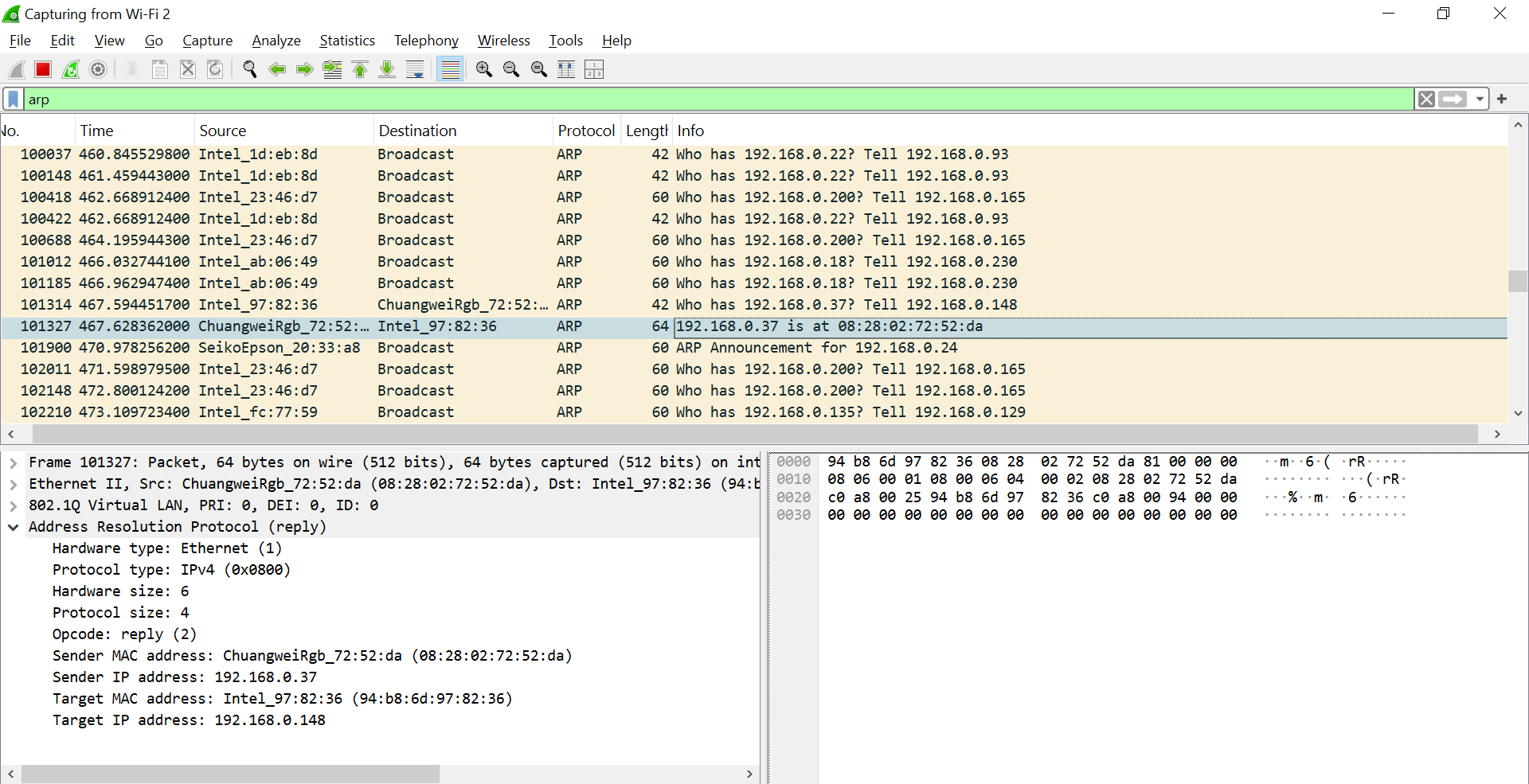
Data Link Layer (ARP)
b
Filter:
arp
Perform:
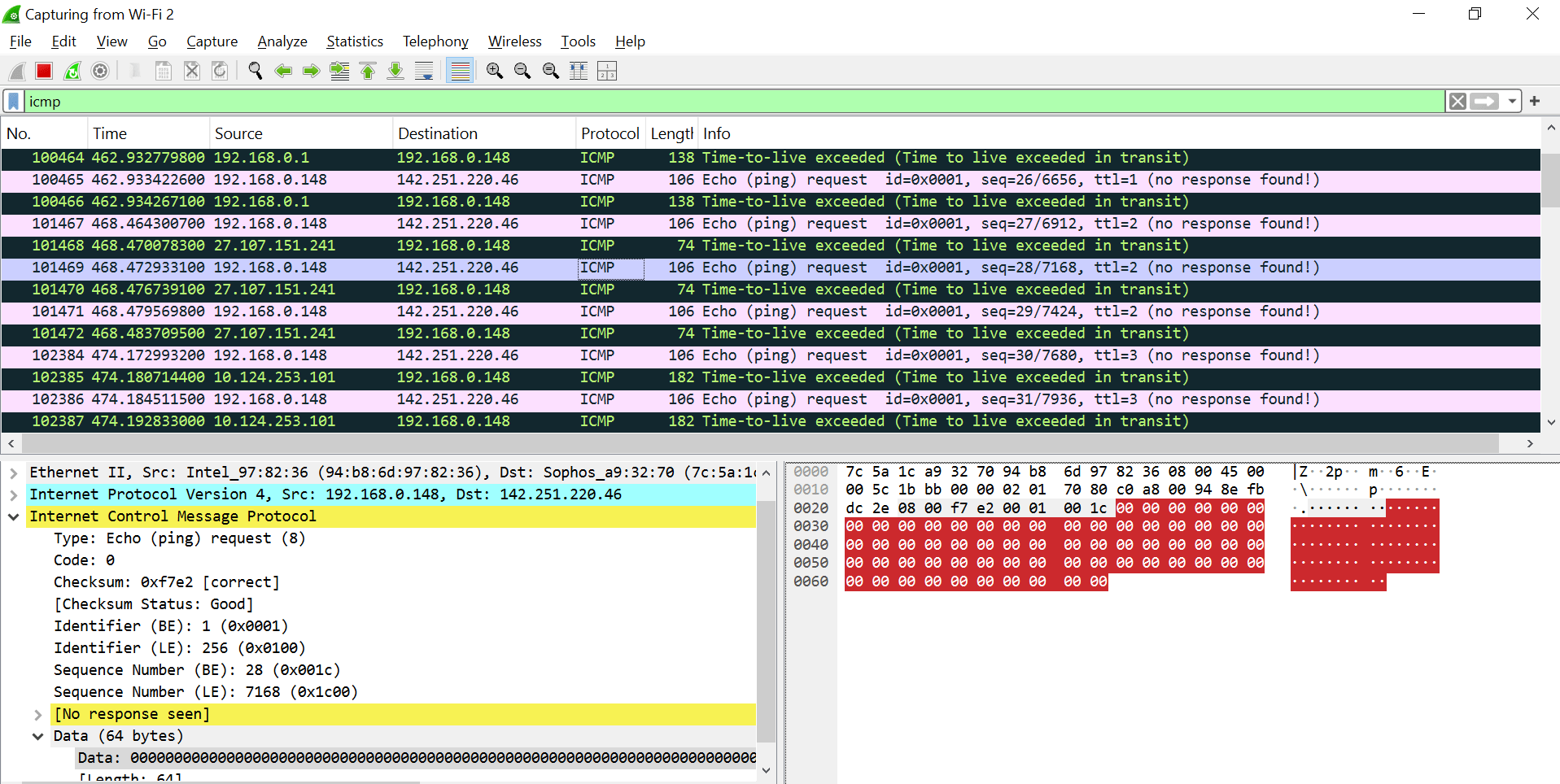
ping 192.168.0.1Network Layer (ICMP)
c
Filter:
icmp
Observe:
Echo Request
Echo Reply
TTL exceeded (as in your screenshot)
Conclusion:
ICMP is used for network diagnostics
TTL shows packet lifetime → routers decrement it
ping google.com
Perform:
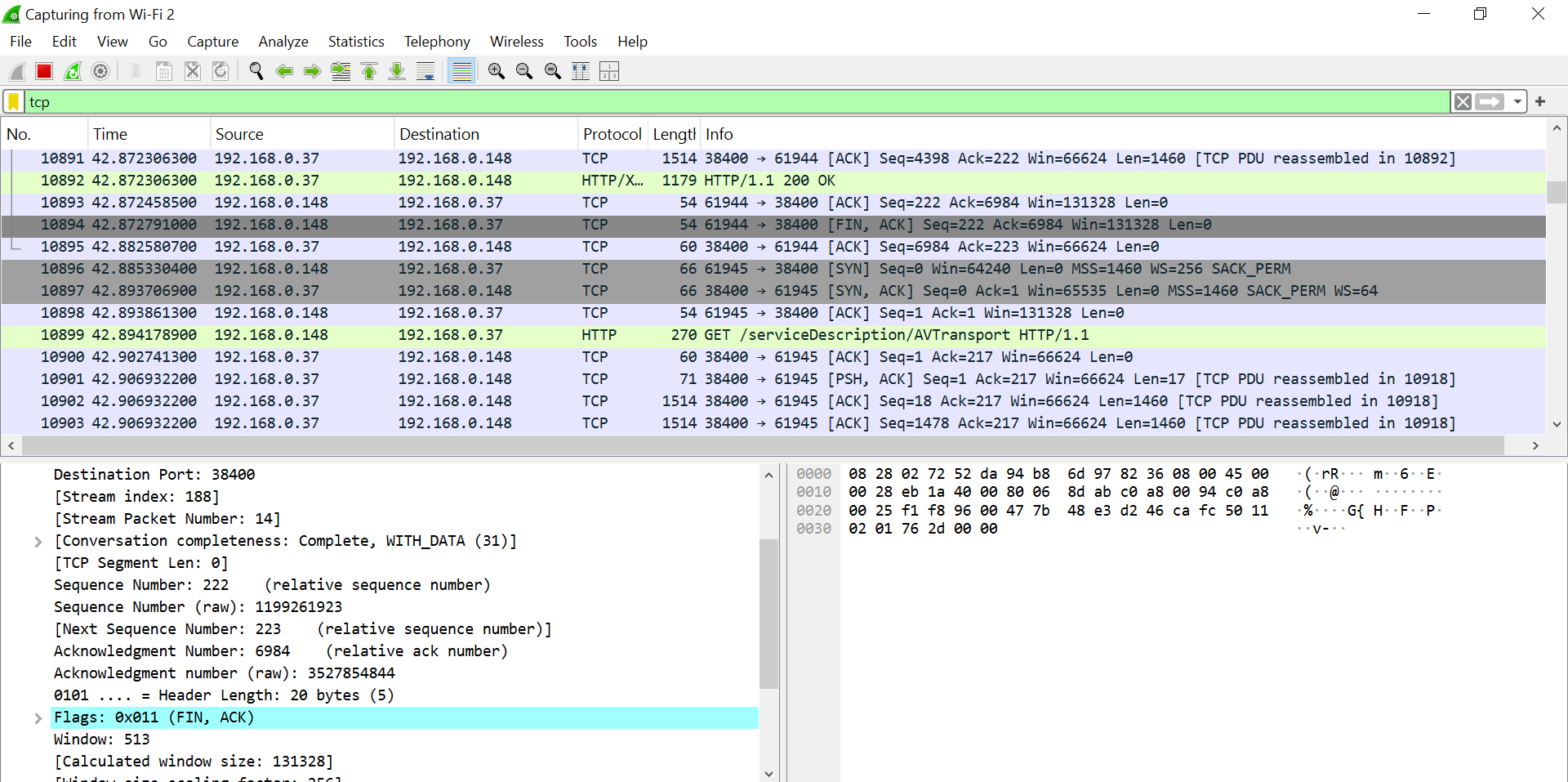
Transport Layer (TCP)
d
Filter:
tcp
Perform:
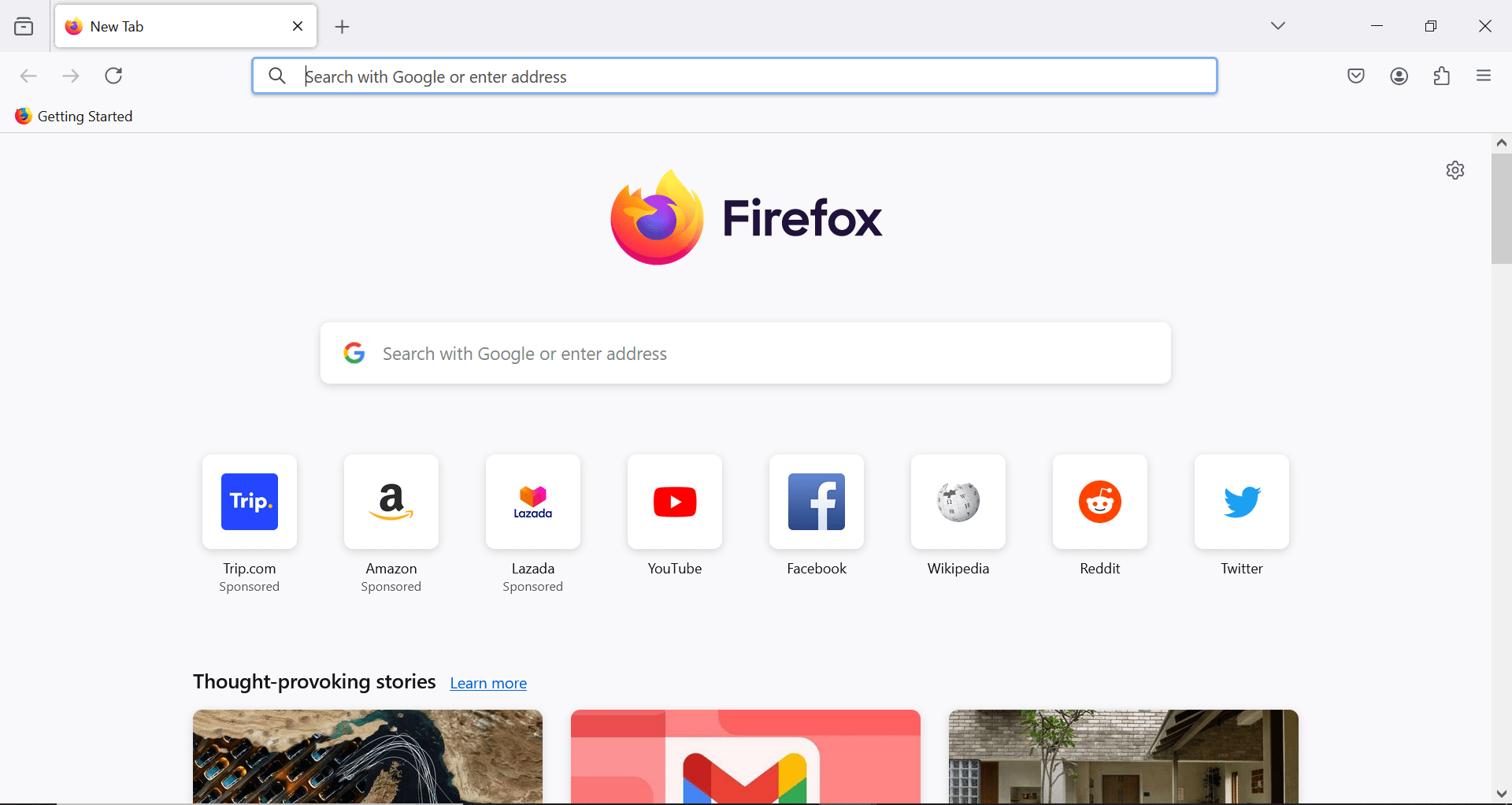
Open browser → visit any website
Observe:
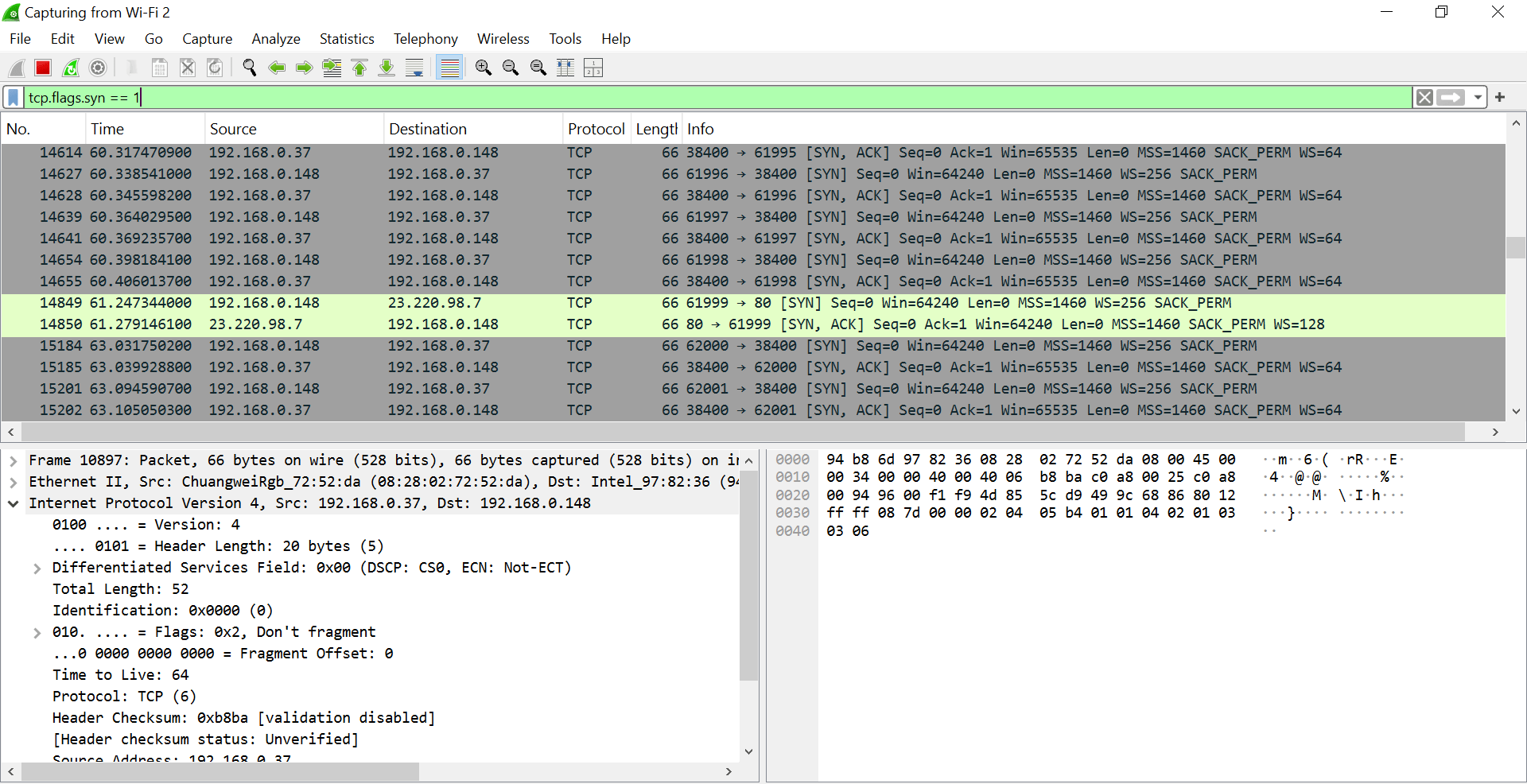
SYN
SYN-ACK
ACK
FIN, ACK
Special Filter (screenshot):
tcp.flags.syn == 1
Conclusion:
TCP uses 3-way handshake
Provides reliable communication
Session Layer
e
Filter:
tcp.stream eq X
(Select a packet → right-click → Follow → TCP Stream)
Observe:
Continuous session between client & server
Session start & end (SYN → FIN)
Conclusion:
Session layer manages connection lifecycle
Presentation Layer (TLS/Encryption)
f
Filter:
Tls or ssl
Perform:
Observe:
TLSv1.2 / TLSv1.3 packets
Encrypted Application Data (as in your screenshot)
https://google.com
Conclusion:
Handles encryption/decryption
Data is unreadable (secured)
Application Layer (HTTP)
g
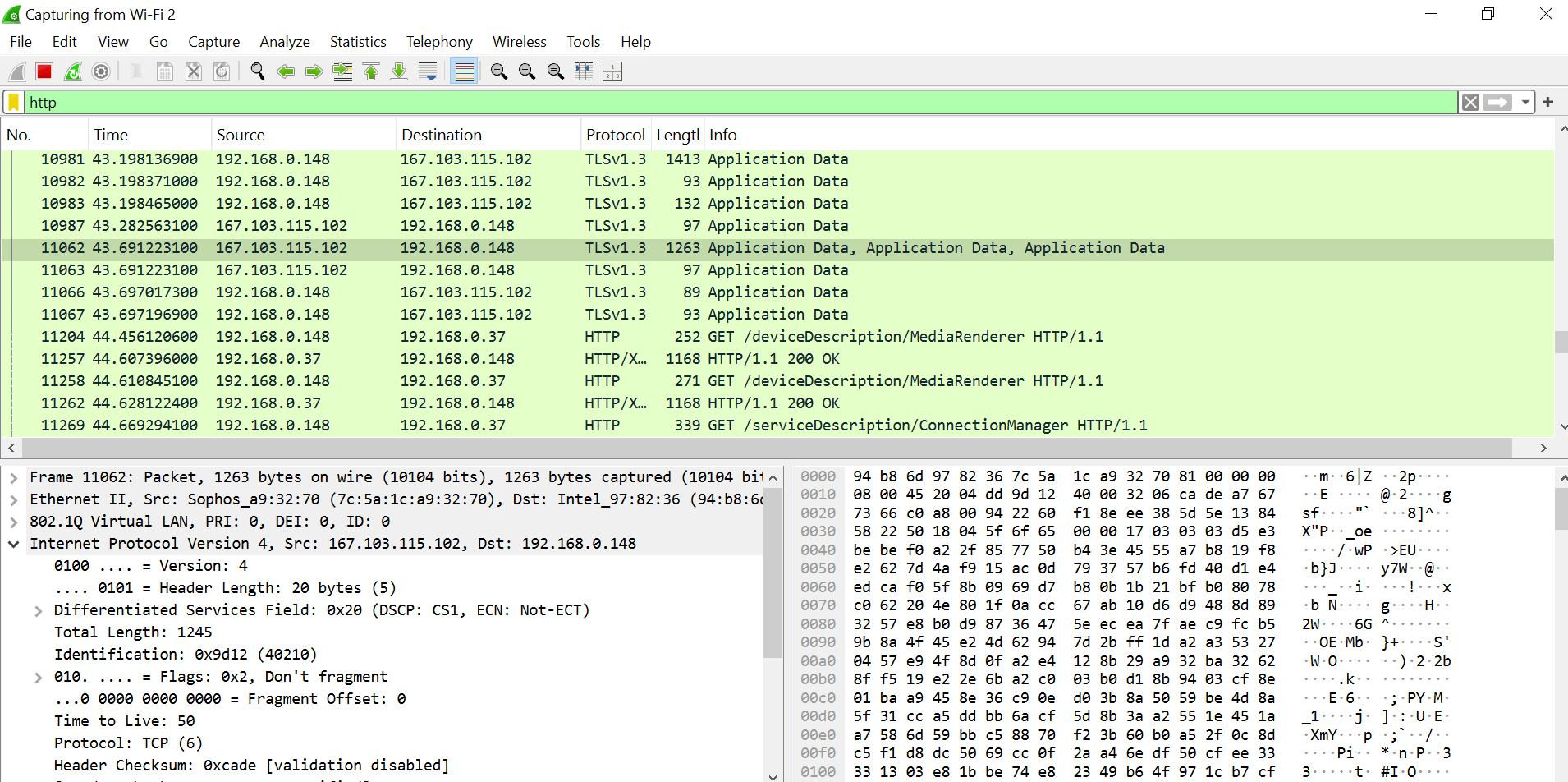
Filter:
http
Perform:
Observe (image):
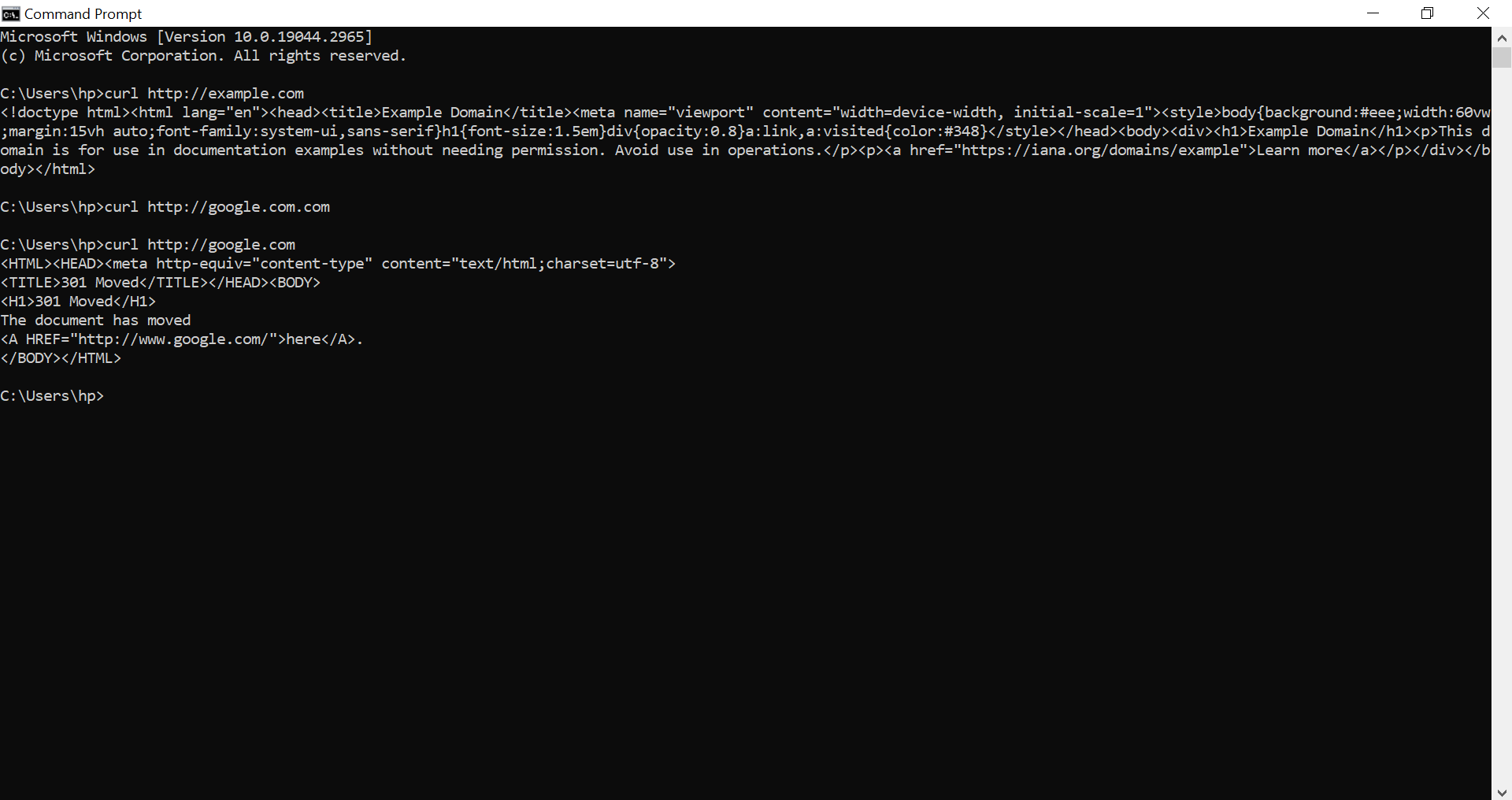
GET request
HTTP/1.1 200 OK
Website data
curl http://example.com
Since we have already explained the OSI model using Wireshark, most of the packet-level details are covered there.
The TCP/IP model can be understood by mapping its layers to OSI:
Application → OSI Application, Presentation, Session
Transport → OSI Transport
Internet → OSI Network
Network Access → OSI Data Link + Physical
So, instead of repeating the same analysis, we will refer to the OSI Wireshark practical and use it to understand how TCP/IP layers work in real network communication.
Great job!
You have successfully completed your lab on OSI vs TCP/IP Models.
In this lab, you have: Understood OSI & TCP/IP, Used Wireshark, Performed ping, arp, curl, Analyzed TCP vs UDP
You are now ready for Network Troubleshooting
Checkpoint
Next-Lab Preparation
Topic : Network Routing & Communication
1) Routing Process - ARP DHCP NAT
2) Routing Protocols – BGP RIP OSPF
By Content ITV