Content ITV PRO
This is Itvedant Content department
Logo Design Using Canva
Business Scenario
Welcome back, Digital Marketing Executive!
Great job completing the first task.
You now understand where to market.
But a real Digital Marketer doesn’t stop there…
The next step is understanding how to use these channels effectively. Because in Digital Marketing…
Knowing channels is not enough. If you don’t know how to use them. You won’t get results
Now it’s time to move into visual branding Because before running ads or posting content...Your brand needs a strong identity and the first step to that is: Designing a Logo
Pre-Lab Preparation
Topic : Designing with Canva
1) Logo Designing
2) Instagram Ad Creative
Task 1: Creating a Logo Using Canva
Objective :
Learn how to design a professional logo using Canva by understanding:
Let us learn this through a case study of the Savannah logo
1
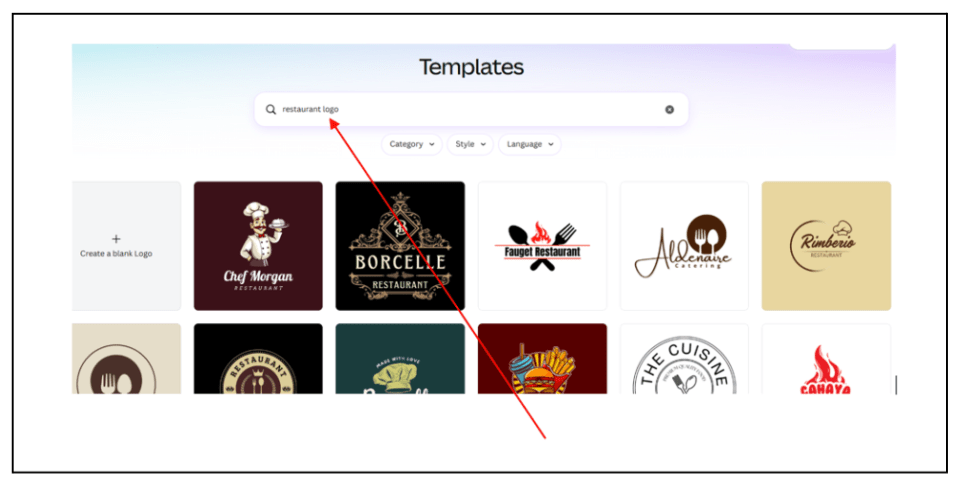
Choose Logo Style
Go to Canva → Search “Restaurant Logo”
Select a style:
Minimal
Elegant
Icon-based
Typography-based
Example:
Savannah chooses a minimal elegant logo
2
Select Colors
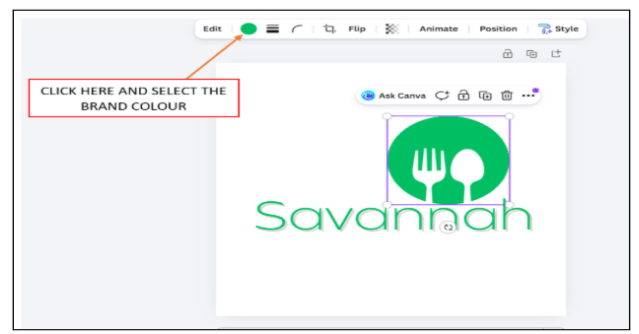
Choose colors based on brand personality:
Green → Fresh / Natural
Gold → Premium
Brown → Food / Warmth
Example: Savannah uses Green + Gold for a premium feel
3
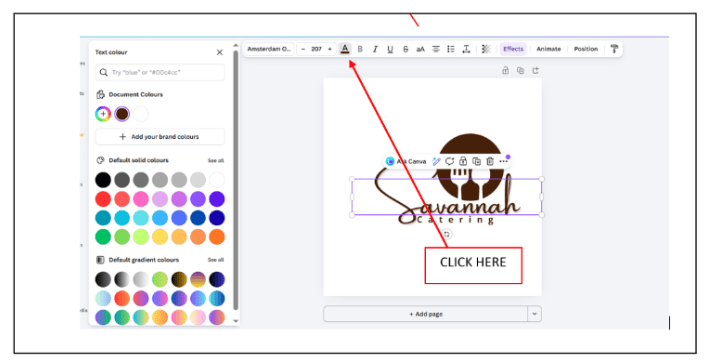
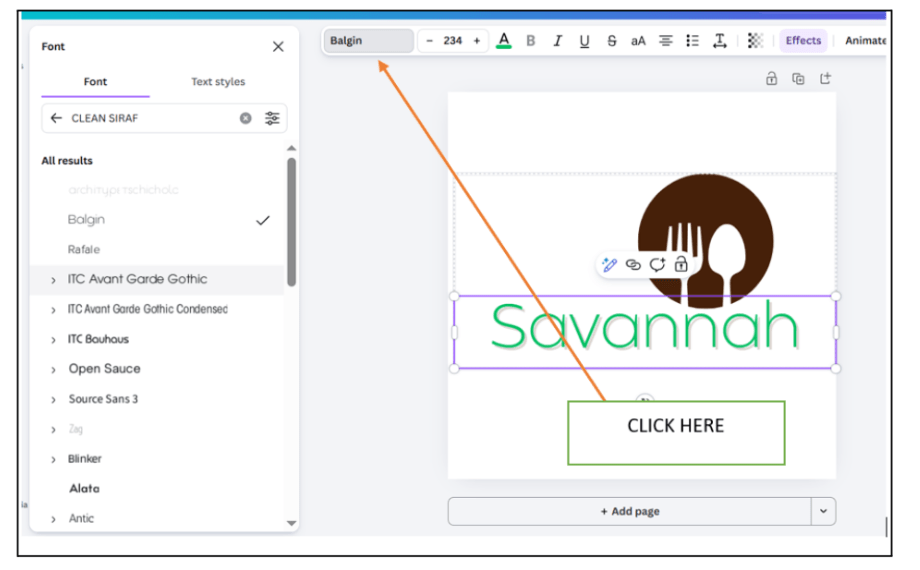
Choose Fonts
Font defines tone:
Serif → Premium / classy
Sans-serif → Modern / clean
Script → Creative / stylish
Example:
Savannah uses a clean serif font
4
Add Icon or Symbol
Choose relevant visuals:
Food icon
Leaf (freshness)
Cutlery
Example:
Savannah uses a minimal leaf + fork icon
Activity
Now it’s your turn:
Follow these steps:
Define brand personality (traditional / spicy / family restaurant)
Choose colors (warm tones like red, orange, yellow)
Select font style
Add a relevant icon (spices, leaf, flame, etc.)
1 Logo design
Final Output:
Congratulations!
You have successfully completed the Logo Design Using Canva
What You Learned :
Importance of visual branding
How colors, fonts, and icons define a brand
Practical skill of creating logos using Canva.
Checkpoint
By Content ITV