Crafting UI
Animation & Positioning
Mål: Bygge "levende" sites
Scroll-driven animations
Scroll driven animation
Scroll driven animation
Loading...
Scroll driven animation
Loading...
Scroll driven animation
Loading...
Scroll driven animation
Loading...
Time-based vs. Scroll-driven
.element {
  animation: rotate 2s linear;
}
Tid
0s
2s
1s
Scroll
0%
100%
50%
.element {
  animation: progress linear both;
  animation-timeline: scroll(root);
}
Scroll-driven animation
Brug dokumentet som tidslinje
.element {
  animation: progress linear both;
  animation-timeline: scroll(); /* nearest */
}
Scroll-driven animation
Brug dokumentet som tidslinje
Scroll-driven animation
.element {
  animation: reveal linear both;
  animation-timeline: view();
  animation-range: entry 0% exit 100%;
}
Scroll-driven animation
Hold øje med et element ift. viewporten
Scroll-driven animation
Scroll-driven animation
Loading...
Scroll-driven animation
Loading...
Scroll-driven animation
Loading...
Scroll-driven animation
h1 {
  animation: ;
  animation-timeline: ;
  animation-range: ;
}Scroll driven animation
Loading...
Optimized flip-animations
View transitions
View Transitions
Loading...
View Transitions
Loading...
View Transitions
Loading...
View Transition
.box-1 {
  view-transition-name: box-1;
}

.box-2 {
  view-transition-name: box-2;
}
View Transition
.box {
  view-transition-name: match-element;
}
View Transition
.box {
  view-transition-name: match-element;
}
btn.addEventListener("click", () => {
document.startViewTransition(() => grid.classList.toggle("col-count"));
});View Transition
.box {
  view-transition-name: match-element;
}
btn.addEventListener("click", () => {
if (document.startViewTransition) {
document.startViewTransition(() => grid.classList.toggle("col-count"));
} else {
grid.classList.toggle("col-count");
}
});View Transition
.box {
  view-transition-name: match-element;
  view-transition-class: boxes;
}

::view-transition-new(.boxes) {
  animation: scale-in .5s both;
}

::view-transition-old(.boxes) {
  animation: scale-in .5s both reverse;
}
View Transition
@view-transition {
  navigation: auto;
}
Mål: Gøre sig bekendt med moderne positioning
Anchor Positioning
Anchor Positioning
Anchor Positioning
<span>⚓️ Anker</span>

<div>
  <h2>Heading</h2>
  <p>Lorem ipsum dolor sit amet consectetur adipisicing elit. Saepe.</p>
</div>
Properties
Anchor Positioning
Anchor Positioning
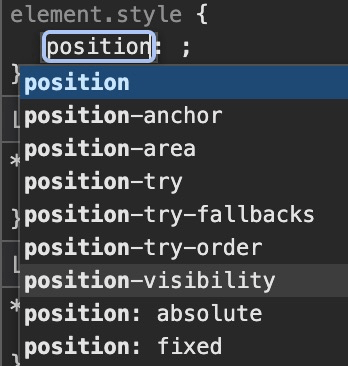
[popover] {
  position-area: top;
}
[..] automatically links the invoker button to the popover element
Anchor Positioning
Anchor Positioning
Basic Burgermenu
Anchor Positioning
button {
  position: fixed;
}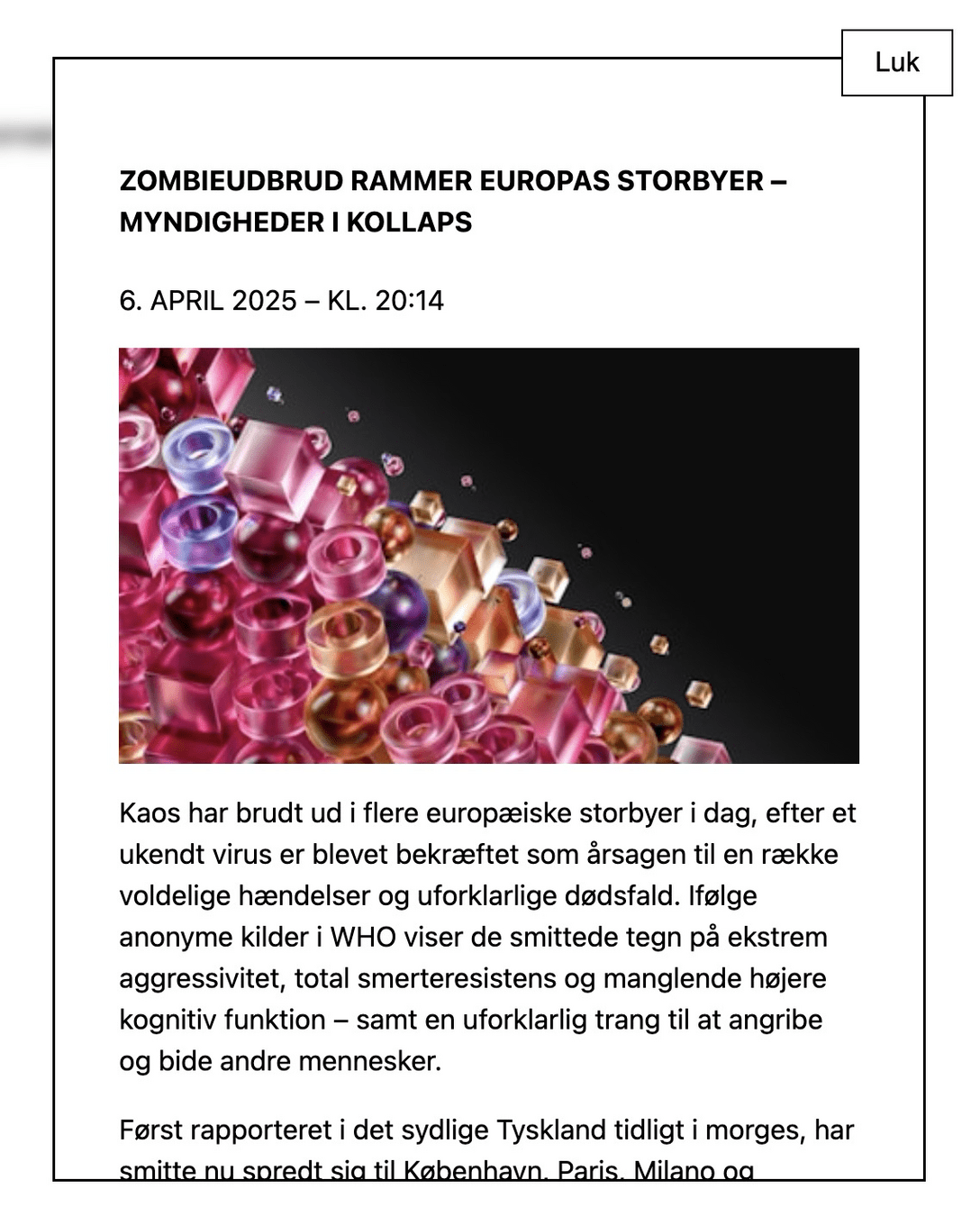
Fikseret til elementet
Anchor Positioning
Fikseret til elementet
Anchor Positioning
Fikseret til elementet
Anchor Positioning
Til temaopgaven
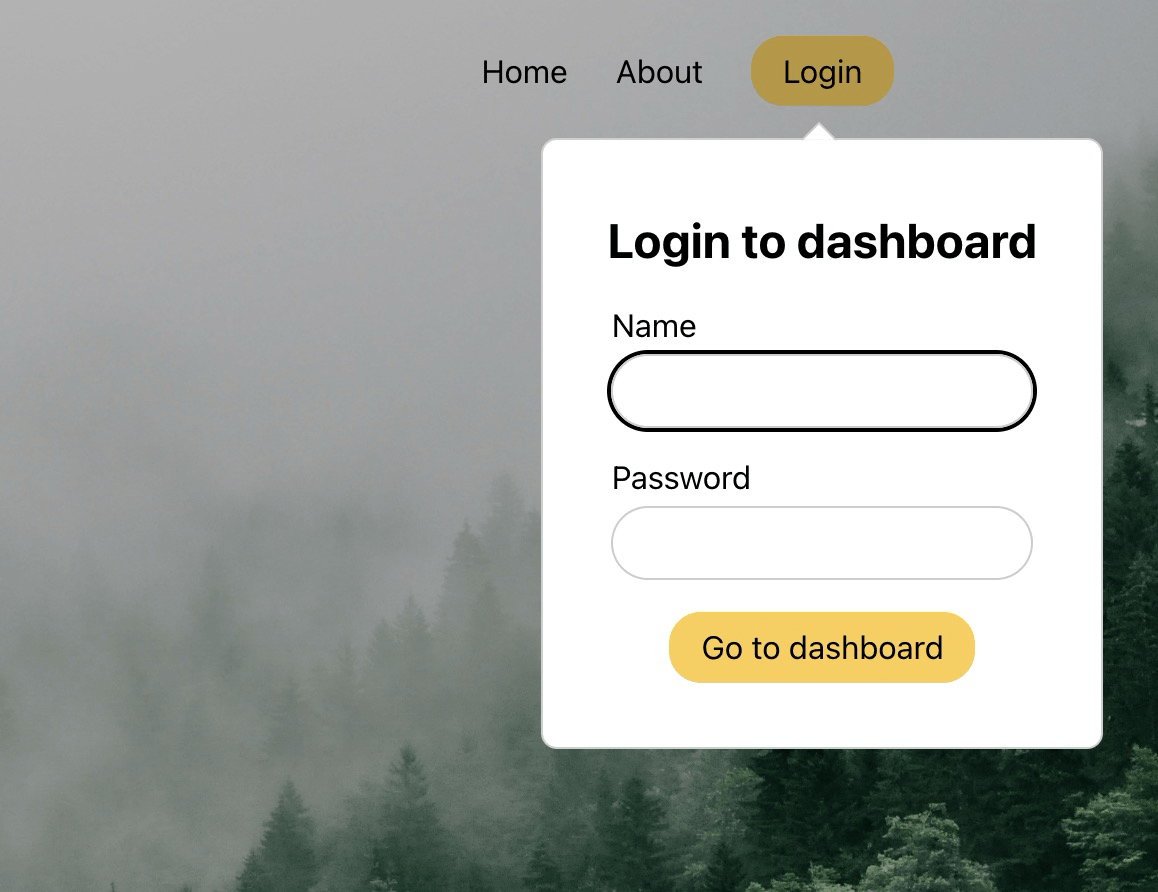
Anchor Positioning
Til temaopgaven...
Anchor Positioning
Dynamisk positionering
Anchor Positioning
Dynamisk positionering
Crafting UI - Animation (Part 2)
By Dannie Vinther
Crafting UI - Animation (Part 2)
CSS: light-dark()