PATCH NOTES - 0.1.0
Aug 18, 2023

New features

Assets Editor
Asset: Any resource used in your game:
- Items: Elements that stay in one place in the scenario, can interact with entities, but can't be moved.
- Entities: The player, enemies, NPCs. Basically everything that can move freely.
- Materials: Elements that you can use to build an scenario, could be floor, ceiling, walls, or even fluids like water or lava.
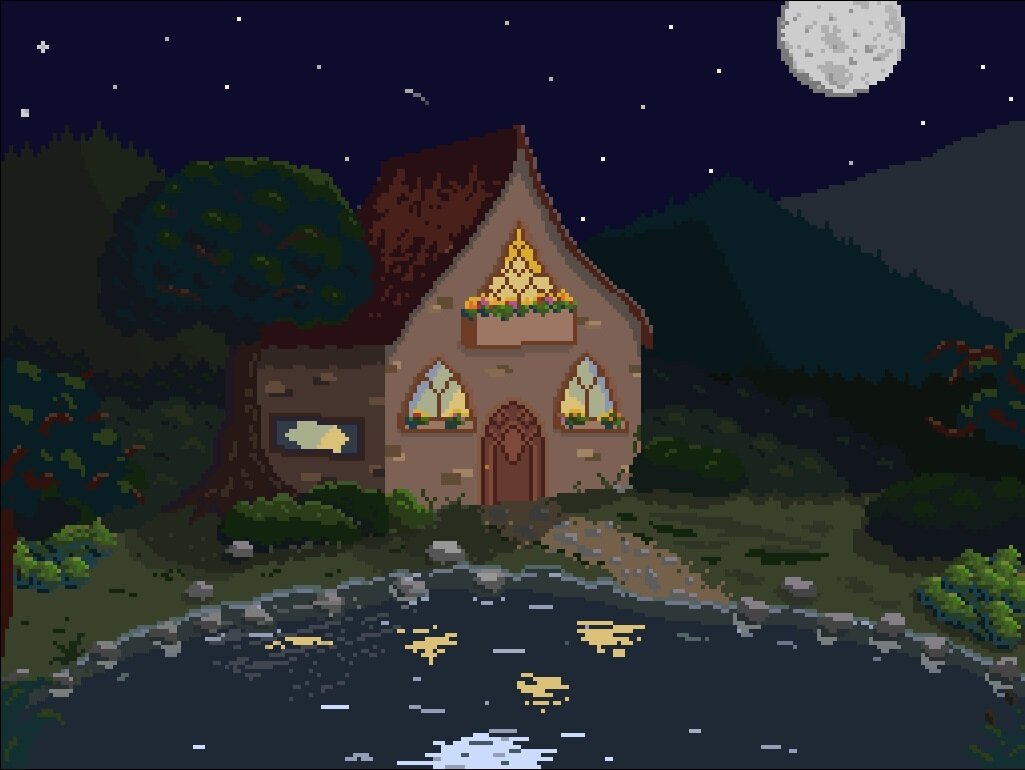
- Background: Image that appears behind your game.
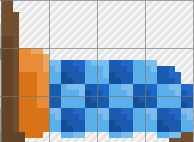
Assets Editor

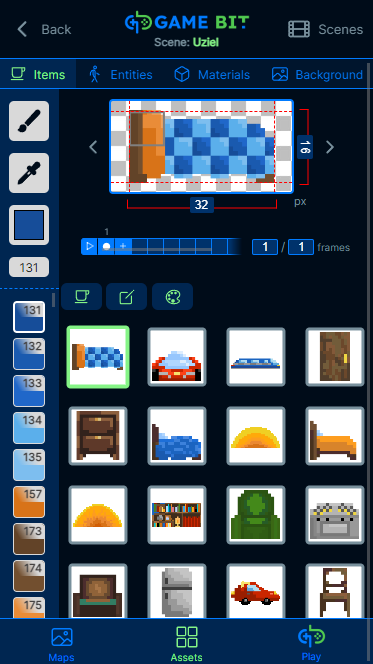
Change asset type
View asset dimensions (TODO: enable edit)
Animation controls
Select edition tools
See the list of assets / edit asset / edit color palette
Scrollable color palette
List of assets
Assets Editor
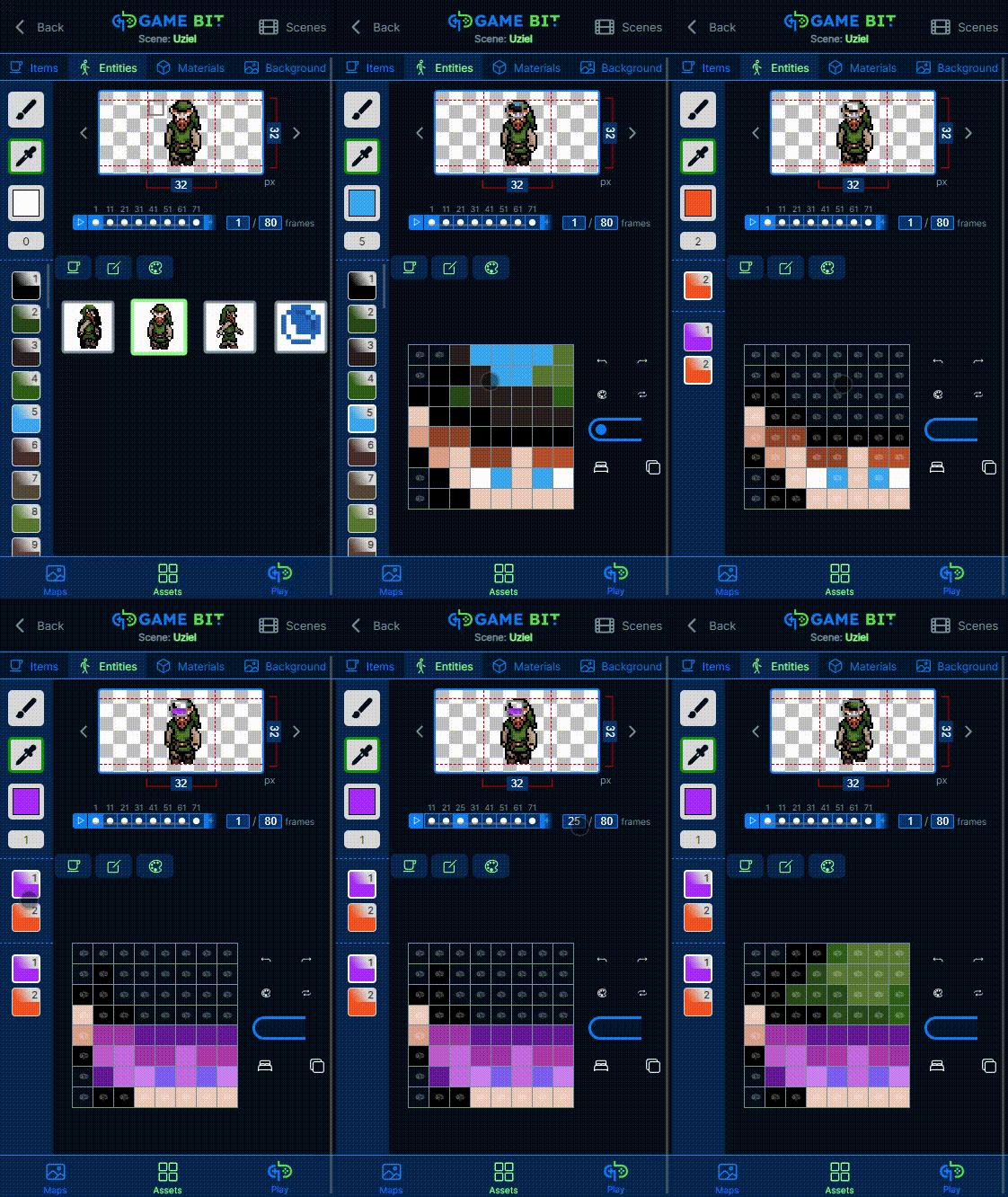
Area selection for editing
Move frames across the timeline
Draw / erase tools (icons are placeholders)
Animation navigation controls
Pick your desired color
Interactions mode toggle
(draw detection areas for different interactions)
Assets Editor

Materials and background:
In progress
We accept feedback and suggestions to make those areas
Console
How games work in Gamebit?
Events
Can be emmited from different sources:
- Scene events:
- Game started
- Scene variable changed
- Entity events:
- Interaction with detection zones (from items, materials, or other entities)
- Entity variable changed
Variables
We can maintain variables from different scopes:
- Global variables
- Scene variables
- Entity variables
Scenes
You can use scenes to separate sections in your game, most common examples are:
- Press start screen
- Actual game
- Game over screen
Console
How games work in Gamebit?
Effects
Effects listen to an event under some conditions, and execute an action using fixed values or values that the event provided, example:
- When the user push the arrows, the player entity will move
Actions
Actions are a set of predefined functions that allow you to modify properties of scenes / palette / entities / items / materials like:
- Colors
- Position
- Size
- Show / Hide
- Modify variables
Console
How games work in Gamebit?
Game
Press Start
Start pressed
Effect
Listening to:
Executing:
Change scene:
Play
Set global variable:
Lives: 3
Set global variable:
Score: 0
Play
Global variable: Lives
Effect
Listening to:
Executing:
Change scene:
Game Over
Set global variable:
Score: 0
Condition: Lives = 0
Game Over
Time passed
Effect
Listening to:
Executing:
Change scene:
Press Start
Condition: > 5 sec
Events
Variables
Scenes
Effects
Actions
Console
State of dev:
Events
Variables
Scenes
Effects
Actions
- Game engine currently working with one fixed scene
- Assets are being loaded from scratch for each scene, need to be improved
- Variables are implemented and being used in the game engine
- We need a way to set and see variables when you are making your game
- Events are implemented and being used in the game
- You can launch entity and item / material events by drawing interaction zones, we need a way to set relevant interactions to trigger events only for them
- Effects are implemented and being used in the game engine
- We need an UI interface to set them
- We have a basic set of actions being used already
- We need to grow the set of actions based on what we see that is needed
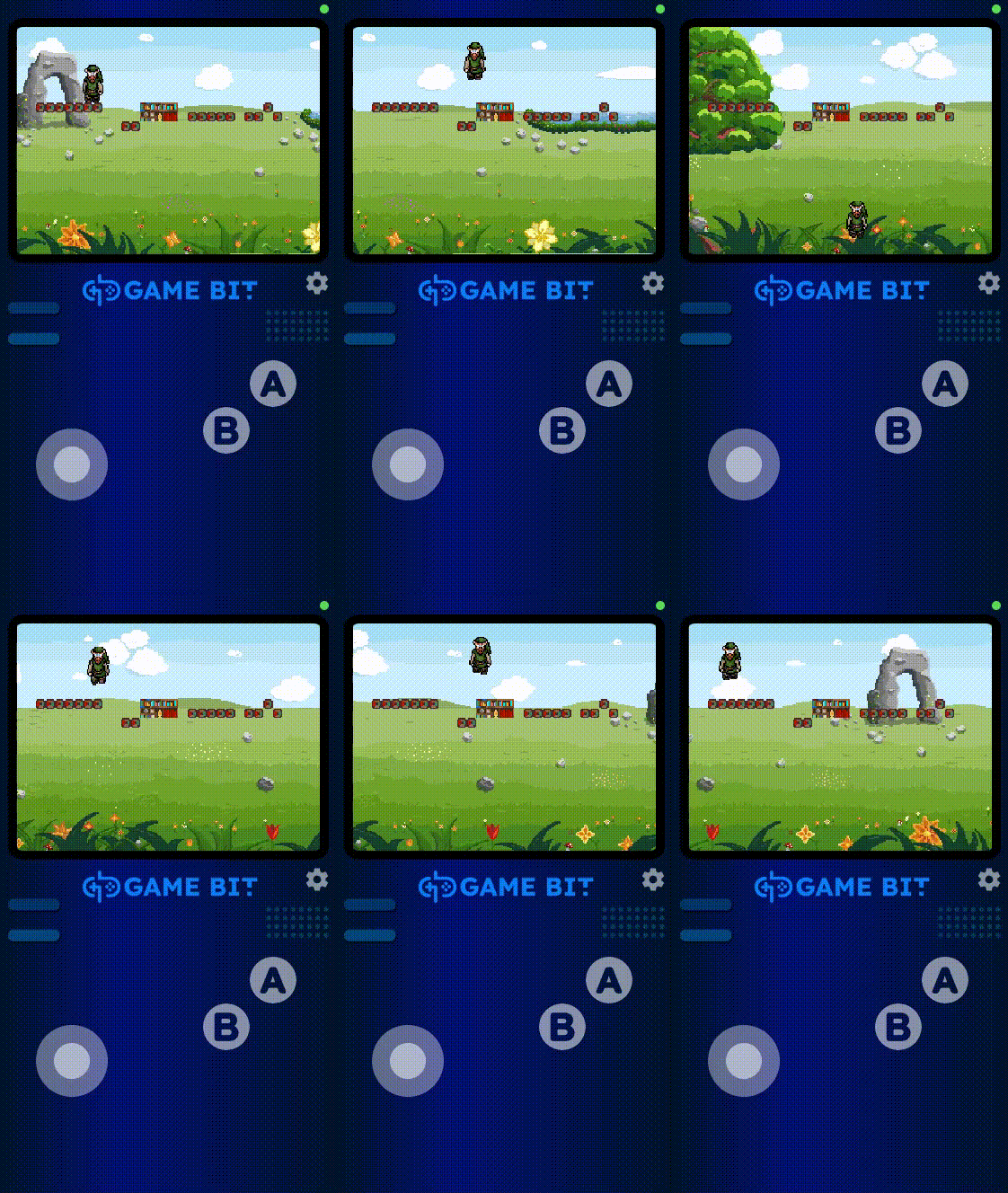
Absence of events make the player to ignore the item
Action of moving background already implemented
Entity gravity is being controlled by entity variables (velY) and global variables (gravity)
Events being emmited by the interaction of the player with the material
Console interface to deal with different screen sizes (could change)
Controls already emmiting events
Console
State of dev:
DEMO
Upcoming features
Assets Editor
Add controls for adding and removing frames
Improve design of tabs and timeline
Use proper icons
Enable color picker
Add a menu for filtering items by category and display them paginated
Make editor canvas to be bigger, and move interactions mode toggle outside of this section
Provide a way to inspect variable values runtime
Implement settings UI for making buttons bigger / smaller
Performance improvements
Make a better demo for showing buttons working
Add a button to exit the screen
Provide a way to publish your games away from the app, so others can play them with a QR code
Console
Maps Editor
Selection area for the whole level / scene
Show / hide / select layer
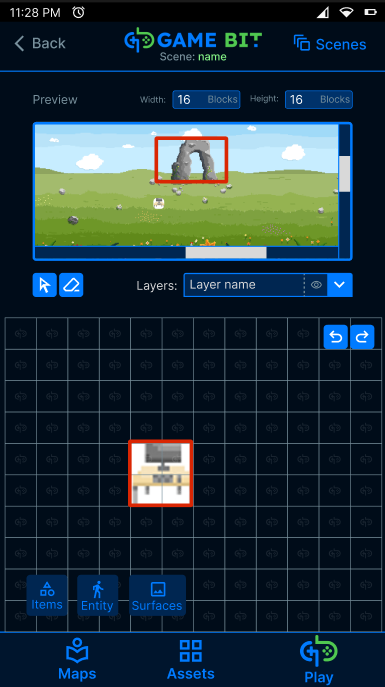
Resize level / scene
Import assets previously made on assets editor
Modify asset properties
Editing tools
Patch notes - 0.1.0 - Aug 18, 2023
By gamebitrocks