































Gerard Sans | Axiom 🇬🇧 PRO
Founder of Axiom Masterclass, professional trainings // Forging skills for the new era of AI. GDE in AI, Cloud & Angular. Building London's tech & art nexus @nextai_london. Speaker | MC | Trainer.
850
900
source: blog
SELECTOR
a.active:hover {
color: #333;
}
PROPERTY
VALUE
DECLARATION
:hover
:link
:active
:target
:not(selector)
:focus
::first-letter
::first-line
::before
::after
::selection
Element style
Element id
class/attribute selectors
element selectors
last CSS rule wins
source: blog
source: blog
<html>
  <head>
    <script src="https://unpkg.com/web-animations-js@2.2.5"></script>
    ...
  </head>

  <body>
    <my-app>
    loading...
    </my-app>
  </body>
</html>
npm install web-animations-js --save

// src/polyfills.ts
import 'web-animations-js';DURATION
START
END
Not all CSS properties are animatable (list)
all background* border* bottom box-shadow clip clip-path color filter font* height left margin* mask* offset* opacity outline* padding* perspective* right text-decoration text-shadow top transform vertical-align visibility width z-index
PROPERTY
transition: color 5s ease-in 1s;
DURATION
TIMING
DELAY
DURATION
0%
100%
KEYFRAMES
NAME
animation: fade 5s 1s infinite linear;
DURATION
DELAY
ITERATIONS
TIMING
@keyframes fade {
0% { opacity: 1; }
100% { opacity: 0; }
}
@keyframes fade {
from { opacity: 1; }
to { opacity: 0; }
}
fadeIn
fadeOut
TRANSITIONS
STATE
STATE
fadeIn => fadeOut
fadeOut => fadeIn
fadeIn <=> fadeOut
void
*
void => * :enter
* => void :leave
void <=> *
STATE
STATE
// npm install --save @angular/animations
// app.module.ts

import {Component, NgModule} from '@angular/core';
import {BrowserAnimationsModule} from '@angular/platform-browser/animations';

@Component({ })
export class App { }

@NgModule({
  imports: [ BrowserModule, BrowserAnimationsModule ],
  declarations: [ App ],
  bootstrap: [ App ]
})
export class AppModule {}

platformBrowserDynamic().bootstrapModule(AppModule)import {fade} from './animations';
@Component({
selector: 'my-app',
template: `<button [@fade]='fade' (click)="toggleFade()">Fade</button>`,
animations: [ fade ]
})
export class App {
fade = 'fadeIn';
toggleFade(){
this.fade = this.fade === 'fadeIn' ? 'fadeOut' : 'fadeIn';
}
}import {
trigger, transition, state, style, animate
} from '@angular/animations';
export const fade = trigger('fade', [
state('fadeIn', style({ opacity: 1 })),
state('fadeOut', style({ opacity: 0.1 })),
transition('fadeIn <=> fadeOut', animate('2000ms linear'))
]);import { Component } from '@angular/core';
import { routerTransition } from './router.animations';
@Component({
selector: 'home',
template: `<h1>Home</h1>`,
animations: [routerTransition()],
host: {'[@routerTransition]': ''}
})
export class Home { }import {trigger, state, animate, style, transition} from '@angular/animations';
export function routerTransition() {
return slideToRight();
}
function slideToRight() {
return trigger('routerTransition', [
state('void', style({position:'fixed', width:'100%'}) ),
state('*', style({position:'fixed', width:'100%'}) ),
transition(':enter', [
style({transform: 'translateX(-100%)'}),
animate('0.5s ease-in-out', style({transform: 'translateX(0%)'}))
]),
transition(':leave', [
style({transform: 'translateX(0%)'}),
animate('0.5s ease-in-out', style({transform: 'translateX(100%)'}))
])
]);
}.visible.advert {
will-change: transform;
}
.visible.advert:hover {
transform: scale(1.2);
}
By Gerard Sans | Axiom 🇬🇧
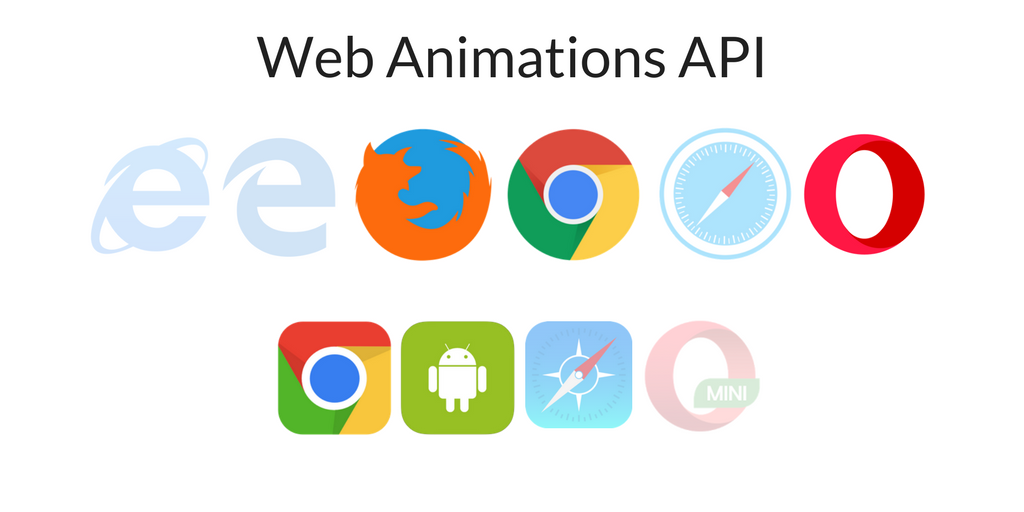
How we can use Angular to achieve complex Animations. We will cover Web Animations API and how we can use Angular together with field-tested animation techniques providing examples for CSS transitions/animations and SVG. We will also study browser compatibility and performance to achieve reliable and silky smooth animations. Let's bring our Angular skills to the awesome world of animations!