


























Daniel Haehn PRO
Hi, I am a biomedical imaging and visualization researcher who investigates how computational methods can accelerate biological and medical research.
Field Trips
Manning College of Nursing
10/9
10/14
RSVP form coming soon!!
Thursday
Tuesday
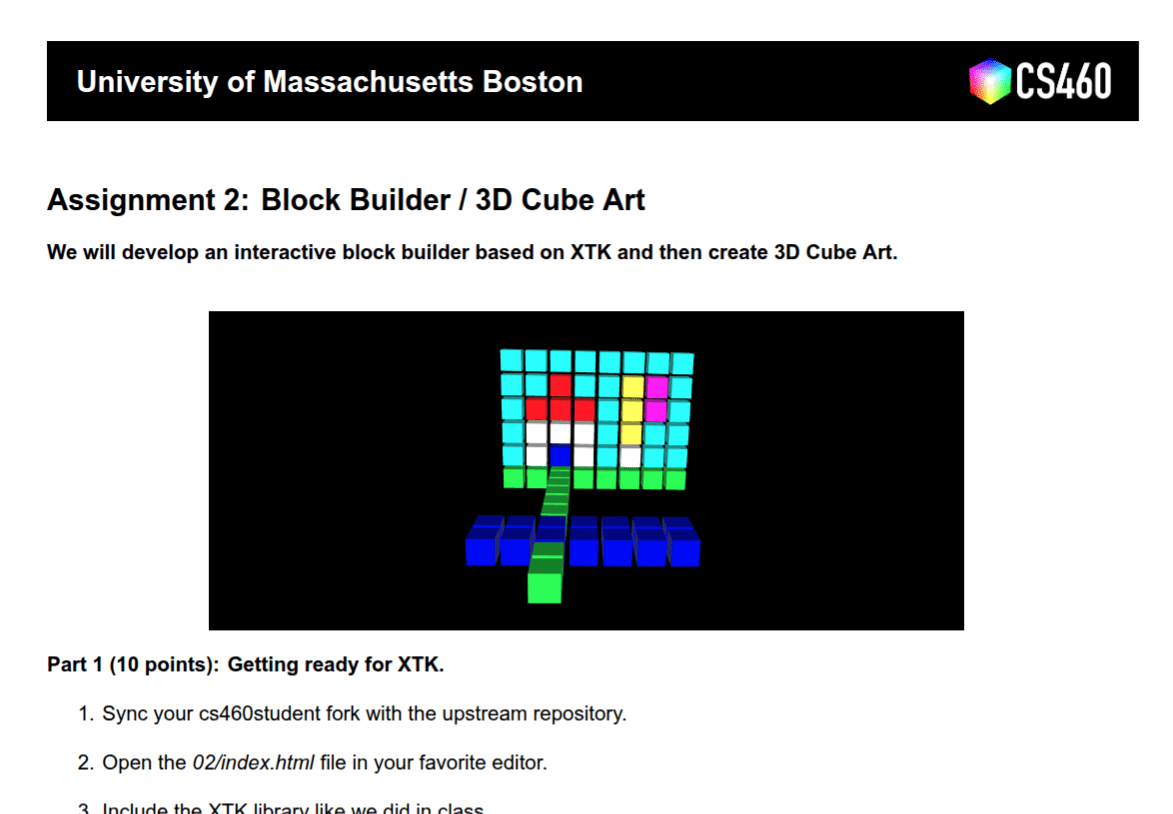
Assignment 2
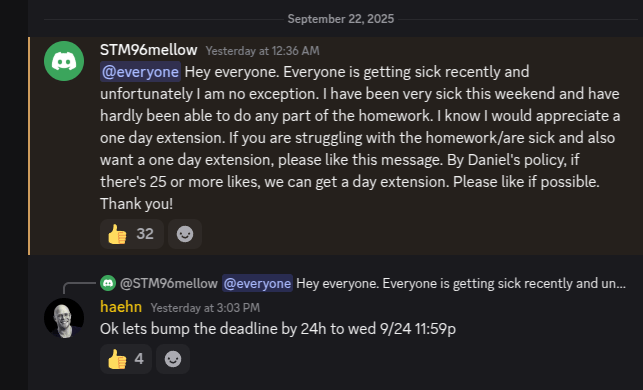
Tuesday 9/23
Wednesday 9/24
Avanith Kanamarlapudi
Office Hours
Mondays 3-4p
McCormack 3rd Floor M-3-02-164
#help
Let's do it..
but soon!
Grades coming very soon!
ask in #help
tag @staff
CS460 Computer Graphics - University of Massachusetts Boston
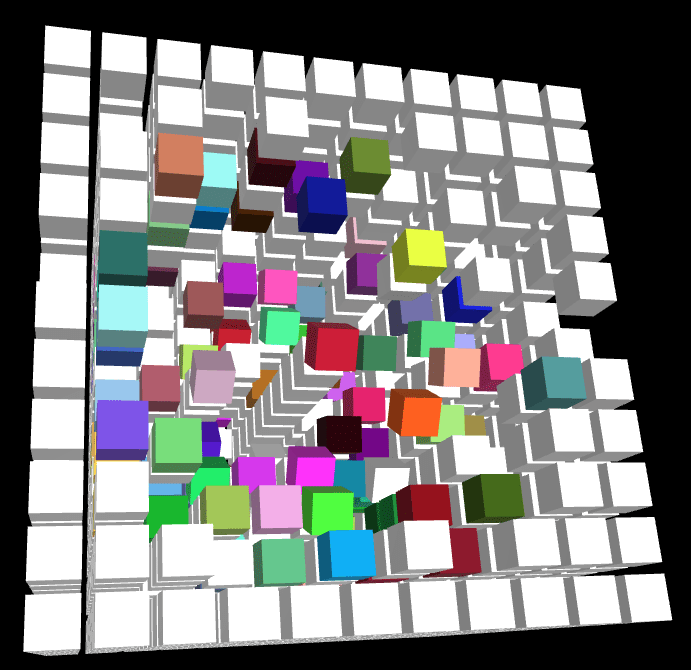
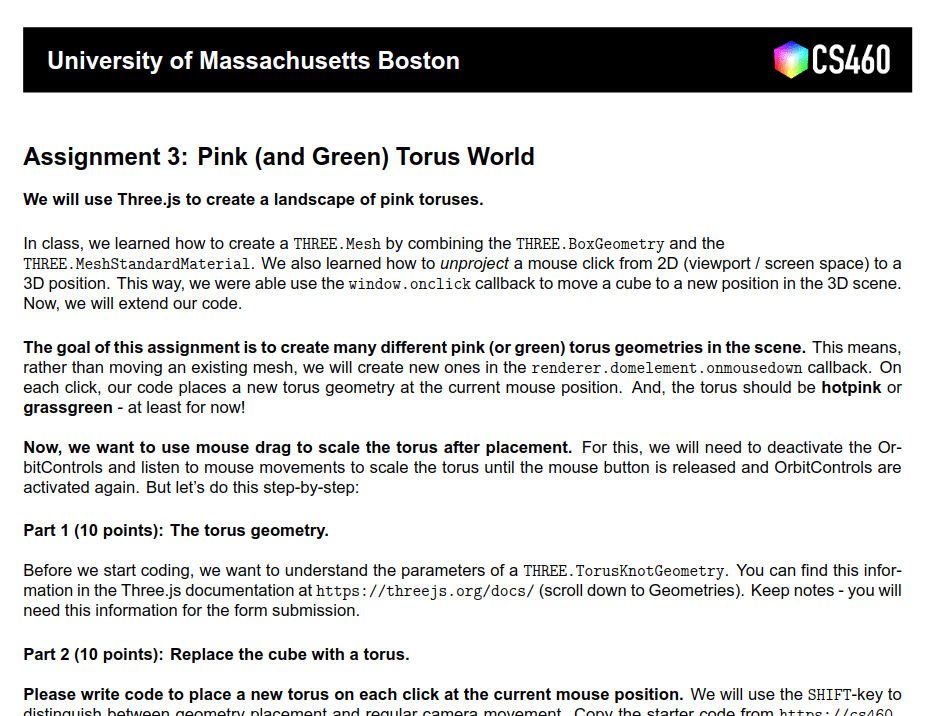
Assignment 3
Due 10/1!
with XTK!
coming soon!
Three.js
THREE.WebGLRenderer
THREE.Scene
THREE.OrbitControls
THREE.PerspectiveCamera
THREE.AmbientLight
THREE.DirectionalLight
THREE.Mesh
THREE.BoxGeometry
THREE.MeshStandardMaterial
Mesh
Geometry
+ Material
<html>
  <head>
    <style>
      html, body {
        background-color:#000;
        margin: 0;
        padding: 0;
        height: 100%;
        overflow: hidden !important;
      }
    </style>

    <script async src="https://unpkg.com/es-module-shims@1.6.3/dist/es-module-shims.js"></script>

    <script type="importmap">
    {
      "imports": {
        "three": "https://unpkg.com/three@latest/build/three.module.js",
        "three/addons/": "https://unpkg.com/three@latest/examples/jsm/"
      }
    }
    </script>

    <script type="module">

      import * as THREE from 'three';
      import { OrbitControls } from 'three/addons/controls/OrbitControls.js';

      var renderer, controls, scene, camera;

      window.onload = function() {


        // create scene
        scene = new THREE.Scene();

        // setup the camera
        var fov = 75;
        var ratio = window.innerWidth / window.innerHeight;
        var zNear = 1;
        var zFar = 10000;
        camera = new THREE.PerspectiveCamera( fov, ratio, zNear, zFar );
        camera.position.set(0, 0, 100);

        // create renderer and add canvas
        renderer = new THREE.WebGLRenderer({antialias:true});
        renderer.setSize( window.innerWidth, window.innerHeight );
        document.body.appendChild( renderer.domElement );

        //.. setup lights
        var ambientLight = new THREE.AmbientLight();
        scene.add( ambientLight );

        var light = new THREE.DirectionalLight( 0xffffff, 5.0 );
        light.position.set( 10, 100, 10 );
        scene.add( light );

        // configure cube
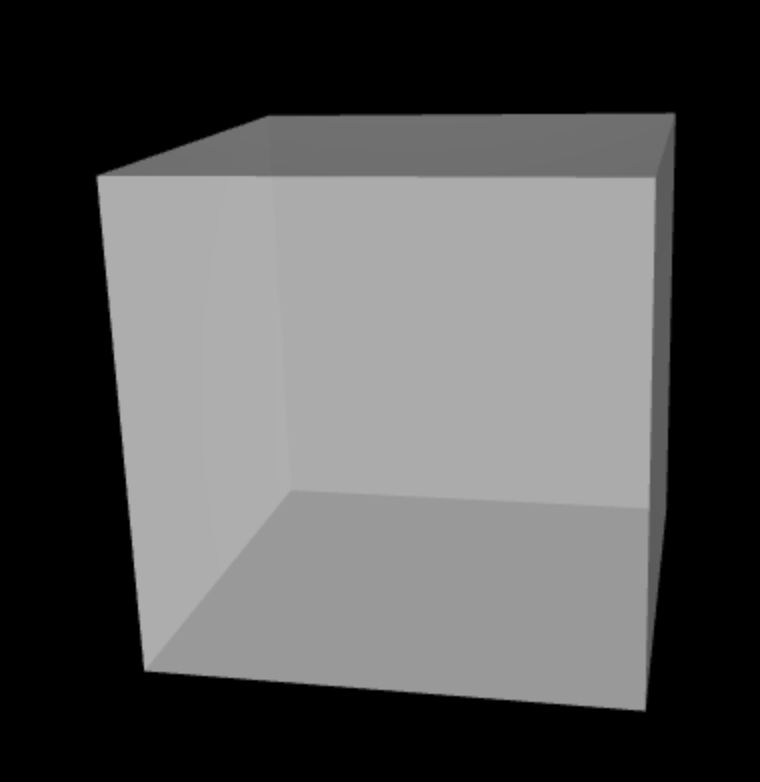
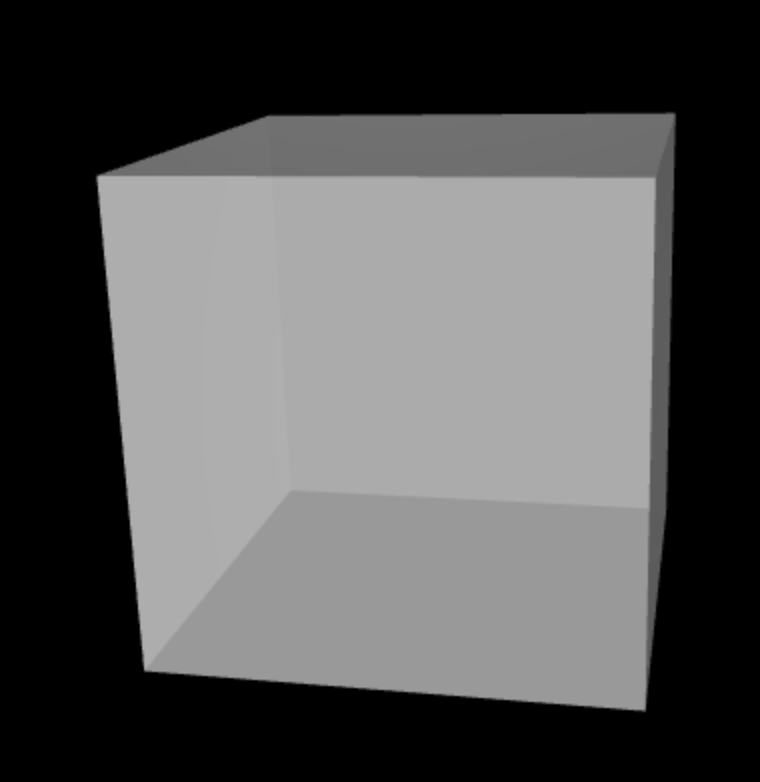
        var geometry = new THREE.BoxGeometry( 20, 20, 20 );
        var material = new THREE.MeshStandardMaterial({ color: 0xffffff });
        var cube = new THREE.Mesh( geometry, material );

        // add it to the scene
        scene.add(cube);

        // setup interaction
        controls = new OrbitControls( camera, renderer.domElement );

        // call animation/rendering loop
        animate();

      };

      function animate() {

        requestAnimationFrame( animate );

        controls.update();
        renderer.render( scene, camera );

      };
    </script>
  </head>
  <body></body>
</html><html>
<head>
<style>
html, body {
background-color:#000;
margin: 0;
padding: 0;
height: 100%;
overflow: hidden !important;
}
</style>
<script async src="https://unpkg.com/es-module-shims@1.6.3/dist/es-module-shims.js"></script>
<script type="importmap">
{
"imports": {
"three": "https://unpkg.com/three@latest/build/three.module.js",
"three/addons/": "https://unpkg.com/three@latest/examples/jsm/"
}
}
</script>
<script type="module">
import * as THREE from 'three';
import { OrbitControls } from 'three/addons/controls/OrbitControls.js';
var renderer, controls, scene, camera;
window.onload = function() {
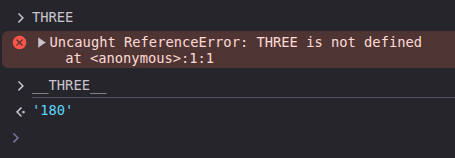
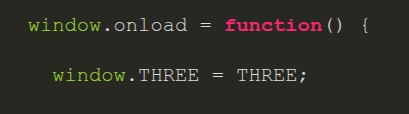
window.THREE = THREE;
// create scene
scene = new THREE.Scene();
// setup the camera
var fov = 75;
var ratio = window.innerWidth / window.innerHeight;
var zNear = 1;
var zFar = 10000;
camera = new THREE.PerspectiveCamera( fov, ratio, zNear, zFar );
camera.position.set(0, 0, 100);
// create renderer and add canvas
renderer = new THREE.WebGLRenderer({antialias:true});
renderer.setSize( window.innerWidth, window.innerHeight );
document.body.appendChild( renderer.domElement );
//.. setup lights
var ambientLight = new THREE.AmbientLight();
scene.add( ambientLight );
var light = new THREE.DirectionalLight( 0xffffff, 5.0 );
light.position.set( 10, 100, 10 );
scene.add( light );
// configure cube
var geometry = new THREE.BoxGeometry( 20, 20, 20 );
var material = new THREE.MeshStandardMaterial({ color: 0xffffff });
var cube = new THREE.Mesh( geometry, material );
// add it to the scene
scene.add(cube);
// setup interaction
controls = new OrbitControls( camera, renderer.domElement );
// call animation/rendering loop
animate();
};
function animate() {
requestAnimationFrame( animate );
controls.update();
renderer.render( scene, camera );
};
</script>
</head>
<body></body>
</html>material = new THREE.MeshStandardMaterial({ color: 0xffffff });
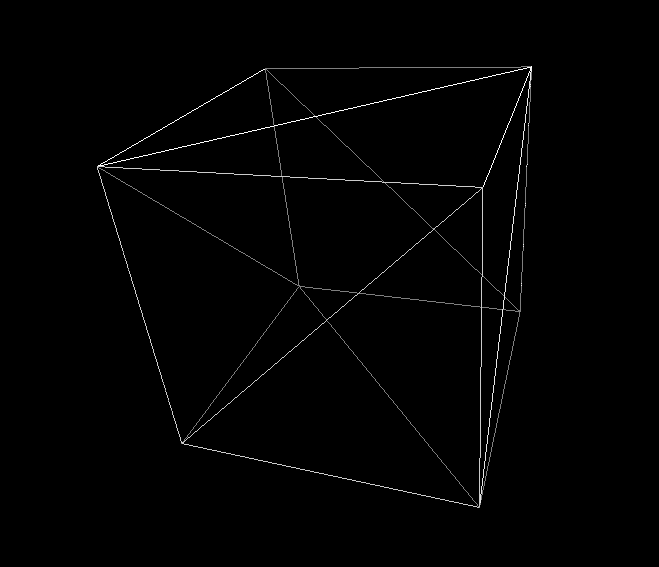
material = new THREE.MeshStandardMaterial({ color: 0xffffff, wireframe: true });
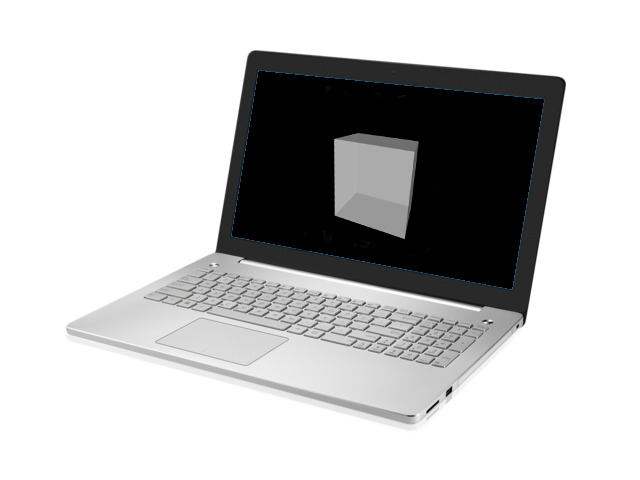
Wireframe
12 Triangles
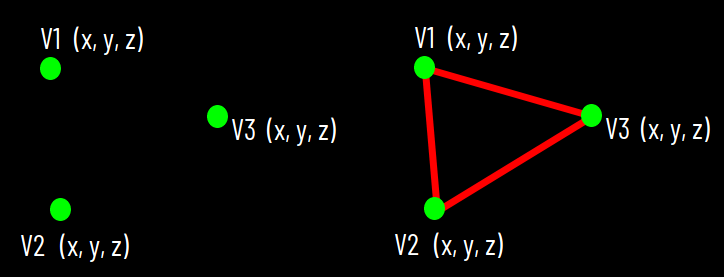
V1
V2
V3
V4
V6
V5
(x, y, z)
(x, y, z)
(x, y, z)
(x, y, z)
(x, y, z)
(x, y, z)
Vertex
/ Vertices
Face
Face
Edge
12 Triangles
V1
V2
V3
36 Vertices
8
redundance!
geometry = new THREE.BoxGeometry( 20, 20, 20 );var geometry = new THREE.Geometry();
geometry.vertices.push(
new THREE.Vector3(-10, 10, 0),
new THREE.Vector3(-10, -10, 0),
new THREE.Vector3(10, -10, 0)
);
geometry.faces.push( new THREE.Face3(0, 1, 2));V0
V1
V2
12 Triangles
8 Vertices
3D
2D
?
12 Triangles
8 Vertices
3D
2D
2560 x 1600 Pixels
width
height
Frame Buffer
Screen Space
Frame Buffer
Screen Space
width x height Pixels
Rasterization
Rendering Pipeline
JavaScript 3D Screen Space
V1
V2
(x, y, z)
(x, y, z)
V3
(x, y, z)
V1
V2
(x, y, z)
(x, y, z)
V3
(x, y, z)
var geometry = new THREE.Geometry();
geometry.vertices.push(
	new THREE.Vector3(-10, 10, 0),
	new THREE.Vector3(-10, -10, 0),
	new THREE.Vector3(10, -10, 0)
);
geometry.faces.push( new THREE.Face3(0, 1, 2));Graphics Processing Unit (GPU)
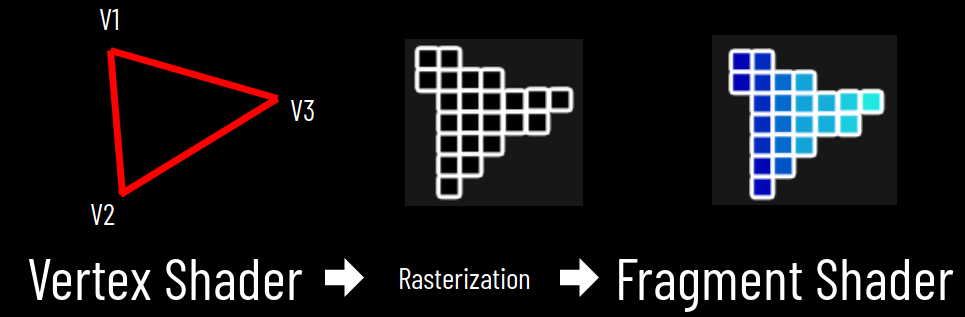
Vertex Shader
3D World
Shape Assembly
Perspective Projection
V1
V2
V3
var geometry = new THREE.Geometry();
geometry.vertices.push(
	new THREE.Vector3(-10, 10, 0),
	new THREE.Vector3(-10, -10, 0),
	new THREE.Vector3(10, -10, 0)
);
geometry.faces.push( new THREE.Face3(0, 1, 2));
Graphics Processing Unit (GPU)
Vertex Shader
Fragment Shader
3D World
2D Space
Rasterization
Colorization
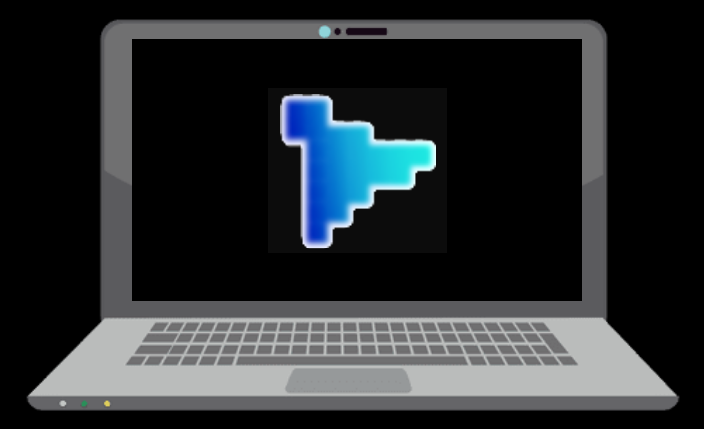
Frame Buffer / Viewport
Blending
Frame Buffer / Viewport
var geometry = new THREE.Geometry();
geometry.vertices.push(
	new THREE.Vector3(-10, 10, 0),
	new THREE.Vector3(-10, -10, 0),
	new THREE.Vector3(10, -10, 0)
);
geometry.faces.push( new THREE.Face3(0, 1, 2));GPU
Vertex Shader
Fragment Shader
Viewport
From 3D..
..to 2D
vertex coordinates X Y Z
screenspace coordinates X Y
Vertex Shader
attribute vec4 a_position;

void main() {
  gl_Position = a_position;
}
Fragment Shader
precision mediump float;

void main() {
  gl_FragColor = vec4(1., 1., 1., 1.);
}
More next time!
From 3D to 2D
From 2D to 3D?
Unprojecting...
XTK does it this way
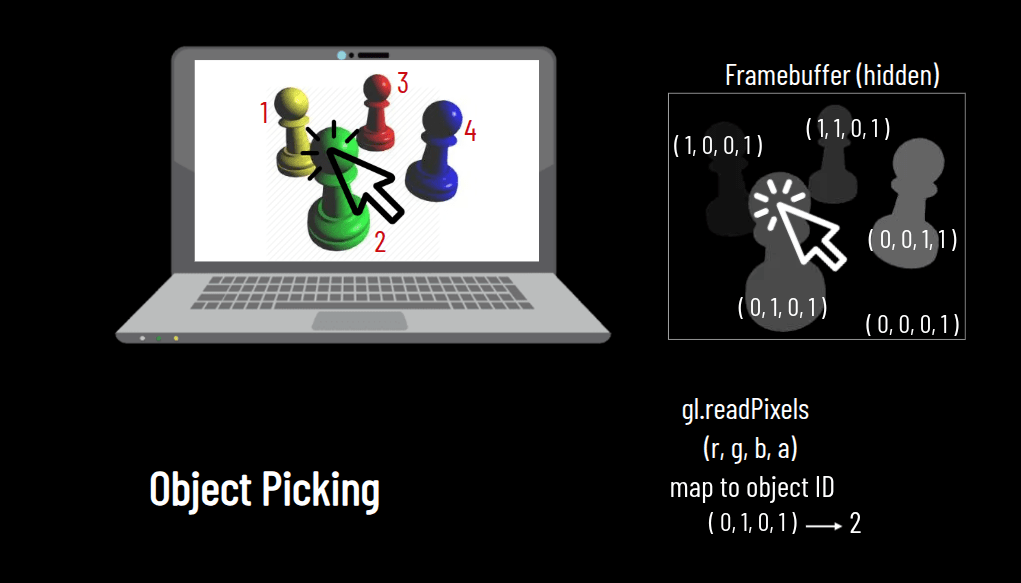
Three.js uses Ray Picking!!
0, 0
width, height
renderer.domElement.onclick = function(e) {

  pixel_coords = new THREE.Vector2(e.clientX, e.clientY);

};
400, 200
400 , 200
Screen Space Coordinates
-1, -1
renderer.domElement.onclick = function(e) {

  pixel_coords = new THREE.Vector2( e.clientX, e.clientY );
  vp_coords = new THREE.Vector2(
    ( pixel_coords.x / window.innerWidth ) * 2 - 1, // X
    - ( pixel_coords.y / window.innerHeight ) * 2 + 1 ); // Y
};
-0.2, 0.3
-0.2
Viewport Coordinates
1, 1
0, 0
0.3
zNear
zFar
Ray
2D Click can be mapped to any
point on the 3D Ray
zNear
zFar
Ray
2D Click can be mapped to any
point on the 3D Ray
But we know the exact
position on zNear!
renderer.domElement.onclick = function(e) {

  pixel_coords = new THREE.Vector2( e.clientX, e.clientY );

  vp_coords = new THREE.Vector2(
    ( pixel_coords.x / window.innerWidth ) * 2 - 1, // X
    - ( pixel_coords.y / window.innerHeight ) * 2 + 1 ); // Y

  vp_coords_3d_near = new THREE.Vector3(vp_coords.x,
                                        vp_coords.y,
                                        0); // for zNear

};
Towards 3D Coordinates
This is not 3D yet!
THREE.Raycaster
zNear
zFar
Ray
Position (x,y,z)
needs 2 points to define Ray
raycaster = new THREE.Raycaster();
raycaster.setFromCamera(vp_coords_near, camera);
zNear
Ray
Position (x,y,z)
Invisible Plane
intersects = raycaster.intersectObject( );zNear
Ray
Position (x,y,z)
Invisible Plane
intersects = raycaster.intersectObject( );geometry = new THREE.PlaneBufferGeometry( 10000, 10000 );
material = new THREE.MeshBasicMaterial( {
visible: false
});
invisible_plane = new THREE.Mesh( geometry, material );
scene.add( invisible_plane );intersects = raycaster.intersectObject( invisible_plane );( 0, 0, 0 )
<html>
  <head>
    <style>
      html, body {
        background-color:#000;
        margin: 0;
        padding: 0;
        height: 100%;
        overflow: hidden !important;
      }
    </style>

    <script async src="https://unpkg.com/es-module-shims@1.6.3/dist/es-module-shims.js"></script>

    <script type="importmap">
    {
      "imports": {
        "three": "https://unpkg.com/three@latest/build/three.module.js",
        "three/addons/": "https://unpkg.com/three@latest/examples/jsm/"
      }
    }
    </script>

    <script type="module">

      import * as THREE from 'three';
      import { OrbitControls } from 'three/addons/controls/OrbitControls.js';

      var renderer, controls, scene, camera;

      window.onload = function() {

        // Three.js code goes here
        scene = new THREE.Scene();

        // setup the camera
        var fov = 75;
        var ratio = window.innerWidth / window.innerHeight;
        var zNear = 1;
        var zFar = 10000;
        camera = new THREE.PerspectiveCamera( fov, ratio, zNear, zFar );
        camera.position.set(0, 0, 100);

        // create renderer and setup the canvas
        renderer = new THREE.WebGLRenderer({ antialias: true });
        renderer.setSize( window.innerWidth, window.innerHeight );
        document.body.appendChild( renderer.domElement );


        renderer.domElement.onclick = function( e ){

            console.log('Yay! We clicked!');

            var pixel_coords = new THREE.Vector2( e.clientX, e.clientY );

            console.log('Pixel coords', pixel_coords);

            var vp_coords = new THREE.Vector2(
                        ( pixel_coords.x / window.innerWidth ) * 2 - 1,  //X
                        -( pixel_coords.y / window.innerHeight ) * 2 + 1) // Y

            console.log('Viewport coords', vp_coords);

            var vp_coords_near = new THREE.Vector3( vp_coords.x, vp_coords.y, 0);


            var raycaster = new THREE.Raycaster();
            raycaster.setFromCamera(vp_coords_near, camera);
            var intersects = raycaster.intersectObject(invisible_plane);

            console.log('Ray to Invisible Plane', intersects[0].point);

            // update cube position
            cube.position.set(intersects[0].point.x, intersects[0].point.y, intersects[0].point.z);

          };


        // setup lights
        var ambientLight = new THREE.AmbientLight();
        scene.add( ambientLight );

        var light = new THREE.DirectionalLight( 0xffffff, 5.0 );
        light.position.set( 10, 100, 10 );
        scene.add( light );

        // configure cube
        var geometry = new THREE.BoxGeometry( 20, 20, 20 );
        var material = new THREE.MeshStandardMaterial({ color: 0xffffff, wireframe: true });

        var cube = new THREE.Mesh( geometry, material );

        scene.add( cube );


        //
        // The invisible plane
        //
        geometry = new THREE.PlaneGeometry( 10000, 10000 );
        material = new THREE.MeshBasicMaterial( {
          visible: false
        });

        var invisible_plane = new THREE.Mesh( geometry, material );

        scene.add( invisible_plane );
        //
        //
        //


        // interaction
        controls = new OrbitControls( camera, renderer.domElement );

        // call animation/rendering loop
        animate();

      };

      function animate() {

        requestAnimationFrame( animate );

        // and here..
        controls.update();
        renderer.render( scene, camera );

      };
    </script>
  </head>
  <body></body>
</html>
This is also Assignment 03 starter code!
submit your music
By Daniel Haehn
Slides for CS460 Computer Graphics at UMass Boston. See https://cs460.orghttps://cs460.org