Build a Free Agent
free as in freedom, cookies, and puppies

Let's wake up

Your brain needs this 🧠


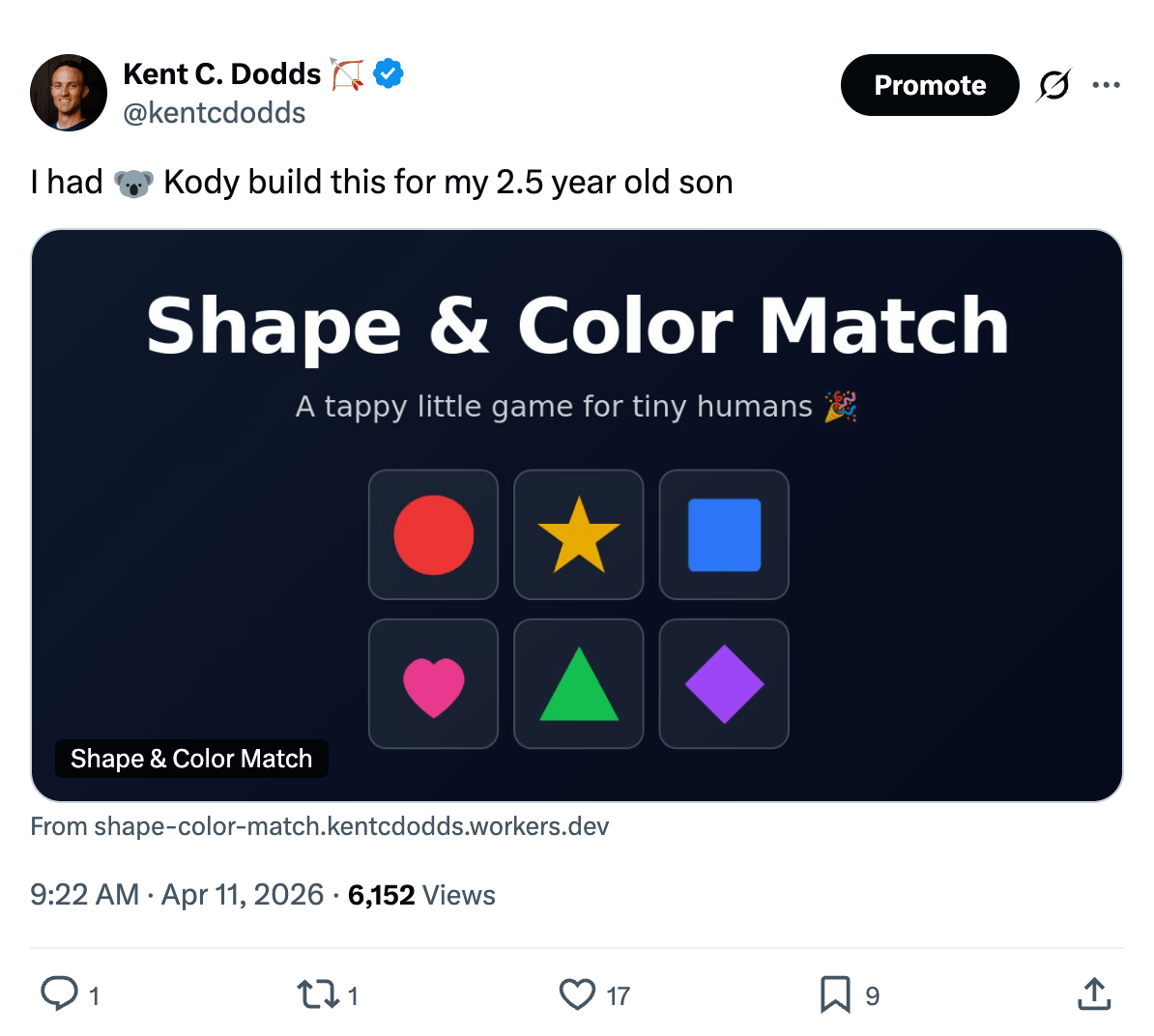
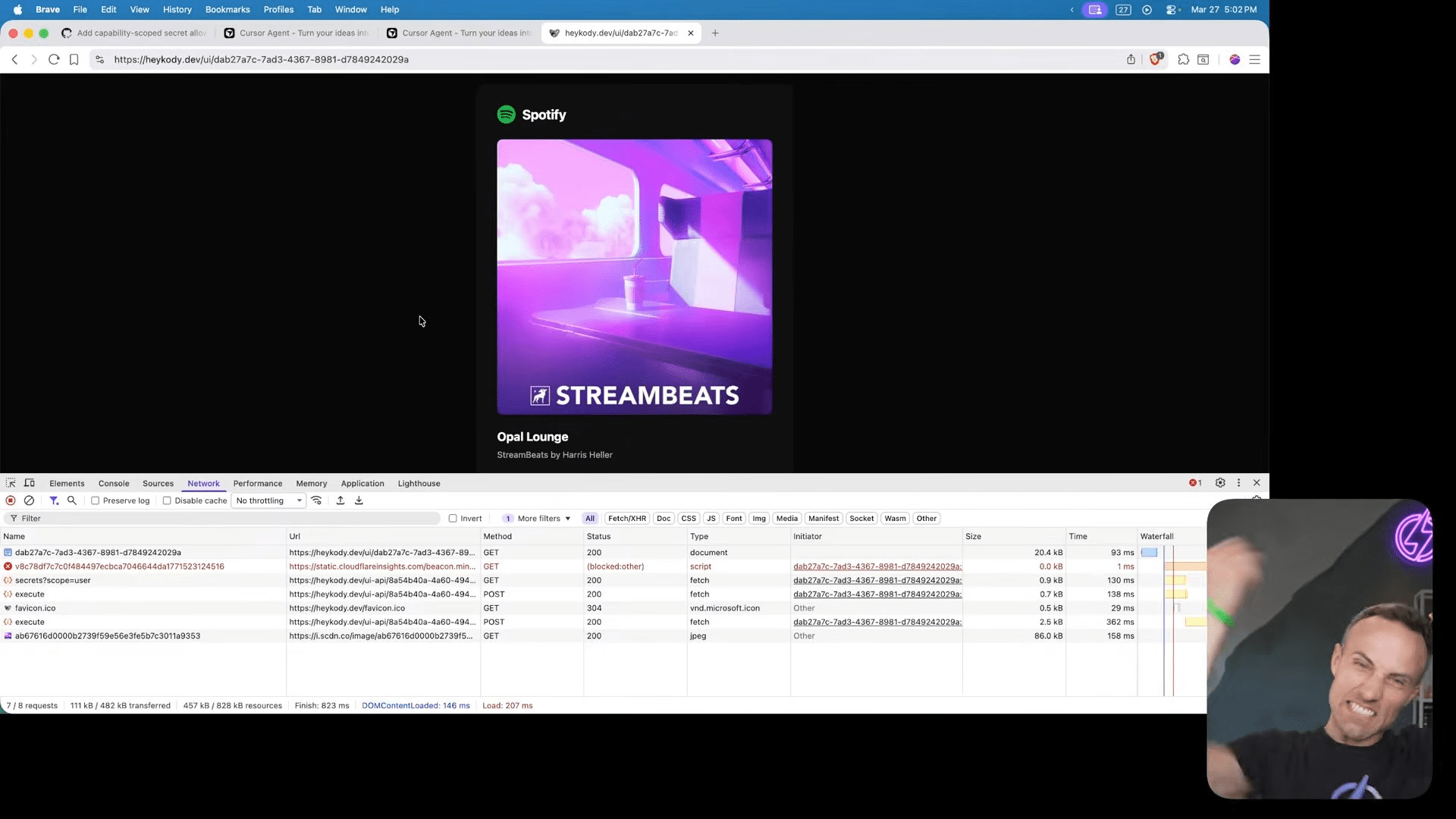
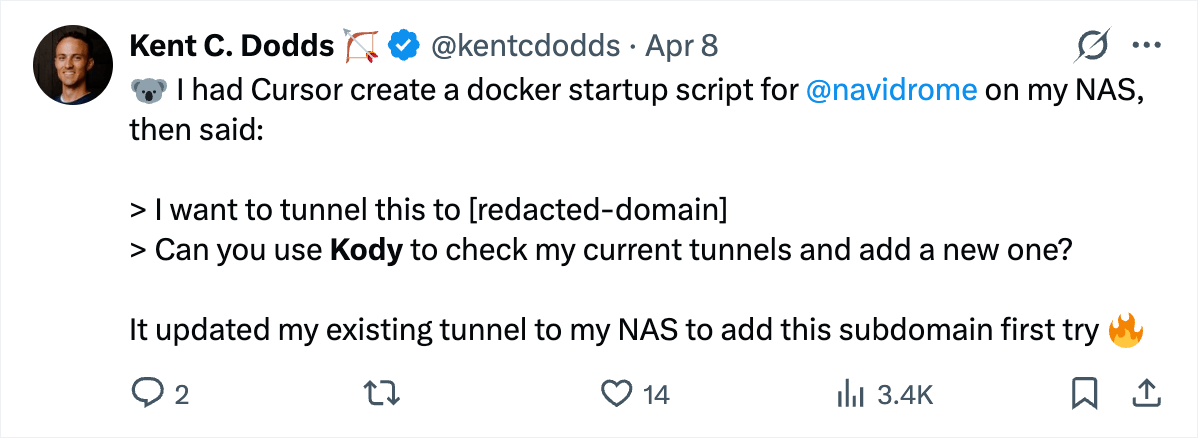
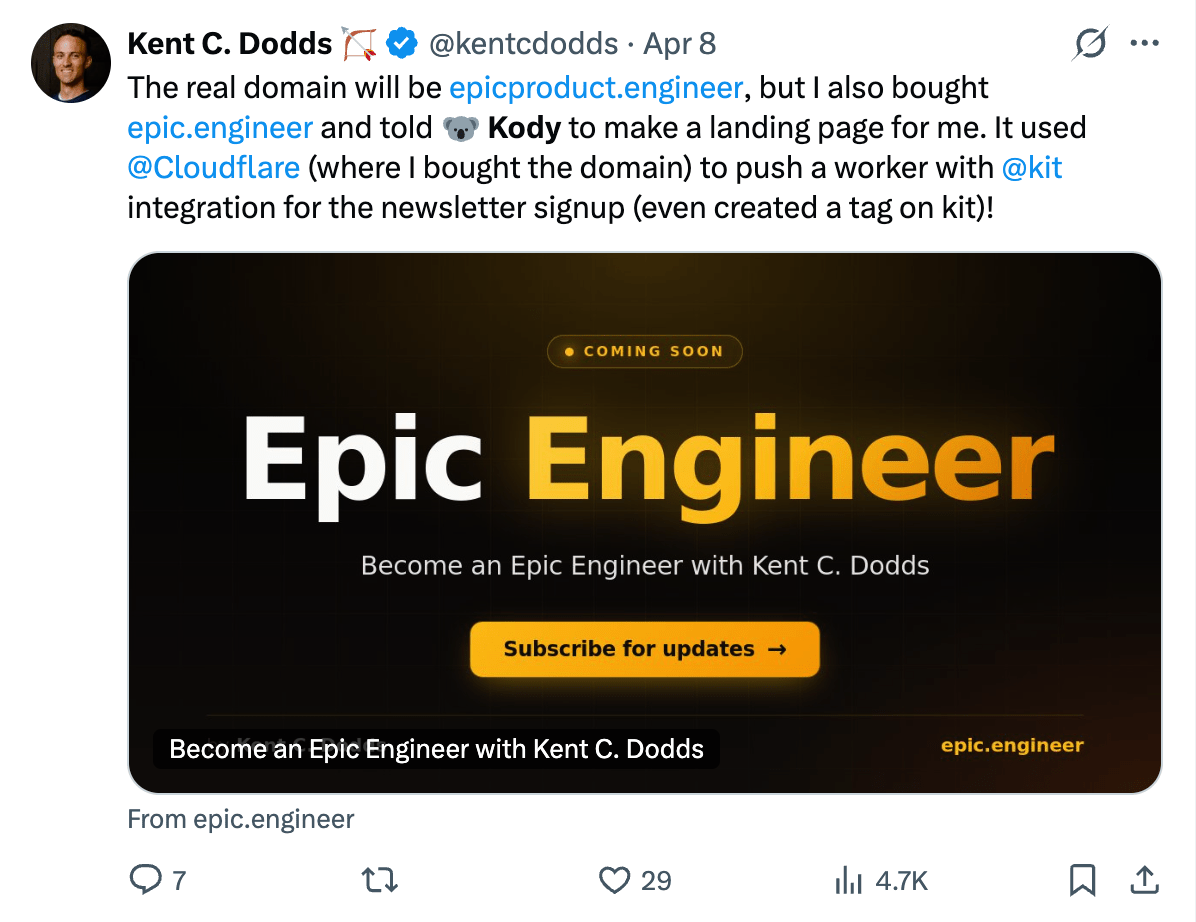
you rebuilt a worse version of OpenClaw...
Cool bro...
All for free*
*or... at least without paying more than my existing subscriptions
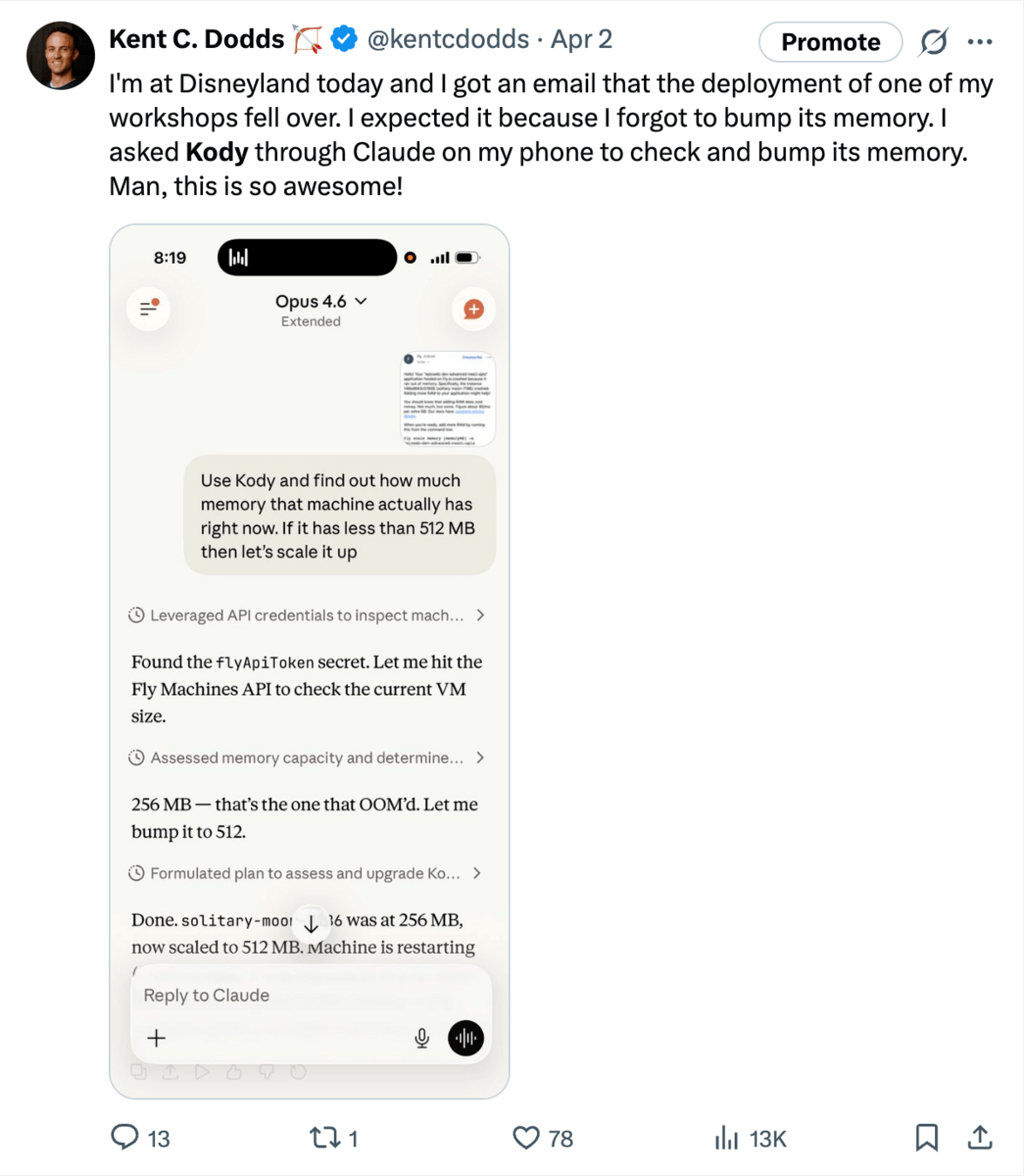
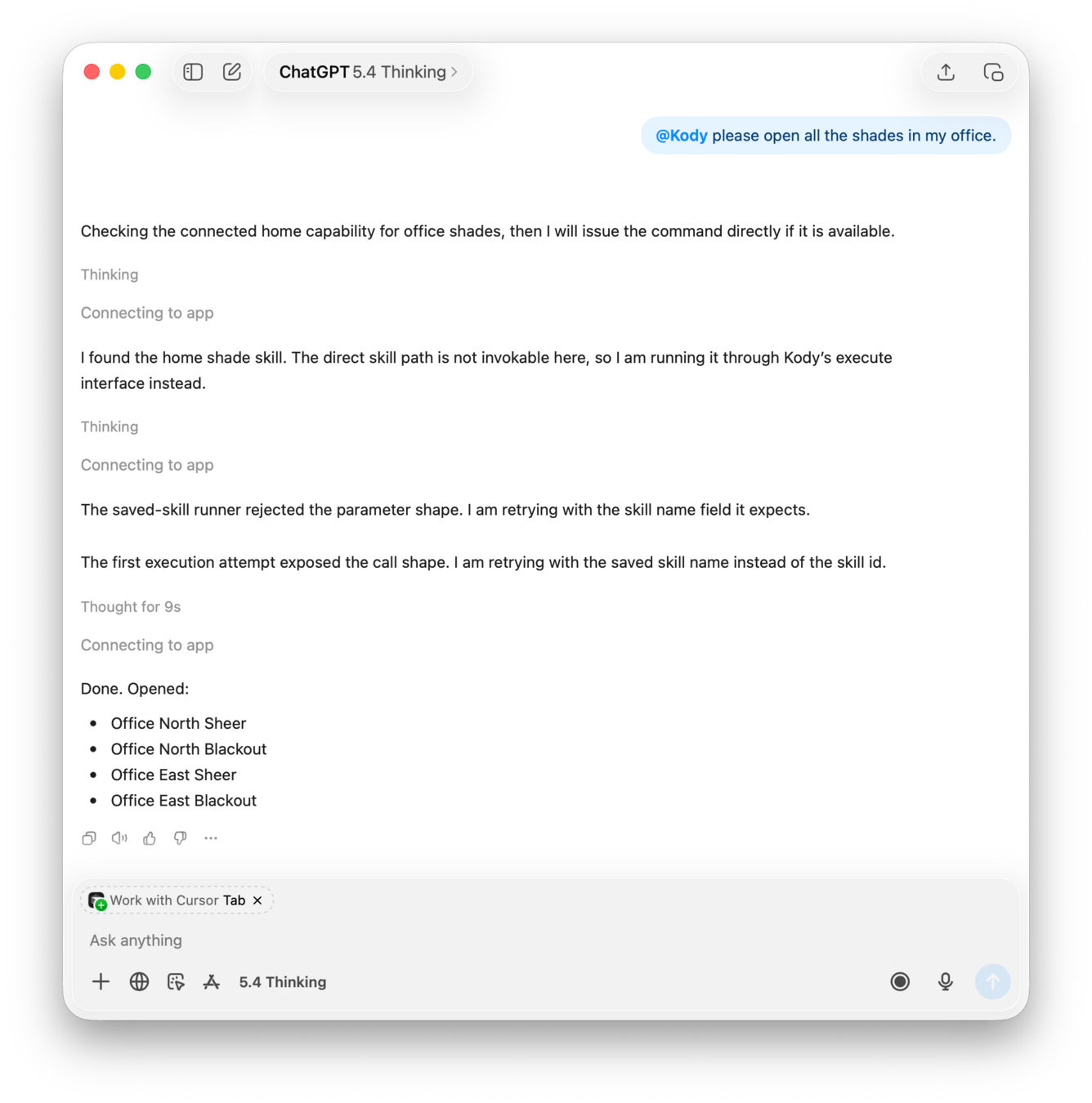
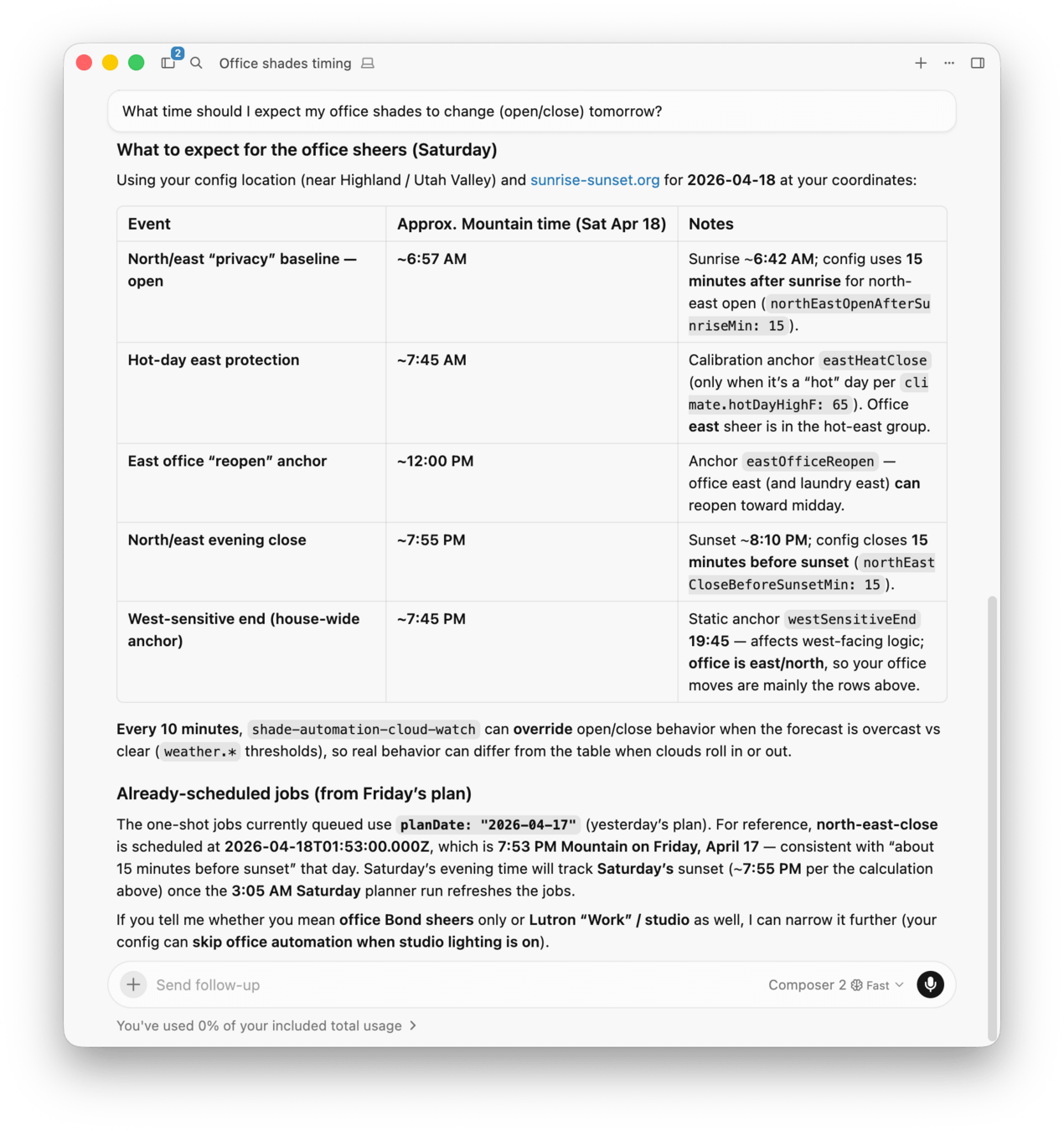
Three tools
- search - progressive disclosure
- execute - write and run code
- open_generated_ui - MCP Apps!
Three tools
- search - progressive disclosure
- execute - write and run code
- open_generated_ui - MCP Apps!
Search
{
  "query": "spotify weather current location playlist playback package connector",
  "limit": 10,
  "memoryContext": {
    "task": "Play weather-appropriate music on Spotify before AI Engineer Miami talk",
    "entities": ["Spotify", "weather", "current location", "playlist", "playback"],
    "constraints": ["prefer existing packages and connectors"]
  }
}
# Search results

For full detail on one hit, call `search` with `entity: "{id}:{type}"` (example: `kody_official_guide:capability`).

**How to run matches:**

- Built-in capabilities — `execute` with `import { codemode } from "kody:runtime"`
- Persisted values — `codemode.value_get({ name, scope })` or `codemode.value_list({ scope })`
- Saved connectors — `codemode.connector_get({ name })` or `codemode.connector_list({})`
- Saved packages — import from `kody:@package-id/export-name`, edit with `repo_*`, and open package apps with `open_generated_ui({ package_id })` when the package declares `kody.app`
- Secrets — placeholders in execute-time fetches or `codemode.secret_list` (never paste raw secrets in chat or embed `{{secret:...}}` literally into visible content such as comments, prompts, or issue bodies)

## Relevant memories

- **Kent's home timezone** (profile): Kent lives in Utah Valley, Utah, USA. His local timezone is America/Denver.
- **Kody execute sandbox: OAuth connector utilities** (workflow): `createAuthenticatedFetch(providerName)` can be used for OAuth-backed integrations like Spotify.
- **Kody integration-backed app workflow** (workflow): Confirm the connector exists, run one authenticated smoke test, then build or use the dependent package workflow.

## Package — @kentcdodds/spotify (`spotify`)

Package-first Spotify playback controls, queue helpers, device management, and a hosted remote app for Kent's Kody workflows.

**Why this matched:** The user asked to play music on Spotify. This package appears to provide the primary playback and device-control capabilities needed to fulfill that request.

**Tags:** `spotify`, `music`, `playback`, `queue`, `remote`
**Has app:** yes
**Hosted URL:** `https://heykody.dev/packages/spotify`

## Package — @kentcdodds/environment-lookups (`environment-lookups`)

Package-first real-world environment lookup helpers for weather, sun, air quality, and reusable location resolution.

**Why this matched:** The user asked for music appropriate to the weather "here." This package appears relevant for determining local weather conditions and resolving location context.

**Tags:** `weather`, `sun`, `air-quality`, `environment`, `lookup`
**Has app:** no

## Connector — `spotify`

OAuth connector config for spotify

**Why this matched:** Spotify playback likely requires authenticated access on the user's behalf.

**Flow:** `pkce`
**API base URL:** none

## Value — `spotify-client-id` (`user` scope)

spotify OAuth client ID

**Why this matched:** This suggests the Spotify integration is configured and may be usable by the Spotify package or connector.

**Entity:** `user:spotify-client-id:value`

## Capability — `kody_official_guide`

Load an official Kody guide from the kody GitHub repository (markdown). **For third-party integrations that will power a package, package app, or workflow, use `guide: "integration_bootstrap"` first.**

**Why this matched:** If the agent needs to verify integration readiness before execution, this capability provides the correct bootstrap path.

Available guides (order matters—start with `integration_bootstrap` for integration-dependent work):
- `integration_bootstrap`
- `oauth`
- `integration_backed_app`

> **Note:** This page does not include any matching user secret references. If you need credential metadata, use `codemode.secret_list` inside `execute` or save secrets via generated UI.
Execute
{
  "conversationId": "atpw5n5a47mk",
  "memoryContext": {
    "task": "Impress people Kent's presenting to at AIEMiami",
    "entities": [
      "Spotify",
      "playlist",
      "playback"
    ]
  },
  "code": "/* ... */"
}
import { createAuthenticatedFetch } from 'kody:runtime'
import weather from 'kody:@environment-lookups/weather'
import playbackController from 'kody:@spotify/playback-controller'
import transferPlayback from 'kody:@spotify/transfer-playback'

function choosePlaylistQuery(weatherResult) {
  const condition = String(weatherResult?.daily?.condition ?? '').toLowerCase()
  const feelsLikeHigh = Number(
    weatherResult?.daily?.feelsLikeHigh ?? weatherResult?.daily?.high ?? 80
  )

  if (/(storm|thunder)/.test(condition)) return 'cinematic ambient storm playlist'
  if (/(rain|drizzle|showers)/.test(condition)) return 'rainy day focus playlist'
  if (/(overcast|cloud|fog)/.test(condition) && feelsLikeHigh >= 85) {
    return 'tropical chill playlist'
  }
  if (/(overcast|cloud|fog)/.test(condition)) return 'cloudy day chill playlist'
  if (/(clear|sunny)/.test(condition) && feelsLikeHigh >= 85) {
    return 'sunny tropical house playlist'
  }
  if (/(clear|sunny)/.test(condition)) return 'sunny upbeat playlist'
  return 'upbeat chill playlist'
}

function chooseBestPlaylist(items) {
  const scored = items.map(item => {
    const owner = String(item?.owner?.display_name ?? item?.owner?.id ?? '').toLowerCase()
    let score = 0

    if (/spotify/.test(owner)) score += 4
    if (/filtr/.test(owner)) score += 3
    if (/tropical|summer|vacation|ibiza|chill/.test(String(item?.name ?? '').toLowerCase())) {
      score += 2
    }

    return { item, score }
  })

  scored.sort((a, b) => b.score - a.score)
  return scored[0]?.item ?? null
}

async function readJsonOrText(response) {
  const text = await response.text()

  try {
    return JSON.parse(text)
  } catch {
    return text
  }
}

async function assertOk(response, label) {
  if (response.ok) return response

  const body = await readJsonOrText(response)
  throw new Error(
    `${label} failed (${response.status} ${response.statusText}): ${
      typeof body === 'string' ? body : JSON.stringify(body)
    }`
  )
}

export default async function run() {
  const fetchSpotify = await createAuthenticatedFetch('spotify')

  const weatherResult = await weather({
    location: 'Miami, FL',
    units: 'imperial',
  })

  const query = choosePlaylistQuery(weatherResult)

  const searchResponse = await assertOk(
    await fetchSpotify(
      `https://api.spotify.com/v1/search?q=${encodeURIComponent(query)}&type=playlist&limit=10`
    ),
    'Spotify playlist search'
  )

  const searchBody = await searchResponse.json()
  const items = Array.isArray(searchBody?.playlists?.items)
    ? searchBody.playlists.items.filter(Boolean)
    : []
  const playlist = chooseBestPlaylist(items)

  if (!playlist?.uri) {
    throw new Error(`No Spotify playlist found for query: ${query}`)
  }

  const state = await playbackController({ action: 'status' })
  const device = Array.isArray(state?.devices)
    ? state.devices.find(d => d?.isActive) ?? state.devices[0]
    : null

  if (!device?.id) {
    throw new Error('No available Spotify playback device found.')
  }

  await transferPlayback({ deviceId: device.id, play: false })
  await new Promise(resolve => setTimeout(resolve, 1200))

  await assertOk(
    await fetchSpotify(
      `https://api.spotify.com/v1/me/player/play?device_id=${encodeURIComponent(device.id)}`,
      {
        method: 'PUT',
        headers: { 'content-type': 'application/json' },
        body: JSON.stringify({ context_uri: playlist.uri }),
      }
    ),
    'Spotify start playback'
  )

  const verify = await assertOk(
    await fetchSpotify('https://api.spotify.com/v1/me/player'),
    'Spotify verify playback'
  )

  return {
    weather: weatherResult.summary,
    playlistQuery: query,
    selectedPlaylist: {
      name: playlist.name,
      uri: playlist.uri,
      owner: playlist.owner?.display_name ?? playlist.owner?.id ?? null,
      url: playlist.external_urls?.spotify ?? null,
    },
    playbackDevice: {
      id: device.id,
      name: device.name,
      type: device.type,
    },
    verify: await verify.json(),
  }
}
{
"conversationId": "atpw5n5a47mk",
"relevantMemories": [
{
"title": "Kent's speaking",
"kind": "profile",
"summary": "Kent's speaking at AIE Miami on April 20th, 2026."
},
],
"result": {
"ok": true,
"weather": {
"location": "Miami, Miami-Dade County, Florida, United States",
"condition": "Overcast",
"high": 83.9,
"feelsLikeHigh": 93.5
},
"playlistQuery": "tropical chill playlist",
"selectedPlaylist": {
"name": "Tropical House Hits 2026",
"uri": "spotify:playlist:2SRbIs0eBQwHeTP7kErjwo"
},
"playbackDevice": {
"name": "Kent’s Jaguar",
"type": "Computer"
}
}
}Resources

Thank you!

𝕏 @kentcdodds
Build a Free Agent
By Kent C. Dodds
Build a Free Agent
Most AI assistants are still just chats with tool access. This talk shows a different approach: using MCP as a personal runtime. I'll walk through how Kody uses search, execute, and open_generated_ui to discover capabilities, run sandboxed workflows, manage and use memory, keep secrets out of prompts, and turn generated interfaces into reusable software. The goal isn't a better model. It's making AI assistants portable, secure, and actually useful across MCP hosts. In this talk, you'll learn that with the right primitives, you can create a highly capable assistant without paying an extra cent for inference. Free as in freedom Free as in cookies Free as in puppies