






Mohit Bajoria
Open source lover!
Speakers
Quick Poll
You told me source code is available to play with but where I will get the source code.
Wait a second!
Github is one of the place on Internet where you can get source code of various famous open source projects like VLC, AngularJS, ReactJS etc.
make your code Open Source
manage literally any number of contributors
manage versions of your product
follow a well defined structure to complete the project
contribute into projects of your choice
find open source projects to work on
create an online portfolio of your skills
It allows you to:-
It is a social network for Developers.
Github allows you to work in a Team
$ git config --global user.name "YOUR NAME"$ git config --global user.email "YOUR EMAIL ADDRESS"Don't worry. The above set up is to be done only once.
Repository?
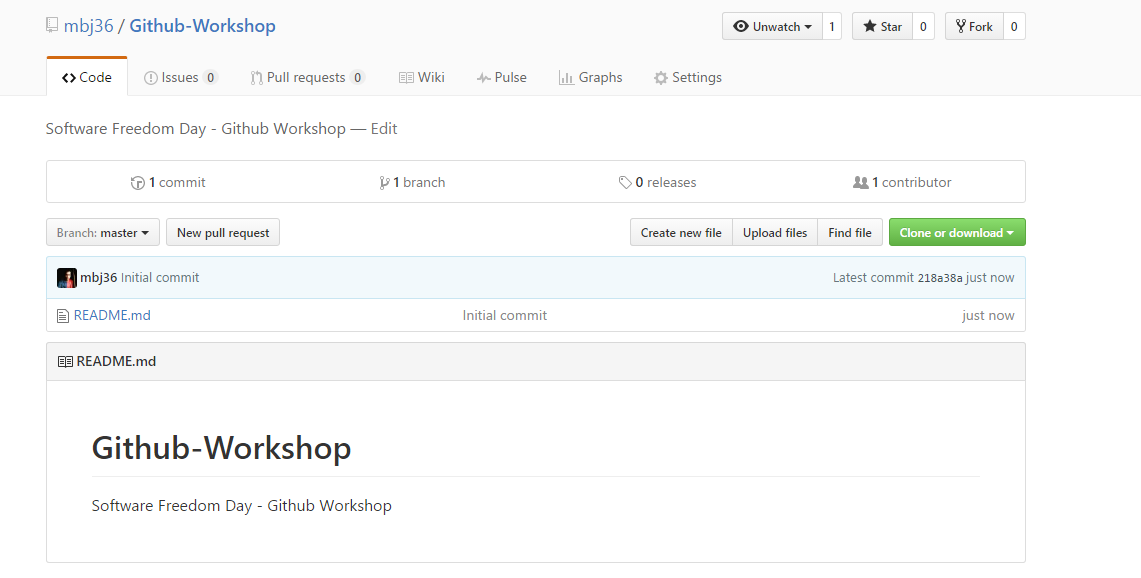
A GitHub Repository is an online Folder at Github, which contains all of the files within a project.
GitHub allows any contributor to get notified about any changes in any file within a Repository.
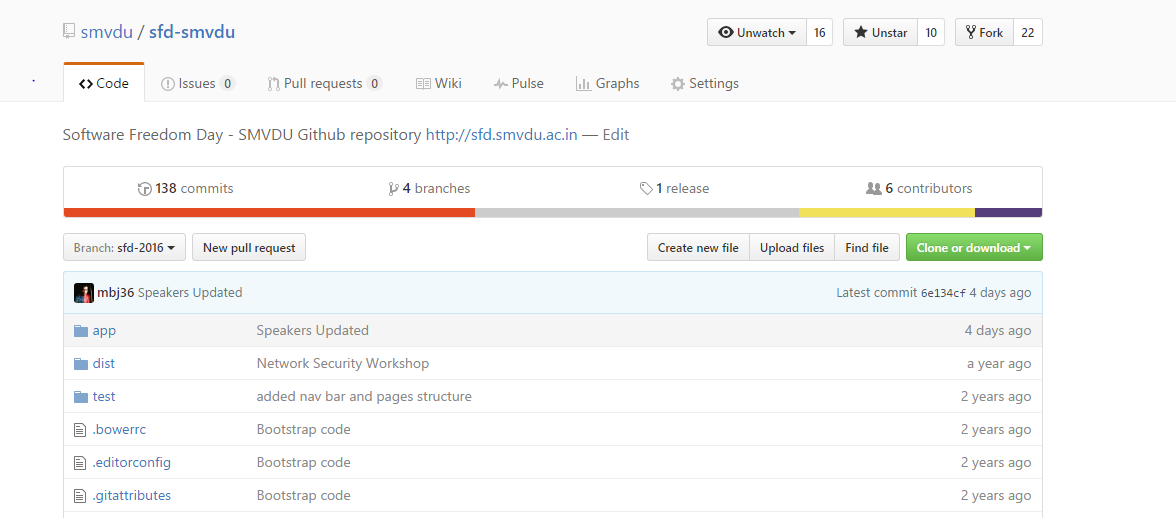
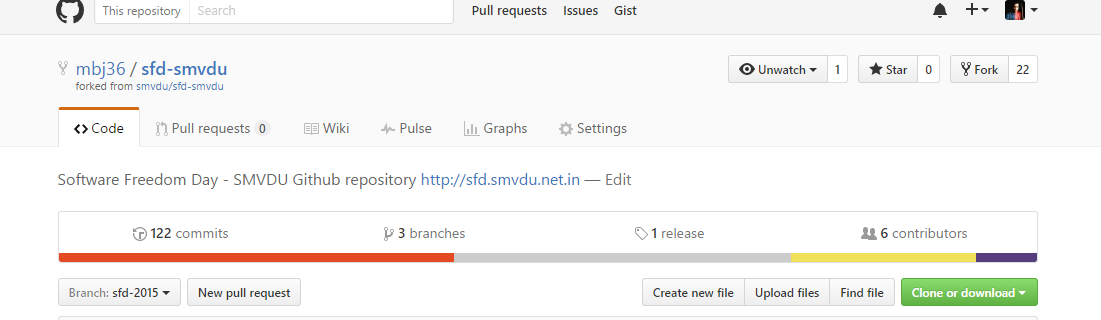
A Repository in one account can be copied in another account using "Fork" Button.
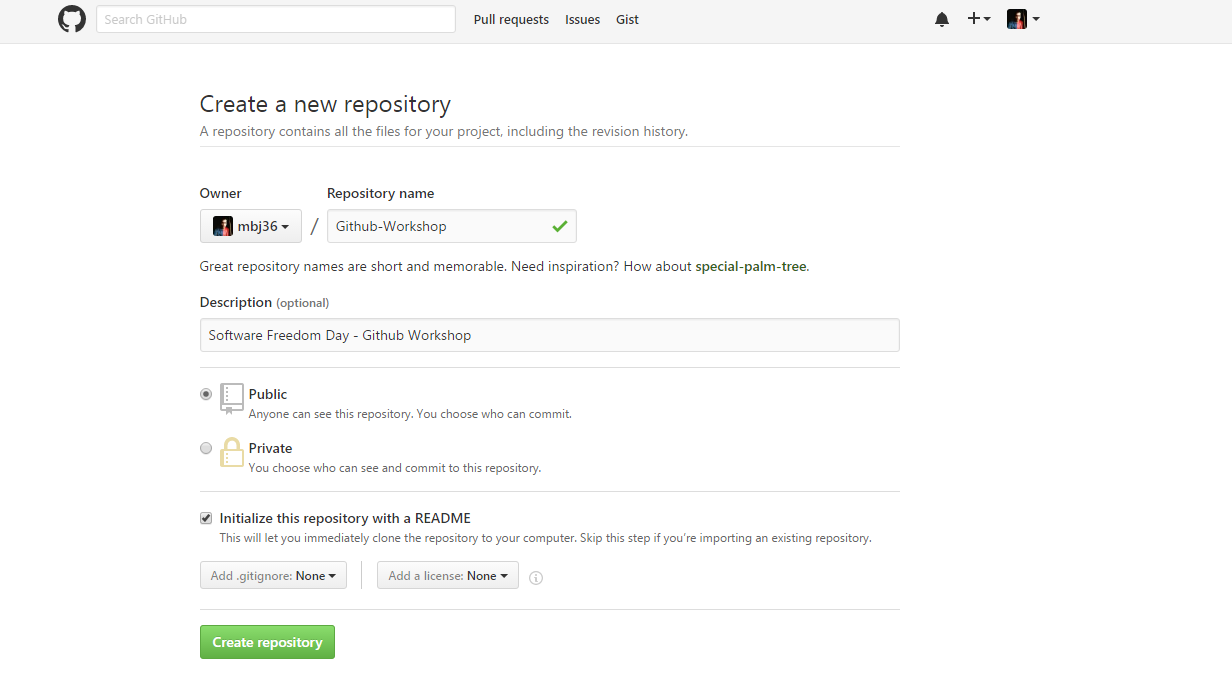
A new Repository can be created by clicking on the the "+" button in Github Menu bar.
$ git clone https://github.com/mbj36/Github-Workshop.gitIt will create a folder in your computer with the same files on github.
Software Freedom Day is everywhere!
SFD is a yearly celebration for Software Freedom!
Every year there are thousands teams organizing
Software Freedom Day in different
countries and cities.
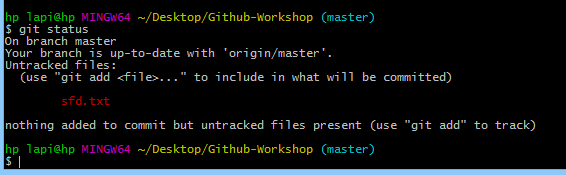
sfd.txt
Git will version control this file named sfd.txt to record the changes happening with file over time.
hp lapi@hp MINGW64 ~/Desktop/Github-Workshop (master)
$ git add -all
$ git status
On branch master
Your branch is up-to-date with 'origin/master'.
Changes to be committed:
  (use "git reset HEAD <file>..." to unstage)

        new file:   sfd.txt
hp lapi@hp MINGW64 ~/Desktop/Github-Workshop (master)
$ git commit -m"Created Text File"
[master 1977c06] Created Text File
 1 file changed, 5 insertions(+)
 create mode 100644 sfd.txt
-m = commit message
hp lapi@hp MINGW64 ~/Desktop/Github-Workshop (master)
$ git status
On branch master
Your branch is ahead of 'origin/master' by 1 commit.
  (use "git push" to publish your local commits)
nothing to commit, working tree clean
hp lapi@hp MINGW64 ~/Desktop/Github-Workshop (master)
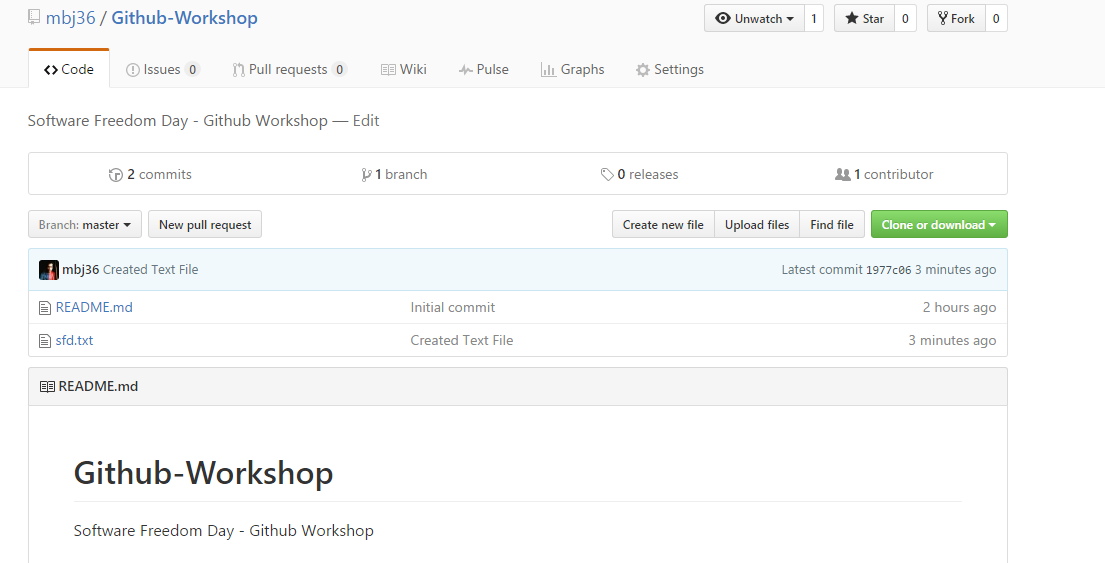
$ git push origin master
Counting objects: 3, done.
Delta compression using up to 4 threads.
Compressing objects: 100% (3/3), done.
Writing objects: 100% (3/3), 402 bytes | 0 bytes/s, done.
Total 3 (delta 0), reused 0 (delta 0)
To https://github.com/mbj36/Github-Workshop.git
   218a38a..1977c06  master -> master
$ git push "Remote Name" "Branch Name"

ex - $ git push origin masterCheck the status often.
Original Project
This is your copy of the project. Modify it as you like and follow the Git Mantra.
Remember the Git Mantra..
Hey(Repo Owner), I have made some changes in this repo, can you add those up with the main repo?
With Pull request you are asking the maintainer of project to add your changes to the main project.
Github Remotes are like variables which have the values as the link to a particular repo on Github remote server.
Now anytime when you run "git fetch upstream" it will check your local files against this repo.
$ git remote add upstream "REPO LINK" $ git remote add upstream "https://github.com/smvdu/sfd-smvdu.git"$ git fetch "REMOTE NAME"
$ git merge "REMOTE NAME"/"BRANCH NAME"
"git fetch" gets the latest code from the parent repo and add it directly to your local repo.
By Mohit Bajoria
Slides for Github workshop in Software Freedom Day 2016.