<info 340/>
Client-Side (Web) Development
Orson Xu
Spring 2023
Slides credited to Joel Ross
View of the Day
-
Introductions
-
Syllabus and course structure
-
Making a Web Page!
-
Testing
-
CSS (if time)

About Orson Xu
5th-year PhD Candidate
Email xuhaixu@uw.edu
Zoom https://washington.zoom.us/my/orsonxuhaixu
Office Hours Thu 4 - 6 PM @ MGH080 or Zoom
(starting from 2nd week)

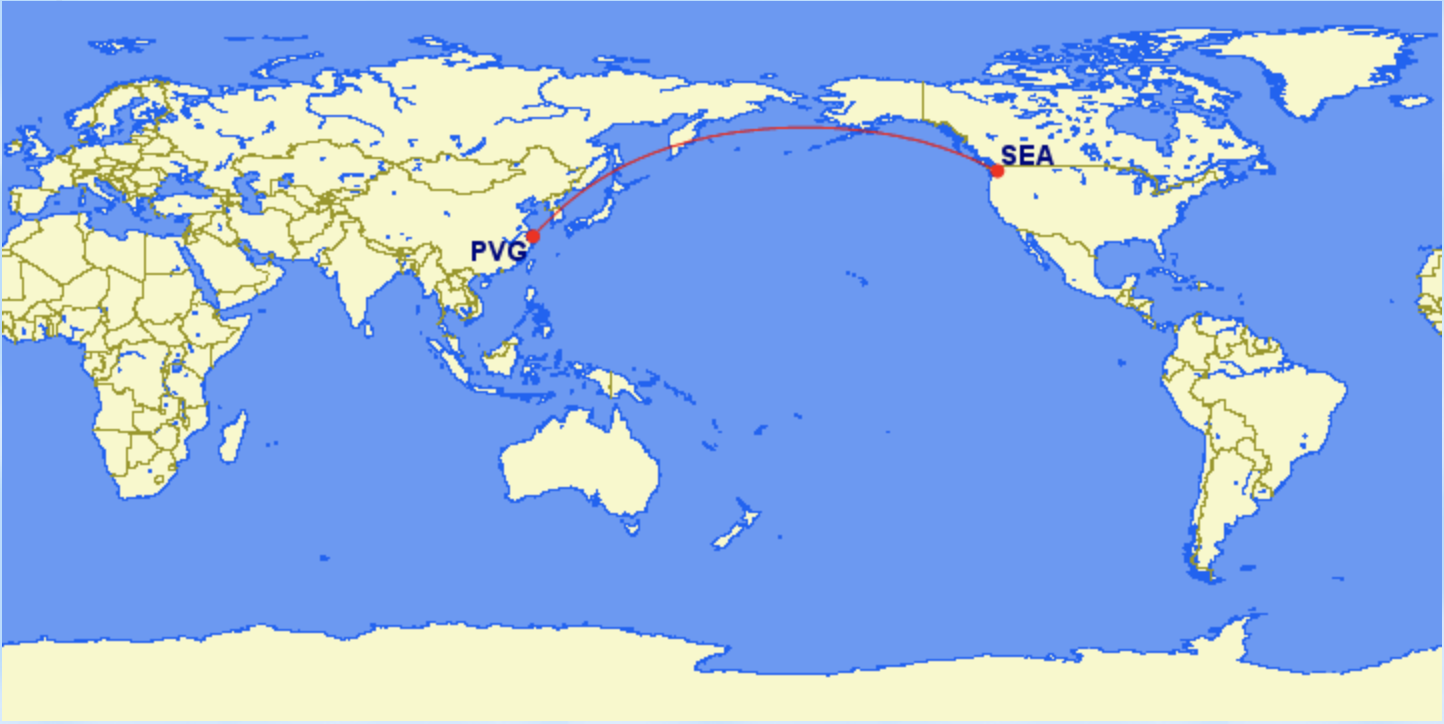
About Orson Xu
5th-year PhD Candidate
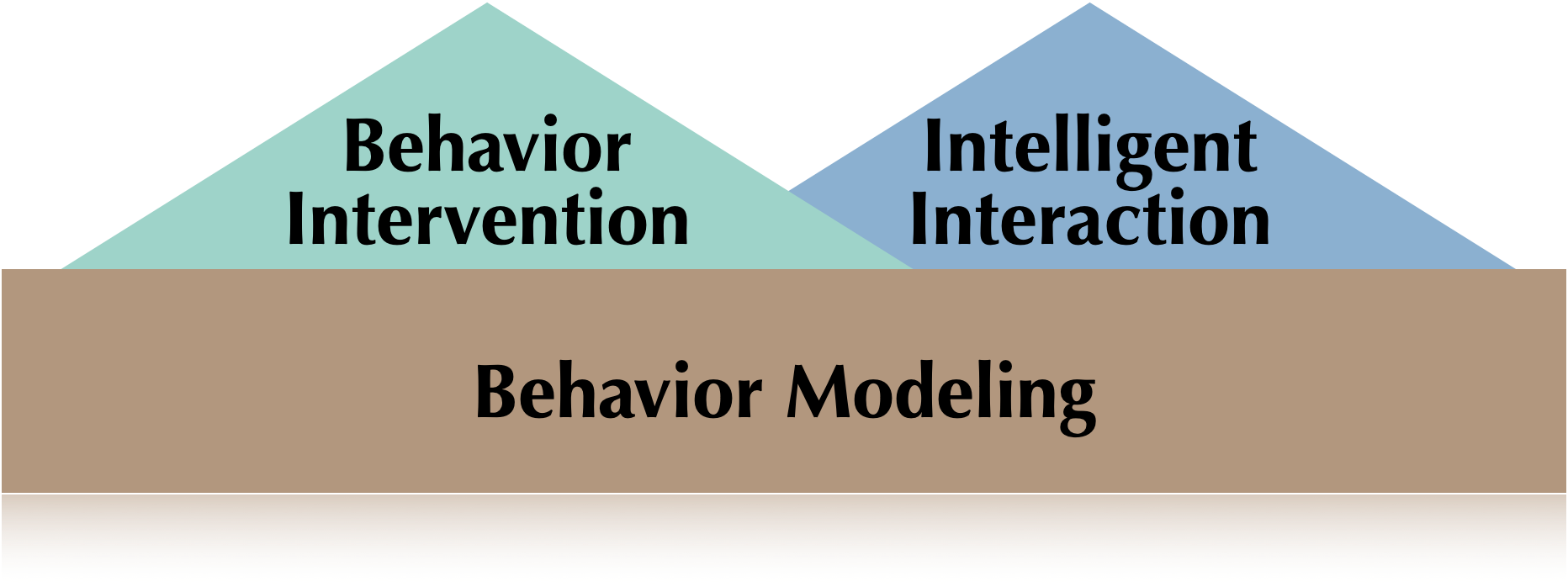
Research Focus
Email xuhaixu@uw.edu
Zoom https://washington.zoom.us/my/orsonxuhaixu
Office Hours Thu 4 - 6 PM @ MGH015H or Zoom
(starting from 2nd week)
Prof. Joel Ross
Associate Teaching Professor
Many Credits to

Strongly Encouraged!
[Not required]
Mask Policy
In person: introduce to yourself to your neighbor! Meet someone new!
(Online: post a greeting in the chat, and then respond to someone else's greeting. Have an unthreaded conversation! Embrace chaos.)
Meet and Greet!

Interrupt any time!
ASK LOTS OF QUESTIONS!
Your TAs!


Shangzhen Yang (they/them)<shangy24@uw.edu>
Section BA: MGH430
Tue 3:30p - 4:20p
Office H: Tue 4:30 - 5:30 PM PT, or by appointment (on Zoom)
Arnav Gupta (he/him)
<agupta8@uw.edu>
Section BB: MGH430
Wed 12:30a - 1:20p
Office Hours: Mon 2 - 3 PM PT, or by appointment (on Zoom)
Syllabus
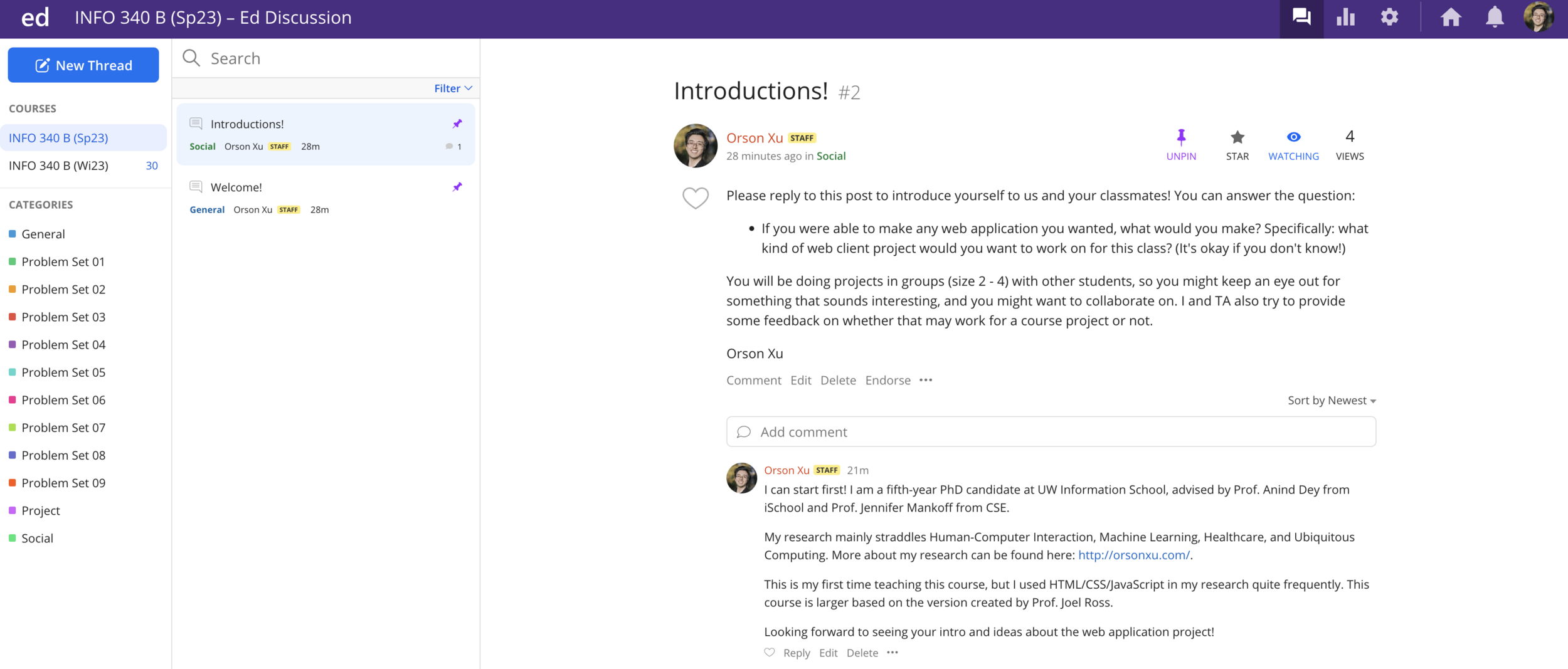
Ed Discussion
Lectures
Lectures will be used to review and demo the material.
- They will not be comprehensive; also do the reading!
- Lectures will be streamed and recorded for people who are not able to attend in person
-
Do come to class whether in person or online
-
Do come to class whether in person or online
- Take responsibility for your own learning!
Lectures - Zoom
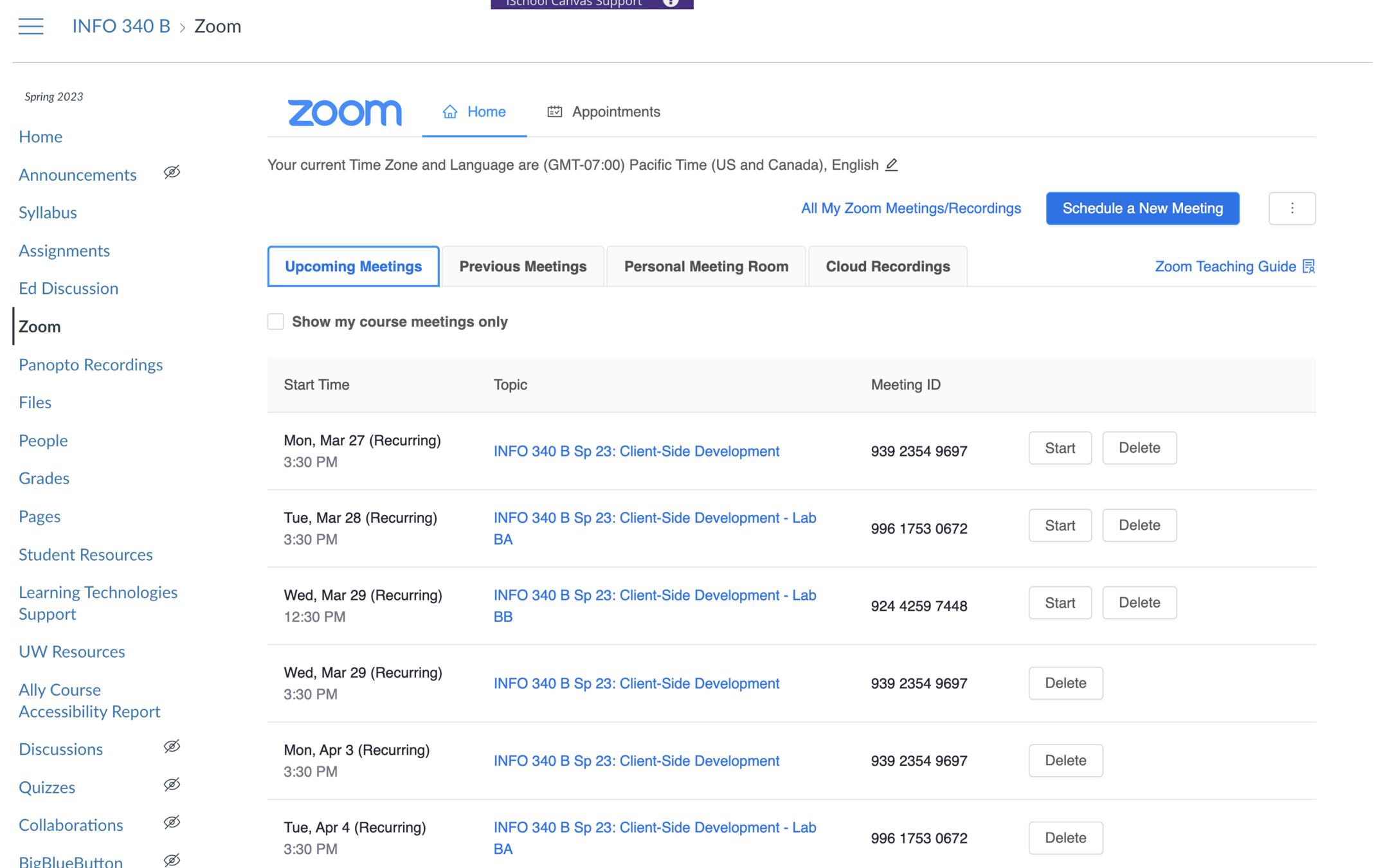
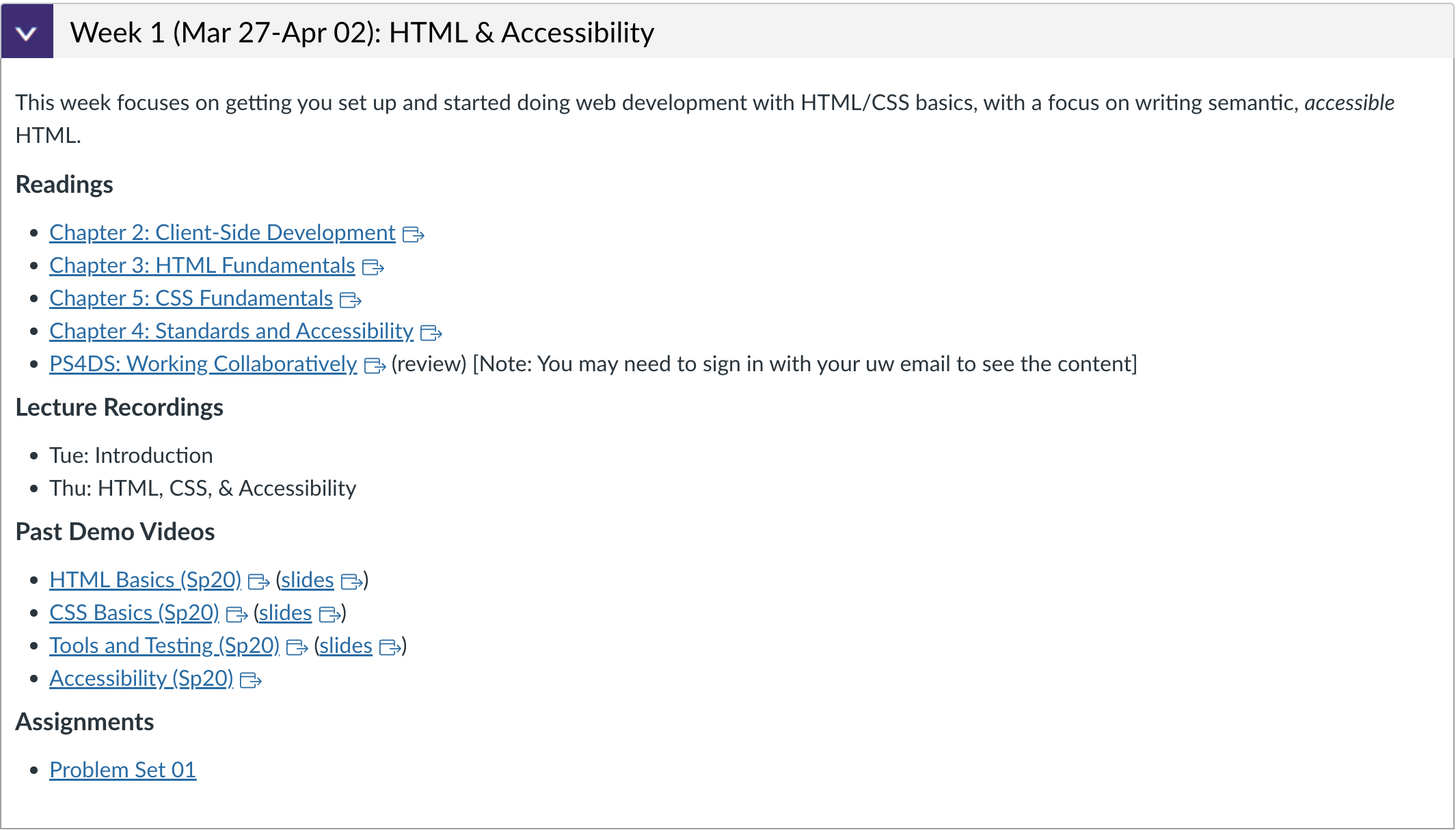
Past Demo Videos
We also put some demo videos from previous courses.
You are welcomed to watch them before/after the class.
Please do come to class!
Choose to make this a priority! It is the best way to stay engaged and succeed in this course.
Quick Poll Question

Course Textbook
Assignments
Problem Sets
- Directed practice problems to make sure you can apply the material in code.
- Auto-graded on completion basis
- Due each week (mostly Wed) to keep you moving
- 2-day grace period
- DO NOT FALL BEHIND ON THESE!
Group Project
- Develop an interactive web app of your own choosing to creatively apply your new skills
- Completed in small teams (up to 4)
- Deliverables throughout the quarter
Some Past Projects...
https://sprinter-rehost.web.app (Su22)
https://pokedex340-8ec91.web.app/ (Sp22)
https://huskyswaps-e2042.web.app/items (Wi22)
https://project-skincare-proposal.web.app (Wi22)
https://subscriptr.web.app/ (Wi22)
https://project-minionsville.web.app/ (Au22)
https://moody-340.web.app/ (Au22)
https://ecolife-30294.web.app/ (Au22)
Project Deliverables
-
Project Proposal
- Tell us what you're going to do!
- Tell us what you're going to do!
-
Draft 1 (Static Mockup)
- Do all of the HTML/CSS design work for the whole thing
- Do all of the HTML/CSS design work for the whole thing
-
Draft 2 (React)
- Redo mockup in React (copy-paste a lot), add basic interactivity (~1 feature)
- Redo mockup in React (copy-paste a lot), add basic interactivity (~1 feature)
-
Final Version
- Final complete version!
Deadlines
-
Problem Sets
- Can turn in 2 days late at no penalty
- After 2 days, earn up to 90% credit
- Treat these as having "hard" deadlines - don't put them off!
-
Project Deliverables
- Proposal may be revised until correct
- Drafts have hard deadlines, with no late credit available
- Final has hard deadline, with no late credit available
- Iterating: fixing problems in subsequent drafts can boost earlier scores by up to 20%
We will also provide accommodations for illnesses/accessibility/etc.
Time Expectations
5 credit course = 15 hour per week commitment (link)
Autumn 2022

Time Expectations
Class & Lab Work (5 hr/week)
- lecture/demo/practice (4 hr)
- project work in lab (1 hr)
At Home Work (10 hr/week)
- reading (2 hr)
- problem sets (4 hr)
- project work (4 hr) <= but "spiky"!
5 credit course = 15 hour per week commitment (link)
You can seek help and learn from others, and to help others learn in return.
You are expected to develop projects by yourself, from scratch. Using pre-written examples from the internet will not be sufficient to earn credit.
We are entering a new era... You are encouraged to use ChatGPT or other LLMs to assist learning.
But! DO NOT use to answer questions directly! Otherwise this course become meaningless...
You will not earn credit for code you do not write yourself.
Reusing code is fine
But make sure to cite them
Questions?
Short break!
Client-side Web Development



protocol
domain
resource

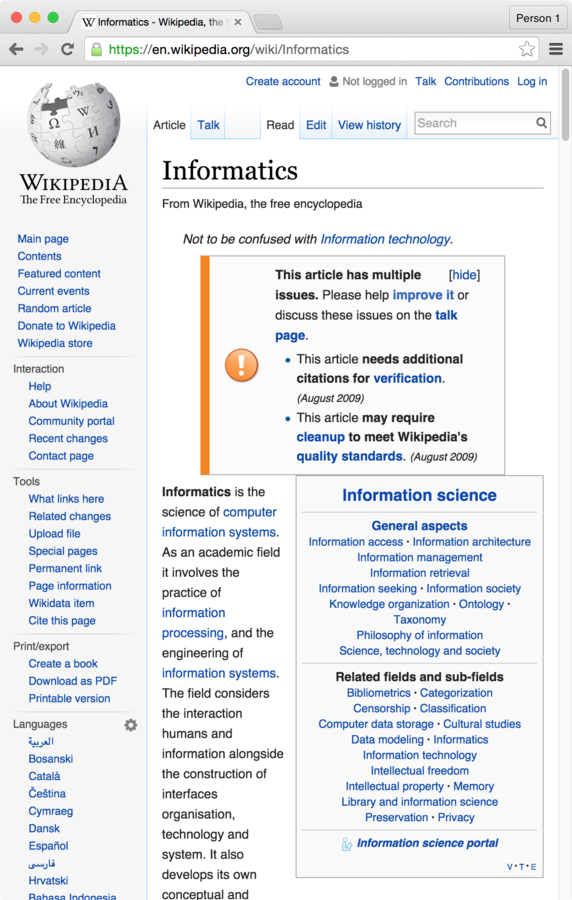
"Hi Wikipedia, I'd like you to send me the Informatics page!"
two
t
(how to handle info)
(who has info)
(what info you want)
Web Server
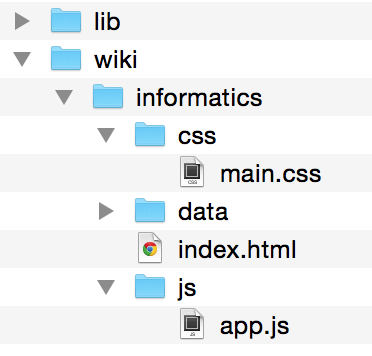
Response
Using the Internet
Request
+

=
Let's make those files!
Clone Lecture Code
All lecture demo code will be stored in on GitHub. Clone the repo to work along with me if you wish (also reference later!)
Git Branches
We will be working with branches in this class. The "starter" lecture code is on its own branch, and we'll do work on the "completed" branch
git branchList available branches
git branch [my_branch]Create a new branch called "my_branch"
git checkout [my_branch]Switch to branch "my_branch"
git merge [other_branch]Merges changes from other_branch into the current branch.


Visual Studio Code
Edit the index.html file


Open the file with Chrome
What if we want so say how
the content is rendered?
HTML
Hyper Text Markup Language
Adds meaning to otherwise plain text

"this is a heading, this is a paragraph, this is a definition, this is a hyperlink..."
for documents that link to one another!
HTML Syntax
Annotate
content by surrounding it
with
<tags>
<tag>

Content

</tag>


<tag>content</TAG>
open/start tag
close/end tag (leading slash)
content
}
ignores whitespace and tag case (use lowercase)
Some Common Tags
-
<h1>: a 1st-level heading -
<h2>: a 2nd-level heading (and so on, down to <h6>) -
<p>: a paragraph of text -
<a>: an “anchor”, or a hyperlink -
<img>: an image -
<button>: a button -
<em>: emphasized content (not necessarily italic). The same as _text_ in Markdown. -
<ul>: an unordered list (and <ol> is an ordered list) -
<li>: a list item (an item in a list) -
<table>: a data table -
<form>: a form for the user to fill out -
<div>: a division (section) of content. Also acts as an empty block element (followed by a line break) -
<span>: a span (section) of content. Also acts as an empty inline element (not followed by a line break)
And more at http://www.w3schools.com/tags/ref_byfunc.asp
Practice
- Add an <h1> element with your name.
- Add two <p> elements as two paragraphs about you
HTML Attributes
Elements can include attributes in the start tag, which specify options or add further meaning.
<tag attributeA="value" attributeB="value">
    content
</tag>
Attributes are a space-separated list of names (think: variables) and values.
Values are (almost) always Strings.
NO SPACES!
<html lang="en">
...
</html>
<!-- an image -->
<img src="baby_picture.jpg" alt="a cute baby"><!-- a is an "anchor" (hyperlink) -->
<a href="https://ischool.uw.edu">iSchool homepage</a>
Example Attributes
"hypertext reference"
alternate text for screen readers
source
images have no (text) content so no closing tag
language of document is English
Practice
- Add a <a> element containing a link to another site.
- Add an <img> element with a picture (of whatever you want)
Nesting Elements
The content of a tag can contain
other HTML elements.
<h1>Hello <em>(with emphasis)</em> world!</h1>open h1
close h1
open em
close em
What's wrong here?
<p>I <strong>never<strong> make mistakes</p>important text
did not close tag!
Example: Nested Lists
<!-- An unordered list (ul) with 3 items.
  The second item's content contains an
  ordered list (ol) containing 2 items. -->
<ul>
  <li>Pigeons</li>
  <li>
    Swallows:
    <ol>
      <li>African</li>
      <li>European</li>
    </ol>
  </li>
  <li>Budgies</li>
</ul>
cmd + / to
comment a line
comments
Practice
- Add a single short list (ordered <ol> or unordered <ul>) of projects you've done, courses you've taken, etc.
- Include some nested content: emphasize (<em> or <strong>) content, put a link in the list, etc.
VS Code
Command Palette
Open up the command palette with
F1 or
cmd-shift-p for quick access to commands.

HTML Tree

HTML documents are structured as an ordered tree of elements.
HTML for the Web
<html lang="en">
<body>
   <h1>Some content...</h1>
   ...
</body>
</html>
A particular structure is needed to make the HTML work as a "web" page (online):
declare language
<!DOCTYPE html>
<html lang="en">
<body>
   <h1>Some content...</h1>
   ...
</body>
</html>
for search engines, etc.
document format
<!DOCTYPE html>
<html lang="en">
<head>
   <title>My Page Title</title>
</head>
<body>
   <h1>Some content...</h1>
   ...
</body>
</html>
document "header" (not shown)
title in tab
<!DOCTYPE html>
<html lang="en">
<head>
   <meta charset="UTF-8">
   <title>My Page Title</title>
</head>
<body>
   <h1>Some content...</h1>
   ...
</body>
</html>
for non-English chars
<!DOCTYPE html>
<html lang="en">
<head>
   <meta charset="UTF-8">
   <meta name="author" content="your name">
   <title>My Page Title</title>
</head>
<body>
   <h1>Some content...</h1>
   ...
</body>
</html>
start document body (shown) content
start HTML document (web page)
end of body content
end of document
Practice
- Add the scaffolding (<html>, <head>, and <body> elements) to your page!
Grading your work

npm
A command line package manager ("app store") that comes with Node.js. used to manage external libraries and applications.
-
npm install -g PACKAGE_NAMEto globally (whole computer) install command line programs.- Or can use
npxPACKAGE_NAMEto download and run without installing
- Or can use
-
npm install PACKAGE_NAMEto locally (per project) install a new code package and record it in the package.json file. -
npm installto locally install all of the package.json listed dependencies for a project.
Grading Your Work
Exercises contain test suites that you can use to check your work. Run these tests using the Jest test framework:
Make sure to install jest globally (or use npx)
npm install -g jestRun a particular test suite (e.g., for problem-name.spec.js):
jest problem-name
   # or
npx jest problem-name
Install the dependencies listed in package.json
# must be in project dir
npm install
Debug code using the browser, not using Jest!
Use Jest only for grading
(once everything is done)
Continuous Integration
Problem Set repositories are set up to automatically run the Jest grader when pushed to GitHub.
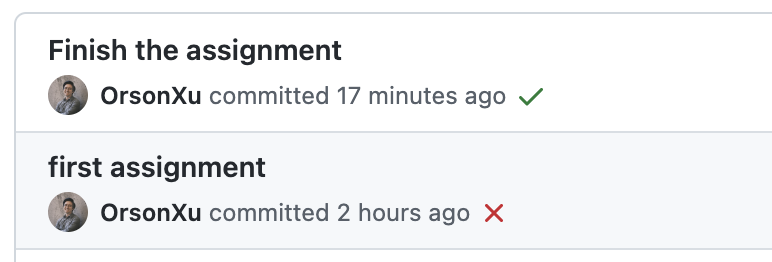
Jest for Problem Set 1
We have a web page...
...but how do we make it look good?
Not this...
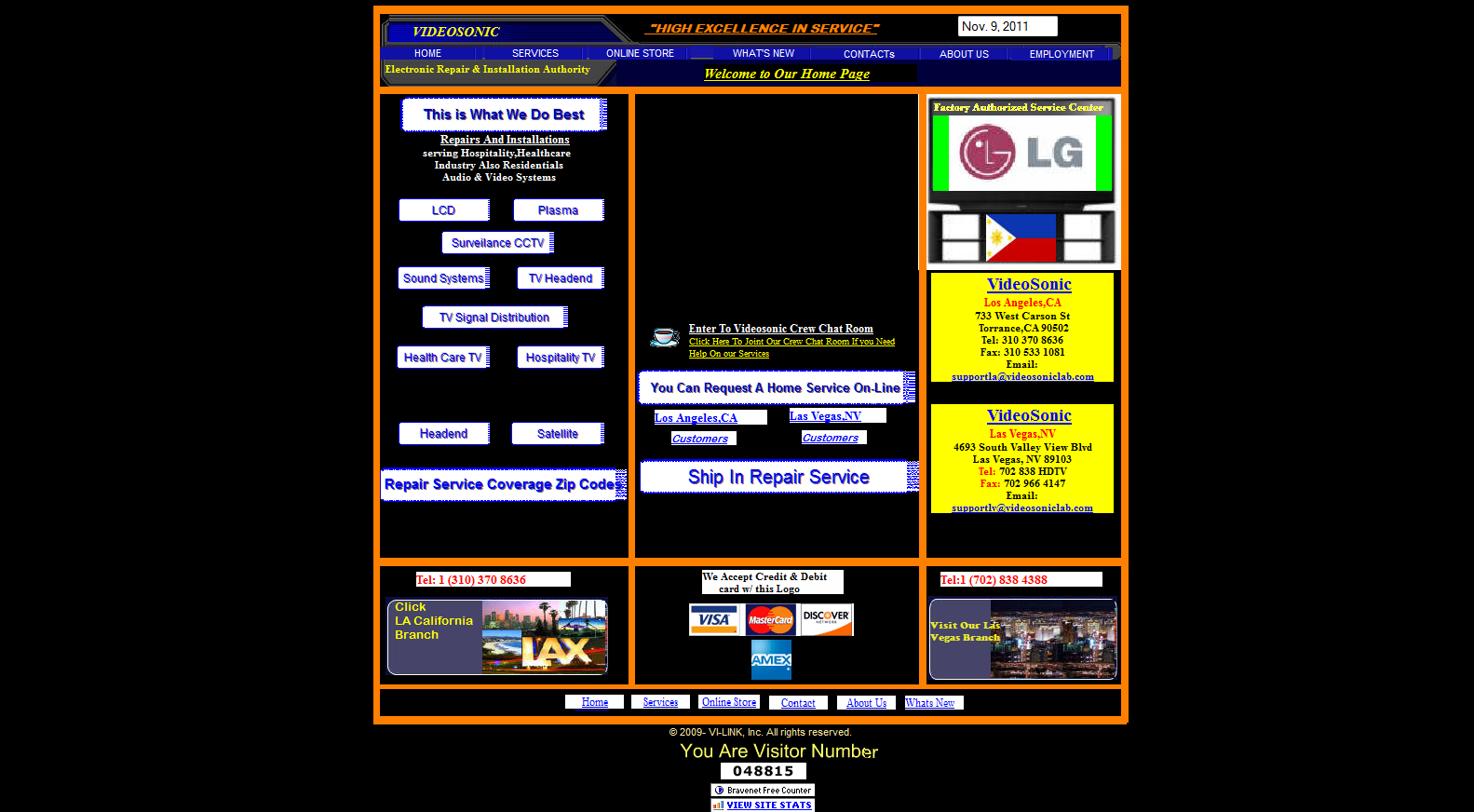
(see also: https://websitesfromhell.net/)
...but this!

CSS
Cascading Style Sheets






Action Items!
-
Do the "Start Here" steps on Canvas
-
Read: Chapter 1-5 (especially Ch. 4)
-
Problem Set 01 due Friday (for reals!)
-
Problem Set 02 due next Wednesday
-
Begin thinking about idea for your project
Next: HTML Semantics and Accessibility
Plan for the next class
-
Due to a conflict, there will be no class on Wed
-
On Tuesday:
-
The slides & recording will be uploaded on Canvas
-
Leverage TA's office hour if you needs help
-
-
On Wednesday:
-
Leverage the lecture time to watch the video, or you can make it flexible!
-
Info340b-sp23-intro [wk1-1]
By Orson (Xuhai) Xu