









Santosh Yadav
Google Developer Expert for Angular GitHub Start and Nx Champion, Open source contributor for Angular and NgRx, creator ng deploy for Netlify, NestJSAddons core team.
Please take photos tag @celonis on X and LinkedIn
Use #celonisindiameetup #lifeatcelonis
Person with most number of shares gets a swag
A build tool with mono-repo support
We have a mono-repo with Angular and Nx, which contains Angular Apps, NextJs App, Libraries, Unit Test, and e2e. We use Trunk based development approach.
2M LOC
200 Projects
40+ Apps
40+ Teams
Shell App
App1
App2
App3
App4
Single repository
Build
Build all the projects including apps and libraries and bundle them together.
Unit Test
We use jest and cypress component test to write unit tests and run them before merging our code.
e2e
For end to end we run all User Journey test suites before going to development.
npx nx generate @nx/angular:host
--name=shell
--remotes=home,about,blogs
nx add @nx/plugin
nx g @nx/plugin:plugin
nx-plugin
--directory infra/nx-plugin@nx/angular:remote
--name=llm-agent
--no-interactive Nx Generator
export default async function (tree: Tree, schema: ApplicationGeneratorSchema) {

  // call built-in generator from Nx
  await generateAngularProject(tree, {
    standalone: false,
    name: schema.name,
    style: "scss",
    skipPackageJson: true,
    port: schema.port,
    e2eTestRunner: E2eTestRunner.None,
    tags: tags,
    prefix: "org-name",
  });

  // Add cypress component test when apps are created
  await generateComponentTests(tree, {
    project: schema.name,
    port: schema.componentTestPort,
    generateTests: false,
    buildTarget: `${schema.name}:build-component-test`,
  });
}
export default async function (tree: Tree, schema: ApplicationGeneratorSchema) {
// add files to new project if needed
generateFiles(tree, join(__dirname, 'files'), `${projectConfig.root}`, {
name: options.name, // Pass options which can be used inside file
});
}
// index.html.template
<h1>
<<%= name %>>
</<%= name %>>
</h1>
// Ths above file will be created with name passed as parameter on line no:5Once all is removed that can be removed, that is how designs are truly in their simplest form.
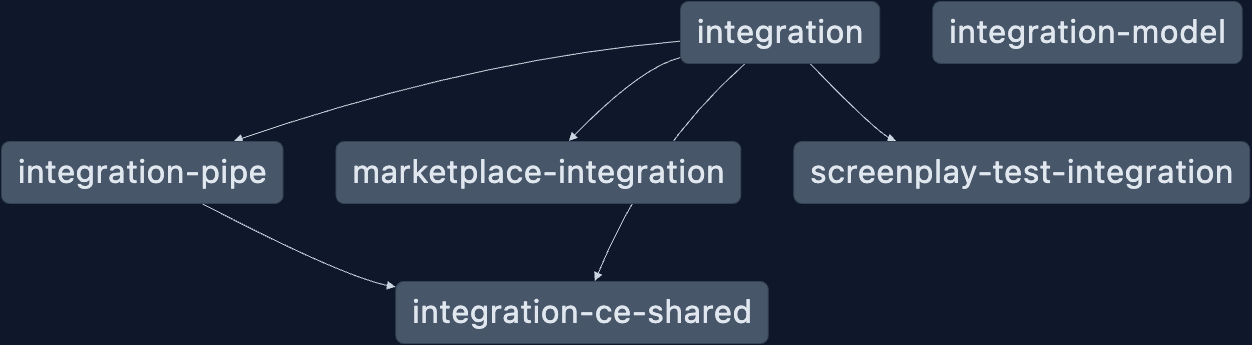
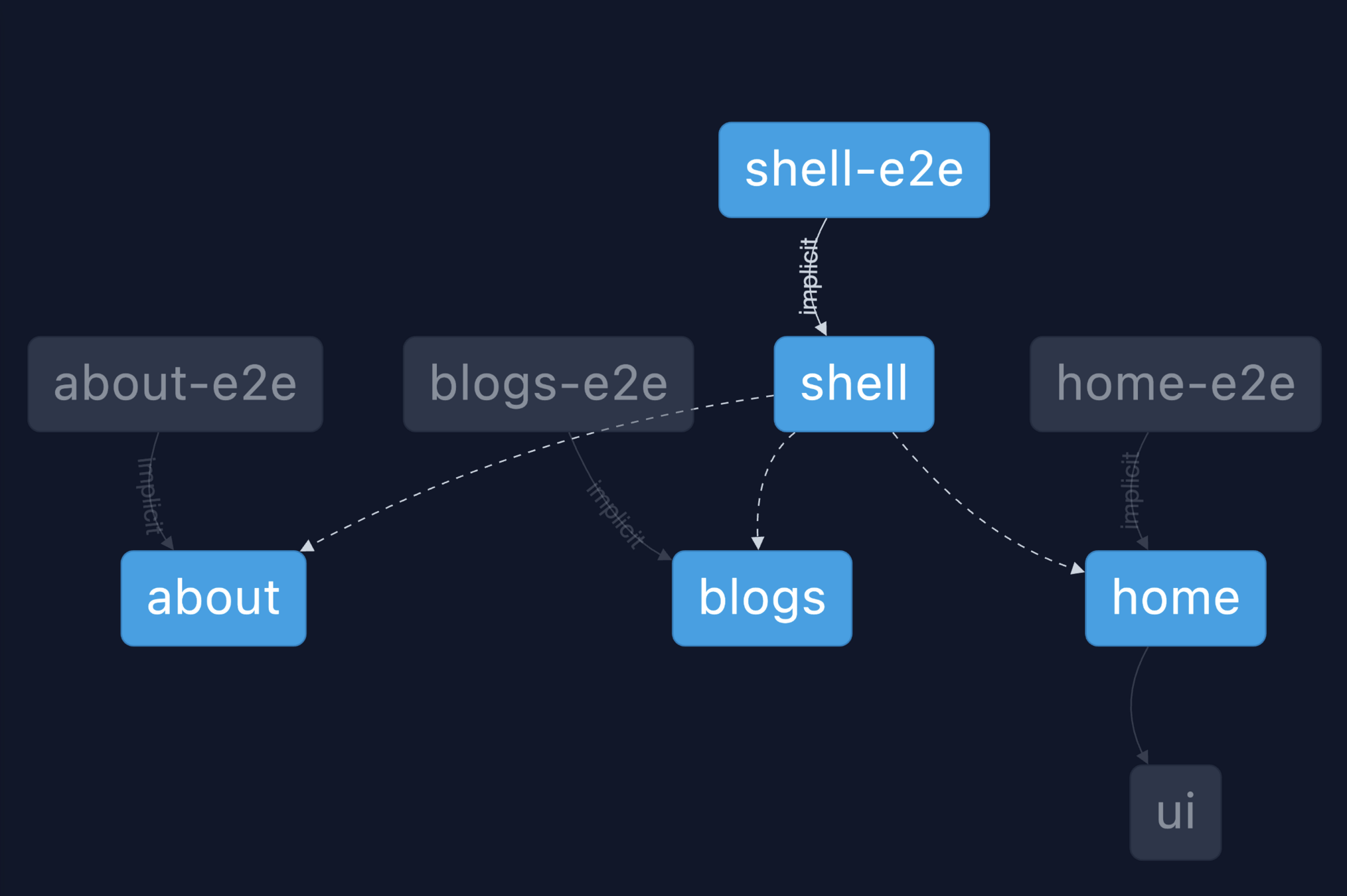
nx graphIt's always a challenge to introduce tools into a project.
nx add @nx/cypress


nx add @nx/playwright
Add e2e framework
nx add @nx/jest


nx add @nx/vite:test
Add Unit Test Tool
nx migrate latestKeep your monorepo and tooling updated
We need to build 2M lines of code, and we get 100+ Pull Requests every day, we need to run Build, Unit Test, e2e.
PR 1
PR 2
PR 3
PR 4
PR = Pull Request
P
I
P
E
L
I
N
E
PR 1
PR 2
PR 3
PR 4
PR = Pull Request
Pr-1 added to merge Queue
Failed CI
Sent to Merge Queue
PR = Pull Request
create a new branch merge-queue/pr1
base branch is main
changes from PR 1 are merged into
merge-queue/pr1
PR 1
PR = Pull Request
create a new branch merge-queue/pr1-pr2
base branch is merge-queue/pr1
changes from PR 2 are merged into
merge-queue/pr1-pr2
PR 2
PR = Pull Request
create a new branch merge-queue/pr1-pr2-pr3
base branch is merge-queue/pr1-pr2
changes from PR 3 are merged into
merge-queue/pr1-pr2-pr3
PR 3
PR = Pull Request
merge-queue/pr1-pr2-pr3
PR 3
Run All CI/CD check and User Journey Tests
GitHub Actions + Nx =
Superpower
Running Affected Tasks on GitHub
App1
App2
App3
App4
App5
Lib1
Lib2
function newFeature() {
	return true;
}
Changes in your Pull Request
App1
App2
App3
App4
App5
Lib1
Lib2
nx affected
--targets=build,lint,test
Run affected tasks
S3 bucket
Push Nx Cache
Get Nx Cache
PR 1
PR 2
PR 3
PR 4
PR = Pull Request
P
I
P
E
L
I
N
E
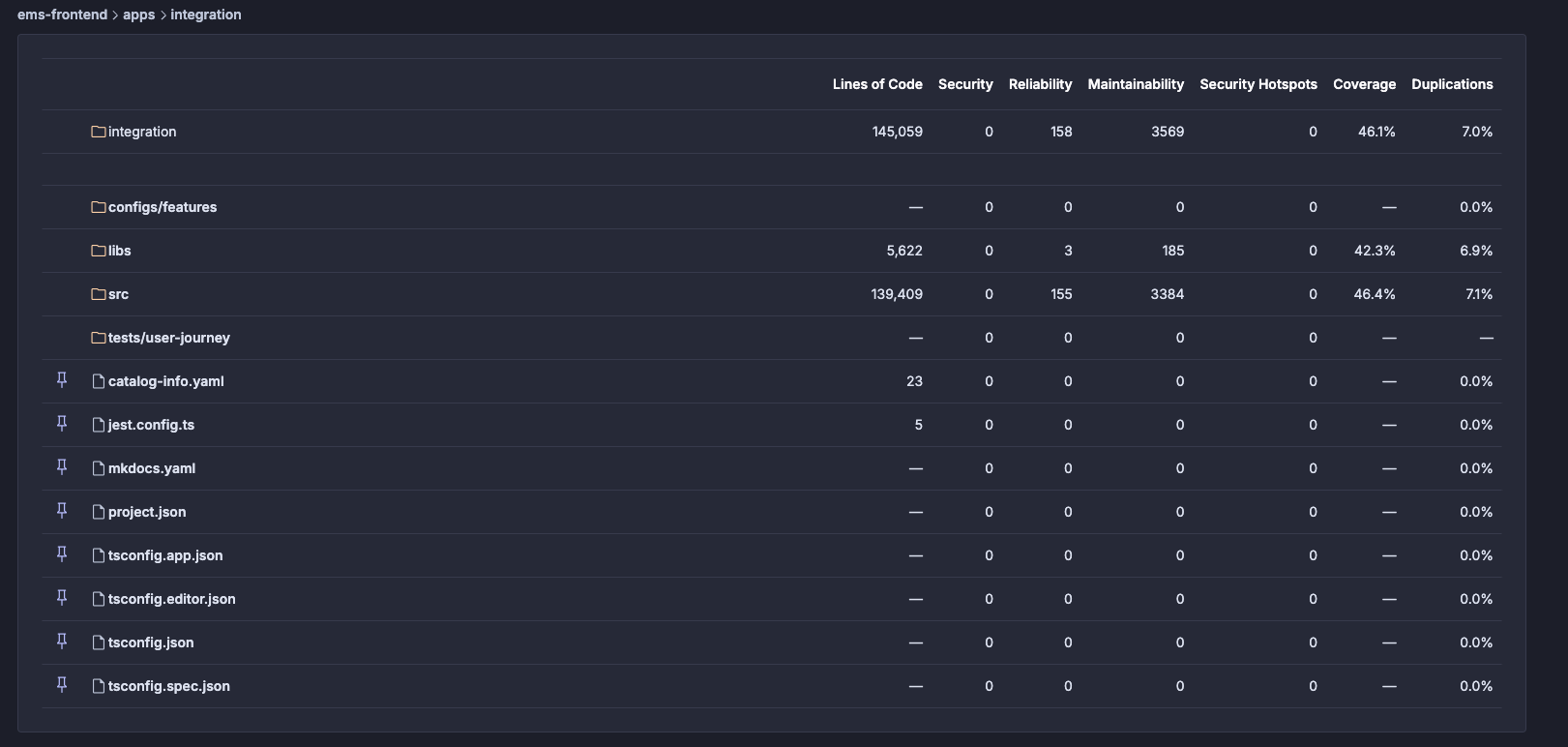
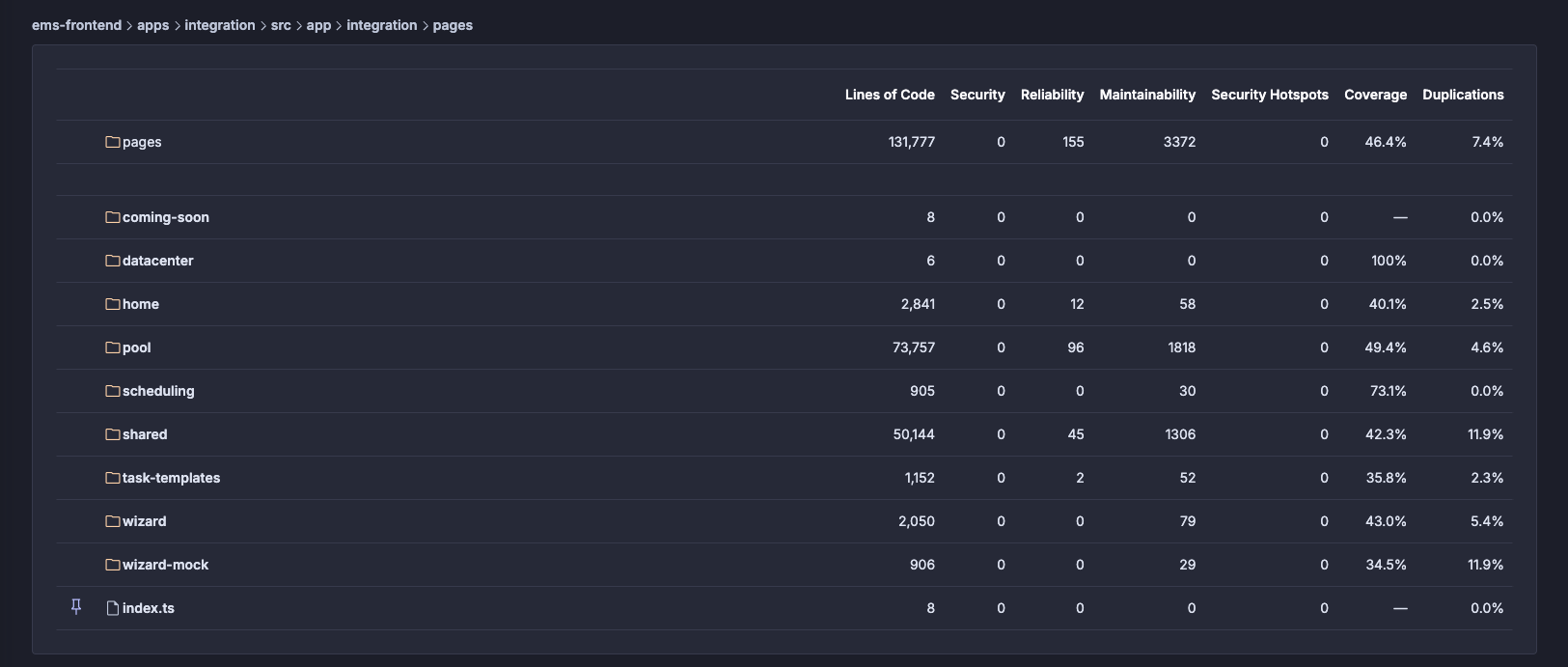
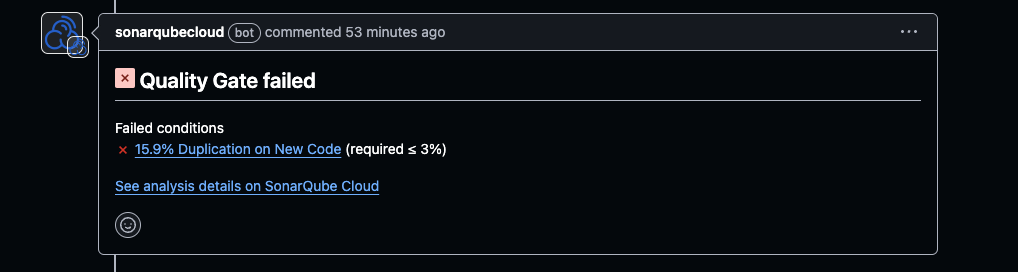
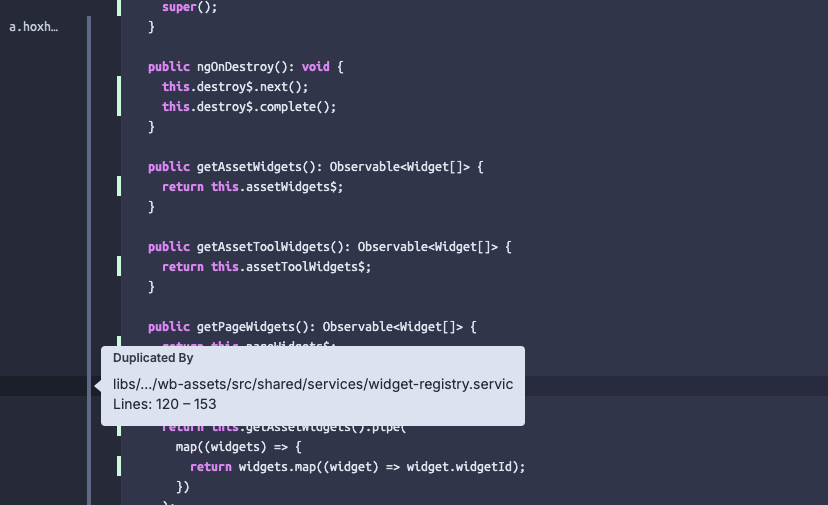
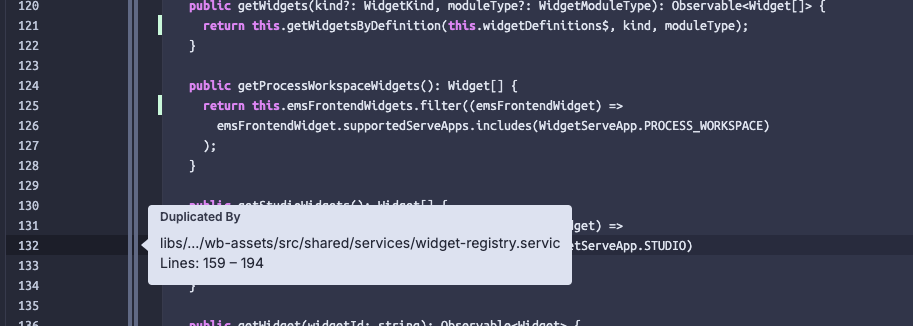
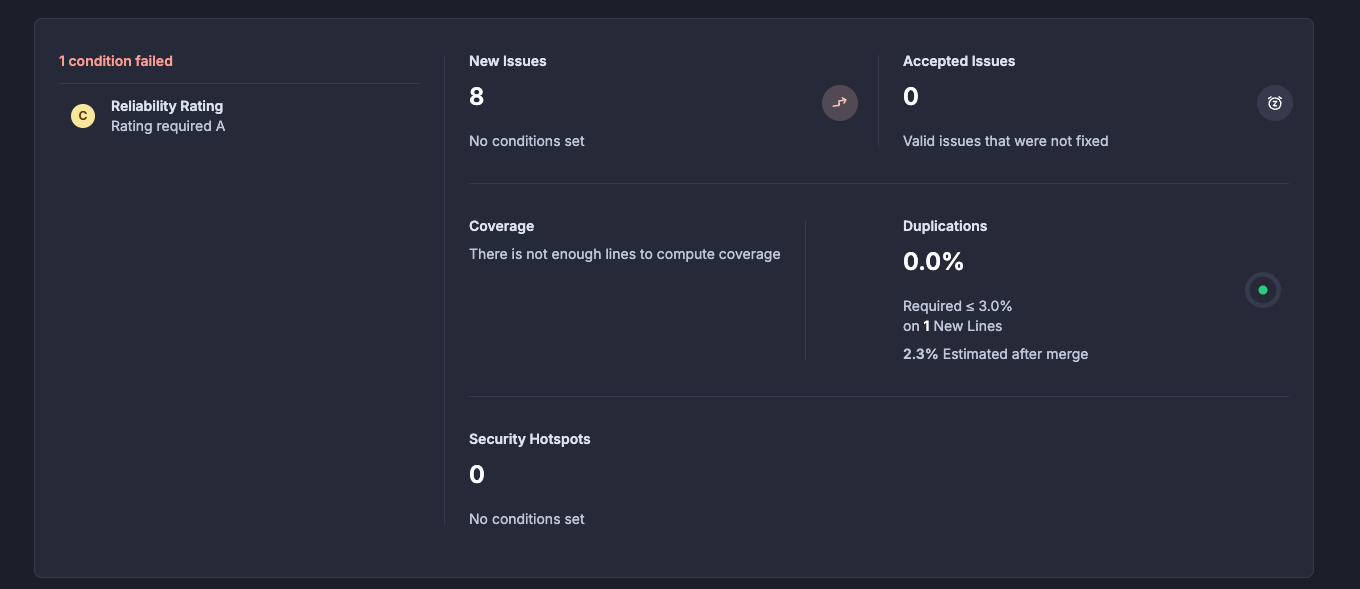
How to handle sonar issues
Workign with sonar issues
Feature Flag is tricky but becomes very essential when we are shipping features frequently and want to make sure we dont break existing functionality.
By Santosh Yadav


