

Shawn Graham
Catch me on Scholar Social https://scholar.social/@electricarchaeo
3D Scanning & Model Making
S Graham & K Mistry
The X Lab @ Carleton University
(Cultural Heritage Informatics Colaboratory)
https://slides.com/shawngraham/sg_ocdsb/
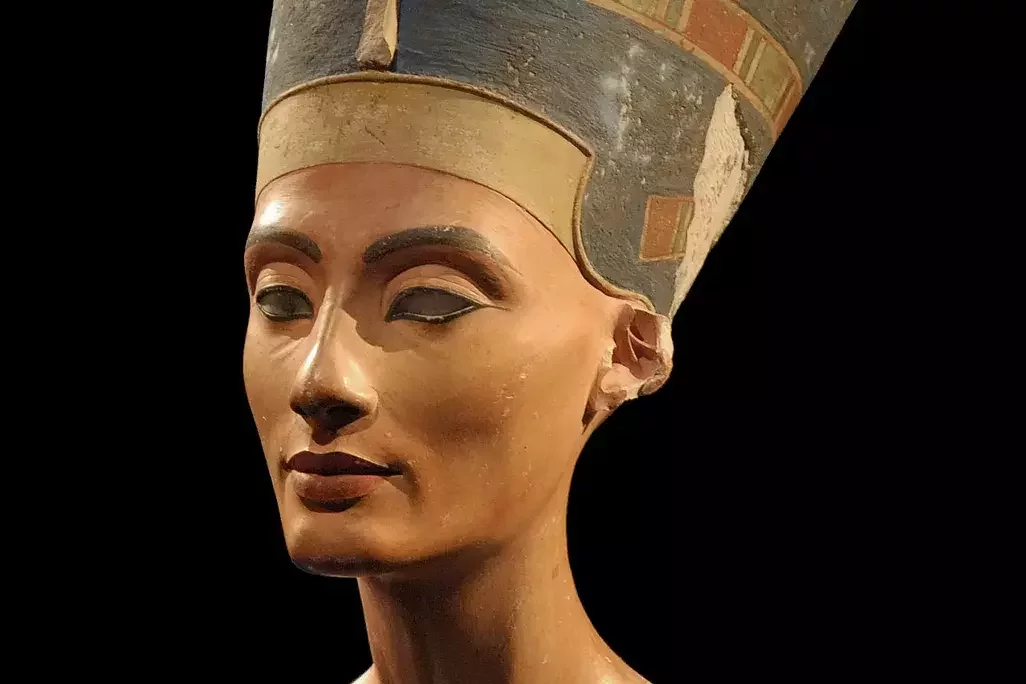
“Life-sized painted bust of the queen, 47 cm high. With the flat-cut blue wig, which also has a ribbon wrapped around it halfway up [...] Work absolutely exceptional. Description is useless, must be seen.” Ludwig Borchardt Tell el-Amarna 18th Dynasty, ca. 1351–1334 BCE
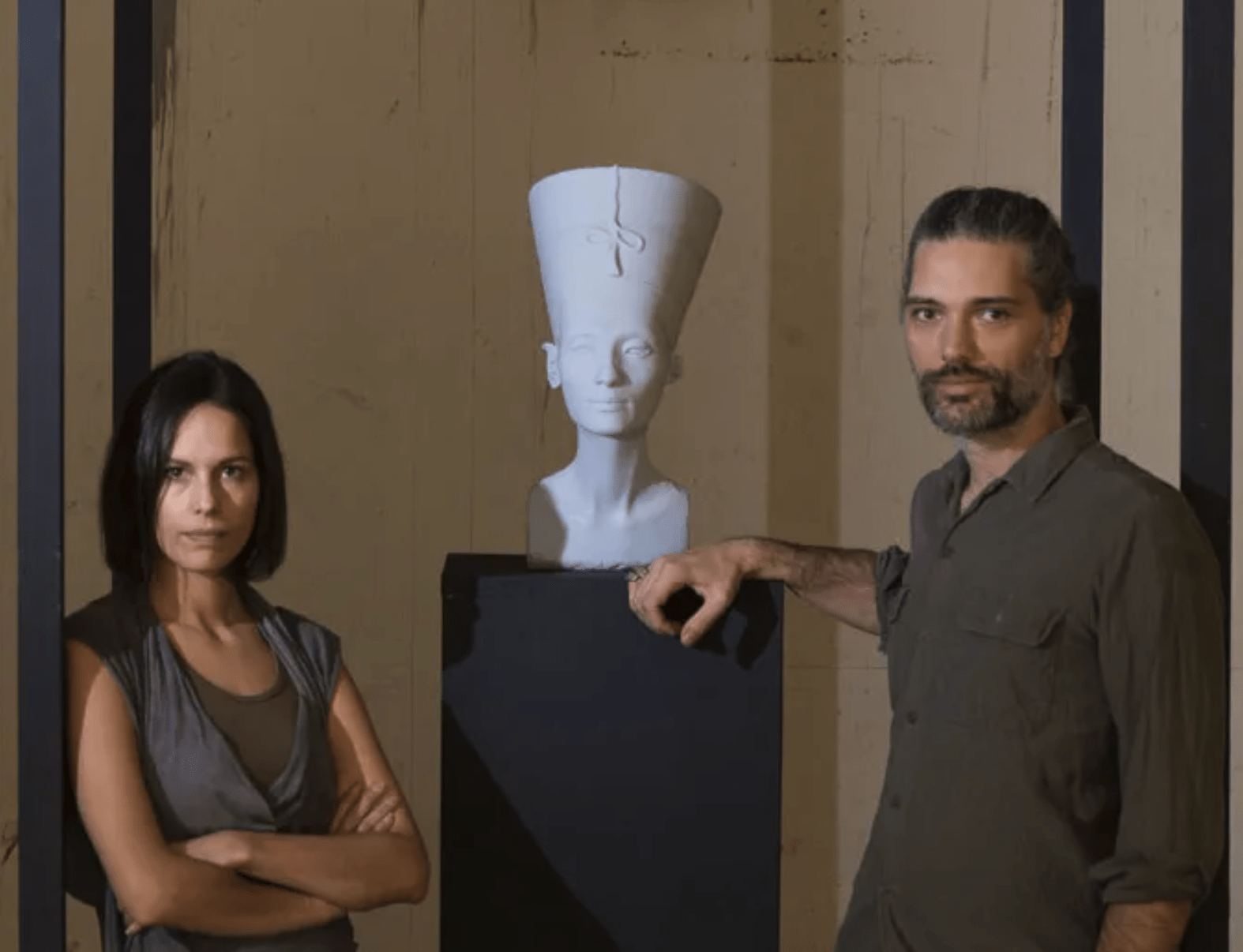
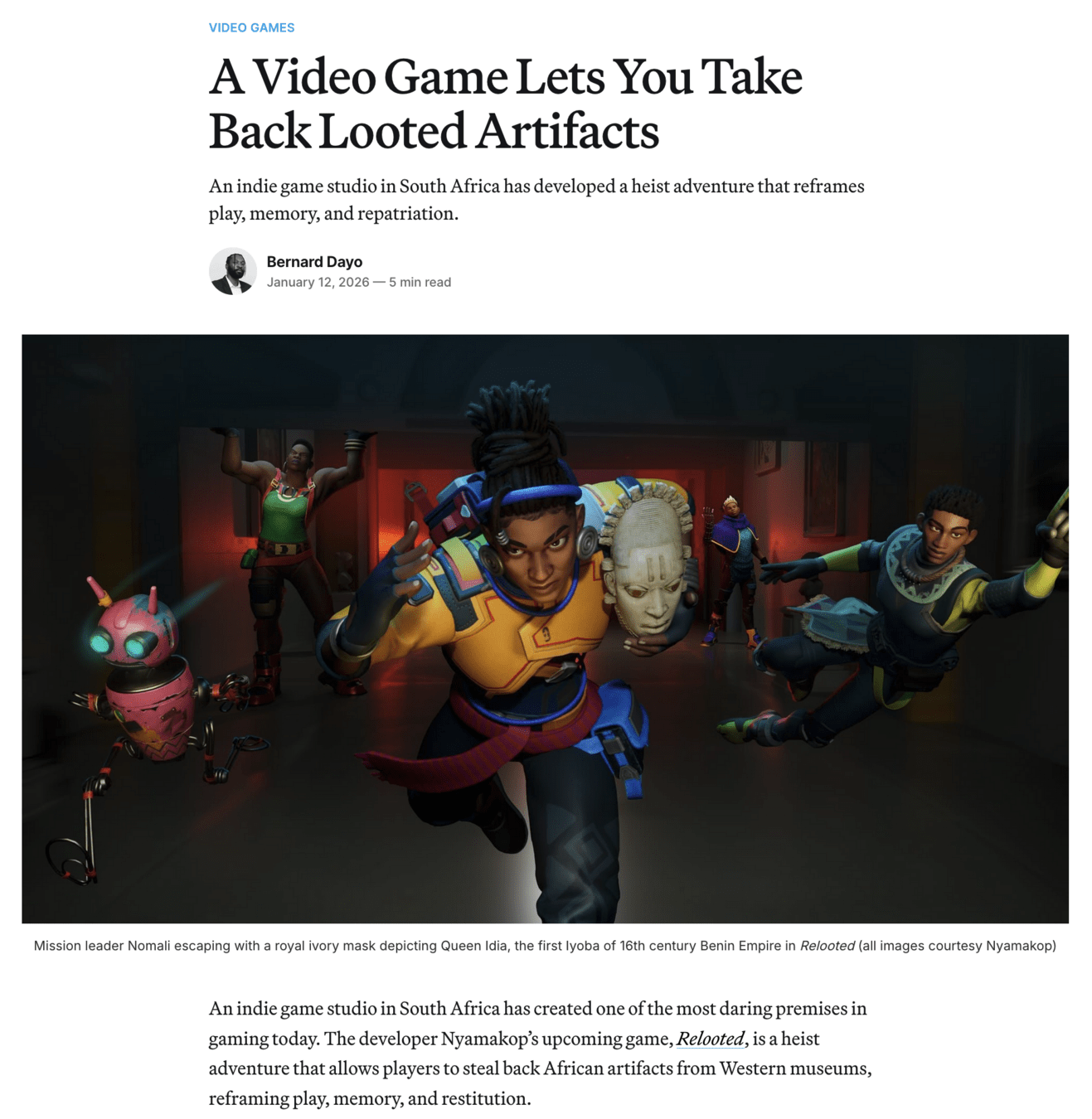
“The head of Nefertiti represents all the other millions of stolen and looted artifacts all over the world currently happening, for example, in Syria, Iraq and in Egypt,” Al-Badri tells Voon. “Archaeological artifacts as a cultural memory originate for the most part from the Global South; however, a vast number of important objects can be found in Western museums and private collections. We should face the fact that the colonial structures continue to exist today and still produce their inherent symbolic struggles.” [more info]
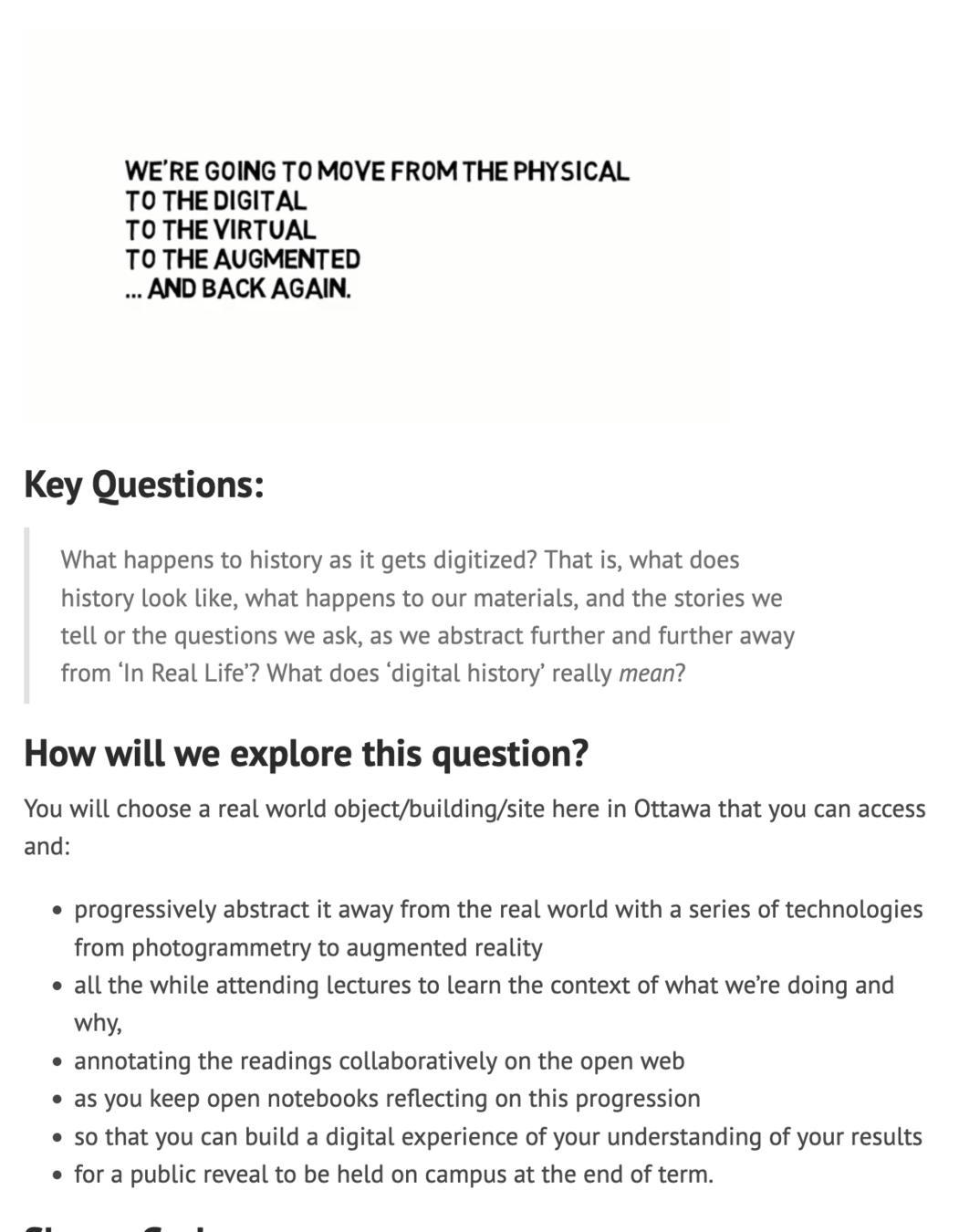
HIST3812w2018: critical making in digital history
HIST3000f2026: intro to digital archaeology (Billings Estate)
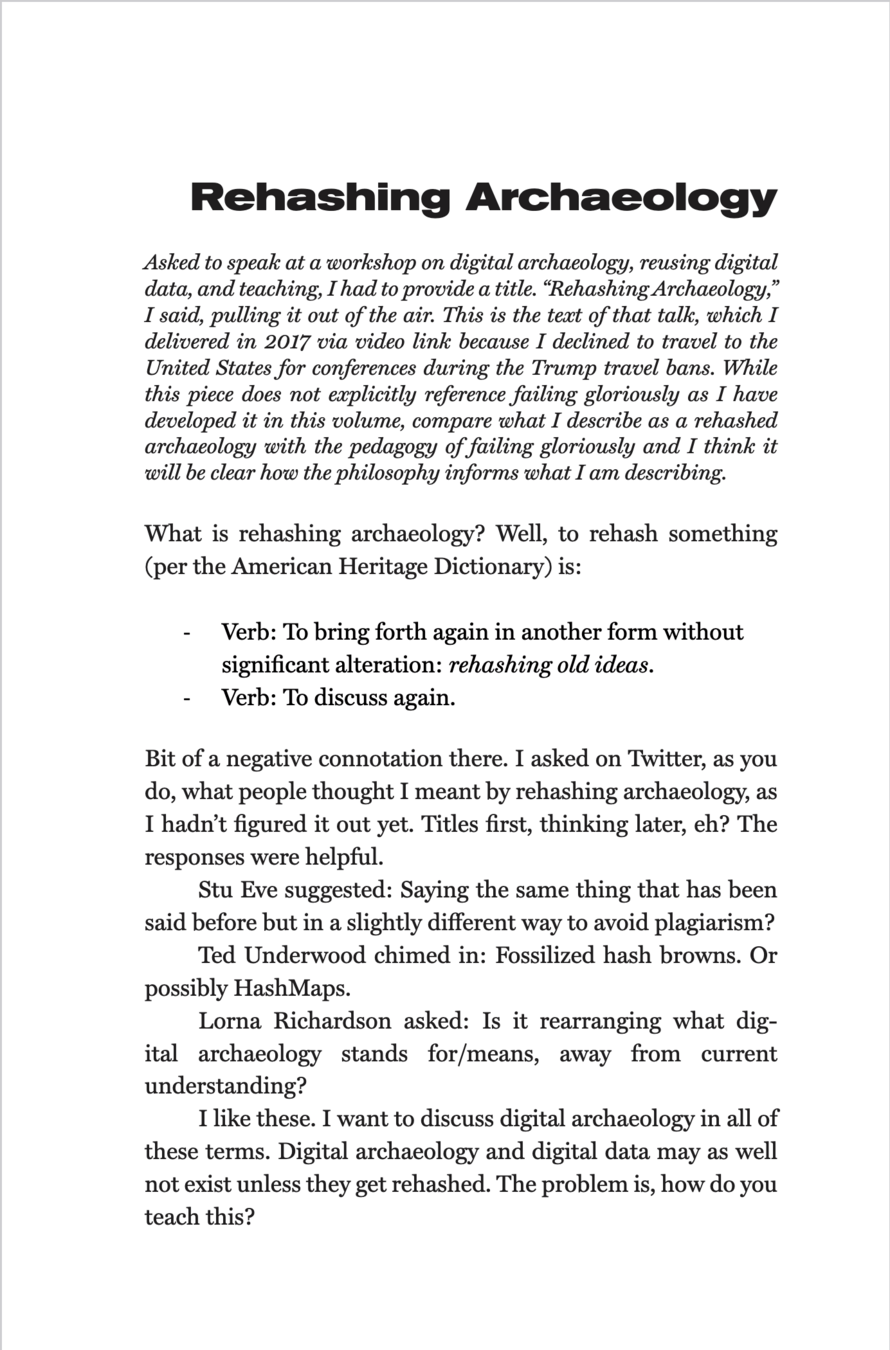
a process that often fails! and that is part of the point.
The plan:
While I talk a bit, search for and install 'scaniverse' on your phone (ios, android). Do not share location settings.
do not pay for anything. never pay for anything!
Take Photos
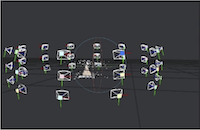
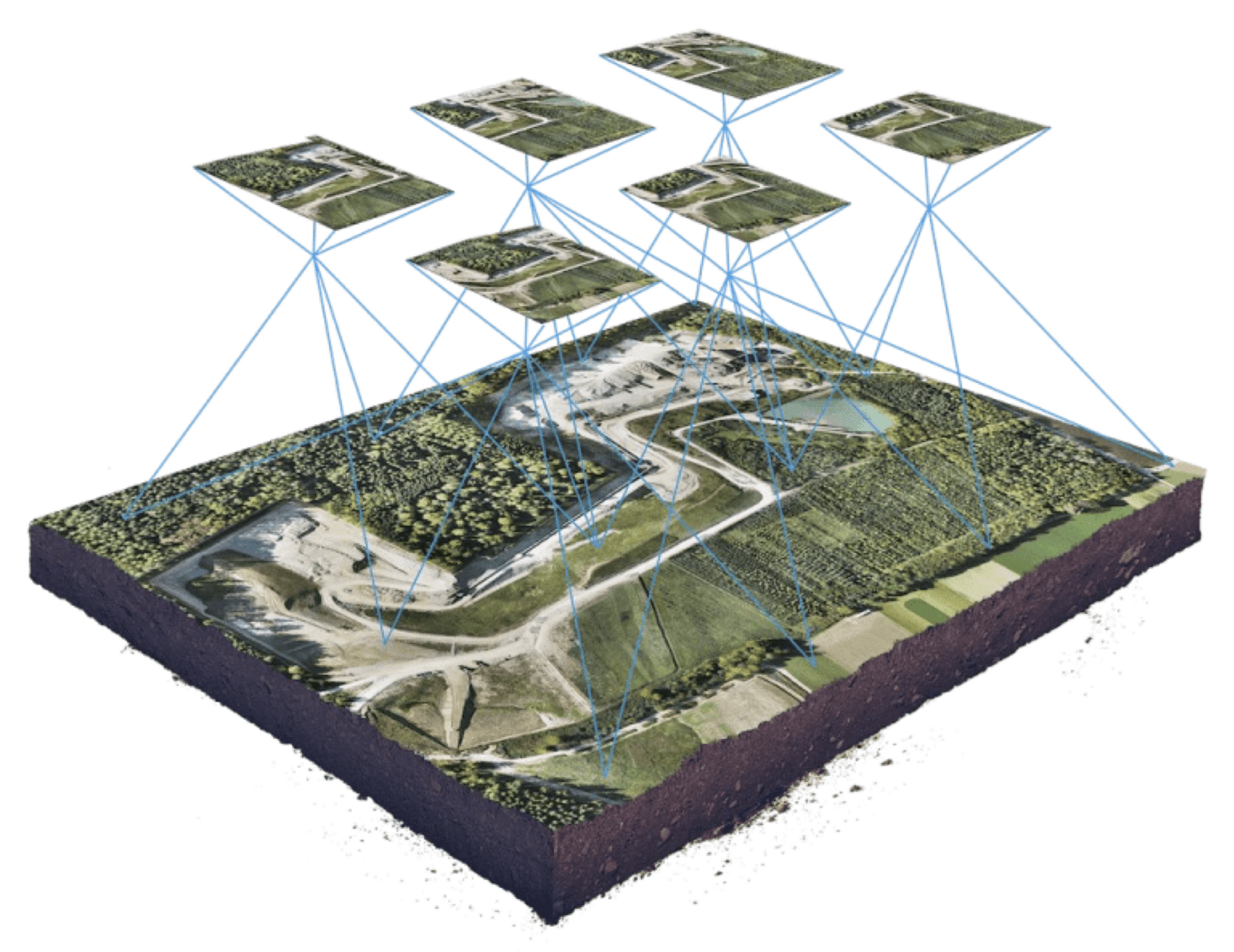
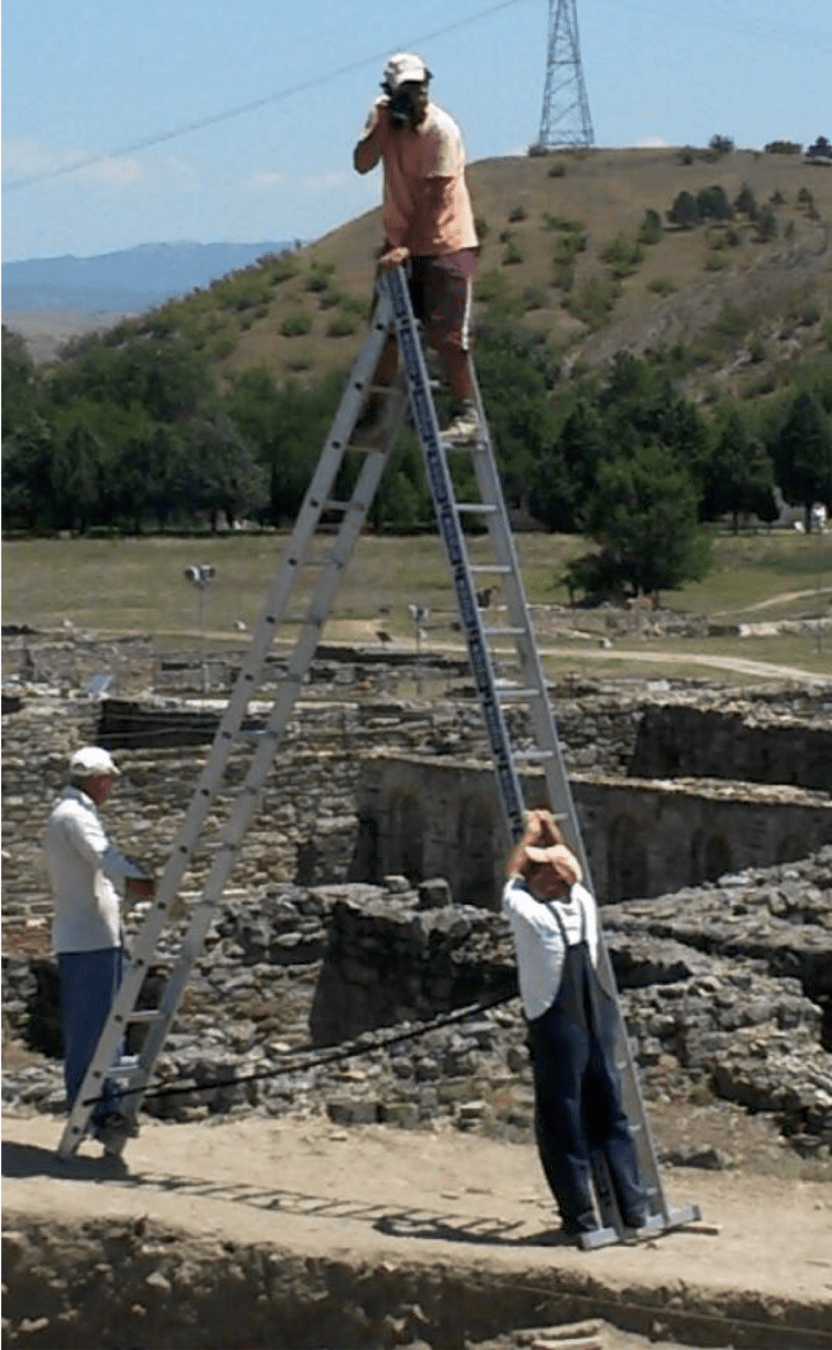
Overlapping photos, such that you get complete coverage around the object; about 12 is good to start with; 24 is better.
Take high, medium, and low passes
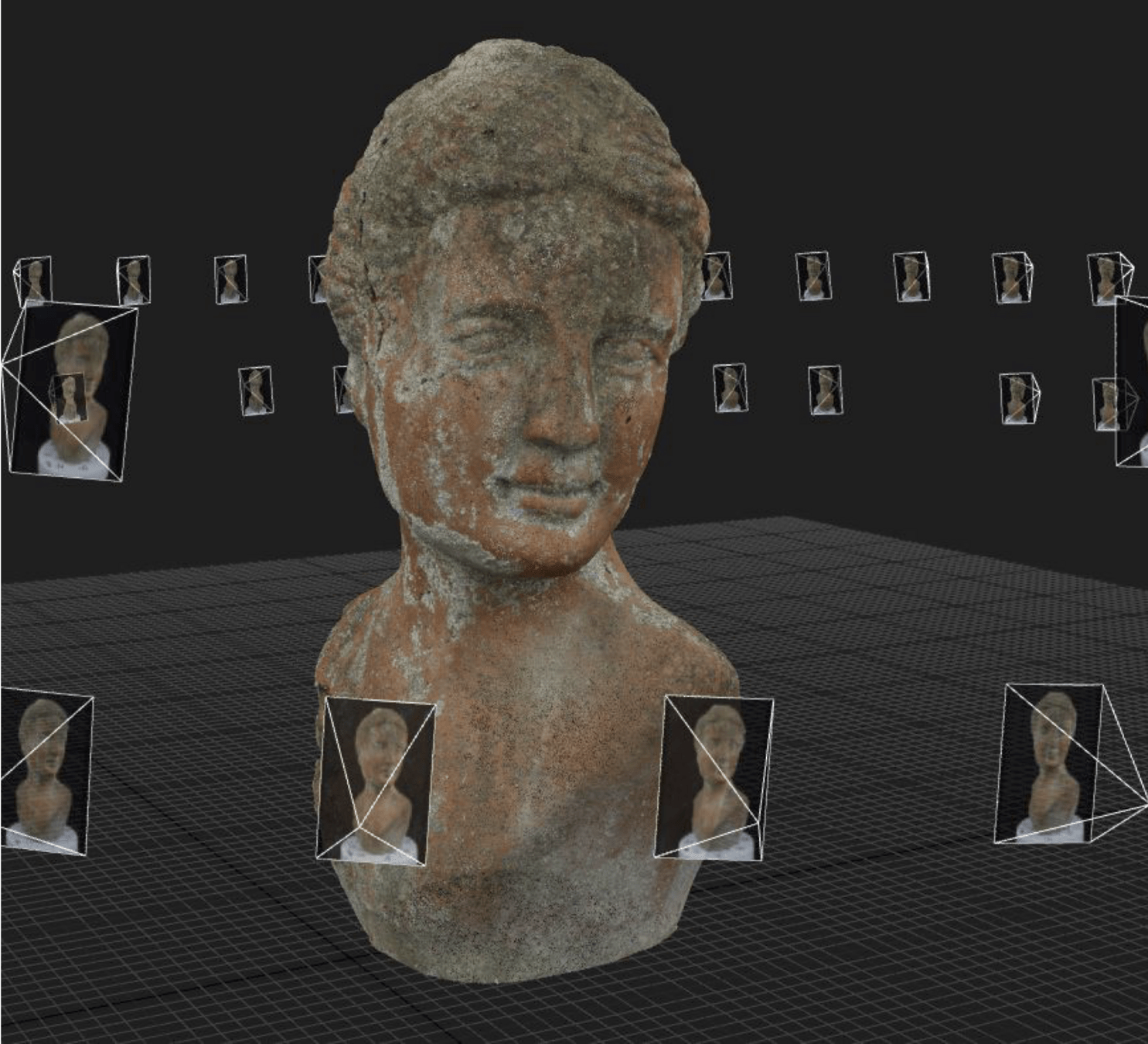
Find Points of Overlap
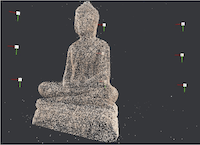
The computer detects matching key points in pairs of photos.
Knowing the focal length/depth of the camera, and working out the shift in movement from image 1 to image 2, the computer works out the distance to the camera for the third point.
Mesh & Texture
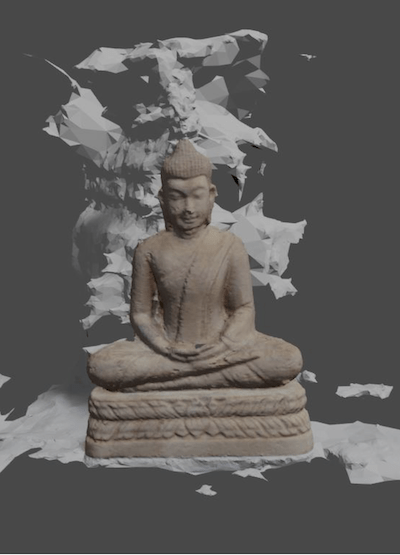
Knowing the relative positioning of all the points, the computer creates a mesh by triangulating between all of the points.
The image data itself - the texture - can then be 'draped' on top of this complex geometry
- reconstruction / 3d printing
- close study of an artefact
- diy museum exhibit building (museum in a box for something more polished)
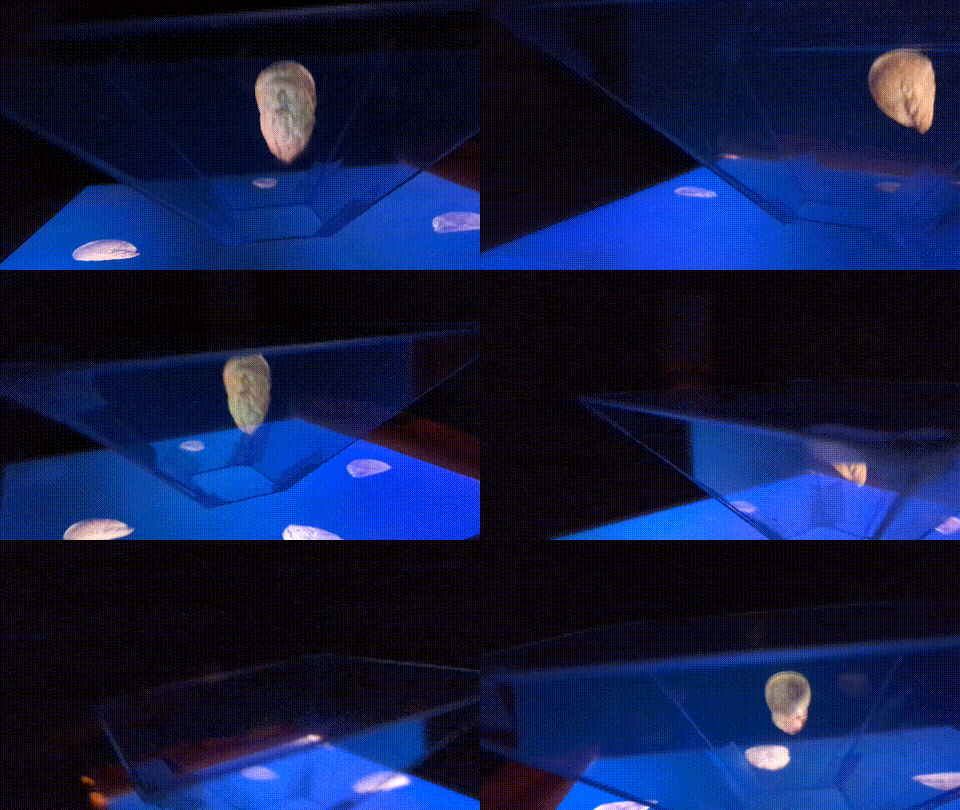
- asset building for games (try twine or ink or godot or tiltfive holographic table)
- etc!
Select an object.
'Read' it: what's it made of? where did it come from? what do you notice?
Take overlapping photos. Many, many photos. Clear lighting, reduce shadows.
If you're using an app, it will either send the photos out for processing to a server, or do it on device.
Cleanup! Export from your app to a computer; meshlab is what people tend to use. WARNING: a huge pain in the butt.
Polycam is good; many dark patterns to try to get you on paid account, hides 'free' version
Realityscan is good; requires Epic Games login
Kiri engine worth exploring
Prep:
Before the capture, students must identify "heist-friendly" objects. Some materials are "impossible" for the software to "see".
Targets to Avoid: Shiny metals, transparent glass, mirrors, and single-color plastics. These confuse the software because they don't have unique "tie points".
Ideal Targets: Items with high contrast, organic textures (wood, stone), or multicolored patterns (a fabric shoe).
The "Heist" Prep: If a target is too smooth, "thieves" sometimes add detail by using removable chalk spray or sticking on masking tape to give the software reference points.
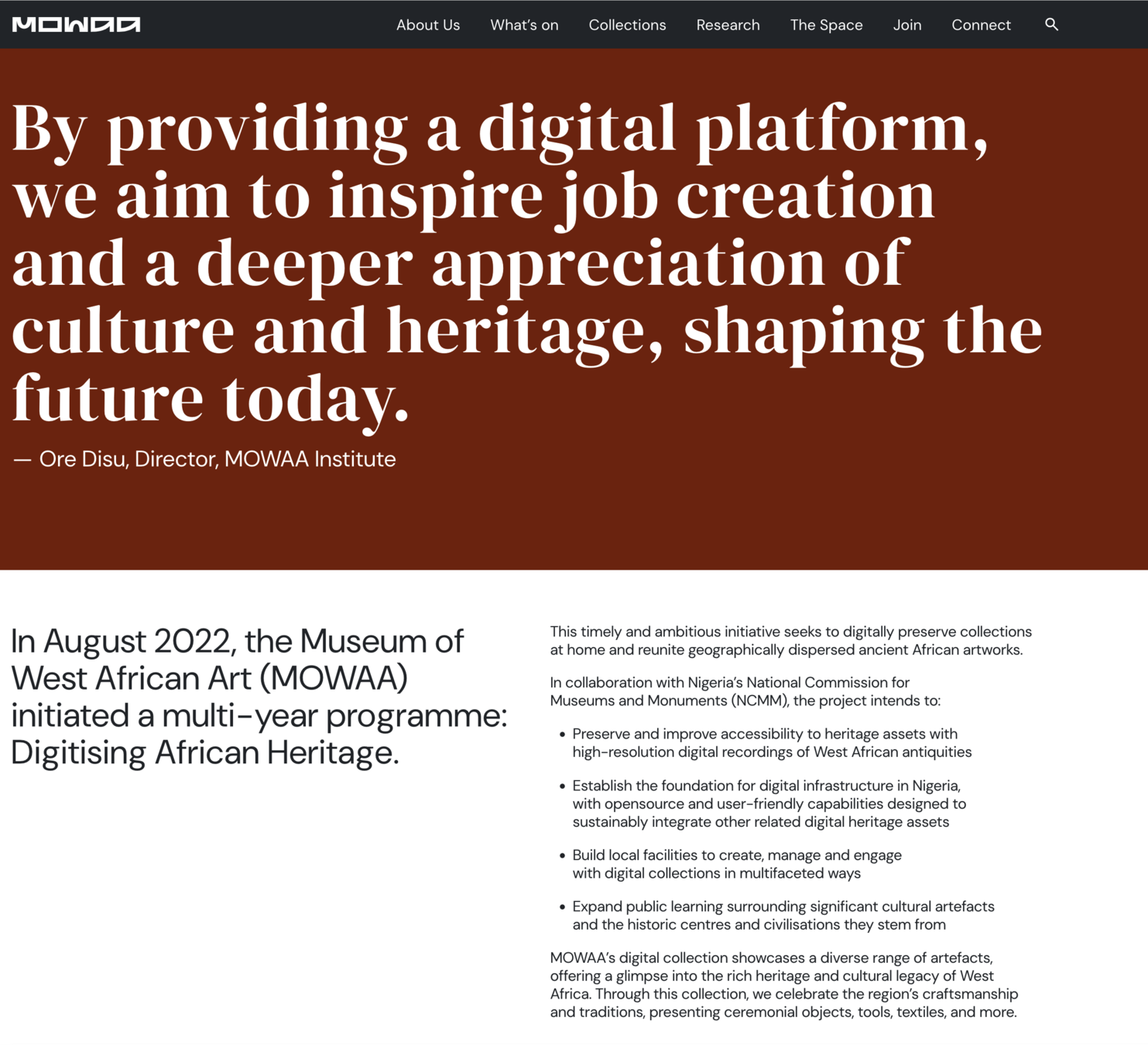
Colonialism and Museums
...which might fit in 'Canada and the world' type modules in the curriculum?
Parallax and Perception (15 Minutes)
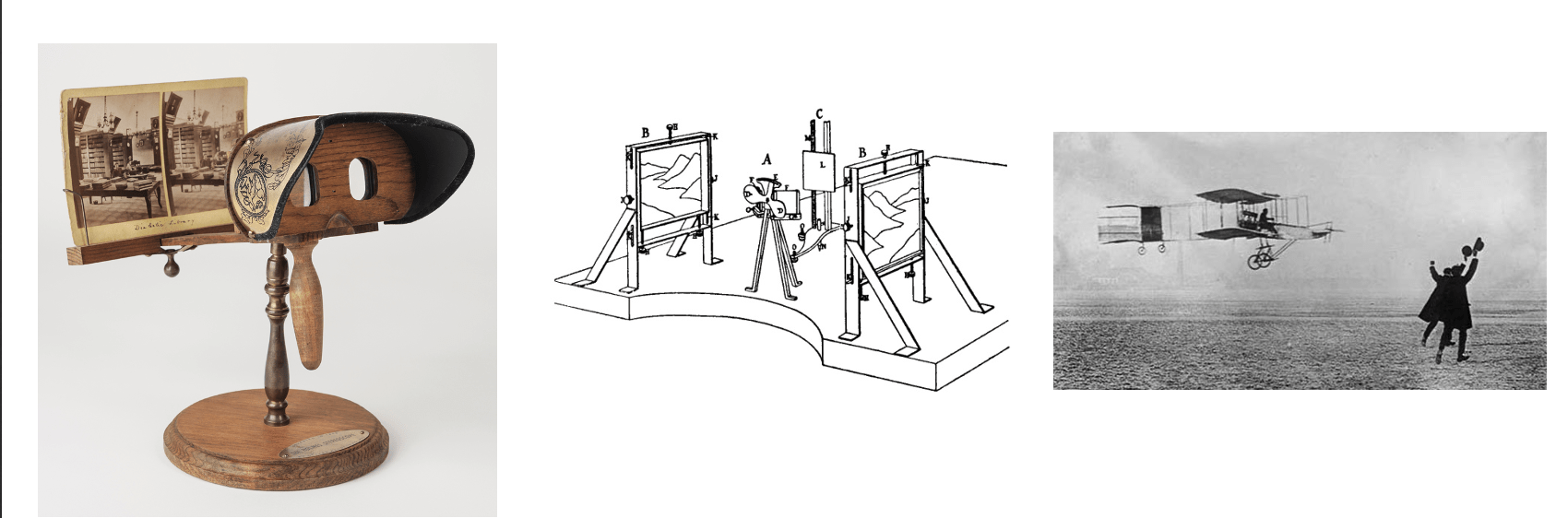
To pull off the heist, students must understand parallax: the apparent shift in an object's position when viewed from different vantage points.
The Digital Heist (10 Minutes)
I. TheHoo
Use a Fishbowl Discussion, TPS etc to reflect on the ethics of their heist, and the relationship between the digital and the real.
Question: How did your models 'fail'? How did trying to 'read' the object affect you? Where is the source of failure?
Question: If you "liberate" a digital model of an object that was originally stolen during a war or through government confiscation, who owns that digital file? The museum? The original culture? The "digital thief" who captured it?
Students will practice the two primary strategies for capturing 3D data with their phones.
shawn.graham@carleton.ca
By Shawn Graham
An intro to photogrammetry