Prepare for the Future:
Passkeys
in

by Stepan Suvorov

Stepan Suvorov

-
CTO @
-
Google Developer Expert
-
🇺🇦 originally from Ukraine
-
GenAI Evangelist
-
Angular Pro Screencast




Christiaan Brand
Security & Identity, Google

Thanks to

Maud Nalpas
Web security & privacy, Google
Agenda
-
The Evolution of Authentication
-
Passkeys
-
Implementation details
-
Passkeys in Angular
Auth Evolution

Something you know

Something you have

Something you are
Somewhere you are
Passwords
Why passwords are bad?
- High risk of Identity theft and phishing
- Easily revealed to 3rd Party (accidentally or not)
- Easily hacked using hash matching tables
- Sharing as plain text
- The strength of the password is not always verified automatically
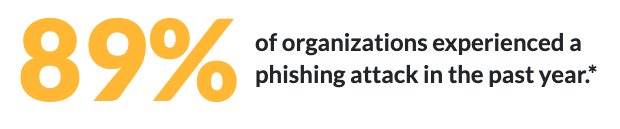
*HYPR, 2023 State of Passwordless Security Report – Download the Report here.
Password managers?
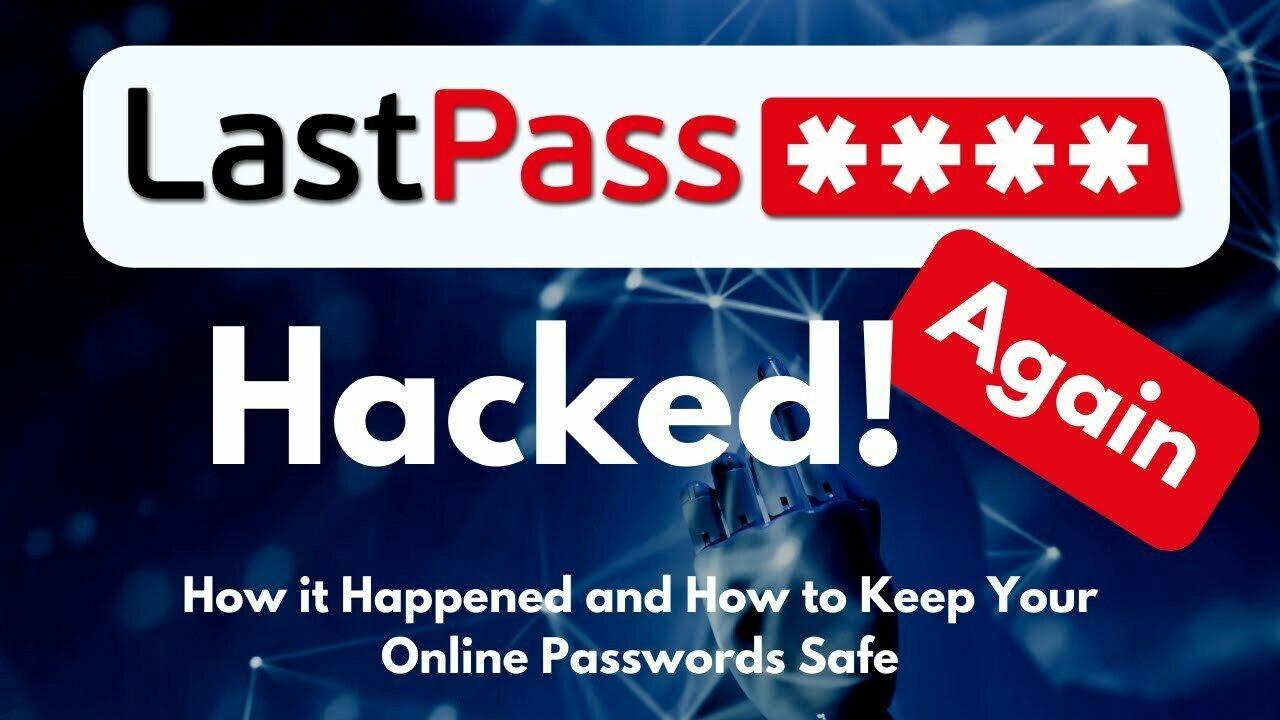
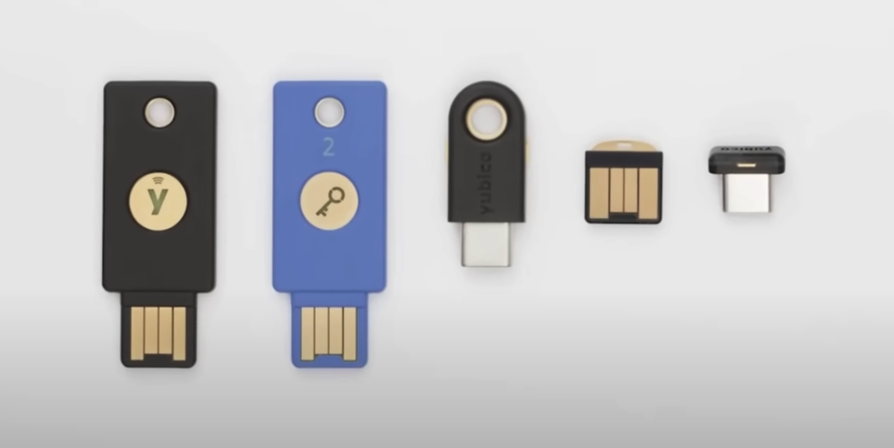
Hardware Keys?

Passkeys
History
-
2012: The FIDO (Fast IDentity Online) Alliance was founded.
-
2016: The FIDO Alliance releases the FIDO U2F (Universal 2nd Factor) standard. This standard allows users to utilize their smartphones or other devices as a second factor for authentication on websites.
-
2017: Building on the previous standard, the FIDO Alliance introduces FIDO2. This standard includes the WebAuthn (Web Authentication) specification and is designed to support a broader array of authentication methods, including what would eventually be known as passkeys.
-
2022: Apple announces support for passkeys in iOS 16 and macOS Ventura. Similarly, Google revealed that it will support passkeys in Android 13 and Chrome.
-
2023: Microsoft joins the movement, announcing passkey support in Windows 11. Google extends its commitment by incorporating passkeys into its login services.
-
2025: passkeys will become the dominant method of authentication on the web
How Passkeys Work?
FIDO2 Components

How Passkeys Work?
Sign-up



Public 🔑
Private 🔑
CTAP
WebAuthn
How Passkeys Work?
Sign in
Public 🔑
Private 🔑
Public 🔑
challenge
signed package with challenge
Also good to know

Syncing
Passkeys are not stored on a single device
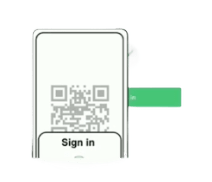
Cross-device
Passkeys on one device can be used on a different device
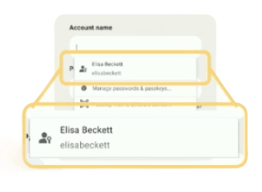
Discoverable
Passkeys contain metadata that allows your system to present passkey to you
Passkeys
for personal use
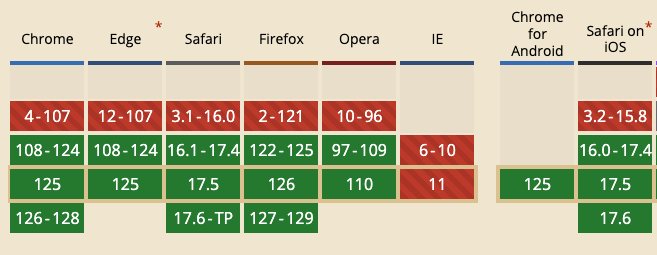
Can I Use it?



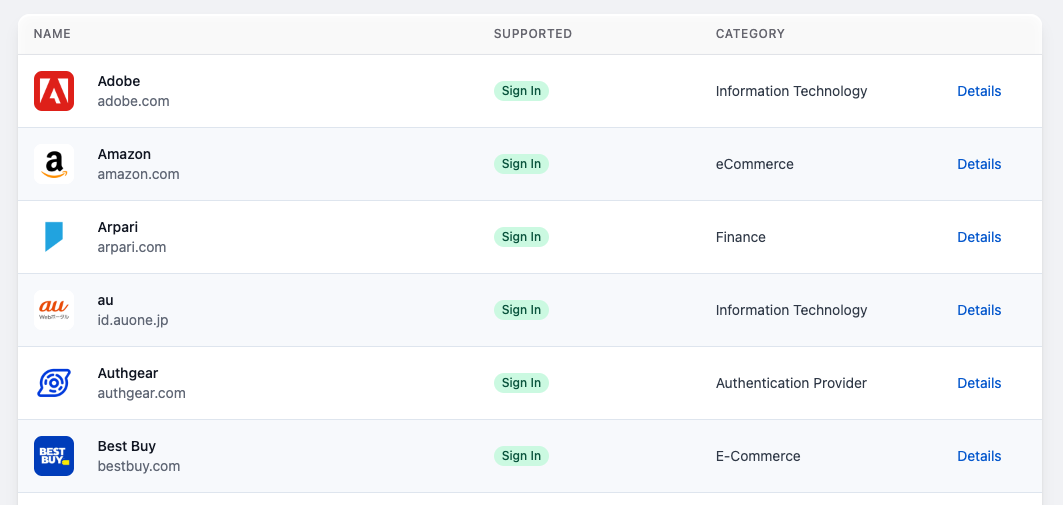
















keep secrets at Google/Apple?
Privacy considerations
- biometric material never leaves the user's device
- Passkey protocols are carefully designed so that no information shared with sites can be used as a tracking vector.
- Passkey managers protect passkeys from unauthorized access and use.
More about implementation
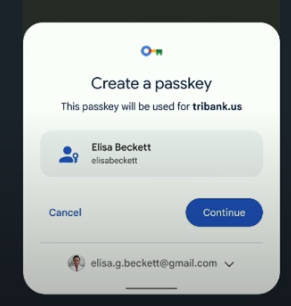
Passkey Creation
navigator.credentials.create({
	publicKey: options
});
Passkey Creation
const publicKeyCredentialCreationOptions = {
  challenge: new ArrayBuffer([219]),
  rp: {
    name: "Slides",
    id: "slides.com",
  },
  user: {
    id: new ArrayBuffer([137]),
    name: "elisabeckett",
    displayName: "Elisa Beckett",
  },
  pubKeyCredParams: [{alg: -7, type: "public-key"}],
  authenticatorSelection: {
    authenticatorAttachment: "platform",
    requireResidentKey: true,
  },
  timeout: 30000
};

const credential = await navigator.credentials.create({
  publicKey: publicKeyCredentialCreationOptions
});
Use a Passkey
navigator.credentials.get({
  publicKey: requestOptions,
  mediation: 'conditional'
});
Use a Passkey
// Availability of 'window.PublicKeyCredential' means WebAuthn is usable.
if (window.PublicKeyCredential &&
    PublicKeyCredential.isConditionalMediationAvailable) {
  // Check if conditional mediation is available.
  const isCMA = await PublicKeyCredential.isConditionalMediationAvailable();
  if (isCMA) {
    // Call WebAuthn authentication
  }
}

const publicKeyCredentialRequestOptions = {
  // Server generated challenge
  challenge: new ArrayBuffer([219]),
  // The same RP ID as used during registration
  rpId: 'slides.com',
};

const credential = await navigator.credentials.get({
  publicKey: publicKeyCredentialRequestOptions,
  // Specify 'conditional' to activate conditional UI
  mediation: 'conditional'
});
in Angular
let's prepare our Server
npm install @simplewebauthn/server
Endpoints
- /generate-registration-options
- /verify-registration
- /generate-authentication-options
- /verify-authentication
now goes Angular
npm install @simplewebauthn/browser
auth.service.ts
Registration
async register(username: string) {
  // generate registration options
  let response = await fetch(
    `http://localhost:8000/generate-registration-options?username=${username}`
  );
  const creationOptions = await response.json();

  let attestationResponse = await startRegistration(creationOptions);
  //...
// verify registration
response = await fetch(`http://localhost:8000/verify-registration`, {
method: "POST", headers: { "Content-Type": "application/json" },
body: JSON.stringify({
id: creationOptions.user.id,
attestationResponse,
}),
});
const verification = await response.json();
if (verification.verified) {
// Registration successful!
} else {
// Registration failed!
}
}import { startRegistration } from "@simplewebauthn/browser";Login
async login(username: string) {
  let response = await fetch(
    `http://localhost:8000/generate-authentication-options?username=${username}`
  );
  const authOptions = await response.json();

  let assertionResponse = await startAuthentication(authOptions);

  //...
response = await fetch(`http://localhost:8000/verify-authentication`, {
method: 'POST', headers: { 'Content-Type': 'application/json'},
body: JSON.stringify({
username,
assertionResponse
}),
});
const data = await response.json();
if (data.verified) {
//`Authentication successful! Welcome back ${data.user.username}!`);
} else {
// Authentication failed
}
} import { startAuthentication } from '@simplewebauthn/browser';Conclusion
-
Passkeys are here
-
Implementation is easy!
-
@simplewebauthn/server
-
2 endpoints for registration
-
2 endpoints for auth
-
-
@simplewebauthn/browser
-
- The Evolution of Authentication
- Passkeys
- Implementation details
Thank you for your attention.
Questions?
Passkeys: Prepare for the Future
By Stepan Suvorov