Node.js & npm
Agenda
- что такое node.js
- npm
- анатомия проекта
- cjs модули
Что такое Node.js
Среда выполнения JavaScript
Какие есть среды выполнения?
- Браузеры (chrome, firefox, opera, arc)
- Серверы (node.js, bun, deno, static hermes, llrt)
Почему node.js
- самая популярная среда выполнения
- работает на базе v8, на котором построены современные браузеры
- Существует с 2009 года
Что еще дает Node.js
- npm - node package manager
- npx - node package executor
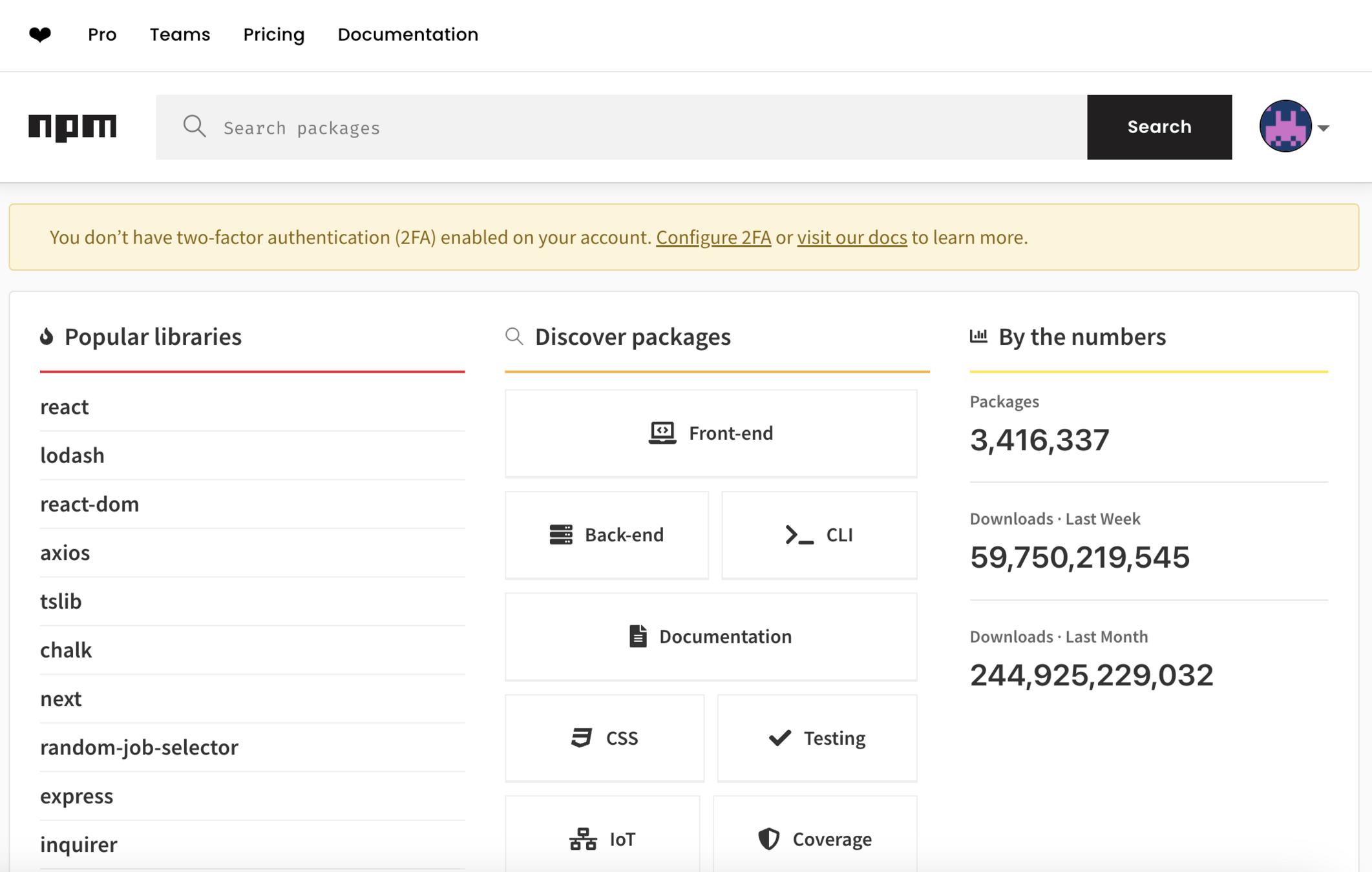
Npm registry
npm команды
- npm install
- npm uninstall
- npm ls
- npm init
Анатомия проекта
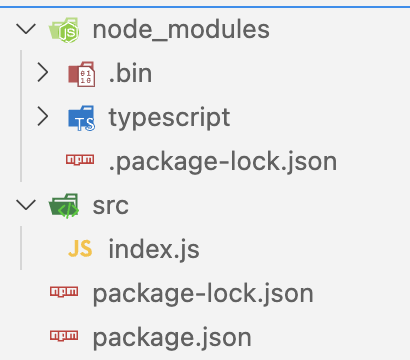
node_modules
Установленные пакеты
.bin - "бинарные" файлы. Выполняемые не через node
npx tsc - ищет вначале в node_modules/.bin
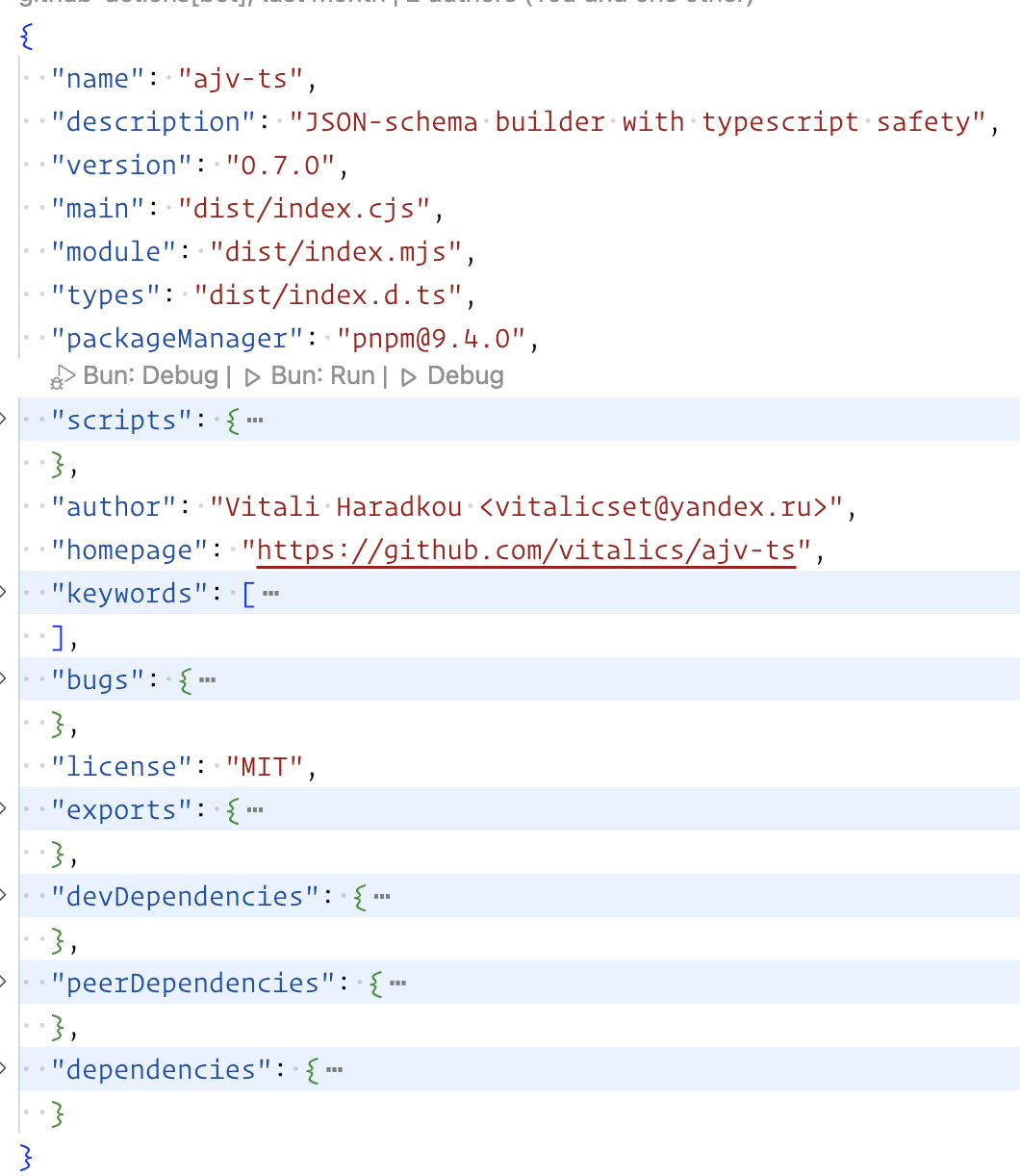
package.json
Информация о проекте (пакете)
- name
- description
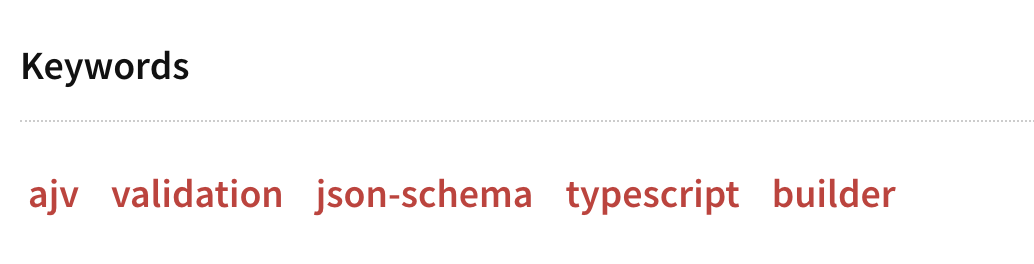
- keywords
- license
- version
- scripts
- (dev/peer/optional)dependencies
- bin
- main
Пример

| Code status | Stage | Rule | Example version |
|---|---|---|---|
| First release | New product | Start with 1.0.0 | 1.0.0 |
| Backward compatible bug fixes | Patch release | Increment the third digit | 1.0.1 |
| Backward compatible new features | Minor release | Increment the middle digit and reset last digit to zero | 1.1.0 |
| Changes that break backward compatibility | Major release | Increment the first digit and reset middle and last digits to zero | 2.0.0 |
Semver
Пример. Major
// 1_0_0
class Engine {}

class Car {
	async start(): Promise<Engine> {
     return new Engine()
    }
}

// 2_0_0
class Engine {}

class Car {
	async start(): Promise<void> {
     // some code
    }
}
Пример. Minor
// 1_0_0
class Engine {}

class Car {
	async start(): Promise<Engine> {
     return new Engine()
    }
}

// 1_1_0
class Engine {}

class Car {
	async start(): Promise<Engine> {
     return new Engine()
    }
    async stop(): Promise<void>{}
}
Dependencies
{
  "dependencies": {
    "my_dep": "^1.0.0", // < 2.0.0
    "another_dep": "~2.2.0" // < 2.3.0
 }
}
Dependencies
- dependencies - зависимости, чтобы проект работал
- devDependencies - для разработки
- peerDependencies - транзитивные зависимости
- optionalDependencies - зависимости, для определенных условиях (например для CI/CD)
-
bundleDependencies - npm pack
Installing
npm i typescript -D

npm i commander

npm uninstall commander

npm i jest --no-save

npm ci
package.json
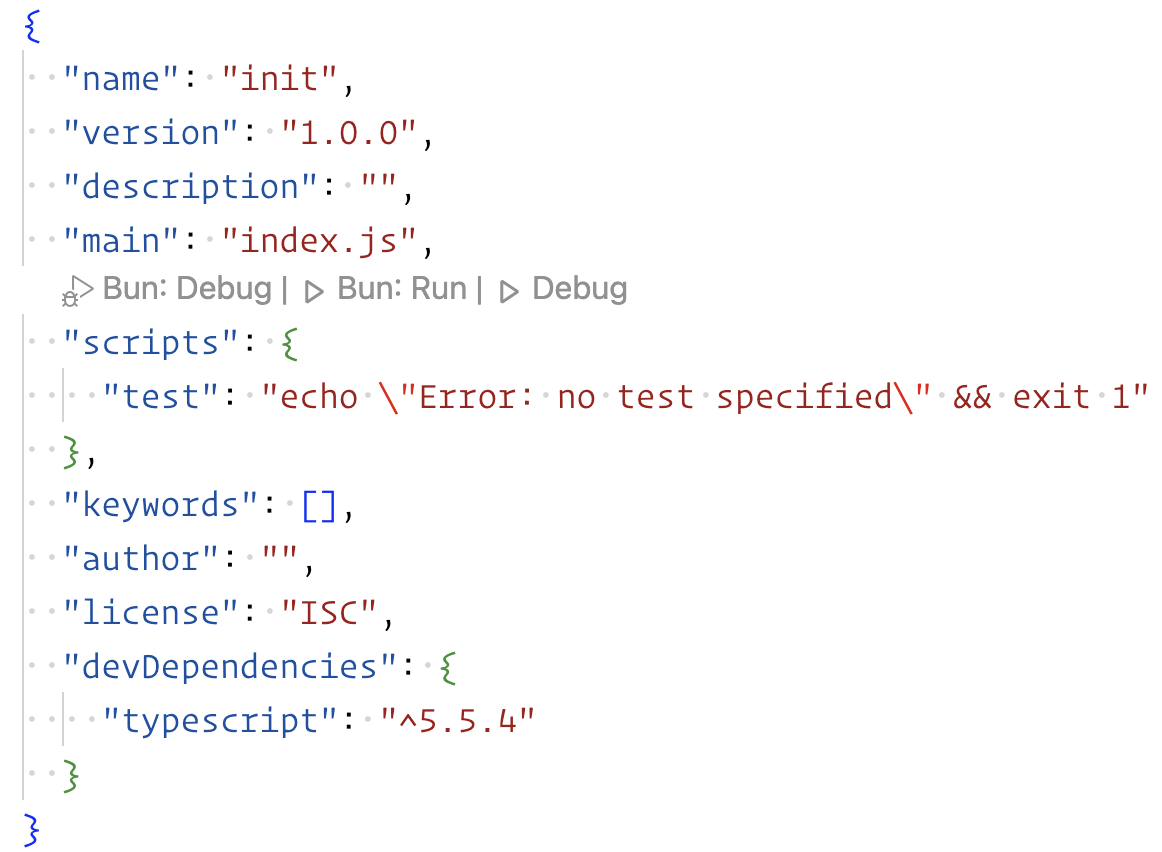
npm init -y
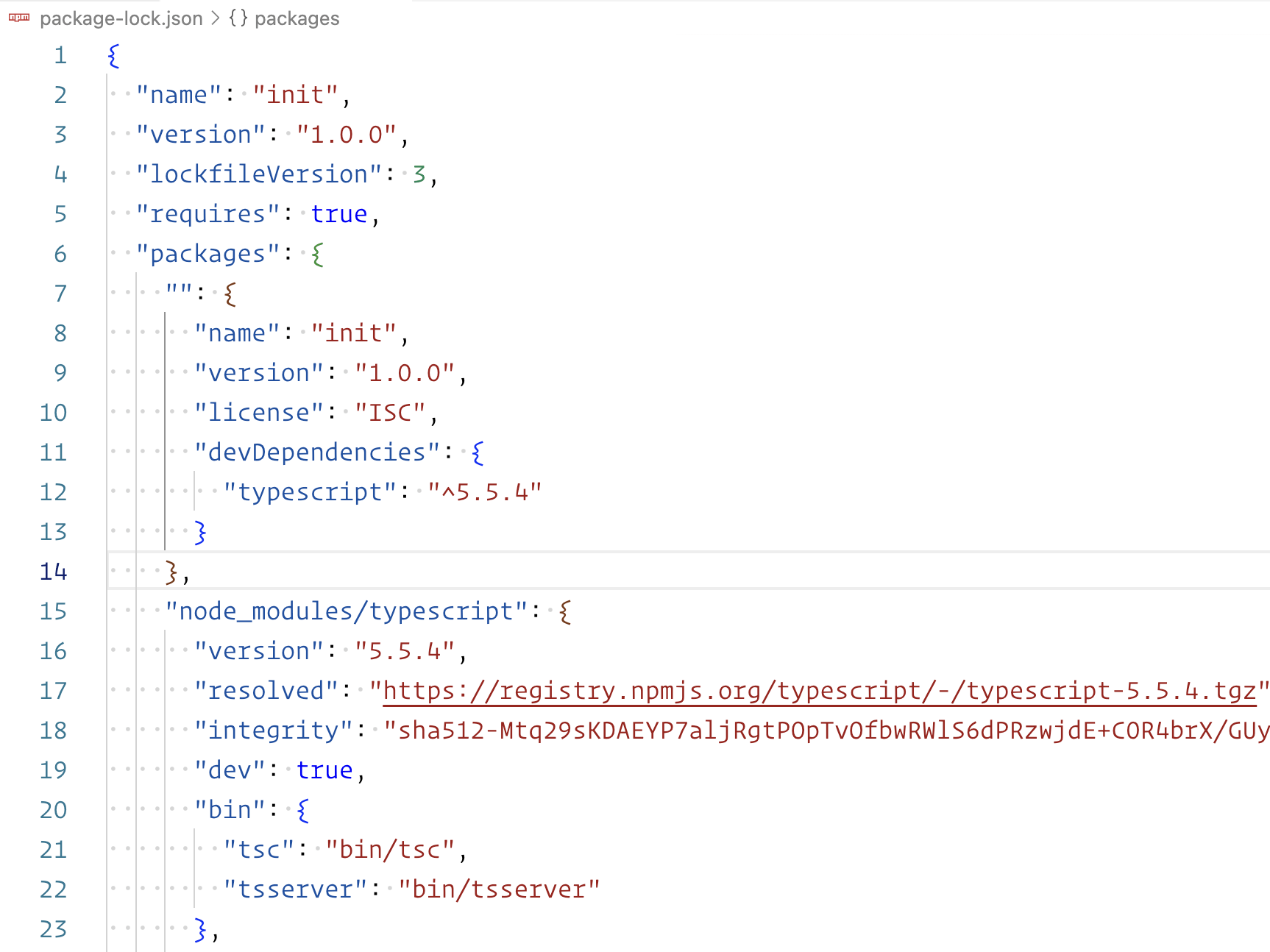
package-lock.json
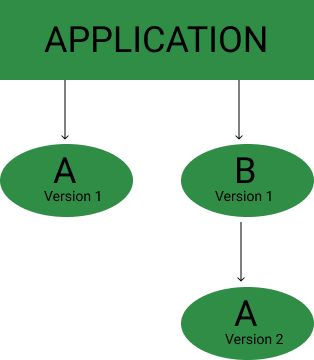
Путь install

Путь install
Пример на CI. SWC
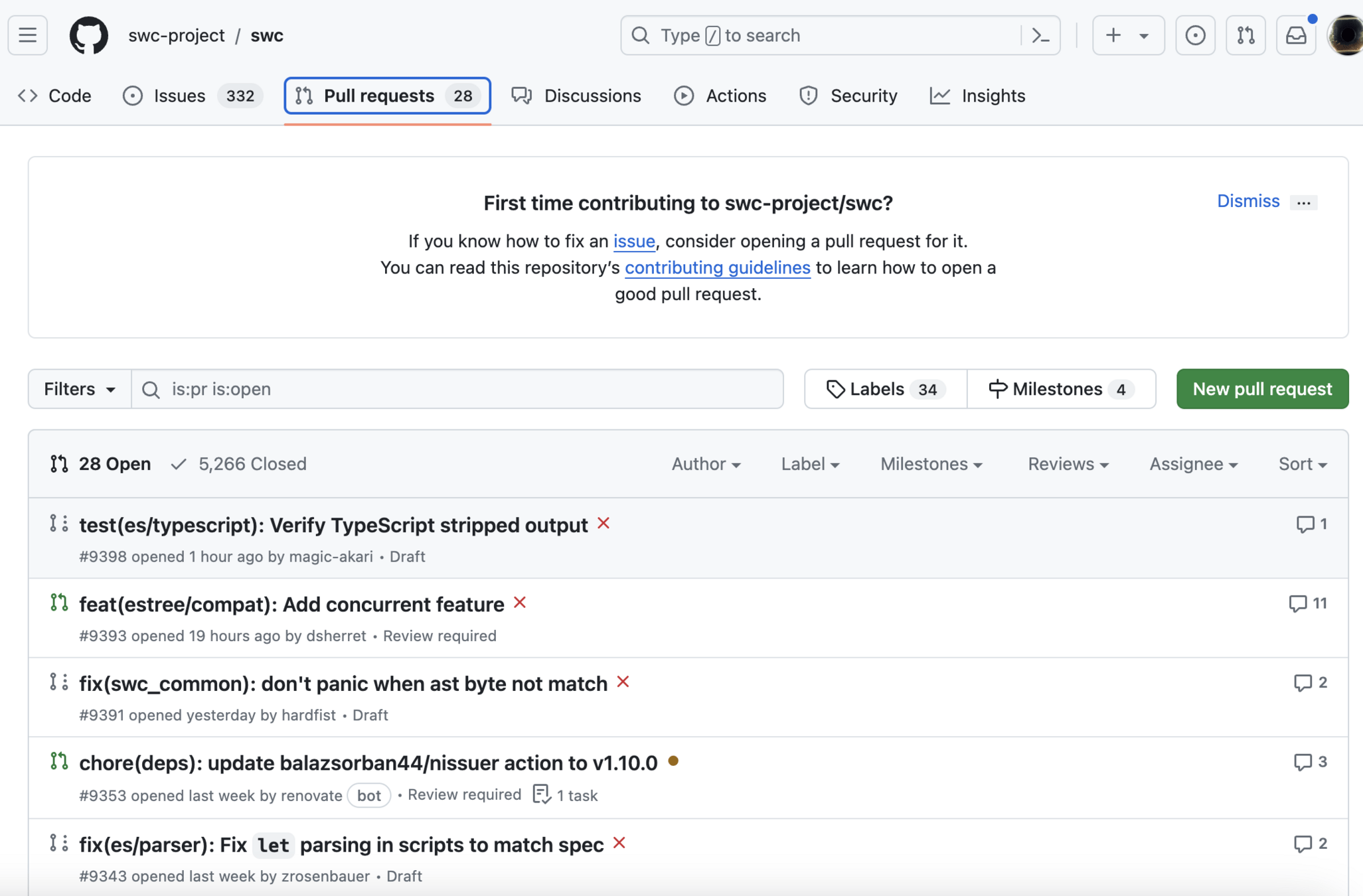
Пример на CI. SWC
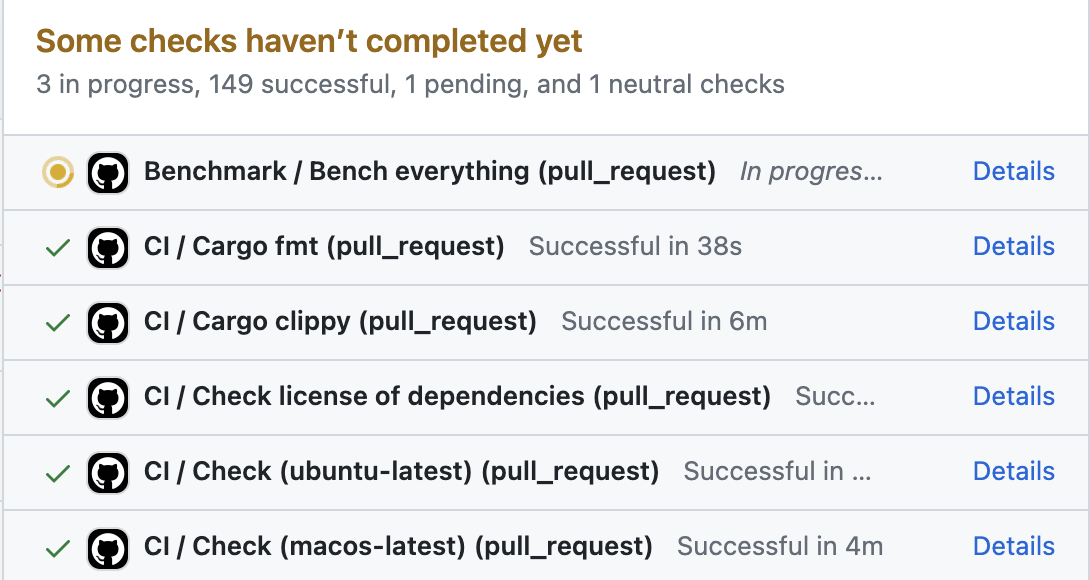
npm ci
- Читает package.json файл
- Читает package-lock.json файл
- Берет те версии, которые прописаны в lock файле(не разрешает зависимости)
Модули
// CJS
const { Console } = require('node:console');

// ESM
import { Console } from 'node:console';
CJS
Common JS - поставляет 2 глобальных объекта - require и module.exports
Постепенно умирает
- require - импортирует объект
- (module.)exports - экспортирует объект
CJS
// a.js

class Parrot {
  say(){
    console.log('Im parrot!')
  }
}

module.exports = { Parrot: Parrot }

// index.js

const { Parrot } = require('./a.js')

const myParrot = new Parrot()
myParrot.say() // Im parrot!
CJS. export default
// a.js

class Parrot {
  say(){
    console.log('Im parrot!')
  }
}

exports = Parrot

// index.js

const Parrot = require('./a.js')

const myParrot = new Parrot()
myParrot.say() // Im parrot!
CJS. взгяд node.js
(function(exports, require, module, __filename, __dirname) {
  class Parrot { }
  /** rest code */
});
CJS. import/export
- Является обектом
- "возвращает объект"
References
-
npmjs - package.json
-
github - ajv-ts
-
npmjs - bundleDependencies
-
nodejs - cjs modules
08. node.js & npm
By vitalic gorodkov