










Alan Semenov
UX Lead at Enonic and blogger at WebAgility.com
if (containsDataUrl(e.request.url) || responseUpdate) {
    let url = responseUpdate ? e.request.url.replace("?update=true", "") : e.request.url;

    e.respondWith(
      caches.open(responseUpdate ? cacheName : dataCacheName).then(function(cache) {
          consoleLog("Fetching data url " + url);
          return fetch(e.request)
              .then(function (response) {
                  cache.put(url, response.clone());
                  return response;
              })
              .catch(function (ex) {
                  consoleLog('Network is down. Trying to serve from cache...');
                  return cache.match(e.request, {
                      ignoreVary: true
                  })
                  .then(function (response) {
                      consoleLog((response ? 'Serving from cache' : 'No cached response found') + ': ' + e.request.url);

                      return response || getFallbackPage(e.request.url);
                  });
              });
      })
    );
  }
  else {
      e.respondWith(
          caches.match(e.request, {
              ignoreVary: true
          })
          .then(function (response) {
              consoleLog((response ? 'Serving from cache' : 'Requesting from the server') + ': ' + e.request.url);

              return response || fetch(e.request);
          })
      );
}DOES ALL THE DIRTY JOB FOR YOU!
Generates and registers Service Worker
Implements Web Manifest
Bundles JS files and stylesheets
Precaches all assets
Implements fallback page
Routes requests
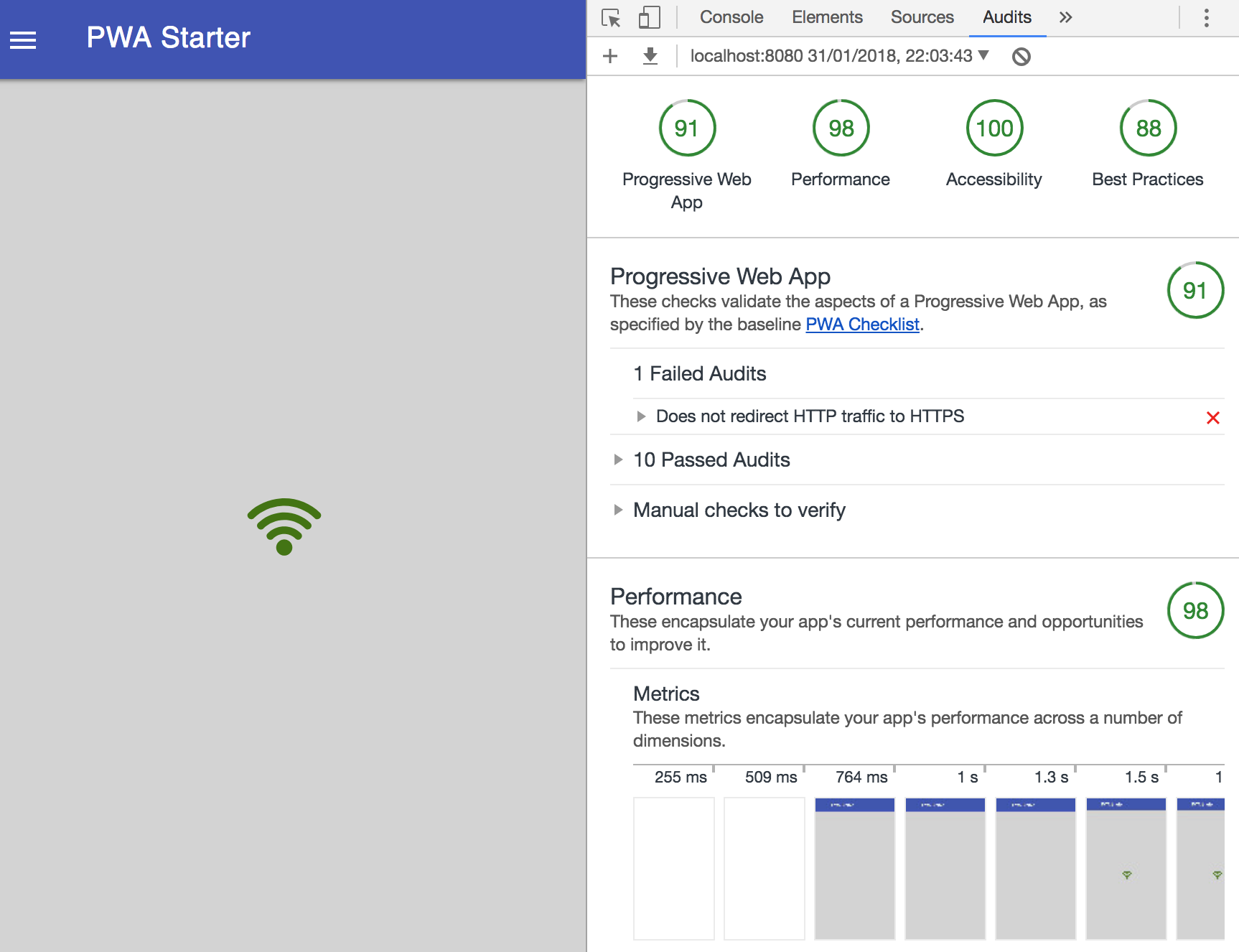
Passes all audits on Lighthouse with 100 score
(Checklist before you start)
export XP_INSTALL=/Users/ase/Downloads/enonic-xp-6.13.1-SNAPSHOT
export XP_HOME=/Users/ase/Downloads/enonic-xp-6.13.1-SNAPSHOT/home
$XP_INSTALL/bin/server.sh
OSX
$XP_INSTALL/bin/server.bat
WIN
set XP_INSTALL=/Users/ase/Downloads/enonic-xp-6.13.1-SNAPSHOT
set XP_HOME=/Users/ase/Downloads/enonic-xp-6.13.1-SNAPSHOT/home
OSX
WIN
You need
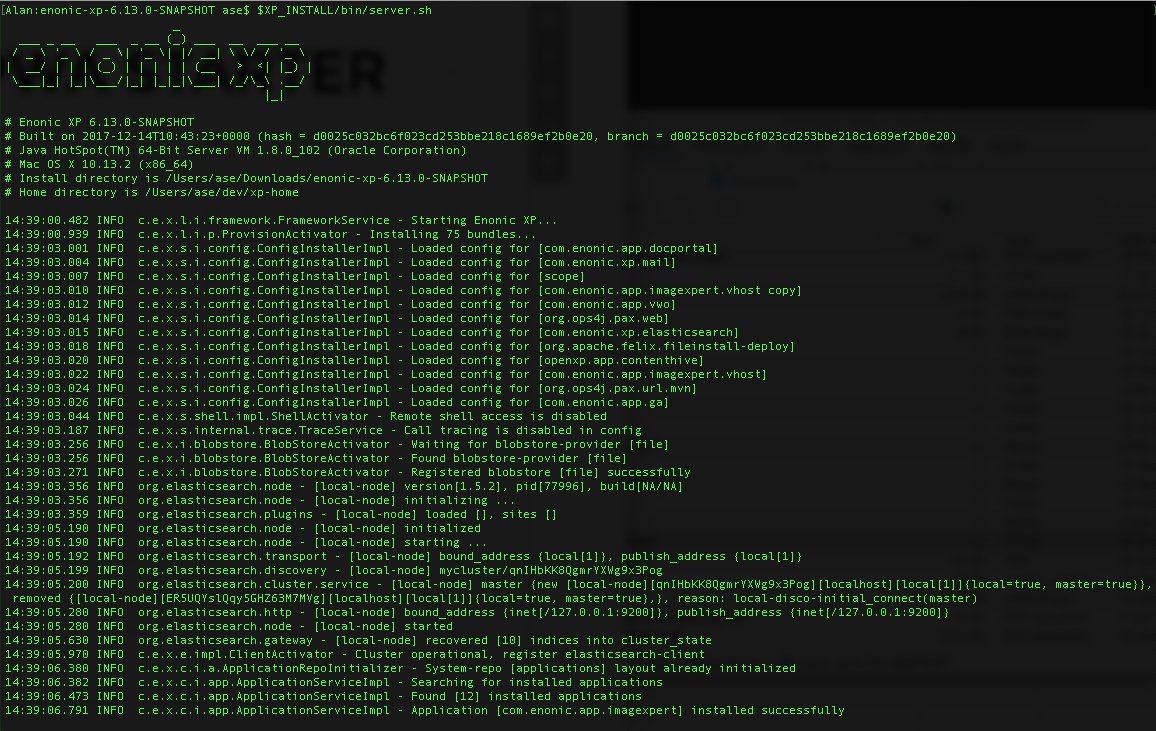
"Started Enonic XP in X seconds..."
(Set up your project)
$XP_INSTALL/toolbox/toolbox.sh init-project -n com.company.myapp -r starter-pwa
NB! Feel free to change com.company.myapp. It's the myapp part that is your app name.
$XP_INSTALL/toolbox/toolbox.bat init-project -n com.company.myapp -r starter-pwa
./gradlew deploygradlew deployOSX
WIN
OSX
WIN
(If you are lost...)
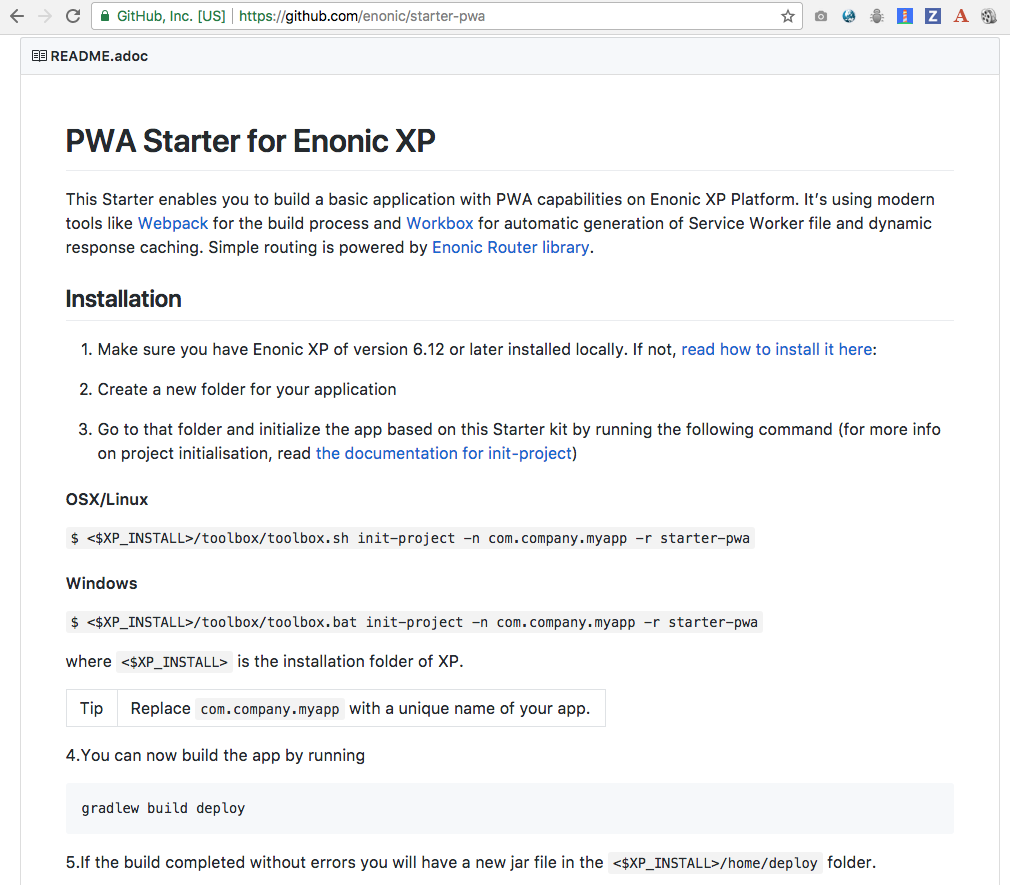
Scroll down to "Installation" section in README.MD
(Project Structure)
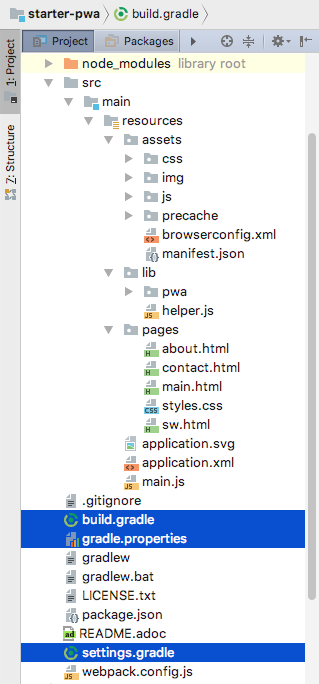
build.gradle
gradle.properties
settings.gradle
Files:
Purpose:
Files used by the Gradle build
Modify to:
(Project Structure)
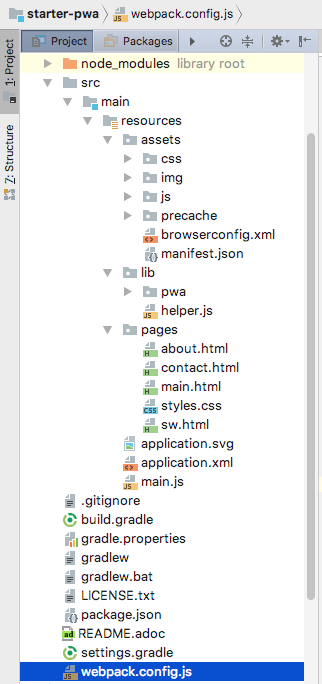
webpack.config.js
File:
Purpose:
Modify to:
(Project Structure)
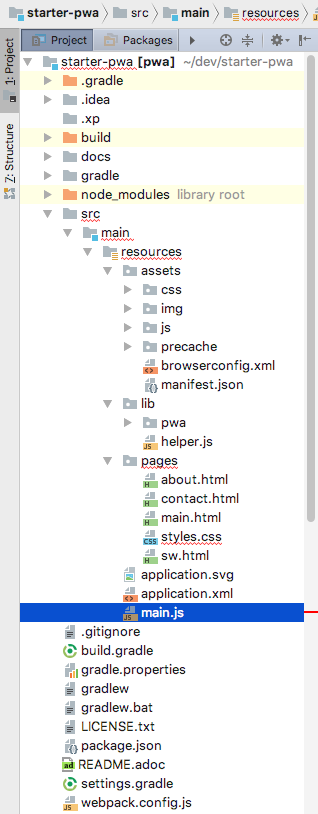
main.js
File:
Purpose:
Modify to:
(Project Structure)
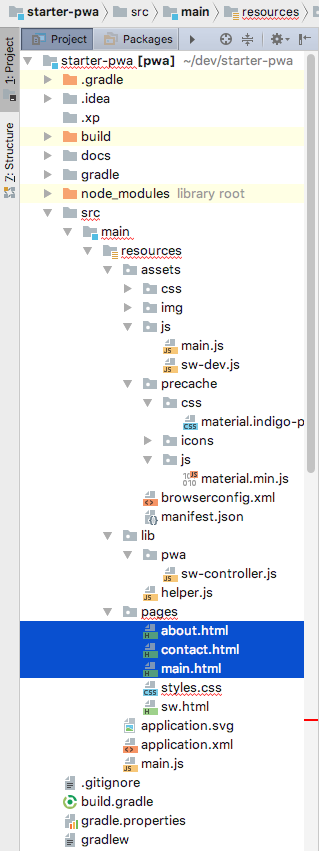
/pages/main.html
/pages/about.html
/pages/contact.html
File(s):
Purpose:
Templates for the site pages rendered from main.js
Placeholder {{{styles}}} will be replaced by inline styles from pages/styles.html
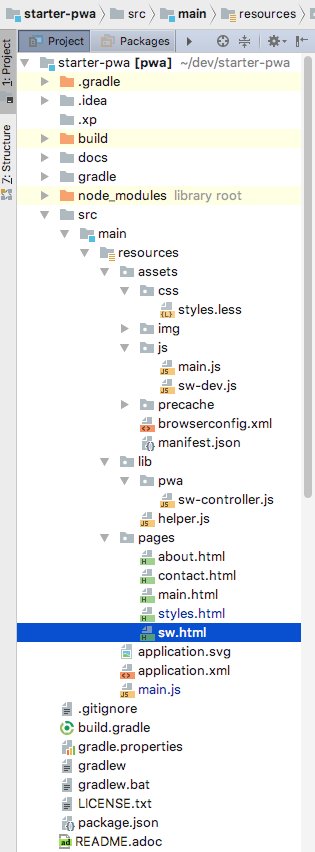
Placeholder {{{serviceWorker}}} will be replaced by SW registration code from pages/sw.html
Modify to:
(Project Structure)
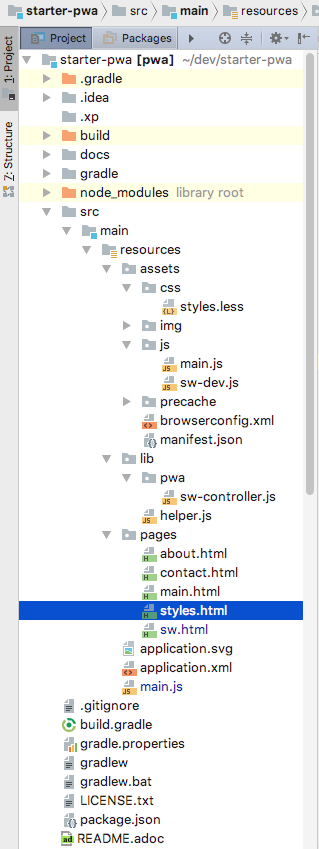
/pages/styles.html
File(s):
Purpose:
Modify to:
These are inline styles that will be TEMPORARILY injected into every page (replace {{{styles}}} placeholder) to speed up rendering before the bundle.css is loaded by the browser
Should contain the very minimum of styling required for a user to not notice transition when the bundle.css file is loaded
(Project Structure)
/pages/sw.html
File(s):
Purpose:
Modify to:
(Project Structure)
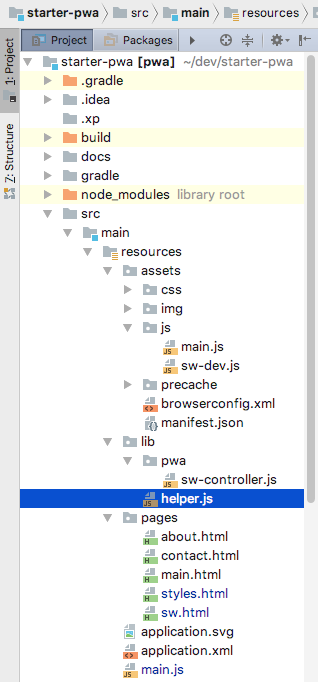
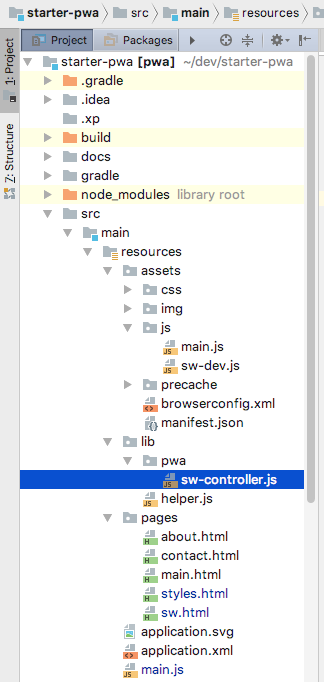
/lib/helper.js
File(s):
Purpose:
Modify to:
(Project Structure)
/lib/sw-controller.js
File(s):
Purpose:
Modify to:
(Project Structure)
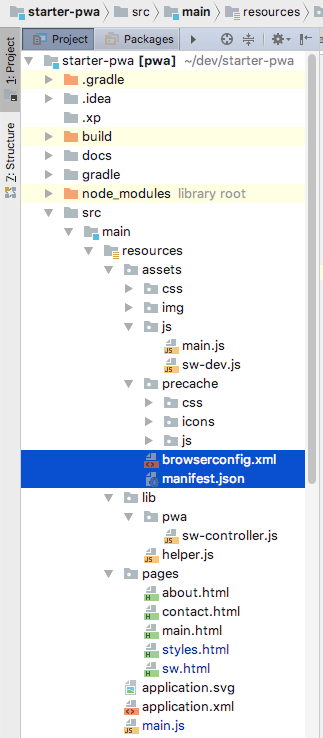
/assets/browserconfig.xml
/assets/manifest.json
File(s):
Purpose:
Modify to:
(Project Structure)
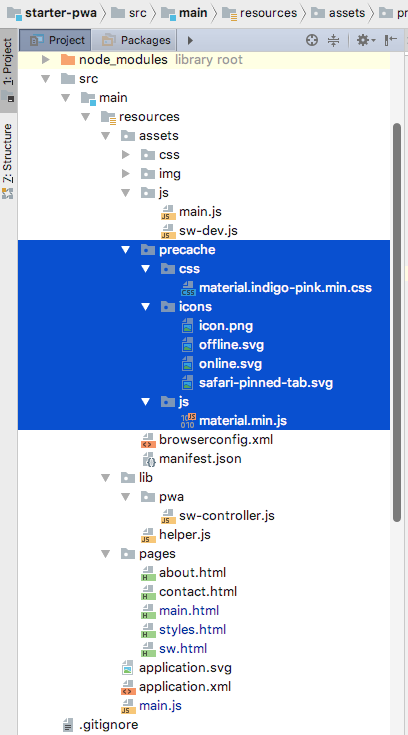
/assets/precache/**/*
File(s):
Purpose:
Modify to:
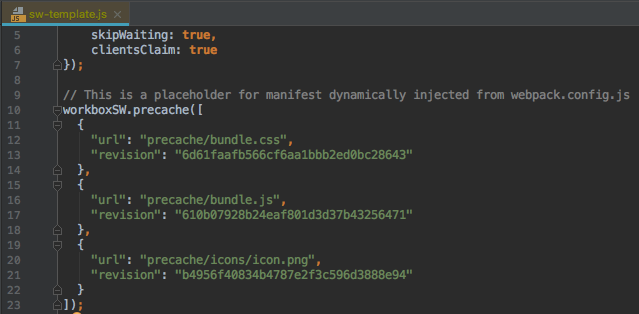
Any new assets under /precache will be automatically precached by SW according to pattern specified in webpack.config.js
Assets (3rd-party CSS, JS libs, icons)
(Project Structure)
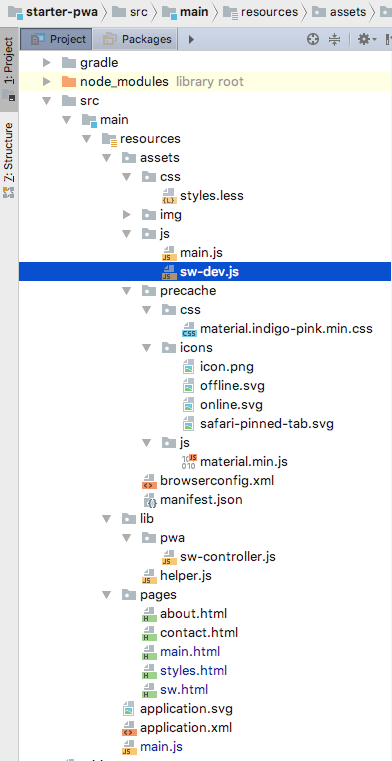
/assets/js/sw-dev.js
File(s):
Purpose:
Modify to:
(Project Structure)
/assets/js/main.js
File(s):
Purpose:
Modify to:
(Project Structure)
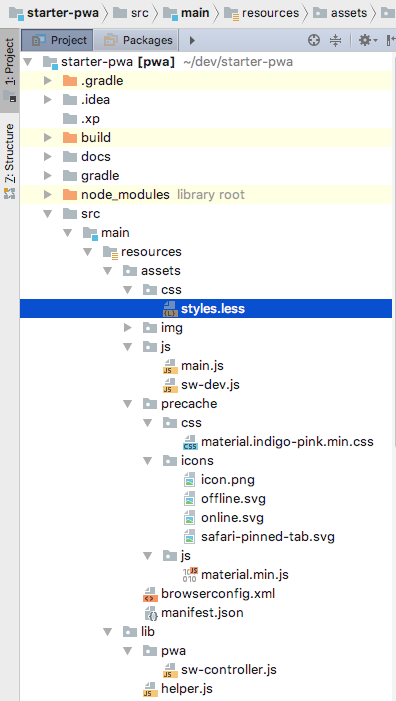
/assets/css/styles.less
File(s):
Purpose:
Modify to:
(Main Files)
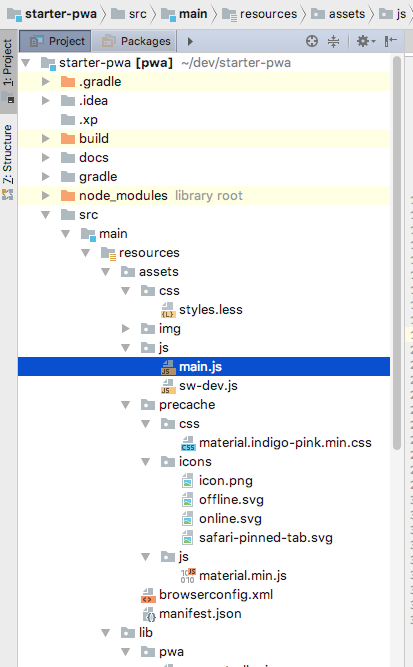
resources/assets/js/sw-dev.js
resources/assets/js/main.js
resources/main.js
The main server-side entry point. Controls routing and renders the HTML pages
The main client-side entry point. Starts the chain of Webpack dependencies.
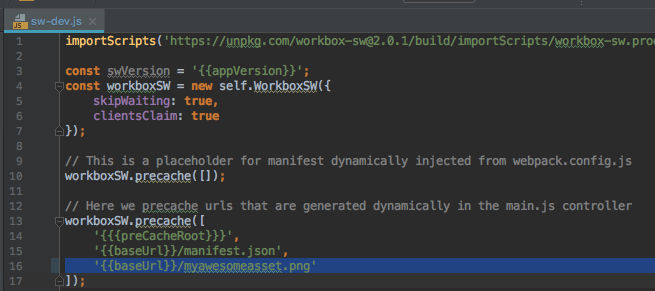
Template for the Service Worker. Add your custom logic here.
npm install jquery1) Install jquery NPM module
2) require jquery from main.js and use it!
const $ = require('jquery');

$(document).ready(() => {
...
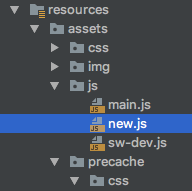
});1) Add the file to assets/js
2) require it from main.js:
require('new');
...
It will be automatically bundled into bundle.js by Webpack
(automatic option)
1) Add the asset file anywhere under /assets/precache/
2) It will be automatically precached by Workbox-generated Service Worker
(manual option)
1) If the asset is not under /assets/precache/, you will have to specify that it must be cached (sw-dev.js)
2) It will be precached by Workbox-generated Service Worker
workbox.strategies.staleWhileRevalidate()
workbox.strategies.networkFirst()
workbox.strategies.cacheFirst()
workbox.strategies.networkOnly()
workbox.strategies.cacheOnly()
workboxSW.router.setDefaultHandler({
    handler: workboxSW.strategies.cacheFirst()
});

workboxSW.router.registerRoute(
    '{{baseUrl}}/about',
    workboxSW.strategies.networkFirst()
);

workboxSW.router.registerRoute(
    'https://swapi.co/api/people/?format=json',
    workboxSW.strategies.staleWhileRevaliate()
);

// Advanced handling

self.addEventListener('fetch', (event) => {
  if (event.request.url.indexOf('/image') > -1) {
    const staleWhileRevalidate = new workbox.strategies.StaleWhileRevalidate();
    event.respondWith(staleWhileRevalidate.handle({event}));
  }
});self.addEventListener('fetch', function(event) {
event.respondWith(
caches.open('mysite-dynamic').then(function(cache) {
return cache.match(event.request).then(function (response) {
return response || fetch(event.request).then(function(response) {
cache.put(event.request, response.clone());
return response;
});
});
})
);
});ARO
VBR
JSI
BHJ
GRI
ASL
BWE
DAP
RMY
MTA
RFO
ESU
PMI
SIG
CWE
ENO
Rules:
For example, TSI + MER + SIW + KLA = SWEET TEAM
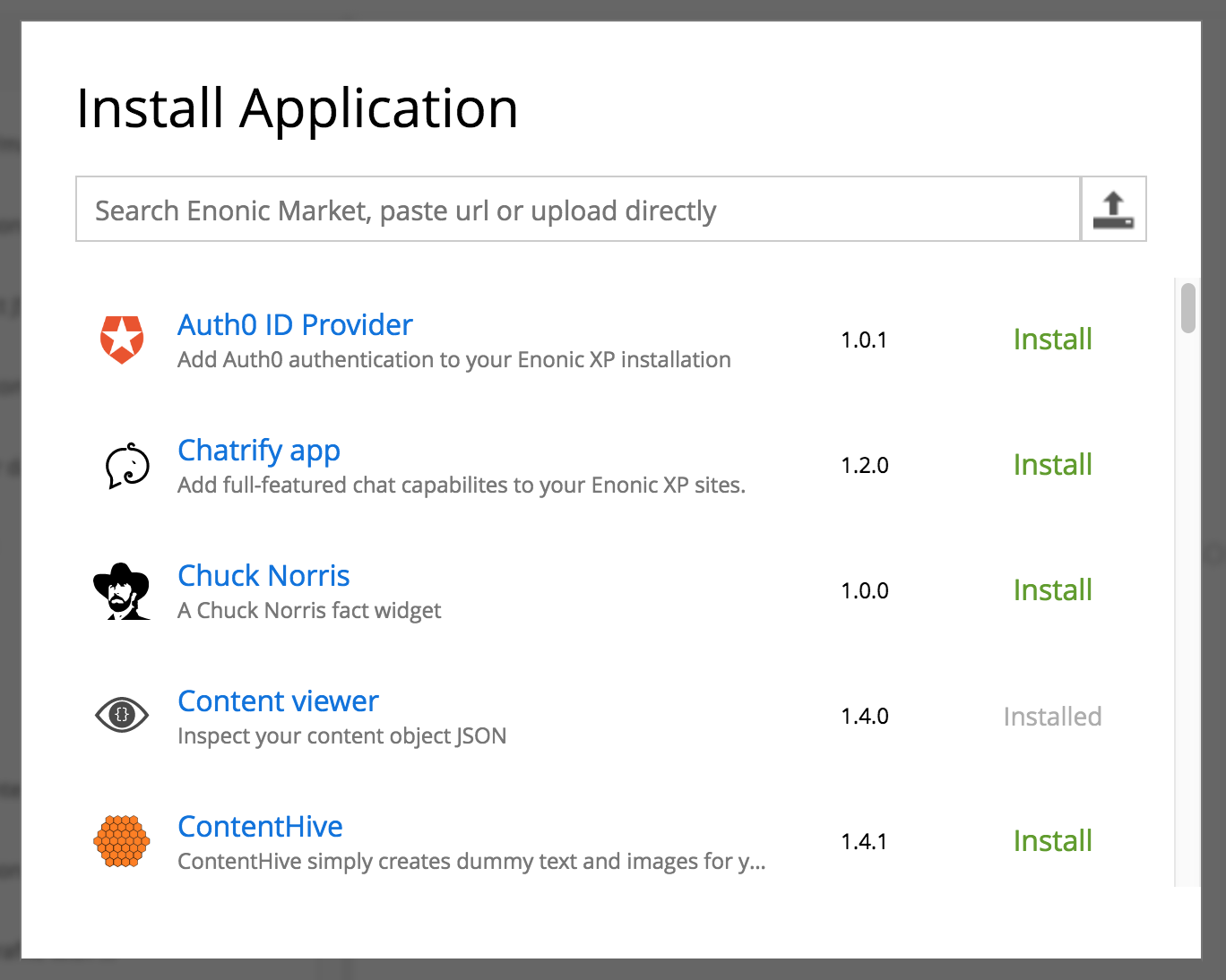
GET: https://market.enonic.com/applications?xpVersion=6.13.0&ids=[]
Accept: application/json
Content-Type: application/json
1. Cache request to the application list
2. Cache app icons
3. Cache styles and fonts
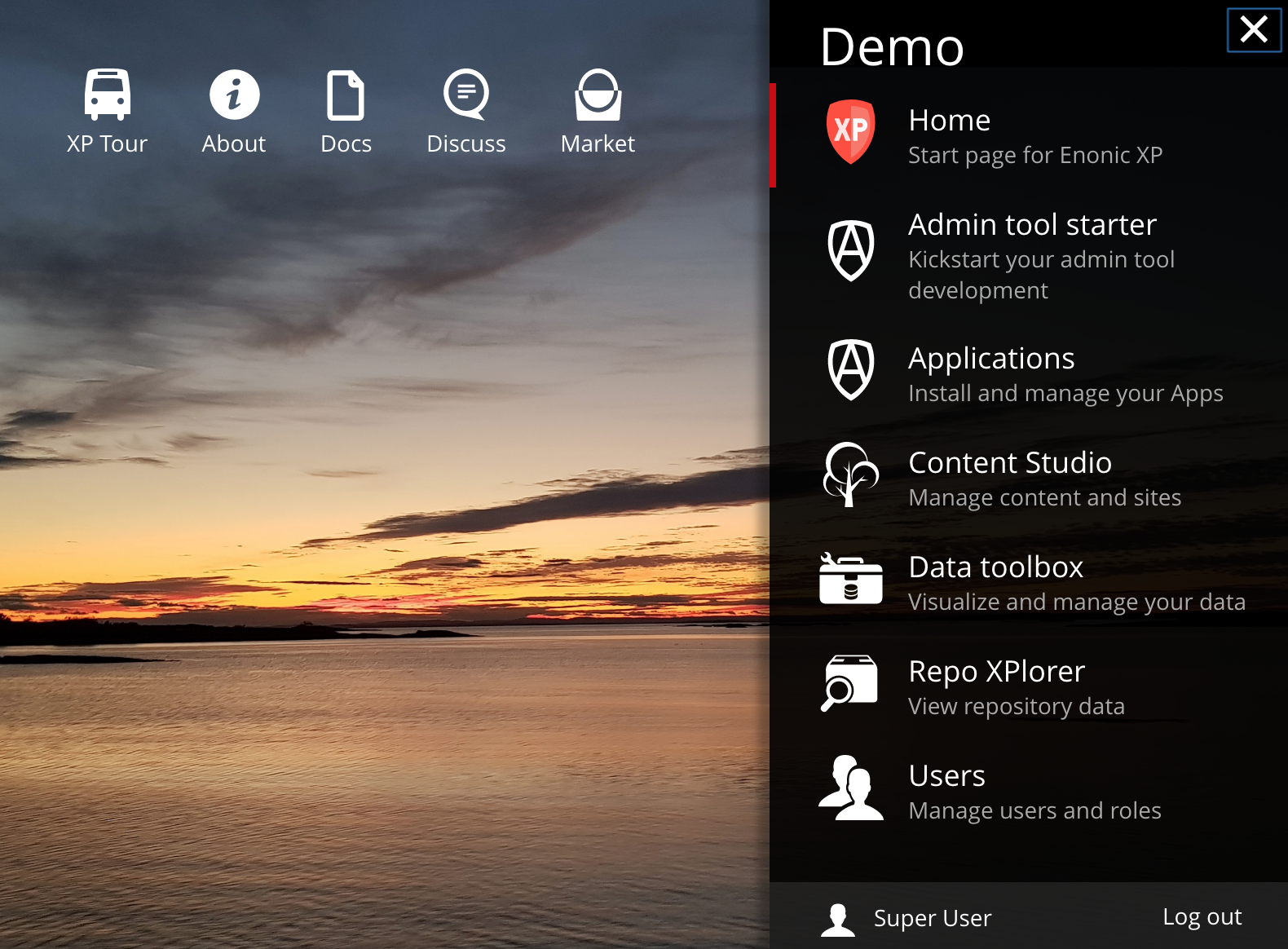
Turn XP admin dashboard into a PWA
https://github.com/xp-apps/modules/app-main
Turn the main page of enonic.com into a PWA
https://github.com/enonic/enonic.com
Check “Installation” section in https://github.com/enonic/starter-pwa
By Alan Semenov